
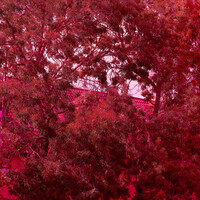
Before and after for over-exposed pic
I was happy to bring back some details in photoshop for this photo. Just wanted to share:)
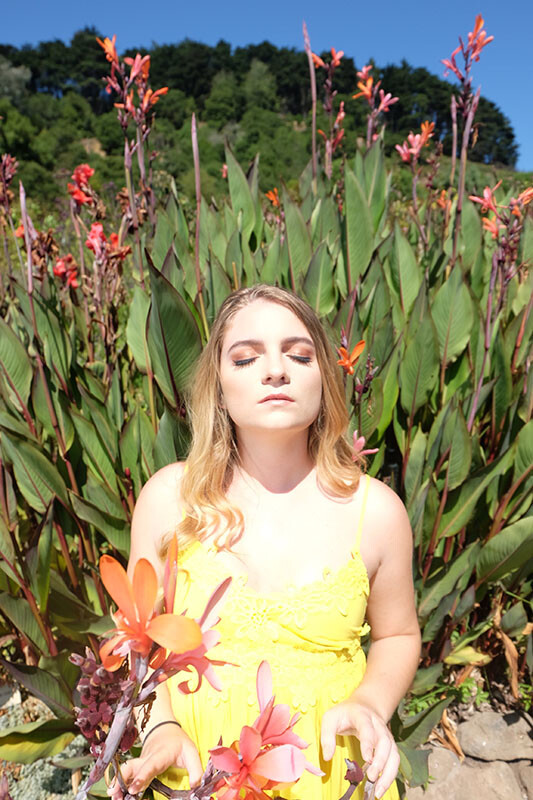
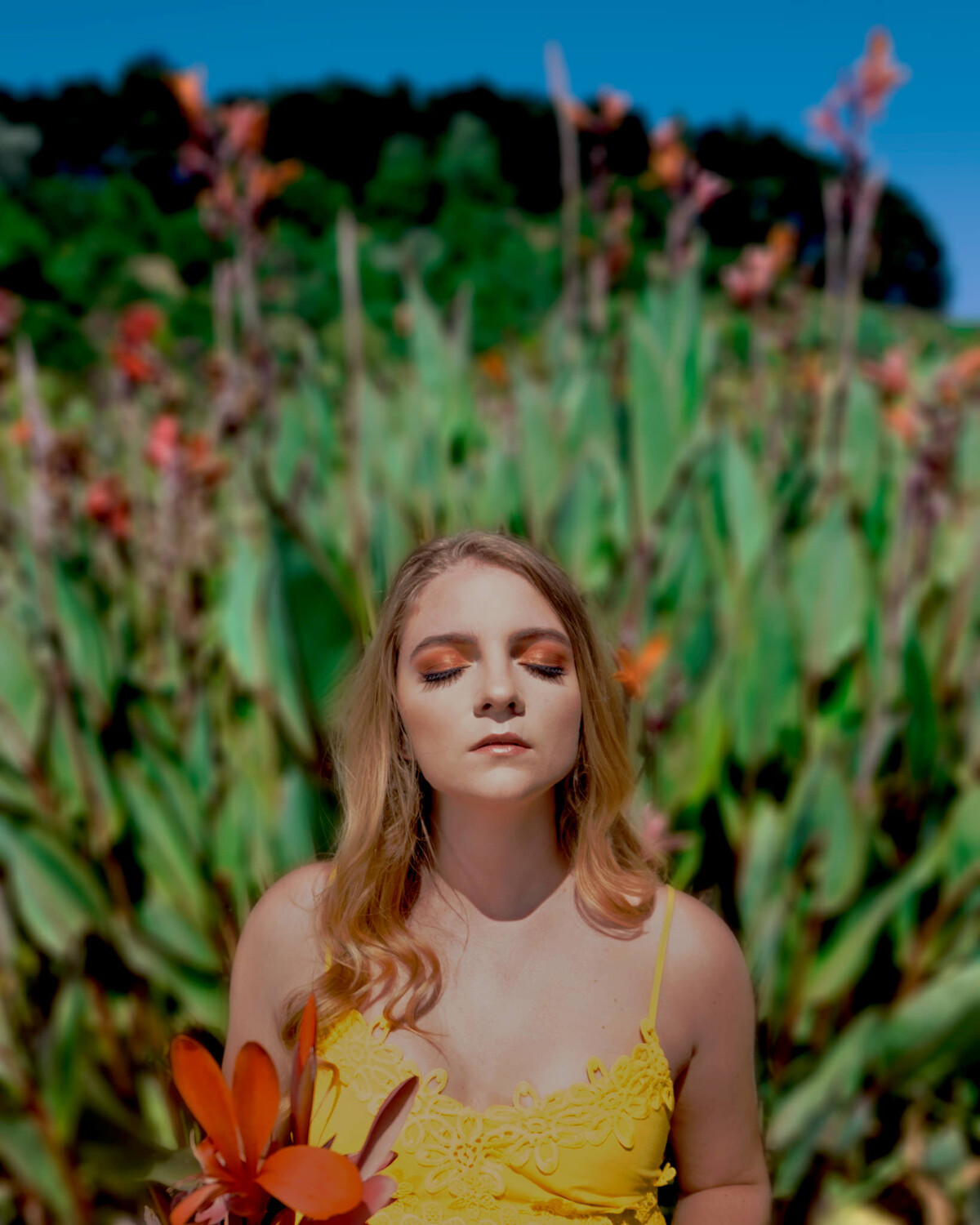
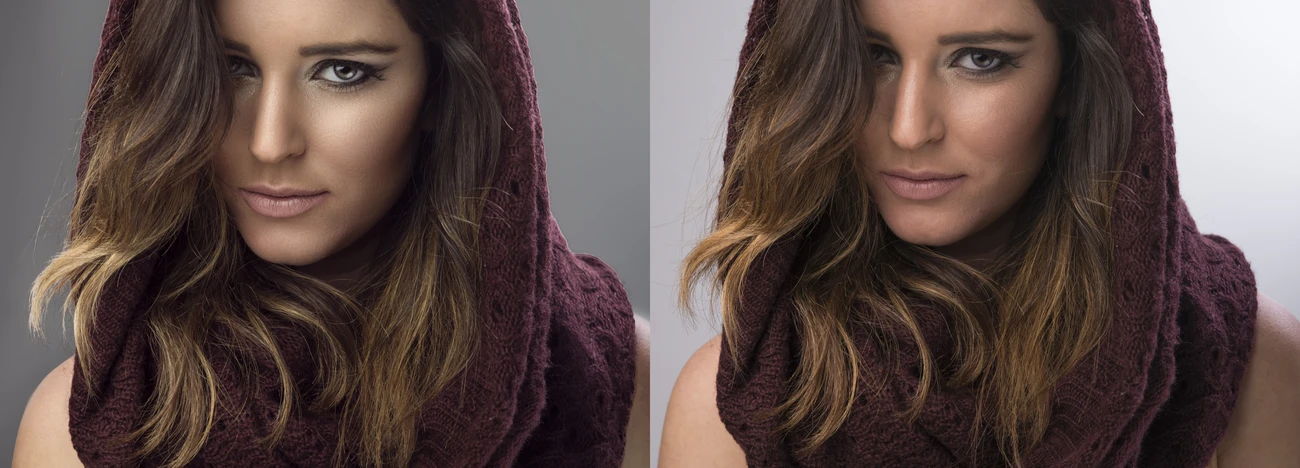
I was happy to bring back some details in photoshop for this photo. Just wanted to share:)

Would anybody know why I keep getting an error when uploading a photograph that is well under 21 MB?


I was in Staines car park, and this row of trees just looked absolutely luscious in the sunshine.
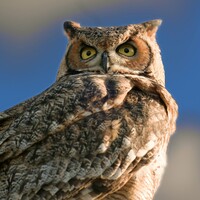
Great horned owl. It could be a cross with a Eurasian owl because I know they've got a couple, and I am no bird expert.
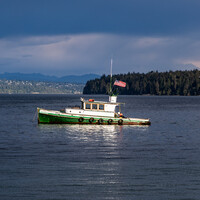
Sitting at anchor. The weather is starting to change, the sky is cloudy with big puffy clouds


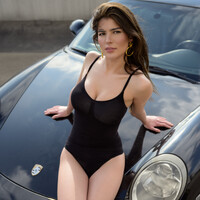
As we were planning our shoot, Iria said she needed a swimwear look. I wanted lifestyle with my car. We compromised. I think it turned out great. Hope you like it.
1 Comment
Now you underexposed it. You don't need PS to bring back some details. Use LR or Camera Raw and use the highlights and whites slider. You can also turn on the preview for blown out details.
I just dropped the highlights all the way and decreased the whites. And you should always use the lowest native ISO for such bright scenes. You shoot it at ISO 200.