
Hows my editing on a scale of 1-10 constructive criticism please!
have been working on editing my photos in ps but I would like to know how to go further is the editing to much the color toning? etc.......
any advice (re editing) would be helpful
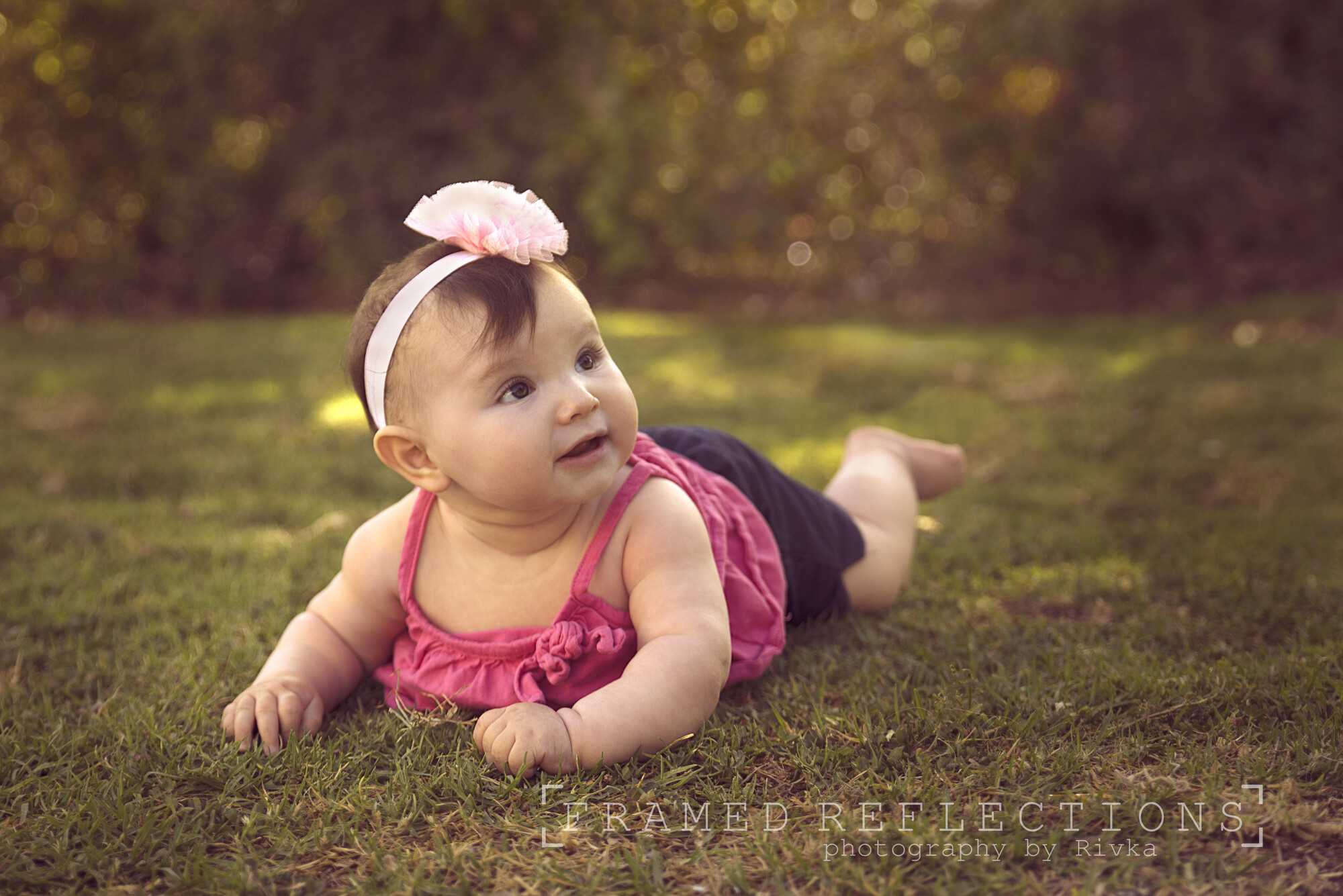
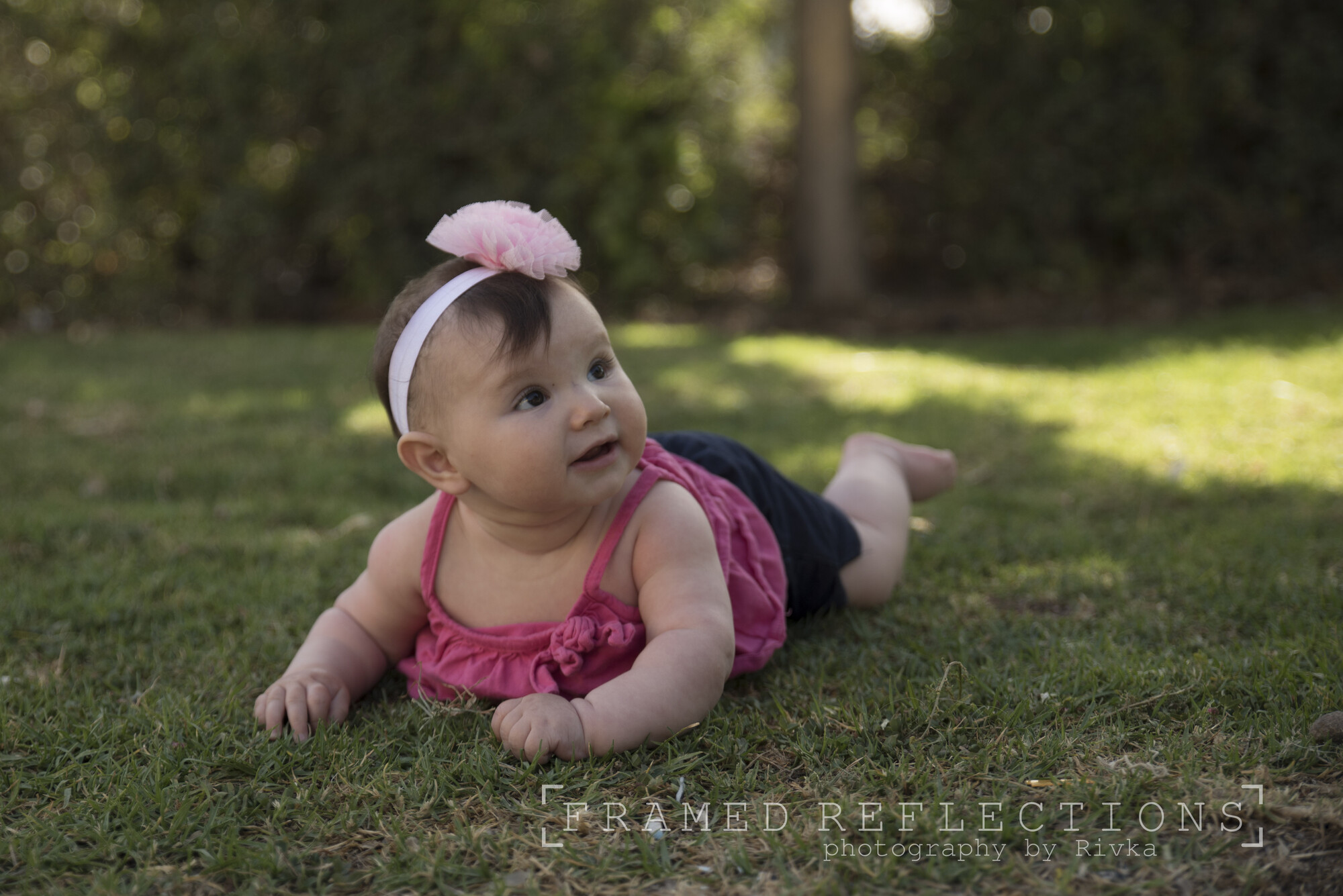
have been working on editing my photos in ps but I would like to know how to go further is the editing to much the color toning? etc.......
any advice (re editing) would be helpful
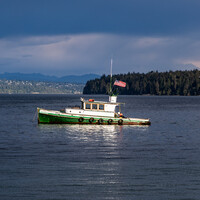
Sitting at anchor. The weather is starting to change, the sky is cloudy with big puffy clouds


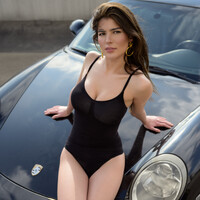
As we were planning our shoot, Iria said she needed a swimwear look. I wanted lifestyle with my car. We compromised. I think it turned out great. Hope you like it.


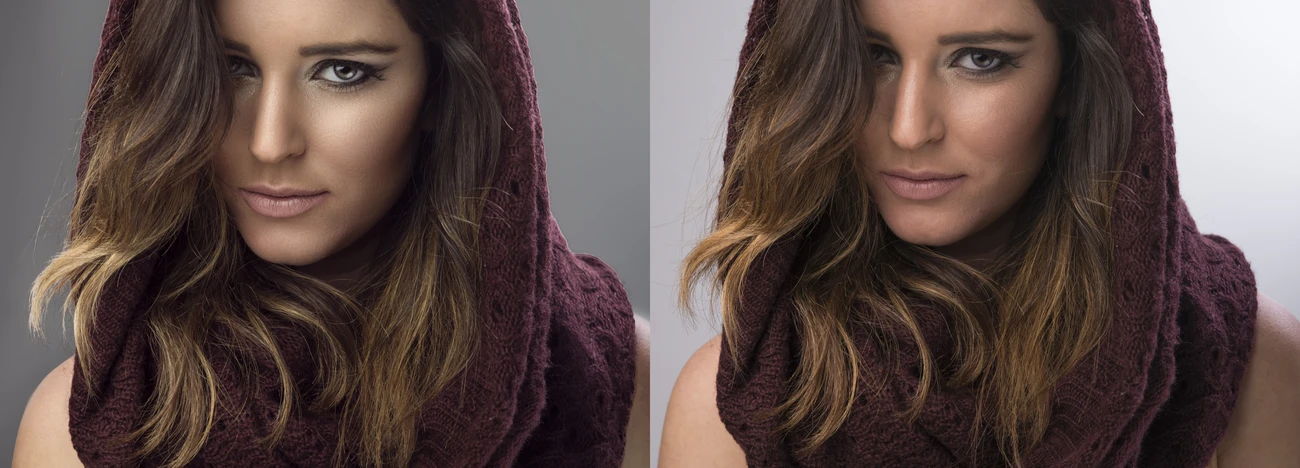
I have made sure to keep the original, but I've done this photograph the way you can see here. I've also done it in monochrome.
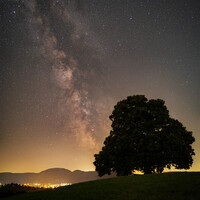
I passed this place on my way to an appointment yesterday, and I just knew I wanted to photograph it on my way home. That's precisely what I did.

14 Comments
Seems reasonable to me - definitely suits the subject. No, I don't think you've overdone it.
You could try experimenting with creating with creating a extra layer using a high pass filter or wavelet separation. You could then layer mask this and brush it anywhere you wanted selective sharpening. And I might have used healing brush to de-emphasize those rolls in the neck so they would distract less from the face. But those are personal preferences only.
Out of 10, at least 8. Where 9 and 10 are reserved for jaw dropping rather than highly competent.
Im kinda self taught in photoshop so do you mean sharpening with frequency separation since thats how i do it -i double the detail layer and put a mask on it and lower the opacity...
http://www.photoshopessentials.com/photo-editing/sharpen-high-pass/
kind of why i said in a later comment i would bring out the warm dappled light on the babies right side somewhat, i would still tone down that one bright spot but not remove it completely and then compare both pics
it seems like it is the same effect when sharpening like i mentioned?
I would consider removing, or toning down, the bright orb of light just above her ear
your kinda right! i was thinking of moving it a lil more to the right but it was to much work ;)
I disagree with removing or toning down. When I hold my finger over that bright spot the background becomes too dull - even depressing.
I agree with the other comments, the colors and warm tones are nice. I would suggest removing or toning down the hot spots (behind her head and right ear, on her left leg) so they distract less from her face. 👍
now every ones opinion is different and every one will see something different in a photo, i myself would also try, but maybe not keep, bringing out a little brighter and warmer the grass to the left of her elbow and shoulder, that would give a nice "line" of warm dappled light that parallels her with a loose diagonal from back center to front left, nothing extreme,and not as bright as the light behind her
the photos left or the baby left?
lol, sorry never thought of that, the babys right, photo left, not saying theres anything wrong with what youve done at all! but if i was working on it i would give it a shot, very subtle light there might frame her
I'm not much of a talker so I'm posting my vision
I like the colors and toning. The photo is warm and such warmness really fits a baby in a photo. Just remove the bright spots near her ear on the left-hand side and her leg on the right-hand side and the photo will be perfect! Congrats!