with Michael Woloszynowicz and Julia Kuzmenko McKim
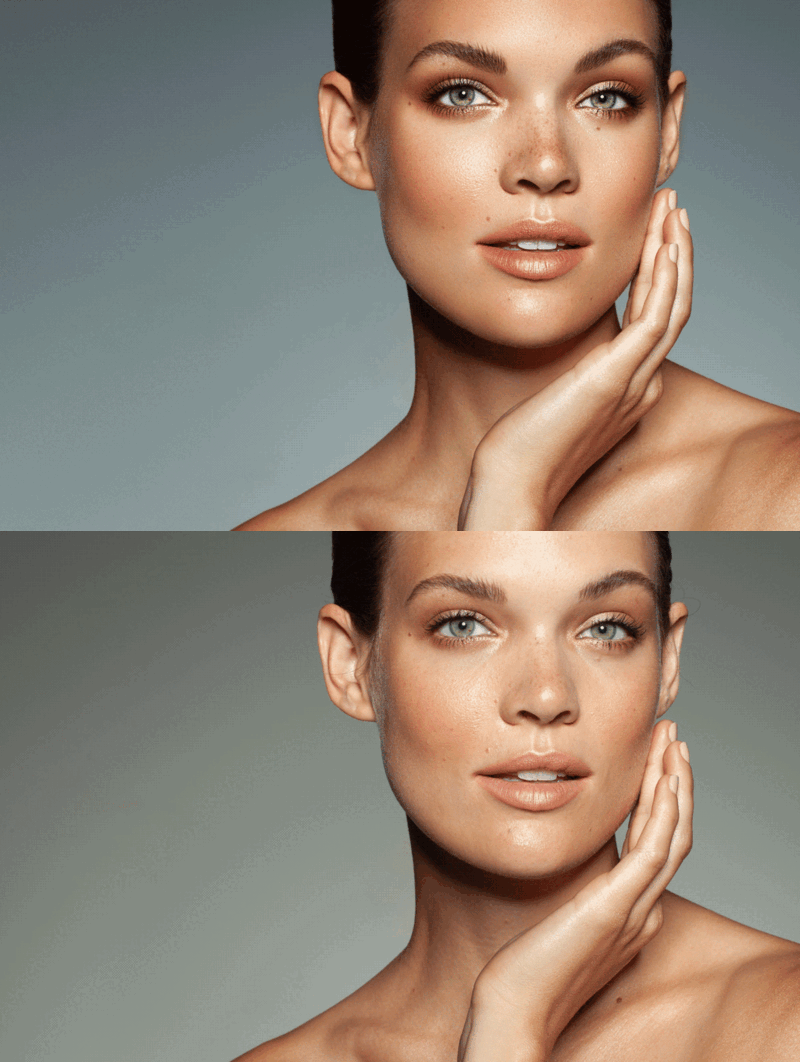
High-quality skin retouching is a key post-production skill in any genre of professional photography that involves images of people, such as portraits, fashion, and especially beauty. This course offers both theory and hands-on practice to master skin retouching with professional methods and techniques.
Skin retouching is a key skill required in any genre of professional photography that involves images of people, such as portraits, fashion, and beauty.
High-quality skin retouching, particularly in beauty photography, requires a deeper understanding of key principles, tools, and techniques—far beyond basic, less-refined photo editing and results rendered via quick-fix filters or one-click solutions.
In this course, we teach manageable and repeatable methods and workflows that are easy to understand and implement in various retouching situations. You will learn to use retouching tools and techniques that are most relevant and efficient for each task:
Solid skill base: You will learn proper skin retouching methods, key principles, tools, and techniques necessary for high-quality retouching, including close-up beauty photography.
Non-destructive and lean PSD workflow: You will learn to avoid destructive, irreversible changes and organize your working PSD files like a pro.
Professional skill level: You will learn the methods and techniques to produce retouching results that are accepted by commercial clients, such as beauty and lifestyle brands.
Time-saving workflows: You will learn efficient methods and multiple solutions for various skin retouching challenges.
After completing this course and with sufficient practice, you will have the tools and knowledge to produce skin retouching work that meets industry standards, including for commercial clients such as beauty and lifestyle brands.
Course Outline and Topics
Module 1: Skin Retouching Fundamentals
Introduction: High-quality skin retouching
Understanding lighting & skin texture
Photoshop tools for skin retouching
Working with Layers, Masking & Selections
Module 2: Essential Skin Retouching Techniques
Raw file processing
The basic cleanup phase of the workflow
Frequency Separation (FS) technique (Parts 1-3)
Practical use of key retouching tools
Dodging & Burning technique: local (AKA “Micro”) & global (AKA “Contouring”)
Color corrections (Parts 1-3, over 44 mins)
Assignment: Putting it all together
Module 3: Common Skin Retouching Issues
Fixing problematic skin with FS
Oily skin
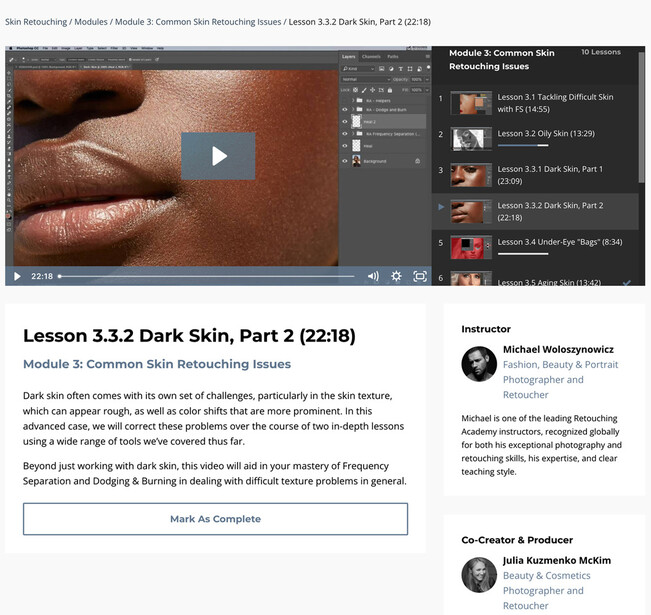
Dark skin (Parts 1-2)
Under-eye dark circles & eye area texture
Mature & aging skin
Chapped, dry lips and “peach fuzz”
Fixing spray-tan blotchiness
Module 4: Other Common Challenges
Forearm hair
Nails and hands (Parts 1-2)
🎁 Bonus: Comes packed with valuable materials, practice beauty images, pro insights, tips, and guidance to accelerate your learning progress.
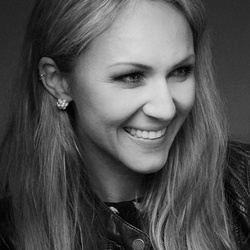
Julia is a Los Angeles based internationally published Beauty & Fashion photographer, digital artist, retoucher and educator. An International College of Professional Photography (Melbourne, Australia) graduate. Retouching Academy founder and Editor-in-Chief.


No comments yet