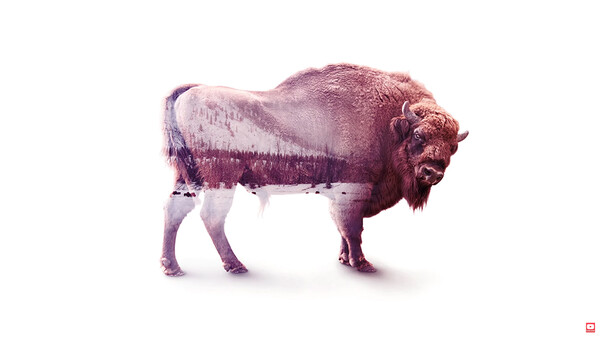
Got a spare minute? Pick one of these videos and learn a new Photoshop technique.
If you're like me, you know that time is money, money is power, power is pizza, pizza is knowledge (my undying adoration to anyone who got that reference). Efficiency rules all. I want to finish my work so I can get some more pizza. In all seriousness, that's why I appreciate these new videos from Adobe, which give you walkthroughs of different Photoshop techniques that are easy to follow, very digestible, and readily applicable to most people's work. Check them out:
How to Make a Double Exposure
How to Create a Composite
How to Create an Animated GIF
How to Make a Poster From a Template
Altogether, they're a useful set for adding to your bag of tricks. Remember, if the videos move a bit too fast for your liking, you can click the gear icon in the lower right corner of the player and set the speed to 0.5 or 0.25. The "Make It Now" series is geared specifically toward design enthusiasts and will be ongoing, so be sure to keep an eye out for more here! Be sure to share anything you create in the comments!





Join the Fstoppers community for free
-
Post comments and join in the discussions
-
Browse the site ad-free
-
Share your work and get featured in the community
-
Compete in the photo contests for fun and prizes
3 Comments
Excellent 1-min videos! Looking for a gear icon to slow it down. Not seeing it. Thank you!!
Mouse over the player, and it should appear!
I saw Adobe posting these as ads on facebook. I really like what they are doing with their marketing these days. I love that bison image