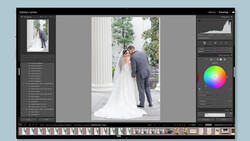
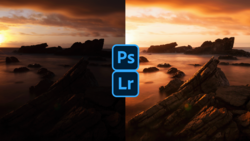
Though we often think of Photoshop as the complex behemoth, Lightroom has plenty of little nuances and hidden features as well. One of the least discussed is the Camera Calibration tab, which sits at the bottom of the Develop module and can give your photos the kind of subtle boost that takes them to the next level. This excellent video tutorial will show you everything you need to know about what the Camera Calibration tab does and how to use it.
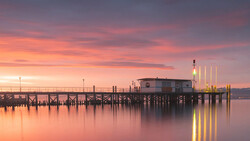
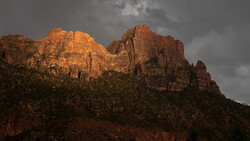
Coming to you from Anthony Morganti, this great video tutorial will show you the ins and outs of the Camera Calibration tab in Lightroom. Many photographers go their entire careers without touching this tab (I don't think I opened it for at least the first year I used Lightroom), and while it is not necessary to edit a photo, it can give your images that extra bit of pop without making them gaudy or overdone. It is often the secret ingredient in a lot of landscape images in which you see deeply saturated, entrancing blues. If you have not used it before, scroll down and try playing with it on a few photos. Check out the video above for the full rundown from Morganti.


Join the Fstoppers community for free
-
Post comments and join in the discussions
-
Browse the site ad-free
-
Share your work and get featured in the community
-
Compete in the photo contests for fun and prizes
2 Comments
Can confirm, never used ;)
You're missing out! :)