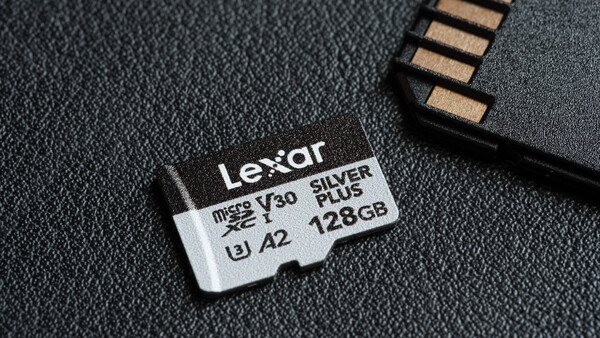
Let's be honest, buying a memory card is probably the most boring part of picking up new gear. It's not a shiny new lens or a camera with a red badge. But if we're being real, it is arguably the most critical piece of the puzzle. Without a memory card, cameras without built-in memory will not be able to save any data, essentially becoming an overpriced paperweight.
But finding the right card can be an absolute headache. The market is completely flooded with options right now, and worse still, with cheap knock-offs and counterfeits that may corrupt without any warning. This is exactly why it is so important to stick to brands with a proven track record and, preferably, cards that the camera and drone manufacturers themselves have actually stress-tested and recommended. That brings us to the Lexar Silver Plus microSD, a reliable memory solution from a provider with a 30-year track record.
Build Quality
On the surface, it looks like every other microSD card, but Lexar claims that the Silver Plus model is built with tough physical endurance, adding to the peace of mind. My personal experience of having my drone submerged in muddy waters for a week and still being able to extract its data, while not related to Lexar, emphasizes the importance of having a tough build; if anything, it is just as important as a card's speed ratings.
The Lexar Silver Plus microSD card is built to be water- and weatherproof, carrying an IPX7 rating, meaning it can survive being submerged in up to a meter of water for 30 minutes. Combine that with an operating temperature range of -25°C to 85°C (-13°F to 185°F). On top of that, it also has mechanical resilience capable of resisting vibrations across the 10 to 2,000 Hz range and is tested to endure up to 1,500 G of shock resistance and drops from 1.5 meters. It is also X-ray proof with magnetic resistance of up to 15,000 Gauss, protecting it against airport security scanners. On top of all this, it is also officially rated to withstand up to 10,000 plug and unplug cycles, making it one of the cards designed specifically for photographers and videographers who are actively working in the field.
Features and Speed
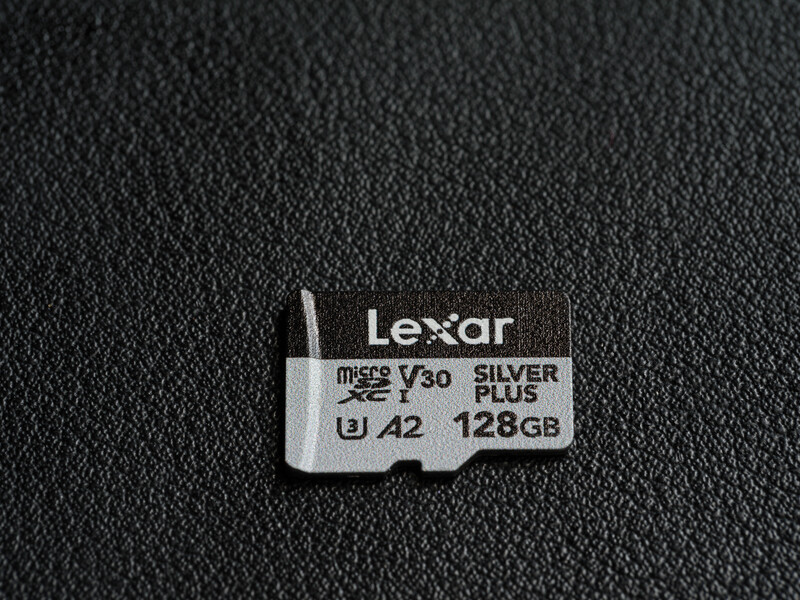
With a maximum read speed of 205 MB/s, a maximum write speed of 150 MB/s, and a minimum write speed of 30 MB/s, the Lexar Silver Plus microSD ticks all the standard boxes of being a rather capable card to be used on small recording devices. This read and write speed is also consistent for most of their capacities, ranging from 128 GB up to 1 TB (the 64 GB variant has a lower 100 MB/s max write speed). They also support all the important specifications such as UHS-I, V30, U3, and Class 10, making it fully capable of recording 4K, Full HD, and 3D video without dropping frames. But as we may or may not have already known, speed is where the nuances actually get interesting. Brands can promise one thing and deliver another, which is also why the Silver Plus microSD cards coming from a reputable company may stand out from the rest, as they actually list where they get their data from.
The UHS-I (Ultra High Speed) interface is the standard electrical specification found in almost all modern microSD devices. By default, a UHS-I card will have a theoretical maximum bus speed of about 104 MB/s. So how does Lexar claim read speeds of up to 205 MB/s? Lexar states that, by using its proprietary readers (like the RW360 or RW310), the card utilizes proprietary tech to push past that 104 MB/s bottleneck, allowing you to actually achieve those massive 205+ MB/s read and 150 MB/s write speeds. This upward potential is especially helpful for those who need to offload files quickly.
While the "overclock" might sound fancy, it is important to note that it only works with Lexar-specific RW360 or RW310 readers. Once you plug this card into your drone, action camera, or smartphone, it will most likely not be able to reach the claimed 205 MB/s read or 150 MB/s write speed. This is because almost every drone, action cam, and camera that takes a microSD card is still using a standard UHS-I bus with a hard speed limit of 104 MB/s. Therefore, it will likely write somewhere between 30 MB/s and 90 MB/s, and being a V30-rated card also means it will never drop below 30 MB/s.
Now, here is one highly underrated reason to stick with a legacy brand like Lexar: their software support. Included with the card is a free download of Lexar Recovery Tool. If you've ever accidentally formatted a card mid-shoot or had a corrupted file ruin a day's work, this recovery tool will be the last line of defense. While no recovery tool on the planet can guarantee a 100% rescue rate, Lexar's software is still good as a safety net. And the best part: at no extra cost.
Real-World User Experience
Since I only have a short window of time for testing, there is no actual way I can test if this card will hold up in the long run. So I can only do my best to share its performance for day-to-day usage and go by the brand's reputation. To keep things simple, I will also be testing the microSD card with the latest DJI Pocket 4 because that is what I will be stress-testing as well. Note that the DJI Pocket 4 already has 107 GB of internal storage, so a memory card is not really necessary, but a good addition to expand its usability. Also, the Lexar Silver Plus microSD is designed with extensive compatibility and will work with every other device from DJI, GoPro, Nintendo, Steam Deck, and more.
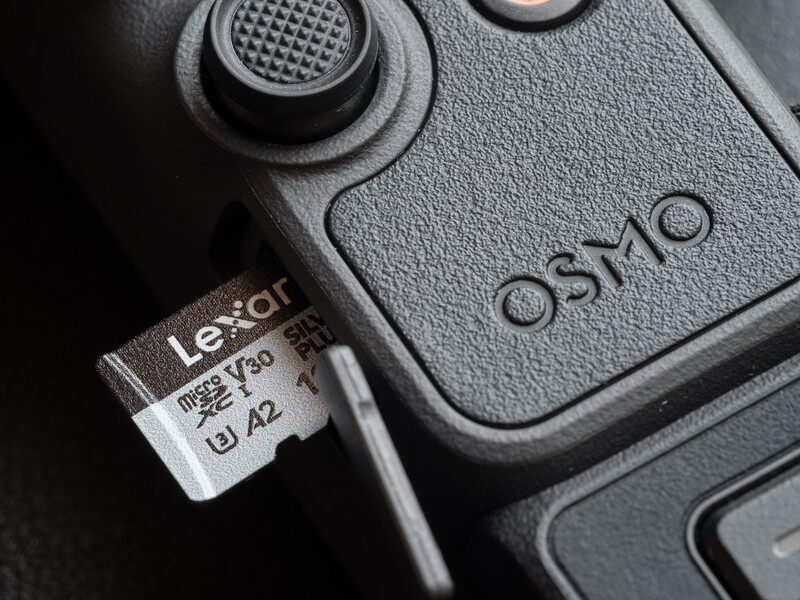
I would also like to take this opportunity to explain the difference between megabit and megabyte for those who might still be confused between the little "b" and the big "B." It all comes down to how data is measured. Camera manufacturers prefer to measure their video bitrates in megabits per second (Mbps) while memory card manufacturers typically go by megabytes per second (MB/s). And yes, they are not the same thing because there are actually 8 bits in a byte. Taking the DJI Pocket 4 as an example, it is capable of recording video at a maximum bitrate of 180 Mbps, which translates to roughly about 22.5 MB/s. This allows V30-rated cards like the Lexar Silver Plus microSD to be the minimum that you should go for to work comfortably with high-resolution footage and keep some headroom to spare. I have personally tried recording 4K 60fps footage for over 100 minutes, and it kept going until the battery was dead. And most importantly, 4K 240fps works flawlessly with no frame drops too. With an external power source, I think it could go on until the storage is completely filled.
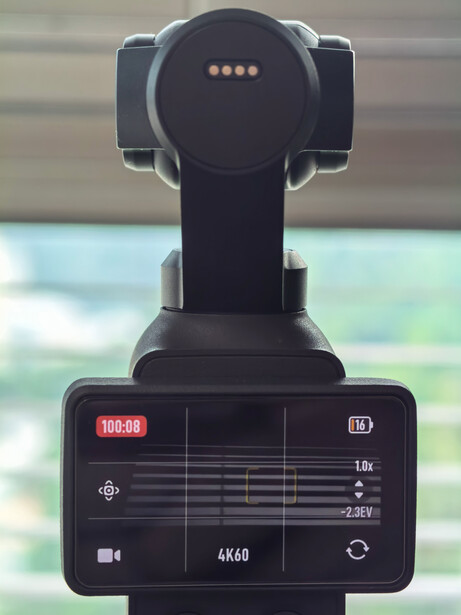
This stresses the importance of using expandable storage on top of the built-in storage, because there is no way to record externally on the Pocket 4, and the only way to fully utilize the zero recording limit on the Pocket 4 without storage restriction is through an additional microSD card. Though I must say, this is rather a rare use case, as the internal storage itself is sufficient for up to 2 hours and 18 minutes of 4K 60fps footage. Adding a 128 GB microSD card will expand the safety net, giving you an additional 2.5 hours of recording, totaling close to 5 hours of continuous high-res recording before you ever need to offload your files—effectively removing all the data anxiety.
Offloading all the data from the card into my computer by plugging the Pocket 4 directly into my Mac Mini M4 Pro takes approximately 30 minutes, translating to roughly a sustained speed of 71 MB/s. It is not bad considering how it is bottlenecked by the standard UHS-I. While it is much slower compared to the Pocket 4's internal storage 800 MB/s transfer speed, I wouldn't complain about using it as a storage backup. If you absolutely must have a faster transfer speed, you can effectively boost it using the Lexar RW360 or RW310 reader, which takes the speed up to a massive 205 MB/s.

After all, perhaps the biggest reason why I would trust using the Lexar Silver Plus MicroSD in my drone or gimbal camera is because it is listed as one of the recommended cards in most of DJI’s products. Knowing that the manufacturer themselves has stress-tested this exact card offers peace of mind that a cheap, no-name card simply can't buy.
Summary
What I Liked
- Free Lexar Recovery Tool as a safety net
- Tough build—IPX7 waterproof, weatherproof, temperature-proof, X-ray proof, vibration-resistant, magnetic- and shockproof, and drop-proof
- Ability to go above the UHS-I speed cap with Lexar-specific RW360 or RW310 readers for fast data offloading
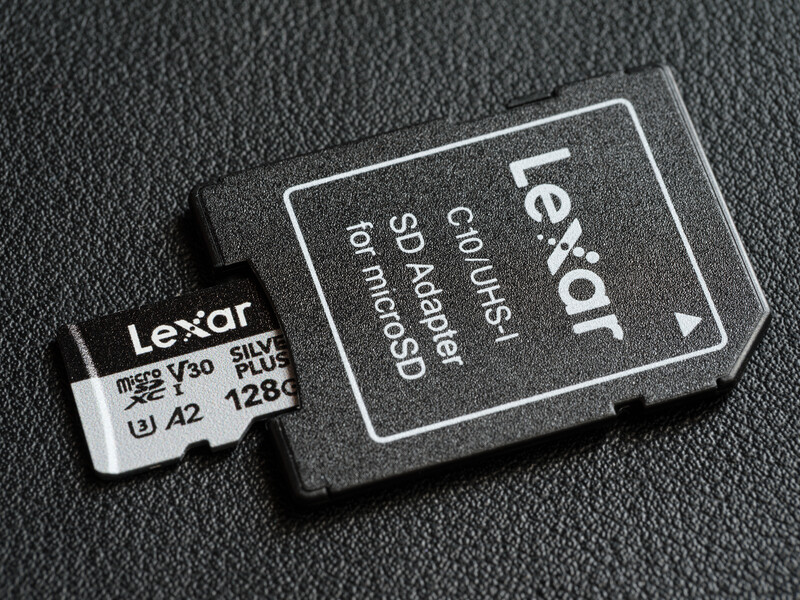
- Comes with a card adapter to become a full-size SD card if needed
- Trusted brand with affordable pricing
- Limited lifetime warranty
What Could be Improved
- None, it's a memory card
Final Thoughts
If you are in the market looking for a reliable microSD card that can serve you with peace of mind, it might be worth considering a brand like Lexar. Personally, I would recommend the Lexar Silver Plus 64GB and 128GB microSD for most creators, as they only go for $27.99 and $49.99. The more expensive and higher-capacity 512GB and 1TB variants will be much more suitable for professionals who do not have access to their computer to offload footage regularly.






Join the Fstoppers community for free
-
Post comments and join in the discussions
-
Browse the site ad-free
-
Share your work and get featured in the community
-
Compete in the photo contests for fun and prizes
4 Comments
If you don't need fast download speed, the Silver Plus line represents (or represented, before the recent industry-wide price hikes) good value.
Back at the end of last year, Lexar's Silver Plus V30 line of SD cards was a bargain. I found them to be plenty fast in my cameras, but slower than I'd like when downloading, as I routinely shoot 1000-2000 images in my event work. So, my strategy has been to load a 256GB in Slot 2 and a 64GB 1667x V60 card in slot one and write RAW+JPEG to each simultaneously. Since I almost never shoot more than one 64GB card in each of my two or three cameras, the 256GB Silver Plus gets formatted after 2-3 jobs and thus functions as a redundant backup most of the time. The 1667x cards download much faster, and after I've done that I set them aside as yet another redundant backup and format less-recently used cards for the next job. I have enough cards for at least three jobs, so I always have backups for the last two jobs on the off-cycle ones. This makes for a good, cost-effective combo with minimal compromises.
That is a smart way of working. I do that too when shooting with canon using the CF-B card with SD card. For the SD card slot, I will just be using the UHS-1 card since they only serve the backup purpose. I used to think offload speed isn't important until my projects got bigger
I never understood why they try to make waterproofing seem like a value add, when every modern micro SD card is waterproof. They almost always use a IC package that has the NAND and controller on a single package, and then run PCB traces out to the contacts and encapsulate everything but the contacts in plastic. Usually to get to any of the internal parts, you need to sand away the plastic (really only done for data recovery in cases when the NAND controller is having issues).
This is also why you may see cases where someone drops a point and shoot camera into a lake and years later someone can pick it up and clean corrosion off of the contacts, and then recover images.
Though one thing that could be really beneficial is if card makers could release details such as how thick the plating is on the contacts and what steps they took to mitigate corrosion.
Outside of that, for micro SD cards, it is also good to do a 0-100% fill test to see what the max sustained write speed is, High quality cards tend to hand NAND that well exceeds the write speed of the standard interface, e.g., a high quality UHS1 card will do 95-100MB/s writes sustained until 100% full, and then with the NAND dirty (NAND cells not zeroes out), handle another 0-100% fill (overwriting) and still offer those same speeds.
On the other hand some lower quality cards, may do around 60-70MB/s and at some point, drop to the 40-50MB/s range and then stay at those speeds until 100% full, and then experience an additional write speed drop when the NAND is dirty.
I definitely have experience cheap cards that claimed higher speeds dropped drastically in the speed once they fill up.. I have to admit I do not have enough technical expertise to explain what is going on and can only look at things from my user experience. Thanks for going into such a deep explanation and also showing the insides of a MicroSD card. Informative!