
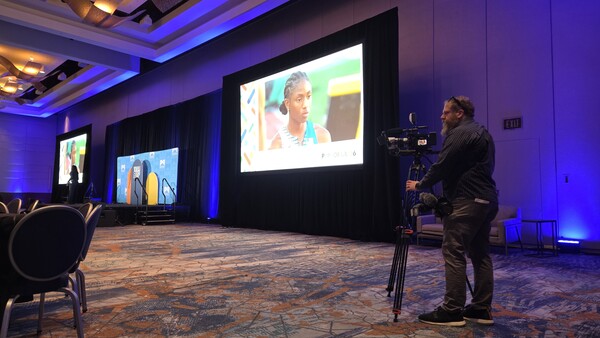
Conferences are a common subject matter for many professional photographers and videographers, and I recently worked on one for a client and wanted to share how I prepared to cover it. Whether you're planning to cover a conference professionally or for fun, I hope my experience helps you prepare and execute coverage of one.
Introduction
The conference in question was the Peer-to-Peer Professional Forum 2026, held in Baltimore, Maryland. The conference was dedicated to promoting peer-to-peer fundraising, a form of fundraising that leverages an organization's members to raise funds for a larger cause. For example, if you've ever contributed money to a child who was running laps to raise money for a school program, you've participated in P2P fundraising.
As with any shoot, preparation is everything when covering a major event, and the more time you get to prepare, the better. How much more? I think that depends on your overall involvement and the depth and level of coverage required. For me, I was only doing one day of the event, so the prep I had was more than enough to get generally ready for what I needed to cover. My coverage was also pretty straightforward. In general, my role was to capture photos and b-roll of the main event, along with about five to seven interviews. The final product, which I was not editing, would be a two- to three-minute highlight reel and recap of the event, similar to something like this.
Gear Prep
I spent the majority of the day before the event getting my gear in order and charging batteries. Since it had been a while since my last shoot, most of my batteries were drained, so I started early in the morning cycling them through the chargers. I use the Canon EOS R5 for photography and the Canon EOS R5 C for videography. Yes, I know the EOS R5 C can do photography as well, and I did use the photo function of these cameras, but I wanted a clear delineation between what I was using for photo and what I was using for video.
Due to the somewhat structured schedule and straightforward final product, I could have honestly done this job with one camera and still been fine, but I have multiple cameras for a reason. If you're going to shoot, especially a paid shoot, without a backup camera, you're asking for trouble. It's why I have a backup — for times when my main camera might fail and for times when having two cameras simultaneously allows for more flexibility. Flexibility was the name of the game for this event.
Using the Gear
The way I used the cameras was as follows:
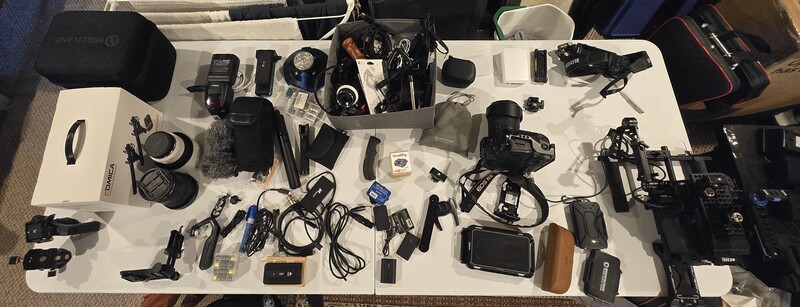
- Canon EOS R5 C (One) was my main video camera. This camera is actually mounted in a Fusion Rig and has several SmallRig accessories attached. For the most part, I kept this camera on a tripod.
- Canon EOS R5 C (Two) was my mobile video camera and primary photo camera. I used this when I wanted photos or when I wanted more freedom to easily move the camera into more interesting, creative angles, since it was not attached to a tripod. I also used this camera on the DJI RS 4 gimbal.
- The Canon EOS R5 was my secondary stills camera, and I used it only when my second EOS R5 C was on a gimbal. While I know this camera can also shoot video, I decided to reserve video for the two EOS R5 Cs to ensure consistency across video sources.
In addition to shooting b-roll of the event, I was also tasked with conducting some interviews. I had the Rode Wireless PRO microphone kit, which I used for the interviews. What I like about these mics is their built-in audio recording; it basically acts as another backup. I also wanted an extra backup, so I set up a C-stand with a boom pole and attached a Comica VM40 to the end of it. Because the mic is wireless, I didn't have to connect it directly to my camera. Both of these mics record in 32-bit float format.
As I said, I spent the day prior to the event getting my kit right. The last shoot I had done was a short film, so I had far more gear than I needed. For this, though, I still needed a few accessories. For the interviews, I used my GVM 2-Light Kit to put some light on the subjects. I also had my Canon Speedlite 600EX II-RT for photos, along with my holy trinity of lenses: the Canon RF 16-35mm, Canon RF 24-105mm, and the Canon RF 70-200mm — all Canon L-series glass. I also had a bag of odds and ends and various tools such as Allen wrenches and screwdrivers. You never know when something will come loose or break, so having the ability to do some last-minute triage is critical.
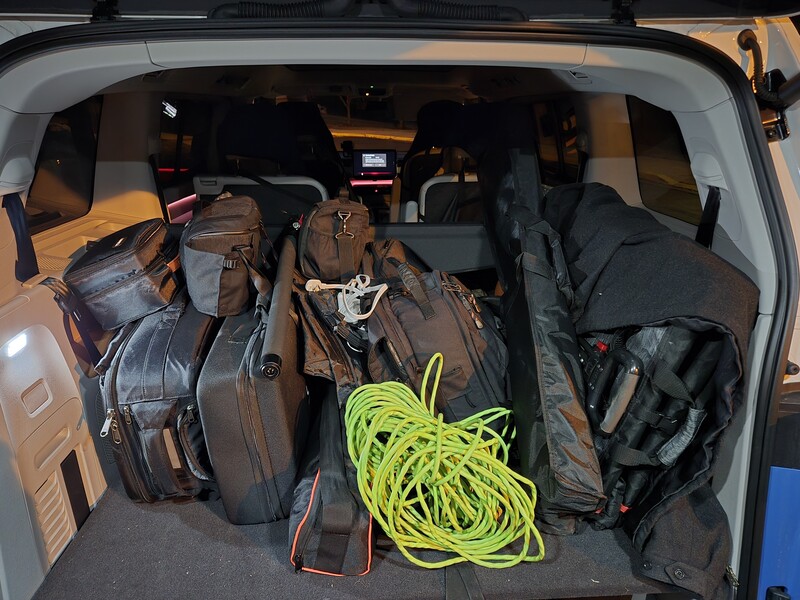
Another important part of any kit is a cart or wagon. When one-man-banding it, it's important to be able to move gear easily. I had to move all my gear — including my cameras, lights, stands, tripod, microphones, a computer, and other accessories — from my van about a thousand feet to the second floor of a hotel. Had it not been for my trusty Costco expandable cart, I would have had to make multiple trips both ways.
Secure Storage
A big need for me during the shoot was a secure place to store my gear. Thankfully, I was able to keep everything in a locked office arranged by the event organizers. Had they not arranged something, I'd have been forced to trudge most of my gear around with me during the shoot. I used this office not only as my staging area but also as my break area and for downloading data during the event. When shooting for a whole day, it's always good to take breaks and spot-check your work. You never know when there might be an issue you're not factoring in, or when malfunctions with memory might happen throughout the day. At one point, while we were recording interviews, we were worried about the amount of background noise. I went to my computer, downloaded the first interview to check it out, and determined that everything was fine. The microphones were placed so close to the participant, and the capabilities of modern editors like DaVinci Resolve to nullify background noise are so robust that the little background noise there was wasn't an issue.
Breaks
Speaking of breaks, they are important and should be factored in — not just for eating but for decompressing. When I was going full steam, I would be moving almost non-stop during a session, bouncing back and forth between capturing video and photos. It was exhausting after going for sometimes two hours straight, so it was nice that breakpoints were built in to help recuperate.
What I shot mostly consisted of people on stage talking to a large crowd. The main hall was a large room that required a fair bit of walking to get around and get different angles. I tried my best to avoid blocking any of the participants, even though I had free rein to go wherever I wanted. I used my freedom to walk in front of the speaker when needed, but tried my best not to block anyone's view. If I did block someone's view, I moved quickly to get out of their way. I was also tasked with getting crowd shots. These were fairly easy, but the key was trying to find the participants who were actively engaged with the speaker — those who were nodding and reacting to the speaker's dialogue.
In addition to covering the various rooms with speakers, I also covered the show floor with all the vendors. The basic assignment was to focus on engagement between participants and attendees while also capturing good angles. I focused on composition, lighting, and moment — the tried-and-true tenets of photojournalism — to capture interesting shots of vendor-attendee engagement. There was also a cute dog in attendance at one of the booths, so I got some shots of it. For the dog shots, I decided to get on my stomach to get some creative low-angle shots from the dog's level.
Shot Variety
Besides my tripod shots and my handheld shots, I also got gimbal shots. I used my DJI RS 4 and my Canon EOS R5 C, along with my wide angle lens, to get all the shots. I'm new to the RS 4 and, as such, didn't have all the cables to allow me to stop and start recording from the control panel on the device, so I would just hit the record button on the camera manually and walk around the room, ending up with a single long continuous take. For the gimbal shots, I focused mostly on orbiting around groups. I'd see a group talking at a booth and orbit around them. I'd see a speaker on stage and orbit from one side to the other. A few times, I'd lock the gimbal in a low position to get some more creative angles and shot types. As I'm not the editor, I don't know how they'll use my footage, but I could easily see someone doing some time-lapse and speed ramping to get a really cool effect of moving through the entire conference area. I also tried to add a little movement to shots that would normally be static.
I shot the event at 1080p and 59.94 fps to give the editors more latitude in the edit if they want to slow the footage down. By editing on a 24p and 30p timeline, they'll be able to slow down the footage two to 2.5 times without losing quality. This did impact available lighting, but I think the tradeoff will be worth it in the end.
I used mostly autofocus during the shoot. This was pretty accurate for the most part and would usually find and lock onto the intended subject. The only downsides to using it were when the subject turned away from the camera and the camera lost focus, or when I was shooting in a crowd and trying to focus on a specific person. If I had to fight autofocus continuously, I'd just switch to manual focus. The only time I never switched focus styles was during the gimbal work, when I was wholly dependent on autofocus.
Interviews
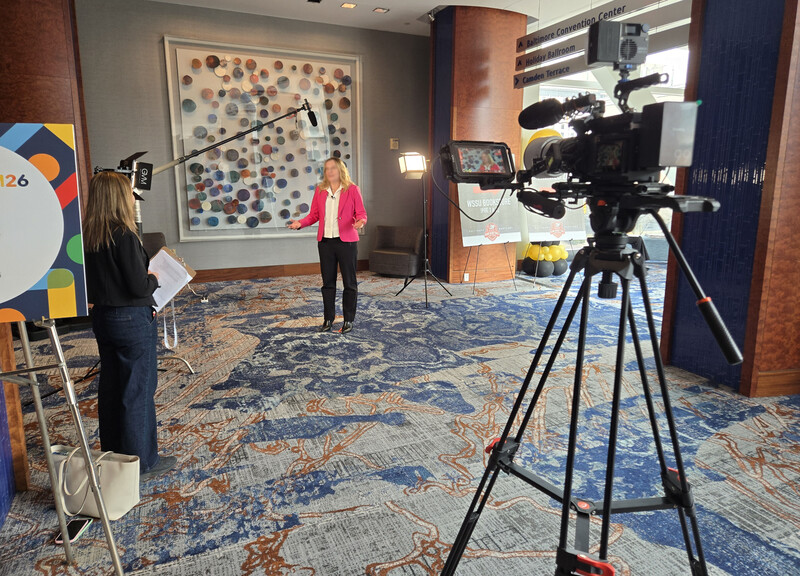
For the interviews, I worked to try to find a good backdrop that would allow for a high level of bokeh. My point of contact actually picked out a really good backdrop; the only issue was that it was in an active walkway with the aforementioned background noise. A few participants walked through the background, but for the most part, the interviews didn't take too long, so we were able to record them without too many issues. I used marking tape to help the subjects know where to stand, and a two-light setup to place a main light on their face and a hair light on their back to help separate them from the background.
Food
Food was thankfully covered by the event organizers, and every member of the event staff was very nice and great to work with. I've covered a number of conferences in my career, and this one was very well-organized, with a concise, specific shot list. You never want to disappoint the client, so knowing what they want makes things much easier overall. If you're not given a shot list, make sure to ask for one in advance.
Conclusion
Shooting this event was a rewarding experience, and I actually learned quite a bit about the cause it supported. The only thing I wish I'd done a little differently was to pace myself a bit more. When I was shooting, I was moving, shooting, and running around quickly. Combine this with managing a tripod, main cam, and b-cam all at once, and I was exhausted at the end of the day. Even with the breaks, it was still a marathon. It reminded me that it's important to work out and stay healthy when not on a shoot. While I work out semi-regularly, it's good to do so consistently and to make sure the workouts are actually rigorous.
I felt pretty good about my work overall, and I believe the finished product will be all the better for it. As far as what I would change, the only thing I would do differently is get a set of wheels for my tripod. Having to lift and move it around the show floor was exhausting, and being able to roll it around would have been much nicer. Beyond that, having faster glass would be the only other area where I'd consider investing in the future. The main hall was somewhat dark, which made capturing high-quality, low-noise crowd shots a little difficult. My glass is all f/4, so it's not super slow, but there is f/2.8 glass out there that I might consider upgrading to in the future.
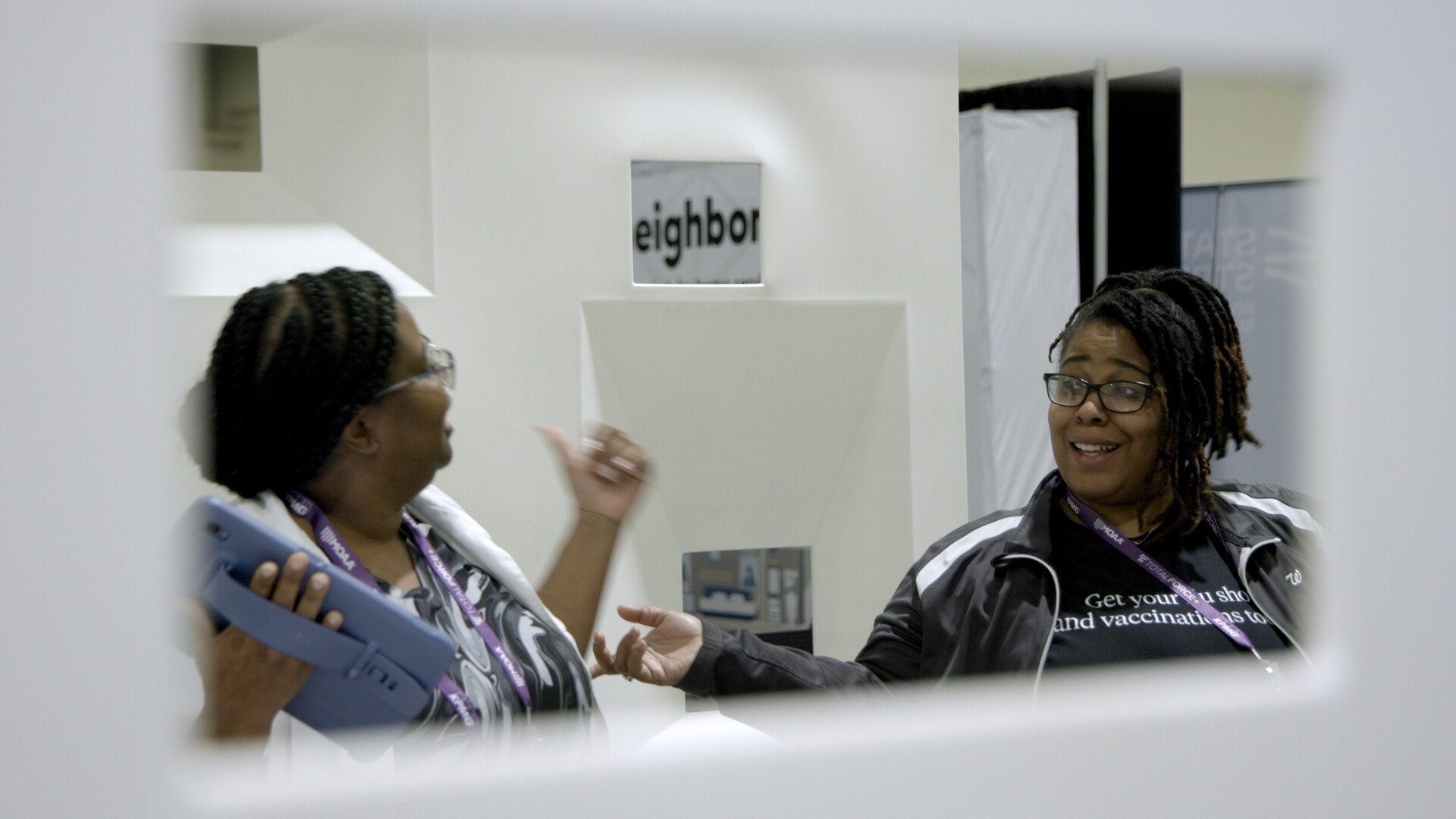
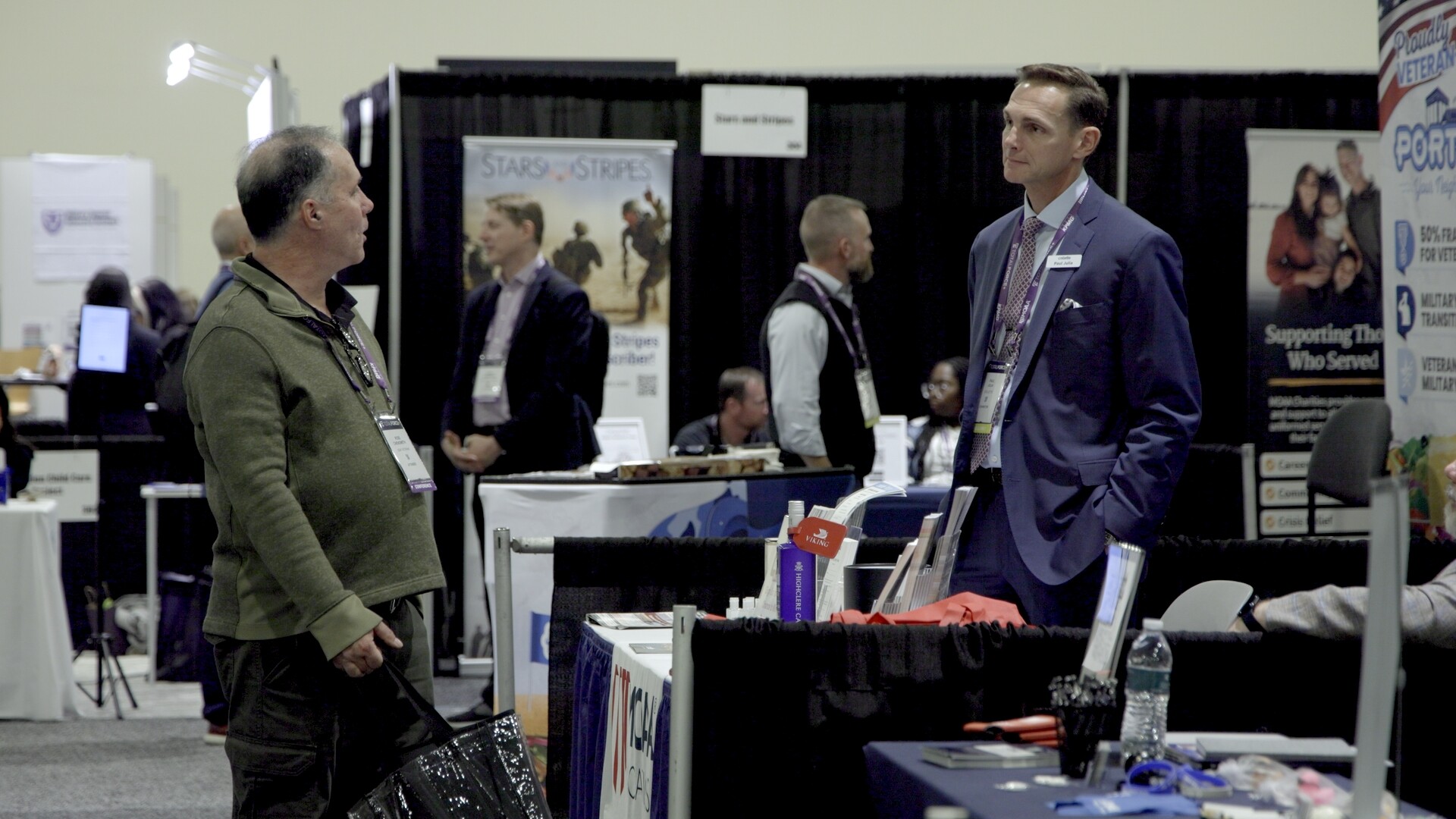
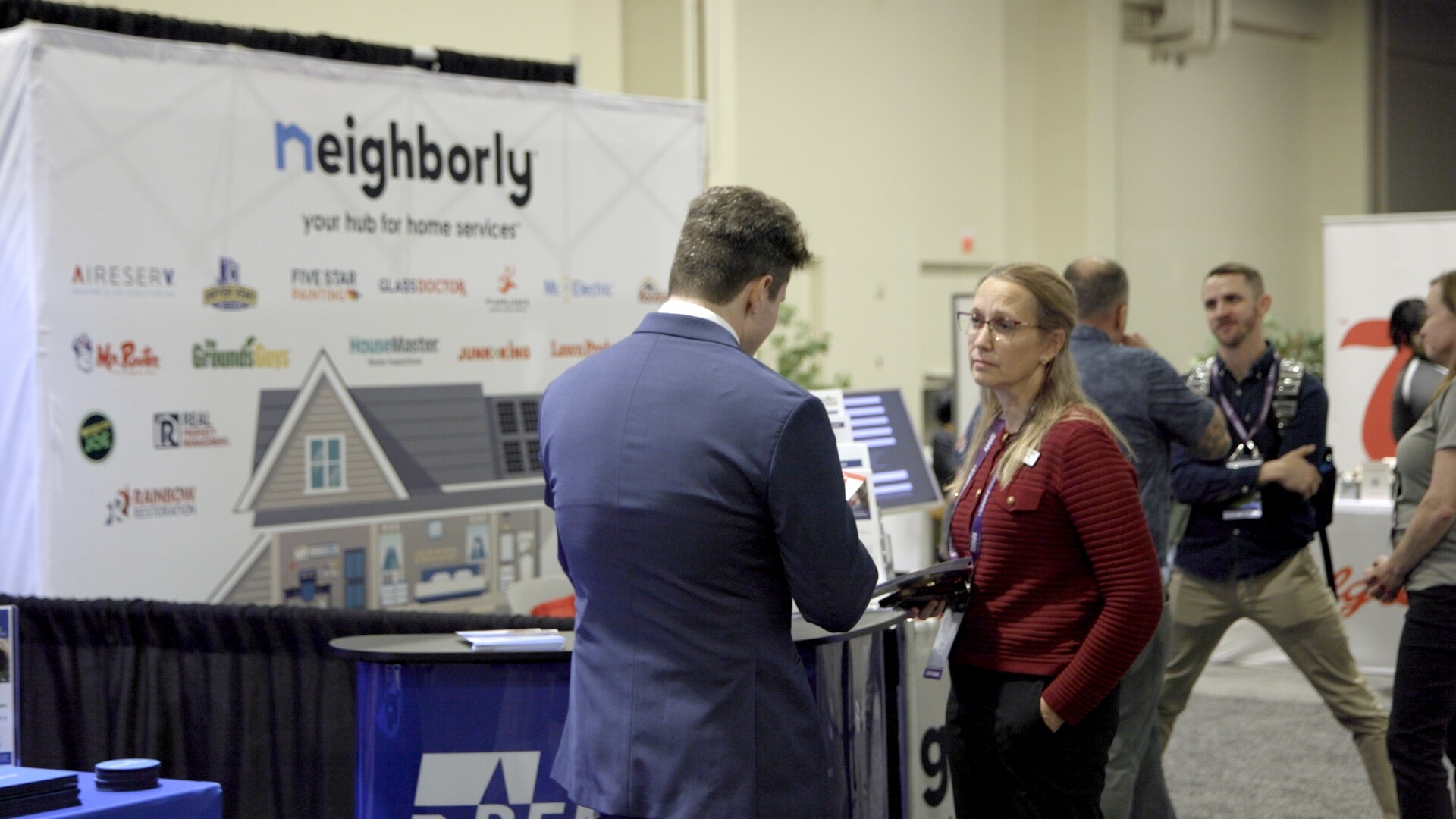
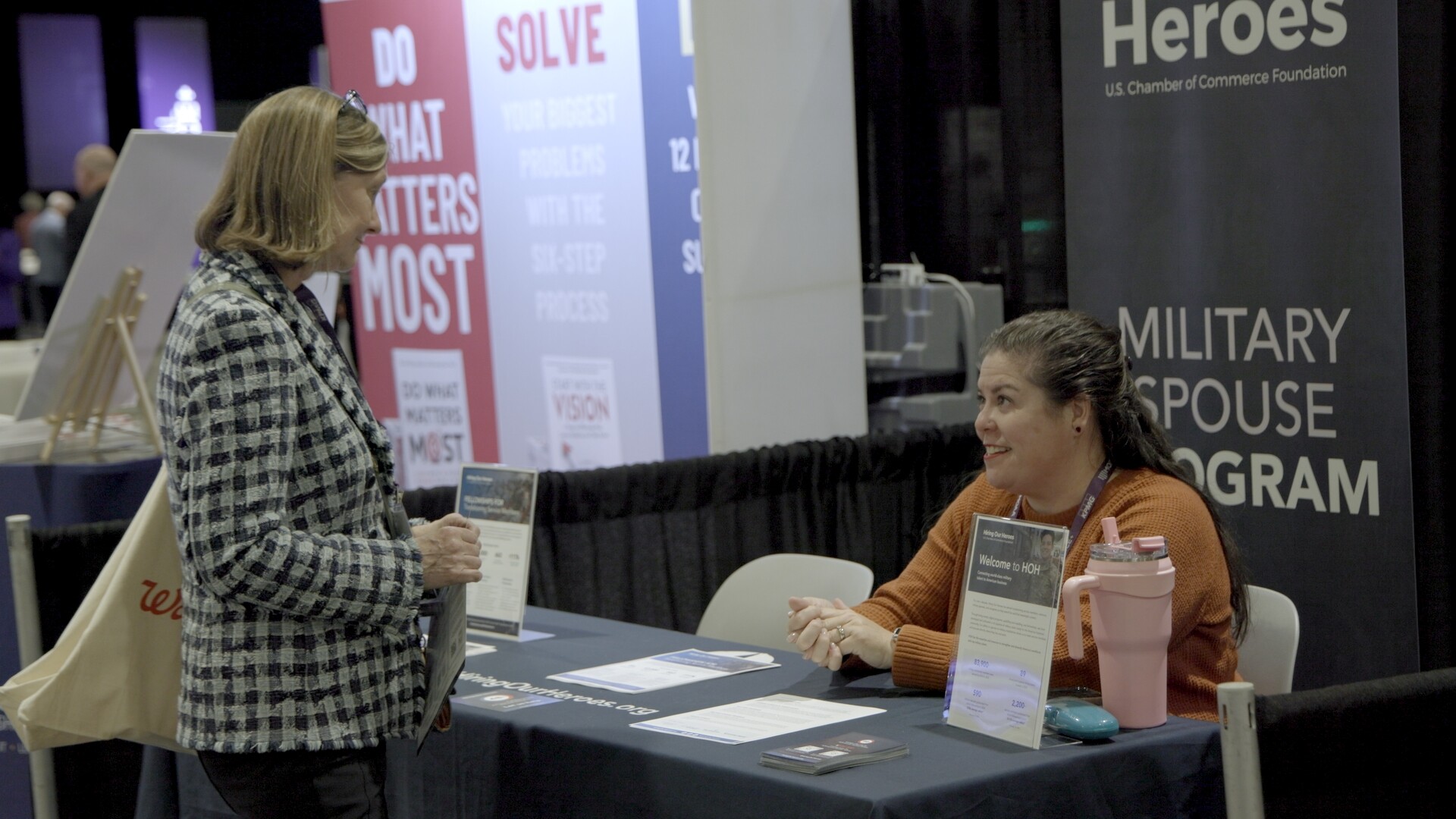
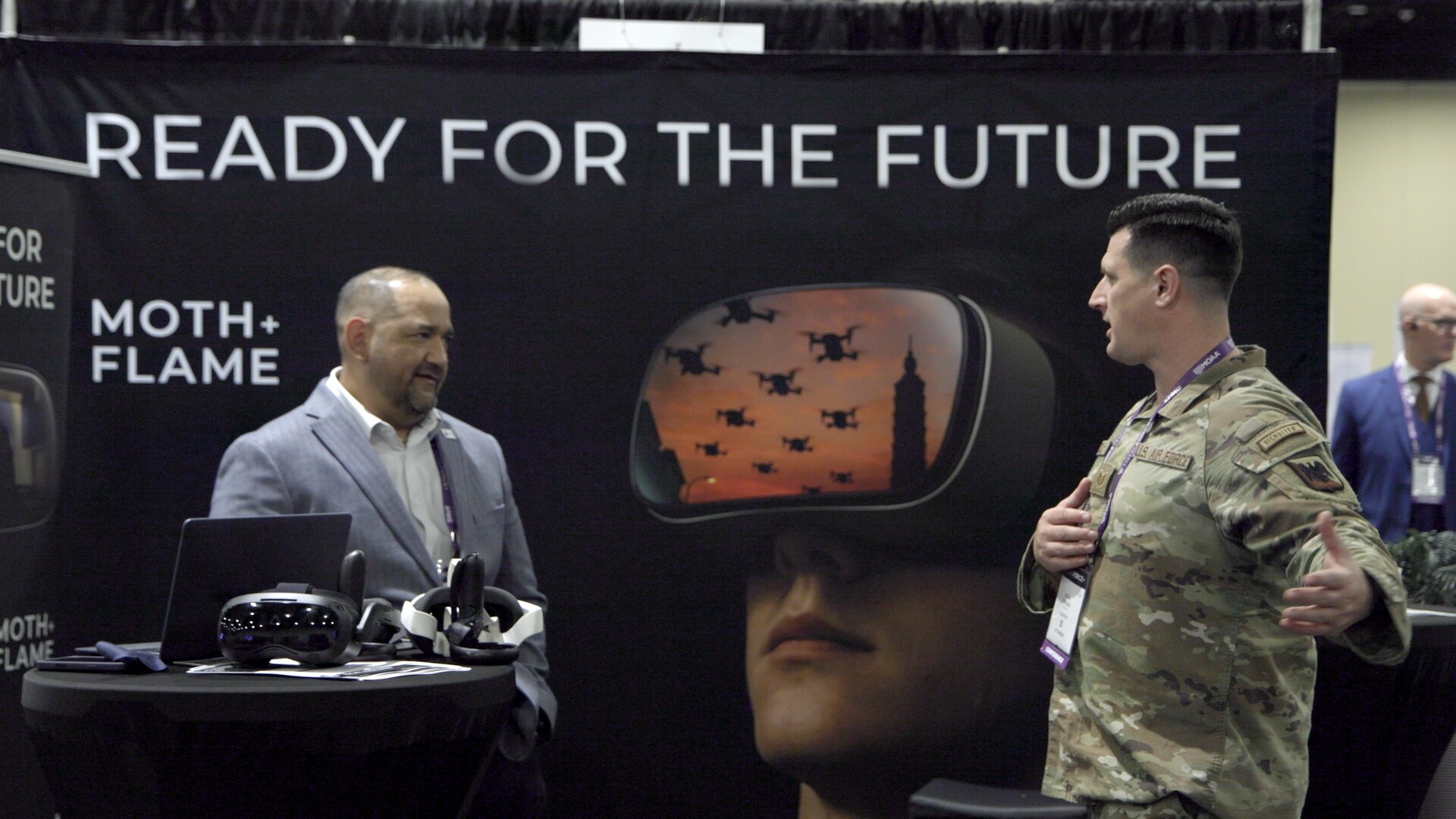
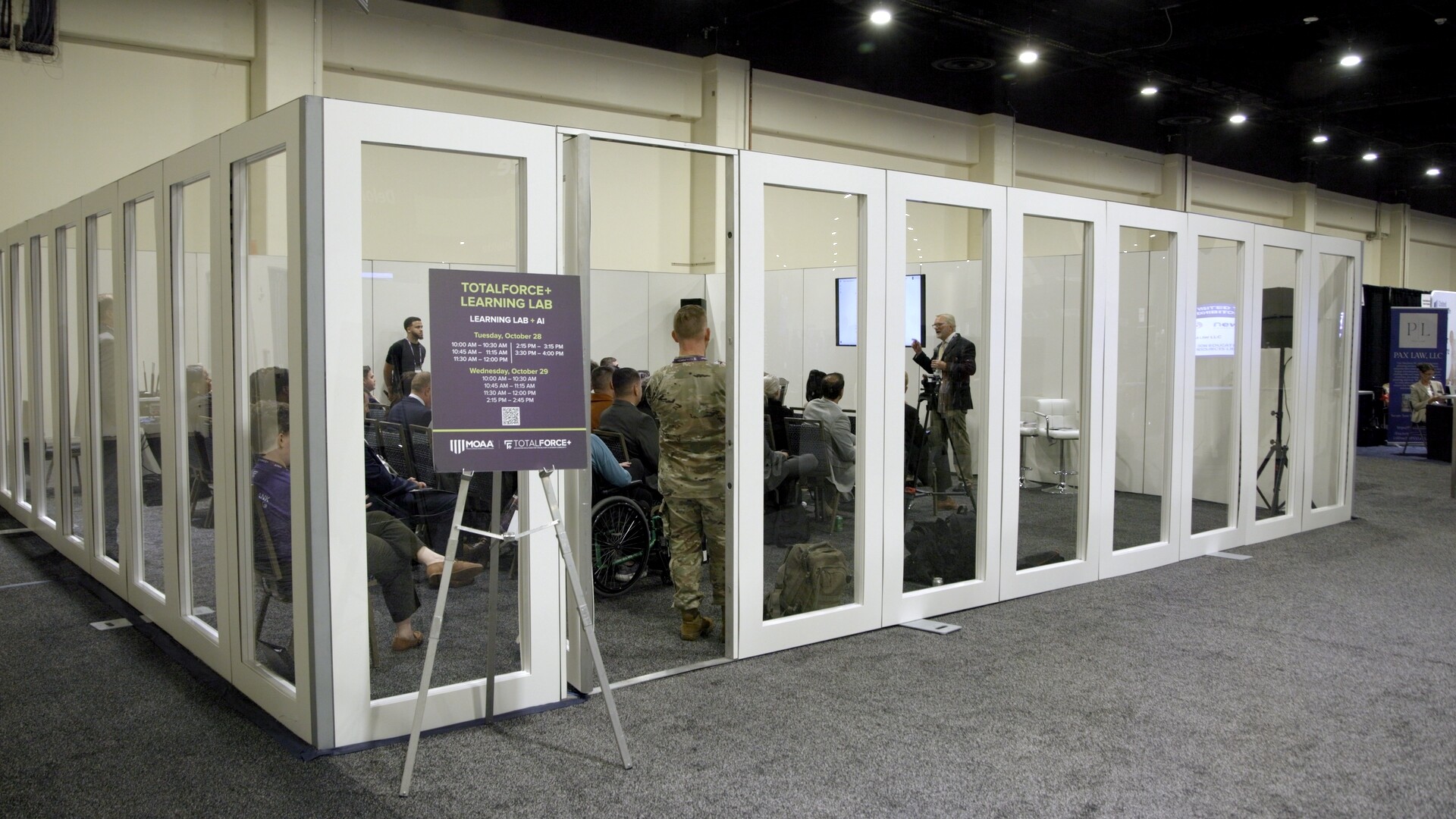
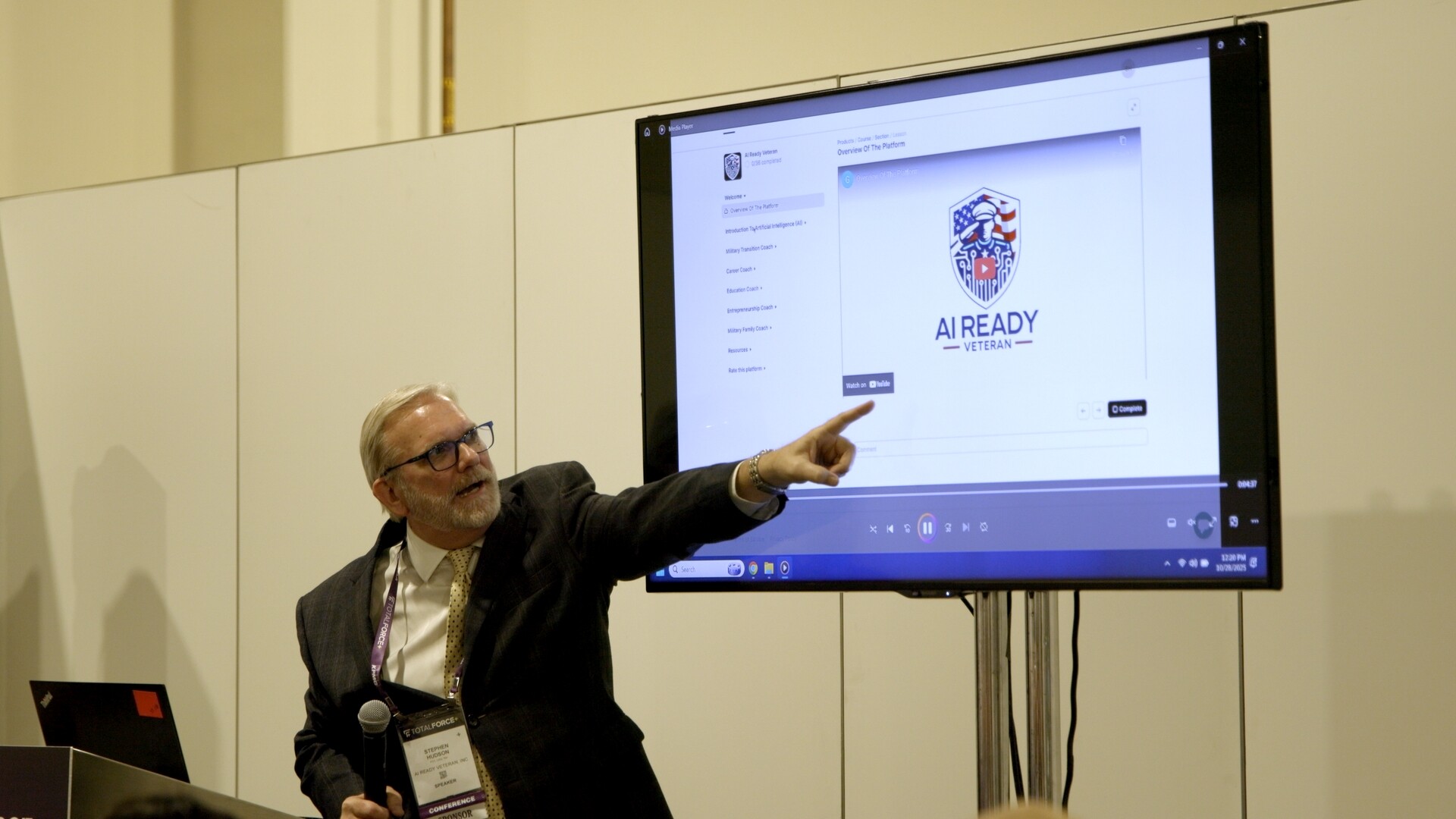
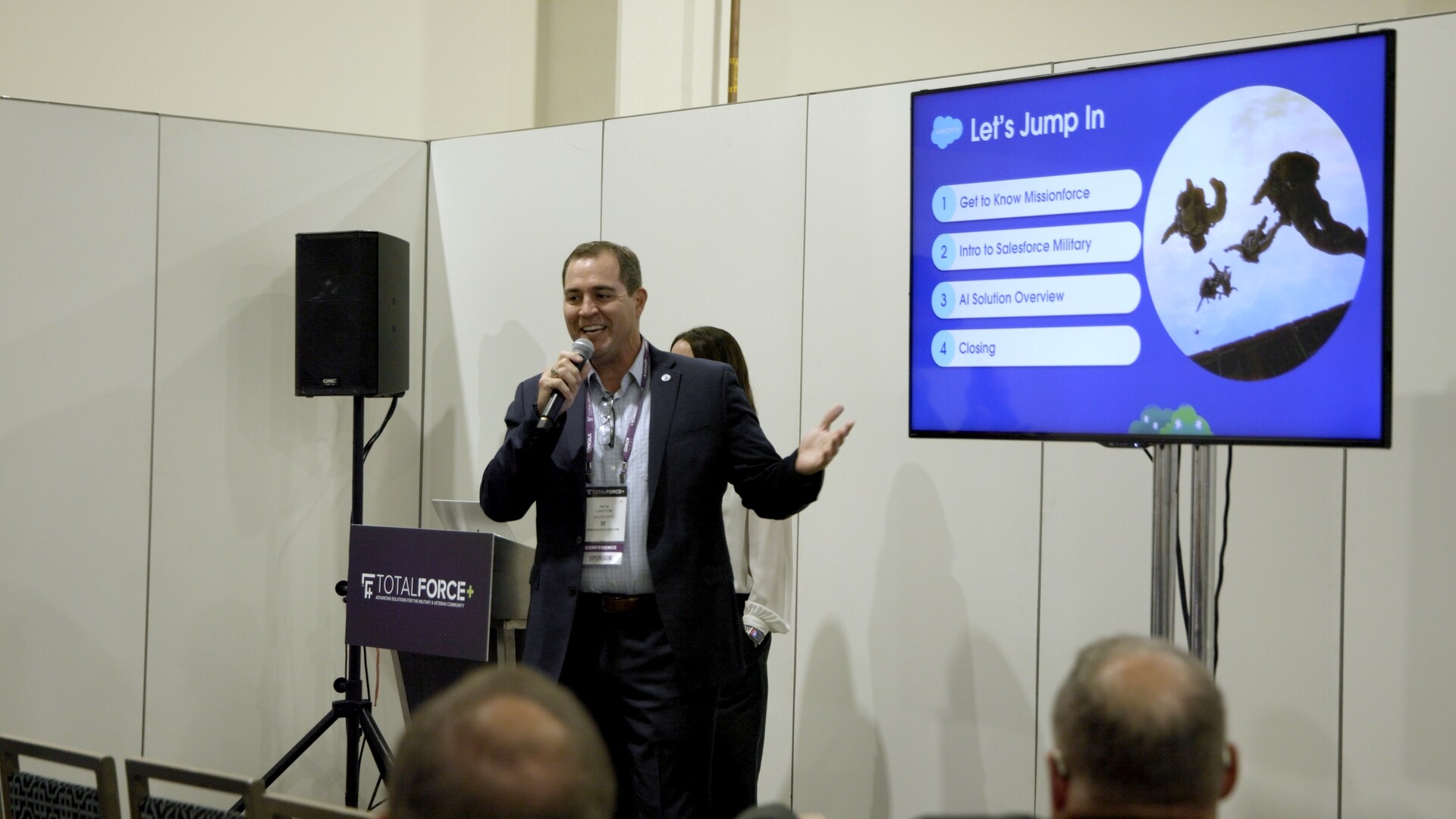
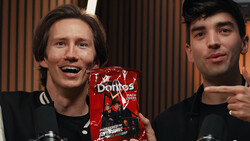
Screen caps from the Total Force conference I shot Oct. 28, 2025.
Well, that was my conference shooting experience. How does my experience compare to yours? Do you have any interesting conference stories? I would love to read your feedback and comments.
Join the Fstoppers community for free
-
Post comments and join in the discussions
-
Browse the site ad-free
-
Share your work and get featured in the community
-
Compete in the photo contests for fun and prizes
No comments yet