
Every year, holiday gift guides for creators, especially photographers, tend to circle around the same checklist: the latest camera body, new lenses, or even faster cards. But with how expensive and increasingly complex camera gear has become, it is now harder than ever for someone with little technical knowledge to pick the “right” piece. The risk is real, as you might end up spending a significant amount on something that doesn’t fit the creator’s needs, ends up underused, or quietly collects dust on a shelf.
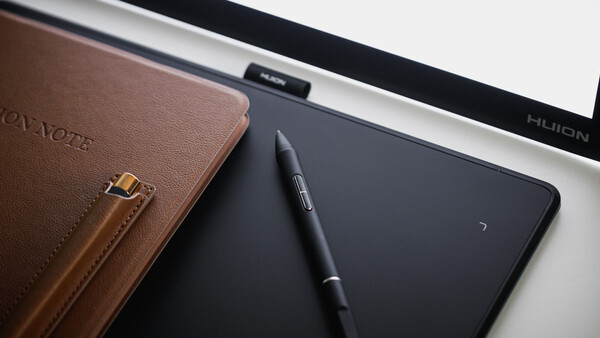
This is why I decided to take this opportunity to share a different holiday gift guide when Huion reached out. Instead of stretching your budget on big-ticket items, I wanted to look at tools that support the creative process in a quieter and more accessible way. Huion offers a few of these thoughtful, under-$110 options: an electronic smart notebook, an affordable pen tablet, and a multipurpose portable light pad. They are simple, functional, and quite relevant to photographers, videographers, and anyone who works with visuals.
If you are looking for gifts that encourage creativity without overwhelming your wallet, this non-camera guide is a good place to start.
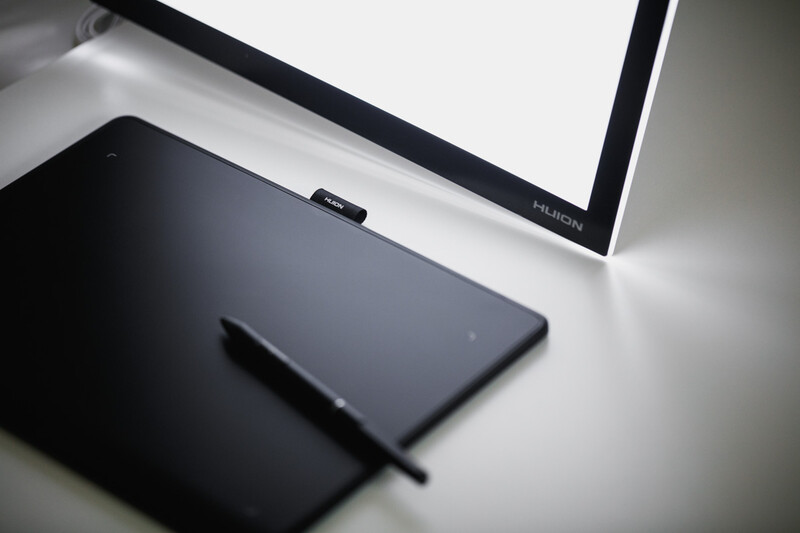
Huion L4S LED Light Pad
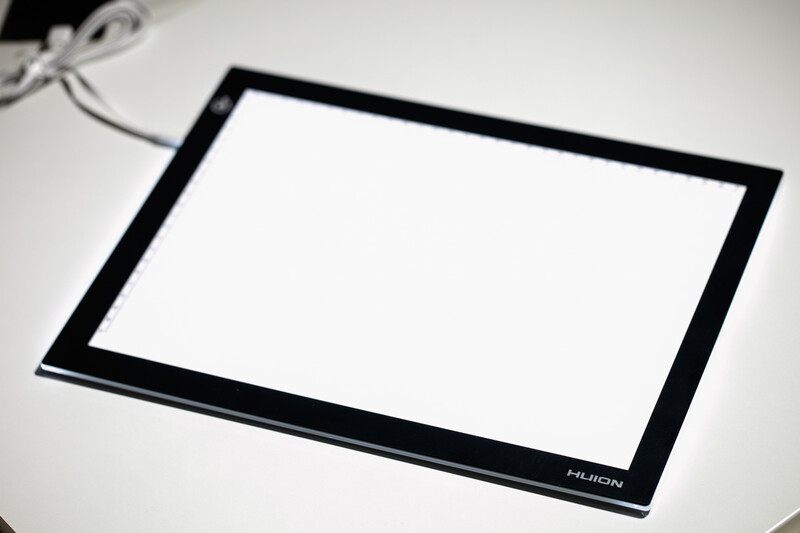
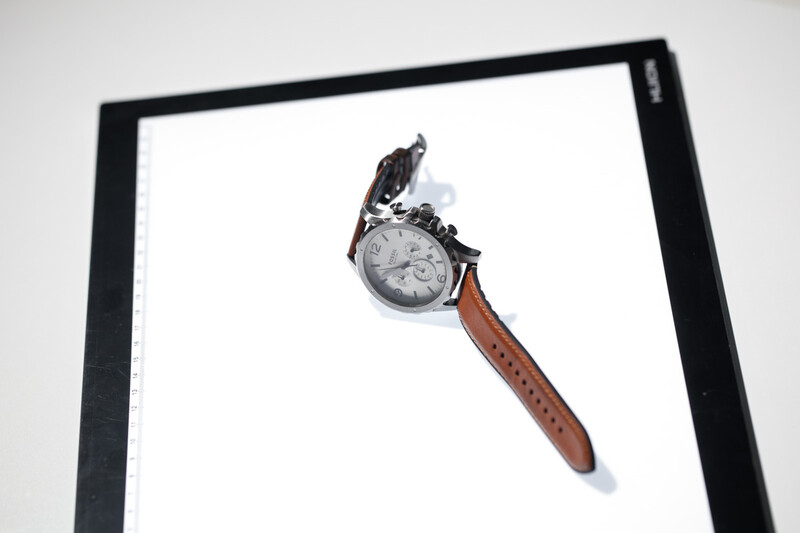
The Huion L4S is a remarkably slim A4-sized LED light pad that has a working surface of 310 mm × 210 mm and is only 5.1 mm thick, making it super portable and easy to carry around. Its surface is made of acrylic, which gives it a glass-like feel while at the same time being lightweight—around 0.6 kg. You can find horizontal and vertical ruler markings on the edge of the acrylic surface bezel for easy measurements. But having an acrylic surface means that it is not scratch-proof, so do refrain from using anything sharp or trying to cut anything on the surface. There is also no clip on the panel to hold the film sheets in position, so you may need to use a DIY solution or tape them down on the panel to hold them in position.
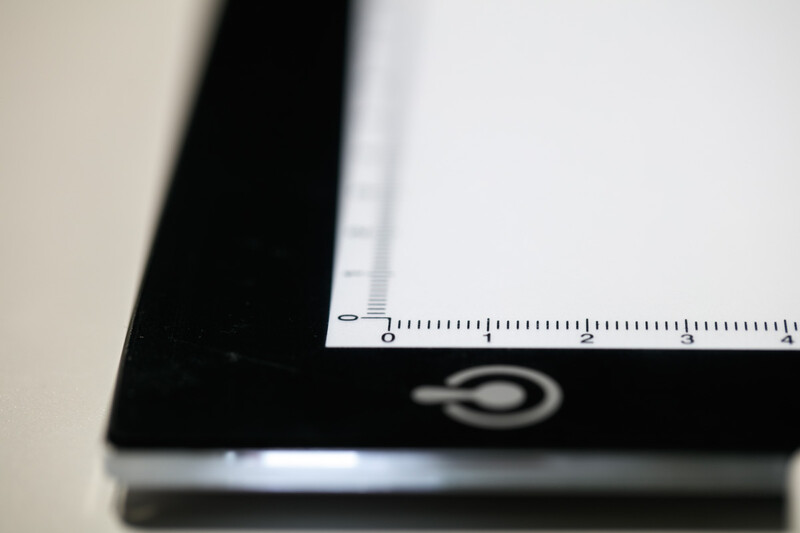
On the outside, the build quality is rather simple but just enough to keep it functional as it is. Unfortunately, this also means that it is going to feel a little cheaply made in hand, as there are no premium materials used in its construction. It feels exactly like a thick plastic panel back glued to an acrylic surface. There is a micro-USB port located at the side of the panel to receive a power supply, and an unclickable touch-sensitive button can also be found on the upper left side of the panel. This button is responsible for switching the panel on and off and also controlling the brightness.
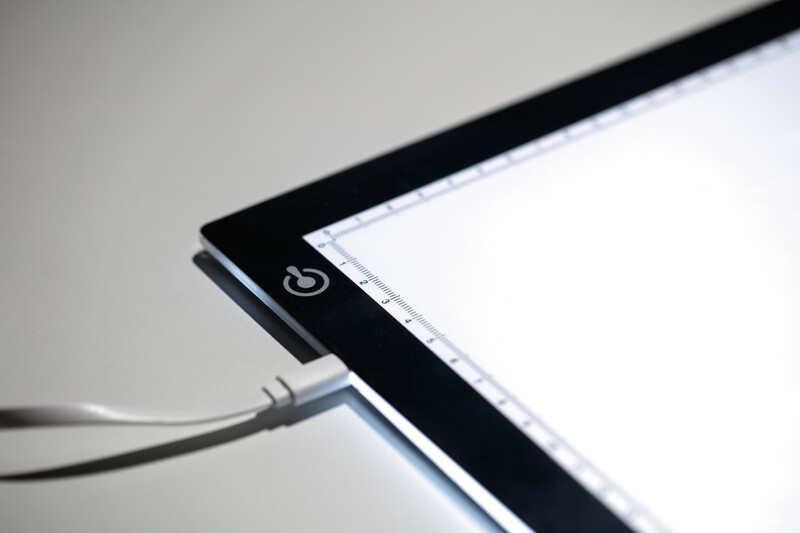
By long-pressing the touch-sensitive button, the dimming can be adjusted gradually, and not in steps, making fine adjustments to the lighting control possible. However, I did personally find it tricky to get the brightness to the level I preferred, as there is no indication of the brightness levels, and everything is based on eyeballing it. Thankfully, there is also onboard memory that remembers your last settings when switched off, so you can just set it once and forget about it.
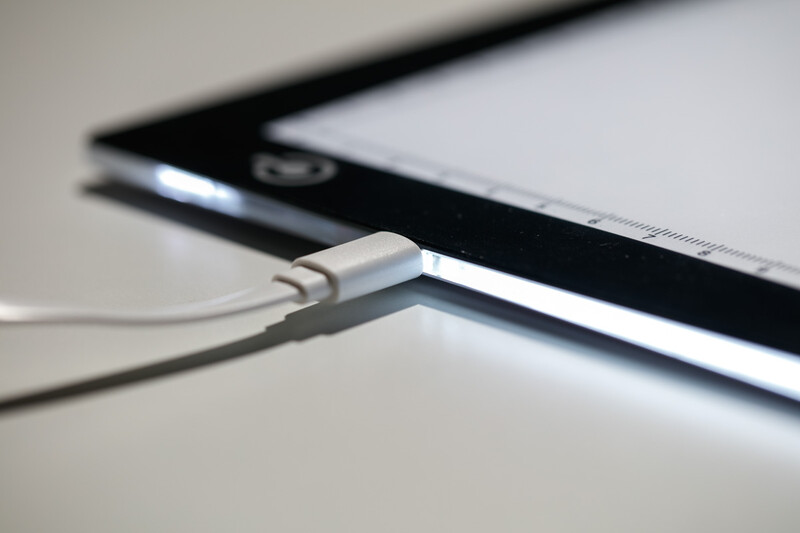
In terms of brightness, it outputs about 745 cd/m² (approx 110 LM) with the color temperature sitting in the range of around 8,000–10,000 K, which can be a little cool depending on what you want to do with it. A full stop CTO gel is needed to adjust the color temperature of the light if you hope to achieve something closer to daylight balance. Power-wise, the Huion L4S is not picky and runs mainly on USB. You can plug it into your power bank or wall plug. Another plus point is that it also does not heat up when used for an extended period of time.
Huion Inspiroy Frego M
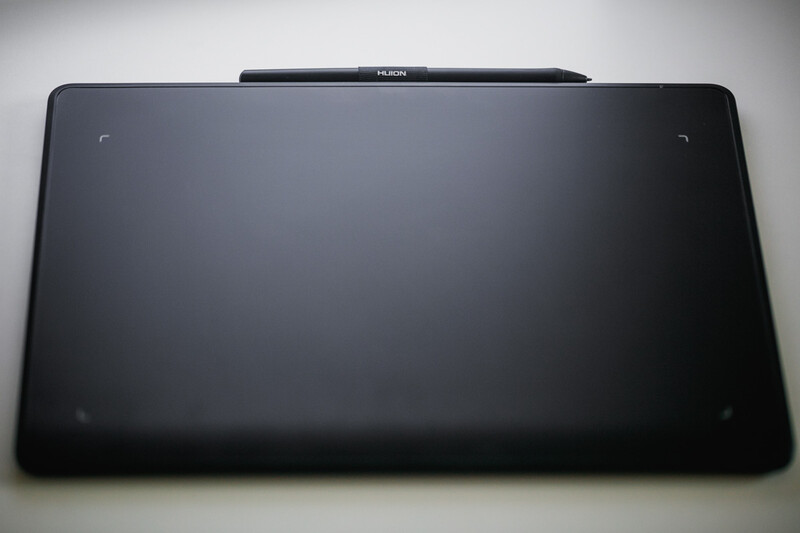
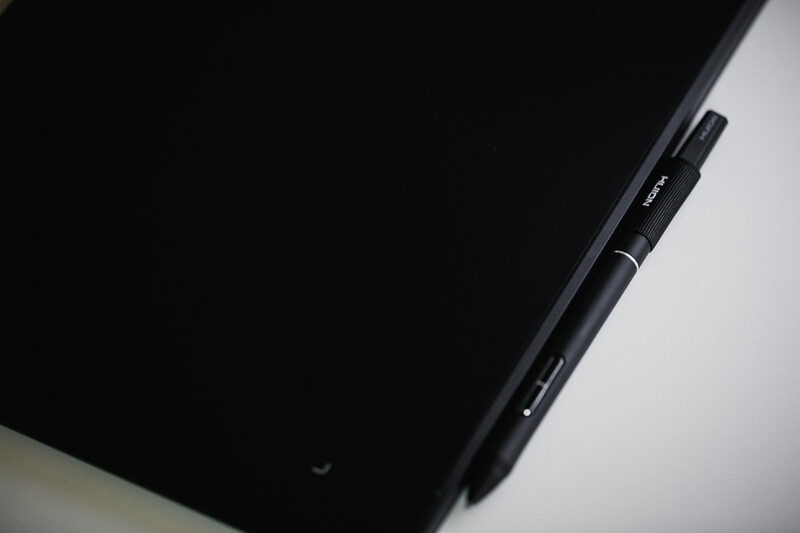
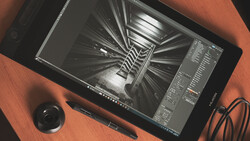
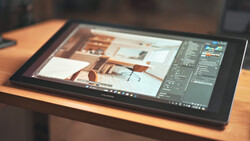
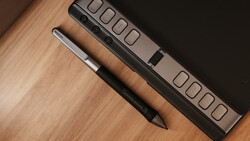
Under the hood, it is actually quite capable. The Frego M integrates Huion’s PenTech 3.0+ which, when paired with the PW550S pen, can support up to 8,192 levels of pressure sensitivity and even recognizes a ±60° tilt angle. Do note that it is not the latest-generation PenTech from Huion that supports up to 16,384 levels of pressure sensitivity, but it is still more than enough for general retouching work. It also features a pen resolution of 5,080 LPI, giving you fine control for detailed work if you need it. That said, the PW550S pen that comes with the tablet is a little too thin for my liking, especially during longer editing sessions where a slightly thicker grip would help reduce fatigue.
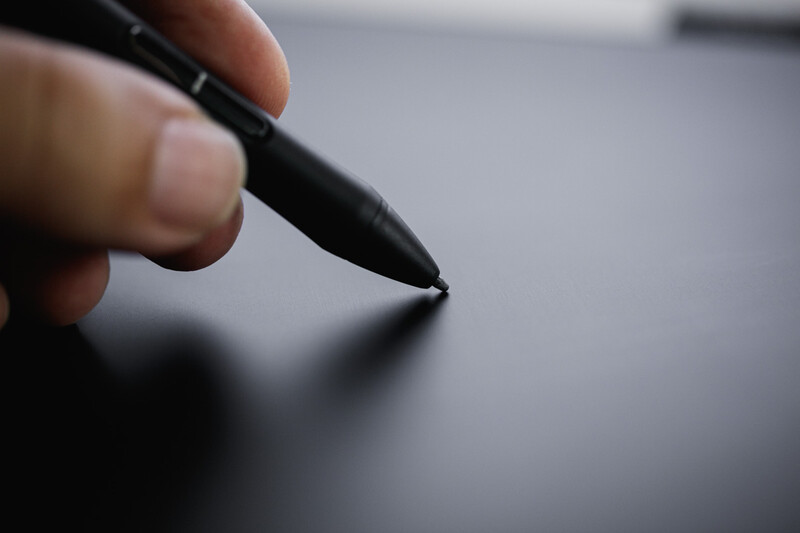
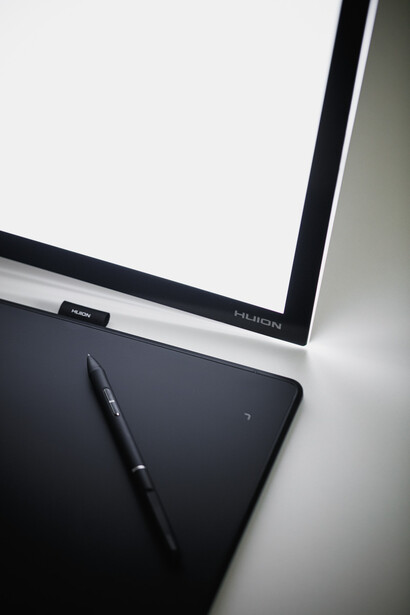
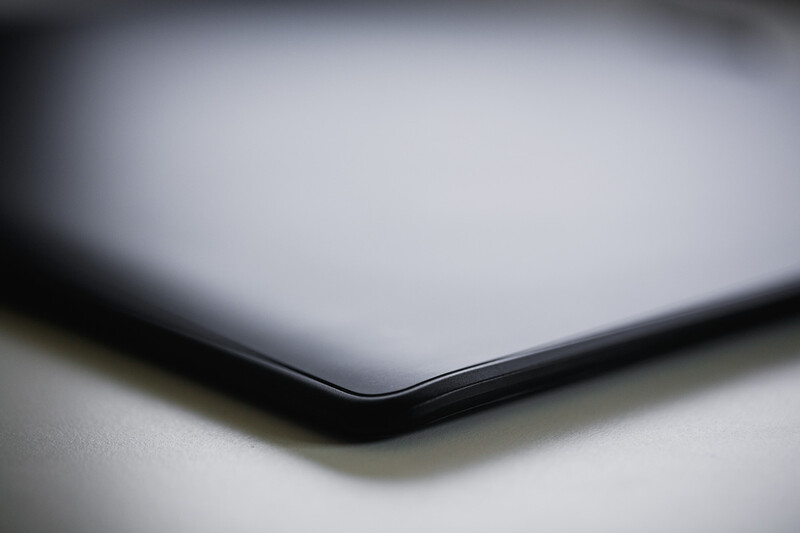
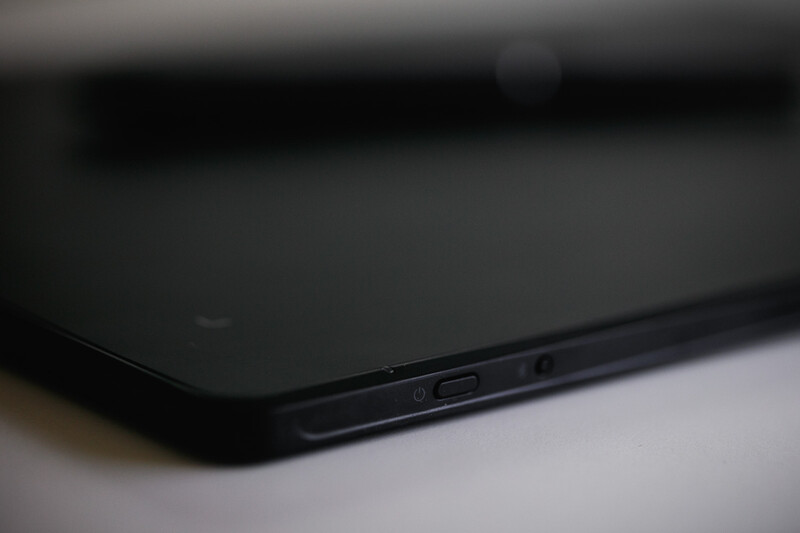
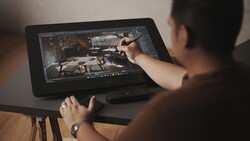
That being said, in actual use, I would say the Huion Inspiroy Frego M sits comfortably in the “good entry-level pen tablet” category at under $90 price range or under $70 for Huion Inspiroy Frego S (smaller size version) — especially for creators who wish to level up their retouching or want something portable without overspending. The size does feel just right: not too big to travel with, and at the same time not so small that you are cramped when working on images.
Huion Note
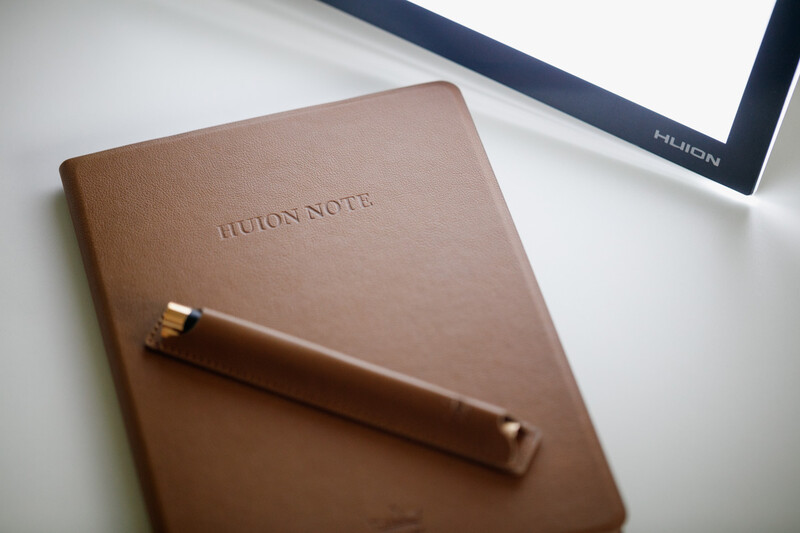
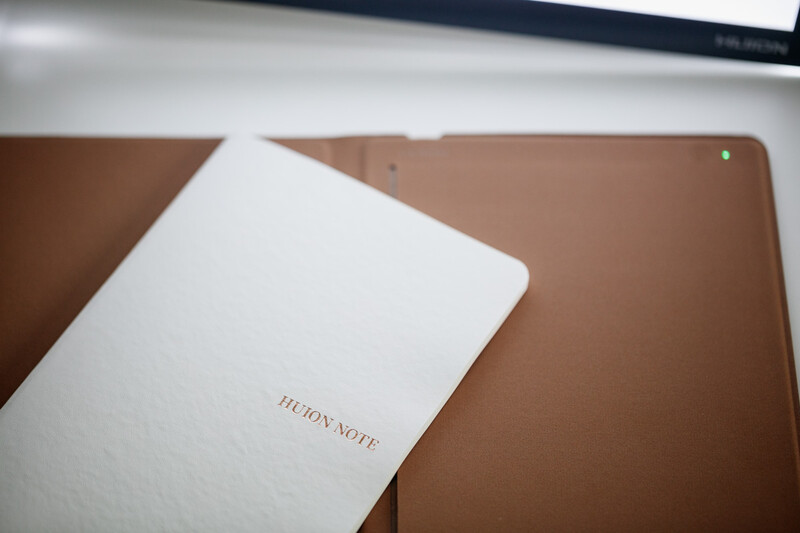
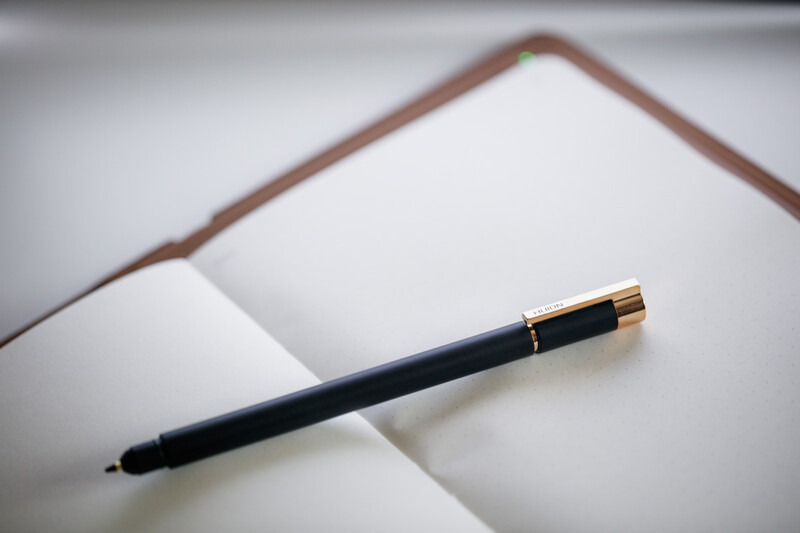
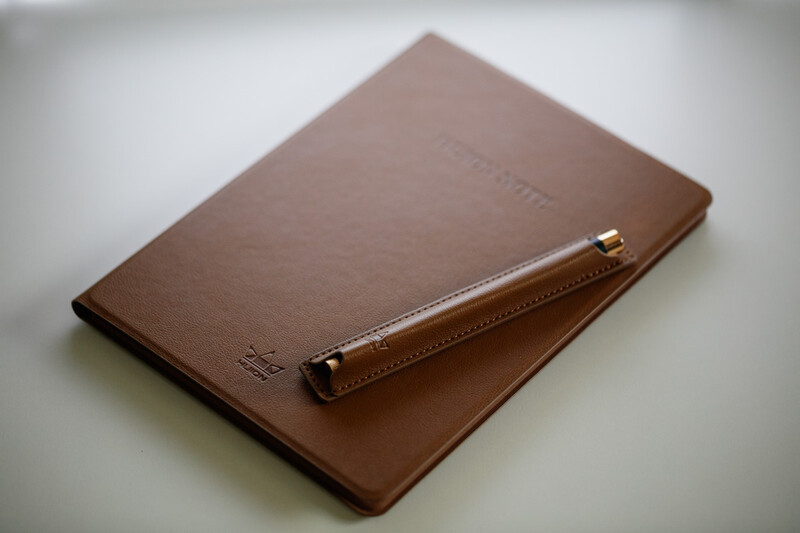
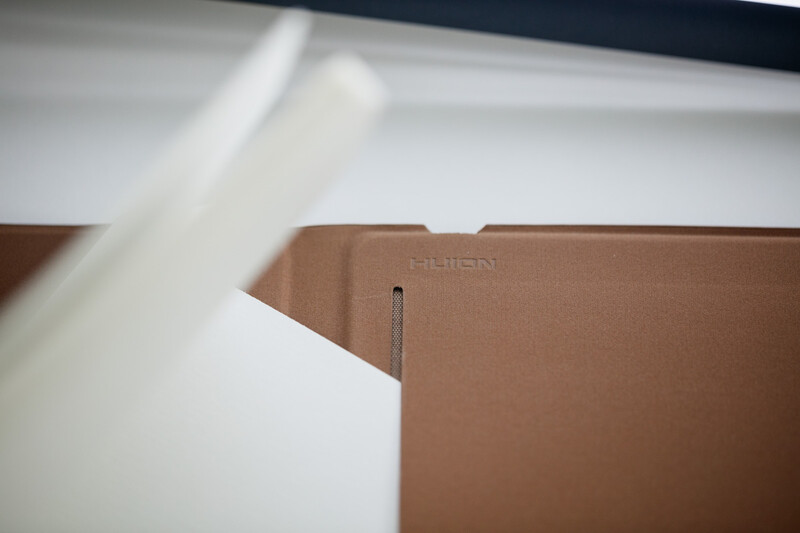
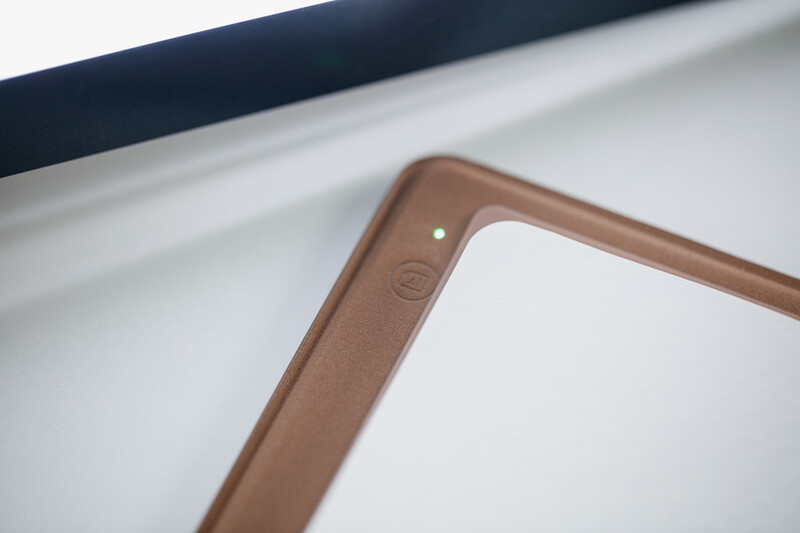
In terms of connectivity and versatility, there is no doubt that Huion Note will take the crown. It supports both wireless and wired connections, relying on Bluetooth 5.0 and its USB-C port. In wireless mode, it has a 1,300 mAh built-in battery that takes only 4 hours to fully charge and is capable of lasting up to 18 hours of usage with a 30-day standby time. When it is connected to a computer with Huion’s driver installed, through a USB-C wired connection, it can also act as a pen tablet by simply removing its physical notebook and using it with the provided drawing panel. It also has built-in storage that can store up to 50 pages of notes when working in offline mode. These offline notes created in the offline mode can be synced to your desired device using the Huion Note app. Besides that, the Huion Note app is also capable of showing pen strokes in real time when used in online mode, making it suitable even for presentations. The process of syncing the note is also pretty straightforward, making the experience seamless.
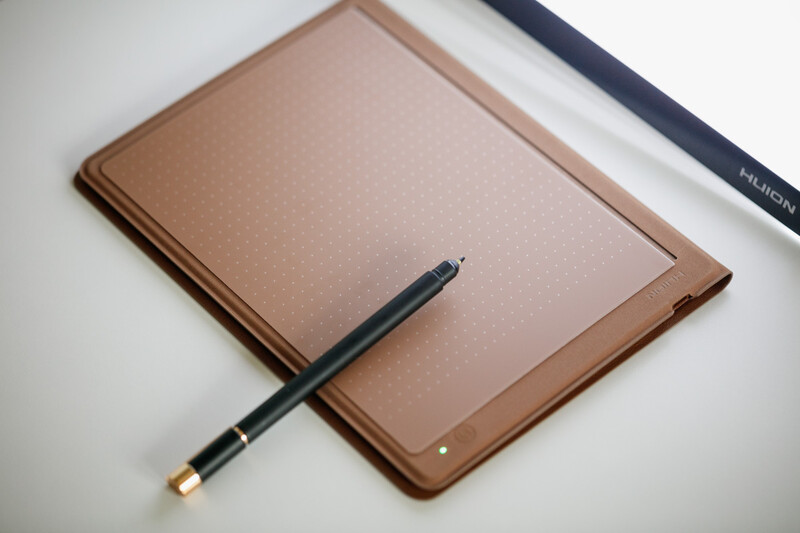
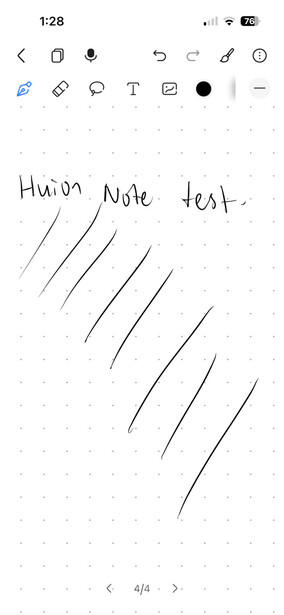
The Huion Note comes with the 2nd-gen Huion Scribo smart pen featuring Huion’s PenTech 3.0 that supports up to 8,192 levels of pressure and ±60° tilt recognition in pen tablet mode. This provides a rather stable writing and drawing performance on the note itself. Depending on your needs, you can choose to use the Scribo pen with different nibs to write physical notes on the paper sheets with an ink tip, or swap the ink tip for the plastic nibs to draw directly on the provided dotted drawing board panel, like a pen tablet that saves what you write. However, in the pen tablet mode, I do suggest using it online, as it can feel a little disorienting if you’re writing without looking at the screen, because you can easily lose track of where you are or what you’ve written.

Join the Fstoppers community for free
-
Post comments and join in the discussions
-
Browse the site ad-free
-
Share your work and get featured in the community
-
Compete in the photo contests for fun and prizes
No comments yet