

High Resolution JPEG Meets ICM
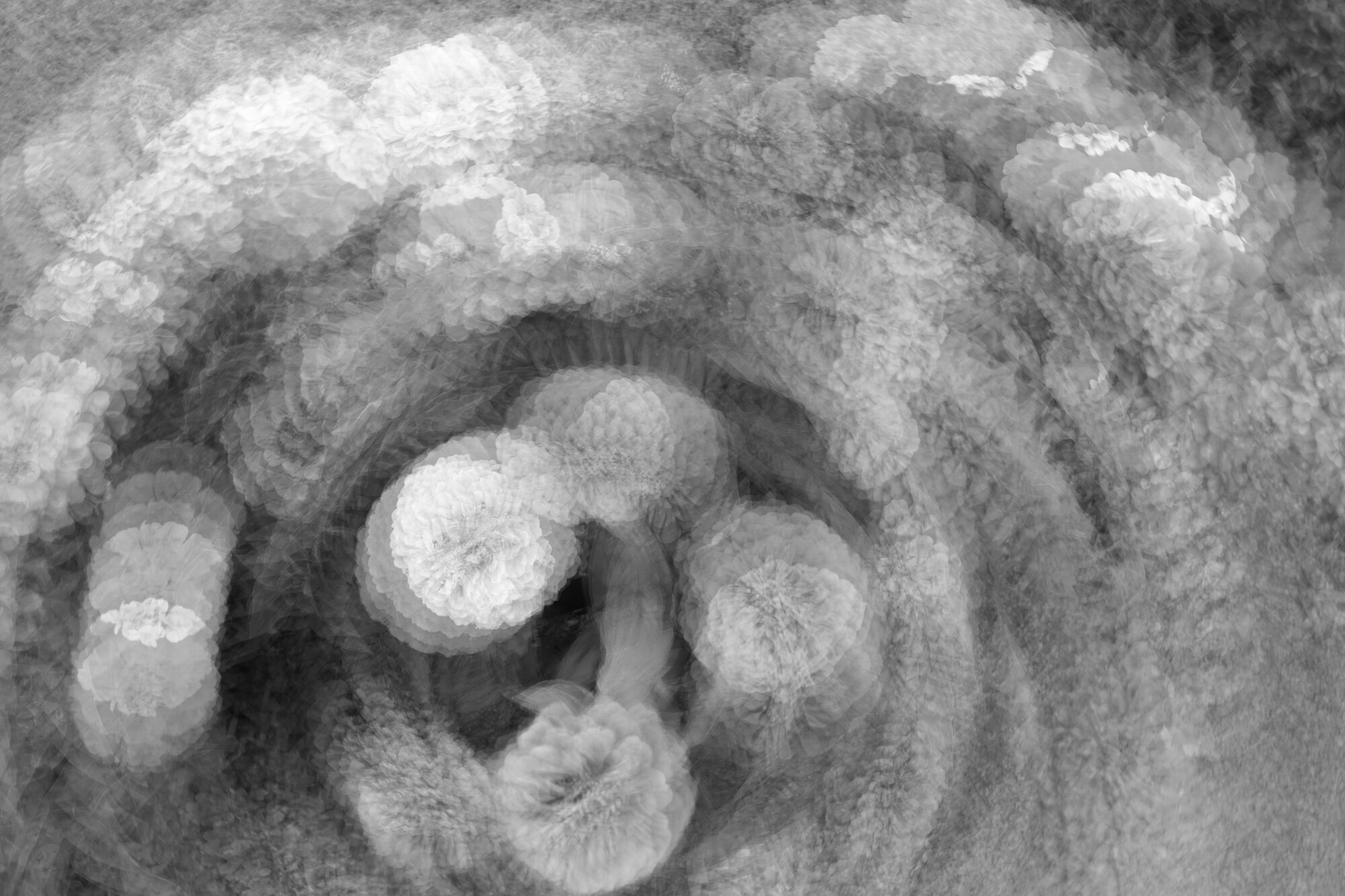
Canon implemented the much maligned IBIS: High Resolution shooting with the R5 and firmware version 1.8.0. Many claimed they will never need a 400MB jpeg while others stated the artificing made from any motion made the feature worthless.
I see that as a way to be creative.
IBIS, or what other camera manufactures call pixel shift, take nine rapid photos and blends them into one large JPEG file.
My intent with this series was to see what the saturation looks set to 0, then changes to about -50, and finally -100.
Bright overcast day
Canon R5 /w RF 24-70mm L USM
f/8 - 1/80th - ISO 100 - 24mm
_______________________________________
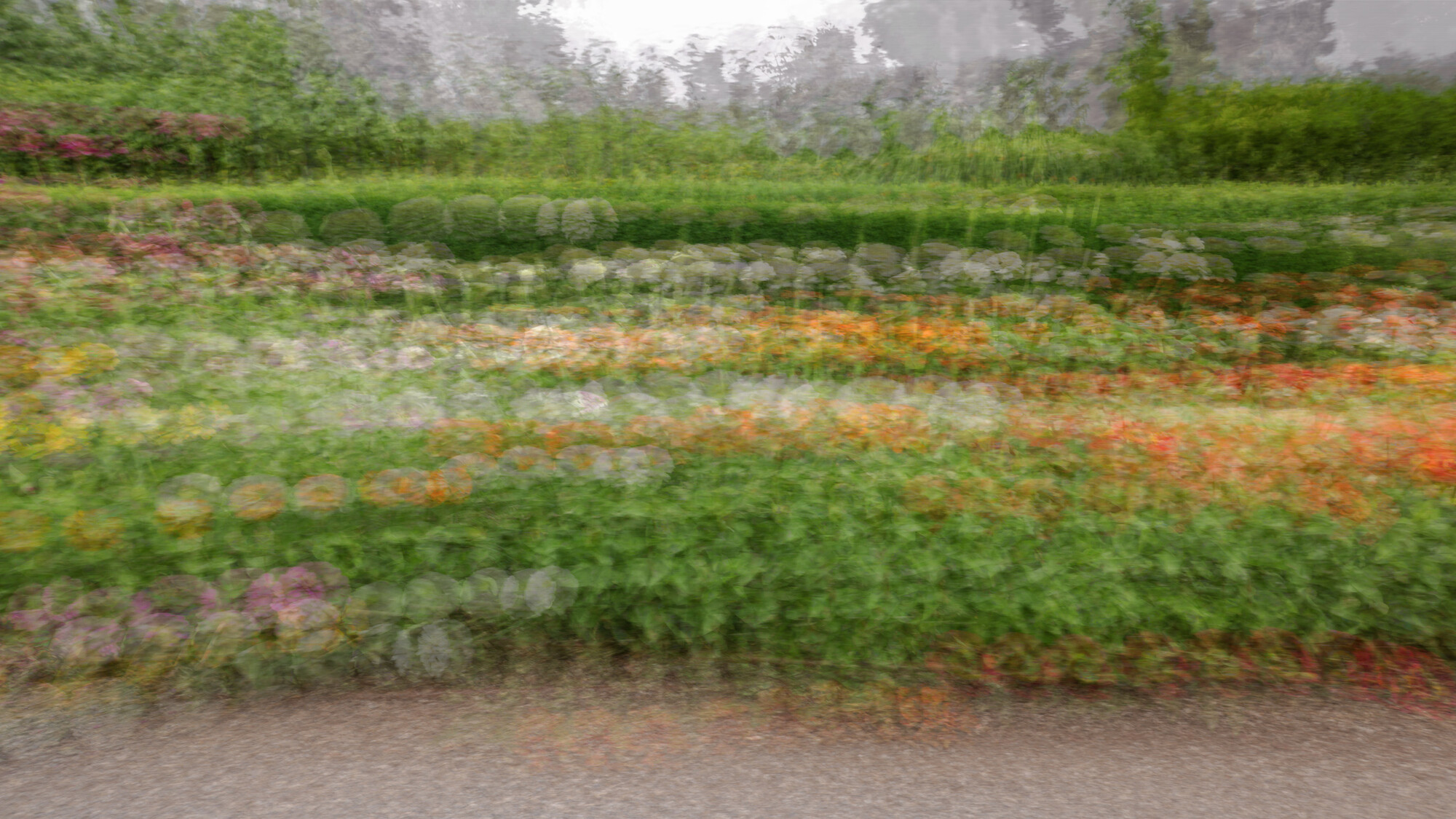
Bonus photo too!
f/8 - 1/60th - ISO 100 - 24mm










6 Comments
Hey Dean great image idea!
Fun composition with both line and colours.
On a tiny technical point... IBIS is the acronym for In Body Image Stabilization.
A way of minimizing the little shakes and jitters that come with holding a camera in our hands. In IBIS mode the sensor motors move in response to the input from a set of accelerometers, can be 3, 4, or even 5, that detect slight movement in the camera body.
Many modern lenses use a similar system that can work independently or in conjunction with the IBIS system. A very effective way to gain sharp(er) images at somewhat lower shutter speeds.
Pixel shift, what Canon calls "IBIS High-Resolution Shooting", utilizes the sensor stabilization motors in a similar way but to a very different end.
When shooting in pixel shift mode ,Mapped Sensor Movement, the sensor motors are moving the sensor an exact amount in a pre determined way to capture a series of images to be combined (either in body or in post) into one file that has "more" pixels than in normal mode. Usually the moment is by 1/2, 1, or 2 pixels only.
The sensor motors are not moving the sensor in opposition to the random camera movement as they would if they were working in IBIS mode.
To the best of my understanding* when in pixel shift mode the sensor motors do not respond to any accelerometer inputs. In effect IBIS is turned off.
So for the best pixel shift image results using a tripod is a must. Perhaps one reason that some people are dissatisfied with pixel shift results when hand held.
Canon’s “IBIS High-Resolution Shooting” is a term, I feel, that may confuse some and actually lead to the frustrations.
Same technology but used to a very different end.
I may be wrong and Alan please correct me if I am, but I believe that the ICM technique works better when IBIS is turned off. Alan?
Any way Dean, I always enjoy seeing your wonderful creative mind at work.
Thanks for sharing. 🙏
*most manufactueres
Thanks Julian.
I chose Canon's "pixel shift" for the nine shots rather than than choosing Multiple Exposure with nine shots and Average because I was looking for a rapid nine over pressing the shutter nine separate time during movement.
Sorry I still cannot spray and pray. Thinking of how much the film costs to develop keeps me at the One Shot level of shutter usage.
My photo "Mixing Water" was IBIS: High Resolution of moving water taken from a tripod. I like the photo.
Again, thanks!
Although it may be intuitive to disable any form of image stabilization when taking ICM images I must admit that there have been numerous times where I forgot to do so, and any effect of leaving it on have not been apparent.
My feeling is that ICM pushed stabilization well beyond what it was designed to accomplish, and may not have any impact at all.
I'd love to know if others have had a different experience, as my own experience has been limited to a single Nikon camera.
This is an interesting post all around. Enjoying the explanations back and forth. The subject of the images was perfect- good eye and idea, Dean.
Thanks for posting this Dean, I love the way you continue to explore your creativity.
I must admit I know very little about IBIS, and struggle to determine how pixel shifting creates sharper images.
These are very interesting images, and I find it interesting that you have created so much movement with such a fast shutter speed. I am guessing you had to move the camera fairly fast for this, correct?
What I find fascinating with these is these is that the effect compares to long exposures taken on an iPhone. On enlargement the areas of high contrast are clearly repetitive, unlike what would be seen with a true long exposure.
This is similar to what is seen when using a long exposure app on an iPhone (which I feel stich a series of images to create the LE).
I have provided some examples of what I mean. The first image an early followICM experiment with the second an enlargement of a tell-tale area. It is clear from this shot that the (3 second) image is a combination of a number of LE app captures.
The third is another example of this effect - a bit more subtle, but enlarging high contrast areas once again displays signs of repetitive elements.
The last (2 sec) image is one I personally enjoy, and gives an idea of how this might produce a more subtle result. I this example I tried to follow the flow of the leaves/lines of contrast so repetition is less evident.
I am just presenting these to hopefully reduce some of the guesswork and give you ideas of how you might approach the development of your technique (that I STRONGLY encourage). I'd love you to expand on this and try different subjects (eg rotate around single flower, try panning moving vehicle) to see if results mimic my own experiments.
Great job on these Dean, and I'm excited to see more!
Funny you should ask... using a twist motion.