Restoration Update
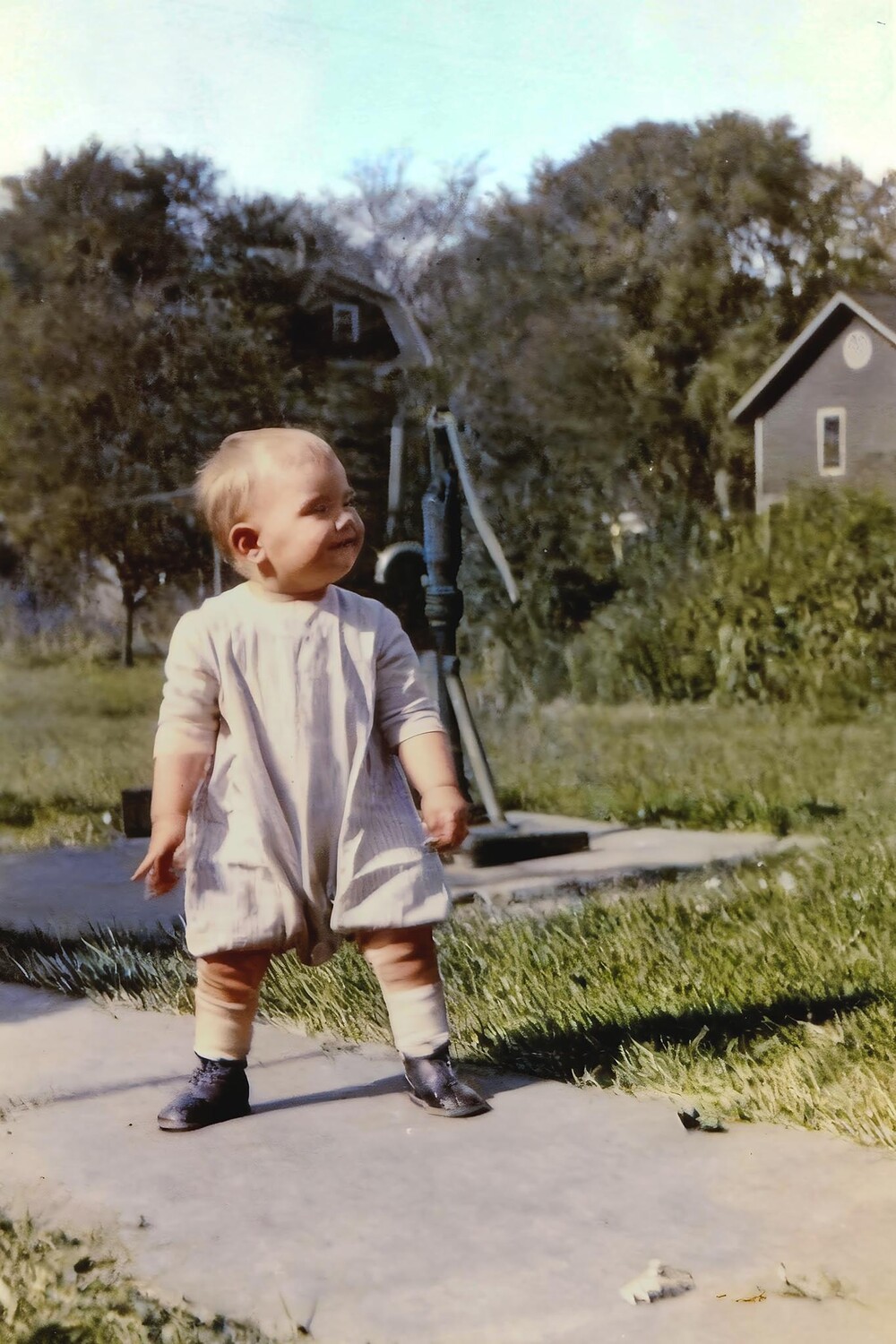
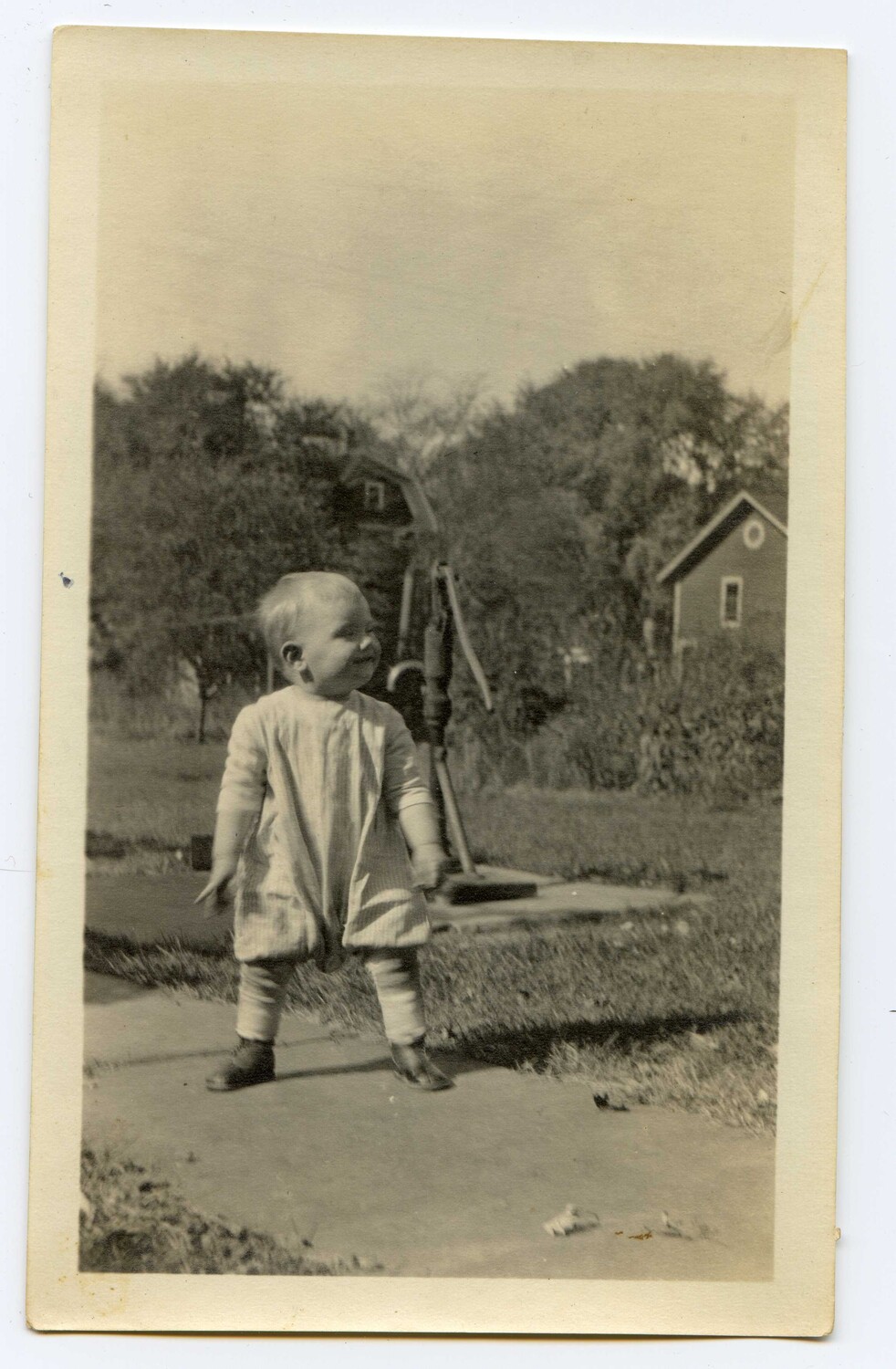
I was experimenting with the newer capabilities of Luminar NEO's "Restoration" function, which repairs dust and scratches and also colorizes (you can choose either or both). This feature is available only when using NEO as a standalone app rather than a Lightroom/Photoshop plug-in.
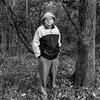
The first picture is of my father, which I scanned some years ago from an original wallet-sized B&W print. Written on the back (my grandmother's handwriting on her photograph?), this was taken in Butler, Pennsylvania on August 26, 1923. I'm pleased with the result, but I suspect Photoshop's colorization would have provided roughly the same result.
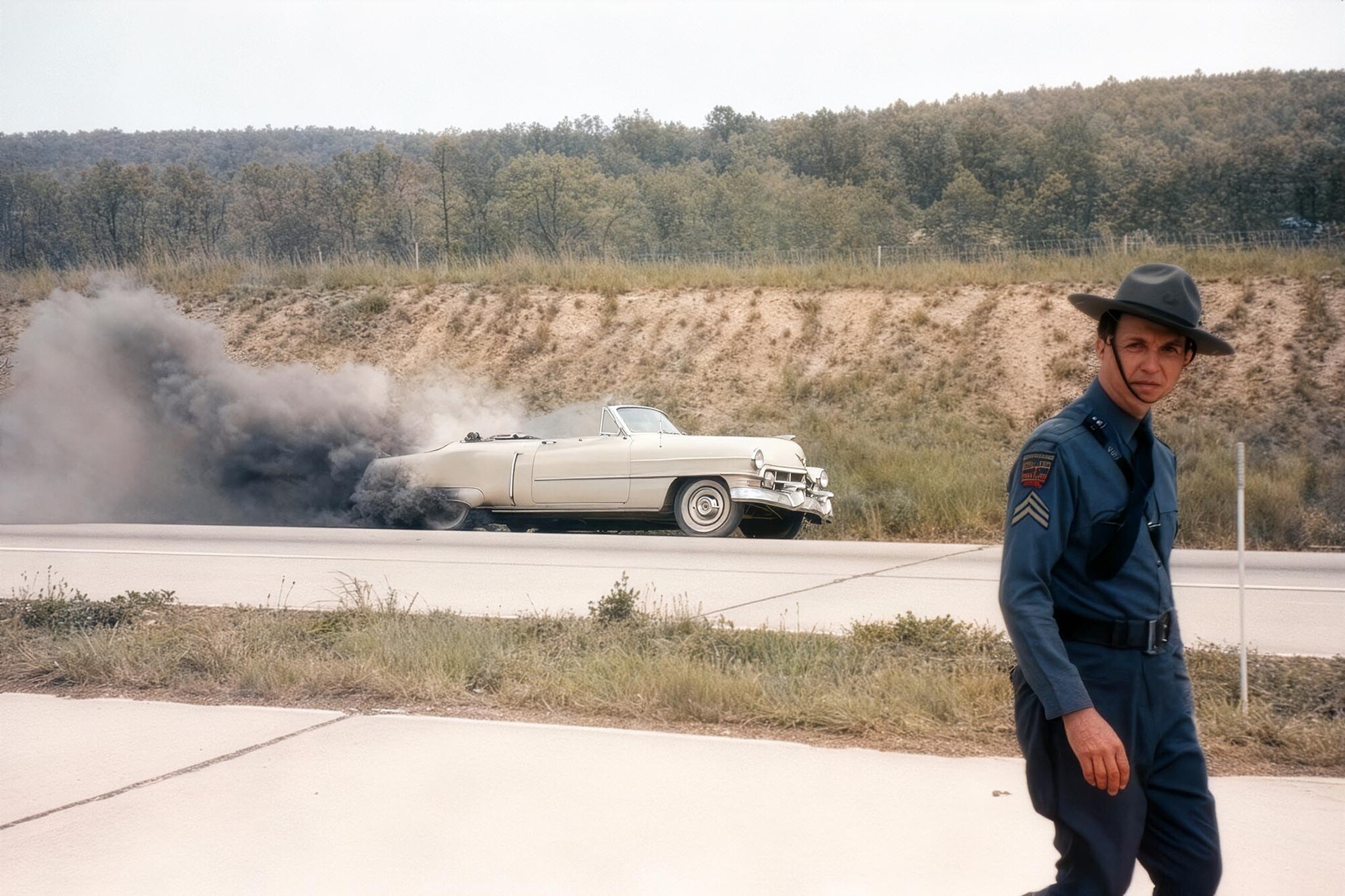
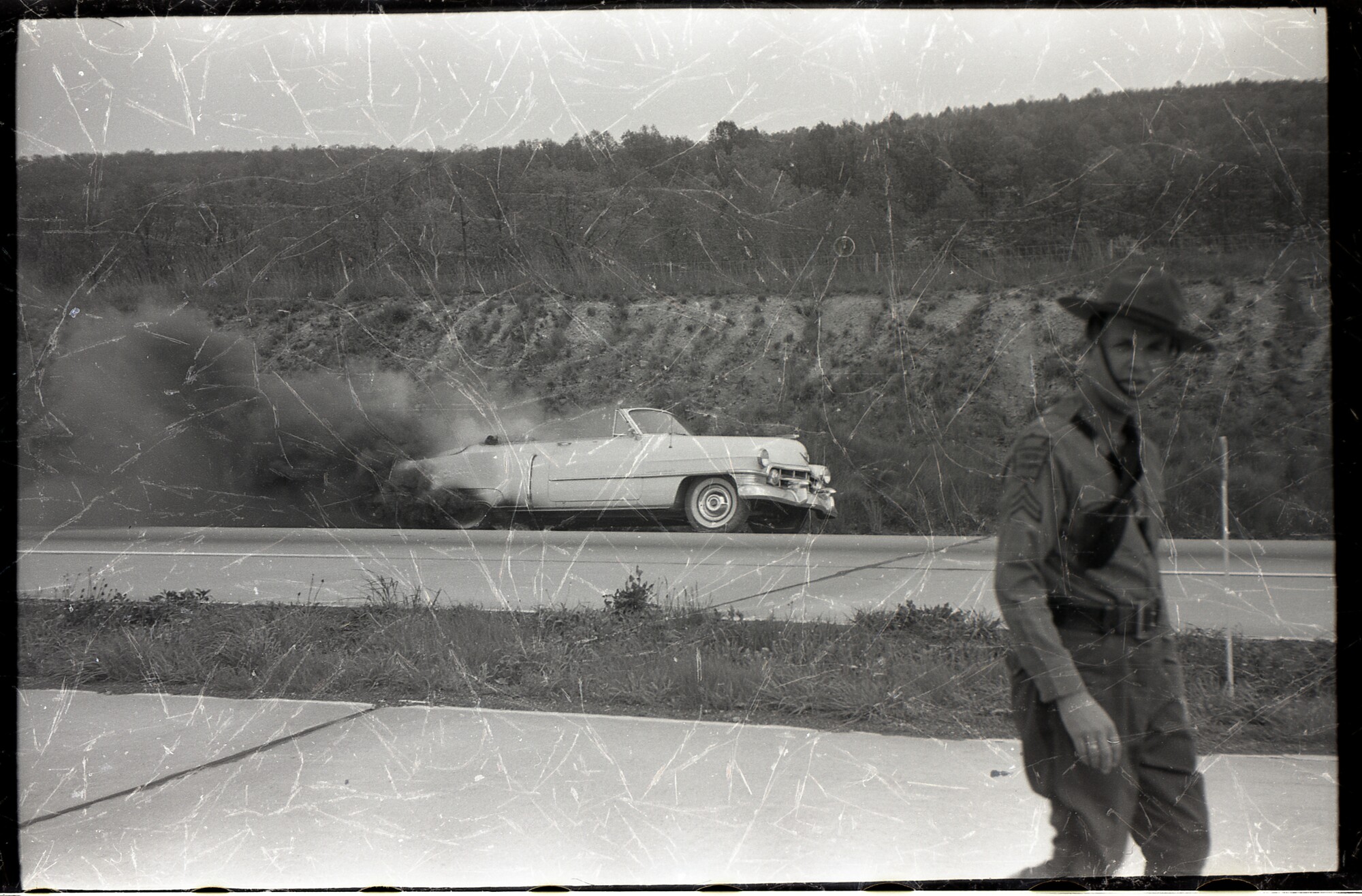
My father shot the second one when his car caught fire on the Pennsylvania Turnpike. I don't know more than that. But that is a 1954 Cadillac, so this would have been taken sometime between very late 1953 (the earliest he could have bought that car) and 1955 (we moved that year, and this happened before that). The scan (yes, I know its backwards) was of the original negative, which had clearly seen better days. I think the final result is shockingly better than any restoration/colorization I've previously attempted.





4 Comments
WOW! Andrew! This is incredible. Nice work. Also thank you for the explanation. This was a great read. I appreciated it!
It makes me wonder how many photos I have that could use that process.
Thank you for experimenting so those of us without NEO don't have to.
Because it isn't an engine fire it really makes you wonder what the ignition source was?
FYI, these are not purely what came out of NEO. I had to make some small adjustments to the color balance and contrast in Photoshop, too, mostly because I already knew the color of concrete and PA state troopers' uniforms. I don't remember the car's color (I would have been four years old at the time), but all his other Cadillacs were white.
Great job on these Andrew, they really turned out special.
I think many will be following your help in bringing some of those special memories back to life.