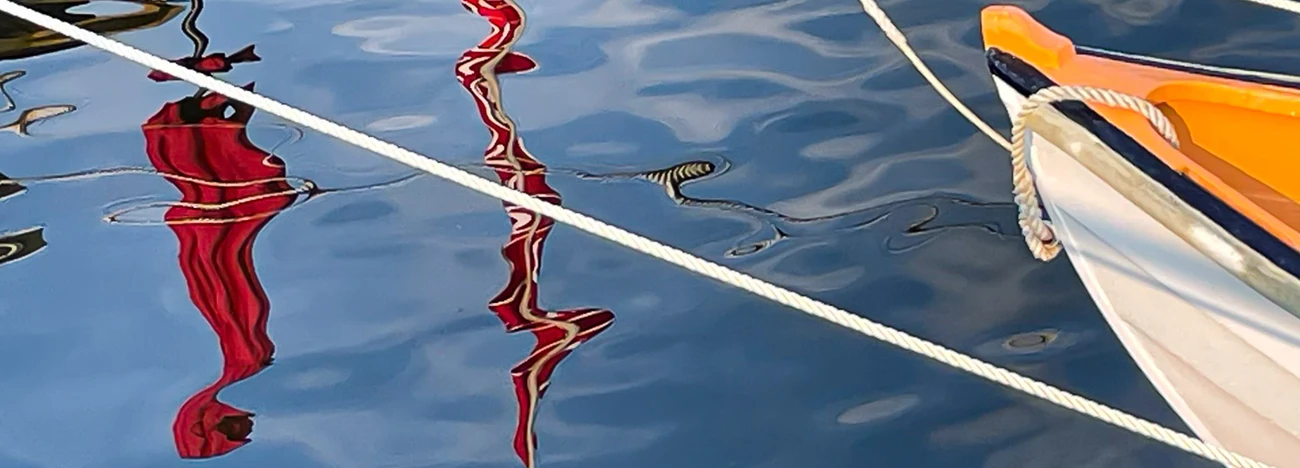

January ~ Something New
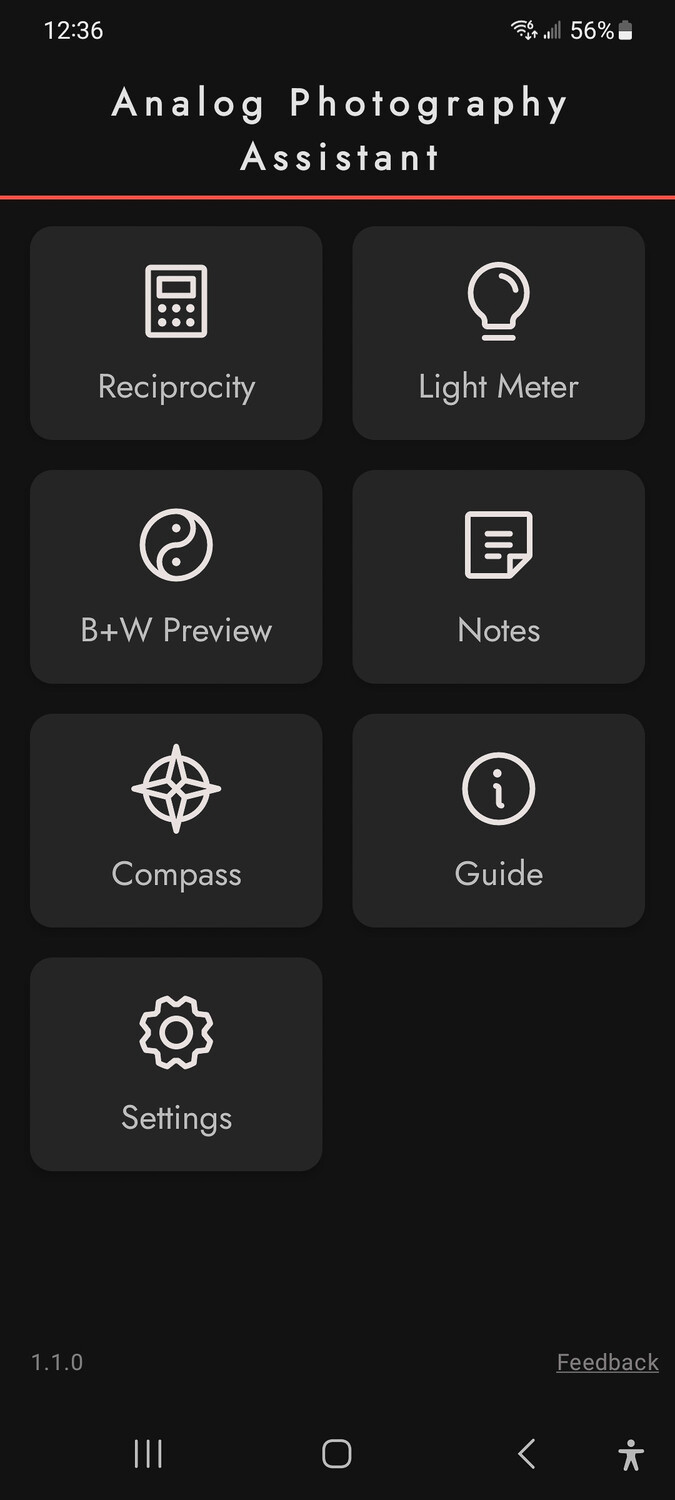
For the past couple months I have been investigating the app "Analog Photography Assistant" with emphasis on Light Meter, Reciprocity and B+W Preview.
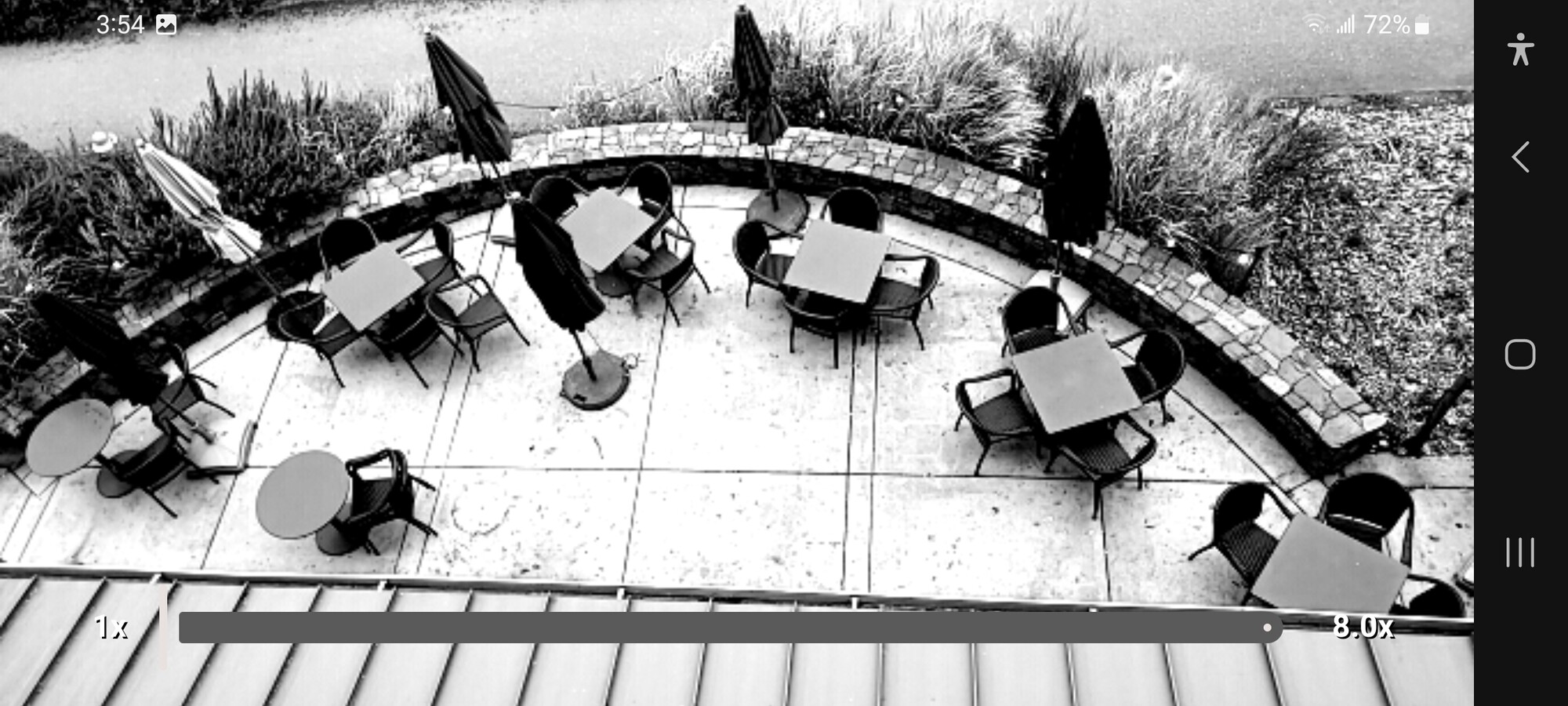
I spent last night out of town and decided to try out B+W Preview and using a screenshot of the Preview which gives extremely low quality Holga- appeal. The size varies from ~250 KB / ~950 KB...much, much smaller file size than choosing to shoot in Black and White.
By default on on Samsung Galaxy S20 to capture a screenshot you need to press the Power and Volume Down at the same time. Problem is both buttons are on the same side of the phone and one on top of the other.
Not the easiest setup to use. So, I downloaded an App "Take screenshot" that gives me the ability to one-touch screen capture. Easy right? No so fast. To use the button you have to drag down the screen to access the button and then, of course, the screen disappears and you cannot see it until after you press the "Take screenshot" button.
One option in B+W is the ability to change the contrast: De-saturated, Low, Medium, and High. The drawback is you cannot change these setting on the fly, you need to open setting each time you want to change the contrast.
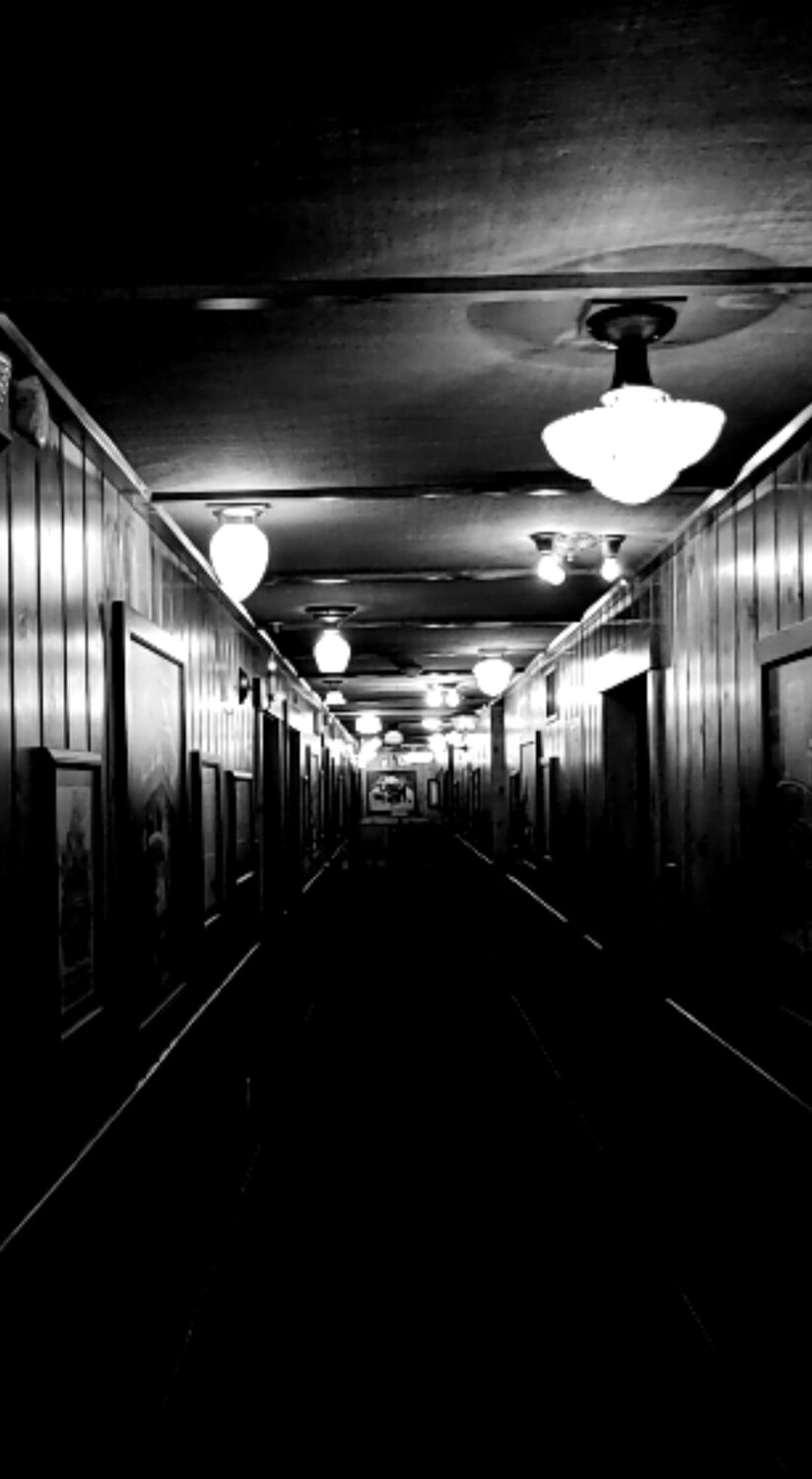
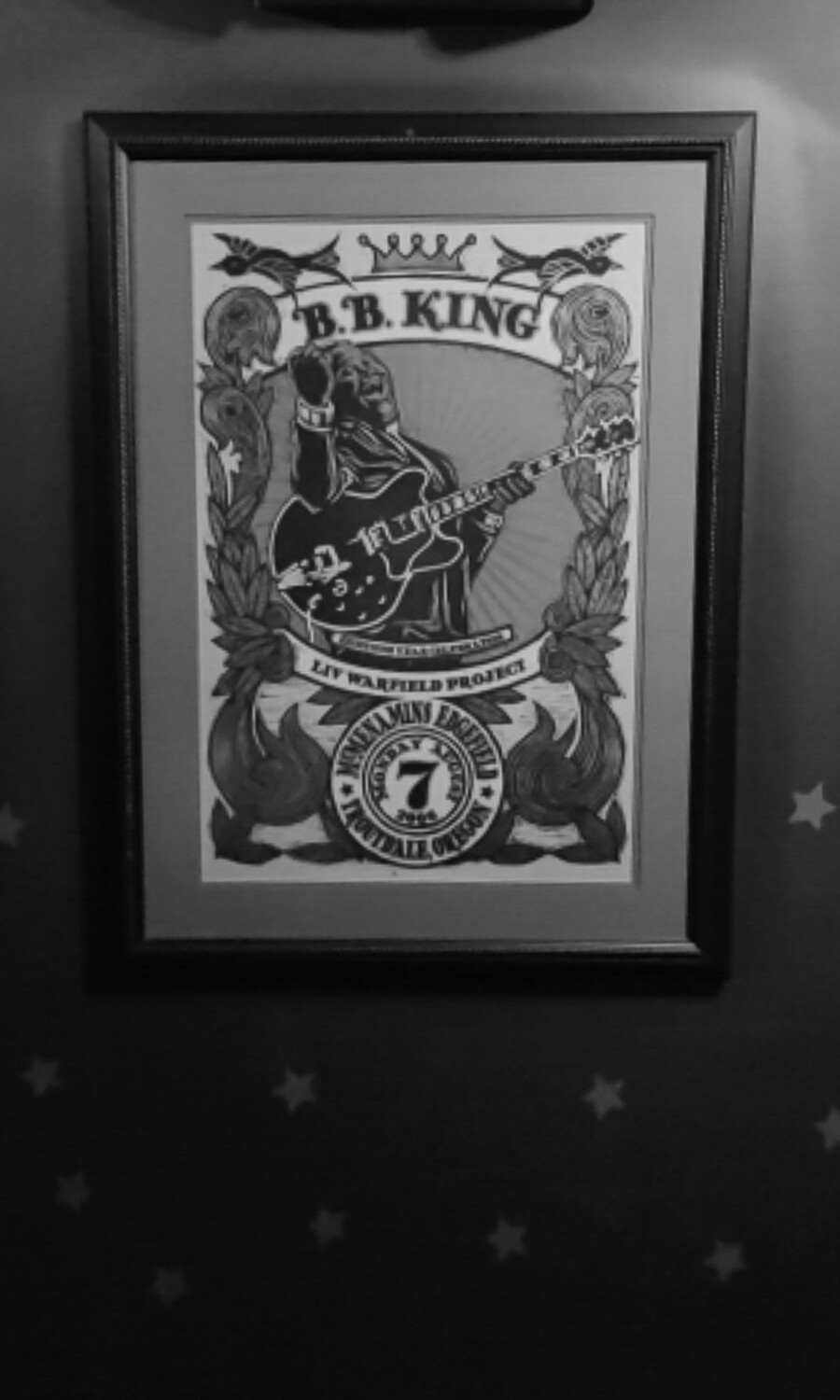
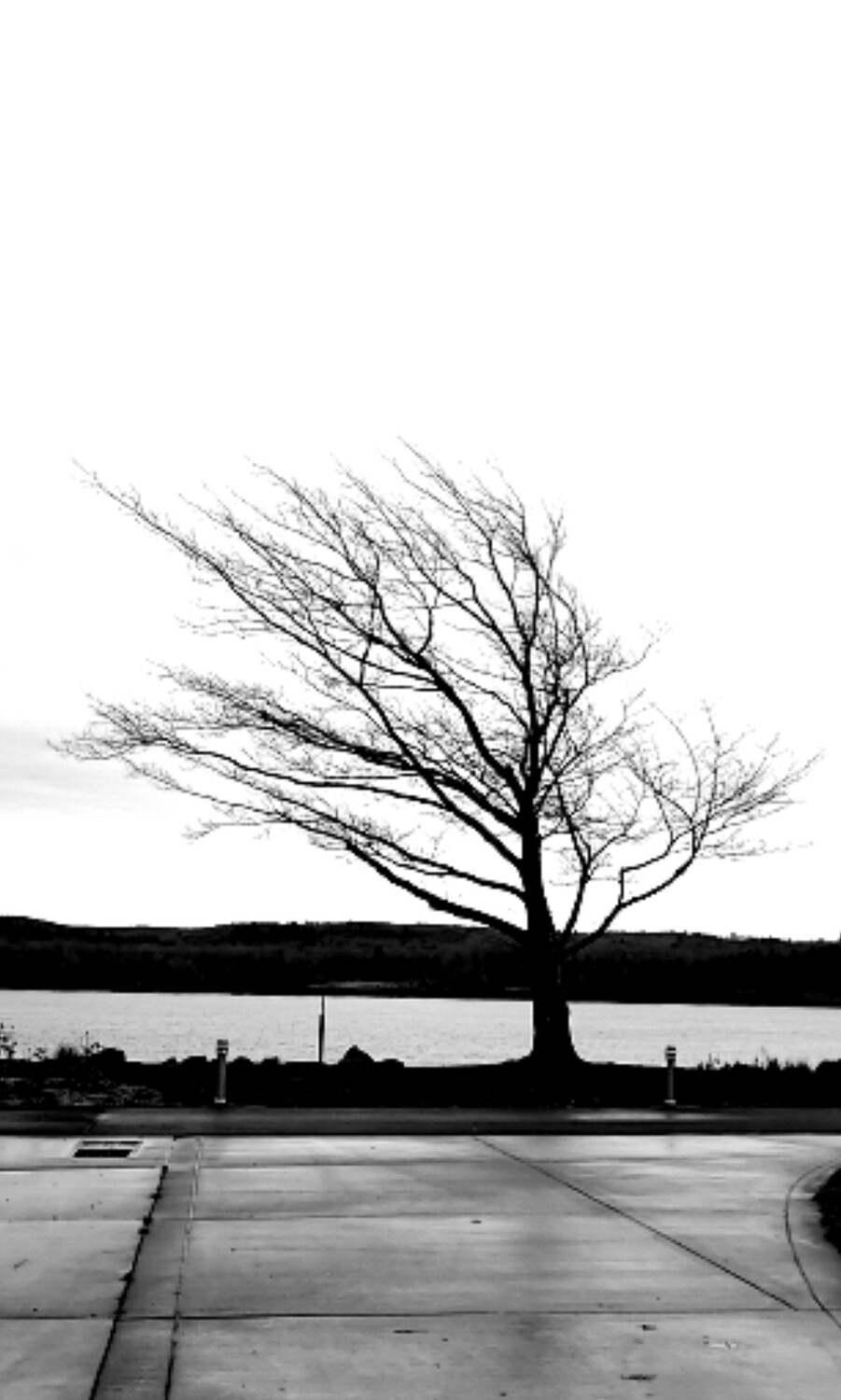
The captures have a film feel to them.
#1 - The App
#2 - What the screenshot actually look like. Editing the superfluous information.
#3 - Hotel Hallway
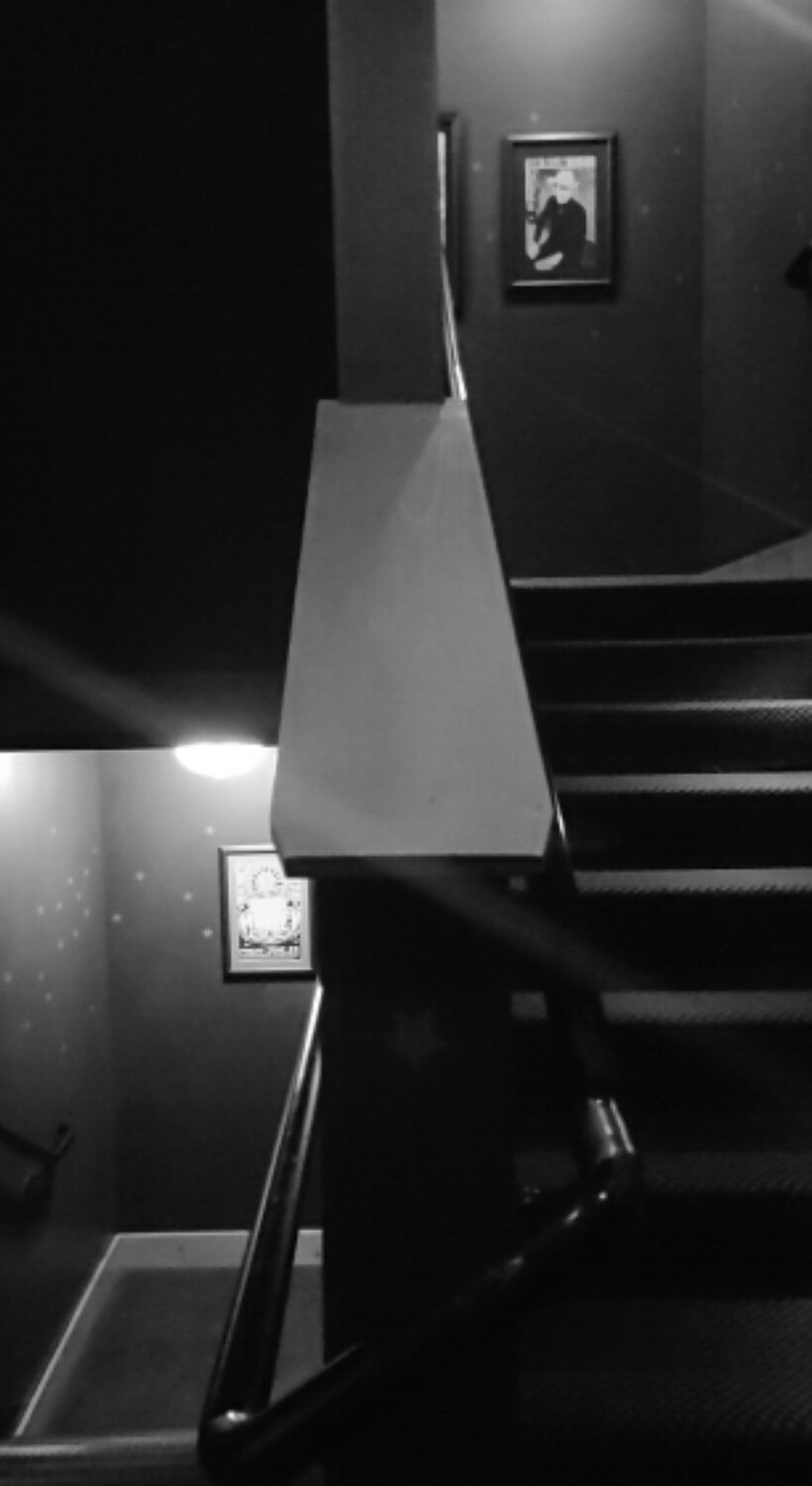
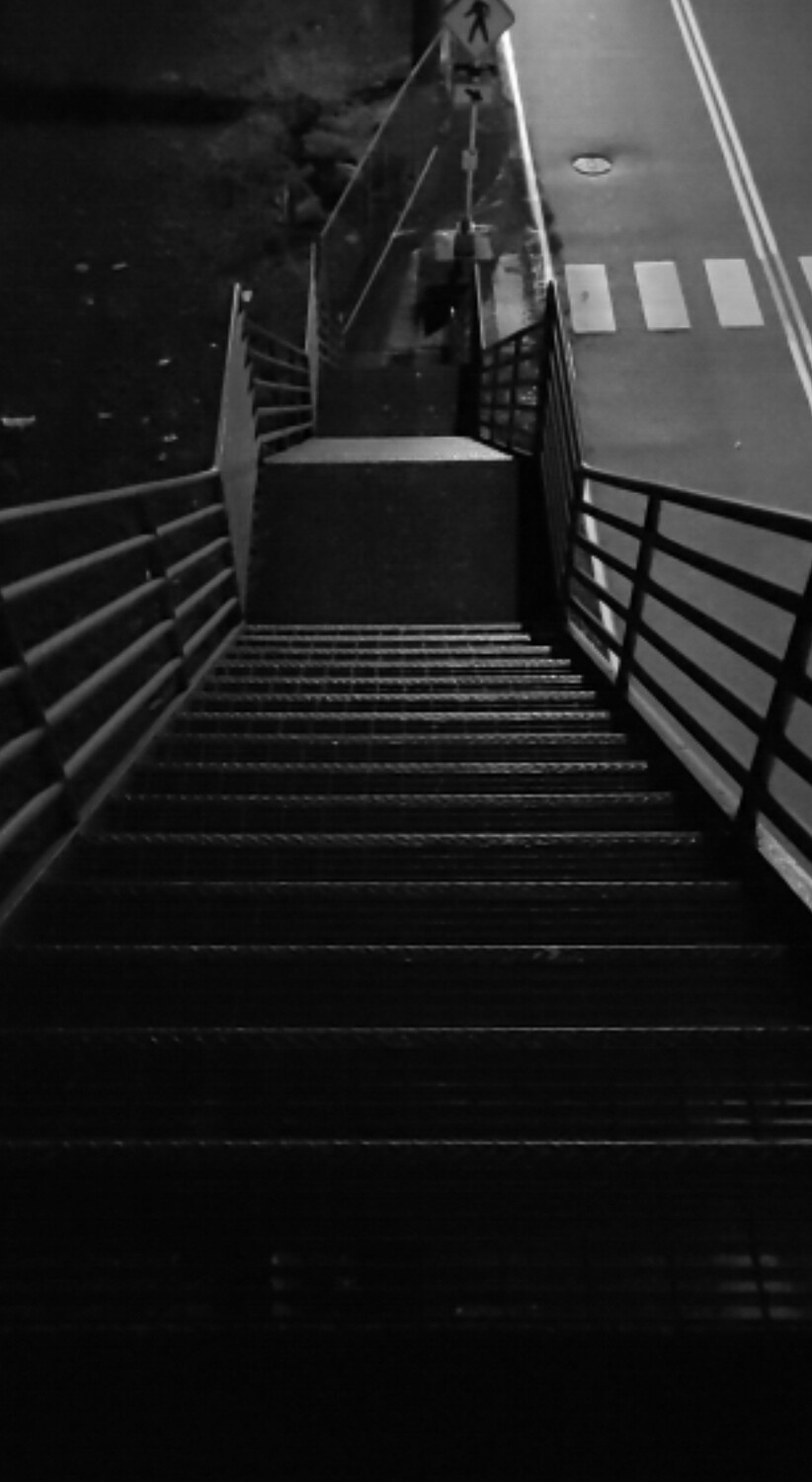
#4 - Stairwell
#5 - American Cruise Lines, Kalama Docking Site
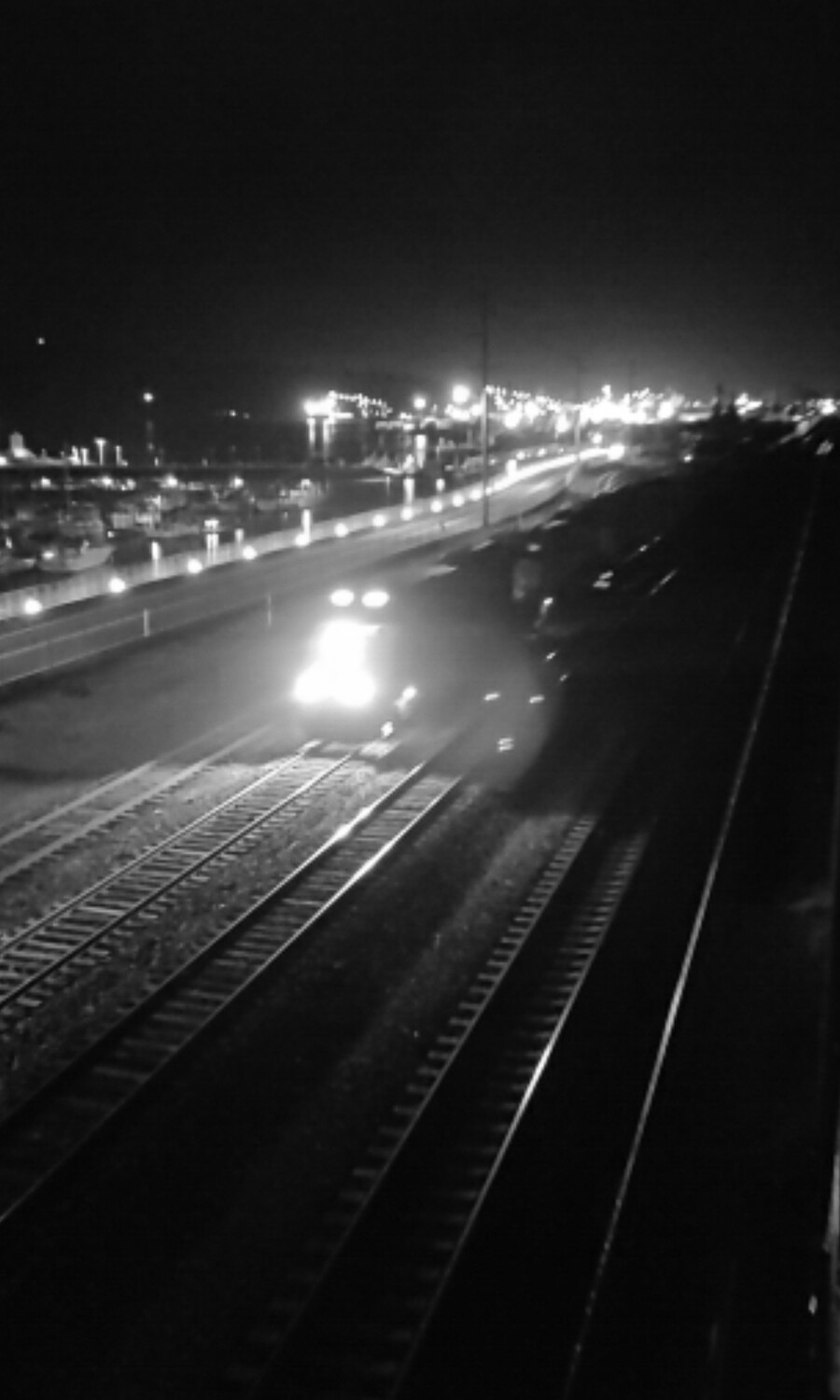
#6 - Train passing thru
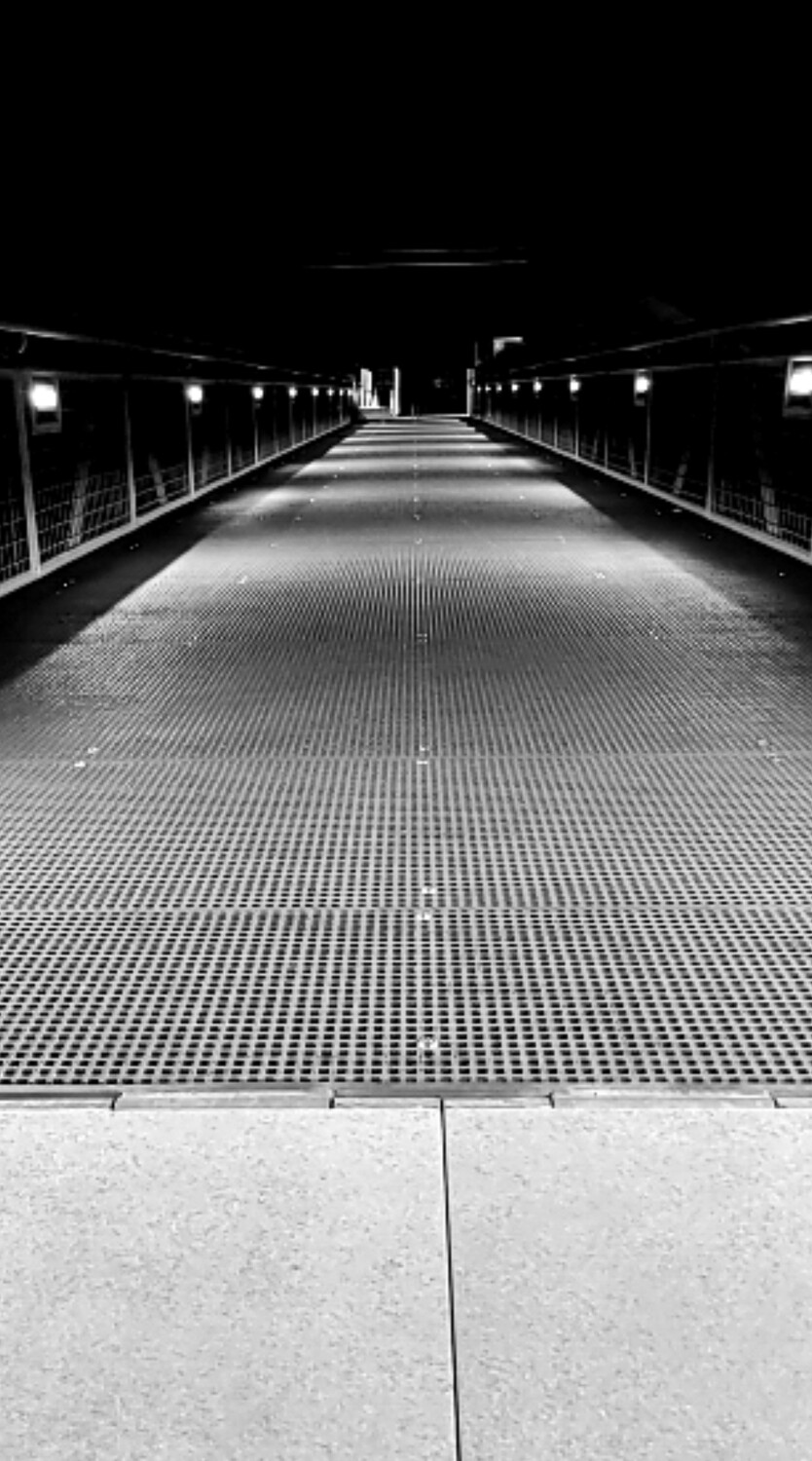
#7 - Pedestrian walkway bridge over railyard.
#8 - Stairwell landing featuring BB King concert poster from his last visit to McMenamin's Edgefield
#9 - Windblown tree on the riverfront





3 Comments
I never heard of the app; so just looked it up. Thank you for posting both it and your experience with it. The images are nice; I like the film feel a lot. Nice job with composition too.
Thanks for sharing Dean. Are you saying that the app does not actually capture images itself? I'm not sure why you'd have to capture & use a screenshot.
It sounds rather cumbersome to me, although I do enjoy your results.
The B+W Preview is only to show what the scene would look like and not meant to capture the scene. That was just a personal choice of mine...Experimental.