
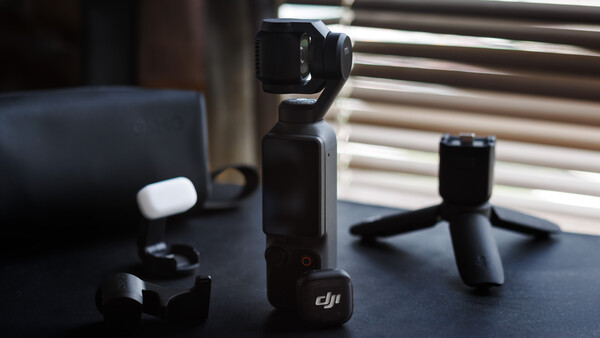
Since the debut of the first Osmo Pocket series, launched seven years ago, it has quickly grown its user base with its one-of-a-kind design, tapping into a niche market segment by offering quality stabilized video at a pocketable size. While it wasn't perfect back then, it offered an innovative solution for the market's pain point, and it's commendable that they took the risk to do things out of the norm. Fast forward to 2026, the DJI Osmo Pocket 4 is currently at its 4th iteration of product development, keeping the same design language. Building on the success of its predecessor, it now offers enhanced imaging capabilities and further refinements to its user experience.
Build Quality
The Osmo Pocket 4 continues to carry forward a compact and cylindrical form factor that is instantly recognizable. And if I have to add, it's genuinely pocketable. This time around, it does come with a bit more weight at 190.5 g, but it's barely noticeable. With dimensions of 144.2 mm × 44.4 mm × 33.5 mm, it still fits comfortably within the palm grip while still taking up far less footprint than most traditional camera setups. If I must add, the height also makes the Pocket 4 a good camera for table setup recording without needing any tripods. Given sufficient clearance, it can also be mounted on top of your camera for simultaneous shooting. Though I would not really recommend it, as the entire setup might get too tall.
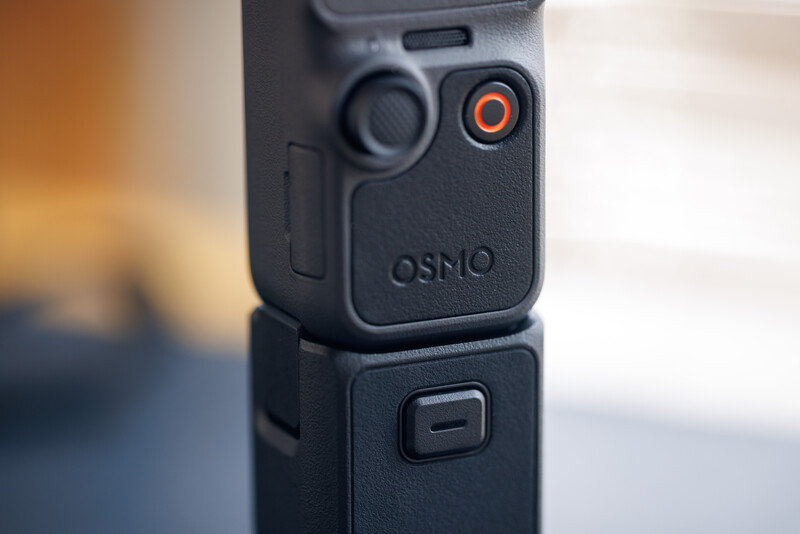
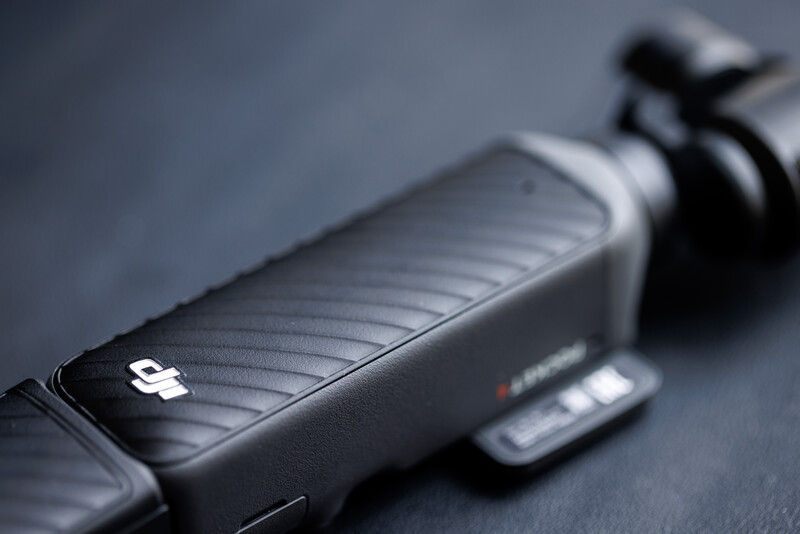
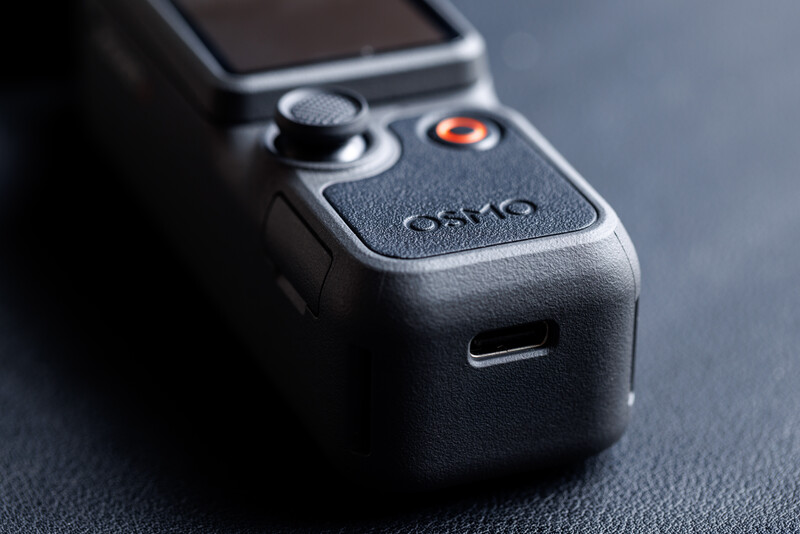
There is also a reassuring heft to its build, possibly contributed by the textured rear surface. You can also find a leather-like rubberized texture at the bottom front of the grip. This texture continues seamlessly when the handle extension is attached. For those with bigger hands, I do highly recommend using the extension, which also comes with a 1/4" thread for mounting. I also like that, with the handle extension on, you can also quickly detach the device away from your mounting point using a single click.
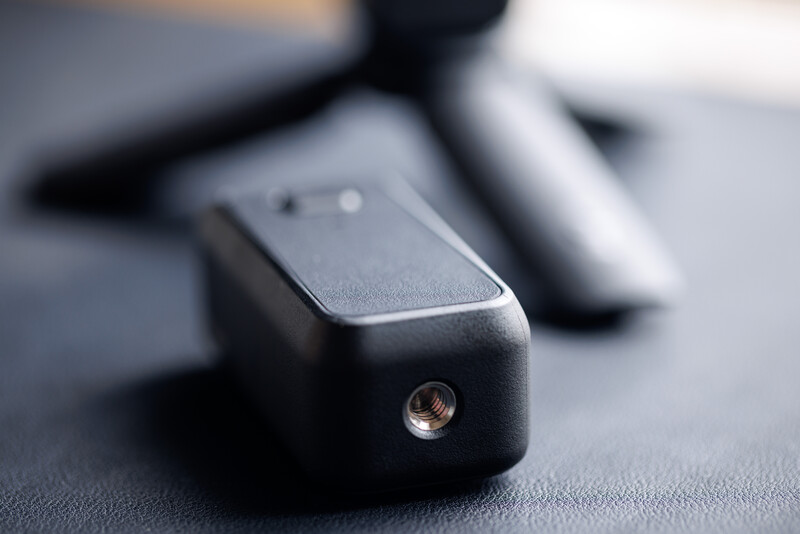
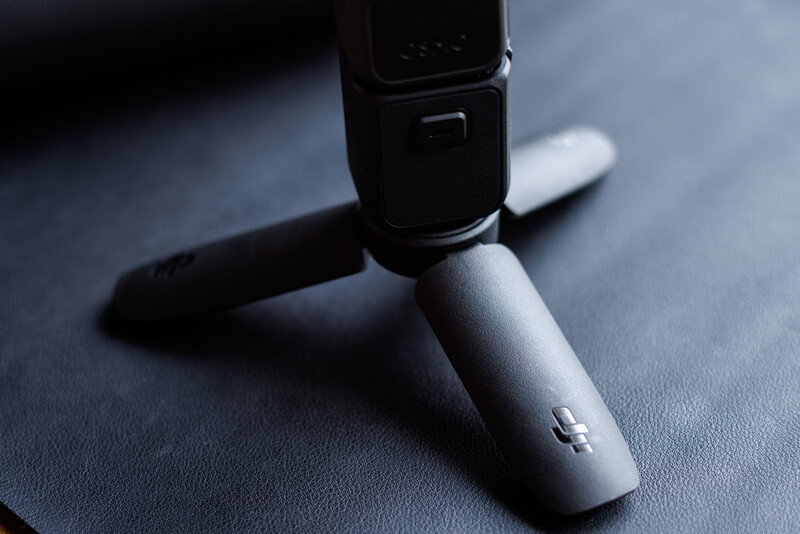
Though it would have been better if the extension itself had an additional built-in battery. To clarify things, DJI did sell the battery handle as a separate accessory, but it is much bulkier at 2x the size, and I thought it would be better to also have it at a smaller size, and to add another layer of functionality. Also, the battery handle itself does not support data transfer.
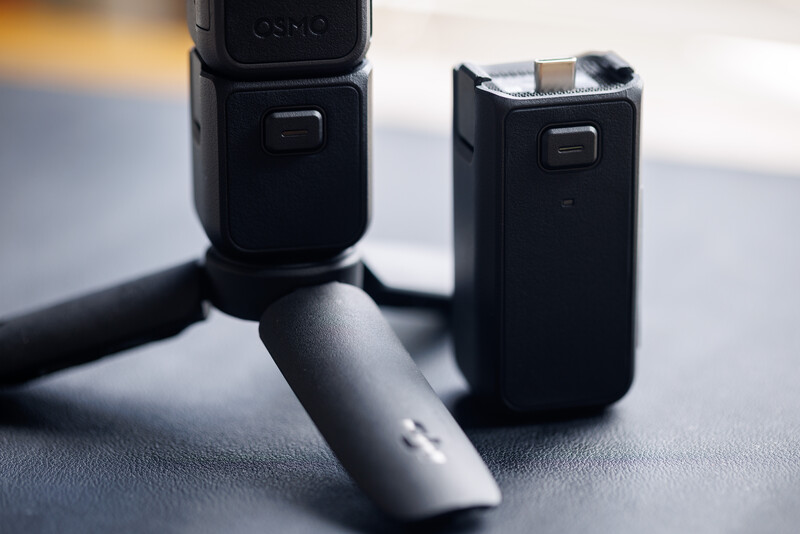
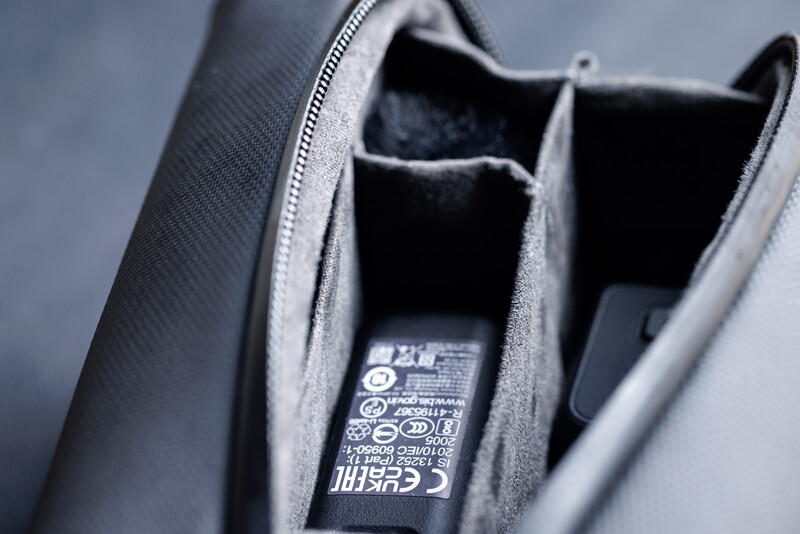
DJI's approach to packaging remains something I appreciate a lot. It is simple, but more importantly, practical. Instead of plastic and cardboard partitions which will end up in landfills, they included well-designed bags that are actually usable instead of being an afterthought. The gimbal clamp for safe transportation has also been renewed. It is now sleeker, much smaller, and snaps on magnetically—though you still need to push it in to properly secure the gimbal. When attached, it also prevents the screen from accidentally rotating, keeping the entire device safe. The only downside is that the lens and filter attachment compartment is no longer there, forcing you to store them separately in the bag.
Mounting the gimbal clamp also requires both the 15mm wide angle lens and fill light to be removed, which can slow down the process of filming. A simple design adjustment, such as repositioning the clamp to the opposite side, could have resolved the need to remove the fill light attachment. As for the wide angle lens itself, there is not much that can be done unless the gimbal is redesigned with more clearance. A better wide angle lens and filter attachment design implementation like what we have with the DJI Mini 5 Pro drone will also be appreciated. Especially when the current iteration, which relies heavily on magnets, feels like something that could be easily misplaced.
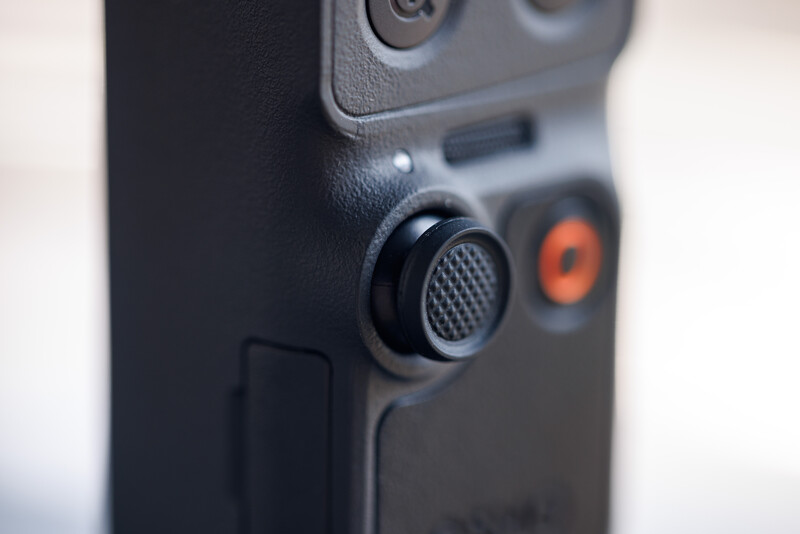
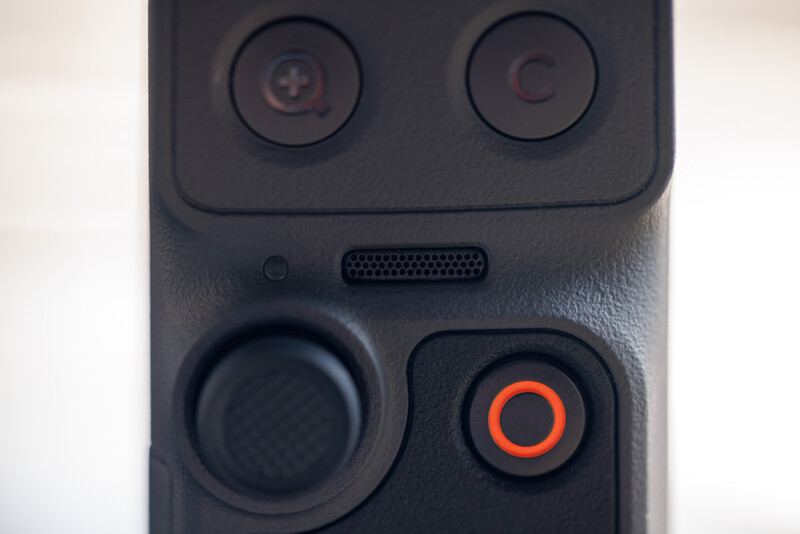
The new 5D joystick is one of the nicest to use. It feels sturdy, predictable, and responsive, making precise adjustments easier than ever. Paired with the 2 new under-screen buttons, the overall physical control becomes much more fluid. The button on the left acts as the zoom toggle, allowing quick switching between focal lengths with simple taps, while the right custom button supports single, double, and triple tap functions for switching modes, adjusting gimbal behavior, or locking it entirely. Being able to press and hold to access a customizable function menu further enhances usability, especially for quick shooting scenarios.
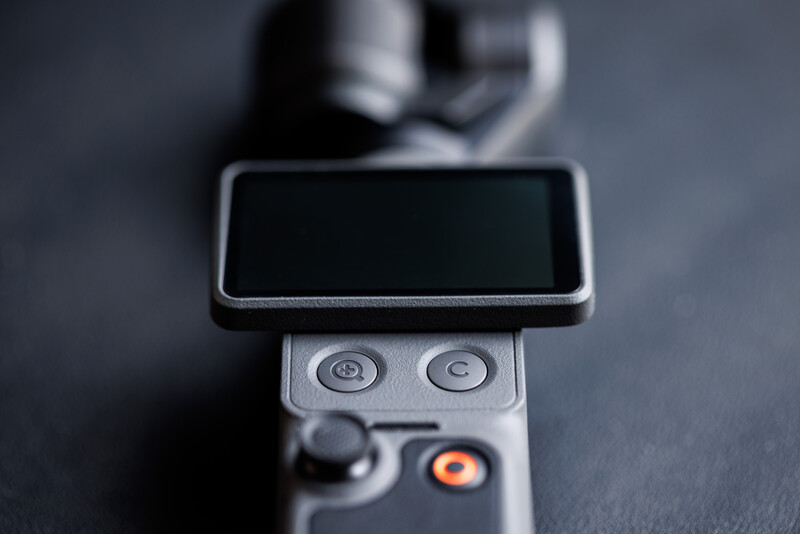
In the middle of the Pocket 4 body is where you find a rotatable 2.0-inch, 556×314 resolution touchscreen. The screen seems to be spring-loaded, and the rotation mechanism feels rather solid with no funny wobbles. The screen itself is sufficiently bright at 1,000 nits and remains usable outdoors, though under harsh sunlight, visibility is still limited. More importantly, the screen rotation also serves multiple functions: switching video orientation and also switching the device on and off. There are a total of 3 mics built onto the body itself, and right under the screen is where you can find the main mic, presumably to receive audio from the vlogger himself.
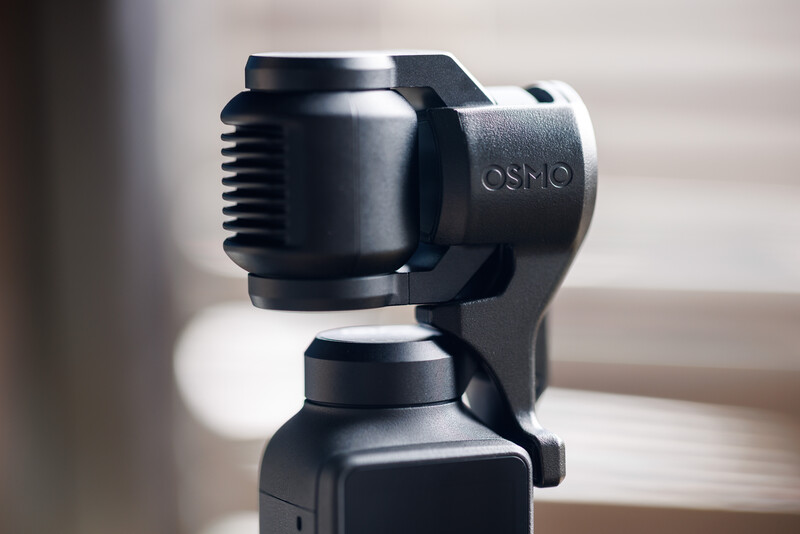
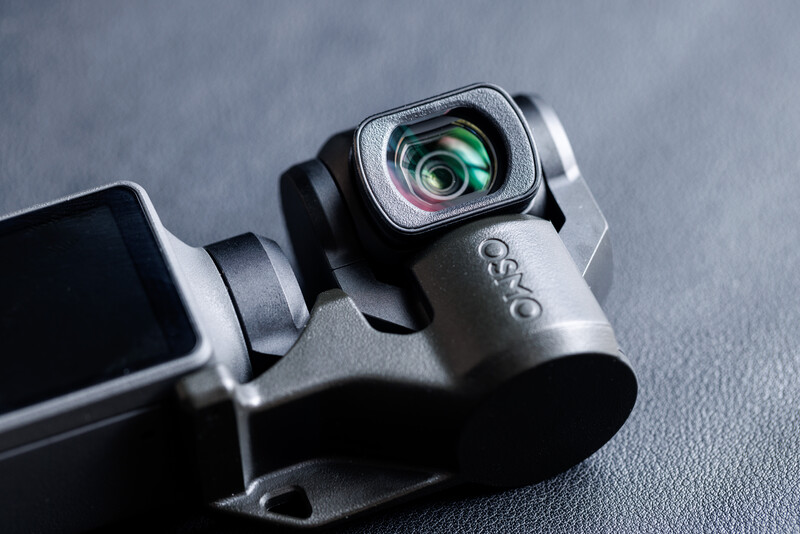
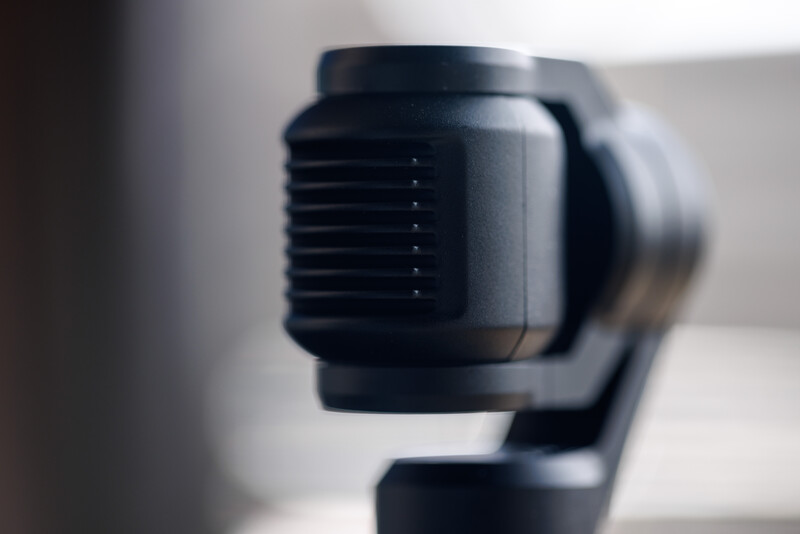
Now onto the gimbal. Despite its size, the gimbal system remains highly capable with a maximum controllable speed of 180° per second and an angular vibration range of ±0.005°. On top of that, the gimbal itself also offers a wide controllable range: -235° to 58° of pan, -120° to 70° of tilt, and -45° to 45° of roll. Sitting on top of the gimbal is the camera unit itself, which features comb-like structures at the back, possibly for better heat dissipation.
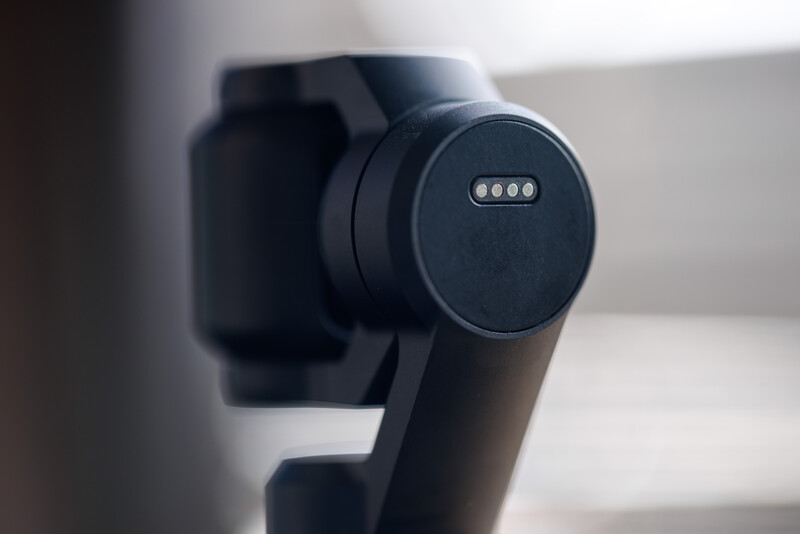
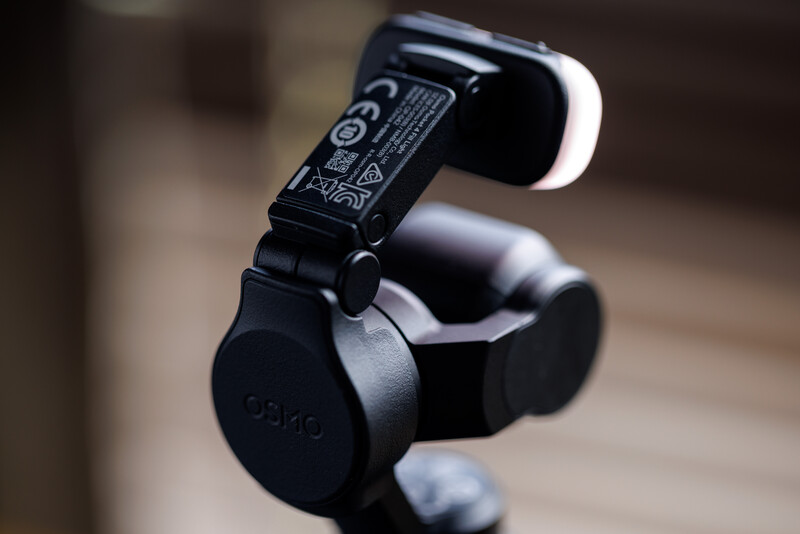
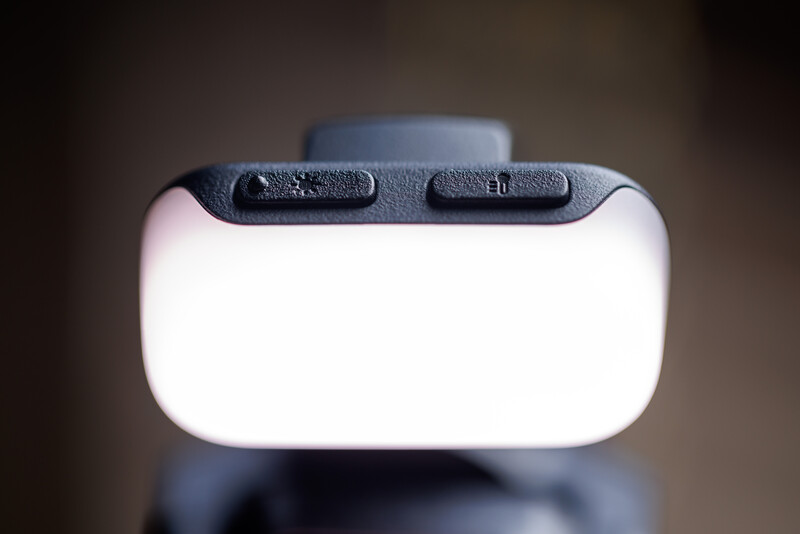
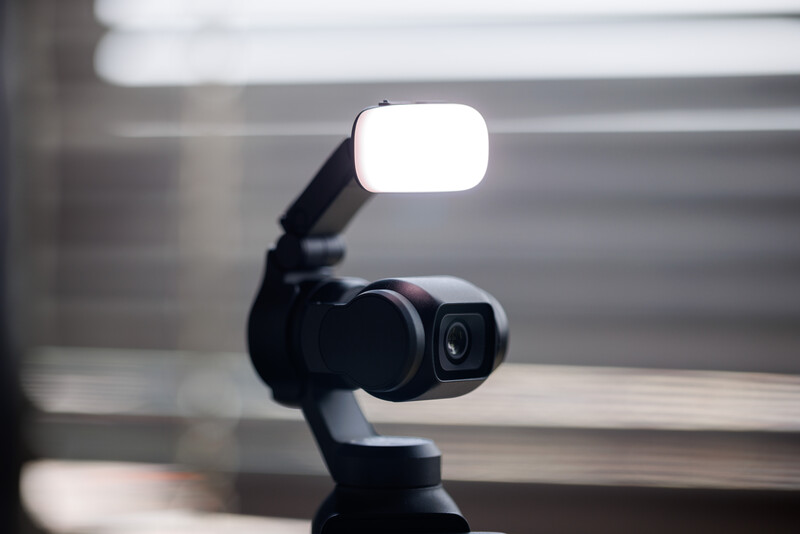
At the back of the gimbal is where you can find connection points that supply power to the fill light attachment. The included fill light latches onto the gimbal magnetically, and its angle is adjustable. On top of the light is also where you can find 2 buttons controlling color temperature and brightness in 3 steps separately. Brightness level when measured at 0.6 m goes from 12 lux to 25 lux and 40 lux, while the color temperature goes from 2800K to 4000K and 5500K. While the fill light attachment can be quite useful to add a little bit of fill when you need it, it can also be a little too harsh due to its size.
Features
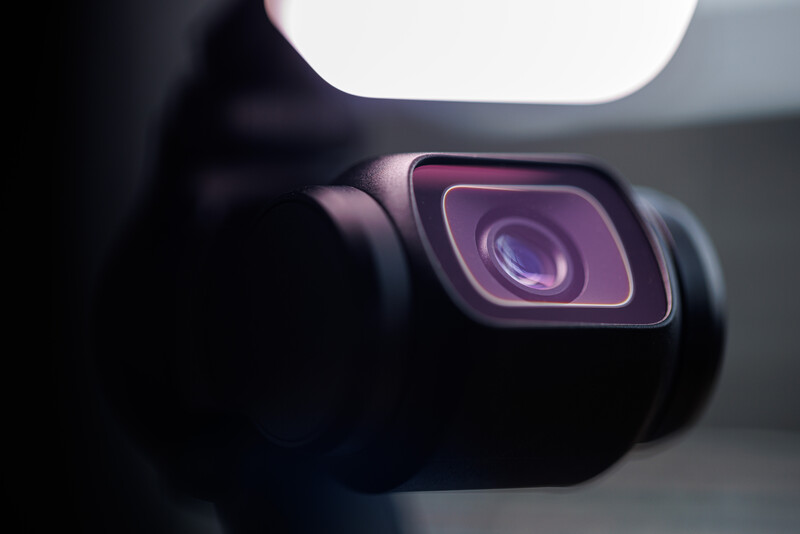
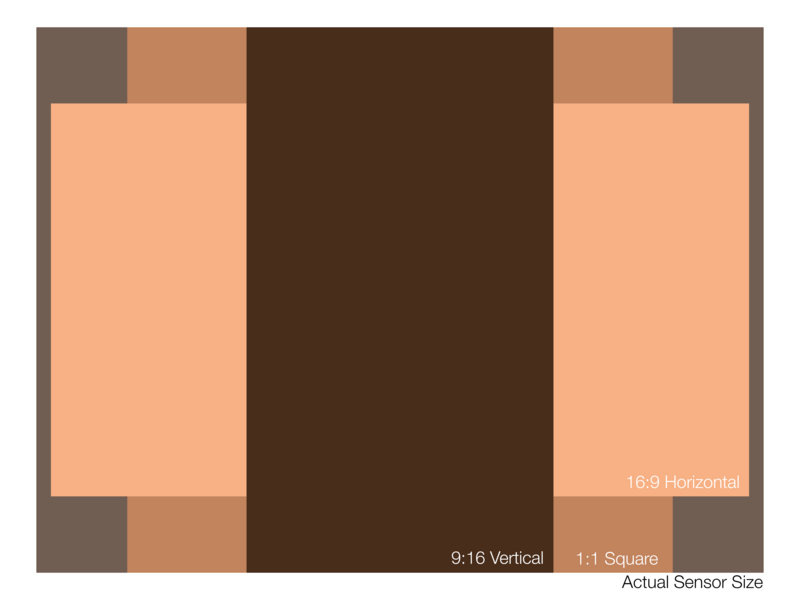
Moving into features is where most of the Osmo Pocket 4's improvement is. On the surface, it is still bearing the excellent 1-inch CMOS sensor paired with an f/2.0 aperture, capable of producing footage with up to 14 stops of dynamic range. While there is no official confirmation on the sensor's resolution, based on my calculation, the sensor should be a 12 MP 1-inch sensor. Based on the native photo resolution, the 16:9 image will give you 3840×2160 pixels, and the square image will give you 3072×3072 pixels. Putting both the long edges together will result in 3840×3072 pixels: a 5:4 aspect ratio. Given the fact that most one inch sensors out there are 4:3 ratio, giving us a native resolution of 4000×3000 pixels, I have a reason to believe DJI is not using the entire sensor. Here, I thought a square sensor might be a better implementation, because then we would be able to maintain the resolution for vertical video and photo.
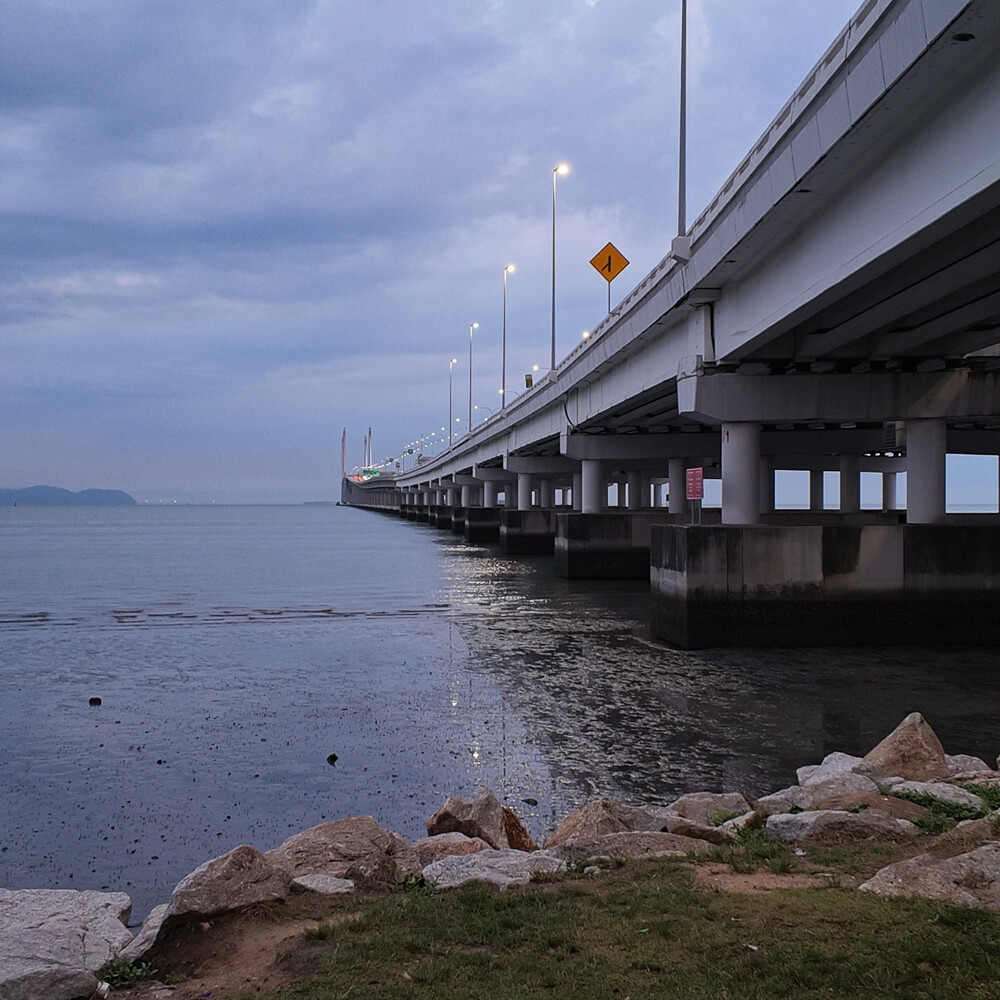
Interestingly, it now supports a 10-bit D-Log profile, an even flatter profile compared to the usual D-Log M profile you find in most DJI consumer devices. This allows more flexibility to push colors and highlight recovery in post, matching the industry standard workflow. Though you should know that the minimum ISO for D-Log will be ISO 400, so an ND filter is a must if you are recording on a sunny day. On the photography side, DJI also gave the Pocket 4 a resolution boost from 9.4 MP to 37 MP using an optimized algorithm interpolation, delivering richer detail and texture in images. Video capabilities have also been pushed further, with 4K slow motion going all the way up to 240 fps, though only in normal color mode, no D-Log. You can now also zoom all the way to 4x when recording 4K video, but I would only recommend using it sparingly as there is a noticeable quality drop. Meanwhile, the 2x zoom is much more usable as it is using the full quad Bayer pixel readout to sample 1:1. Image quality on the 2x does not suffer as much, but you are still going to need good light; after all, it is a digital crop.

The Osmo Pocket 4 now has 107 GB onboard memory with transfer speeds reaching up to 800 MB/s, which removes the dependency on memory cards entirely for most use cases. With all the ongoing memory crisis, it's good to have a device with built in memory. That said, based on my testing, I was able to transfer almost 10 GB of initial test footage to my computer in under 15 seconds—very impressive! The only caveat is that you have to switch on the device to initiate the connection for transfer. Transferring from the memory card will limit the transfer speed to whatever speed your card supports.
Autofocus and subject tracking claim to have improved too. Intelligent AutoFocus does a good job of keeping subjects sharp, but the real highlight is how seamless subject tracking has become. With Subject Lock Tracking enabled by double-tapping the subject, locking onto a subject feels immediate. The addition of Registered Subject Priority is also useful, especially when you want the camera to consistently favor a specific subject in a busy outdoor scene.
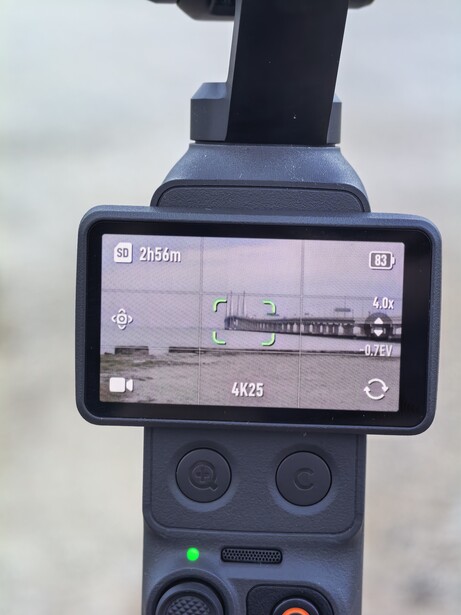
For distanced control when you are shooting alone, there is also support for gesture control. A simple palm gesture can trigger ActiveTrack, while a peace sign can start or stop recording. The Osmo Pocket 4 now also features the latest generation tracking algorithm, ActiveTrack 7.0, which supports tracking for people, vehicles (cars/motorcycles), pets (cats/dogs), and virtually any object, and has the ability to maintain tracking even at 4x zoom as well. The Film Tone presets are also a nice add-on feature, allowing you to turn over footage quickly without the need for post-processing. You can find anything from Fuji-inspired cooler tones to more cinematic or retro looks; they are all very usable straight out of the camera, especially with the density tweaked down slightly for quick content creation. The Pocket 4 also supports fast charging, from 0 to 80% in just 18 minutes. When fully charged, it delivers an overall runtime of up to 240 minutes at 1080p/24 fps.
To wrap up, here are the core camera specifications:
- Lens: 20mm equivalent, f/2.0, focus range 0.2 m to ∞
- ISO Range: Photo 50–12800 | Video 50–12800 | Low-Light Video 50–25600
- Shutter Speed: Photo 1/8000–4 s | Video (Manual) 1/8000–1/4 s
- Max Image Size: 16:9 (7680 × 4320) | 1:1 (6144 × 6144)
- Zoom: Photo up to 2x | Video up to 4x (mode dependent)
- Photo Modes: ~37 MP single shot | Panorama (180°, 3×3)
- Video: 4K up to 60 fps | 3K vertical | 1080p up to 60 fps
- Slow Motion: 4K up to 240 fps | 1080p up to 240 fps
- Time-Lapse / Hyper-Lapse / Motion-Lapse: Up to 4K with adjustable intervals and durations
- Low-Light Video: 4K up to 30 fps
Real-World User Experience
Moving into user experience, the Osmo Pocket 4 feels like a product that has reached a certain level of maturity. Being a fourth iteration, most of the fundamentals are well refined, and it shows almost immediately in use. Personally, it is still the most comfortable device that can be used single-handedly. Operation is comfortable and natural, with everything within your thumb's reach, making it easy to pick up and start shooting without overthinking the process. If anything, it's the other way round—oversimplified. Startup time is also impressively quick—almost instantaneous. When combined with the system responsiveness, it allows recording reactional scenes more easily.
The focusing speed is also great, but it is linked between photo and video. For example, switching one to single autofocus automatically affects the other, which can be slightly inconvenient if you prefer different behaviors for each mode. There is also no manual focus mode, probably because there is no way of making sure things are in focus using the 2" screen. But I would still appreciate it if there was, and would choose to use it over the focus lock function when filming a static video. Also in the photo mode, it would be better if the focusing were able to be mapped onto the shutter button; that way, we can perform focus and shoot the photo with the same button rather than tap to focus then capture the image. On the bright side, the camera does have some impressive close focusing capability for detail shots.
Personally, I do like that the D-Log profile works throughout the zoom range, but the implementation of lossless digital zoom does come with its own set of limitations. For one, it is still best to stick to the native 1x and 2x steps, as anything above 2x, like 2.1x or even the 4x, will introduce a visible drop in the picture quality. The transition itself is noticeable when zooming in and out during recording.
Though I have to say the new button layout does help a lot in streamlining the overall operation, as you are now able to trigger a 2x or even 4x zoom instantly, even while recording. However, when shooting with the screen in portrait orientation, the buttons are fully blocked, affecting usability. If you find yourself using the zoom and custom button a lot, I do suggest shooting vertical video while keeping the screen in landscape by activating portrait recording in the swipe down menu. Though, as a trade-off, you may find the preview becomes way too small.
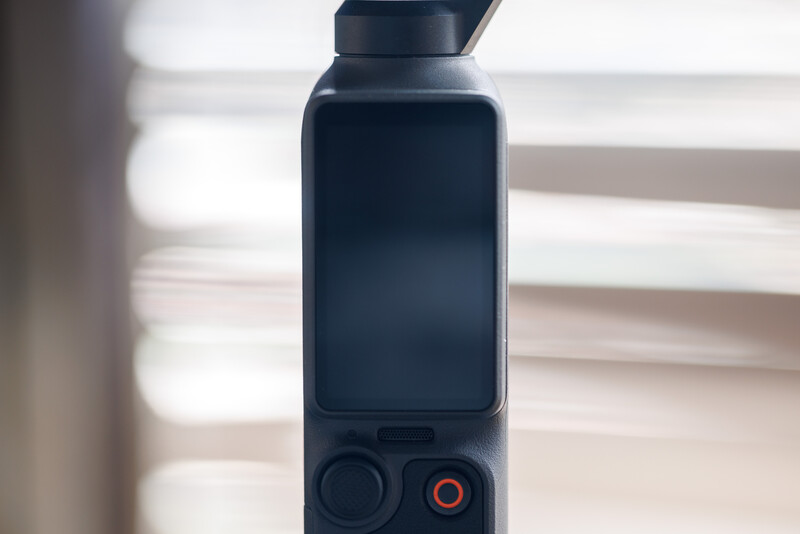
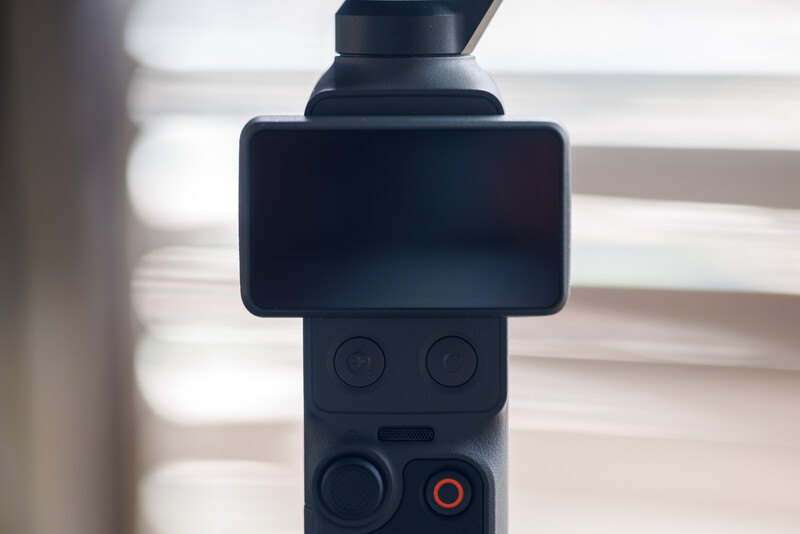
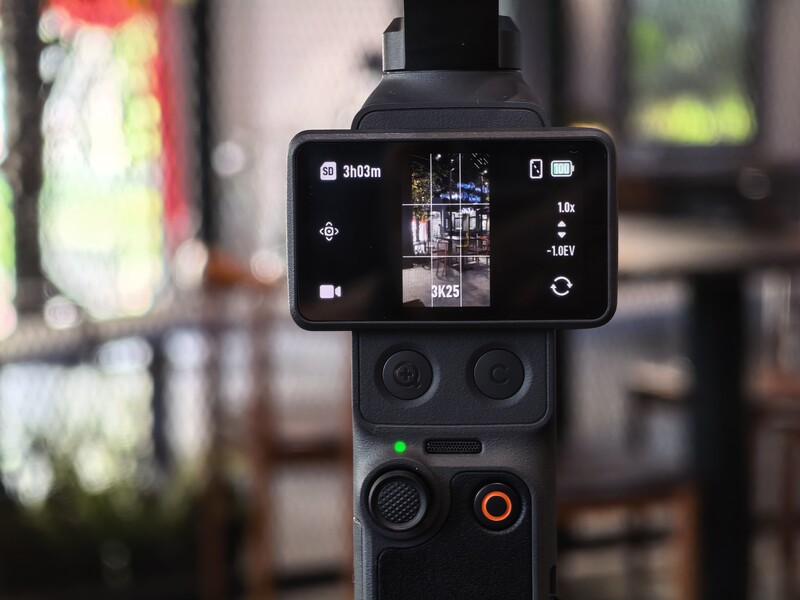
Speaking about portrait video, I do like how DJI implements the vertical shooting by cropping instead of physically rotating the gimbal. This allows the Pocket 4 to retain full 3-axis stabilization rather than losing the tilt-axis, though the downside is that you end up losing some resolution. This highlights the benefits of a square sensor, which would have been able to maintain resolution across orientations. It is also worth noting that vertical video is not available in low-light or slow-motion modes.
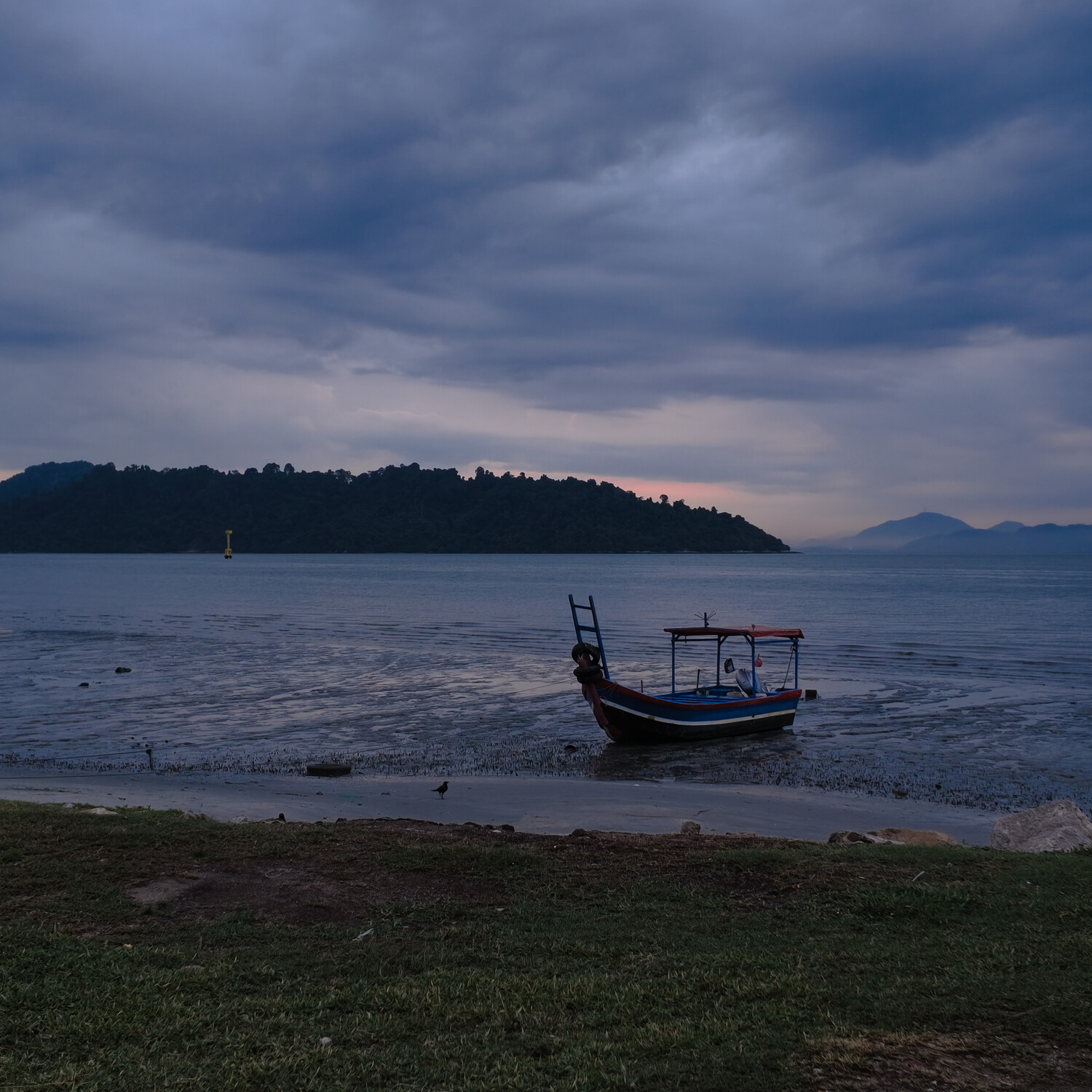
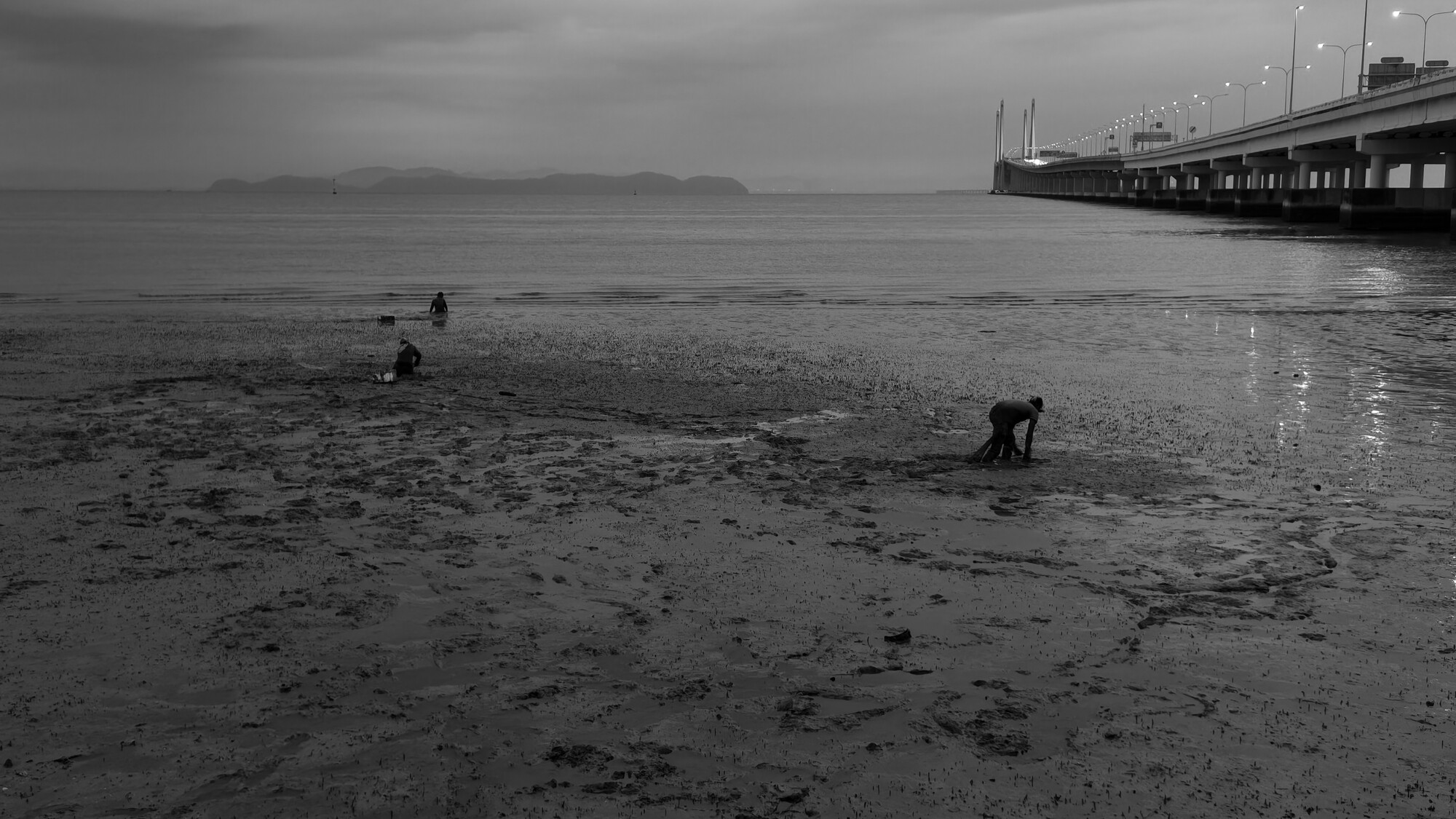
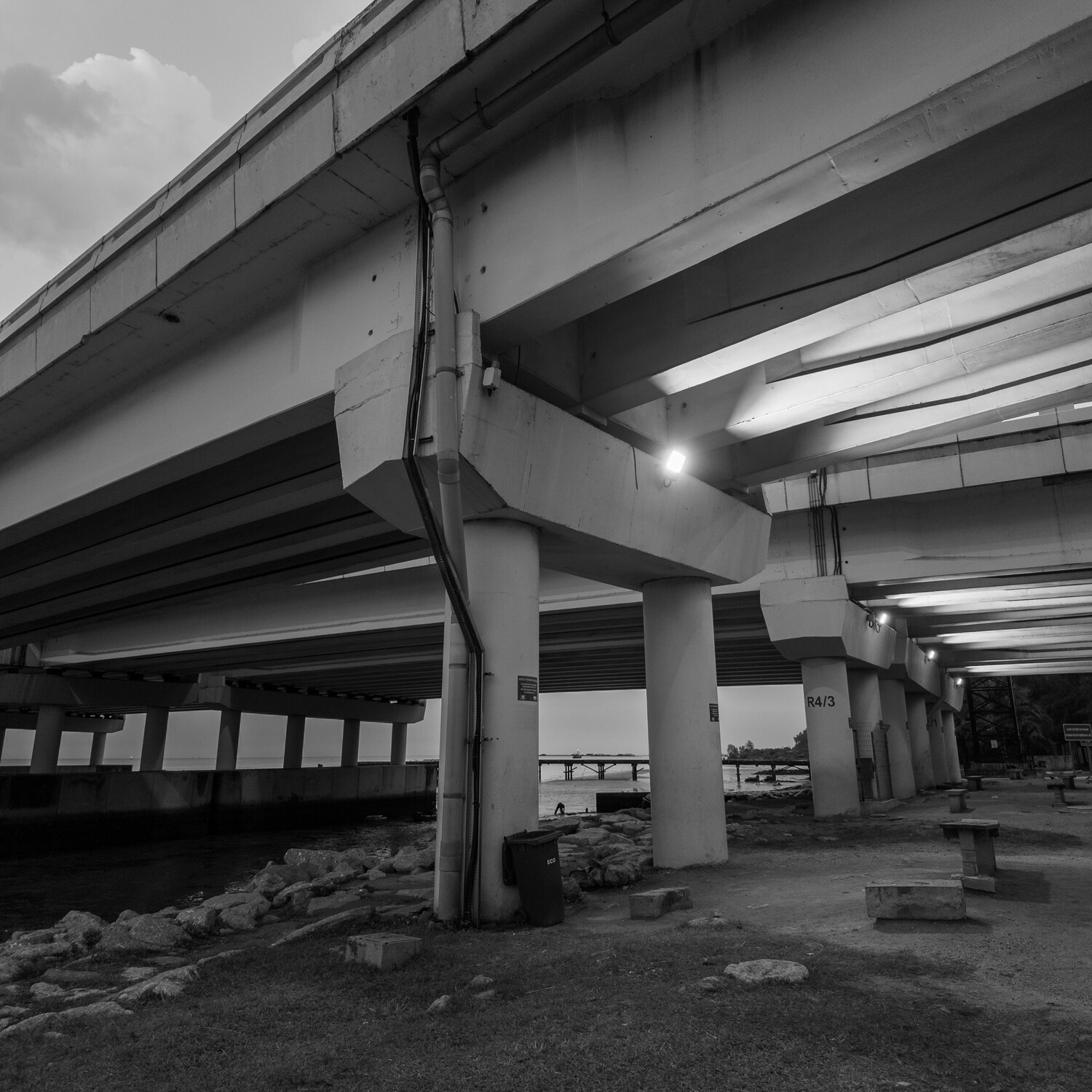
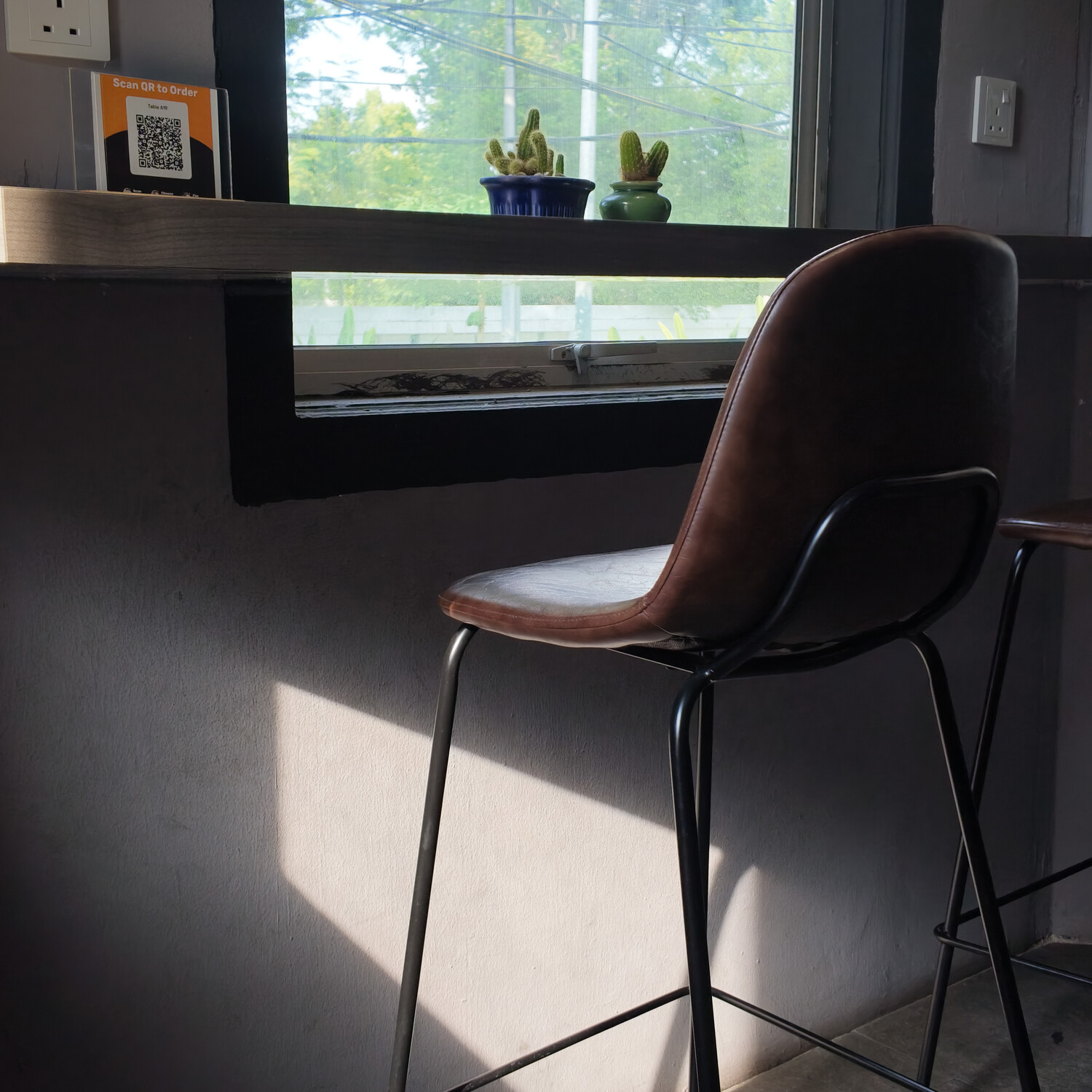
On the photo side, image quality is genuinely pleasing. With the resolution bump on the Superphoto mode, more details are noticeable in the image. But there is no manual exposure control in this mode, likely because the camera relies on its internal processing and algorithm to pick the best settings to generate the final image. Saving raw + JPEG files also takes a noticeable amount of time, and while you can continue shooting, you can't change the recording mode, causing the overall responsiveness to take a hit. The JPEG output also looks quite natural, with good color rendering and a balanced look overall, although the sharpening can sometimes be a little high and could be slightly toned down. In the photo mode, you are restricted to only 1:1 and 16:9 aspect ratios, and having more common options like 3:2 or 4:3 would make a big difference. For vertical work, I would recommend sticking to 1:1 and cropping later, as it will give you a wider field of view for post-framing. Film tones, which are available in video, are also missing from photo mode, which feels like a missed opportunity. Panorama mode works, but is restricted to 180° only. I wish there was a 360° panorama option, and I can't see how it is not achievable with a fully rotatable gimbal.
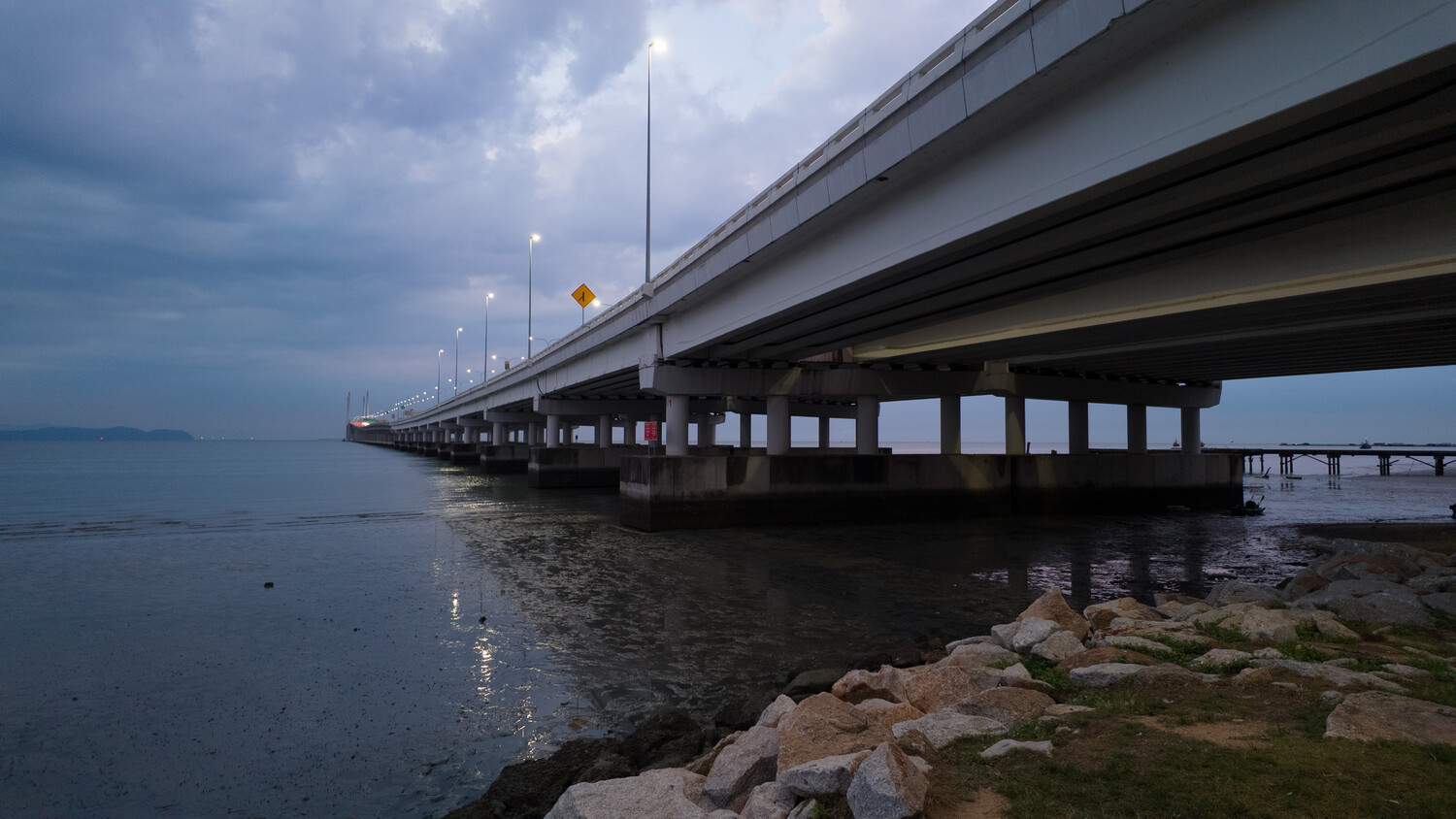
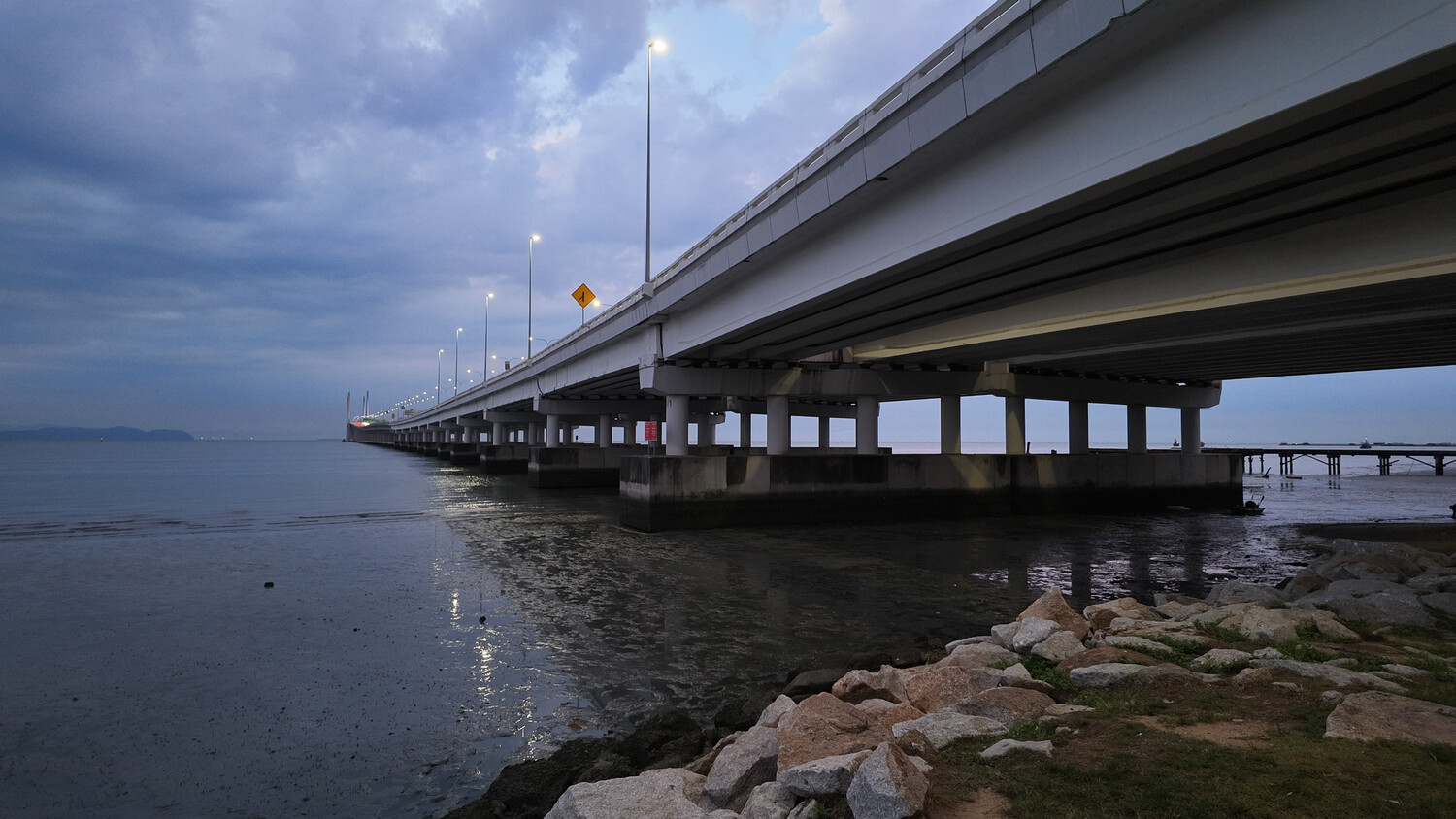
As a video centric device, video is where the Pocket 4 feels the most complete. The overall image quality is solid, with good highlight retention and impressive low-light performance for its size. The inclusion of 4K 240 fps slow motion is a standout feature, though it is limited to standard color profiles and it also saves the file as 29.97 fps. The footage itself does look great, and I must add, this kind of slow motion adds another layer of creative flexibility and is usually only available on larger devices.
With ActiveTrack 7.0, tracking is also easily one of the strongest aspects of this camera. Subject tracking is very "sticky" and reliable, locking onto the subject across all zoom levels. A simple double-tap is all it takes to select a subject, and from there, the camera does a good job of maintaining composition. You can even adjust framing while tracking, and it will attempt to follow accordingly. If it loses the subject, it is capable of re-engaging automatically once the subject reappears. Tracking and focus work closely together, and interestingly, this functionality also extends to photo mode, making it possible to capture panning-style shots with relative ease. Though all the tracking goodness is limited by the physical panning range of the gimbal itself. Once the subject moves beyond the panning range, the tracking will drop. This is clearly evident on the left panning as the range is more restricted than the right panning.
Optically, lens sharpness is generally good throughout the entire frame. Flare control is also fairly good. The wide angle attachment is a simple solution that adds flexibility by widening the field of view, but introduces noticeable distortion. Also, there is no proper way to store it when not in use. Beyond that, the internal microphones are quite good, supporting directional audio, allowing you to prioritize sound from the front, back, or surrounding environment. And if you wish to upgrade your audio quality, you can also utilize the OsmoAudio built into the Pocket 4 to connect the DJI Mic 3, included in the creator combo, wirelessly.
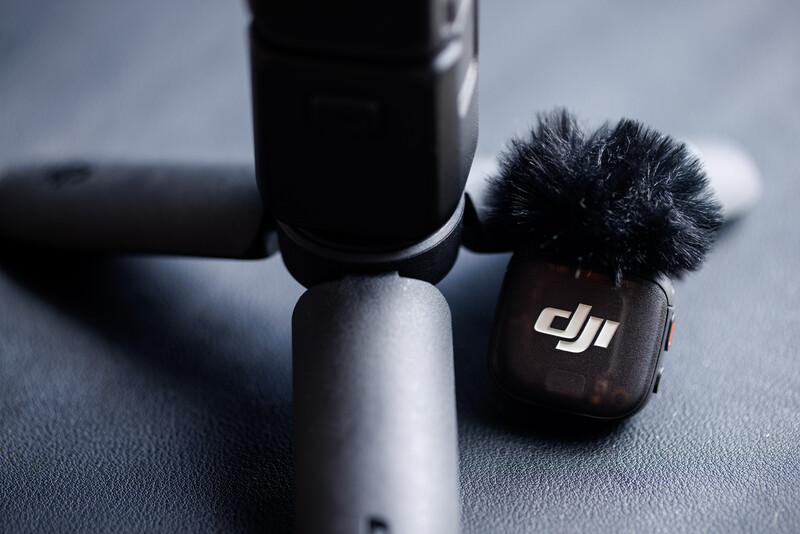
The camera can also be used while charging, which makes it suitable for long recording sessions or even livestream setups. The Mimo app plays a significant role in unlocking the full potential of the device. It effectively turns your phone into a wireless monitor, allowing you to adjust framing, control recording, and access additional features remotely. For more advanced multicam workflows, you can even sync footage with other cameras using timecode via the DJI Mic 3 system receiver, which opens up the possibility of integrating the Pocket 4 into more professional setups.
Overall, the user experience feels polished and capable, with a clear emphasis on speed and convenience. At the same time, there are still small limitations that remind you of the constraints of such a compact system. It performs extremely well within its category, but there is still a part of me that feels like it could push just a little further.



Summary
What I Liked
- Still considered pocketable despite the slight increase in weight
- Great form factor for single-hand operation
- Superb image quality, especially with the welcomed resolution bump from 9.4 MP to 37 MP
- Fast and responsive startup time
- Reliable and sticky subject tracking with subject registration as well
- Strong stabilization with noticeably powerful gimbal motors
- Support for D-Log (not limited to D-Log M) for better grading flexibility
- Fast offloading speeds with built-in storage
- Timecode support for professional workflow
- Beautiful 4K 240 fps slow motion video
- Good built-in mic and implementation of OsmoAudio allowing seamless wireless mic connection
- Added zoom and custom button greatly improved usability
- Low-light performance is impressive
What Could Be Improved
- Lack of 360° panoramic photo support
- More photo aspect ratio options would be useful
- Adding manual focus control
- Adding unrestricted 360° panning matching their Osmo Mobile series
- A 1-inch square sensor could better support both horizontal and vertical shooting without losing resolution
- A variable aperture would add more creative control
- Accessories (like a wide angle filter) could be better integrated, similar to the Mini 5 Pro drone designs
- Potentially adding optical zoom to improve reach
- Film tones on video are implemented for photos as well
- Focusing is mapped to the shutter button on Photo mode
- Update gimbal clamp design to accommodate wide angle lens and fill light attachments
Pricing
- Standard Combo: £445 | €499
- Creator Combo: £549 | €619
- Essential Combo: £429 | €479
What’s Included
- Standard Combo: Osmo Pocket 4, USB-C to USB-C PD Cable (USB 3.1), Gimbal Clamp, Wrist Strap, Handle with 1/4" Thread, Portable Carrying Pouch
- Creator Combo: Everything in Standard Combo, plus Wide-Angle Lens, DJI Mic 3 Transmitter, Magnetic Clip, Windscreens, Magnet, Charging Cable, Fill Light, Mini Tripod, Carrying Bag
- Essential Combo: Osmo Pocket 4, USB-C to USB-C PD Cable (USB 3.1), Handle with 1/4" Thread, Portable Carrying Pouch
Final Thoughts
Wrapping things up, we are now in a time where most mobile devices are already capable of producing very decent video. But having something like the DJI Osmo Pocket 4 that is designed specifically for video will change the way you approach shooting. It encourages you to create more, simply because it feels purposeful. And at the back of your mind, there is always that confidence that you are not really compromising on video quality despite the size.
To me, this iteration feels less like a leap and more like a refinement. A very complete one. It is a mature product at this point, and that maturity shows in how everything comes together, from usability to image quality to overall reliability. If the previous generation already fits into your workflow, this is an easy transition. You are not relearning anything, just getting a better version of what already worked.
Of course, a small form factor will always come with compromises. That is unavoidable. But as it stands, this feels like it is about as good as it can get within its category. Any further improvements from here are not necessarily fixing problems, but simply pushing an already solid product even further. For those interested, it is available through DJI’s official store. Do note that it is currently not officially available in the U.S. market, as authorization is still pending.





Join the Fstoppers community for free
-
Post comments and join in the discussions
-
Browse the site ad-free
-
Share your work and get featured in the community
-
Compete in the photo contests for fun and prizes
4 Comments
Interesting to hear about your experience on battery life and charging time
I could record 4K60p straight for over 100 minutes with slightly more than 20% battery left. As for charging time its also quite quick, if I am not mistaken you can get from 0% to roughly 80% in less than 20 minutes
IMO, what the Osmo Pocket 4 is lacking is good weather sealing, but let´s see what the future holds. I tried waterproof casings on my Osmo Pocket 3 and for walking in the rain they are simply useless, as the focus falls mainly on the raindrops covering the plastic housing....so for now a umbrella and a plastic bag will have to do.
I do agree! But with so many parts that are rotating, I would think its going to take some time. It might appear in the larger mobile gimbal first before they implement it the Pocket series.