

Fstoppers Takes a First Look at the Luminar Photo Editor With New Features and Bug Fixes
Today, Luminar 3 has been updated to version 3.02, and the company, after glitches in version 3, is moving toward being a solid Adobe Lightroom competitor.
Today, Luminar 3 has been updated to version 3.02, and the company, after glitches in version 3, is moving toward being a solid Adobe Lightroom competitor.
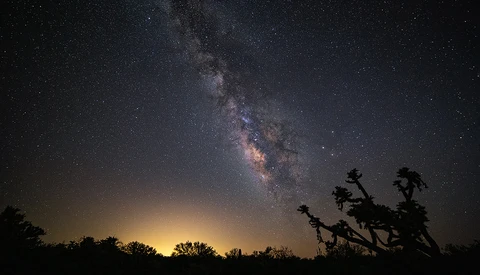
I do mostly outdoor photography and anyone who does this can get bitten by the night sky bug. All those beautiful stars and the dramatic Milky Way beckon, but for many beginners it seems an impossible task.
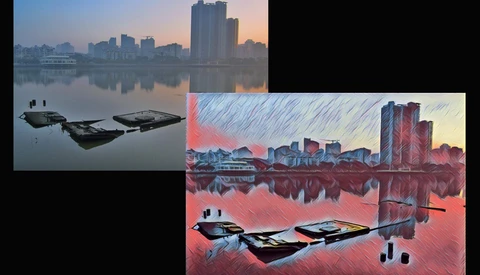
Of course, that's not to say your photos aren't already great, but Prisma for iOS or Android is pretty amazing.
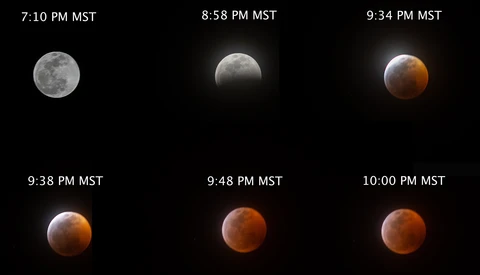
I got through the Sunday eclipse and helped a couple of friends with their first time try at eclipse imaging. It got me thinking about what I've learned over the years that might save you some time when the next one comes along.
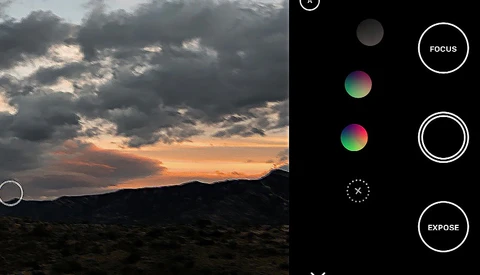
Obsura 2 has been out for a while, but somehow I missed it. Now that I've connected to this photo app I'm happy to sing its praises.
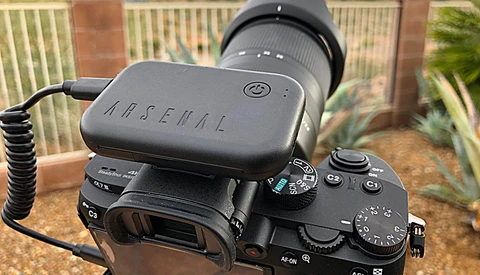
There was quite a bit of buzz about the Arsenal Smart Camera Assistant some months ago. It's a hardware device that can plug into many DSLR or mirrorless cameras (though there are some important exceptions which I'll detail later.) It's designed to automate a lot of shooting situations, and make AI based decisions about camera settings to get you the best possible images.
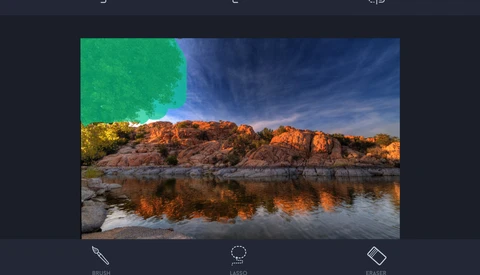
I'm a big user of Content Aware Fill in Photoshop. It's hard to take a photo and not want to remove something. But if I'm shooting with my smartphone, I usually don't want to transfer an image to my computer for serious editing unless I have to. My smartphone photos are usually casual and quick, but often retouching is needed on those photos too.
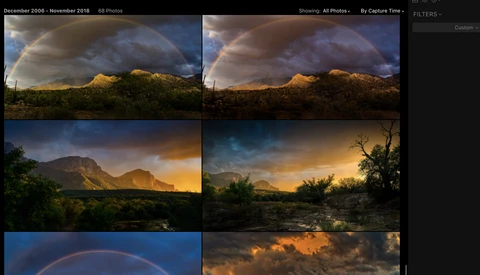
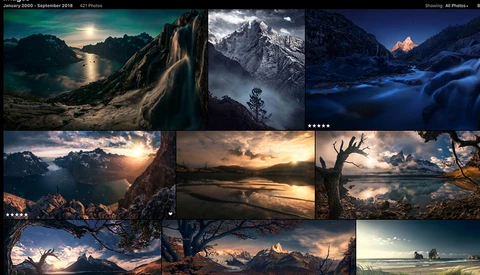
The long awaited version 3 of Luminar from Skylum arrived this month. It held the promise of new features, and digital assets management tools (DAM) that would rival Lightroom. That's important, because some percentage of photographers don't like the Adobe subscription model, and while powerful, Lightroom's Library management can be a pain.
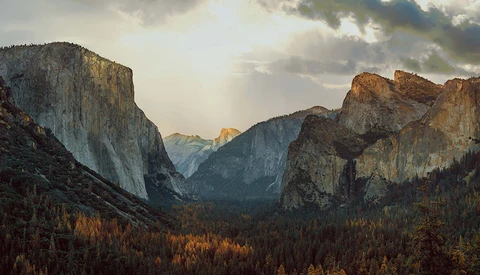
I've been a fan of LandscapePro since it came out a few years ago. Like a lot of imaging software or Photoshop plug-ins, it's best used lightly so things don't get out of hand.

As a landscape photographer I'm always looking for unique locations. Living in Arizona, I seek out ghost towns, abandoned mines, and old airfields, military or civilian.
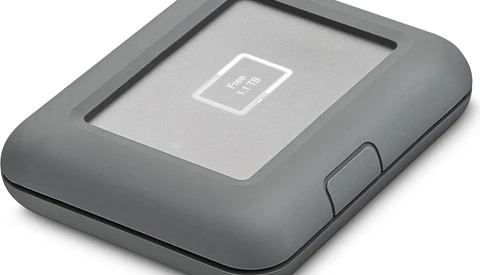
I do my landscape photography from the air (via a drone) and from the ground. I go to some rough places, dust, moisture, the usual evils we all have to contend with. Backing up on location can therefore be tricky. Enter, LaCie DJI Copilot.
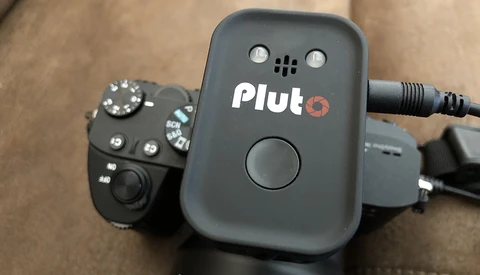
No matter what camera you have, it will be missing some feature available on another brand or model. I found that with my Canon DSLR, and when I moved to a Sony a7 III, I gave up some good features and gained a few.
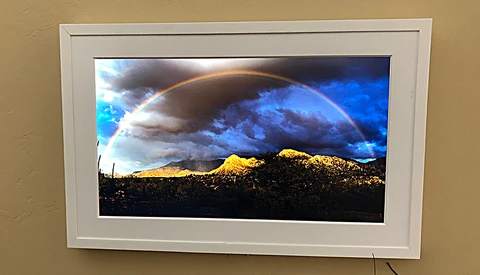
As a photographer, I have many of my photos in people's homes, usually as metal prints, because people seem to prefer them. Like most of you, I've got a lot of my work scattered around my house too, either as framed or metal prints.
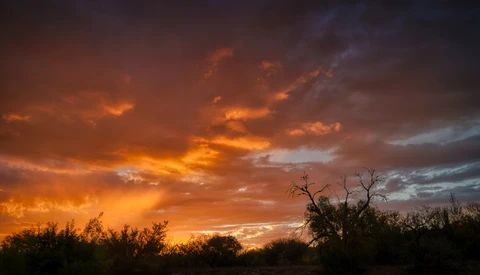
Living in the Southwest, I'm always out with my camera, looking for that great new vista just beyond the next curve in the road. For years, I didn't pay much attention to photo apps, because I was seeing stupid apps that put hats on people or distorted their faces, or worse.