




Profile picture for Bill Larkin

Bill Larkin

Carson City, NV
c v p s t u d i o s
1 Photo of the Day badge
47 3 Star badge
1 10+ Portfolio Images badge
10 Editor's Pick badge
5 Entered Contest badge
3 Featured on Instagram badge

Articles from Bill Larkin

Quick and Effective Way to Remove All Reflections in Glasses for Portrait Photography

Glasses can be a real pain when shooting portraits. Perhaps the subject's glasses don't have the anti-glare coating or even if they do, sometimes your light source can still wreak havoc with reflections. Today I want to share a quick tip on dealing with this issue. Sometimes the reflections can be so bad, they cover a huge part of the actual eye. If it's a tiny spot in the corner of the glasses, we can easily clone it out but if it's covering half the eye that won't work so easily. 
My Several Year Path to Creating This Composite

This is a how I did it story. Along with some “why.” Unlike most all folks my age, I am very fond of the WW2 history and even more so WW2 aircraft. My favorite plane of all time is the B-25 mid-range bomber. This concept has been in my mind for years, and I waited to actually implement it until I felt I was able to do it right. Had I done it early in my career, I feel the quality wouldn't have been up to the standard I would have liked. 

My Favorite Wireless Trigger for Light Painting

Being lazy is one of my favorite traits, so walking needs to be avoided at all costs. I'm kidding... well, not really. This wireless remote for my camera has saved me quite literally thousands of steps in my light painting processes. 

MacOS Finder Tags and How Photographers Can Utilize Them

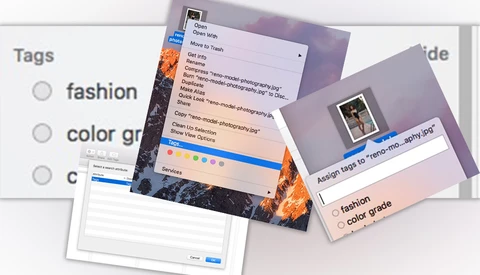
It’s not a secret how much I feel the Mac OS is powerful, and most often underused. Apple makes great products, but in my opinion they don't do a great job informing everyone of the really nice and polished little features, so unless you know, you may think it's just another basic OS. Today I want to talk about another of my favorite and useful tips for photographers, and that’s “tags” within Finder.

Emulating Film Looks and Analyzing Your Color Grading

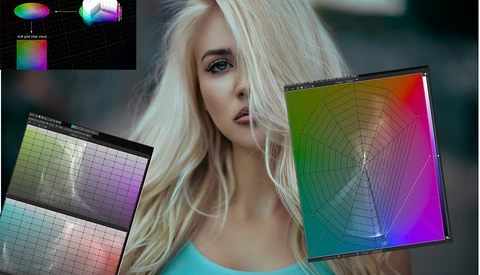
When I first started out, I always used to see color that I wanted to replicate. It seemed there was some magic preset or tool that helped. There isn’t and really what it boils down to, is first really “seeing” the color. What is it about a certain look you like? To help with this I have always been a fan of side-by-side comparisons, both for photo and video.  

Quick Workflow Tip for Mac Users

Today's quick tip is in regard to efficiency. Anyone who has ever talked to me knows that I am 100 percent a Mac user. I feel they are by far the best for photographers. Before getting into a Mac versus Windows argument, it is not so much in regard to the hardware as it is the operating system and the level of efficiency that a Linux-type operating system allows.

Standing Out on Instagram with Grids and Panoramics

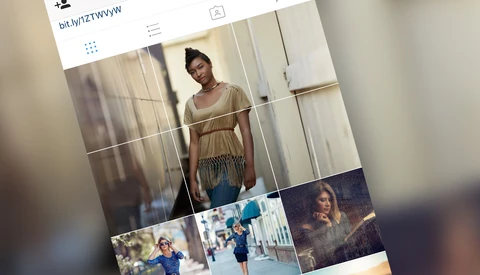
Based on Instagram being so important and popular for photographers at this particular time, and as a follow up on some Instagram tips I wrote about before, we constantly look for ways to stand out and be different or better.

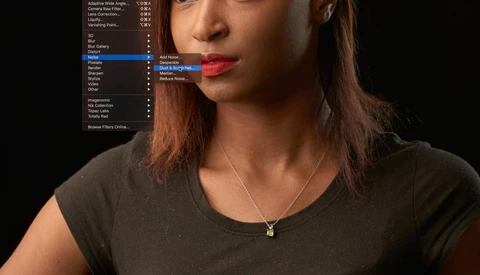
Removing Dust, Lint, and Debris Using Built-In Photoshop Tool

Today I want to share a quick tip on cleaning up lint, dust, cat hair, and things like that from clothing or other areas of your photo. I'm super picky, and even if the image is a 5x7 and the dust may not even show up on the print, I like to fix things like that on my large files anyway. You never know when the customer may come back later and order a wall portrait from that file they only previously purchased a 5x7 from, and I don't want to have to go back in and re-retouch the image.

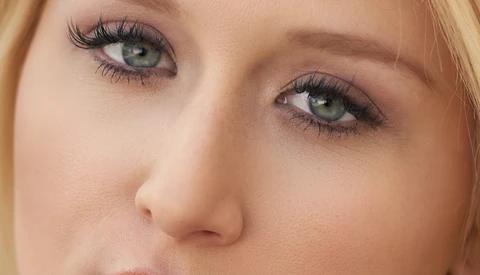
How to Open Eyes Through Retouching

Most people have one eye that is slightly more closed than the other, and it does show in photos more than when you are just looking at the person. Today, I want to share a quick tip about how I open eyes and even them out.

Quick Instagram and Social Media Workflow Tips for Photographers

Each day there are new ways to accomplish the same task, especially with the ever-evolving social media whirlwind. Today I want to share my favorite two methods I use for sharing to Instagram (or any other social platform, but primarily Instagram since posts need to be made from your mobile device).

Does Your Photography Website Really Work?

My background was in design and web development before I was a photographer. So in my eyes, it's easy to see a connection between design and photography, and how that should translate to a photography website, however I am still surprised at how many photographers’ websites are very much behind the times. Mostly because most photographers are not designers or programmers. I see them using flash, or splash (intro) pages, saying “click here to enter website.” I want to talk about some basic practice that is absolutely essential in today’s world of websites.

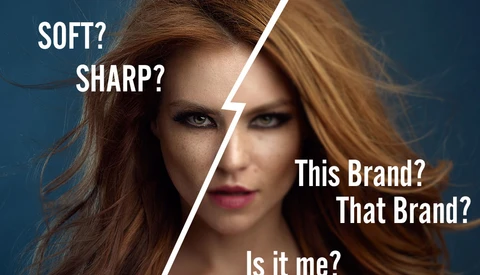
Debating the Sharpest Lens

One of the most discussed topics I see all over the internet, is about this lens being sharper than that lens, etc. and splitting hairs as to which one is 5% sharper. 

RSS, the Best Automation You Didn't Know You Needed

It’s no secret that I am a little obsessed with efficiency in all aspects of the industry, and that carries over to more than just the photos themselves and my retouching process. Efficiency is key for me since I am a one-man-show, I do every aspect of my business from the photography, to the retouching, accounting, marketing, website development, etc., and I could not even begin to keep up if I didn’t take advantage of every automation process available to me. One of my favorite and most useful things is RSS feeds.