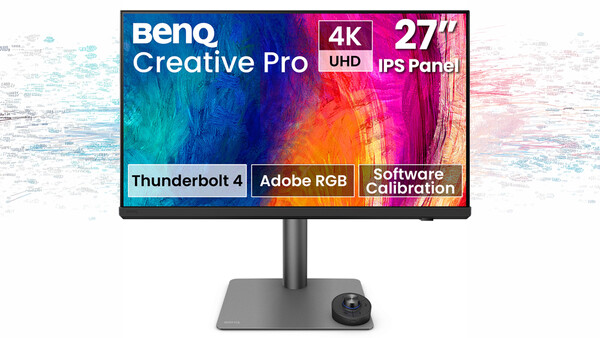
When BenQ asked me if I would like to take a look at the new PD2732U monitor, I was interested because a monitor is something I spend a lot of time looking at, particularly when I am editing photographs. Color accuracy is obviously important to me, but so is how the monitor fits into my existing workflow.
I have been using an LG HDR 4K 32-inch monitor, so that became my main point of comparison while using the BenQ. Rather than simply looking at the specifications and telling you what they mean, I wanted to see how it actually performed alongside the screen I have been using for my photography.
Unboxing and Setup
The unboxing and setup were quite straightforward, which is always a good place to start. Everything was well packaged, and getting the stand attached and the monitor onto the desk didn't present any problems. BenQ has also included a QR code that takes you to a YouTube video showing each step of the setup process. I didn't really need it, but I think it is a sensible addition, particularly if you aren't used to setting up this type of monitor.
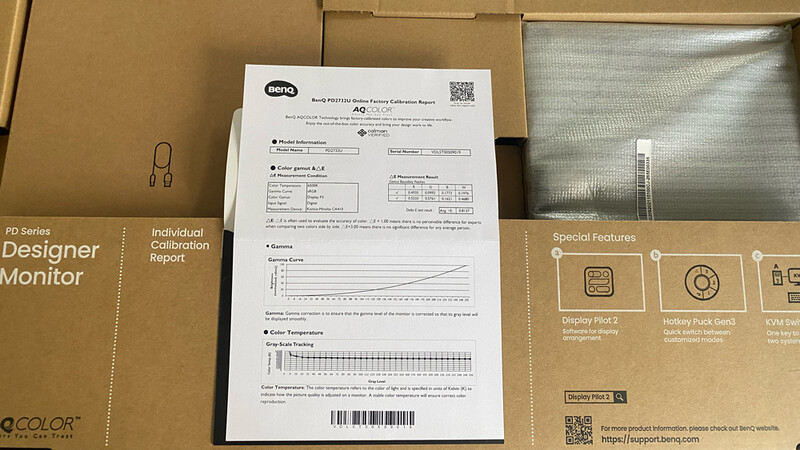
There was also something else in the box that caught my attention. BenQ includes a certificate showing that the individual monitor has been color checked. Considering this is a monitor being marketed toward photographers and other creative users, I thought this was interesting to see. It gives you some indication that the display has been tested individually rather than simply coming off the production line with a general specification attached to it.
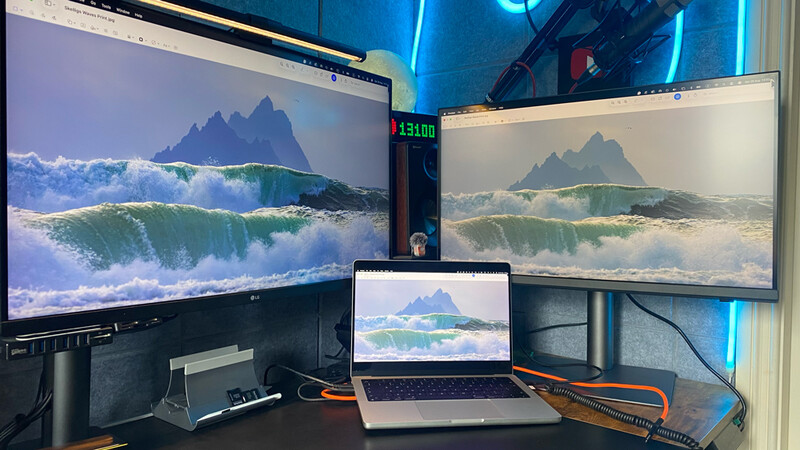
However, there was something I noticed almost immediately after connecting it to my Mac. The colors didn't match. The BenQ had a noticeably more yellow tone compared with my Mac display, and when I placed the two screens beside each other, the difference was obvious. This surprised me slightly, particularly given the emphasis BenQ places on color accuracy with this monitor.
Color and Calibration
I think it is important to explain this properly, though, because there is a difference between a monitor being factory calibrated and matching the display you are already using. BenQ states that the PD2732U is factory calibrated and has an average Delta E of less than 2, so I wasn't suggesting that the monitor was simply inaccurate. The problem was that it didn't initially look the same as the display I was already working with.
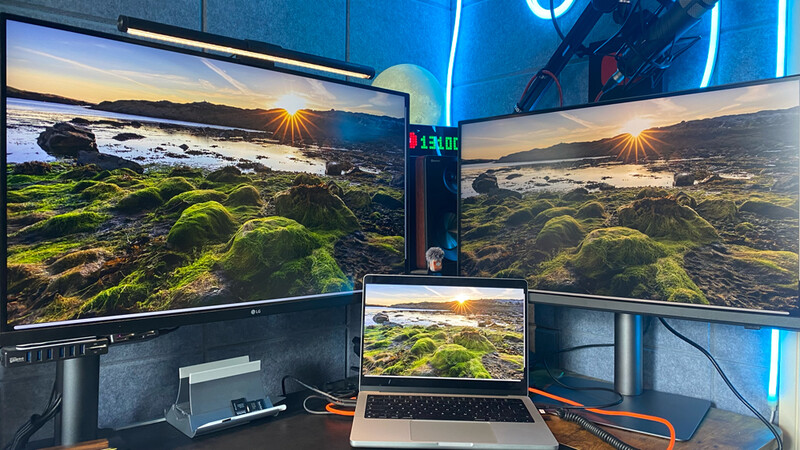
BenQ provides display color-matching software to help with this, so I downloaded it and went through the process. That did make a noticeable difference, and I was able to get the BenQ much closer to the Mac. It wasn't quite a case of pressing a button and walking away, though, as I still needed to make some manual adjustments within the software. Once I had done that, the two displays were much closer, and I was far happier with what I was seeing.
This is probably one of the more important points I would make to anyone buying a monitor for photography. Even when you buy a display with factory calibration and a strong emphasis on color accuracy, you still need to consider the rest of your system. If you are replacing an existing monitor, don't assume that the new screen will automatically look identical to it straight out of the box.
The PD2732U is built around BenQ's AQCOLOR system, which is one of the features the company uses to differentiate its professional monitors. On paper, the specifications are certainly aimed at photographers and other creative users, with 4K resolution and 99% Adobe RGB and 99% DCI-P3 coverage. There are also a number of color modes available, allowing you to work within different color spaces depending on what you are doing.
One thing I did find unusual was the software experience. BenQ makes AQCOLOR an important part of the feature set, yet the software I was provided with was offered as a 30-day trial. I found that slightly strange. If color management is such an important part of the reason for buying a professional monitor, I would expect the software supporting that process to be a more permanent part of the package. This may change with software versions and how BenQ packages its products, so it is something I would check before buying rather than assuming that the 30-day arrangement is universal.
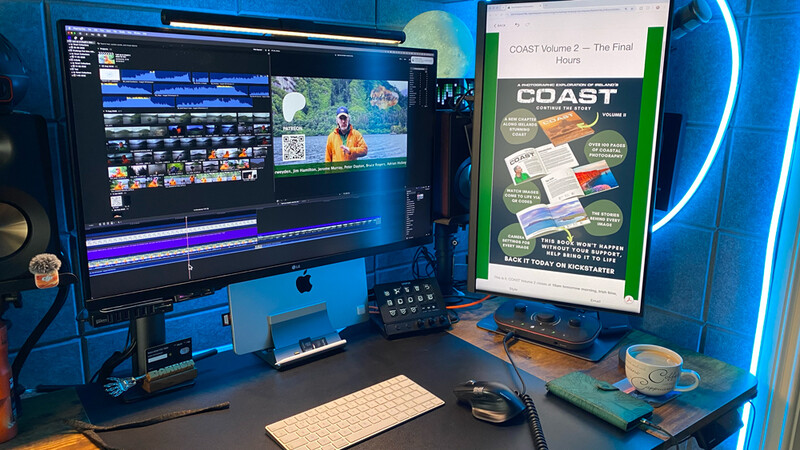
Image Quality and Everyday Use
Moving away from color, the 4K resolution on a 27-inch screen is very good. I am used to working on a 32-inch display, so the reduction in physical screen size was noticeable when I first moved across to the BenQ. At the same time, putting 3,840 x 2,160 pixels onto a smaller 27-inch panel gives you a very sharp image, and when editing photographs, I found it easy to see fine detail.
The brightness was also something I compared quite closely with my LG. The BenQ is rated at 400 nits, and for the type of photography editing I do, I found that more than adequate. The two monitors don't produce exactly the same image, but after spending some time getting them matched, I was comfortable working between the two.
I also think it is worth remembering that this isn't being sold as an expensive HDR reference monitor. HDR support is there, but for me, the main reason to consider this display is the color performance and resolution rather than HDR.
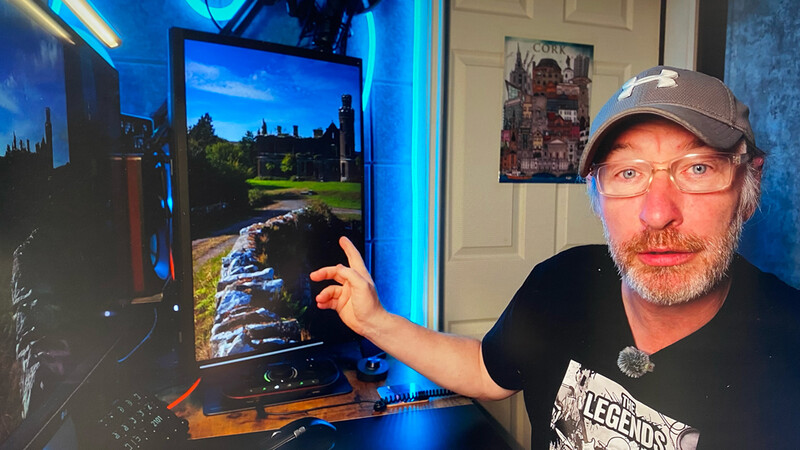
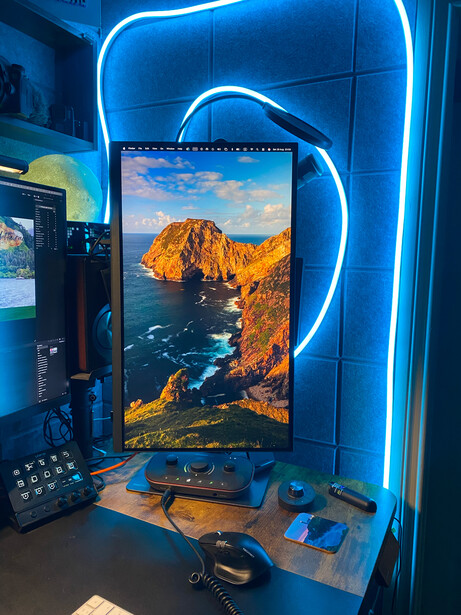
The physical size is something potential buyers will need to consider. At 27 inches, the PD2732U is smaller than my 32-inch LG, and I did notice the difference when I first started using it. However, the higher pixel density does give you a very detailed image, and I found that particularly useful when working on photographs where I wanted to inspect fine detail. I also opted to position it as a vertical display, as this will give me the opportunity to review vertical images, plus it acts as a flexible background when I need to record video in my studio.
Connectivity and the Hotkey Puck
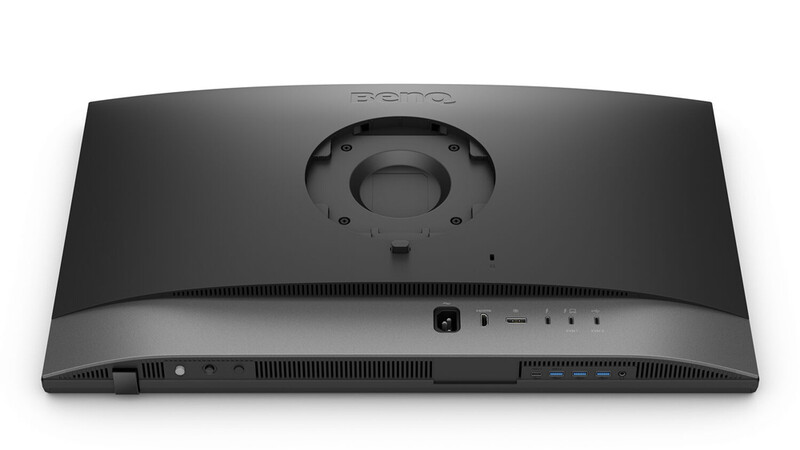
Another feature that makes a lot of sense for someone working on a Mac is the Thunderbolt 4 connectivity. The monitor can deliver up to 90 W of power, so with a compatible Mac, you can use a single cable for the display and charging. That helps to keep the desk a little tidier, particularly if you are trying to keep your photography workstation relatively simple. There is also a useful selection of additional connectivity and a KVM function for anyone working between two computers, with ample USB connections underneath also.
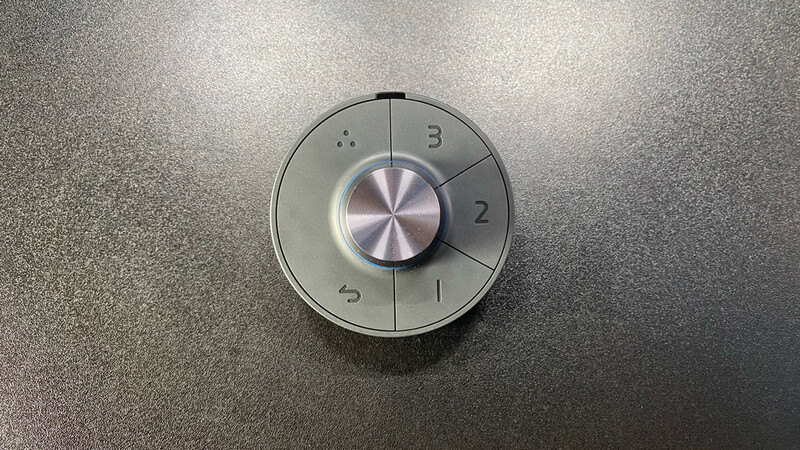
The Hotkey Puck is something I initially wasn't sure about, but after using it, I can see why BenQ includes it. Having a physical control for accessing the monitor settings is easier than constantly reaching around the back of the display and working through the menus. It is particularly useful when changing between different color modes or adjusting settings.
There is one thing I would change, though, and I genuinely don't understand why BenQ has done it this way. The puck uses AAA batteries.
In this day and age, I think it should have a built-in rechargeable battery and USB-C charging. USB-C is already part of most photography and computer setups, so having to replace AAA batteries in a piece of equipment like this feels unnecessarily old-fashioned. The puck itself is useful, but the power solution could be much better.
And Finally
After spending several weeks using the PD2732U, I think it is a very capable monitor for photographers. The 4K resolution is excellent, the wide color gamut is useful, and the factory color checking is reassuring. The Thunderbolt connectivity also makes a lot of sense for a Mac-based editing setup. The price is also at a good sweet spot, I feel, as at $699.99, it delivers quite a lot, and I would have expected it to have been higher based on the quality output.
My biggest criticism isn't actually the monitor itself, but the process of getting it to match my existing display. Straight out of the box, the color was different and more yellow than my Mac. The software helped considerably, but I still needed to make some manual adjustments. I don't see that as a reason not to buy the monitor, but I do think it is something prospective buyers should know before making a decision.
Coming from my 32-inch LG HDR 4K display, I also had to get used to the smaller physical size, although the higher pixel density of the BenQ does give you an extremely detailed image.
Overall, I think the PD2732U is a monitor worth considering if you are a photographer looking for a display that is designed around color accuracy rather than simply being a general-purpose 4K screen. It isn't perfect, and there are a couple of things I would change, but once I had worked through the color matching and got it closer to my existing setup, I was happy using it for my photography.
For me, that is ultimately the important test. A monitor can have all the right specifications, but if I don't trust what I am seeing when I sit down to edit a photograph, those specifications don't mean very much. Once calibrated and matched to my workflow, the BenQ PD2732U gave me a display that I would be comfortable using for serious photographic work and one that I would, most importantly, trust.





Join the Fstoppers community for free
-
Post comments and join in the discussions
-
Browse the site ad-free
-
Share your work and get featured in the community
-
Compete in the photo contests for fun and prizes
11 Comments
"BenQ PD2732U Review: Could This Be The Monitor for Photographers?" Perhaps, if you are looking for the cheapest solution possible. However, I would liken it to buying a $10,000 lens and attaching it to a $500 entry-level camera. A better monitor is ESSENTIAL for photography. Or, GIGO: Garbage-In, Garbage-Out. I'm not saying the BenQ is garbage, but you pointed out that you had to do considerable work to match it to your Mac monitor. So I assume you are just evaluating the monitor and don't intend to use it. Again, no offense to BenQ, but it seems you'll use this monitor as an entry-level option and discard it as soon as possible in favor of a better solution after discovering it's a weak link in your workflow.
Thanks Frank, despite it price point it performs very well, and I’m still using it as the vertical monitor and plan to do so as it does exactly what I want! I think the approach from benQ here is to give better feature and quality from what your expect at the price generally. But overall is certainly not a weak link. Thanks for your comment
Your experience with the AQCOLOR software makes calibration sound like a tedious, manual process.
Can this monitor be calibrated using the third-party colorimeters and software that many photographers already own, e.g., from Calibrite or Datacolor?
^^THIS^^
Thanks Michael for your comment, which it was needed to be done overall it wasn’t a big challenge and took less time that a third party calibration tool I’d imagine! I’ve only used one a long time ago to be honest ao not sure how fast they are now and I’d assume they can be used on all screens as such ?
https://fstoppers.com/gear/how-calibrate-your-displays-602947
Hi, it seems that you're using the BenQ as a second monitor. If you have just one, you will find the size of the text very uncomfortable to read. It's already on my 32 inch 4K. I'm also surprised about the remarks about the high pixel density which has no impact at all on the work of a photographer (just marketing) !
Thanks for your comment, to be fair tho I didn’t find the text hard to read, the pixel density is something I would have thought makes a difference, after all a 1080p screen or even a crt monitor for that would have a lower amount of pixels thus making the images look poor?
I have reservations about any review of any 4k monitor driven by an Apple machine without a clear summary of the inherent problems of doing that and the necessary workarounds to optimize the image, which includes how the monitor is connected to the Apple machine. 4k is not plug and play in macOS. If the reviewer is just using the default resolution settings, required to get legible menus and fonts, that alone can shift contrast and hues due to the Procrustean way macOS generates anything other than The One True Resolution. If using HDMI: even worse problems.
Thats an interesting take, it was connected using the supplier thunderbolt cable do does that suffice, and the monitor has a Mac setting so does this also suffice?