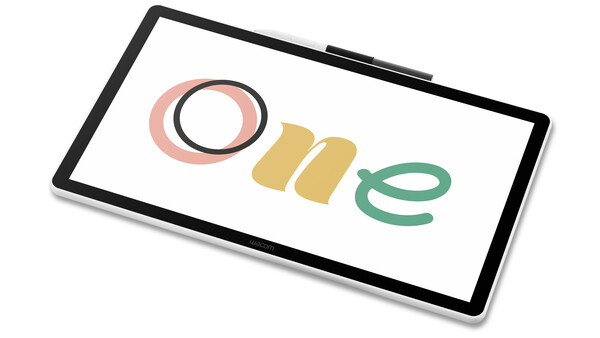
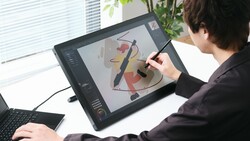
Wacom has introduced the Wacom One 14, a new entry-level pen display aimed at beginners and hobbyists who want an accessible way to get started with digital drawing, photo editing, and creative work.
The device features a 14-inch full HD display, Wacom’s established pen technology, and compatibility across Windows, macOS, and Chromebooks. Positioned as a straightforward, affordable option, the Wacom One 14 is designed to balance portability with creative usability.
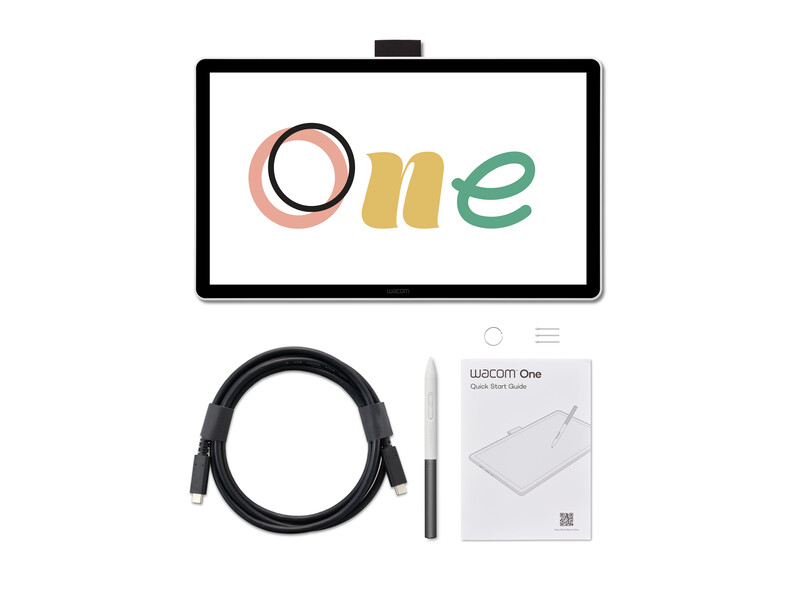
Key Specs
-
14-inch full HD IPS display (1,920 x 1,080)
-
Anti-glare and anti-fingerprint coating
-
Direct bonding to reduce parallax
-
Weight: 750 grams
-
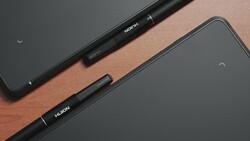
Battery-free Wacom One Standard Pen with two customizable buttons
-
Pen features: low latency, tilt recognition, and minimal parallax
-
Compatible with third-party pens from brands like Staedtler, LAMY, and Dr. Grip
-
One-cable USB-C connection (DisplayPort Alt Mode or Thunderbolt 3/4)
-
Optional Wacom Converter for HDMI and USB-A support
-
Works with Windows 10 or later, macOS 13 or later, and Chromebooks
-
Bundled apps: Clip Studio Paint Pro, Magma, Concepts, Passpartout 2, Foxit PDF Editor, and Skillshare access
Importance for Creators
For photographers, illustrators, and video creators, pen displays offer a more natural and precise way to interact with digital tools compared to a mouse or trackpad. The Wacom One 14 provides a larger screen than the company’s previous compact offerings, while still being lightweight enough to set up in a mobile workspace.
The anti-glare surface and reduced parallax help provide a closer match to drawing on paper, which is useful when retouching photos, masking video frames, or sketching storyboards. Compatibility with multiple pens, including affordable third-party options, expands flexibility for creators who want a different grip or feel.
The included software bundle adds Clip Studio Paint Pro for illustration and comics, Magma and Concepts for sketching, Foxit PDF Editor for workflow tasks, and Skillshare for guided learning. These tools make the device especially appealing to students or newcomers building out their digital toolkits.
Availability
The Wacom One 14 will be available this fall through Wacom’s online store and select retailers worldwide.
Join the Fstoppers community for free
-
Post comments and join in the discussions
-
Browse the site ad-free
-
Share your work and get featured in the community
-
Compete in the photo contests for fun and prizes
1 Comment
It would be good to mention that it will still cost $299. That's probably one of the most interesting points.