

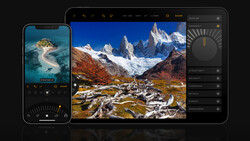
Luminar has released a solid fall update with some new features and some enhancements. The update is free to current owners and can, of course, be purchased by photographers who are interested.
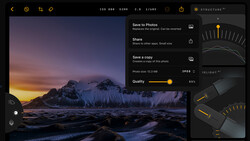
This new update is version 1.29.0. The update should appear automatically, or you can click "Check for Updates" in the Luminar dropdown menu.
Here's What's New:
- Crop: a more precise, intelligent tool that reads your image and suggests several finished compositions, taking into account subjects, balance, leading lines, and visual weight of every photo.
- Atmosphere - Fog: gives photographers a more natural way to shape the mood of their photographs. Instead of adding a flat layer of fog, it intelligently blends atmospheric effects into the scene, responding to its light, color, and depth so every edit feels authentic to the photographer's creative vision.
- Improved Enhance: The advanced model reads your photo first and then perfectly adapts, using a more precise look without overprocessing the scene.
- AI Assistant: helps photographers edit faster without taking creative control away. Describe the result you're after, and it recommends and applies the right combination of Luminar tools to get you there.
I had an advance copy of the software and tested it extensively. In my view, it's an impressive update.
AI Crop
Skylum has added very good AI to selecting a crop, and I was surprised how well it did on some images.
Here's an image I took this spring in southern Utah:
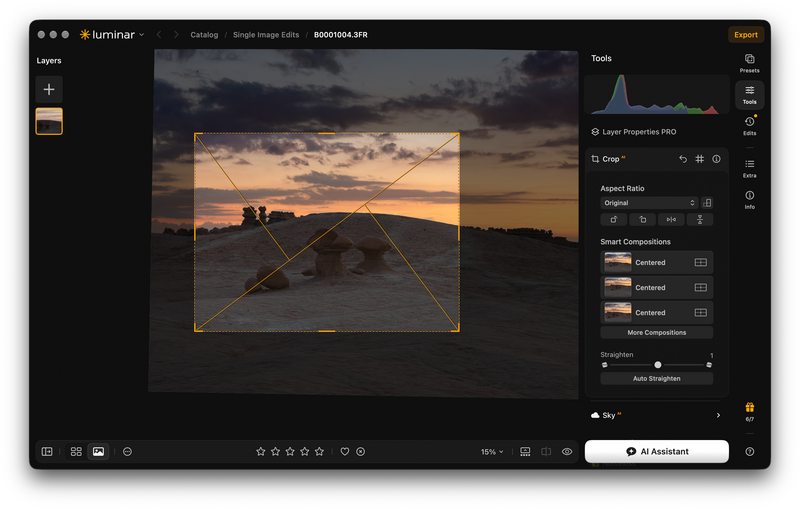
It was a pretty wide shot taken just before dawn. You can see there were several options offered, and I chose "Golden Triangle." I thought it was a very intelligent selection, and I had plenty of resolution in that image to make the crop.
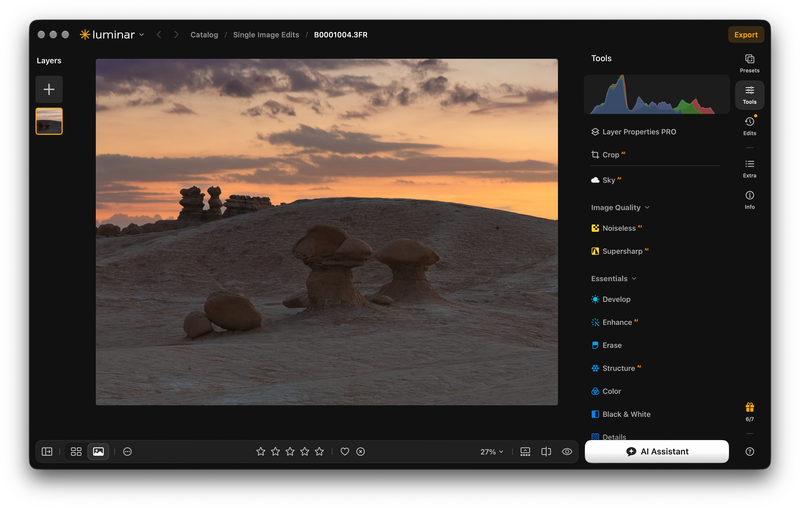
I had a good deal more editing to do on this image, as you can see, but I was surprised at the intelligent choice the AI made. It didn't work this well on every image I threw at it, but if you have the software, it's definitely worth running images through this new tool for what might be a fresh take on your image.
Atmosphere Tool With Fog
The revised Atmosphere tool, to me, is the standout in this release. We can (and probably will) debate using AI-generated additions to an image, but no one is forced to use it, and I think it can add to an image if you are inclined to use it.
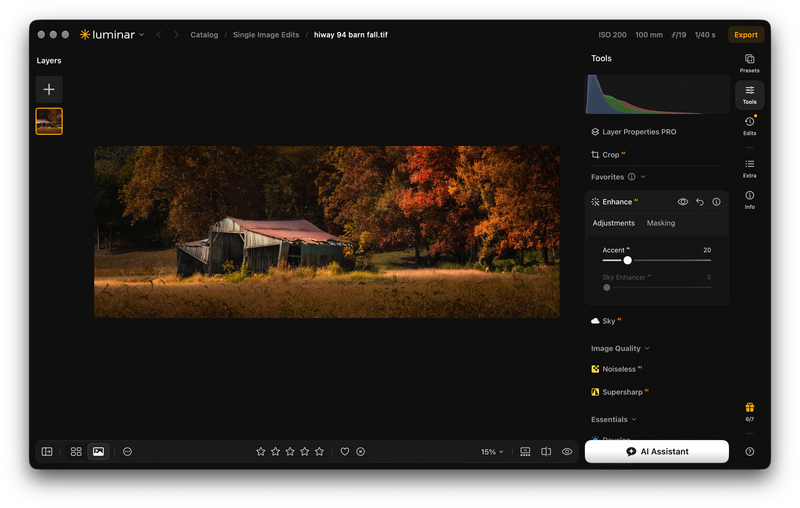
Here's a picture of a collapsing barn I took on a recent trip to central Missouri. I was pretty far along in the editing and used the Luminar Light Depth tool to give me a little emphasis on the subject.
Here's the fog controls:
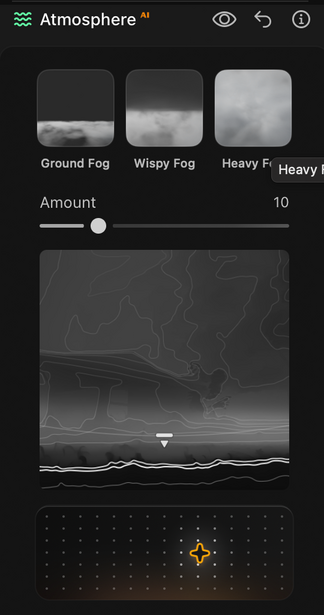
First, you can choose the type of fog, like ground fog, wispy, or heavy. Then you can select how much fog and the height of the fog. The fog can be patchy or more full, and because Luminar makes a depth map, you can decide how far back or forward the fog is in your image.
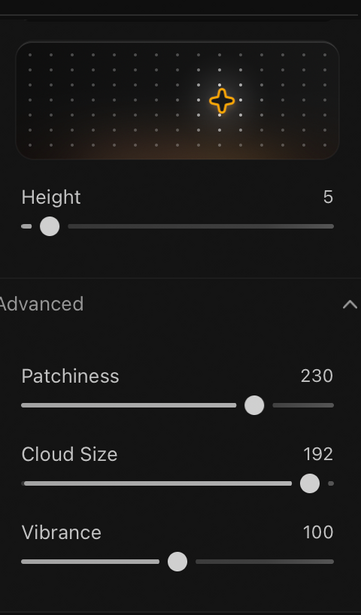
Here's the final image. I was pleased with the result and tried to keep it subtle.
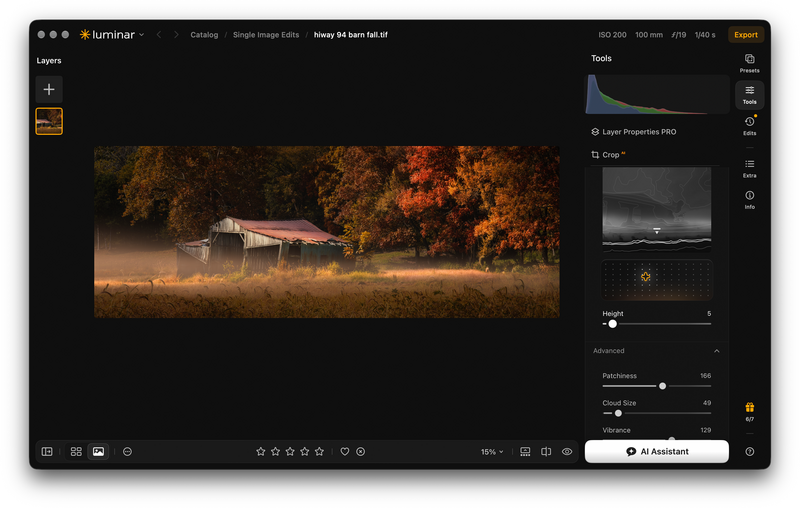
A lot of smart programming went into the creation of this tool, and while many won't use it, I think it can be very effective on some images.
The New Enhance Tool
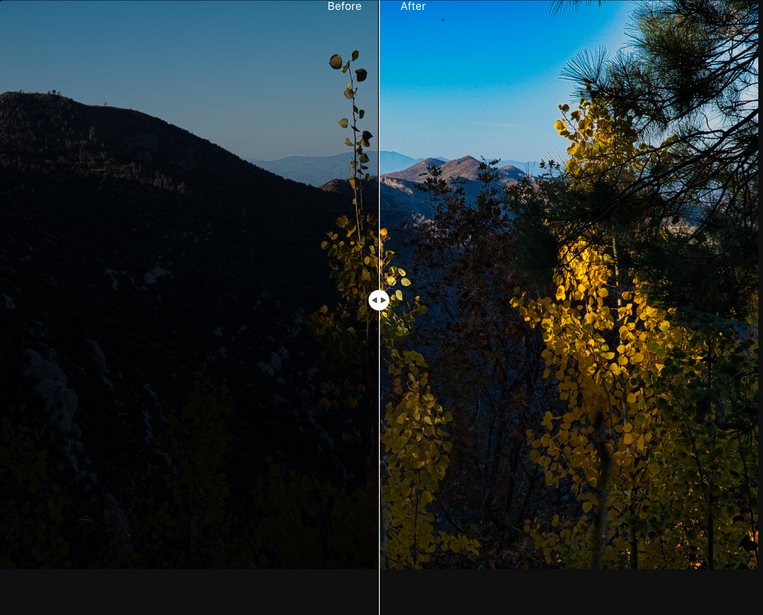
The Enhance tool has also been improved, and I liked how it worked on raw files. The old tool could look a bit overprocessed; this tool looks at your original image and seems to make more appropriate changes in shadows, highlights, and saturation. It won't make a complete edit, but it's a time-saver when getting started in an edit session.
AI Assistant
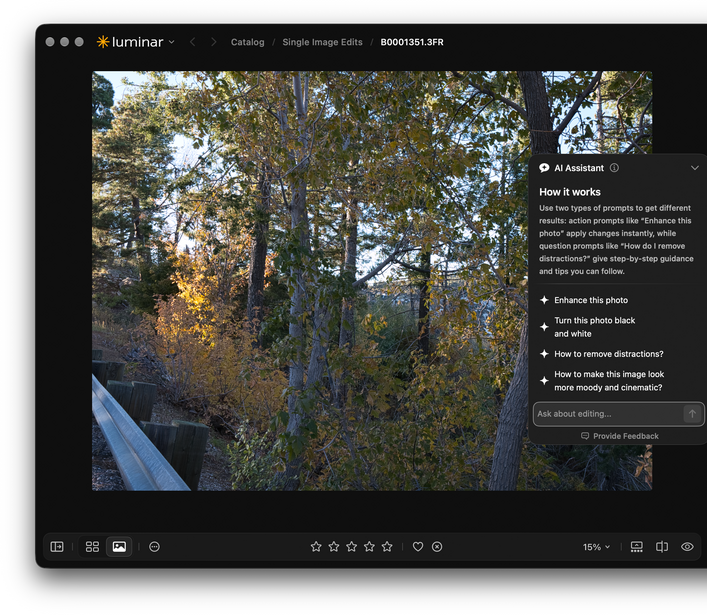
It's designed to look at your images and make some suggestions. It will pop up a dialog box with some next steps. In some cases, if you click on a suggestion, the AI will do the edit. Or it may bring up a tutorial explaining how to improve the photo using the Luminar tools. It's aimed more at beginners. I found it interesting, but not all that helpful.
My Take on This Update
It's a solid improvement to an already excellent editor. The AI cropping was surprisingly effective when I expected it to be an unneeded or useless feature. I'll use it on a lot of my future edits. The fog tool is a home run if you use these kinds of tools. It's certainly the best I've seen in an editor, and the depth tool is what makes it so realistic.
The Enhance tool is very obviously improved and "smarter" about making the early part of an edit session faster and more useful.
The AI Assistant may be helpful to some; it's not something I will be calling up when I edit.
Getting the New Version
The fall update is available to eligible current Luminar owners. You can check for it through the software's update menu. If you are interested in owning Luminar, here's the Skylum website. There's a deal being offered right now for 10% off if you use code: FSTOPPERS10, so check it out.



Join the Fstoppers community for free
-
Post comments and join in the discussions
-
Browse the site ad-free
-
Share your work and get featured in the community
-
Compete in the photo contests for fun and prizes