
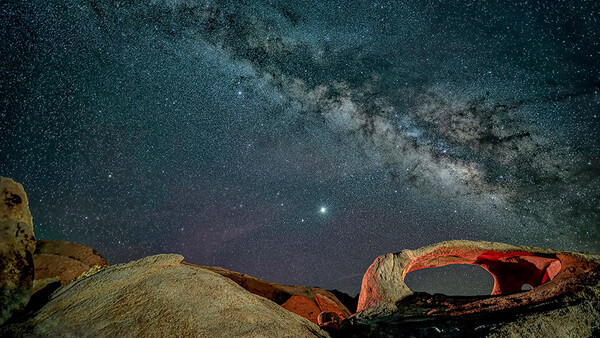
An intervalometer are inexpensive and invaluable. We will break down what it is, how it can help you, and how to use it.
What on Earth Is an Intervalometer?
An intervalometer is basically a remote shutter release that offers more controls. It allows you to tell the camera shutter when to shoot, how long the shutter should stay open, and how long the shutter should remain closed until it opens again.
Night photographers use intervalometers to create the following:
-
A succession of images to “stack” to reduce noise in high ISO photos, such as for Milky Way photography
-
Star trails photos
-
Time-lapse videos
External intervalometers come in different forms, including wired and wireless, with some allowing you to control your camera using an app on your smartphone. I use a wired intervalometer because they are inexpensive and very reliable.
Also, some cameras come with internal intervalometers!
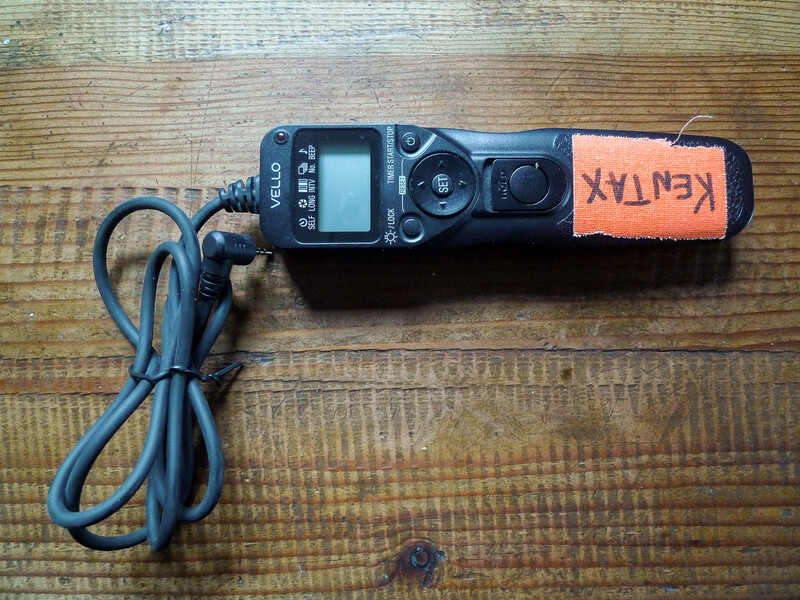
Understanding the Settings of an Intervalometer
Let’s go over some of the settings so we can better understand what they are and why we use them. I use a wired Vello Shutterboss II. However, many wired intervalometers currently available have similar or identical controls.
For all the ones I have used, I've pushed the "Set" button. This allows you to make the adjustment. Pay attention to the black horizontal line at the top of the display, which tells us which setting we are viewing or adjusting. You'll see how that moves from left to right in the photos below.
Self (Self-Timer Delayed-Release)
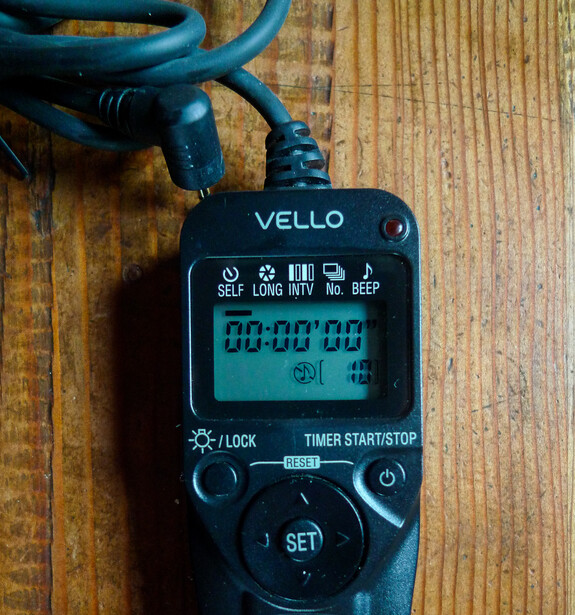
The first setting is the self-timer. This allows you to set the amount of time it takes for the camera to initiate the sequence you have programmed into the intervalometer.
This helps us with anything from doing selfies to getting into position to light paint a tree or abandoned building. This intervalometer allows you to set the time anywhere from one second to 99 hours, 59 minutes, and 59 seconds. Wow! Below, it is set to 0 seconds, so the camera will start clicking right away.
Long (Timed Exposure Length)
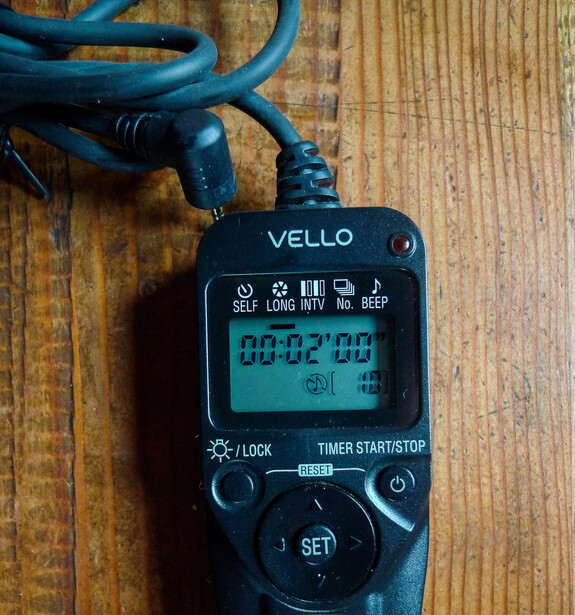
How long do you want each exposure to be? Right here is where you set it! This one is set for two minutes. This is especially handy because most cameras have a maximum exposure length of 30 seconds and offer a limited amount of long exposure times.
Intervalometers allow you to specify a shot between one second and 99 hours, 59 minutes, and 59 seconds. And yes, that means that when using the intervalometer to control exposure length, you cannot photograph anything shorter than one second.
Interval
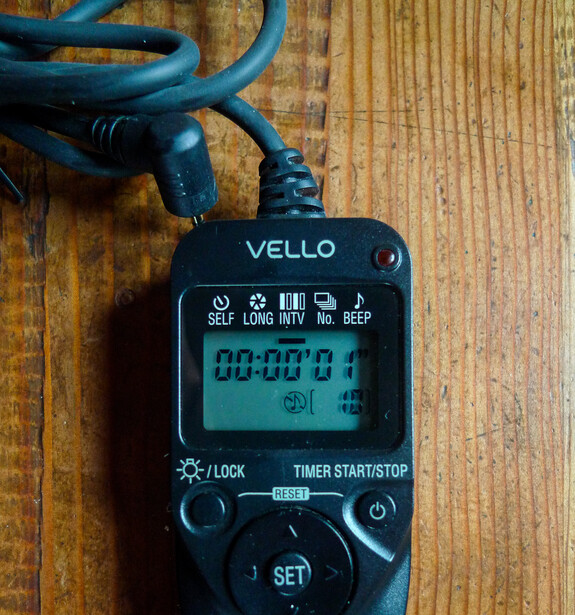
The interval setting allows you to control the time period between two or more shots. If you want to do time-lapses, perhaps you might want some time to pass between shots. On the other hand, if you want to do star trails for “stacking” later, you want the shortest possible time between shots.
The interval shown below is set to one second, the shortest time between shots possible on most intervalometers.
No. (Number)
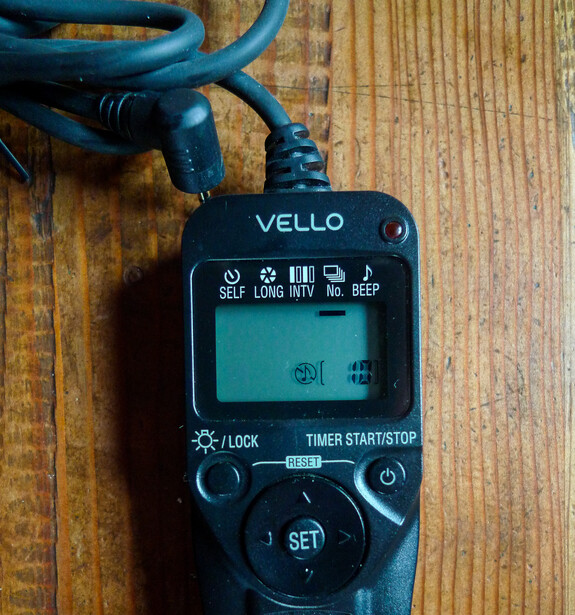
The number simply stands for how many photos you wish to take in your sequence of shots. Below, I have this set for 10 consecutive shots. You may set it anywhere from 1 shot to 999 shots. After running the sequence, the camera will stop unless you set it to infinity. This is typically signified by two dashes (—). On this setting, your camera will shoot and shoot and shoot until your batteries run out.
How Night Photographers Use an Intervalometer
Now that we know what the four basic settings are (I’m not going to go over whether you want a beep or not), let’s apply this to some real-life night photography scenarios.
Star Trails
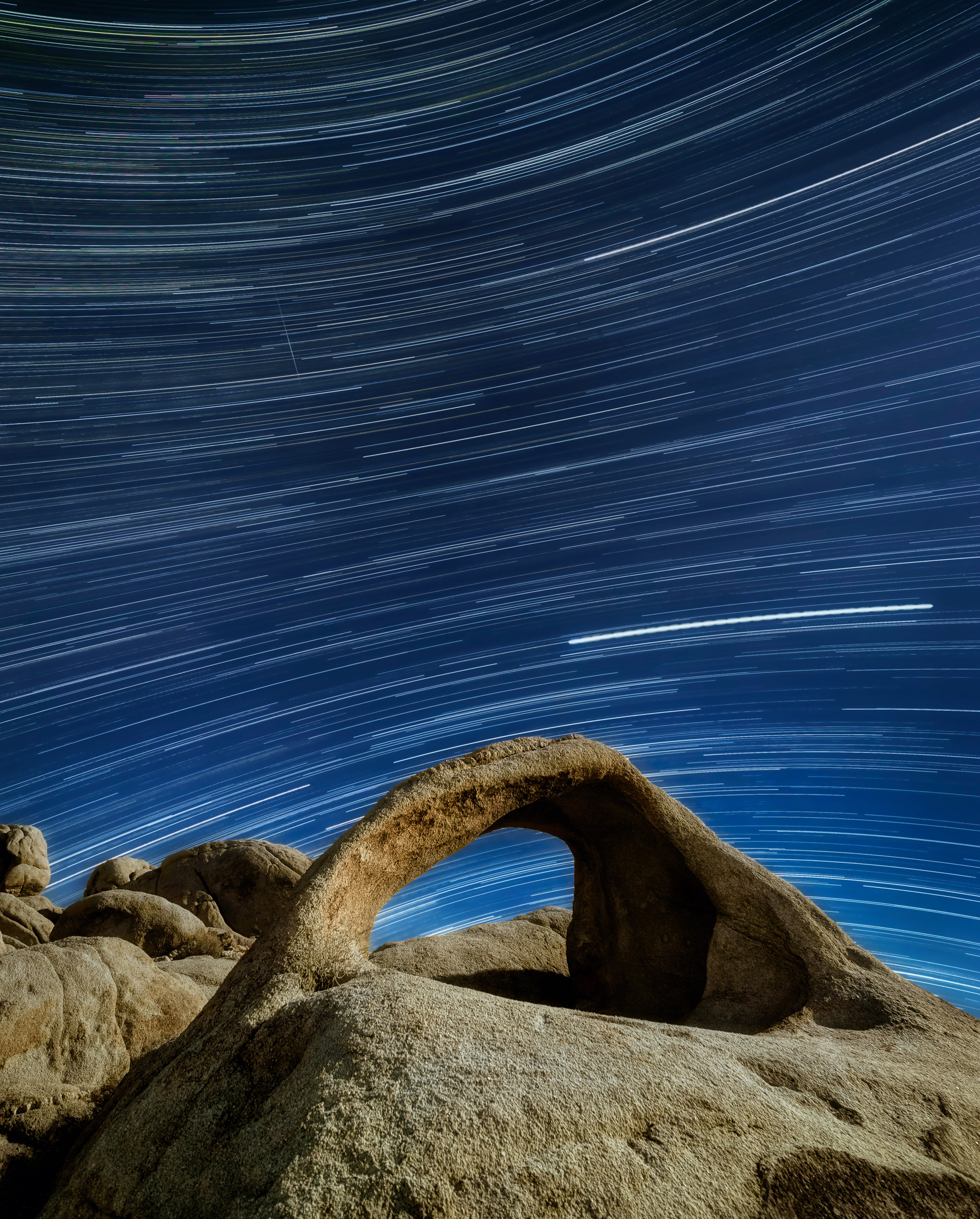
Many night photographers love to show the perceived movement of the stars caused by the Earth’s rotation over long periods of time. Taking a succession of shots and “stacking” them together for post-processing is a great way of achieving this while minimizing noise.
In the photo above, I set my intervalometer at a four-minute exposure length and photographed the starry night sky for two hours in total.
The settings would have looked like this:
-
Self (Self-Timer Delayed Release): 0 seconds
-
Long (Timed Exposure Length): 4 minutes
-
Interval: 1 second
-
No. (Number): 30
Stacking To Reduce Noise for Milky Ways
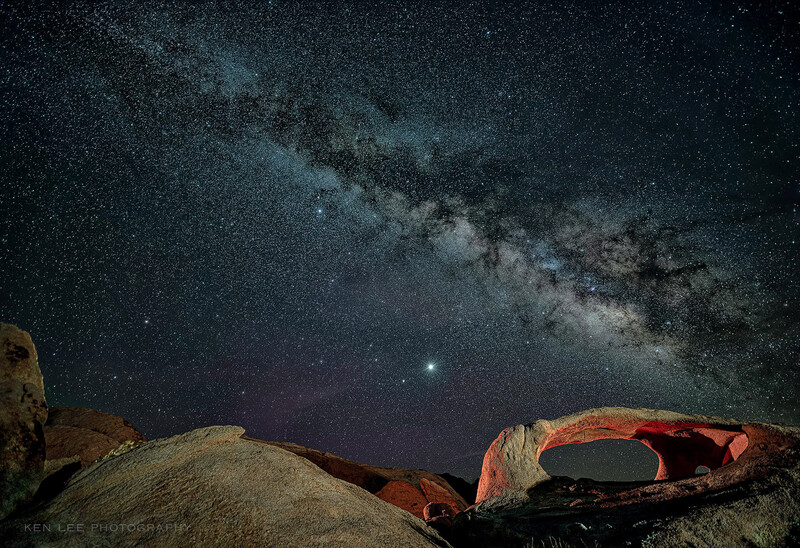
Many night photographers use intervalometers to take 15–20 photos in succession to reduce noise for their high ISO Milky Way photos. The following settings can also be used to create a time-lapse video of the Milky Way if you take many photos over a long period of time.
For the above photo, the settings are:
-
Self (Self-Timer Delayed Release): 0 seconds
-
Long (Timed Exposure Length): 15 seconds
-
Interval: 1 second
-
No. (Number): 17 (the slightly strange number tells me that I most likely set the device to click away on “infinity” while I grabbed a snack!)
Should You Let the Intervalometer Dangle From Your Camera?
I’ll leave you with this important bit of advice: Never let your intervalometer dangle from your camera. Several things may happen—none of them good!
The Intervalometer Jack May Get Pulled Out of the Camera
This may stop the entire shooting process you’ve set into motion. You don’t want that to happen, do you? No. No, you don’t.
The Intervalometer May Swing
This isn’t so great either. It doesn’t take much wind to get your intervalometer to start tapping against the tripod and cause shakes and vibrations.
The Intervalometer Cable Will Weaken
This occurs over time when the cable gets increasingly stressed. As it is, this is a common point of failure for intervalometers, so why hasten its death?
Pro Tip: Velcro to the Rescue!
I would never leave you hanging (apologies for the pun). There’s an easy solution, and it’s called Velcro. Yes, that’s right, add a strip of Velcro to the back of your device and to your tripod leg. No more swinging.



Join the Fstoppers community for free
-
Post comments and join in the discussions
-
Browse the site ad-free
-
Share your work and get featured in the community
-
Compete in the photo contests for fun and prizes
2 Comments
Great article and you turned me on to what I discovered is built in to my camera. I also discovered that there is at least one iOS/Android app for this. Pretty cool. How did I miss this all this time? Manual work be damned! Haha.
Thanks! Both iOS and Android have rather deep features. It’s easy to not know about them!