

So you’ve got a camera, lenses, lights, and a spare space to turn into a studio—perhaps a garage, basement, or garden room. Now what? Having previously run commercial studio premises, and now lucky enough to have my own creative space at home, in this article I share the essential non-photographic items that keep you focused on creating.
Having worked in commercial studio premises over the years, I now have the luxury of a small home studio, which suits my current needs perfectly. In the last 16 years, experience has taught me the difference between wants and needs when it comes to studio equipment. I tend not to splash out on things I don’t really need, keeping quite a conservative setup, which is much preferable to being inundated with a load of kit that I no longer have room to store. I concentrate on items needed to improve my workflow, focus, and comfort to make my job easier and help with productivity.
If you are at the stage where you are considering your own creative space, here is what you really need to elevate that space from a basic place to work to a functional space. I have previously written about the benefits of a security camera in your studio, but there are a whole range of non-photographic, supporting items that keep your studio running that you might not necessarily think of.
Essential Non-Photographic Equipment
Headphones
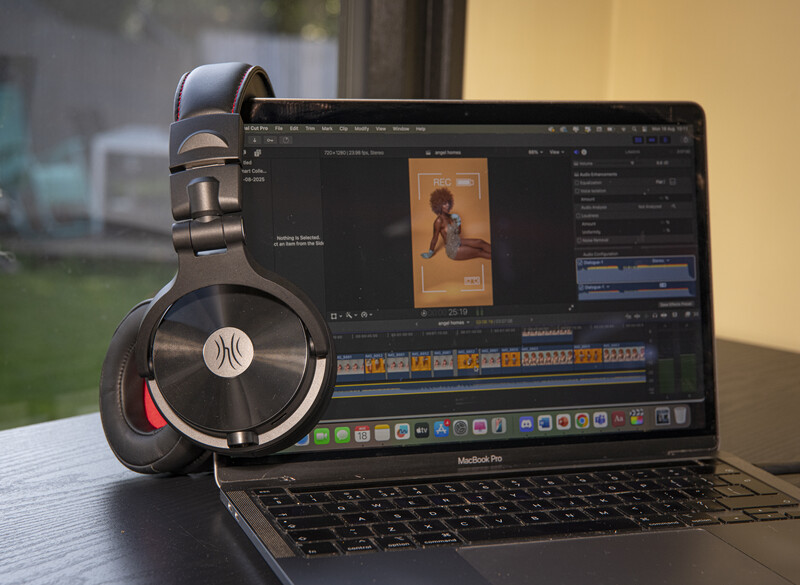
One thing that helps to stay in the zone while working is shutting out the rest of the world. Quality headphones are a necessity if you create any video content and need to listen to audio undisturbed by other noises in the room or surrounding location. These OneOdio Studio Max 1 Wireless DJ Headphones have professional high-res audio clarity. These make a great addition not only for music creators but for visual creators working with audio too.
On top of perfecting audio for video content, I particularly enjoy listening to music with these headphones during image editing sessions. I’ve always bought myself cheap headphones, and instead splurged on expensive ones for my daughter, but now it is my turn for clear, crisp audio too. Don’t scrimp on your headphones—the difference is very easy to distinguish between entry-level and pro models, and it’s something you only notice once you step up. I prefer on-ear headphones to properly tune in. These are very comfortable and relatively lightweight considering they are a high-end product.
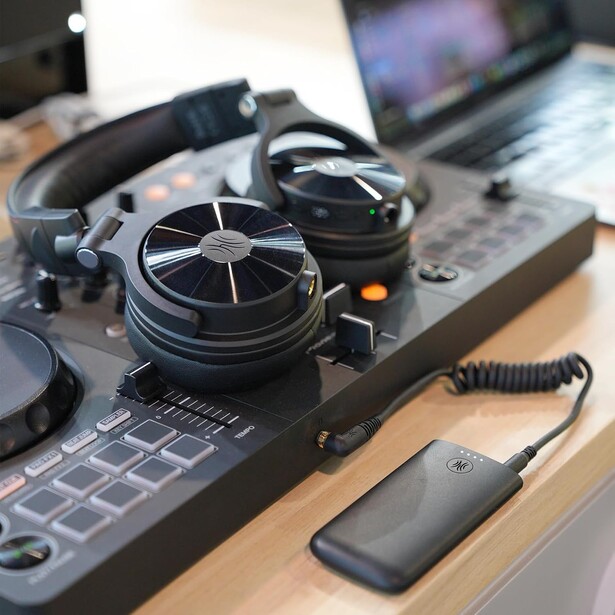
OneOdio Studio Max 1 Headphones Key Specs
- Wireless professional headphones
- 20 ms ultra-low latency transmission
- Industry-leading 120-hour battery life
- Ultra-fast charging: 5-minute charge for 5 hours of playback
- Studio-grade high-res Gold Certified audio
- Comfortable for long wear
Giant Mouse Mat/Pad
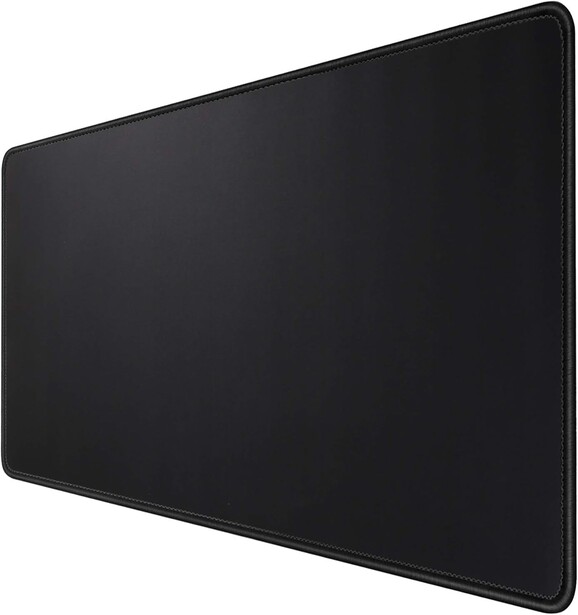
My work desk also doubles as a dining table, as I use my studio as extended hosting space over Christmas. With that in mind, I want to protect the table from daily wear and tear while keeping in flow visually with the space. My desk is black, so I opted for a black XXL Mouse Pad in size 900 mm × 400 mm, which covers a good portion of the table, allowing space for the majority of desktop items to fit on. In all honesty, the biggest benefit of this is not having cold forearms when working! There are many printed options out there—you can even have your own images on your mouse mat—but I wanted plain black to fit in with the look of the space.

Charging Dock
Picture this: you have two shoots or back-to-back client meetings to attend with little time to spare for some quick admin and message checks. You need to ensure your devices are charged and ready to go, without plugging them in at different places and leaving a stramash of wires cluttering your desk. If this sounds like you, then you need a charging dock.
This ESR Qi2 Wireless Charging Station simplifies your worktop, keeps things neat, and has MagSafe fast-charging capabilities to juice up your phone, smartwatch, and in-ear headphones. This charging dock is sleek, doesn’t take up much space, and tilts the phone at an easy-to-view angle so you can see notifications and reminders while it charges.


Key Features
- Multi-device MagSafe wireless charging
- Removable, Apple-certified charging dock for Apple Watch
- Sleek and strong build quality
Wireless Keyboard and Mouse

Being able to touch type at an average speed of 72 words per minute, I already have a head start on admin tasks. The Seenda CTU-301 Multi-Device Keyboard and Mouse, for me, is a game-changing combination. I find a stand-alone keyboard much more comfortable than my MacBook keyboard. Choosing not to use the MacBook trackpad is self-explanatory during editing sessions, and the wireless mouse is responsive, with a quiet click and soft-touch action.
Using this keyboard-mouse combo minimizes strain on my wrists and muscles around this area due to the ergonomic design. Being wireless, and with an integrated stand in the keyboard to place an iPad or iPhone (or both), this is also great for working on the go for a variety of admin tasks, including creating educational visuals and presentations.
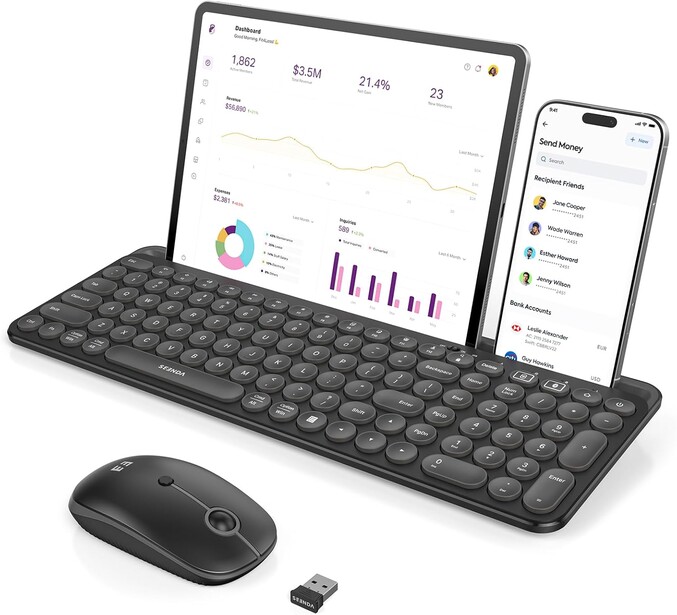
Key Features
- Bluetooth 5.0 and 2.4G wireless connection
- Full-size yet compact design
- Integrated stand holds inserted devices in a stable manner
- Keyboard tilt angle protects wrists from fatigue and strain
- Multiple colors available
Laptop Riser

This is one to help alleviate muscular pain, as I suffer from it a lot if I am not careful. This laptop riser is a key tool in keeping my back straight and avoiding neck strain. The Fellowes I-Spire Laptop Riser is also really handy in online meetings or for using with a webcam to record video content at eye level.
Robotic Vacuum

You may think this is a luxury item, but this little vacuum is such a great time saver. Studio still life or portraiture—if you have your own studio, you know how dirty your floors can get. If you are a newborn and family photographer, hygiene is very important in your studio, as newborn babies can be vulnerable to germs, not to mention toddlers being photographed while crawling along the floor.
I am currently shooting a range of fresh and dried flowers, and those petals and leaves really do get everywhere. Dirt can be walked in from the garden too, drying and turning to dust. It is time-consuming to keep on top of all of this, and investing in a robotic vacuum is honestly a life hack I am glad I opted for.
The Switchbot K10+ Pro Robot Vacuum Kit is multifunctional, as it includes a cordless handheld vacuum and dual charging and dust collection dock. The robotic vacuum, which is the smallest in the world, is great for everyday cleans, wet and dry. The handheld vacuum goes deeper on stubborn dirt, great on carpeted surfaces too. With multiple tools included, this kit gives you all you need for effortless cleaning top to bottom.
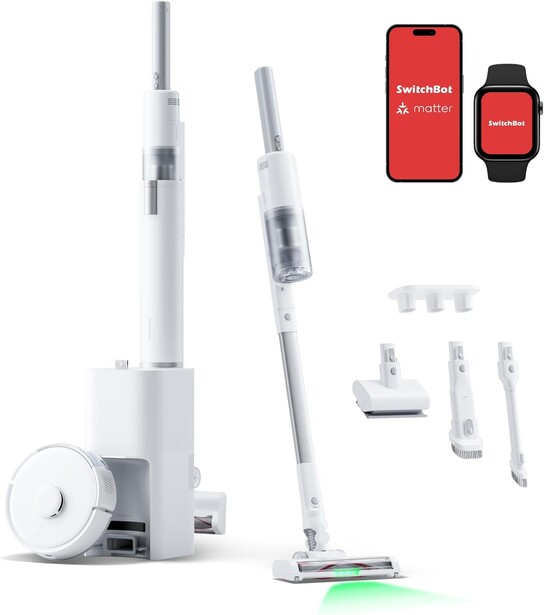
Switchbot K10+ Pro Key Features
- Auto-empty docking for maximum hands-free cleaning efficiency
- TwinFlow suction technology, with 99.77% pickup rate
- Intelligent route planning and object avoidance
- Ultra-quiet operation allows you to concentrate on the task at hand
- Alexa and Google Assistant compatible
Air and Cooling

Living in Scotland and mostly dealing with rainy or cold weather for most of the year, air conditioning units are not standard here. On those hot summer days, though, my studio—clad in black exterior wall paneling—gets very warm, even with the windows open.
After trying many cheaper fans such as simple rotating fans and tower fans, I came across the Shark Flexbreeze HydroGo Fan, which can be used plugged in or battery powered. What makes this fan special, and worth the extra investment, is the misting feature, which helps cool the room by 2 degrees and cools me down when I stand or sit in proximity to the mist.
While I keep my fan in the studio most of the time, I have also taken it camping in a heatwave to help keep my dog cool—much better than sitting in the car with the air conditioning running.
Shark Flexbreeze HydroGo Key Features
- Sleek, compact design for floor or tabletop use
- Evaporative cooling technology
- Up to 12 hours runtime
- Up to 20 m of airflow
Storage Boxes
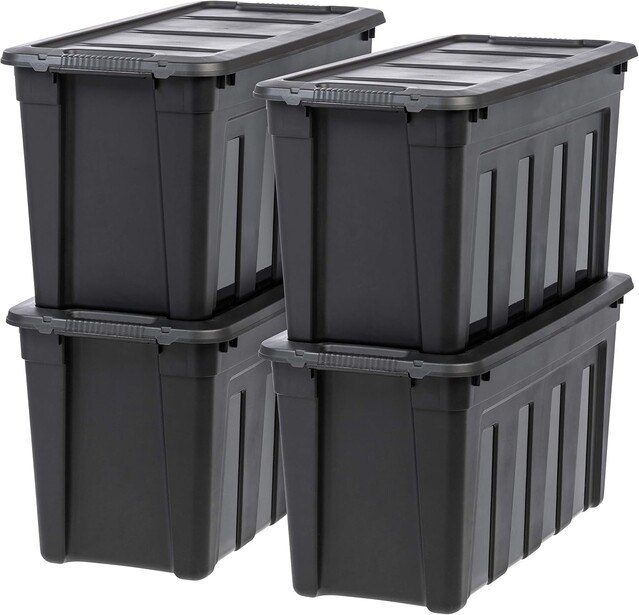
You may opt for shelving to house your equipment, keeping cherished items on display. Camera equipment is a real magnet for dust, so everything I can, I store away. I use Stackable Storage Boxes, originally designed for garage storage. They are very durable, impact-resistant options for your equipment. These boxes handle temperature fluctuations well, as the thick recycled plastic walls act as great insulation.
Since they are stackable, they are excellent for saving space. I have two boxes in two sizes, which, when stacked together, are the same height as my desk. I often find myself using them as additional workspace.
Bonus Item: Make Up Brushes
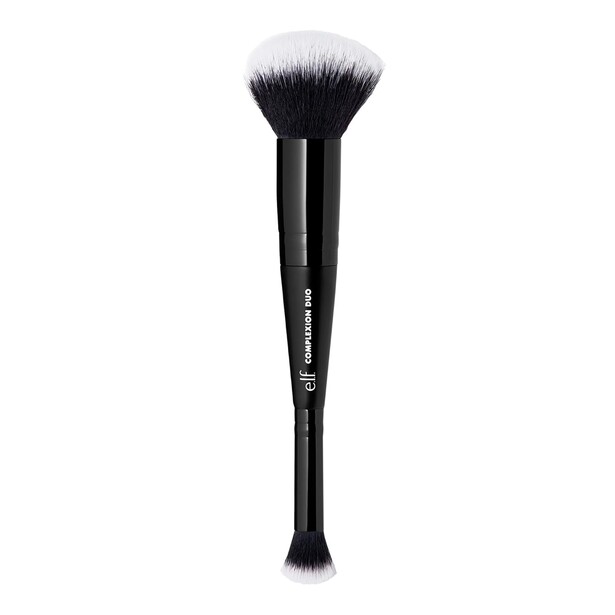
A simple makeup brush can be picked up for very little cost, but its value is much greater when it comes to shooting still life. Sometimes you have delicate items set up and need to remove a few specks of dust, but a vacuum or fan will disturb the scene too much. A small makeup brush allows you to work in specific small areas, sweeping away imperfections without interfering with your setup.
You needn’t spend much—this Elf Cosmetics Brush is less than $10.
Final Thoughts
This article could go on and on with all of the unwritten essentials that are needed to keep you focused on your workflow. Take it from someone who has worked in commercial studios, and now works from a home studio workspace: you need to add some of these items to your list if you are considering setting up your own studio or workspace.
What essential non-photographic items can you recommend to others?






Join the Fstoppers community for free
-
Post comments and join in the discussions
-
Browse the site ad-free
-
Share your work and get featured in the community
-
Compete in the photo contests for fun and prizes
2 Comments
Those really don't look like great storage boxes for camera equipment. Iris Airtight boxes from a company called Solent Plastics are better as they are IP56 Certified weatherproof. They clamp shut much tighter and have a secondary seal. Well worth checking out.
That looks like a good option too. Anything that keeps the temperature stable, and keeps moisture out is a win.