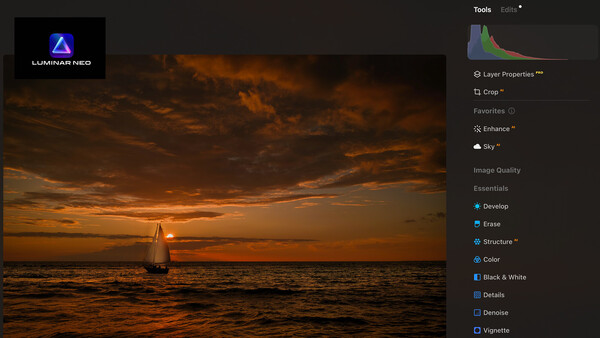
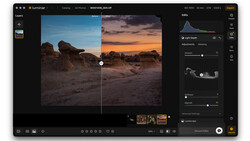
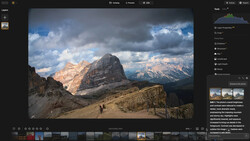
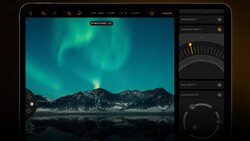
Skylum has released an update for its popular Luminar Neo editor that is incremental but will please owners. It follows a major fall update that brought many new features to the editor.
What's in It?
This update improves the quality of results from our generative tools while also making Luminar Neo more stable and reliable overall. We’ve enhanced performance, fixed crashes, and refined key interactions to make your editing smoother and more consistent.
The AI Assistant panel is now fully draggable and resizable, so you can place it wherever it works best for you, and tools in Favorites can be reordered for greater control over your workspace. Export performance has also been enhanced for faster, smoother output.
Plus, Luminar Neo 1.26.1 adds support for Sony a7 V, Sony FX2, and Panasonic LUMIX DC-S5IIX, ensuring seamless compatibility from import to final edit.
On the Mac Side:
- Fixed an issue where the app window would suddenly shrink and could no longer be resized.
- Resolved a crash that occurred when dragging an image to the last group in HDR Merge or Panorama Stitching tools.
- Fixed catalog scrolling behavior on startup.
- Presets can now be saved to My Presets after switching between photos.
- AI Assistant no longer overlaps the list of Presets in the packs.
- Improved responsiveness of the Sky selection dropdown in the Apple Photos extension.
- Sped up chromatic aberration processing for .RAF files.
- Removed overcorrection artifacts after applying “Auto Fix Chromatic Aberrations” to ARW raw files.
For Windows Users
- Spaces are now displayed correctly on startup, with no duplication.
- Rejected images will no longer reappear in the Catalog.
- AI Assistant no longer gets stuck in an infinite loop when searching for Presets.
- Web view no longer shows an endless spinner when loading X Membership add-ons.
- Sped up chromatic aberration processing for .RAF files.
- Removed overcorrection artifacts after applying “Auto Fix Chromatic Aberrations” to ARW raw files.
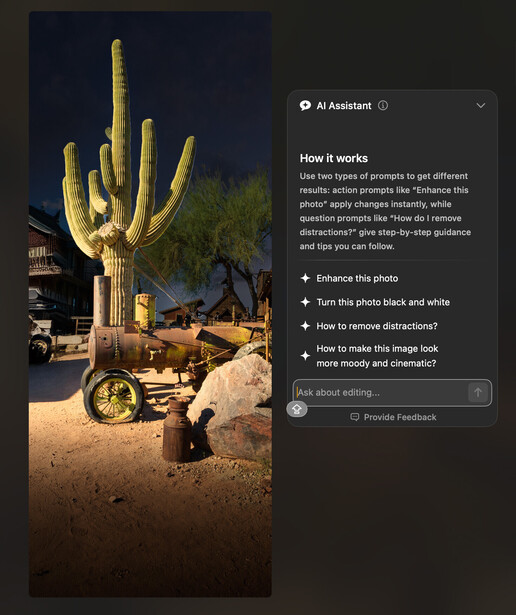
To get the update, just launch Luminar Neo and you’ll be offered the update. I’ve noticed that, in macOS, the app is a bit faster, and the ability to reorder the Favorite tools, as well as move the AI Assistant panel anywhere you like, will please many users.

Join the Fstoppers community for free
-
Post comments and join in the discussions
-
Browse the site ad-free
-
Share your work and get featured in the community
-
Compete in the photo contests for fun and prizes
No comments yet