
The iPad Pro (M5) is the kind of device that makes you rethink what a tablet can be. I've been using it daily for the past two months, and it has become an indispensable part of how I create, consume, and work. Here are my thoughts.
I've been testing the 13-inch Wi-Fi + Cellular model with the M5 chip (10-core CPU, 10-core GPU, 16 GB RAM, 1 TB SSD, Silver), paired with the Magic Keyboard for iPad Pro, Apple Pencil Pro, and iPad Smart Folio. I'm coming from a second-generation iPad Pro, so the leap in every dimension has been dramatic. Here's what I found after two months of daily use.
Specifications and Configuration
The M5 iPad Pro is available in 11-inch and 13-inch configurations, both powered by the M5 chip.
iPad Pro 11-Inch
- Chip: M5 (9-core CPU on 256 GB/512 GB models; 10-core CPU on 1 TB/2 TB models)
- GPU: 10-core GPU with Neural Accelerators in each core
- Memory: 12 GB (256 GB/512 GB models) or 16 GB (1 TB/2 TB models); 153 GB/s memory bandwidth
- Display: 11.1-inch Ultra Retina XDR Tandem OLED, 2,420 x 1,668 at 264 PPI
- Cameras: 12 MP Wide rear camera (f/1.8), 12 MP landscape Center Stage front camera (f/2.0), LiDAR Scanner
- Connectivity: Wi-Fi 7, Bluetooth 6, Thunderbolt/USB 4; optional 5G cellular
- Battery Life: Up to 10 hours
- Price: Starts at $999 (Wi-Fi), $1,199 (Wi-Fi + Cellular)
iPad Pro 13-Inch
- Chip: M5 (9-core CPU on 256 GB/512 GB models; 10-core CPU on 1 TB/2 TB models)
- GPU: 10-core GPU with Neural Accelerators in each core
- Memory: 12 GB (256 GB/512 GB models) or 16 GB (1 TB/2 TB models); 153 GB/s memory bandwidth
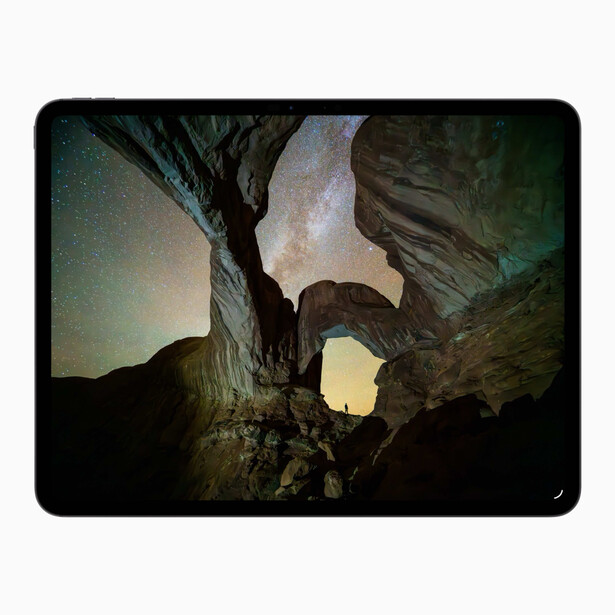
- Display: 13-inch Ultra Retina XDR Tandem OLED, 2,752 x 2,064 at 264 PPI
- Cameras: 12 MP Wide rear camera (f/1.8), 12 MP landscape Center Stage front camera (f/2.0), LiDAR Scanner
- Connectivity: Wi-Fi 7, Bluetooth 6, Thunderbolt/USB 4; optional 5G cellular
- Battery Life: Up to 10 hours
- Price: Starts at $1,299 (Wi-Fi), $1,499 (Wi-Fi + Cellular)
Additional Specs (Both Models)
- Audio: Four-speaker system, studio-quality four-microphone array, Voice Isolation and Wide Spectrum microphone modes
- Storage Options: 256 GB, 512 GB, 1 TB, 2 TB
- Authentication: Face ID
- Colors: Silver, Space Black
- Nano-texture display glass: Available on 1 TB and 2 TB configurations (add $100)
- Accessories: Compatible with Apple Pencil Pro, Apple Pencil (USB-C), and Magic Keyboard for iPad Pro
Display: An Absolute Stunner
Let me get this out of the way up front: the Tandem OLED display on this iPad Pro is one of the best screens I have ever used on any device, period. I say this as someone who is genuinely particular about displays and can be a real snob about the experience. The 13-inch Ultra Retina XDR panel is in a class of its own.
OLED has always excelled at contrast and color saturation, but its Achilles' heel has been brightness, particularly in highlights and full-screen SDR content. Apple's Tandem OLED technology solves this by stacking two panels on top of each other, and the result is extraordinary. You get the inky blacks and per-pixel contrast control that only OLED can deliver, combined with up to 1,000 nits of full-screen SDR brightness and a staggering 1,600 nits peak for HDR content. At 2,752 x 2,064 resolution (264 PPI), everything is razor sharp. P3 wide color, True Tone, and ProMotion at up to 120 Hz round out a display that is, without exaggeration, a joy to look at in any lighting condition. The display can also dim all the way down to 1 nit, which is a welcome addition for nighttime use. It makes me wish my TV had such a design.
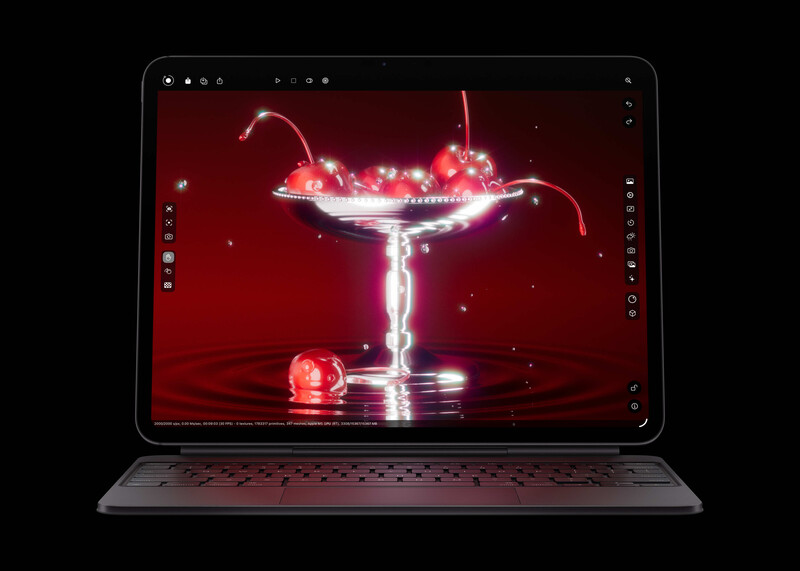
Whether I'm editing photos, watching HDR video, reading, or just browsing the web, this screen continually impresses me. It's the kind of display that makes you want to do more on the device just because everything looks so good. For photographers, the P3 color gamut and calibration accuracy make it a trustworthy surface for evaluating and editing images, and for video editors, the HDR performance is genuinely useful for grading.
Design and Build
The M5 iPad Pro retains the same design as the M4 generation, and that's fine by me. At just 5.1 mm thin and 1.28 pounds (for the 13-inch cellular model), it remains astonishingly portable for a device with this much screen real estate and power. The aluminum body feels premium and solid without any flex or creakiness. Coming from a second-generation iPad Pro, the difference in size and weight is staggering; this feels like a completely different class of device. I've always been amazed by how thin my second-generation device is considering its power, and I didn't think it could get much thinner or lighter. I was wrong.
It's available in Silver and Space Black. The slim profile looks great with the Magic Keyboard attached, creating a laptop-like setup that's thinner and lighter than any actual laptop.
Face ID: Fast, Reliable, and Natural
Face ID on the iPad Pro has been a genuinely pleasant experience. It's fast, reliable, and works from a wider range of angles than I expected, whether the iPad is flat on a table, propped up on the Magic Keyboard, or held in my hands. Authentication for unlocking, Apple Pay, password autofill, and app purchases is seamless and feels completely natural. Coming from an older iPad with Touch ID, the upgrade to Face ID removes a small but persistent friction point from dozens of daily interactions. It's one of those features that quietly improves the experience without ever drawing attention to itself.
Performance: More Power Than You'll Know What to Do With
The M5 chip in the 1 TB configuration I'm testing features a 10-core CPU (4 super cores and 6 efficiency cores), a 10-core GPU with Neural Accelerators, a 16-core Neural Engine, and 16 GB of RAM with 153 GB/s of memory bandwidth. That 16 GB of RAM (up from 8 GB on older models and available on the 1 TB and 2 TB configurations; 256 GB and 512 GB models get 12 GB) is a meaningful upgrade that directly enables on-device AI workloads that wouldn't have been practical before. Storage speeds have also jumped substantially, with Apple claiming up to twice the read/write performance of the M4 generation, and in daily use, file transfers, app installs, and project loads all feel noticeably snappier.
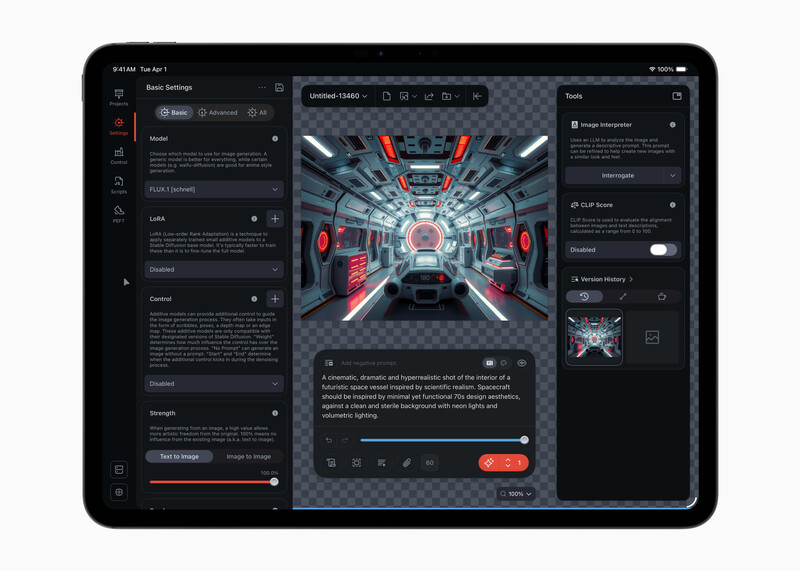
Coming from a second-generation iPad Pro, the performance difference is not subtle. Everything is instantaneous: apps launch in a blink, multitasking is seamless, and even the most demanding tasks I've thrown at it feel effortless.
I've been running large language models locally on this device, and performance is genuinely impressive. The 16 GB of RAM is essential here, giving the M5 enough headroom to keep the model in memory while the Neural Accelerators handle inference. Responses generate quickly and the device stays responsive throughout. Apple Intelligence is woven throughout iPadOS 26, and having intelligent features integrated at the system level, from notification summaries to Writing Tools to Image Wand, makes the daily experience meaningfully better. It's one of those things where you don't realize how much you rely on it until you go back to a device without it.
The M5 also handles demanding creative applications without hesitation, and I want to highlight one aspect of this in particular.
Apple Creator Studio: A Full Review Is Coming
I've been working extensively with Apple Creator Studio on the iPad Pro, and a full, dedicated review of the suite is coming soon. But what I can say now is that the combination of the M5 iPad Pro's hardware and Apple's creative software suite creates an experience that simply does not exist anywhere else.
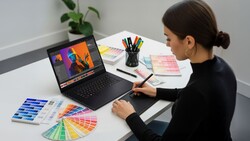
There is no other device in the world that lets you edit photos and video with this level of tactile immediacy on a screen this gorgeous. When you're working in Final Cut Pro for iPad or Pixelmator Pro with the Apple Pencil, you're not pushing a mouse cursor around an interface. You're touching your work directly, manipulating images and timelines with your fingers and a precision stylus on a Tandem OLED display that shows your content exactly as it should look. It's a fundamentally different creative experience, and once you've done it, going back to a traditional desktop workflow feels oddly indirect.
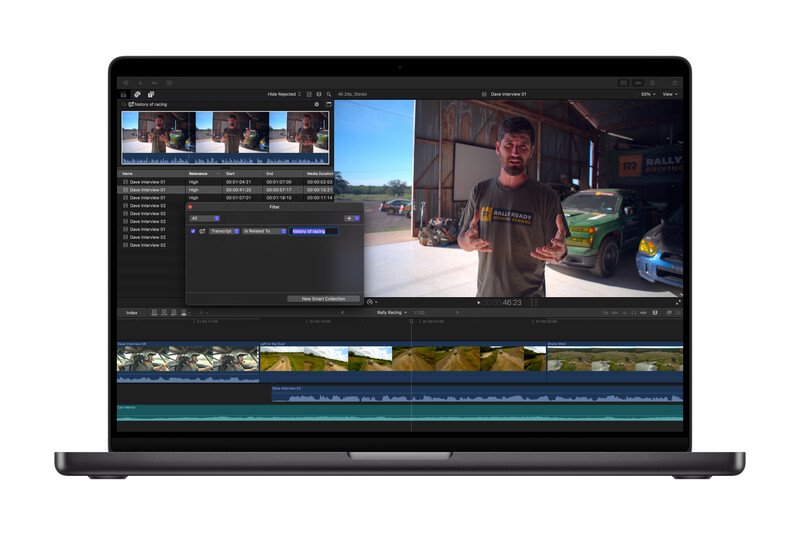
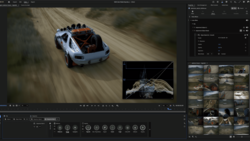
The M5 chip gives Creator Studio all the power it needs. Editing multi-stream ProRes footage, applying complex filters, working with layers upon layers in Pixelmator Pro: the iPad Pro handles it all without any perceptible lag. And while the iPad versions of these apps are the star of the show here, it's worth noting that Creator Studio's reach extends to the Mac side as well. I use MainStage (included in the suite) for major orchestra gigs, where it transforms my MacBook Air into a complete live performance rig, and it's been fantastic. The fact that a single $12.99/month subscription covers Final Cut Pro, Logic Pro, Pixelmator Pro, MainStage, Motion, Compressor, and intelligent features across Pages, Numbers, and Keynote on both Mac and iPad is a remarkable value for anyone who works across Apple's creative ecosystem. For example, without just Mainstage, I'd be paying several hundred dollars a year for a replacement.
Stay tuned for the full Creator Studio review.
Accessories: Magic Keyboard and Apple Pencil Pro
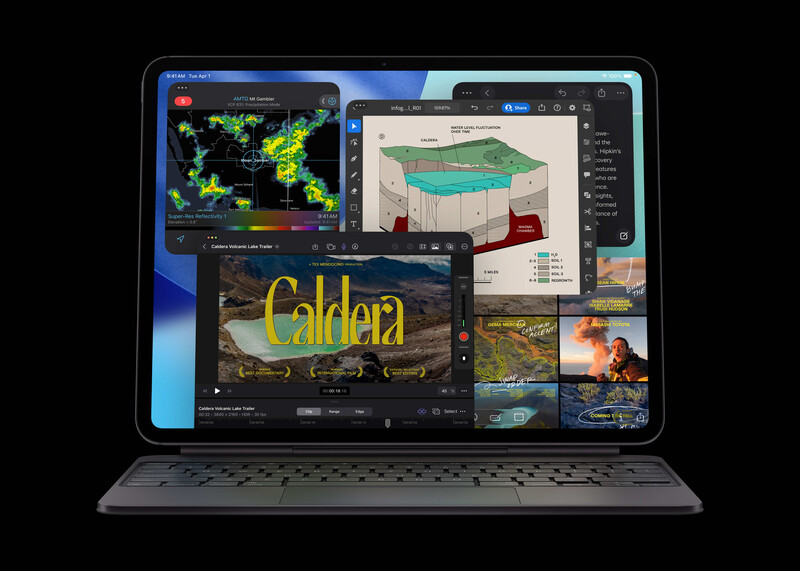
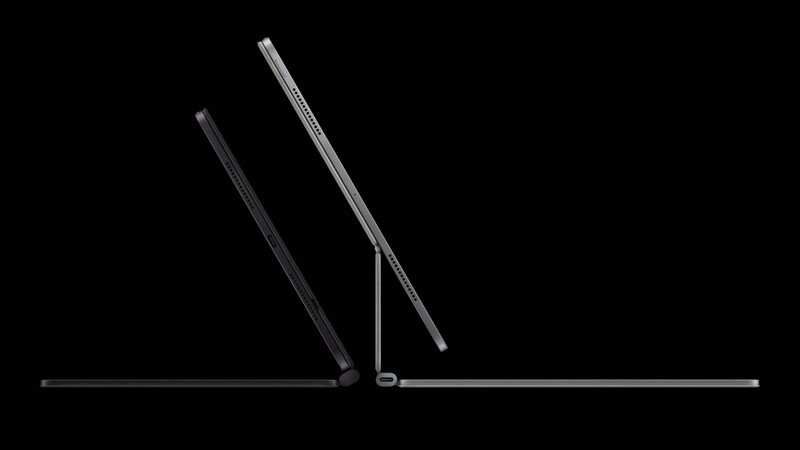
The Magic Keyboard for iPad Pro transforms the iPad Pro into a surprisingly capable laptop replacement. Coming from an earlier iPad keyboard, the elevated design is a welcome change. The ability to continuously adjust the viewing angle is a nice improvement, letting you dial in the perfect position whether you're at a desk, on a couch, or working on an airplane tray table. The keyboard itself types very well and comfortably, even for extended writing sessions. I've written long-form articles on it without any fatigue or frustration. The trackpad works well for mousing, and it makes navigating iPadOS feel natural and precise.
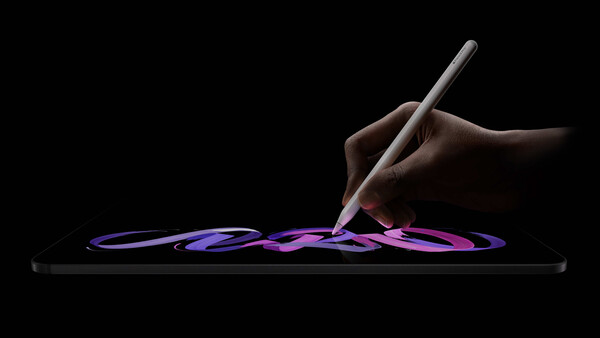
The Apple Pencil Pro continues to be a fantastic accessory, and it really shines on a device like this. The hover feature lets you preview where your stroke will land before you commit, and the squeeze gesture for switching tools adds a level of efficiency that becomes second nature quickly. For photo editing specifically, the Pencil Pro is outstanding. Being able to make precise selections, paint masks, and apply local adjustments by physically touching the image on a gorgeous OLED display is something no mouse-and-monitor or even just about any editing tablet setup can replicate.
Cameras
The camera setup is carried over from the M4 generation: a 12 MP Wide rear camera with f/1.8 aperture, adaptive True Tone flash, and LiDAR Scanner, plus a landscape-oriented 12 MP Center Stage front camera. The rear camera is perfectly capable for document scanning, reference photos, and quick video clips. The LiDAR Scanner is worth calling out specifically: it enables augmented reality workflows, improves autofocus performance in low-light conditions, and can be used for 3D scanning and room measurement apps. It's a niche feature for most users, but for architects, interior designers, and anyone working in AR, it's a meaningful inclusion. The landscape orientation of the front camera is a much-appreciated design choice that means you're centered in frame during video calls without any awkward off-axis eye contact, which is how I use the camera most.
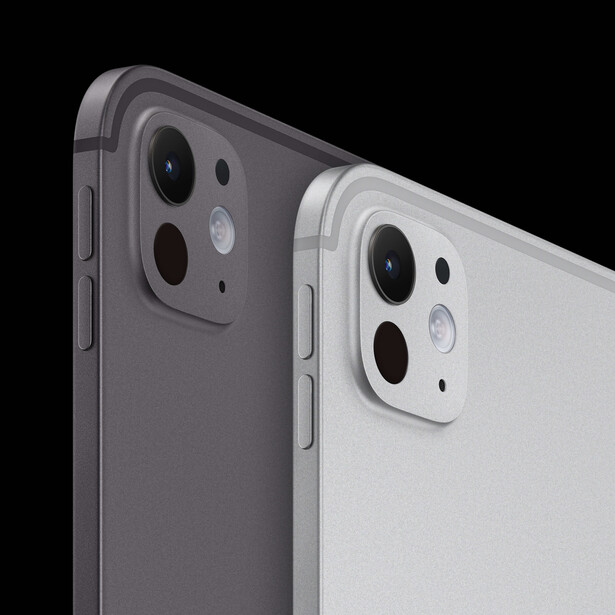
The iPad Pro supports 4K video recording at up to 60 fps, including ProRes, which pairs nicely with the Creator Studio workflow for quick capture-to-edit on a single device.
Connectivity: Cellular Freedom, Wi-Fi 7, and Bluetooth 6
Having 5G connectivity (via Apple's new C1X cellular modem with eSIM) means I can work from anywhere without hunting for Wi-Fi, which has been great considering how often I'm in rural areas. The C1X is Apple's in-house cellular modem, and it delivers up to 50 percent faster data speeds compared to the previous generation while using less power. In practice, I've noticed genuinely impressive cellular speeds over the past two months, and the efficiency gains contribute to the fact that battery life hasn't suffered despite the always-on connectivity. It's one of those features that feels unnecessary until you have it, and then you can't go back.
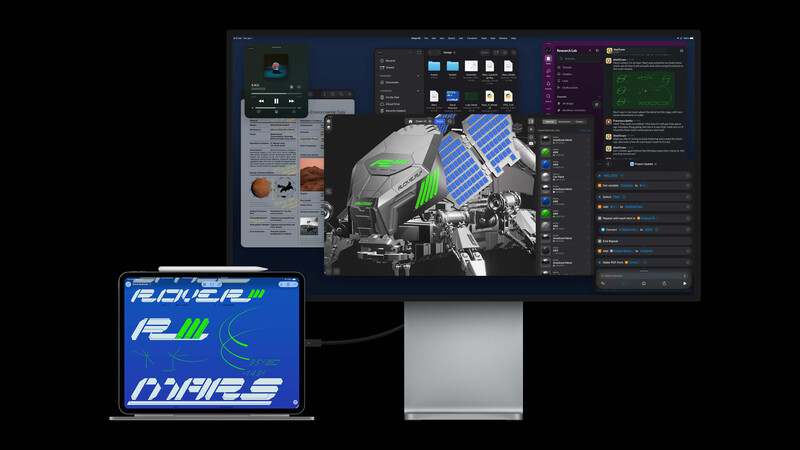
Wi-Fi 7 (via the Apple N1 chip) and Bluetooth 6 bring the same generational improvements as the new MacBook Pro: wider channels, Multi-Link Operation, and better range and latency. Thunderbolt/USB 4 provides wired connectivity for external displays, fast data transfer, and charging. New to this generation is support for external displays at up to 120 Hz with Adaptive Sync (in addition to up to 6K at 60 Hz), which is a significant upgrade for video editors and gamers who work with high-refresh-rate monitors. The M4 iPad Pro was limited to 60 Hz external output, so this is a welcome addition that makes the iPad Pro a more capable desktop replacement when docked.
Battery Life and Charging
Apple rates the iPad Pro at up to 10 hours of web browsing or video playback, and my experience has matched that. Even with cellular connectivity active throughout the day, I've been consistently getting around 10 hours of mixed use before needing to charge. For a device this thin and powerful, that's impressive.
Fast charging is always a welcome inclusion. With a 40 W Dynamic Power Adapter or any USB-C adapter providing 60 W or more, the iPad Pro can hit 50 percent battery in roughly 30 minutes. In practice, this means a quick top-off during a break is enough to get me through the rest of the day.
Speakers and Microphones: Surprisingly Impressive
The four-speaker system on the iPad Pro deserves far more attention than it typically gets. These speakers are surprisingly loud and clear, producing sound that fills a room with a richness and balance you simply don't expect from a device this thin. Bass has genuine presence, mids are well-defined, and highs are crisp without any harshness. Whether I'm watching movies, listening to music, or sitting through a long video call, the audio quality consistently impresses. The stereo separation is excellent in landscape orientation. For a tablet that measures just 5.1 mm thick, the volume and fidelity these speakers deliver is quite good.
The four-microphone array is equally impressive. Voice pickup is clean and natural, and the directional beamforming does a great job of isolating your voice from background noise. The addition of Voice Isolation and Wide Spectrum microphone modes (also found on the new M5 MacBook Pro) provides useful flexibility: Voice Isolation is perfect for calls from noisy environments, while Wide Spectrum captures the full soundscape of the room, which is ideal for group calls or recording ambient audio.
One thing to note: there's no 3.5 mm headphone jack. All audio output beyond the speakers goes through Bluetooth or USB-C, so you'll need a dongle or USB-C/Bluetooth headphones. It's not a surprise at this point, but it's worth mentioning for anyone who still relies on wired headphones.
Content Consumption: The Best Screen for Everything
I've framed this review around the iPad Pro's creative capabilities, but it would be incomplete without acknowledging how exceptional this device is for simply consuming content. The combination of the 13-inch Tandem OLED display, four-speaker audio system, and the iPad Pro's slim, lightweight form factor makes it, without reservation, the best content consumption device on the market.
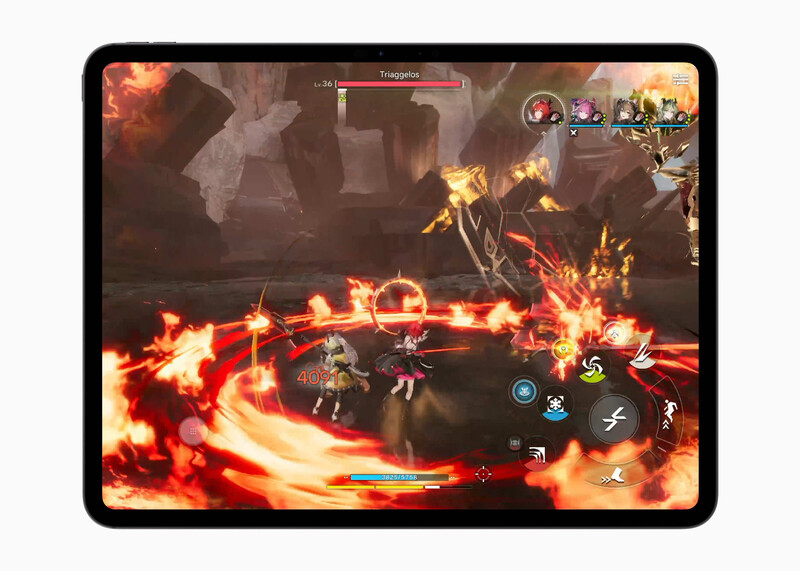
Movies and TV shows in HDR look spectacular. The 1,600-nit peak brightness and 2,000,000:1 contrast ratio bring a sense of depth and vibrancy that makes content genuinely pop, and the four speakers provide audio that's far more immersive than any tablet has a right to deliver. The 4:3 aspect ratio means you'll get black bars on widescreen content, but it's a tradeoff that pays dividends everywhere else: web browsing, reading, document work, and photo viewing all benefit enormously from the taller aspect ratio. Reading long articles, PDFs, or books on this screen is a pleasure, and scrolling at 120 Hz with ProMotion feels buttery smooth. Even something as mundane as browsing the web or scrolling through social media feels elevated on a display this good. It sounds like a small thing, but when you pick up the iPad Pro to do something casual, the quality of the experience makes you reach for it over your phone or laptop more often than you'd expect.
iPadOS 26 and the Software Question
The M5 iPad Pro has more than enough power to handle whatever I throw at it. Multitasking across multiple apps, running local LLMs, editing video in Final Cut Pro, and browsing the web with dozens of tabs open simultaneously: none of it causes the device to break a sweat.
The honest reality, though, is that the iPad Pro's hardware continues to outpace what iPadOS asks of it. While iPadOS 26 brings a refreshed Liquid Glass design and improved windowing capabilities, the gap between what this hardware could do and what the software lets it do remains the iPad Pro's most persistent limitation. Apple Creator Studio does an excellent job of leveraging the M5's power and offering a genuinely pro-level creative experience, but outside of dedicated creative workflows, the iPad Pro is still an iPad, and there are moments where you wish it could do just a bit more.
That said, for its intended role as a premium creative workhorse and content consumption device, these limitations are more philosophical than practical. The iPad Pro does what it does extraordinarily well.
Pricing and Availability
The iPad Pro 13-inch (M5) starts at $1,299 for the Wi-Fi model and $1,499 for Wi-Fi + Cellular. Stepping up to 1 TB storage (which also gets you the full 10-core CPU and 16 GB of RAM) brings the Wi-Fi model to $1,699 and the cellular model to $1,899. The 2 TB configuration tops out at $2,099 (Wi-Fi) and $2,299 (Wi-Fi + Cellular). Nano-texture glass adds $100 on the 1 TB and 2 TB models.
The 11-inch model starts at $999 (Wi-Fi) and $1,199 (Wi-Fi + Cellular), following the same storage and RAM tiers.
Don't forget to budget for accessories. The Magic Keyboard for iPad Pro and Apple Pencil Pro are sold separately and are, in my opinion, essential to getting the full iPad Pro experience. Both are available in Silver and Space Black. All models come in Space Black and Silver.
What I Liked
- The display is the best I've ever used on a portable device. The Tandem OLED Ultra Retina XDR panel solves the traditional OLED brightness tradeoff while delivering stunning contrast, color accuracy, and sharpness. It makes everything you do on this device look incredible.
- There is no other creative experience like it. The combination of a Tandem OLED display, Apple Pencil precision, and touch-first creative apps like Apple Creator Studio creates something no other device can replicate. Editing photos and video by directly touching the screen is a fundamentally different and better way to work. A full review of Creator Studio is coming soon.
- The M5 chip is absurdly powerful. Running LLMs locally, editing multi-stream ProRes footage, and juggling demanding multitasking workflows without any hesitation. Coming from an older iPad, the difference is transformative.
- Battery life is excellent, even on cellular. A consistent 10 hours of real-world use with 5G active, plus fast charging that makes quick top-offs during a break enough to carry you through the rest of the day.
- The speakers are quite good. Surprisingly loud, clear, and balanced audio from a device that's 5.1 mm thin.
- The four-microphone array delivers excellent call quality. Voice Isolation and Wide Spectrum modes add real flexibility, and colleagues have consistently commented on how clear I sound.
- Cellular connectivity is liberating. The C1X modem delivers noticeably fast data speeds, and having always-on 5G means never hunting for Wi-Fi. Once you have it, you can't go back.
- The Magic Keyboard is a legitimate typing tool. The elevated design, continuously adjustable angle, and comfortable key feel make it viable for writing long-form content all day.
- Apple Pencil Pro is indispensable for creative work. Hover, squeeze gestures, and the precision of the tip make photo editing and drawing a joy on this screen.
- Face ID is fast and seamless. Works from a wide range of angles and removes friction from dozens of daily interactions.
- External display support at 120 Hz with Adaptive Sync is a meaningful upgrade for anyone who docks the iPad Pro at a desk.
- Wi-Fi 7, Bluetooth 6, and faster storage round out a comprehensive set of under-the-hood improvements that collectively make the device feel snappier and more future-proof.
What I Didn't Like
- iPadOS still doesn't match the hardware's potential, but it's getting better. The M5 chip could do so much more than iPadOS 26 asks of it, and there are still moments where the software feels like the ceiling for a device with a very high floor. That said, the gap is narrowing. Apple Creator Studio is a great example of software that genuinely leverages what this hardware can do, and the improved windowing in iPadOS 26 is a step in the right direction.
- Accessories are expensive. The Magic Keyboard and Apple Pencil Pro are, in my opinion, essential to the full iPad Pro experience, but they add significant cost on top of an already premium device. Budgeting for the full setup is important.
Final Thoughts
For anyone coming from an older iPad Pro, this is a massive upgrade that will change how you use the device. For those already on the M4, the gains are more incremental, with the M5 chip, faster storage, Wi-Fi 7, fast charging, and iPadOS 26 rounding out a solid but less dramatic improvement. But regardless of where you're coming from, the M5 iPad Pro 13-inch stands alone as the most capable and versatile tablet ever made, offering a creative experience that no other device in the world can match.
Purchase
The 2025 iPad Pro is available for purchase in a variety of configurations in both 11-inch versions and 13-inch versions.

Join the Fstoppers community for free
-
Post comments and join in the discussions
-
Browse the site ad-free
-
Share your work and get featured in the community
-
Compete in the photo contests for fun and prizes
No comments yet