
Nothing really puts a camera to the test like photographing a full wedding day. There is documentary photography, product photography, portraits, landscapes, and even low-light photography all rolled up into one event. So can the Fujifilm GFX100RF keep up?
To start off this little experiment, I wanted to make sure that the one and only camera I used was the GFX100RF. I didn't want to simply add it as a second camera because when I have tried this in the past, I found that it's too easy to simply use the camera when it was convenient. And only using the camera in ideal situations wouldn't really be putting the camera to any sort of test. But I also would never put a couple's wedding photography into any sort of jeopardy. So for this test, I am actually the second photographer. This gives me a bit more freedom to fail, which allows me to really push this camera and use it even in situations I feel it may not be very well suited for. That said, for this wedding, I am working alongside a good friend of mine who is a wedding photographer out of Saint Louis. And he fully knew what my plan was before bringing me on for a wedding that didn't really need a second photographer. All that to say, there wasn't a ton of risk in terms of not being able to deliver for situations where the camera might not be able to rise to the occasion.
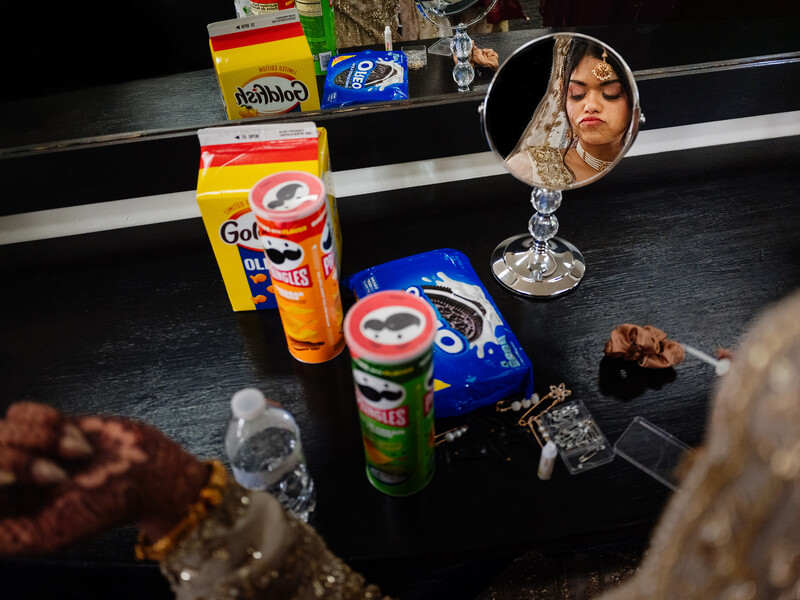
This also won't be a full review of the camera (though I plan to do a deeper review in the future), and will instead be more of a discussion about how the experiment went overall. And to start, it was absolutely enjoyable to have only one camera and one lens for an entire wedding day. Most of the time, I am of the opinion that less is more when it comes to photography equipment. The more cameras and lenses you have, the more things you need to think about. When a moment starts to unfold, you think about what camera to grab, what lens, then you think about light, moment, and composition. With only one camera and one lens, you can get straight to thinking about how to take the best photo. And yes, there are times when something happens that you just can't capture with the lens you have. But there are always moments you are going to miss no matter how much gear you have. But with a single lens, you simply focus on what you can capture well, instead of focusing on every single possibility. I also find that being confined to one lens causes you to think and approach a scene differently than you normally would. This can lead to finding more interesting ways of telling the story.
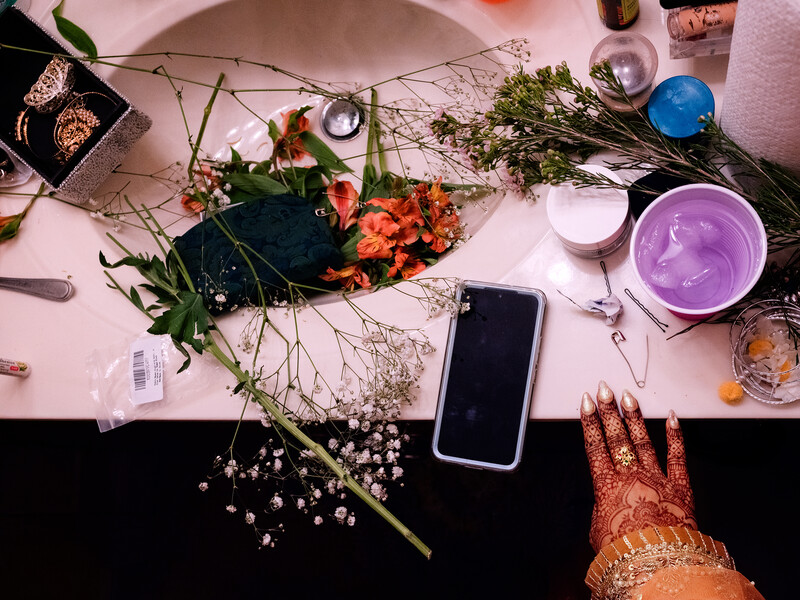
With this in mind, another great thing about the GFX100RF is its ability to essentially crop to other focal lengths. So while the lens is a fixed 35mm lens (28mm equivalent), you can crop/zoom to 45mm, 63mm, and 80mm. The camera does this by leveraging the resolution from the 100-megapixel medium format sensor. And the great thing about this is that the crops/zooms are saved to the raw file's metadata, so when you are in Lightroom, you have the freedom to zoom back out if you want. Because you always get the full resolution raw file, even when zoomed in. And while the zoom features are a nice-to-have, I found myself sticking to the standard focal length for the majority of the day.
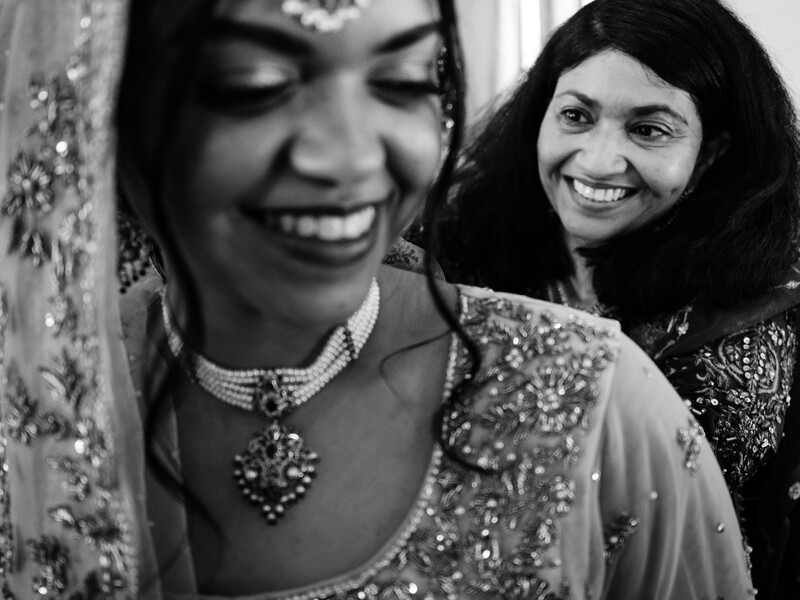
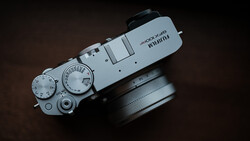
One feature that is similar to the cropping ability is the new aspect ratio dial—similar in the sense that the camera is leveraging the high resolution of the sensor in order to let you change the aspect ratio from the standard 3:4 to 3:2, 1:1, 65:24, 17:6, and many more. Like the zoom option, you also still retain the full resolution file, so you can always revert back to the original ratio or change to a different one in post. But unlike the zooming feature, you cannot use the aspect ratio option when shooting in raw. For some reason, if you are shooting raw, when you change the aspect ratio, nothing happens. After a fair amount of playing with options, I later found out that in order for the aspect ratio options to work, you must have a form of JPEG file saving enabled. If you do, the aspect ratio will still be written to the raw file, like the crop modes are. But the aspect ratio function will not work at all if you are only photographing in raw. Which seems like sort of an oversight, and I assume will be fixed in a future firmware update. But this is one feature I was excited about but didn't get to use fully. That said, I do feel that the implementation of a dedicated dial for this feature could have been done better. While I do enjoy having the dedicated dial, I wish that this dial was left blank, instead of having the aspect ratios etched into the dial. Because for me personally, there are only a few aspect ratios I would be interested in using, and it's a big pain to have to scroll past all the options I don't ever plan to use. Instead, it would have been nice to have the dial blank, and then in the menu I could select what aspect ratios I want to cycle through. Additionally, if a user never planned to play with the aspect ratios often, we could have used this dial to cycle through other options like film simulations, focus modes, etc.
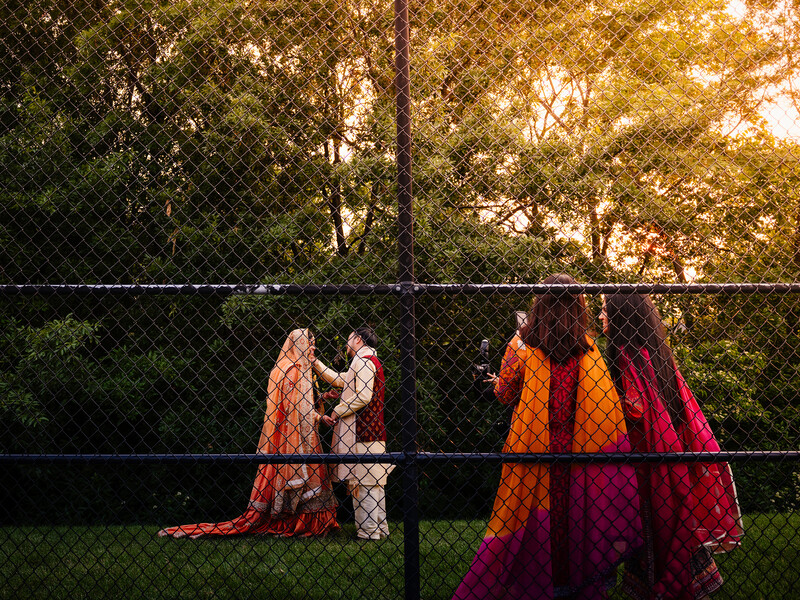
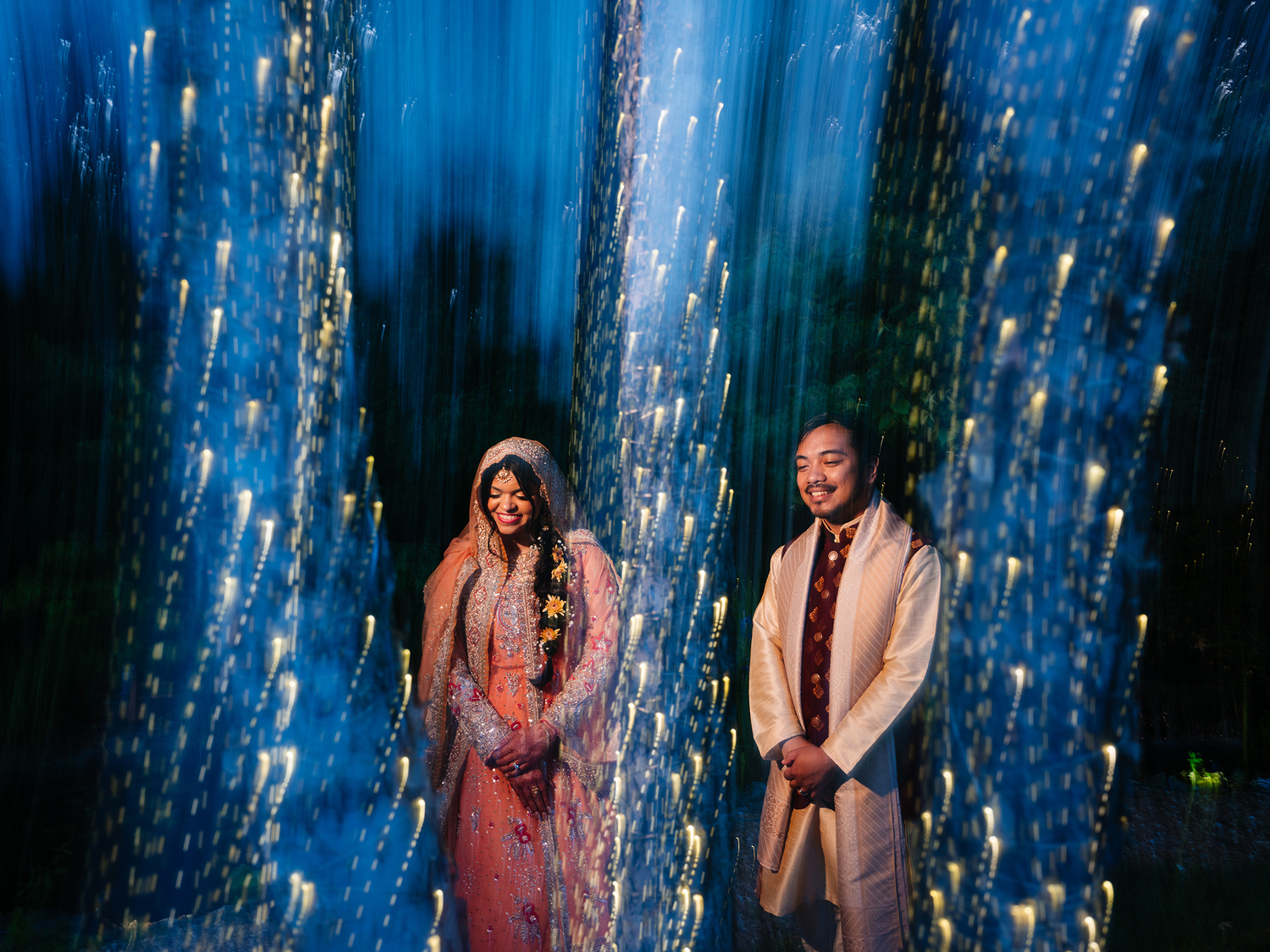
Another feature of this camera that rarely gets talked about is that it doesn't use a traditional shutter like you see in most modern cameras. Instead, it uses a leaf shutter. Not only does this make the system quieter as well as reduce vibrations from the moving parts (more on this later), but it also allows you to sync flash at any shutter speed. This can unlock a ton of creative freedom when using flash.
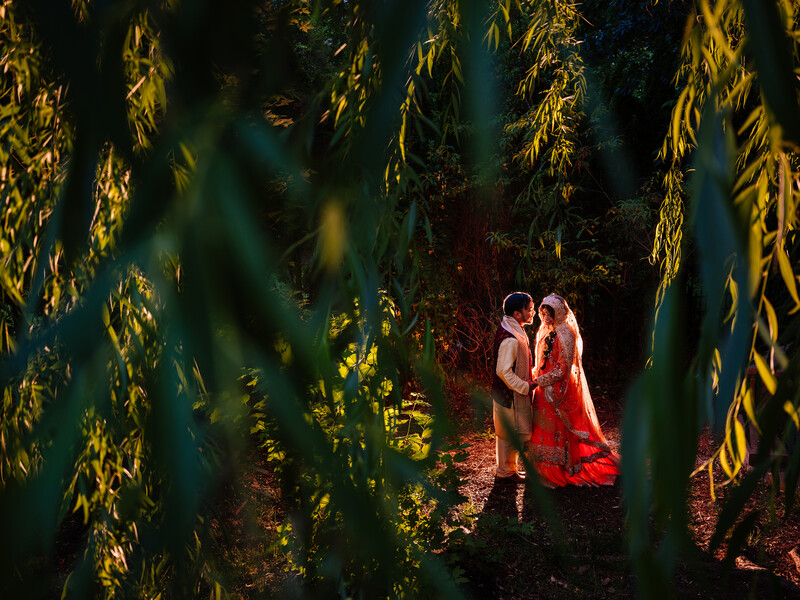
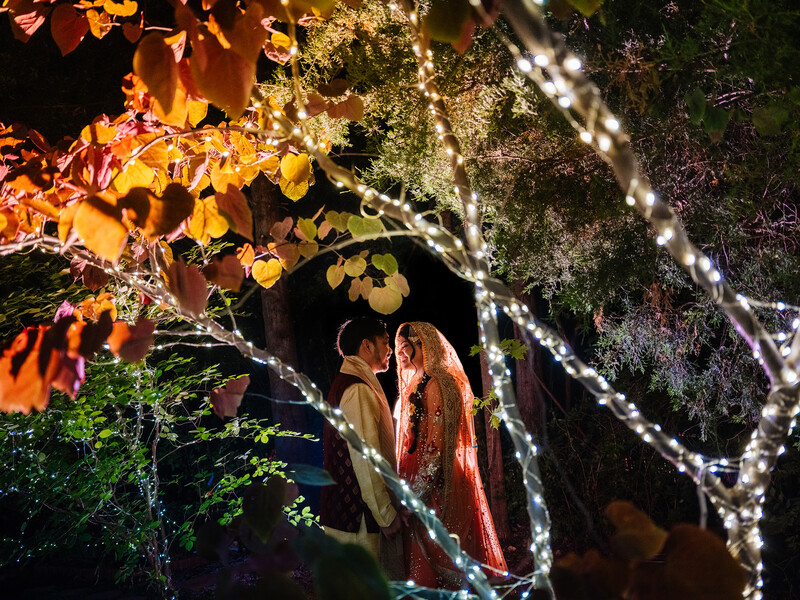
Another point of sacrifice for this camera that I hear a lot of complaints about is the lack of in-body image stabilization. And to be honest, I had the same thought. But in actual use, I could pretty easily handhold images as low as 1/4 of a second. And this is primarily due to the leaf shutter not causing as much internal movement as the camera takes photos.
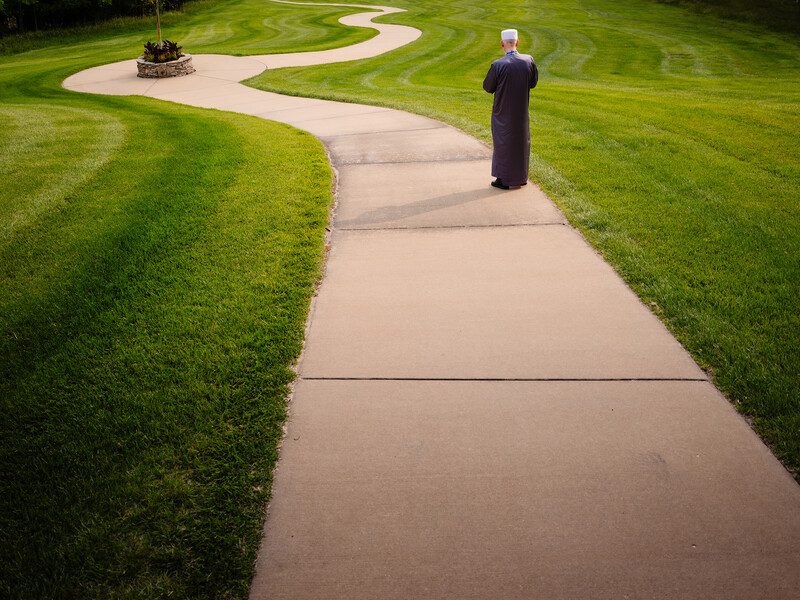
While the autofocus was fairly fast and the tracking was decently accurate (especially in terms of a medium format camera), the f/4 lens seemed to cause limitations in lower light situations—oftentimes hunting for focus longer than expected or even, at times, not being able to grab focus at all. I also feel that one of the biggest selling points for using a medium format camera is its ability to render amazing shallow depth of field images. So with the lens choice, you lose autofocus reliability as well as that dreamy shallow depth of field that medium format is known for.
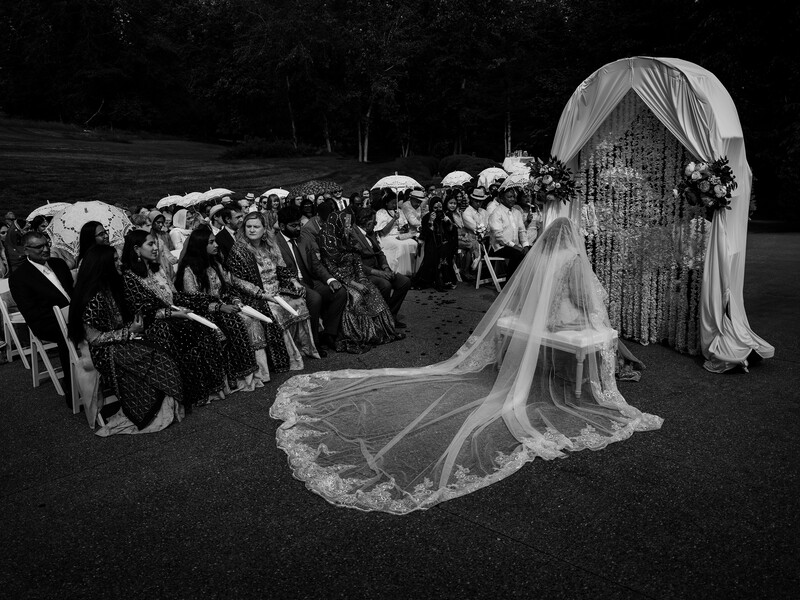
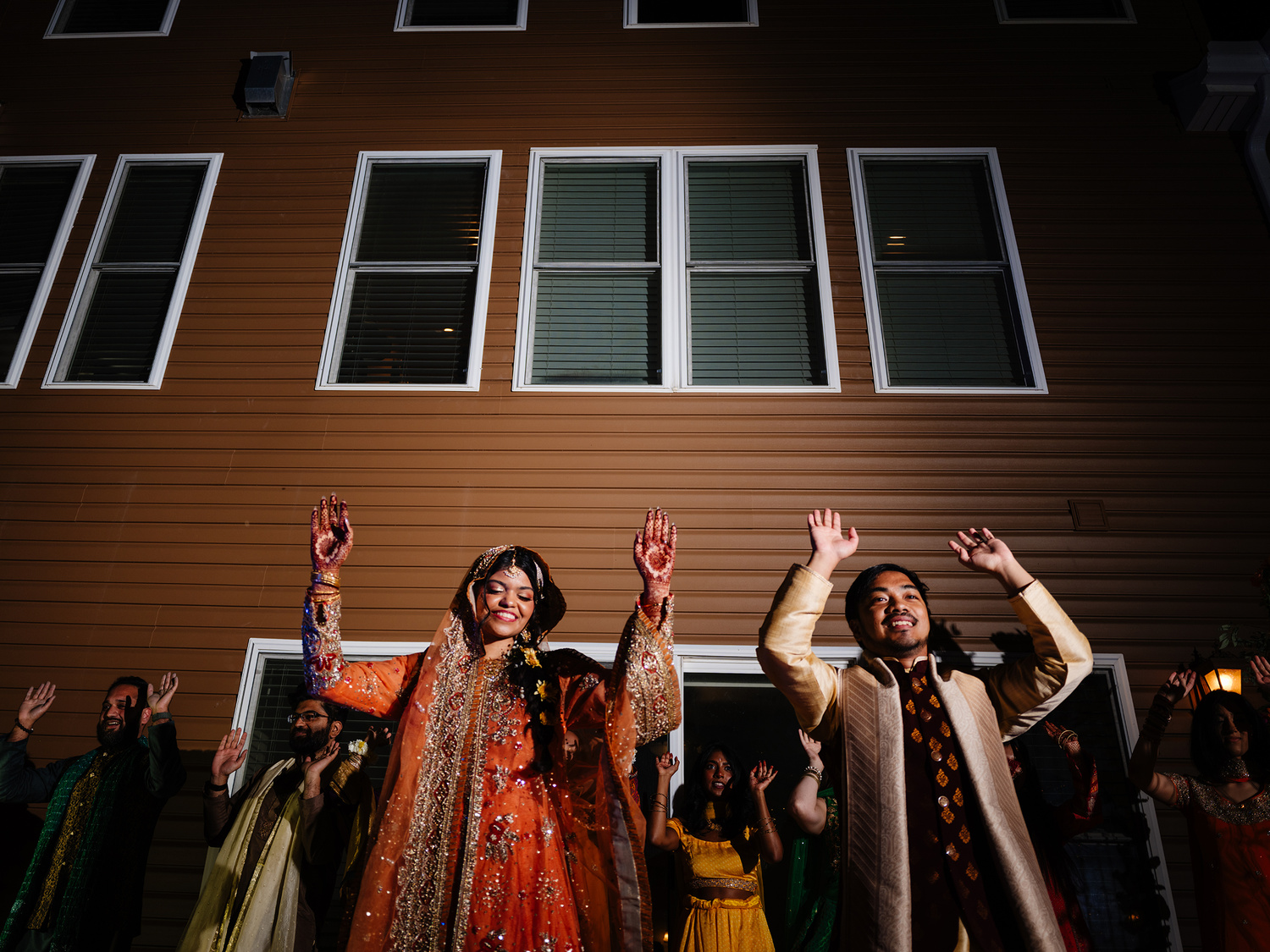
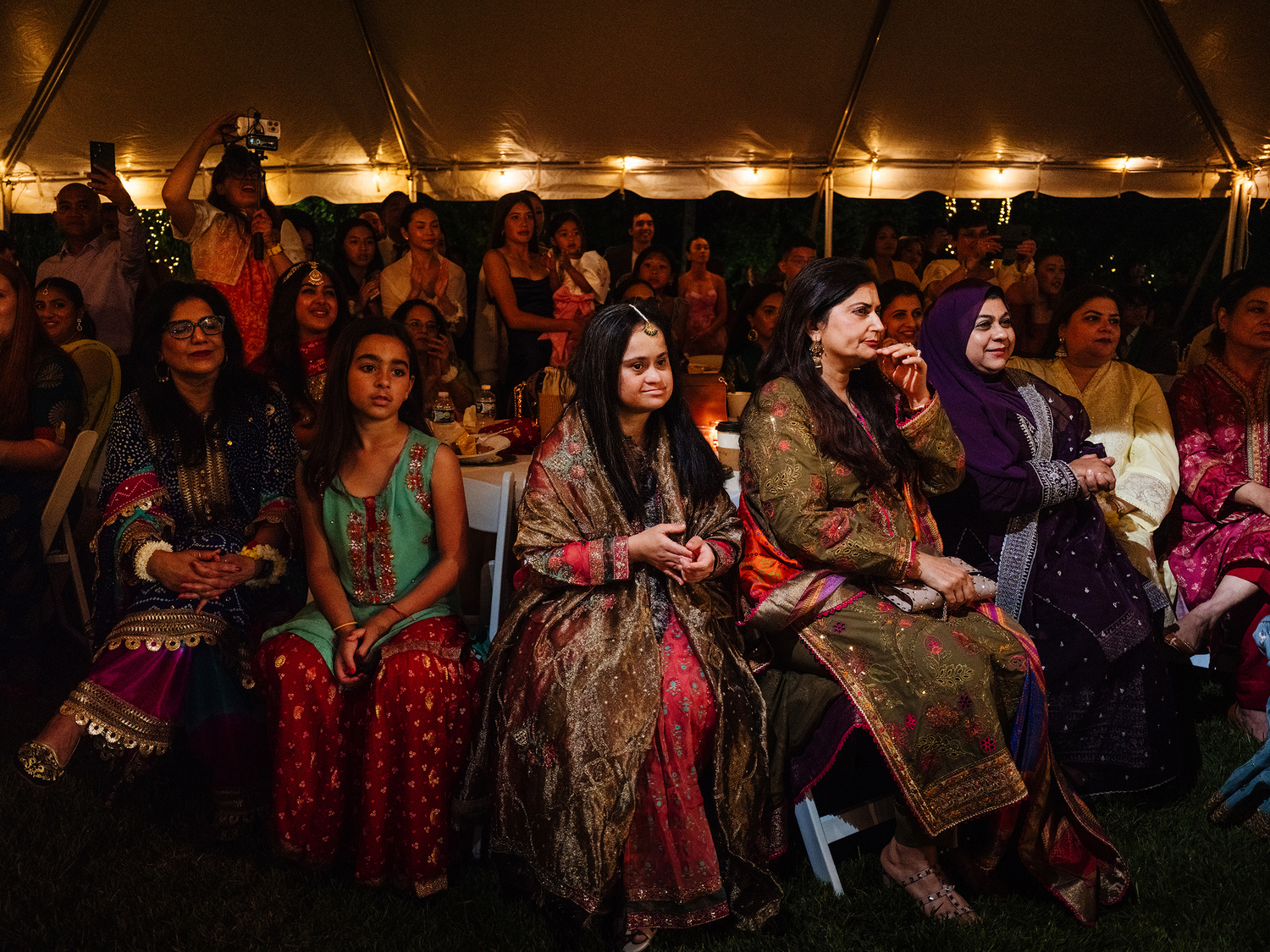
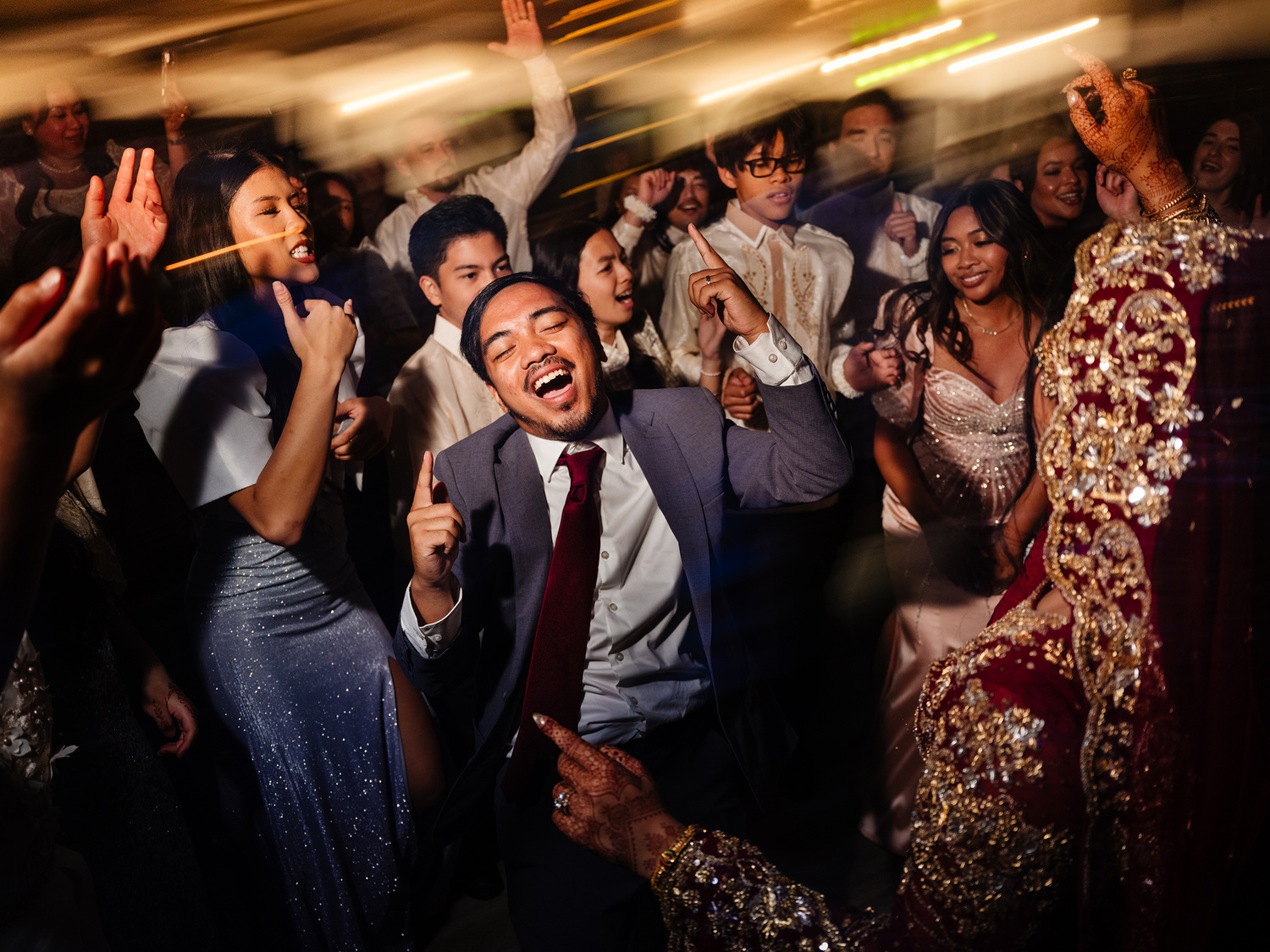
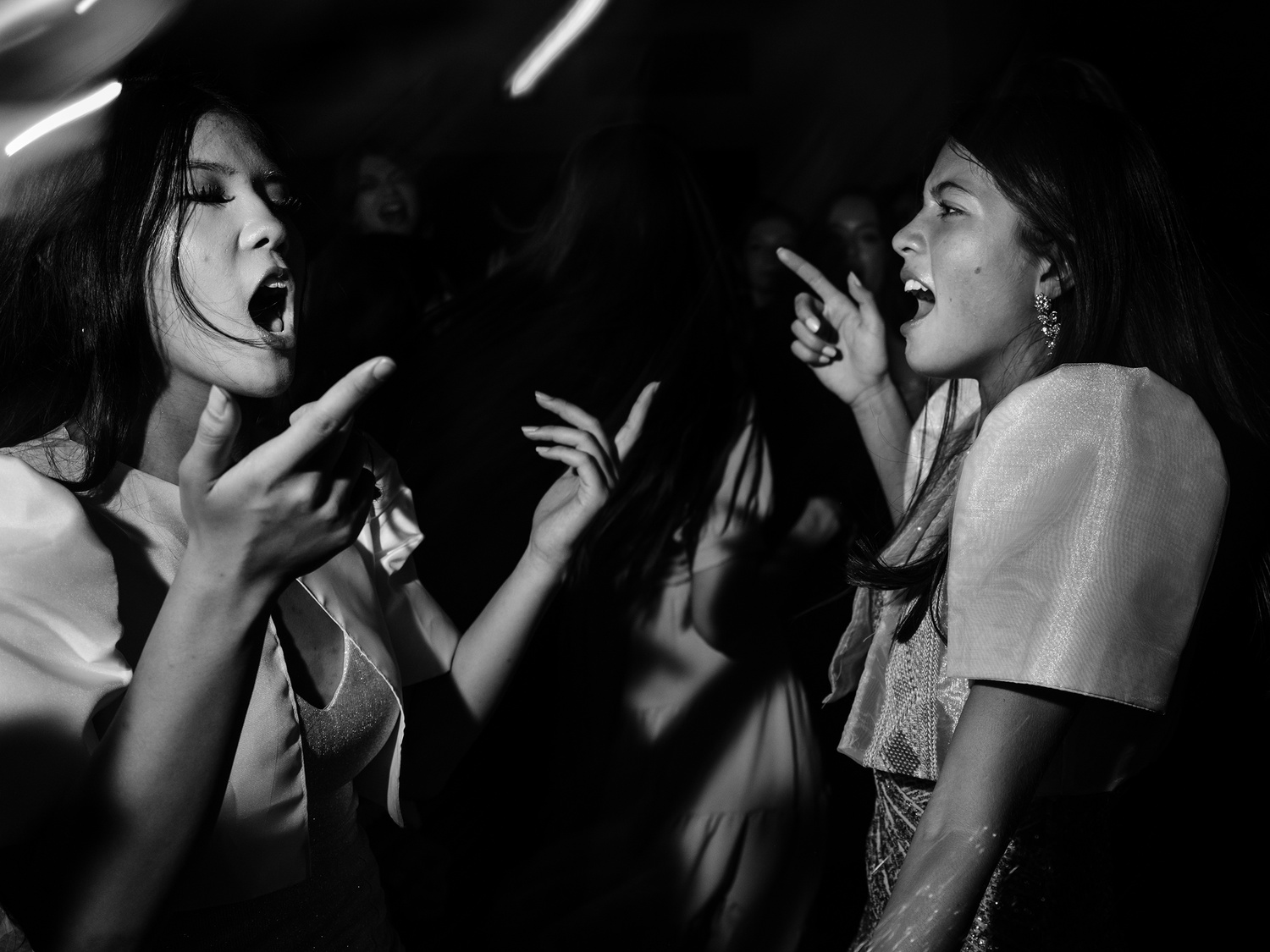
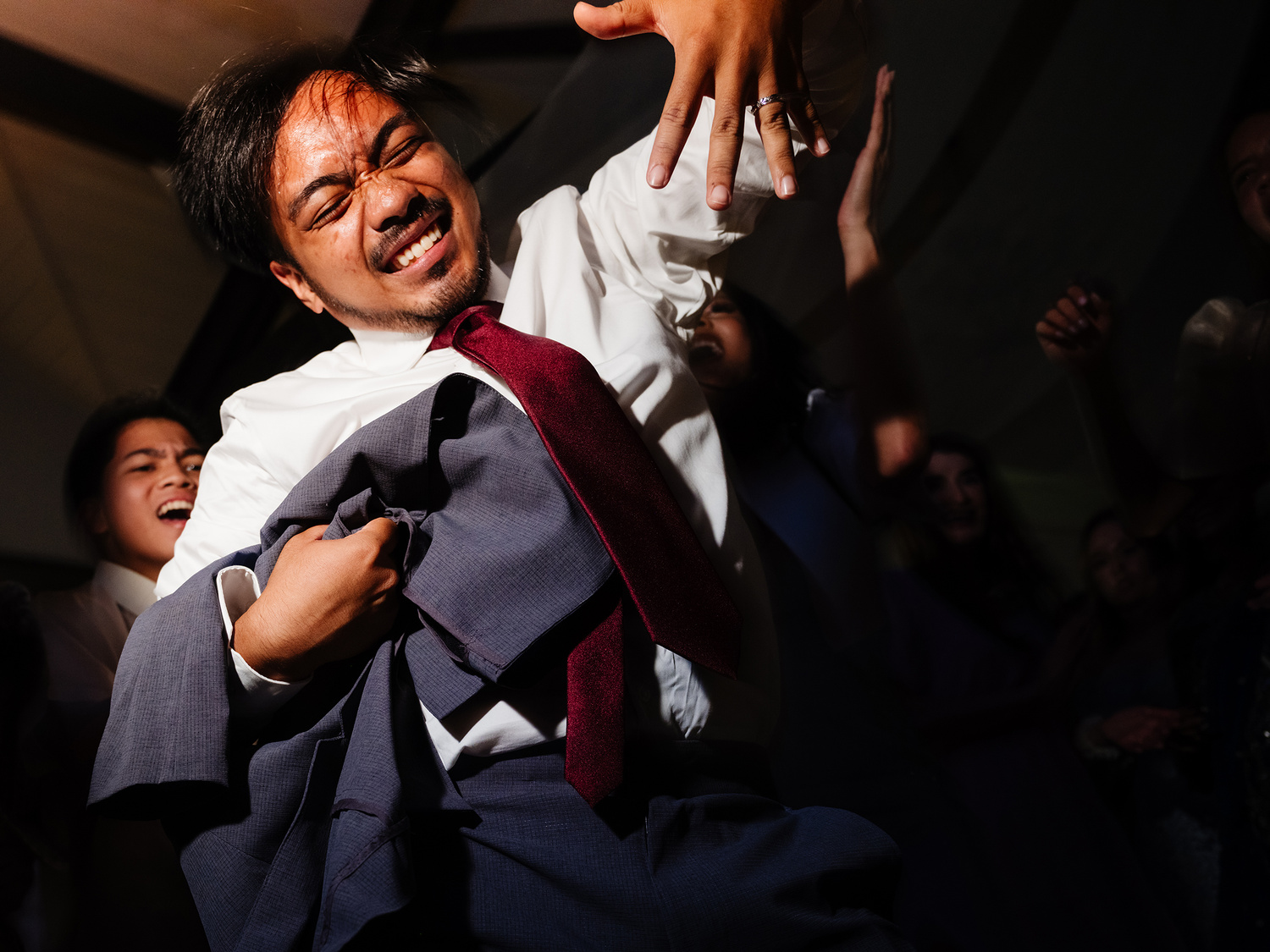
The autofocus speed and accuracy in low light, while a bit annoying at times, wasn't a deal breaker or a huge con. That is, until the lights really went low for the party dancing part of the day. Here, the camera really struggled to find anything to focus on. In an effort to combat this, I ended up turning one of my flash's modeling lights on (which I held in my hand and pointed at my subjects). This definitely helped the situation, but the AF speed still struggled. I also don't like to use constant lights for the party dancing part of the day if at all possible because I feel it draws too much attention to me, as well as can change people's experience on the dance floor.
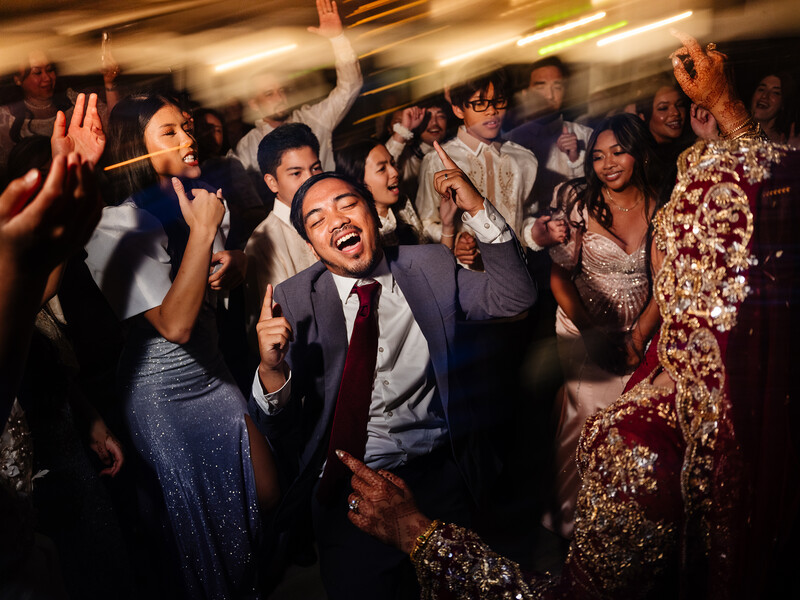
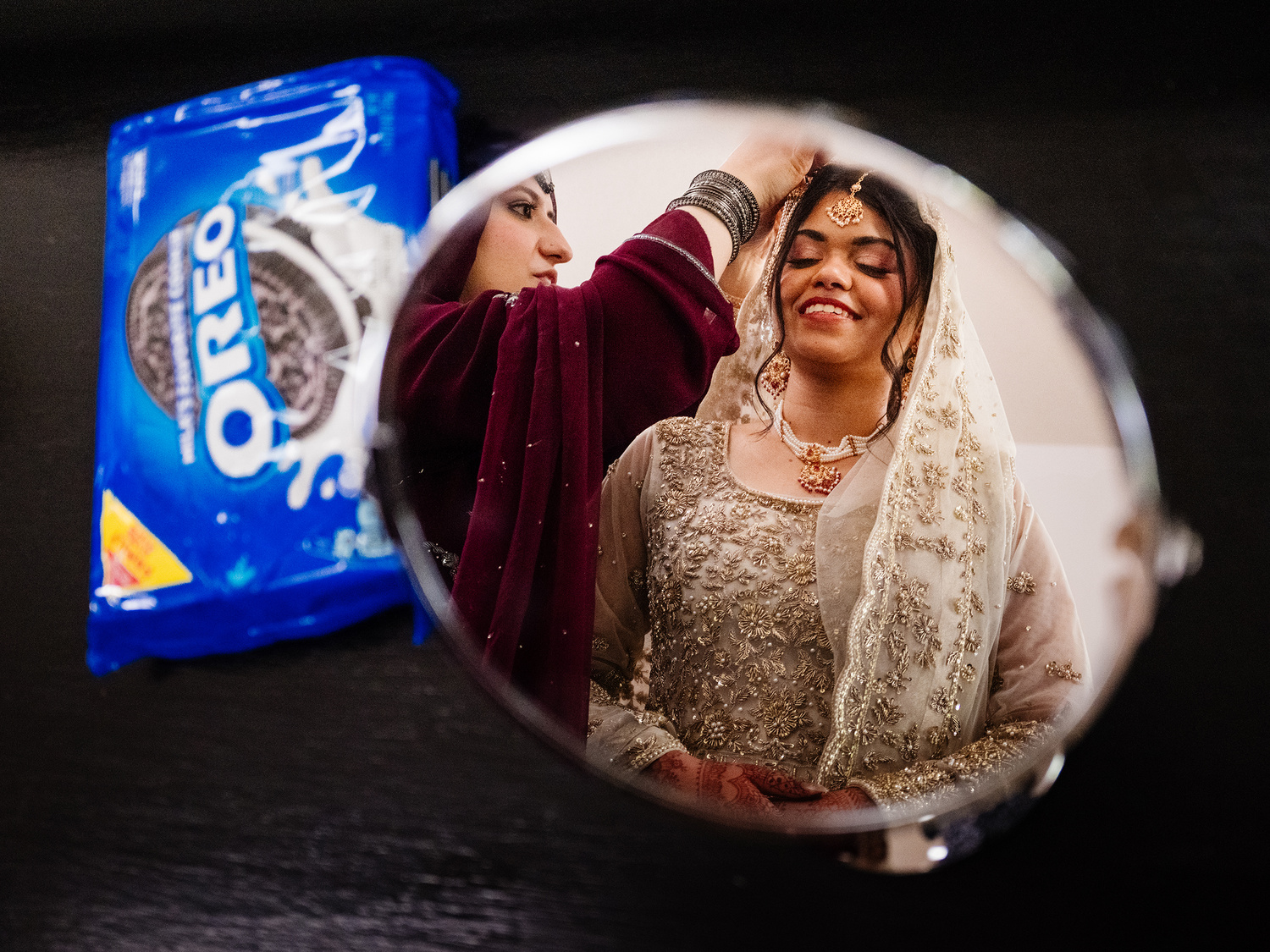
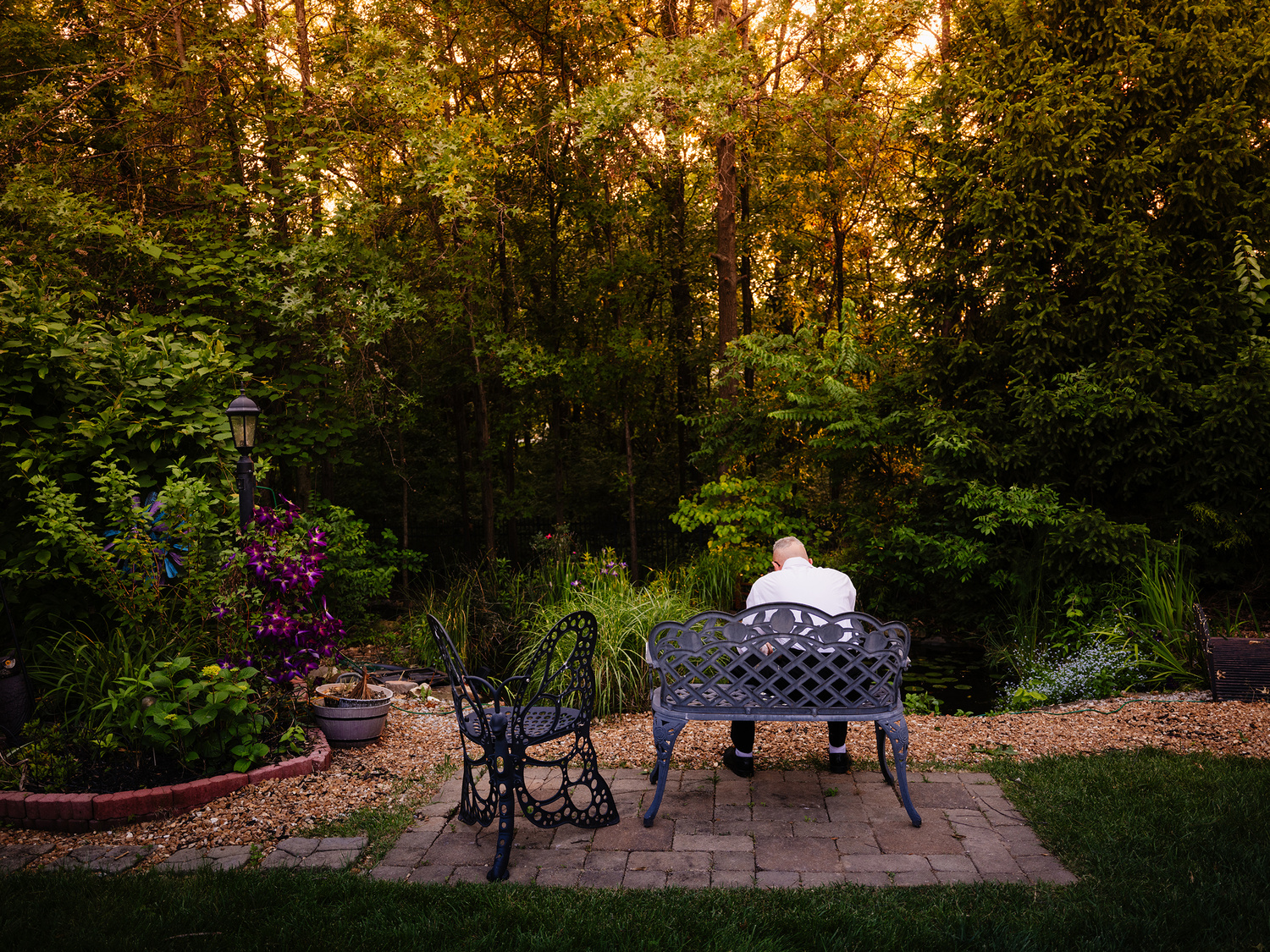
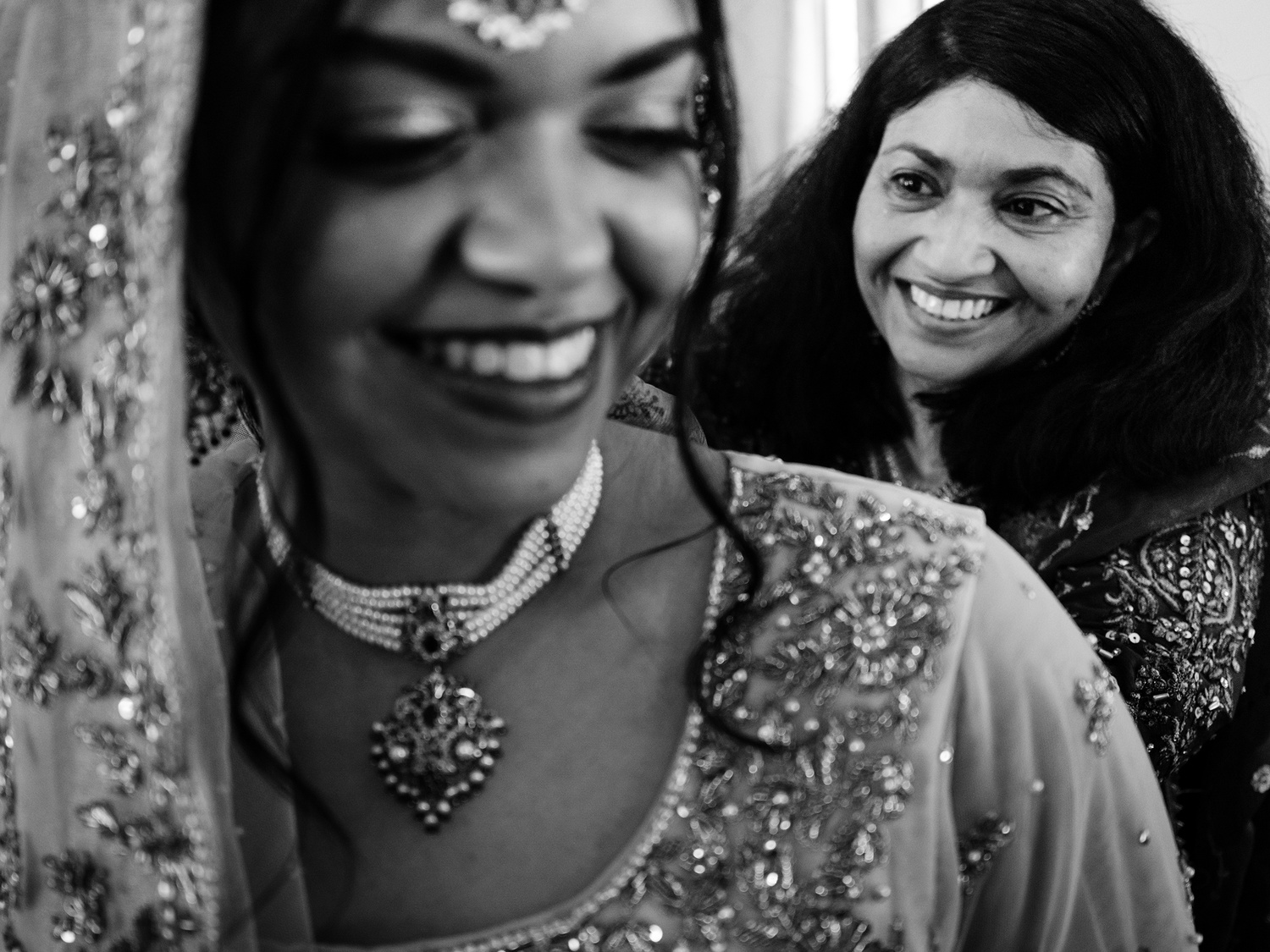
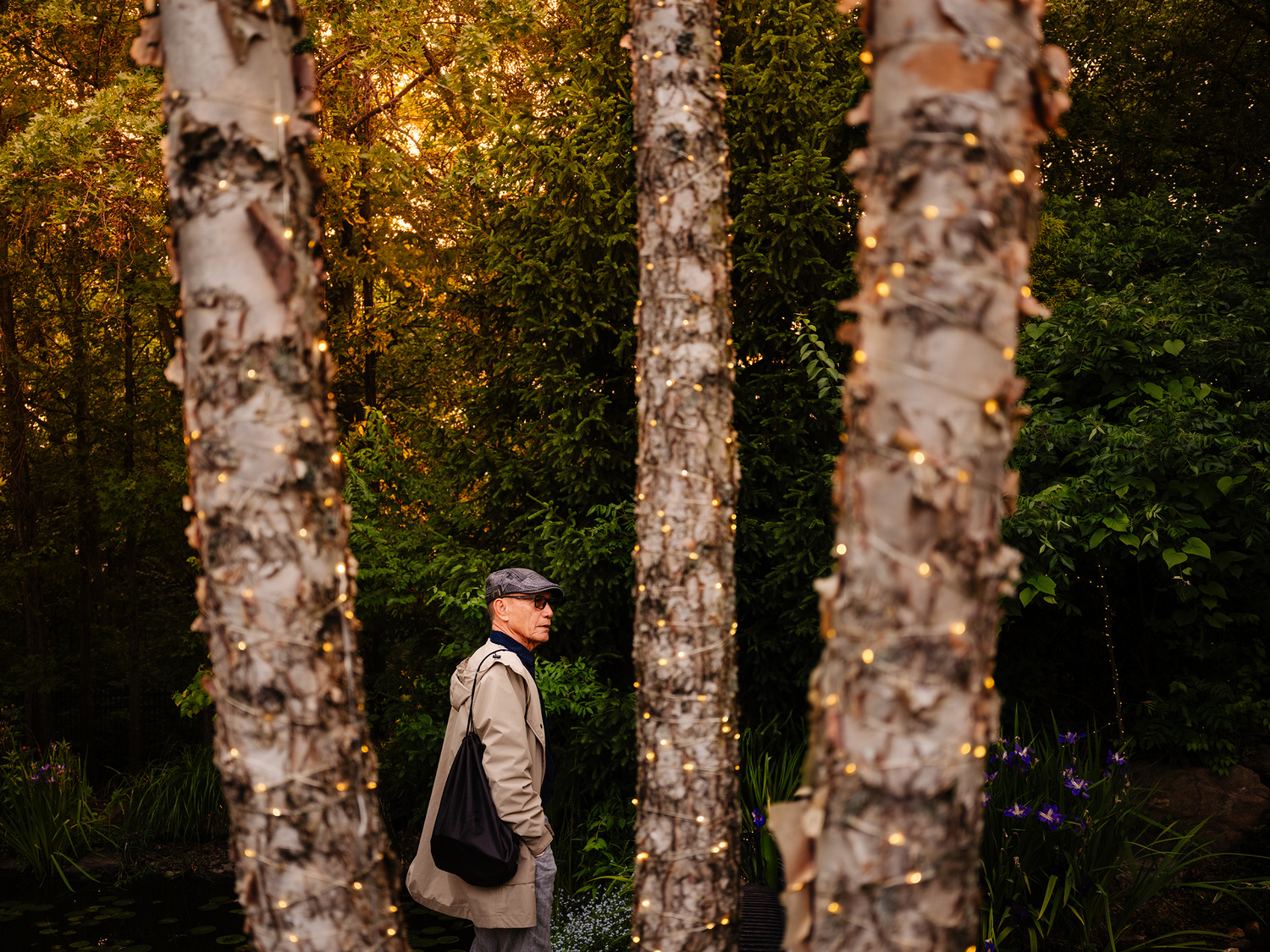
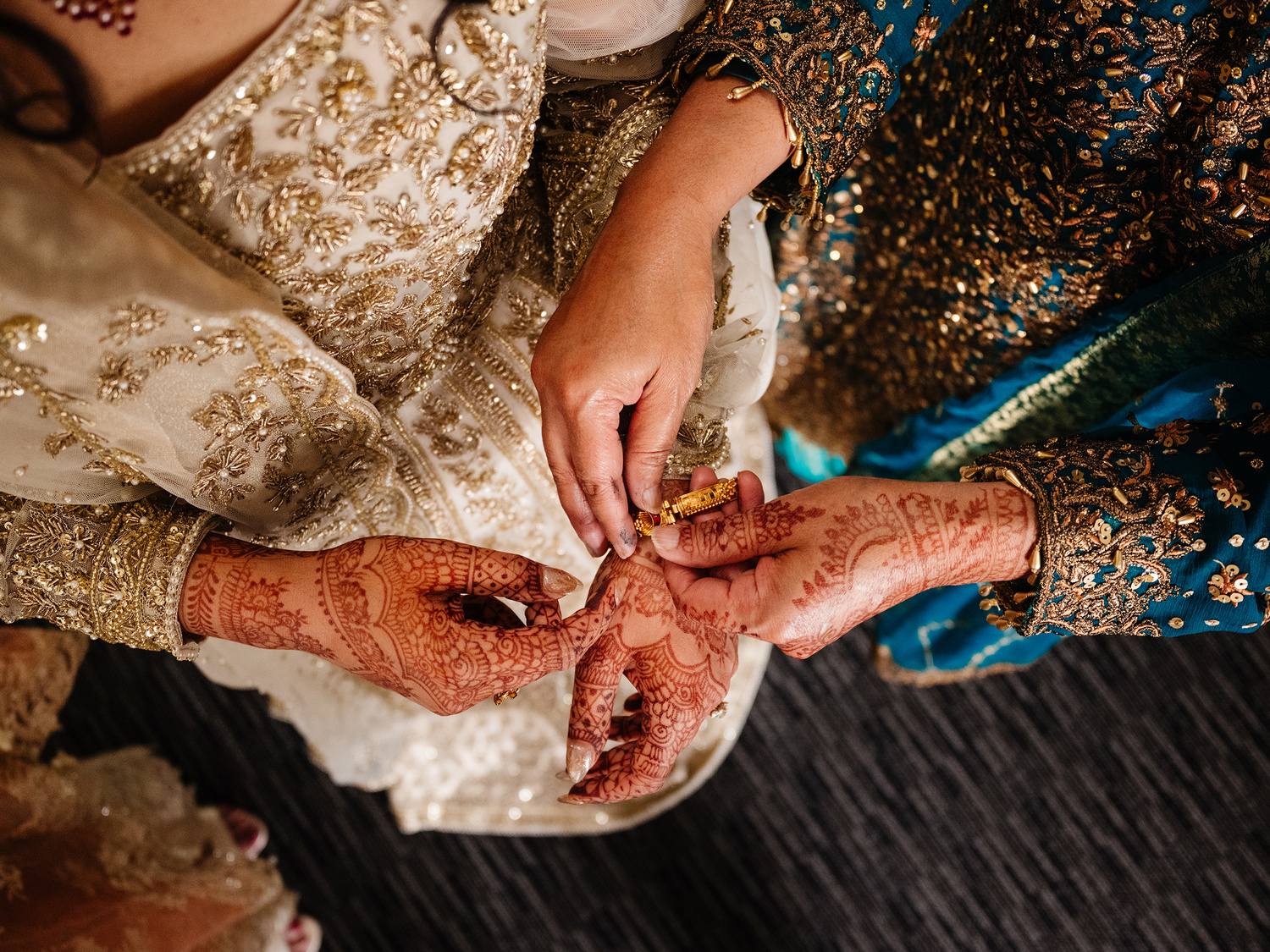
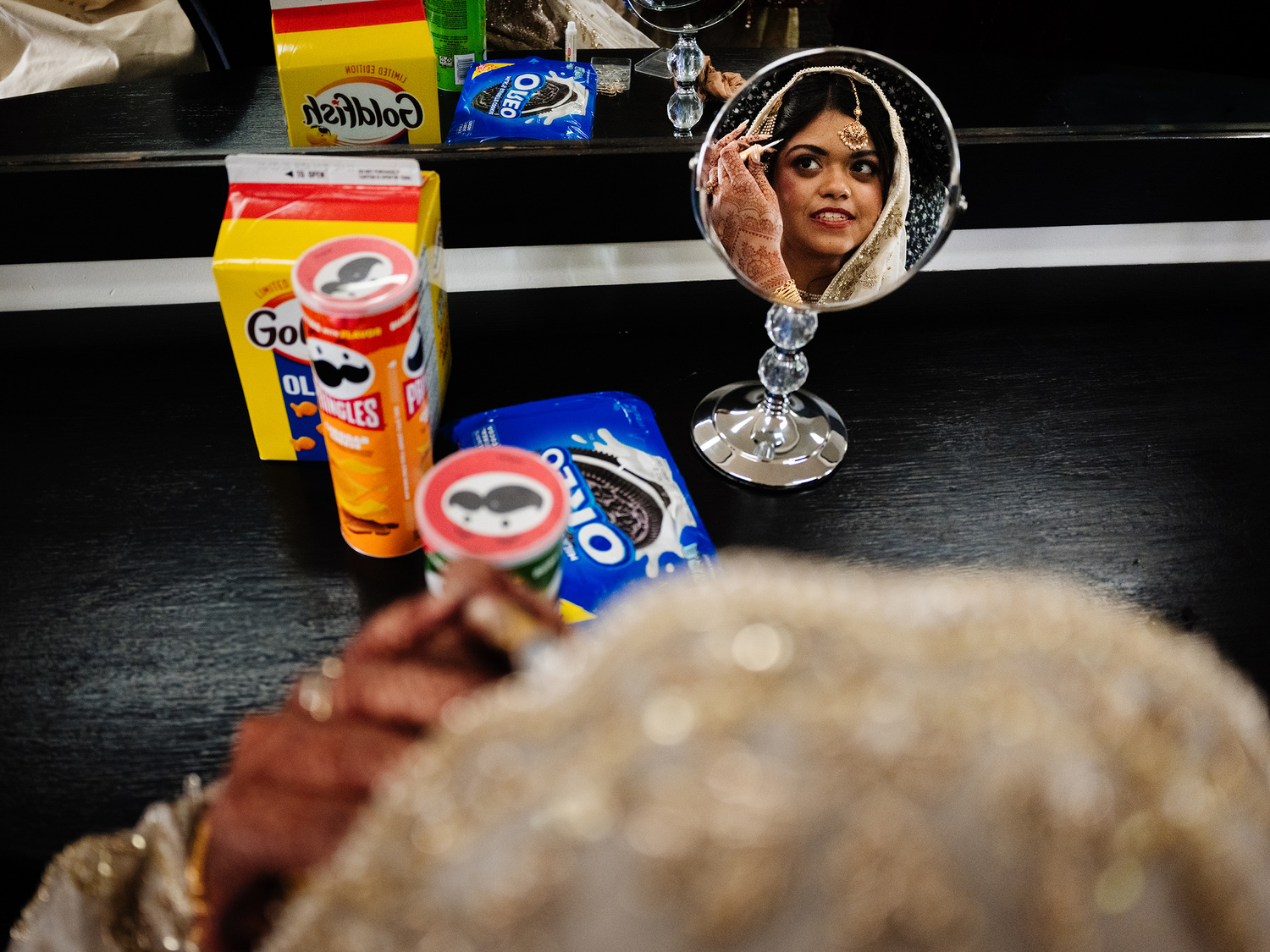
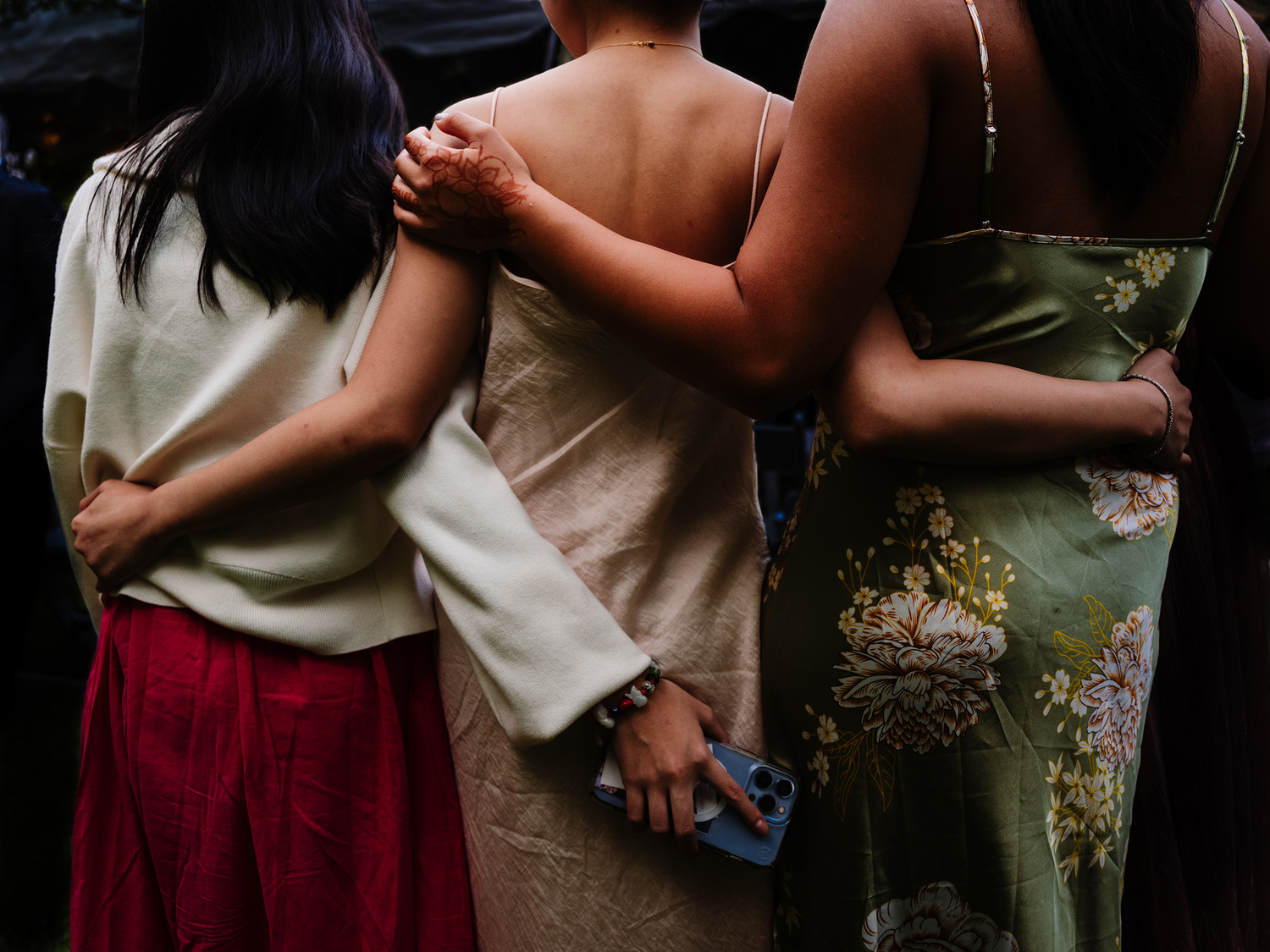
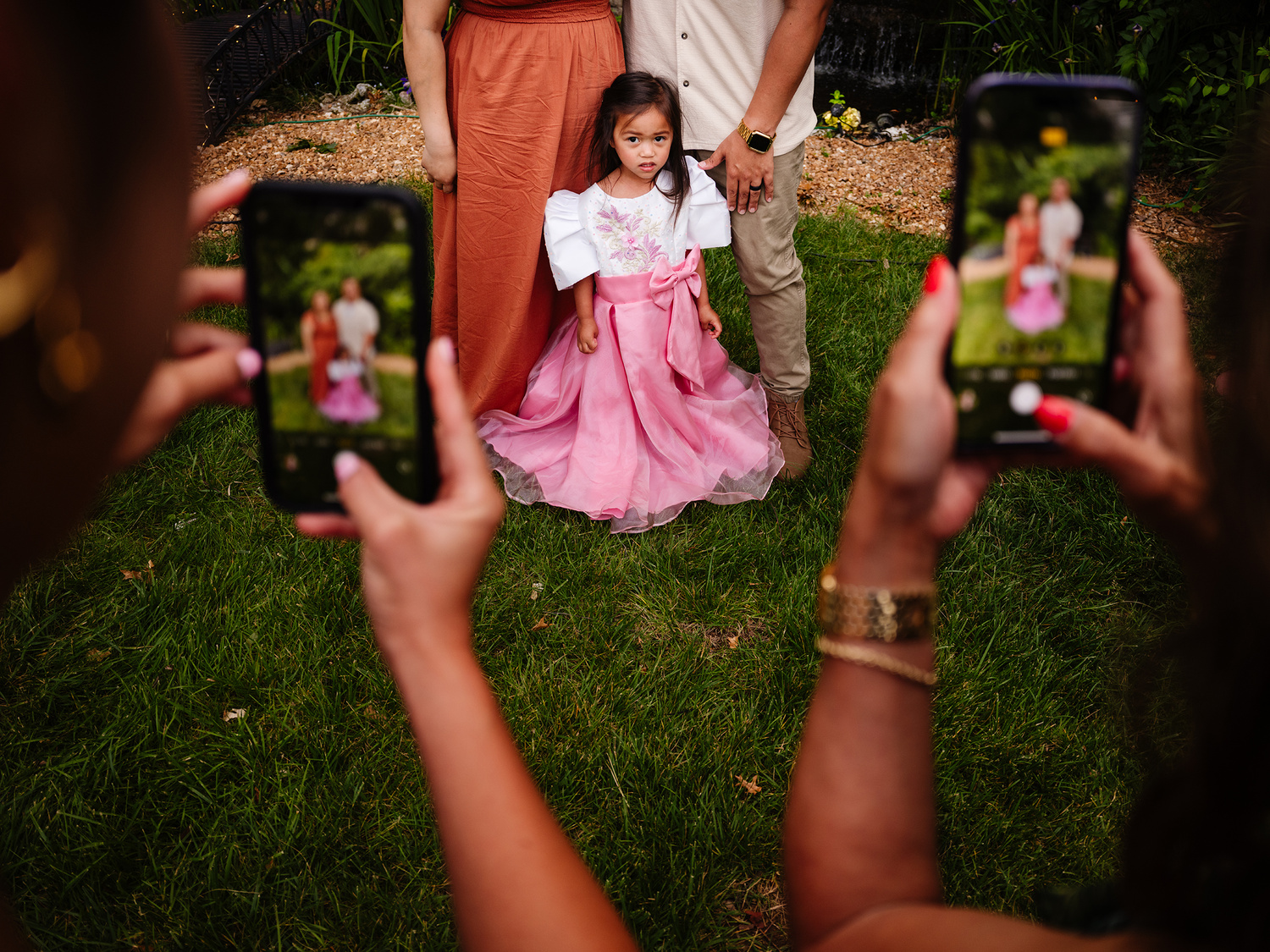
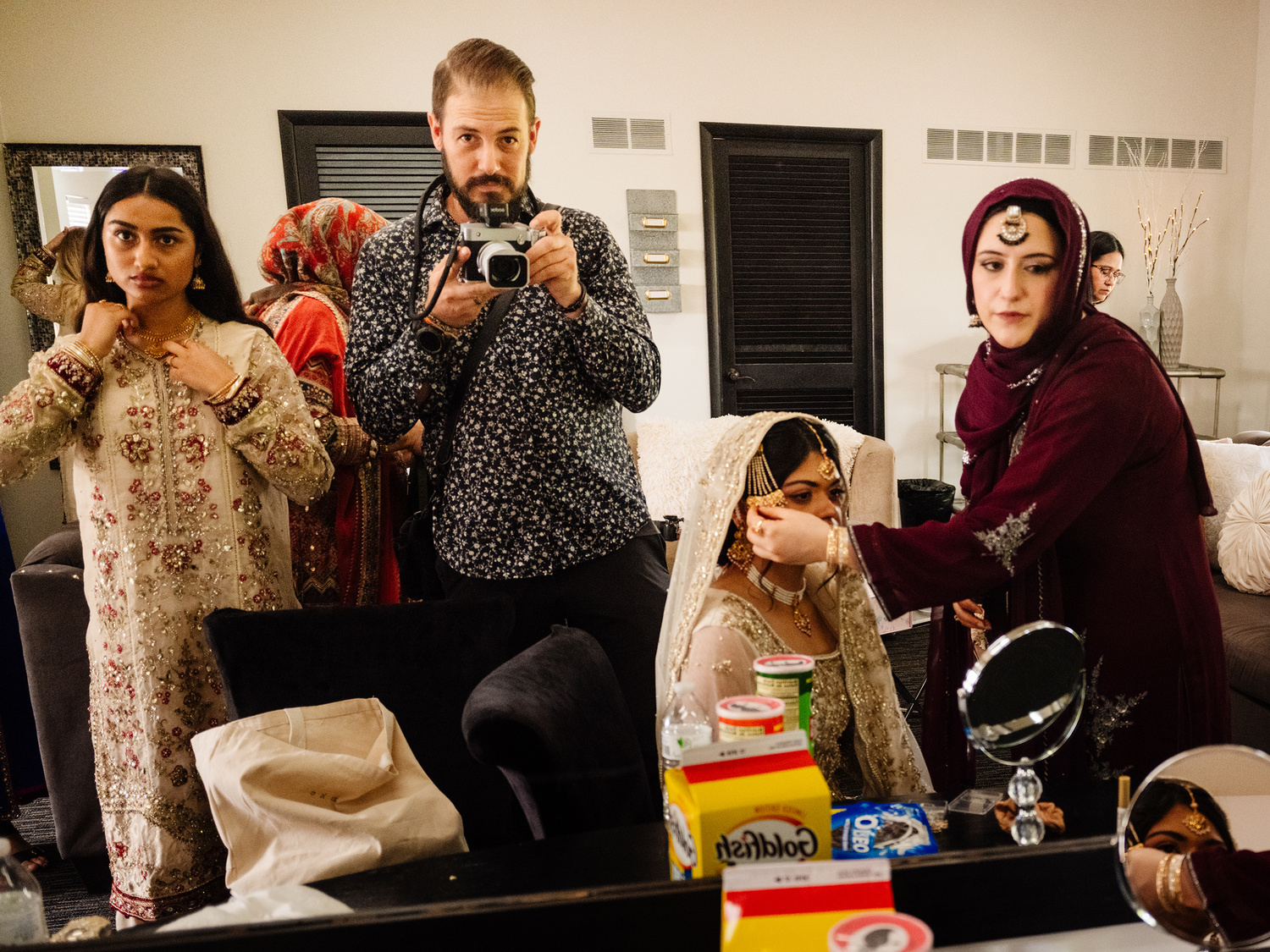
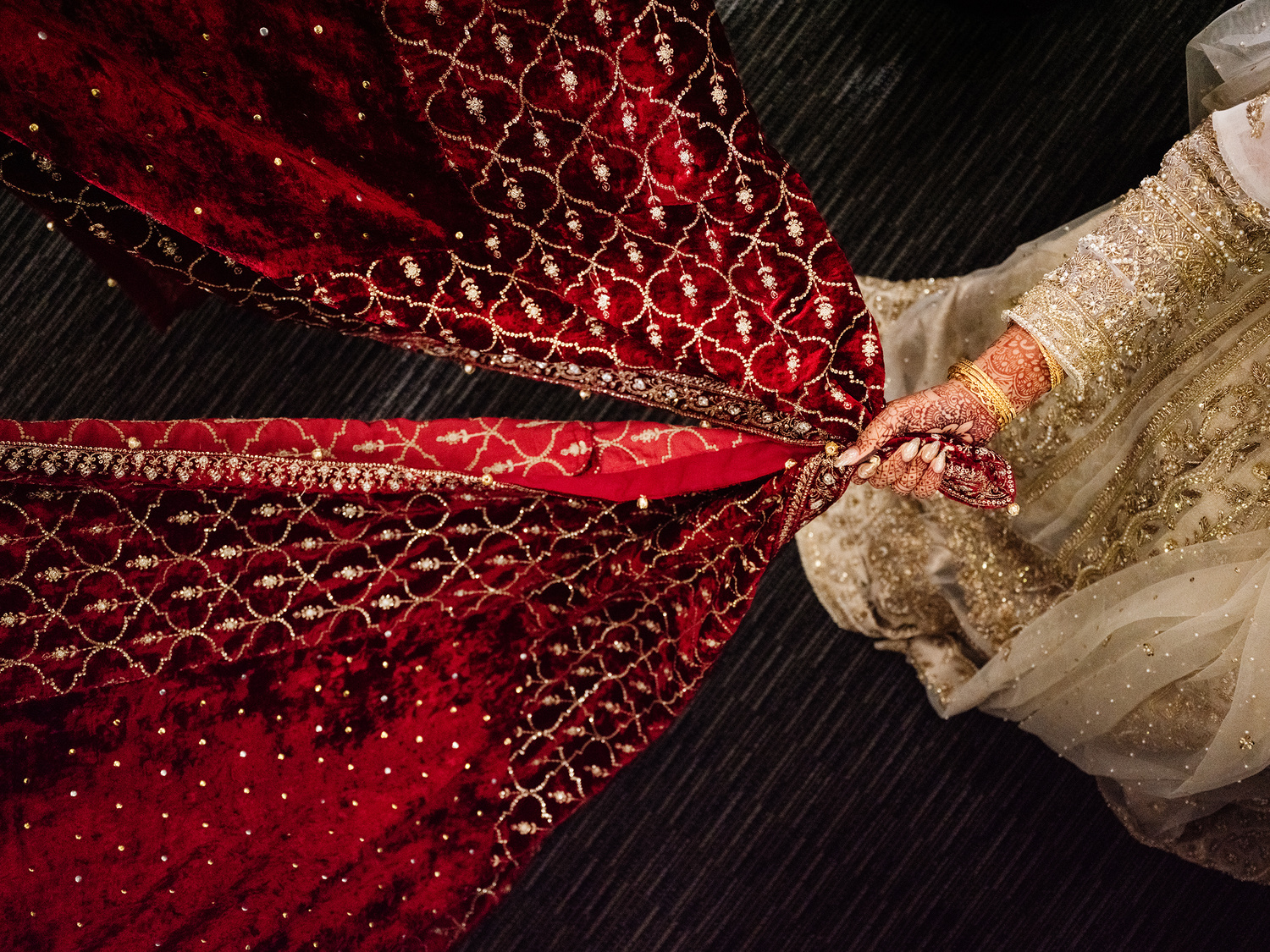
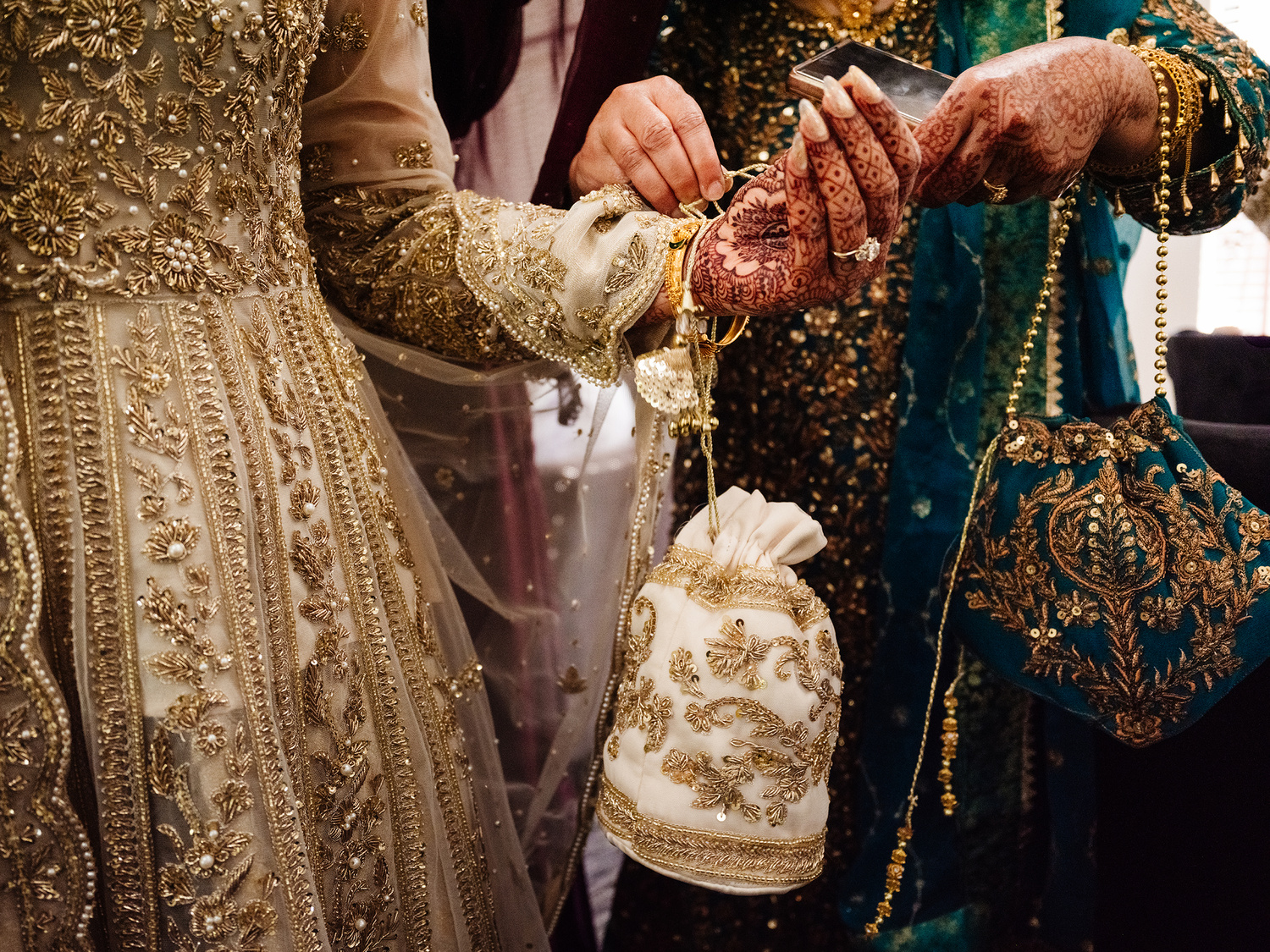
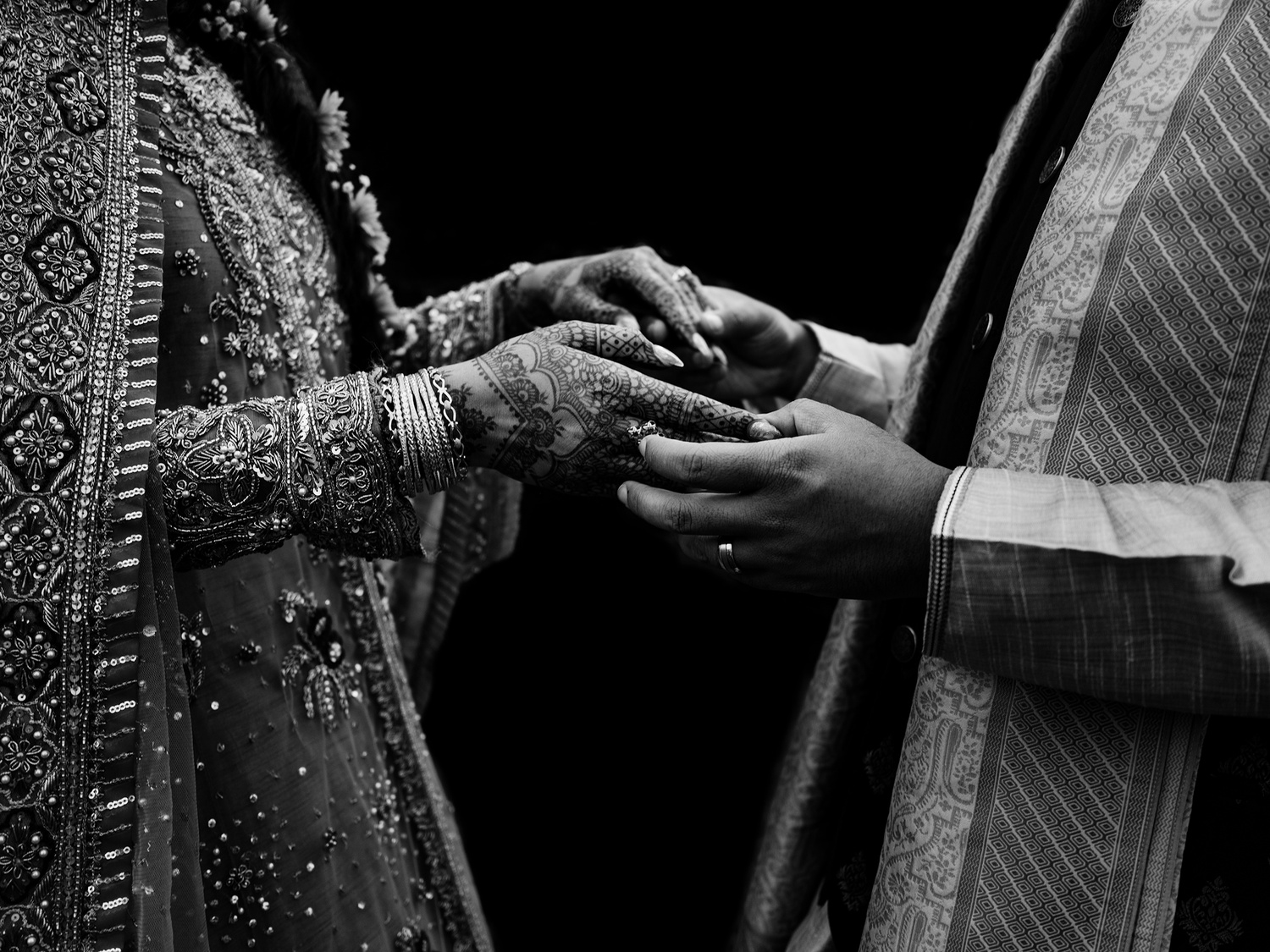
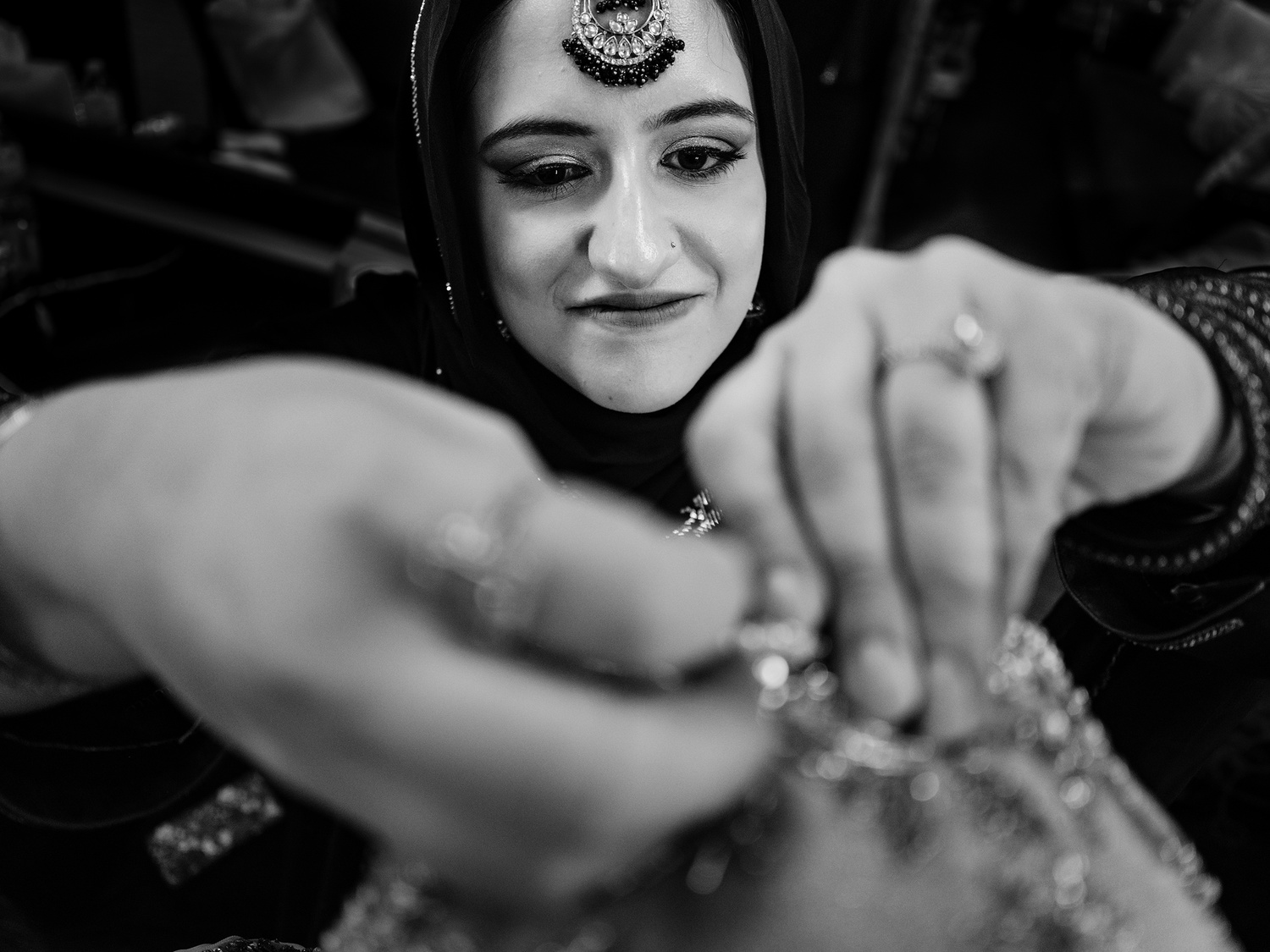
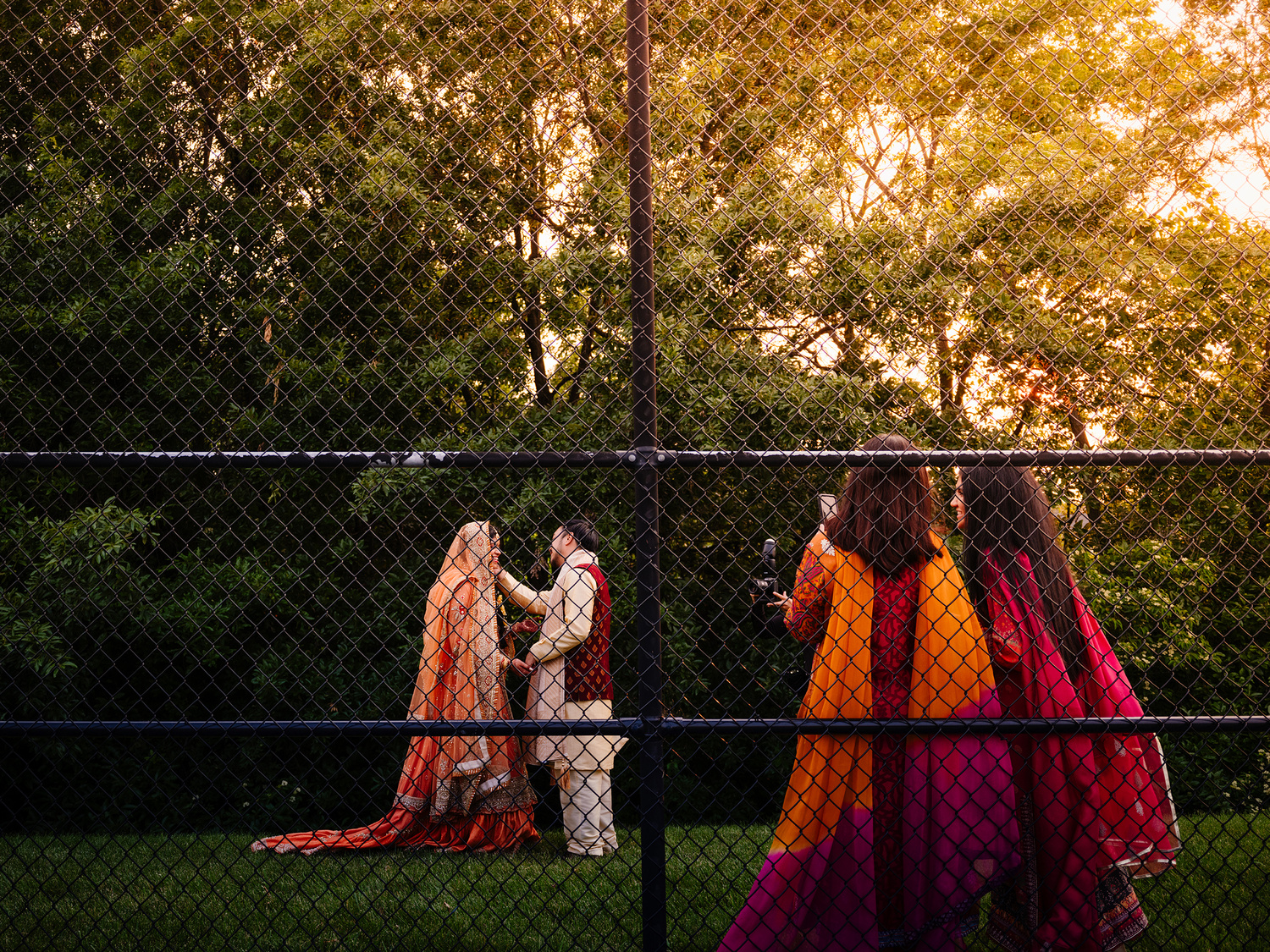
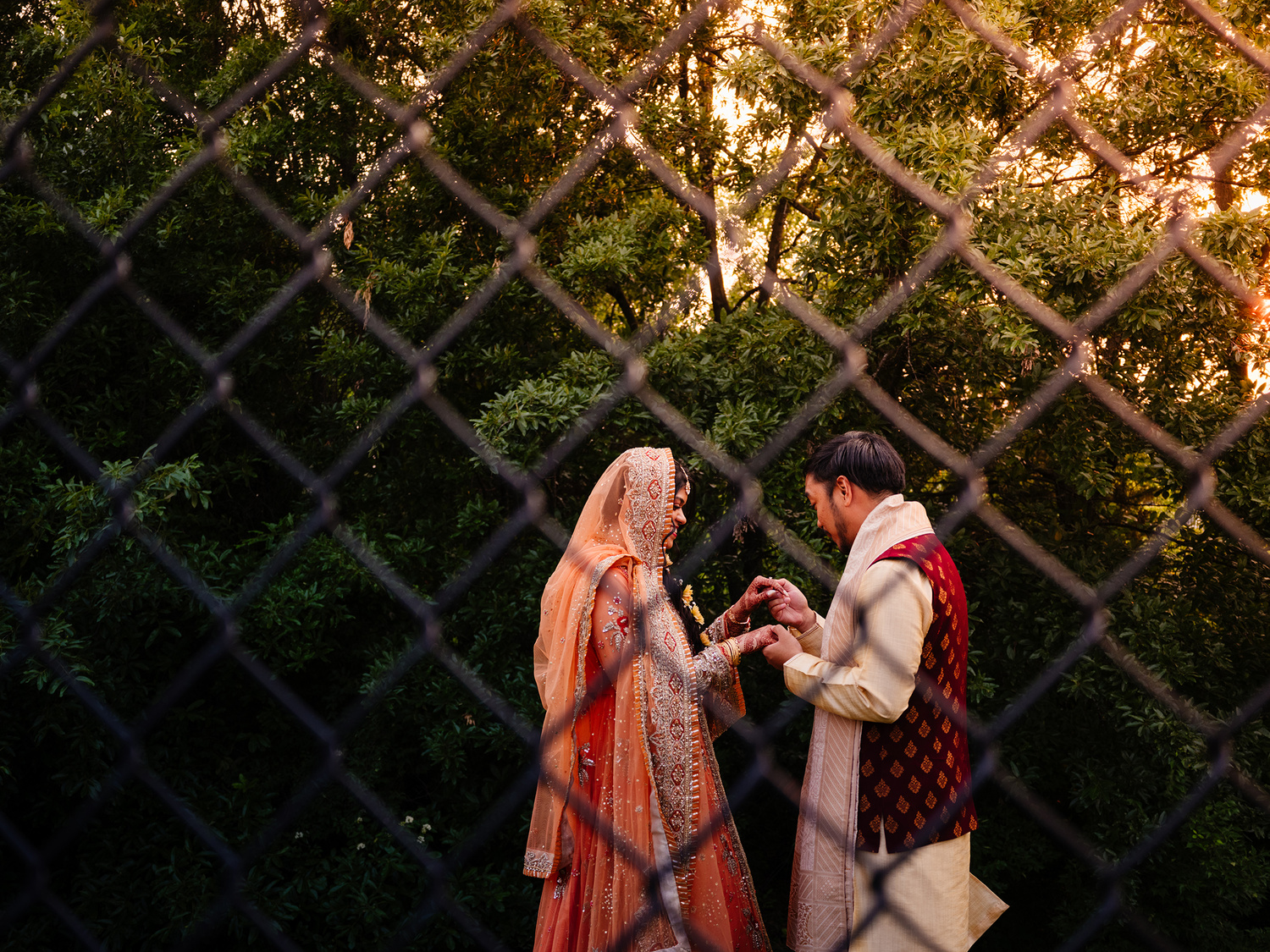
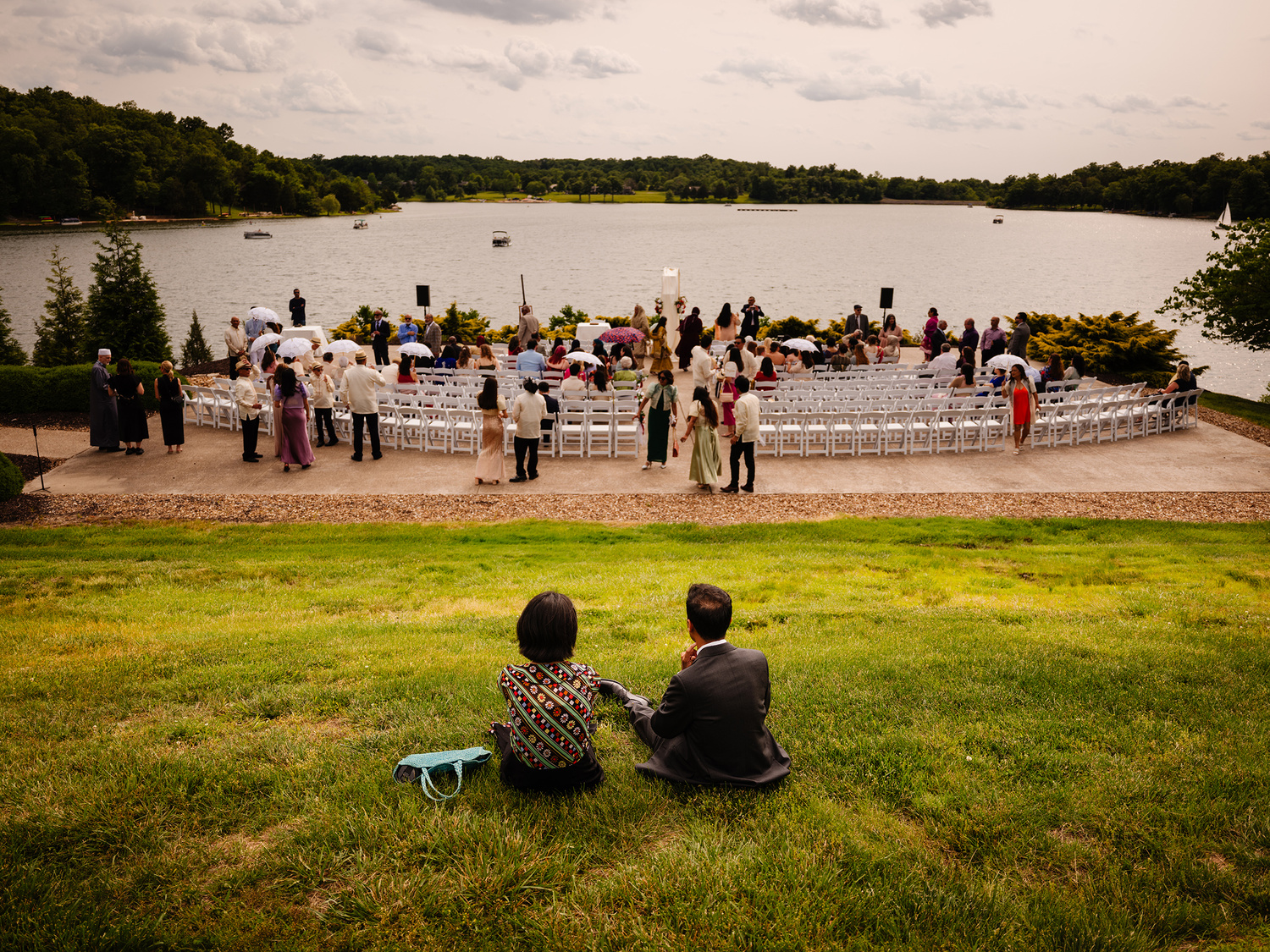
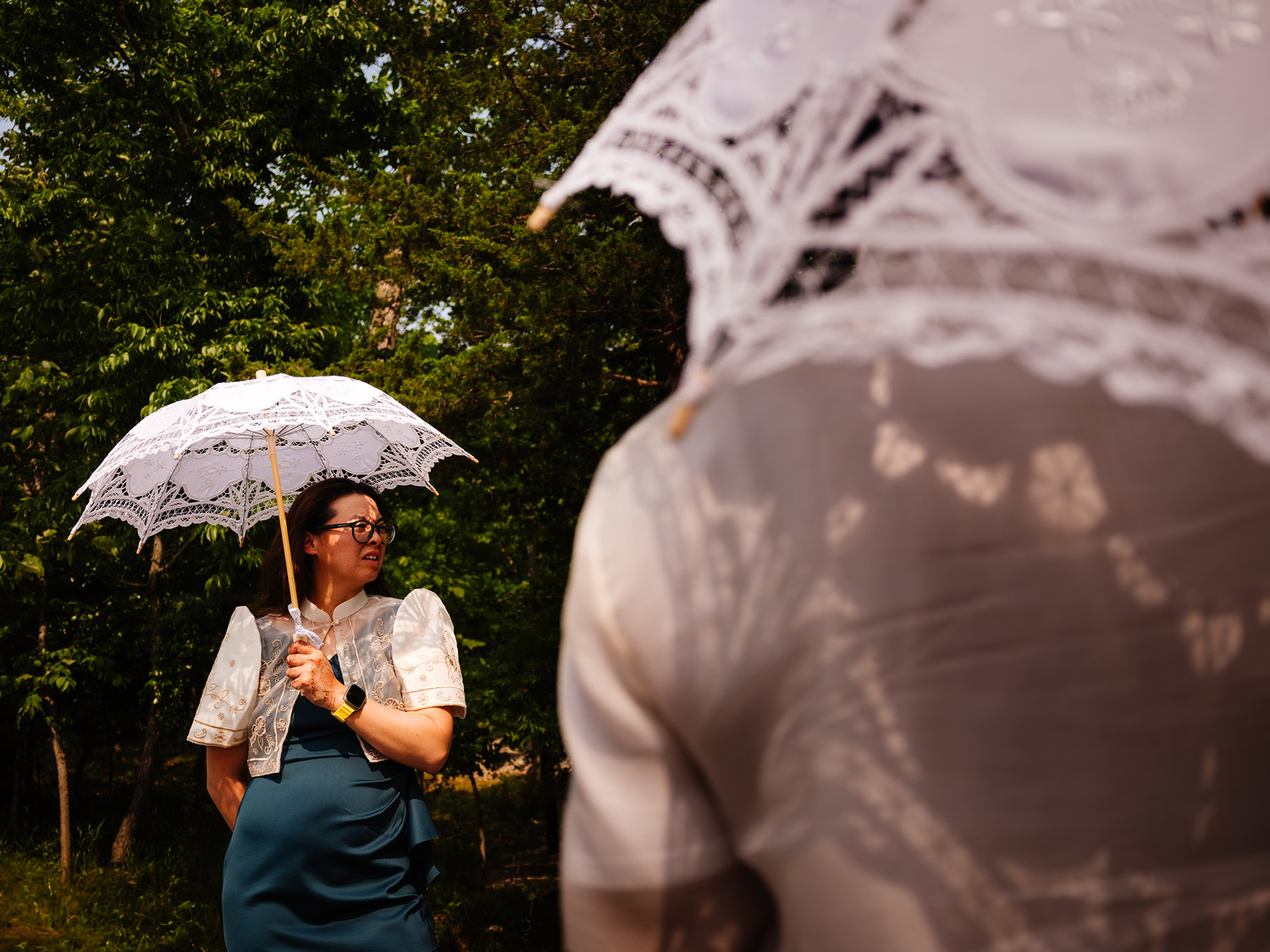
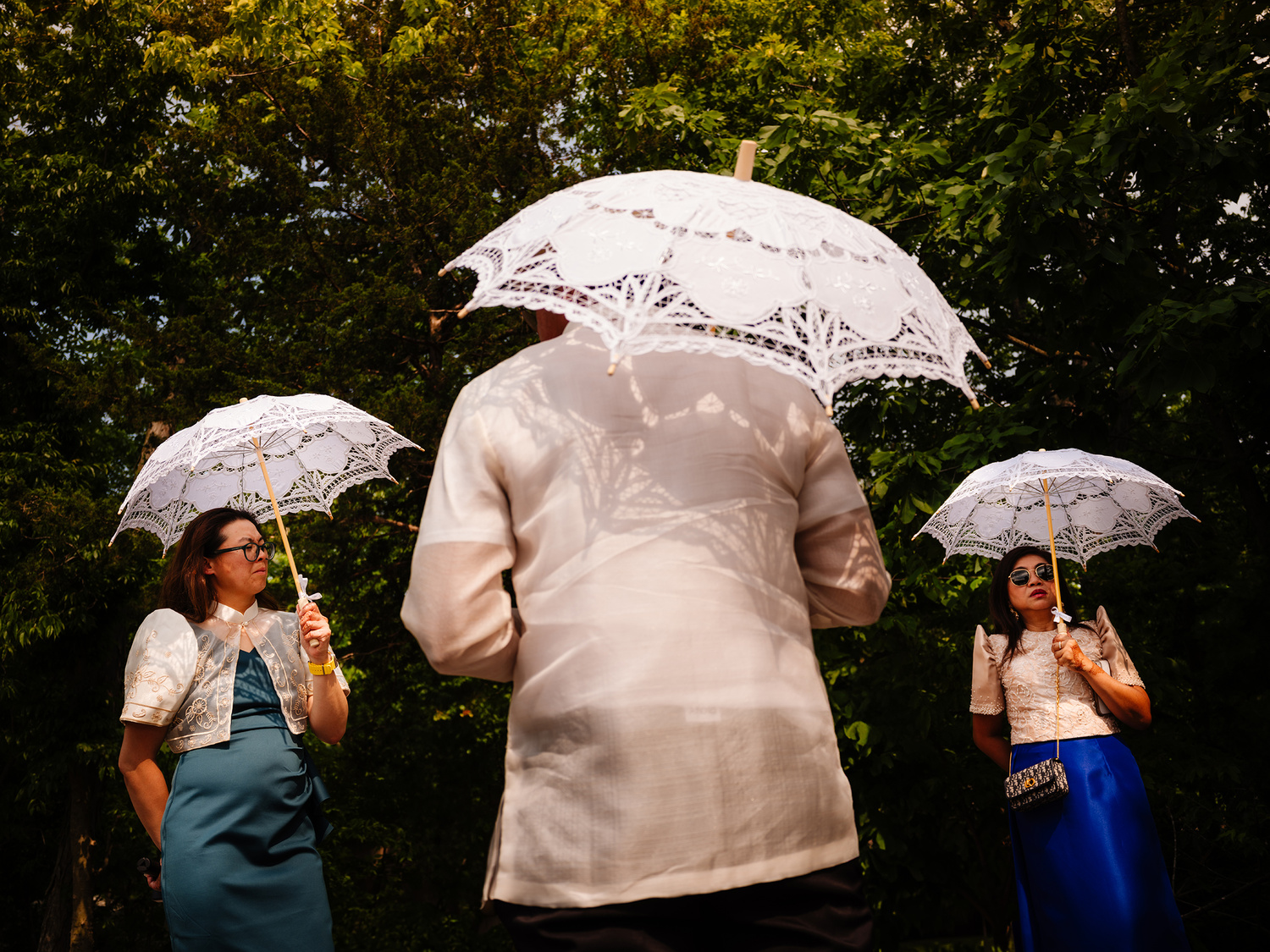
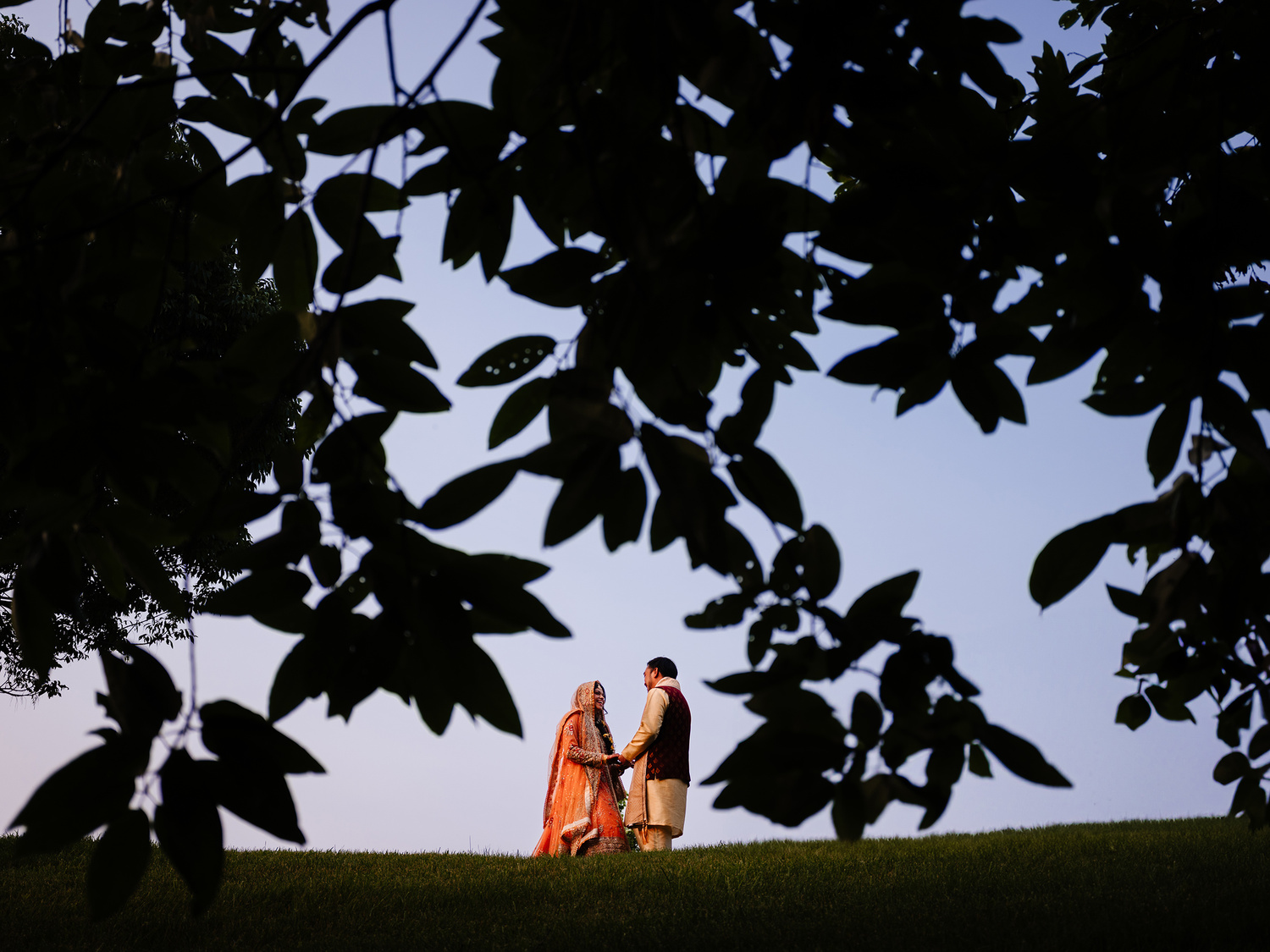
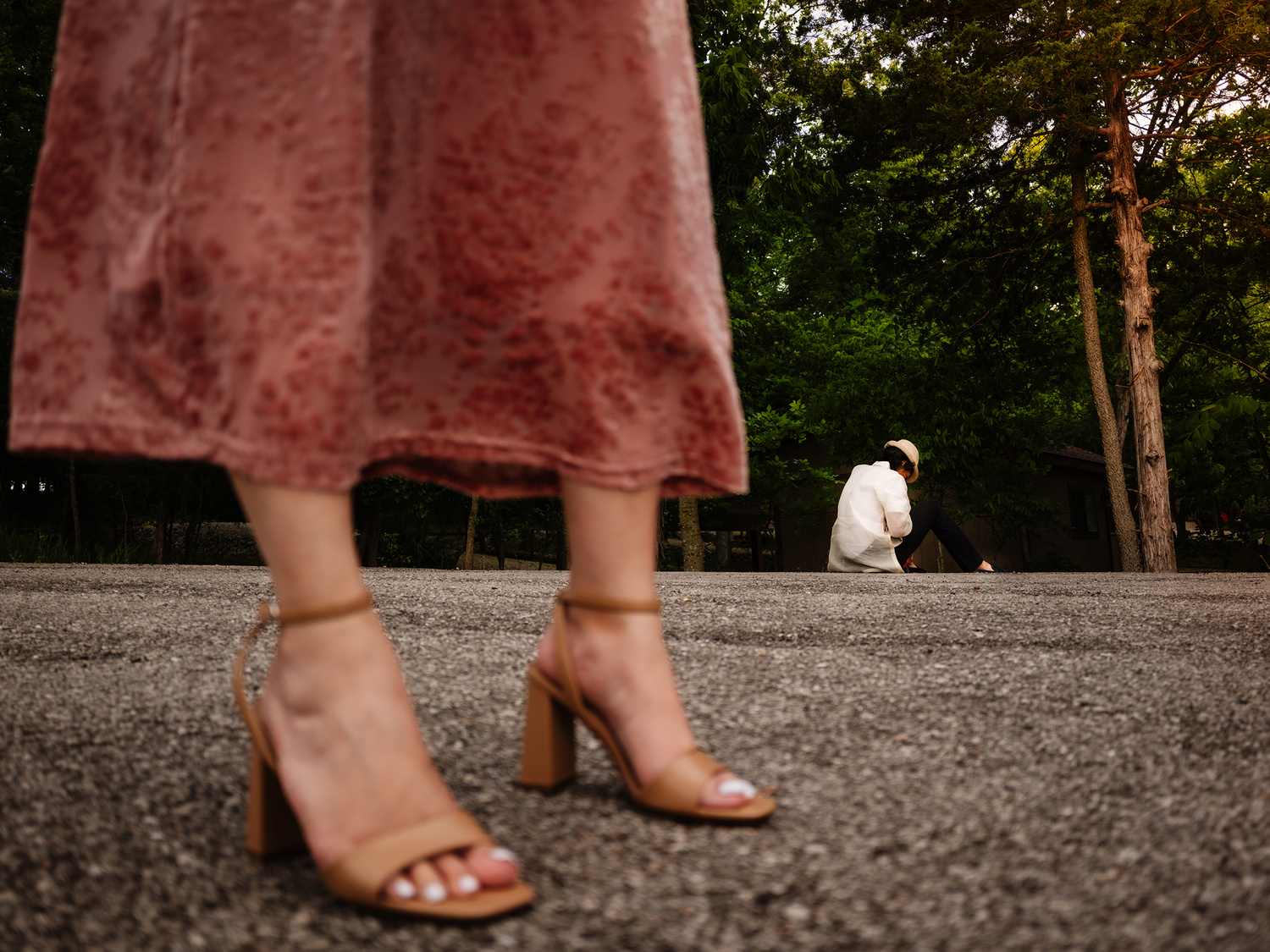
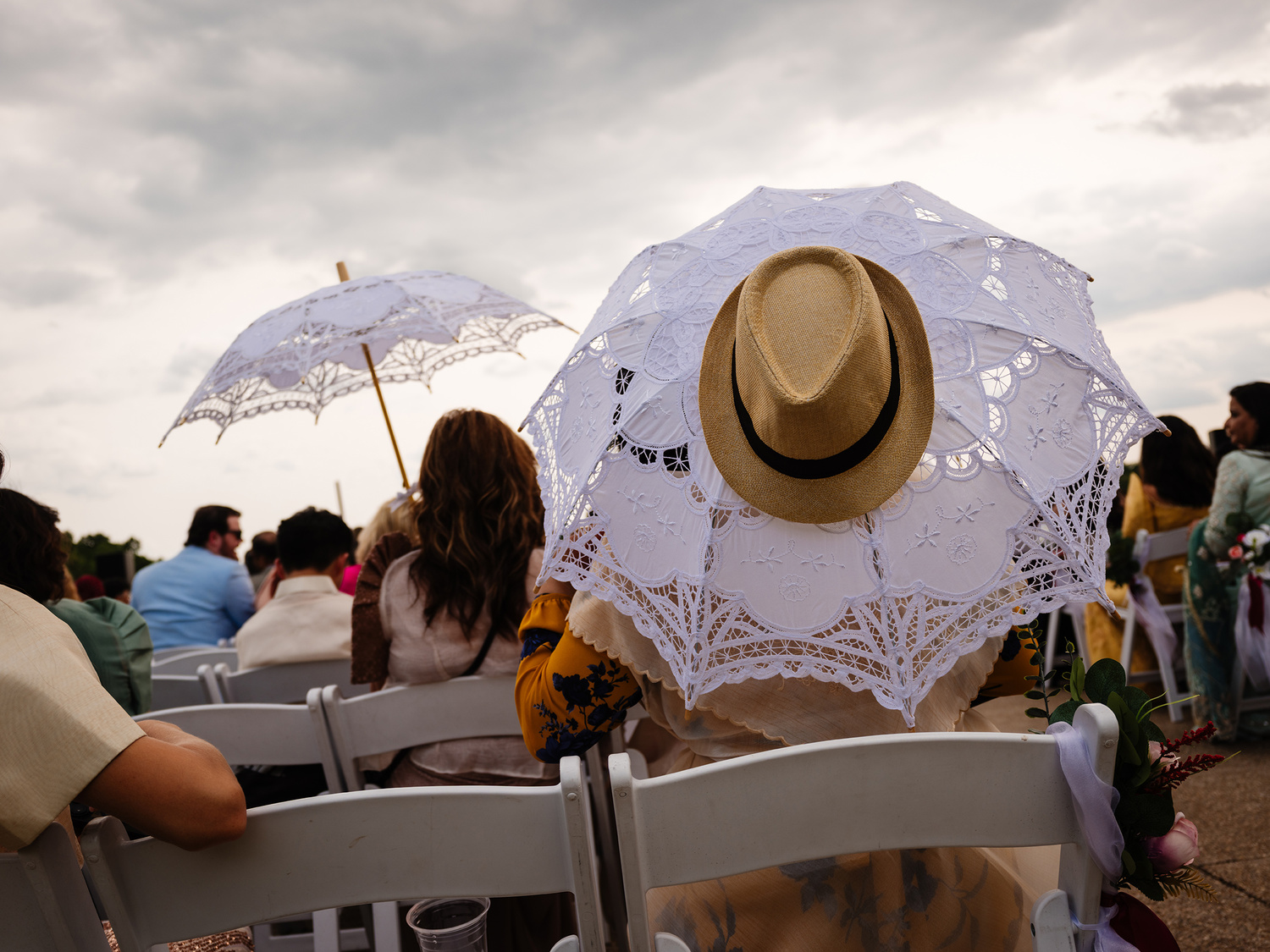
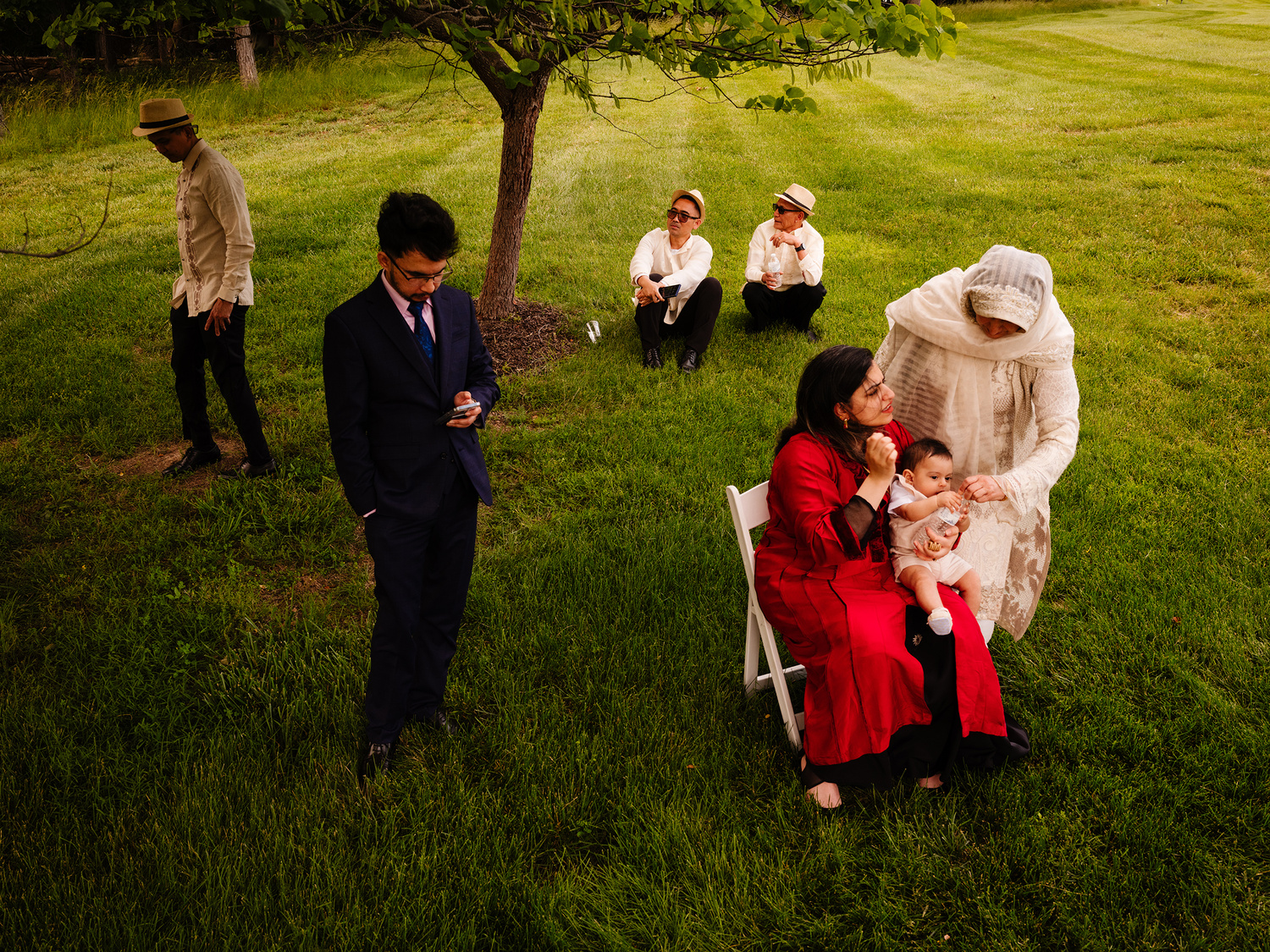
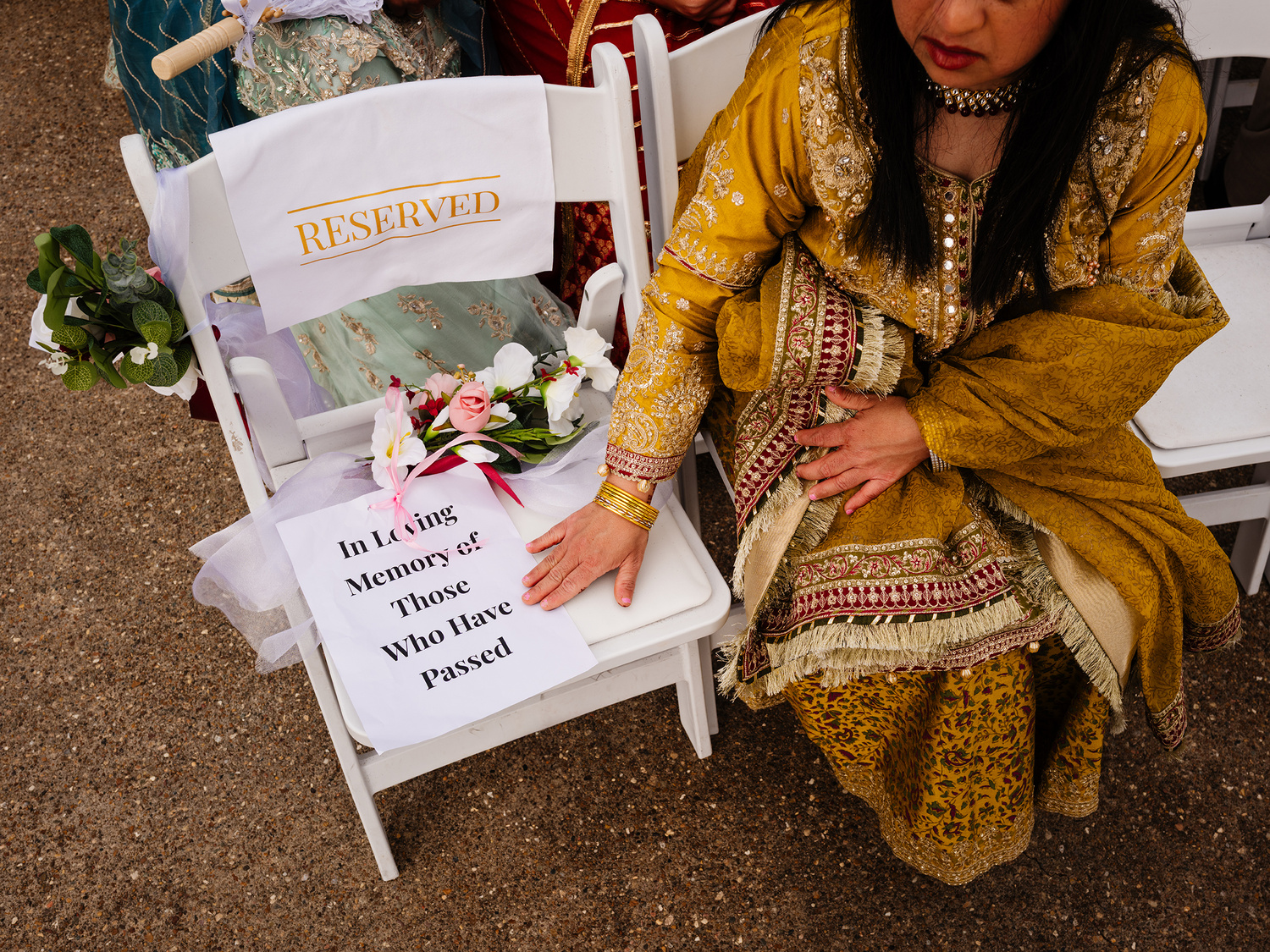
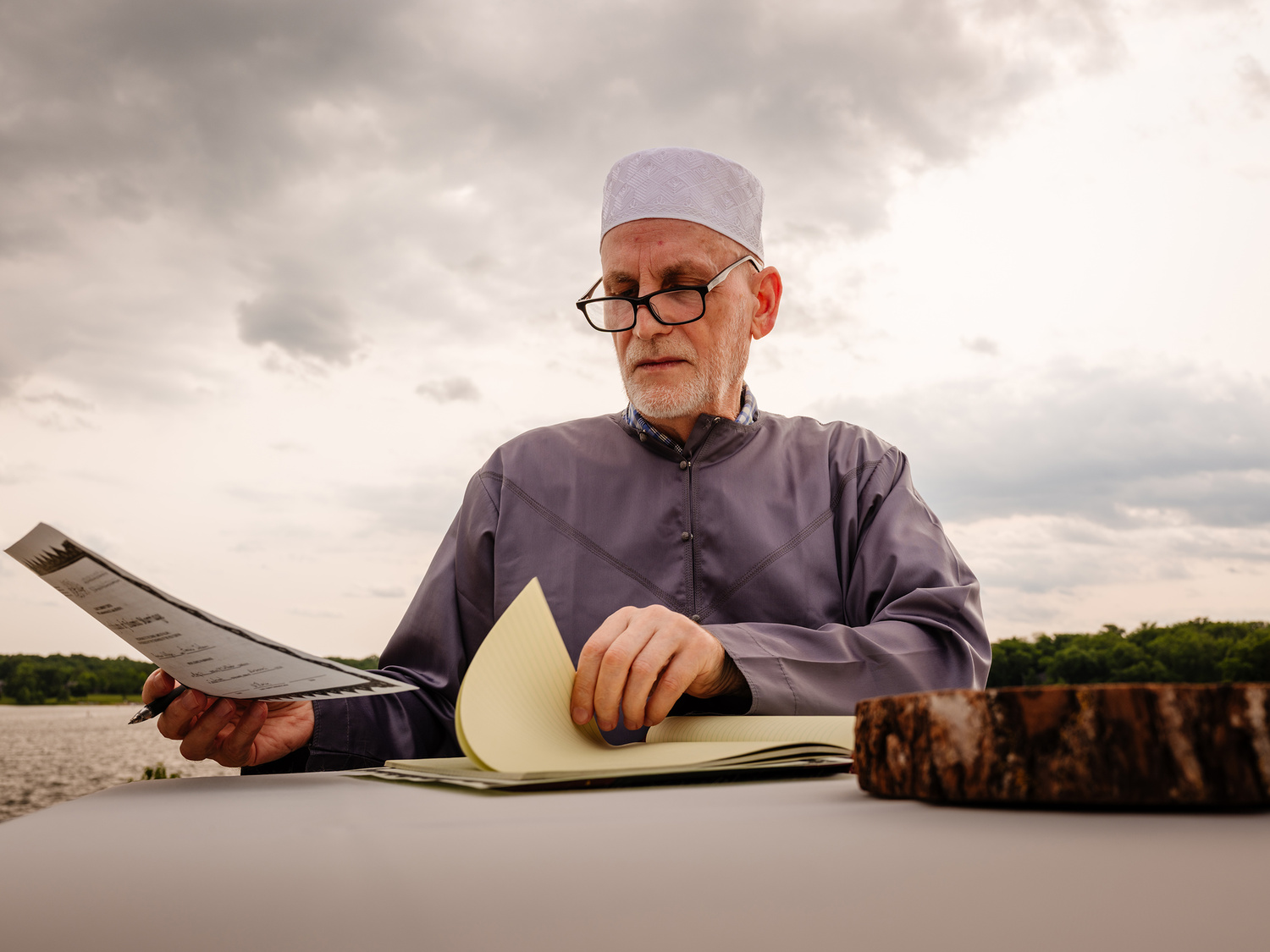
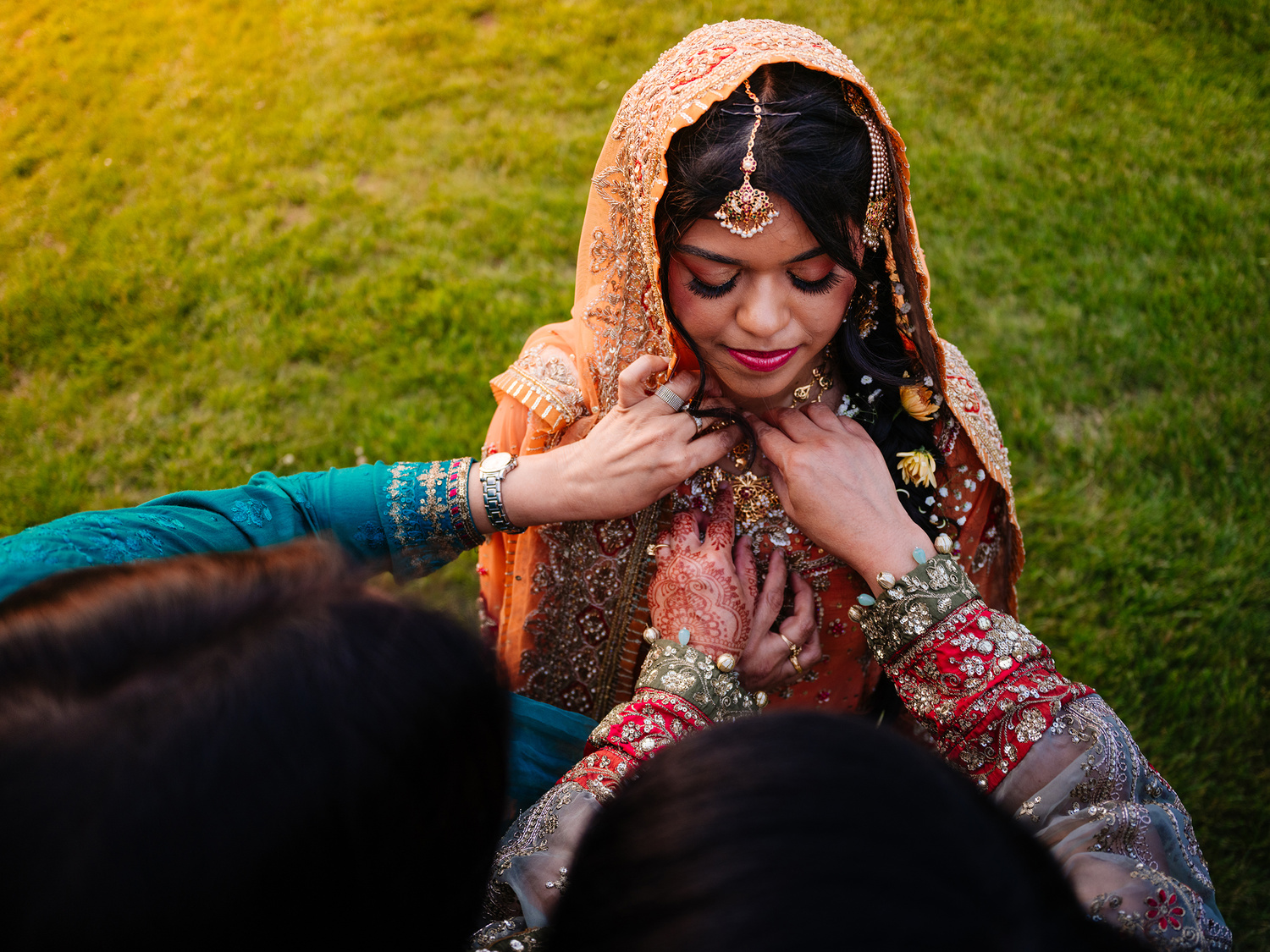
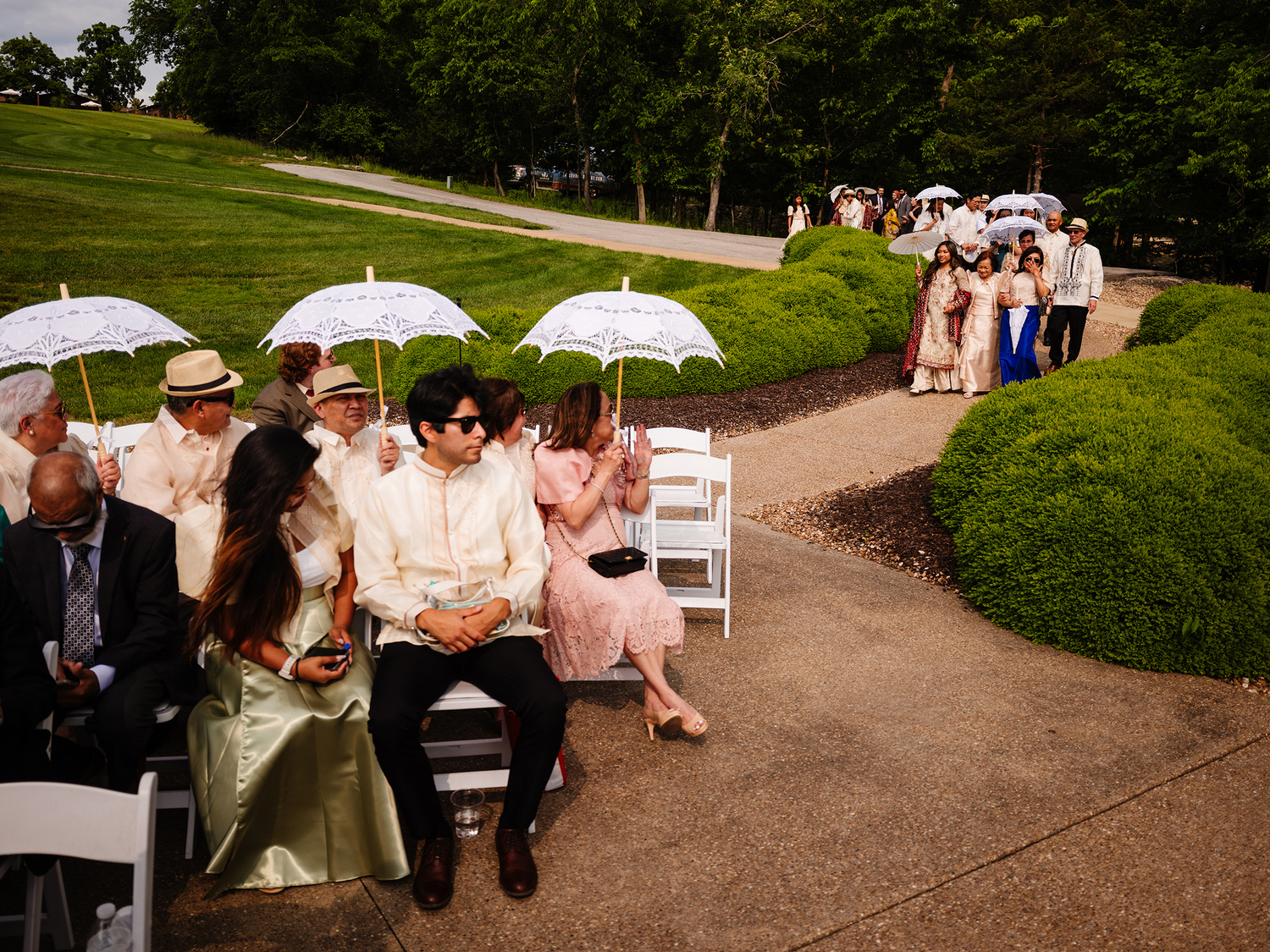
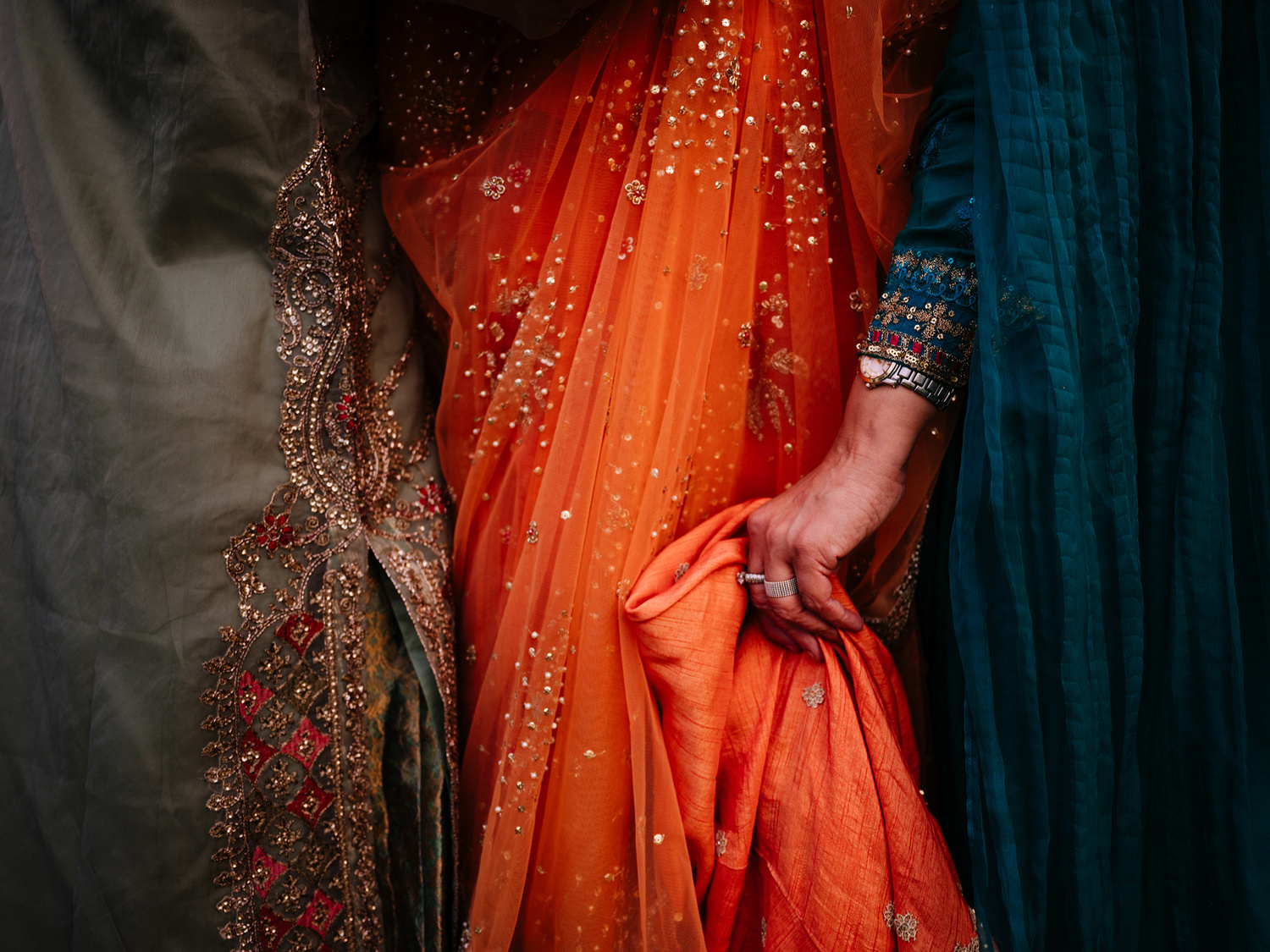
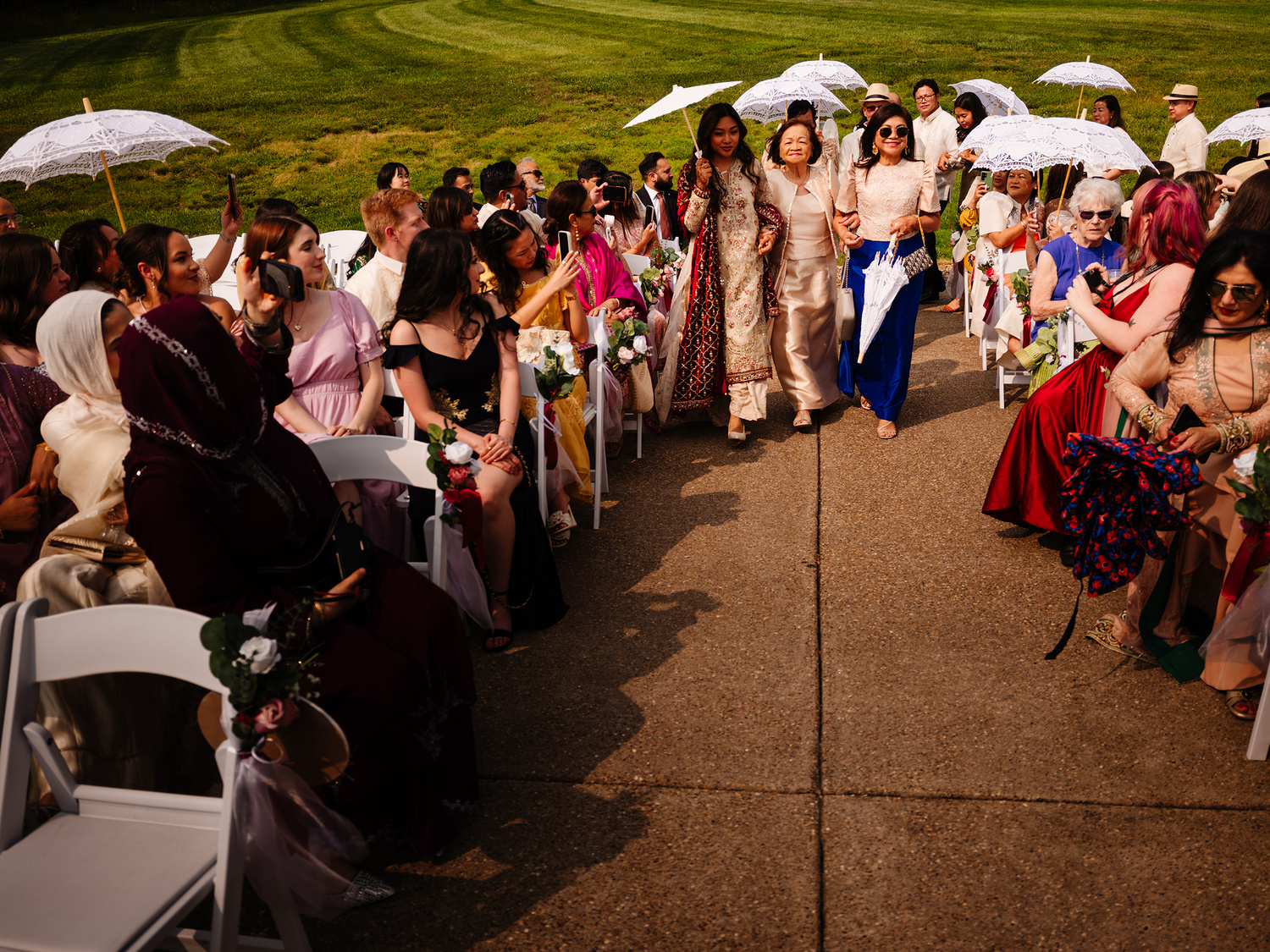
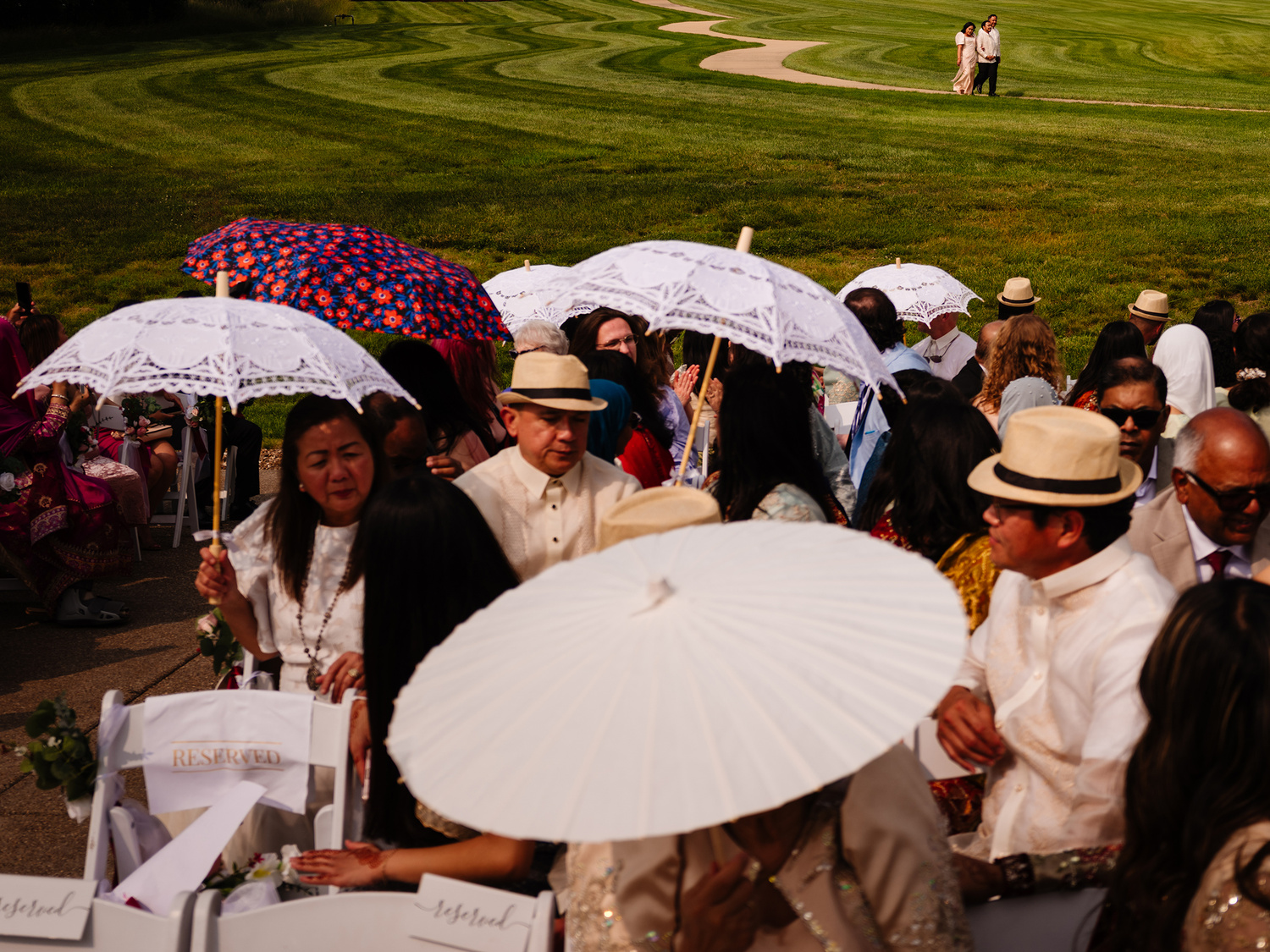
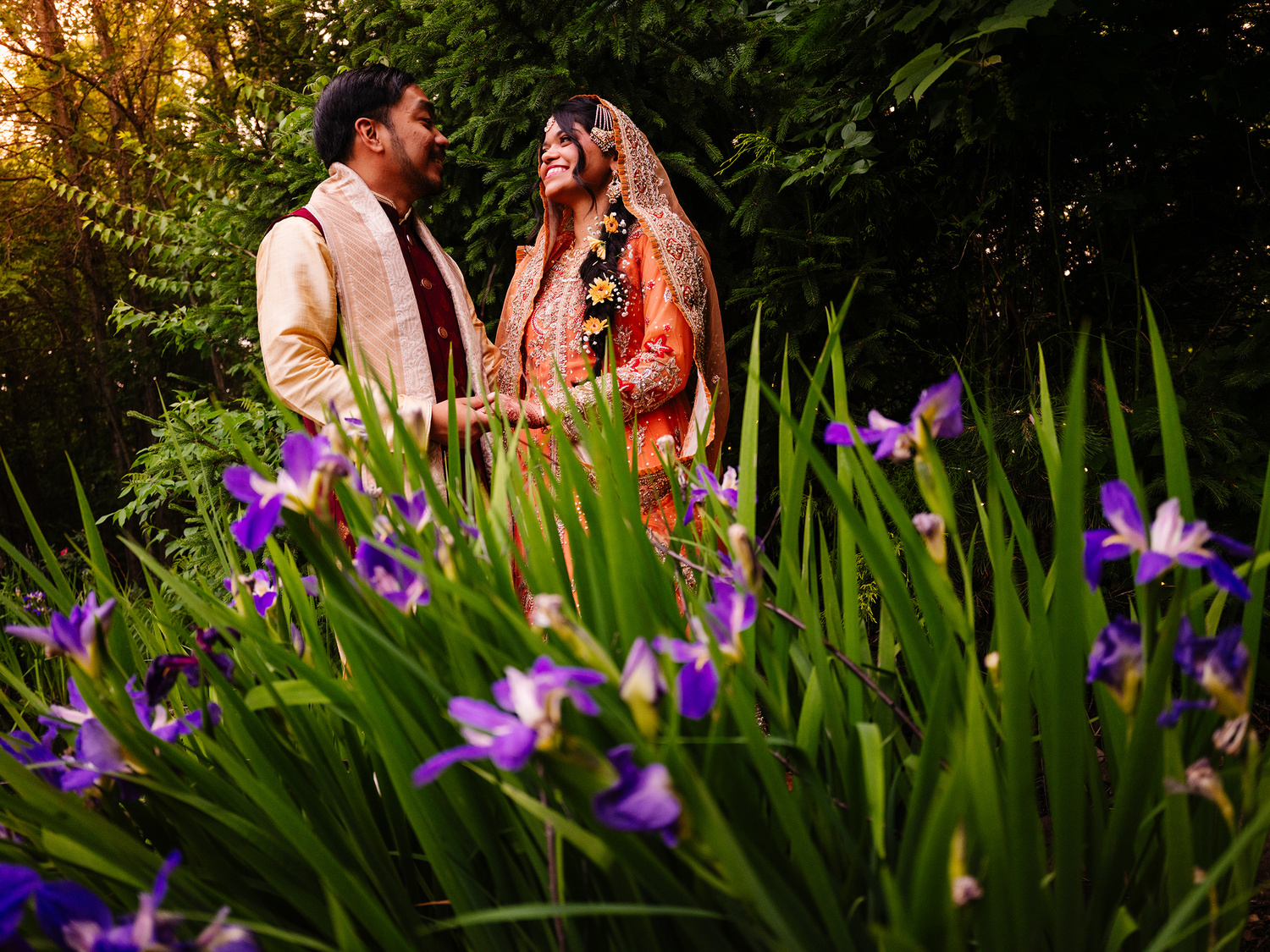
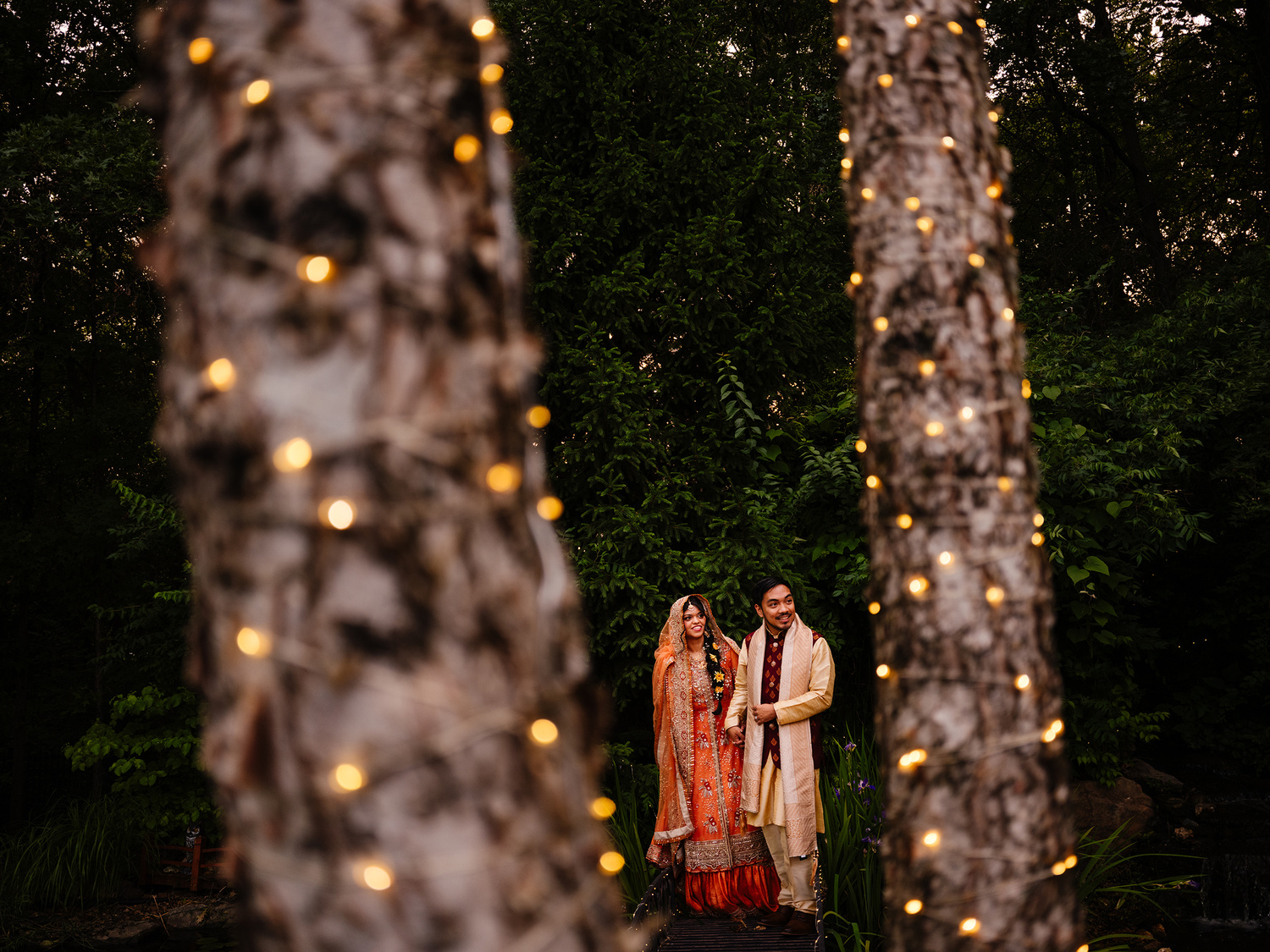
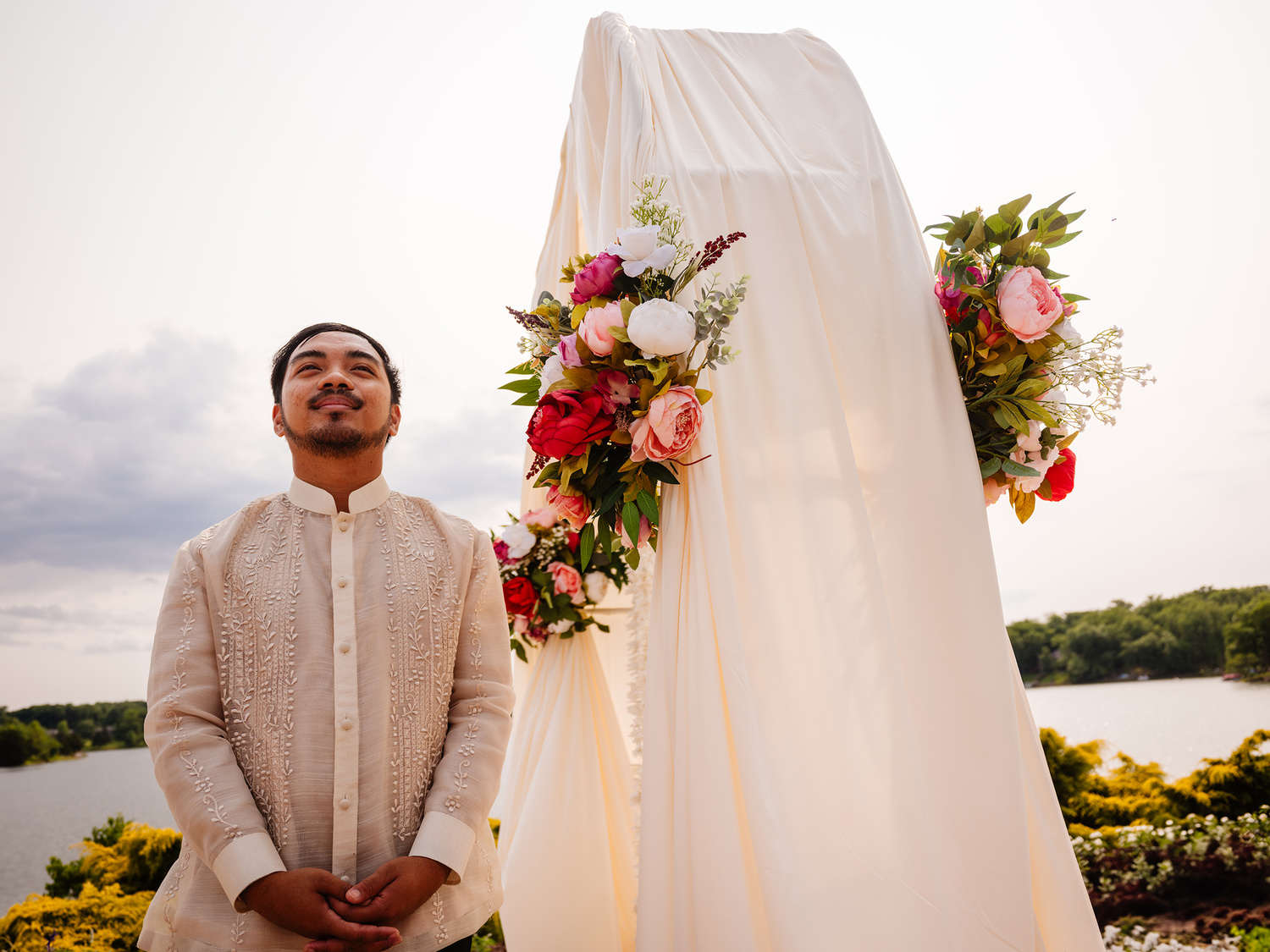
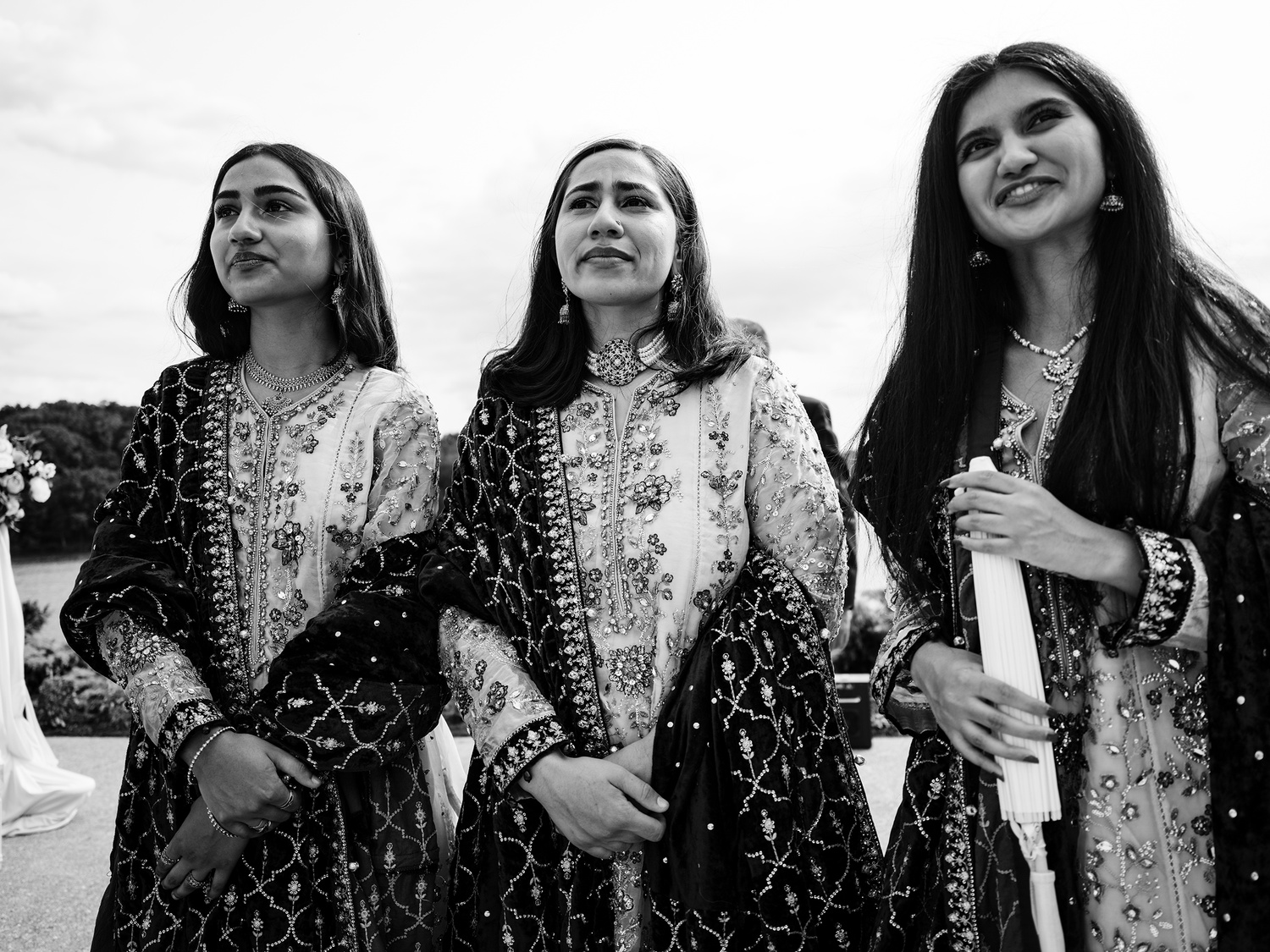
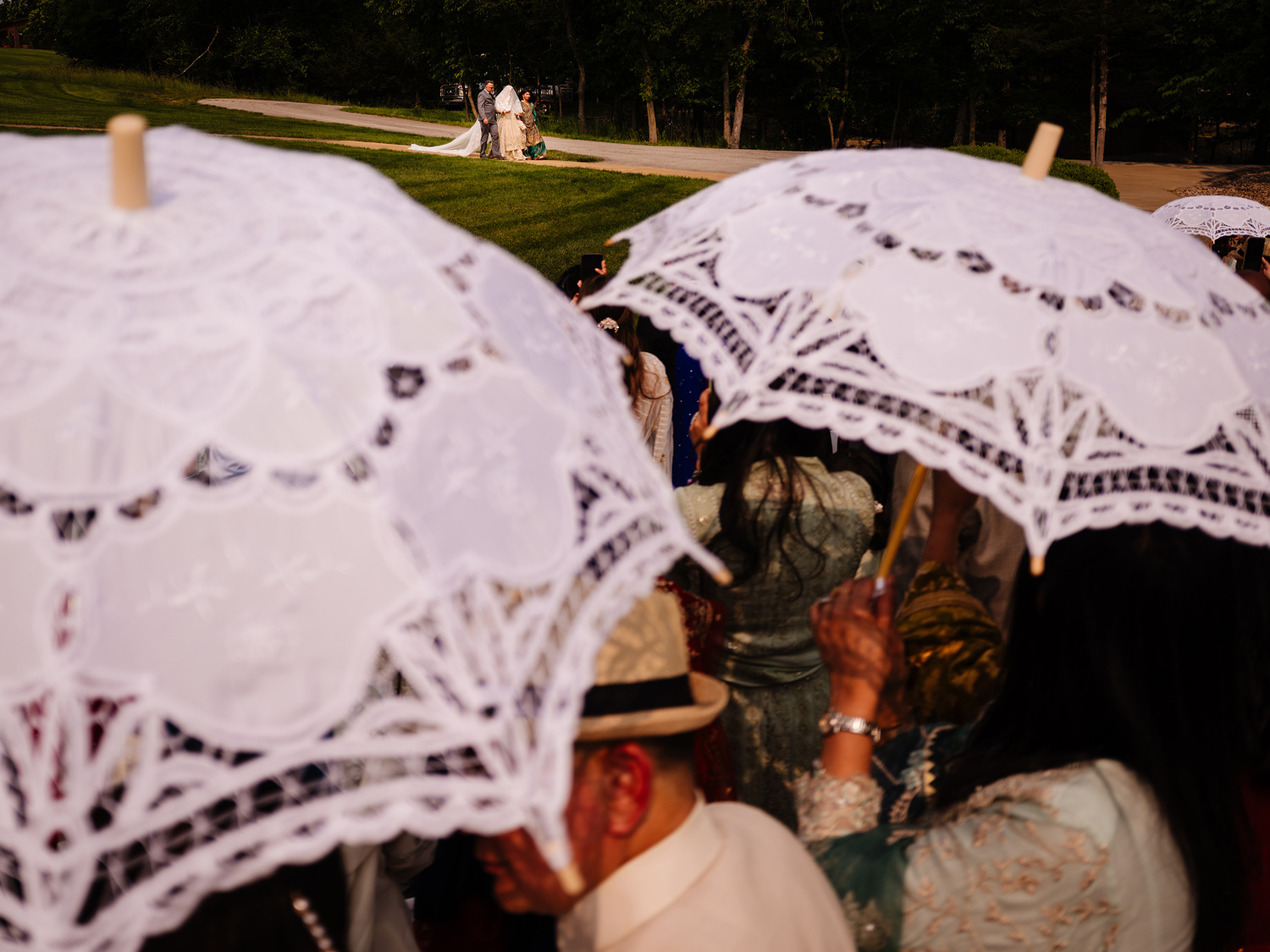
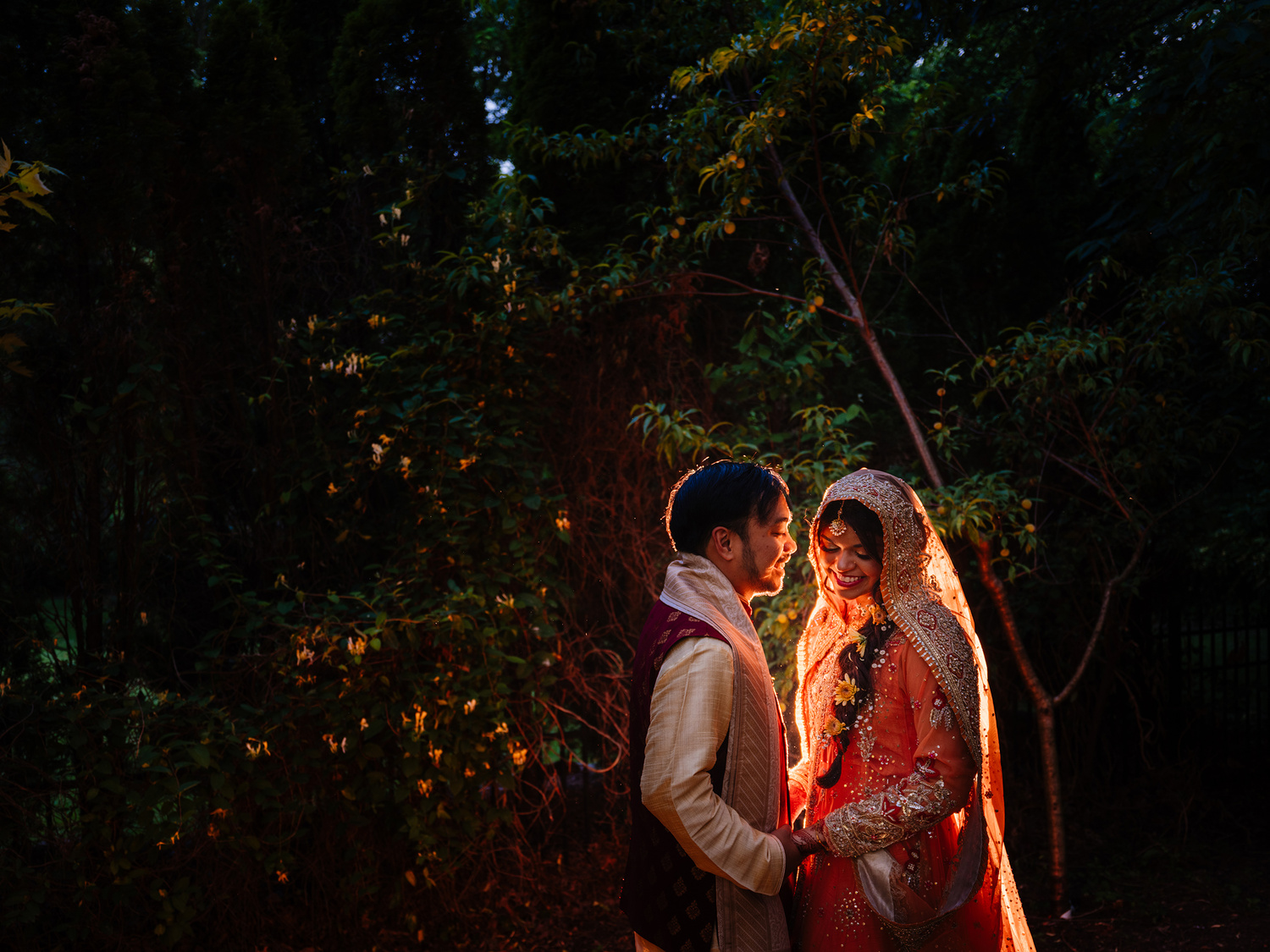
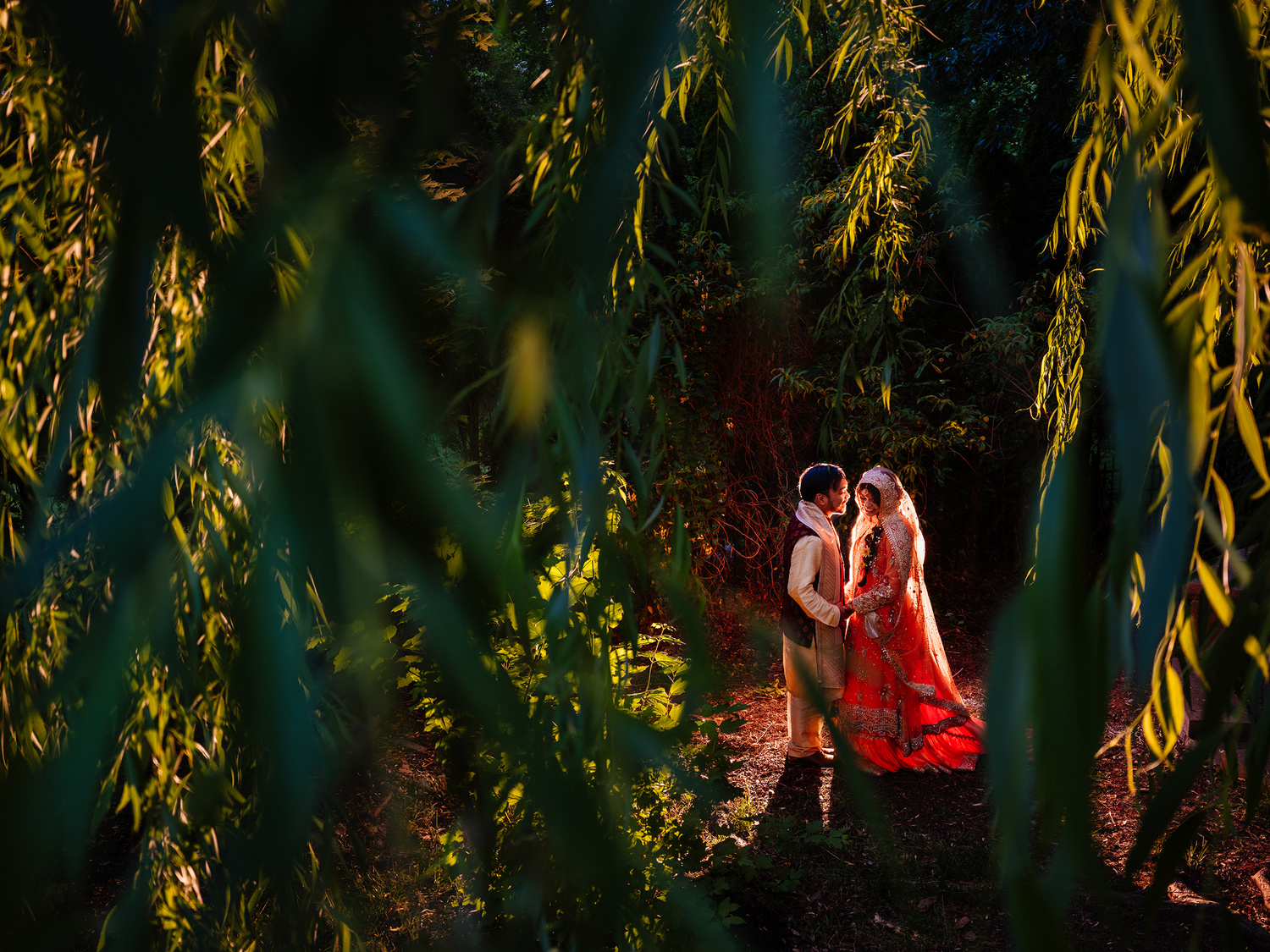
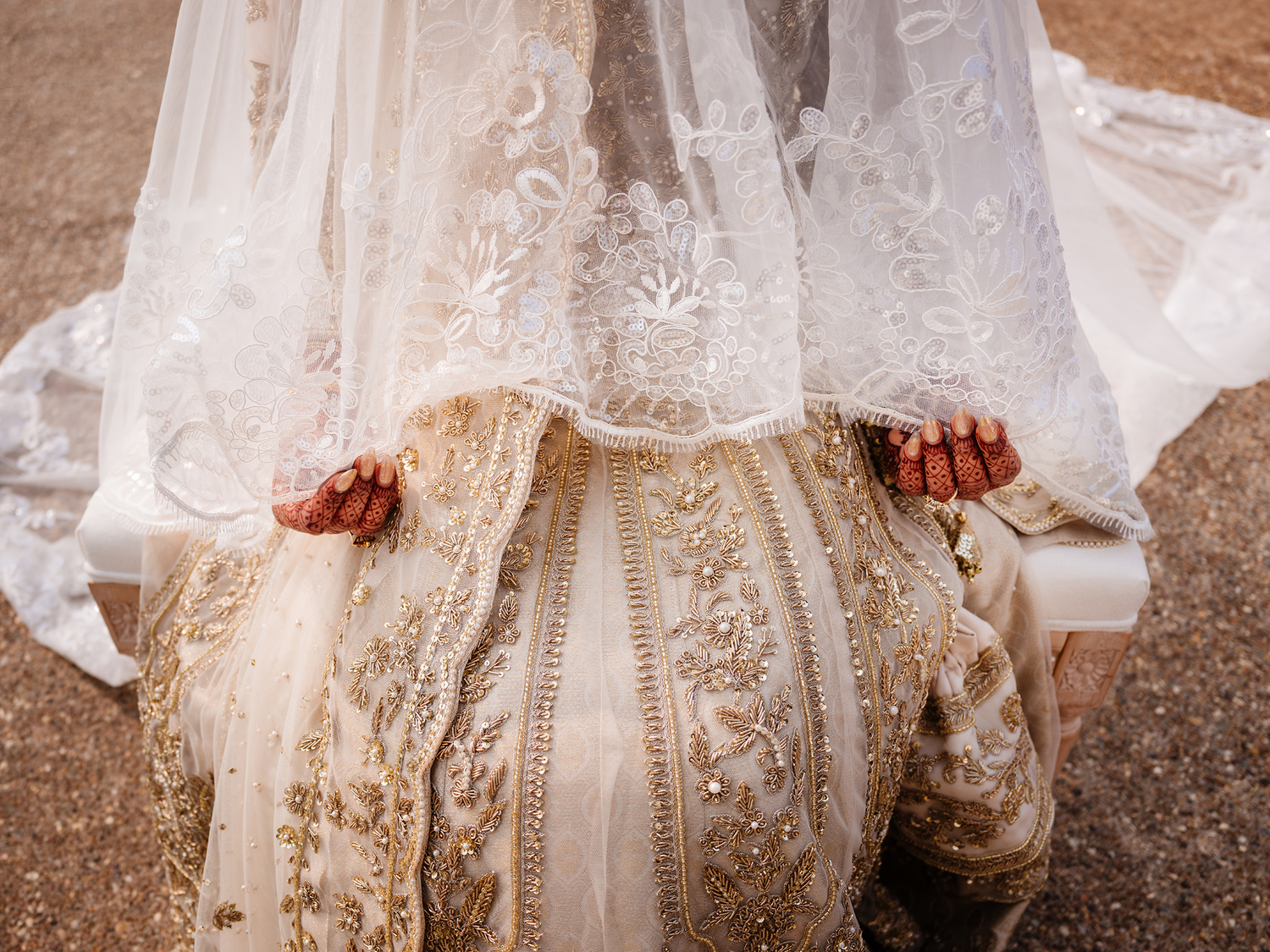
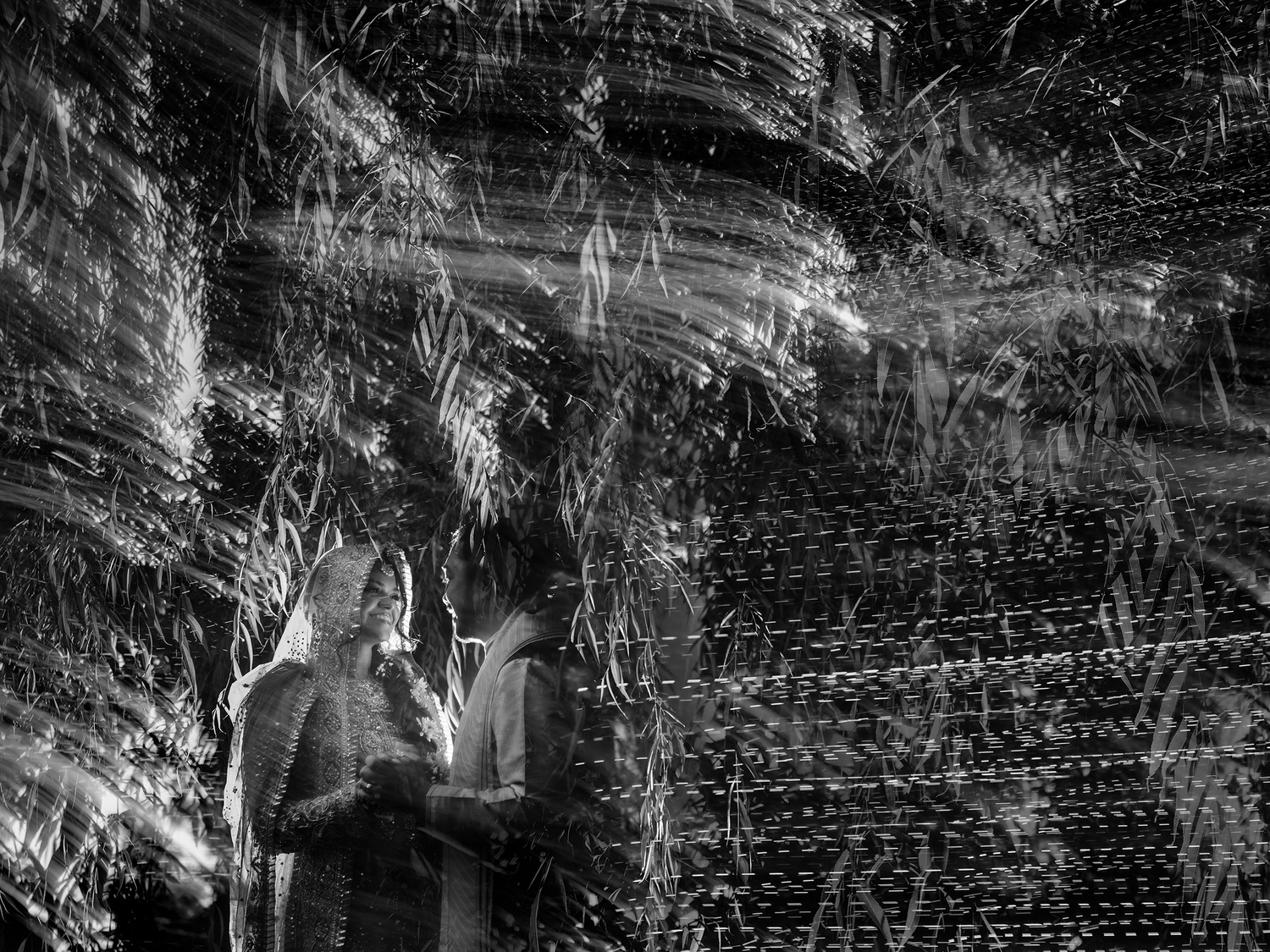
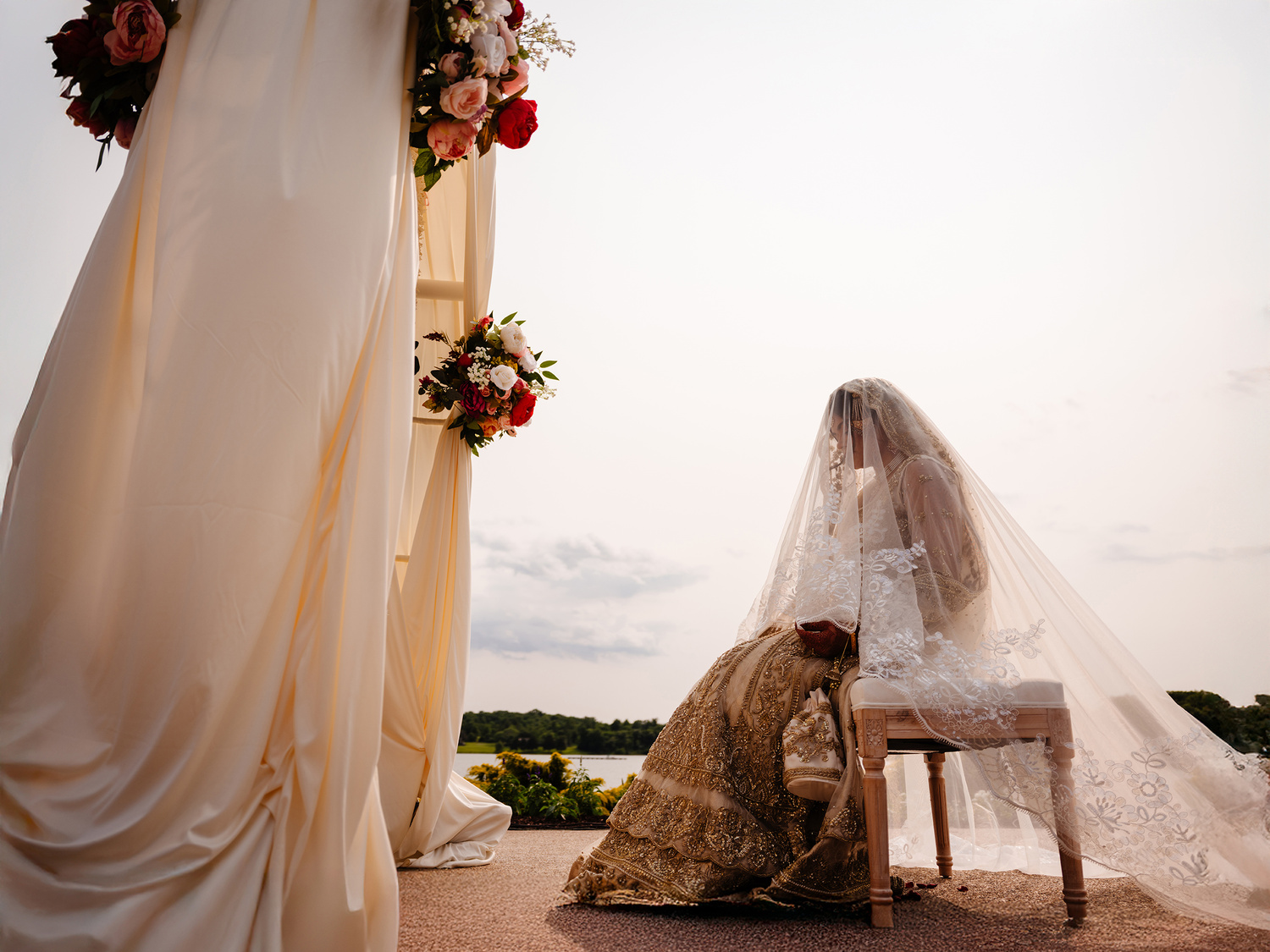
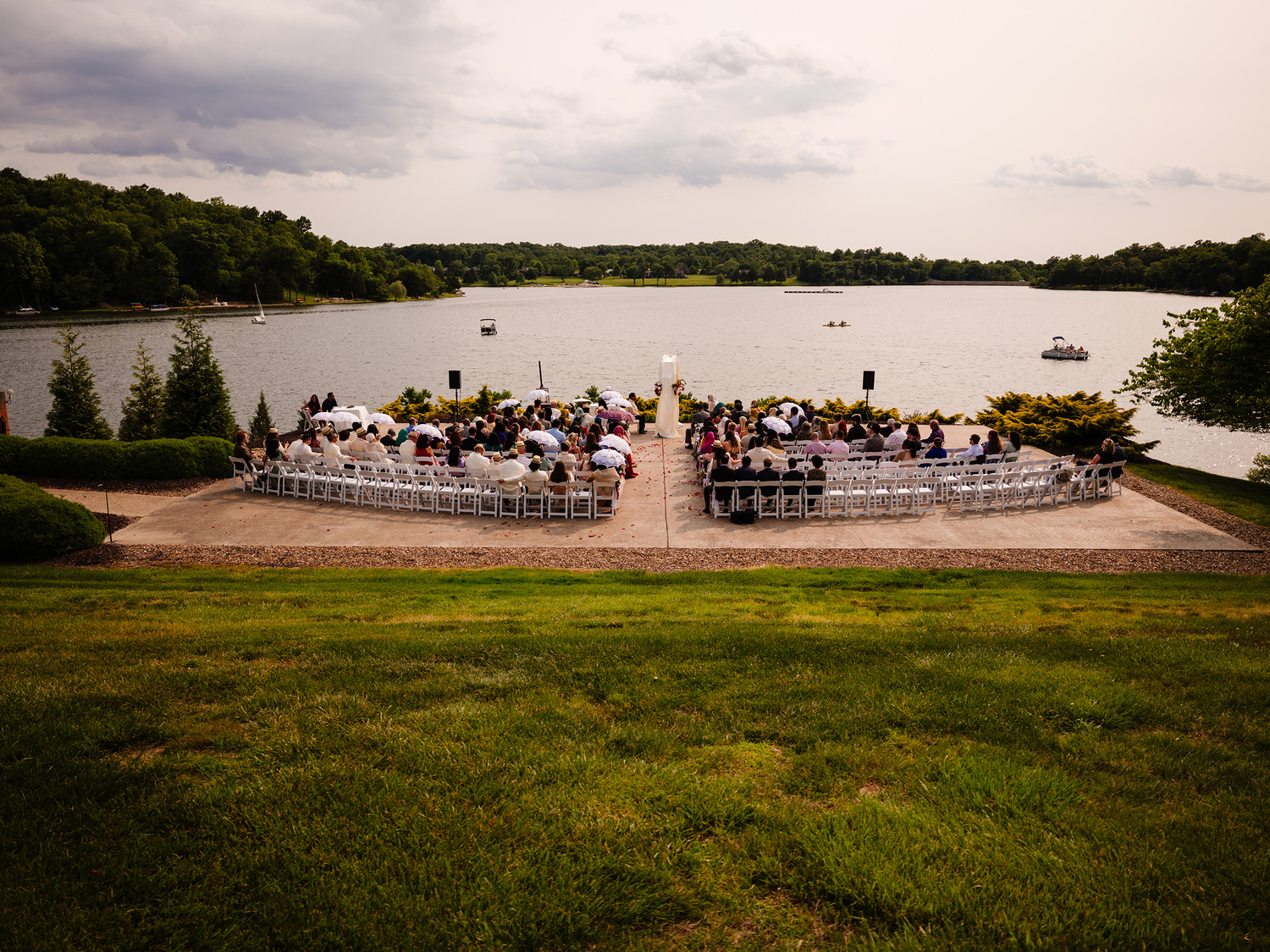
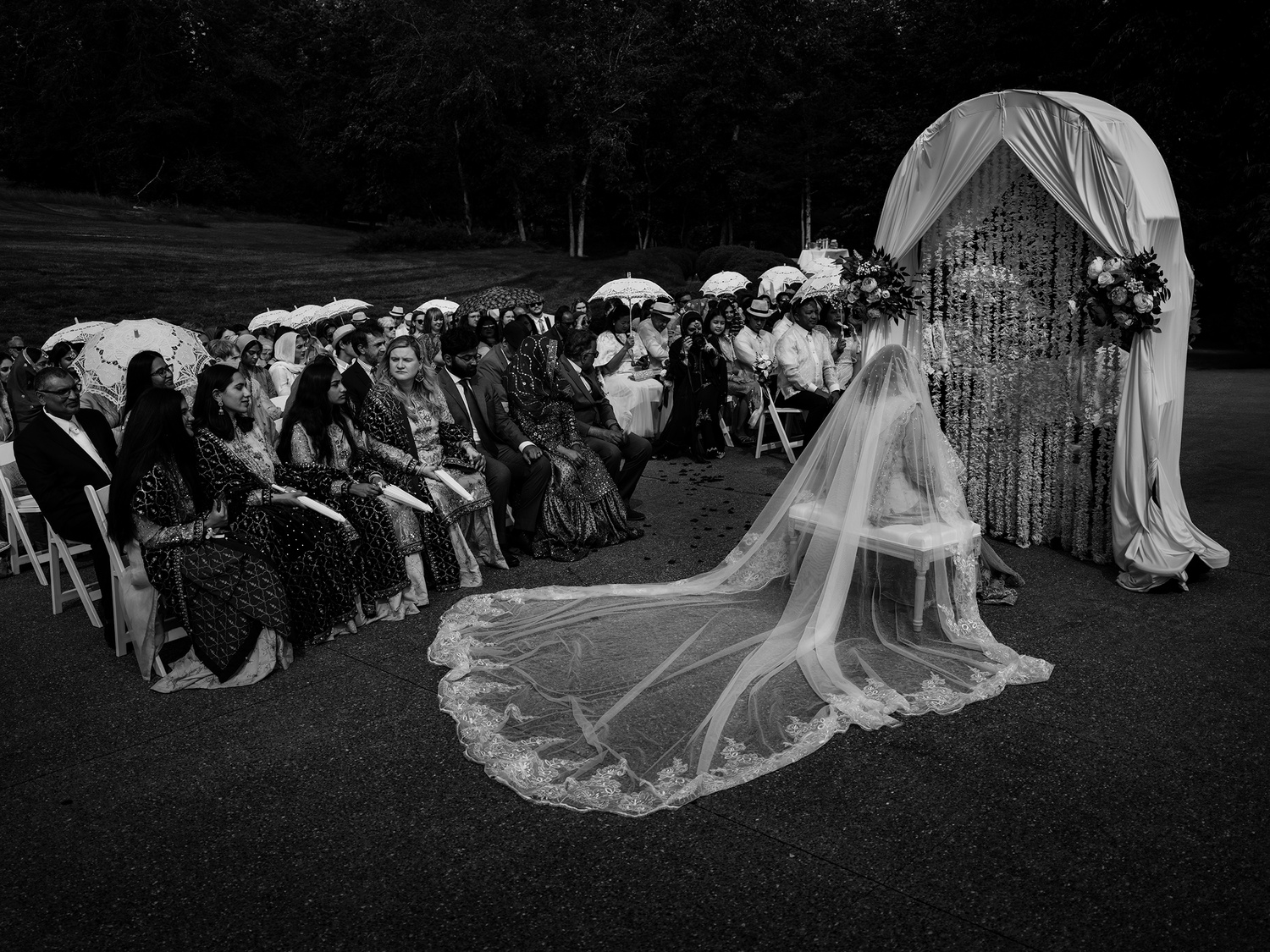
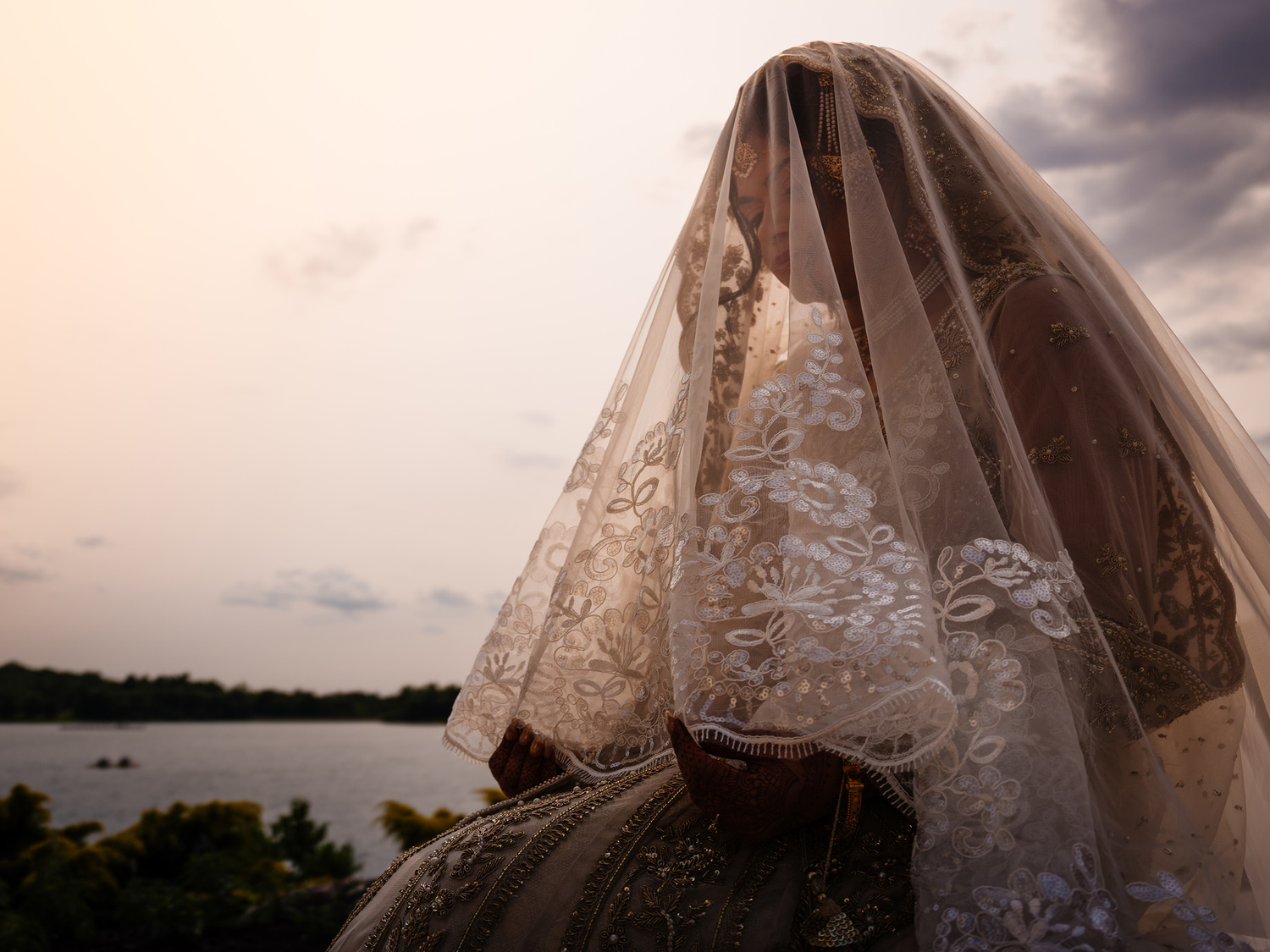
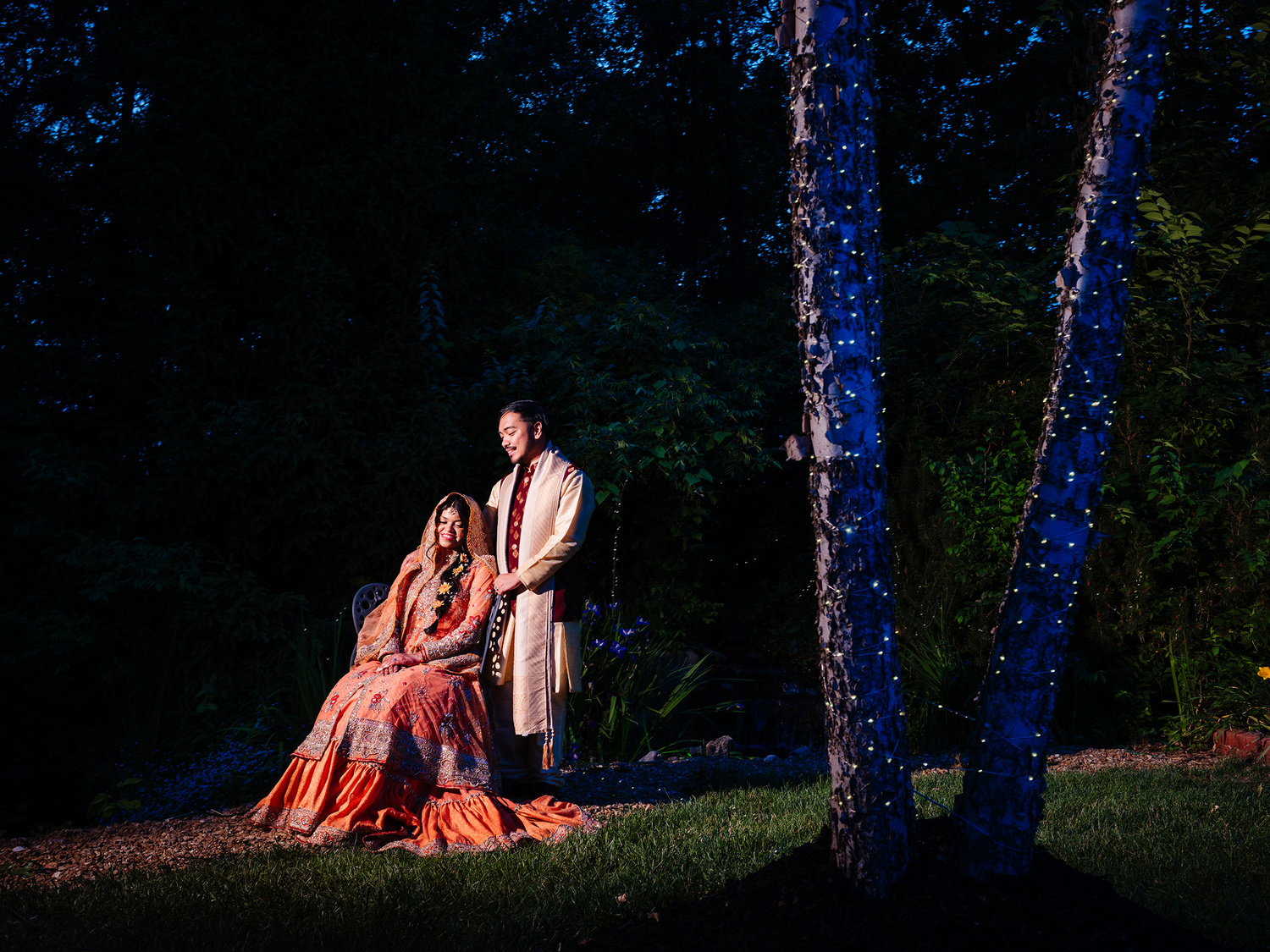
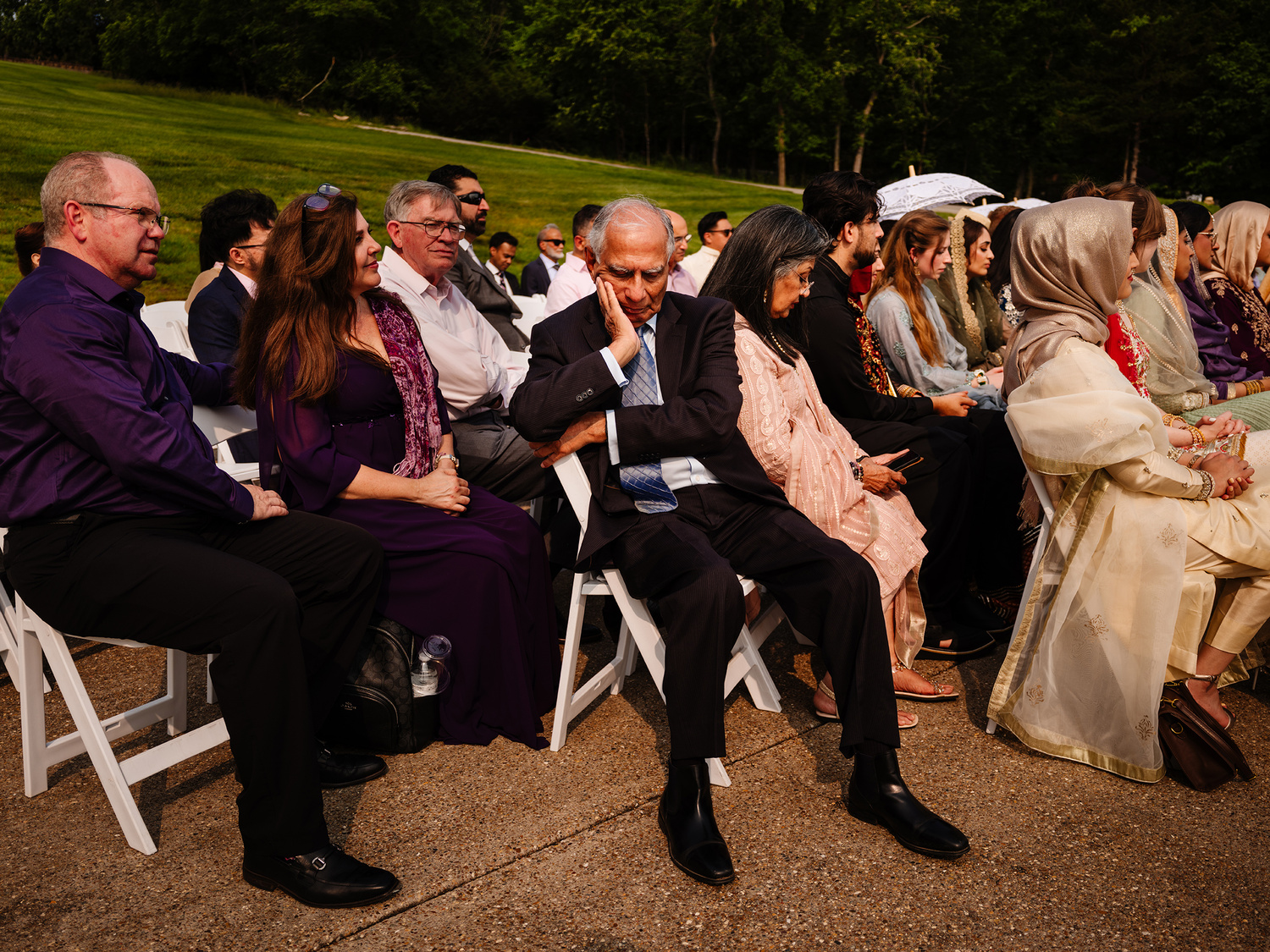
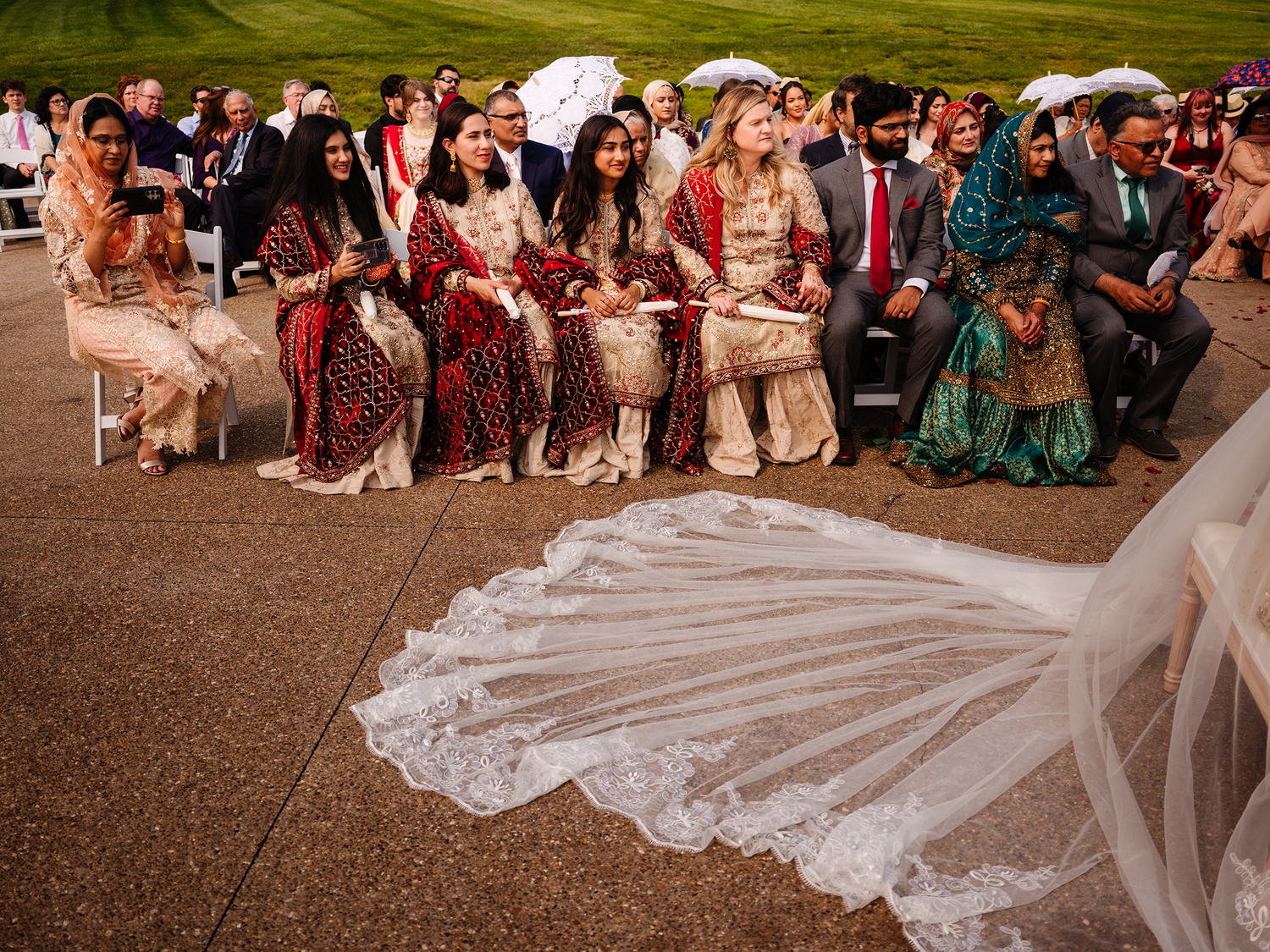
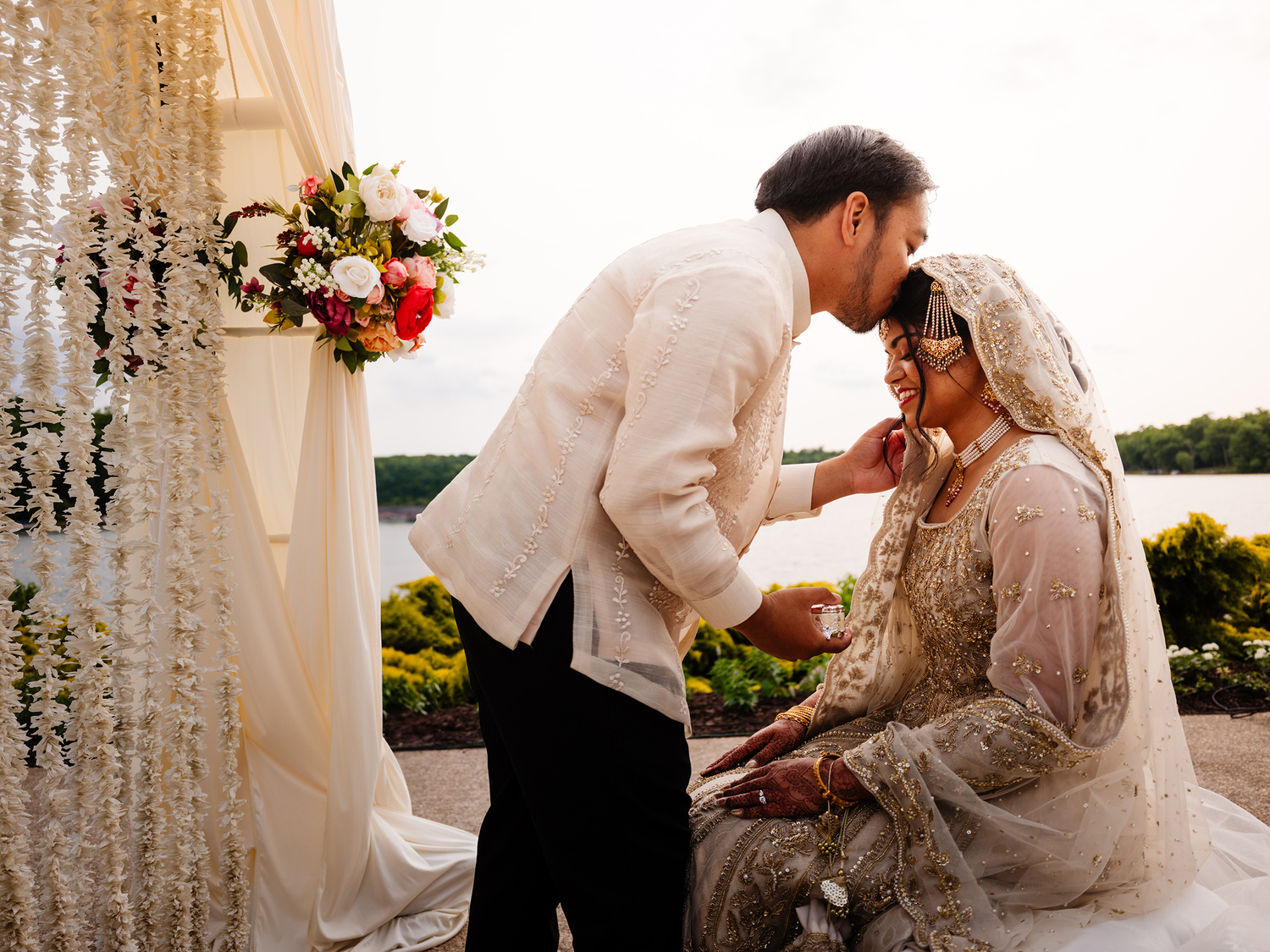
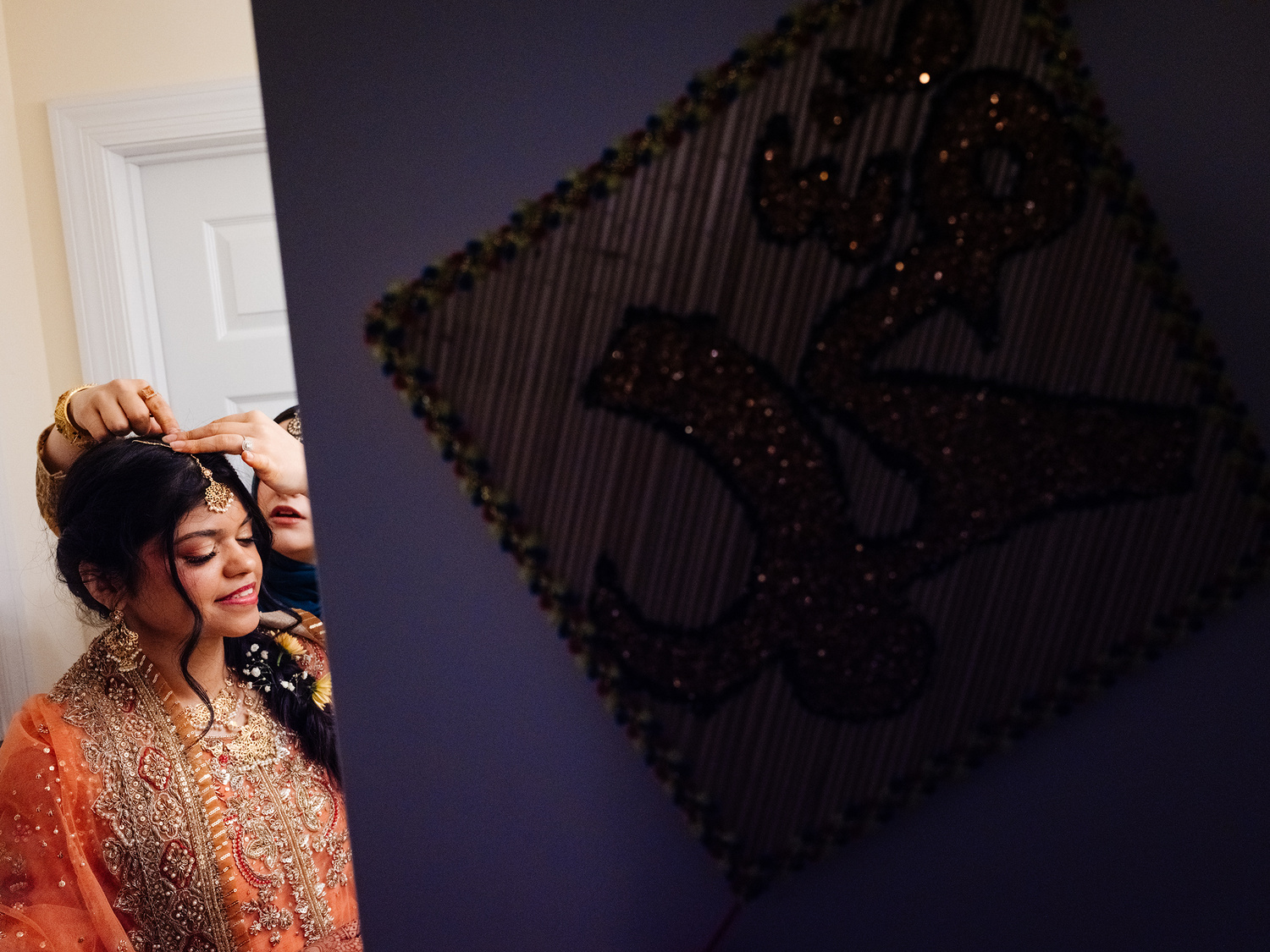
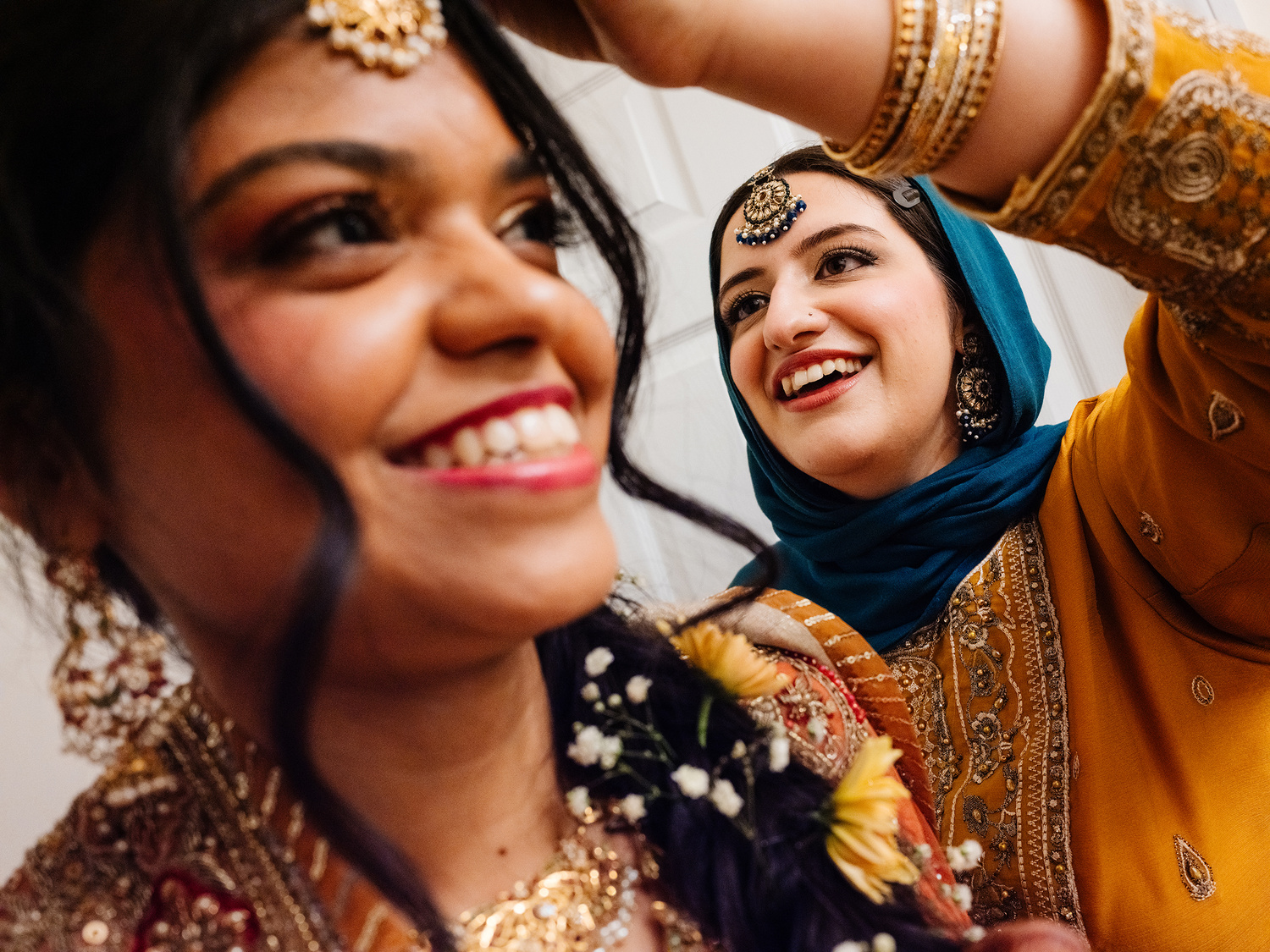
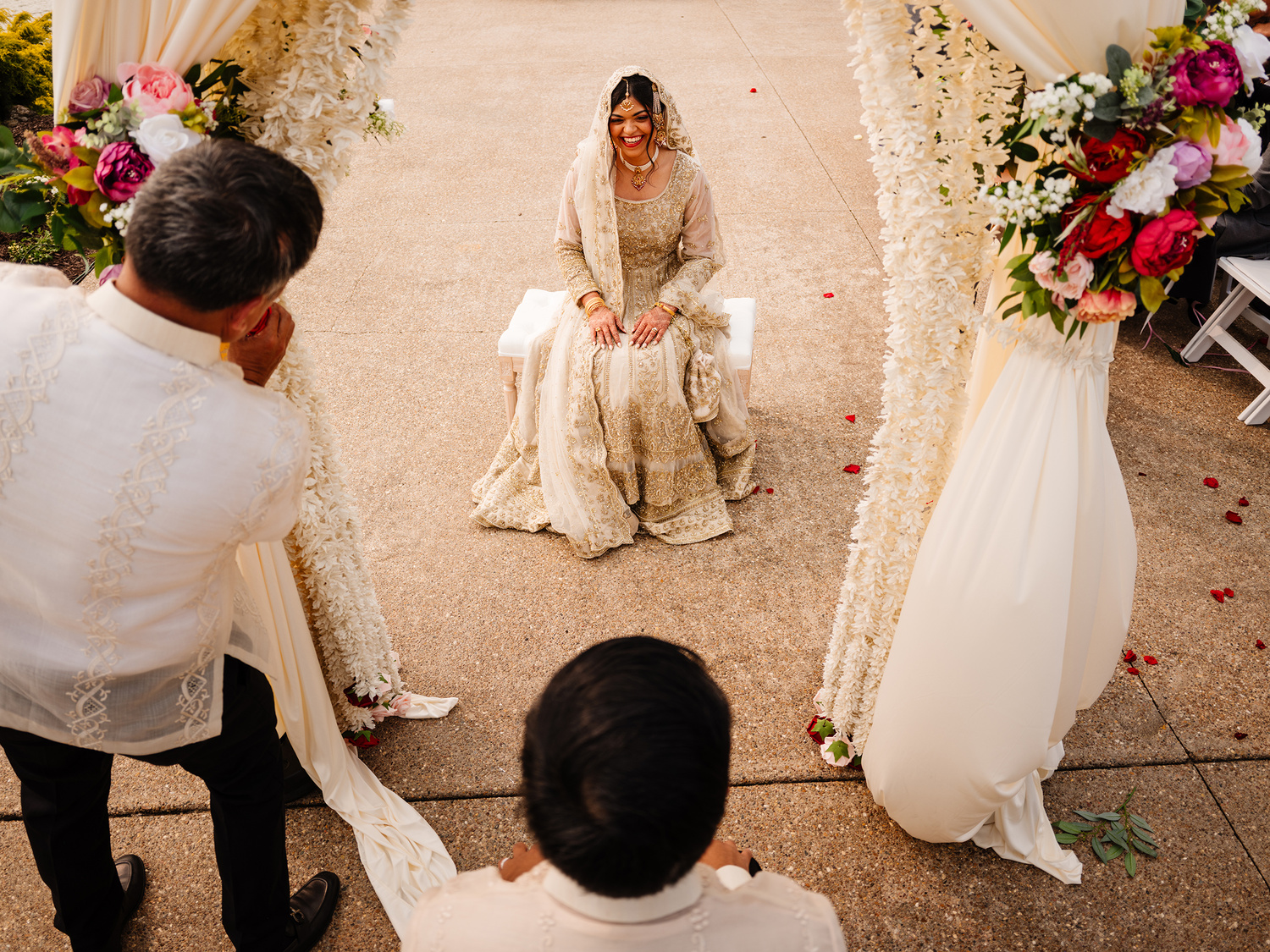
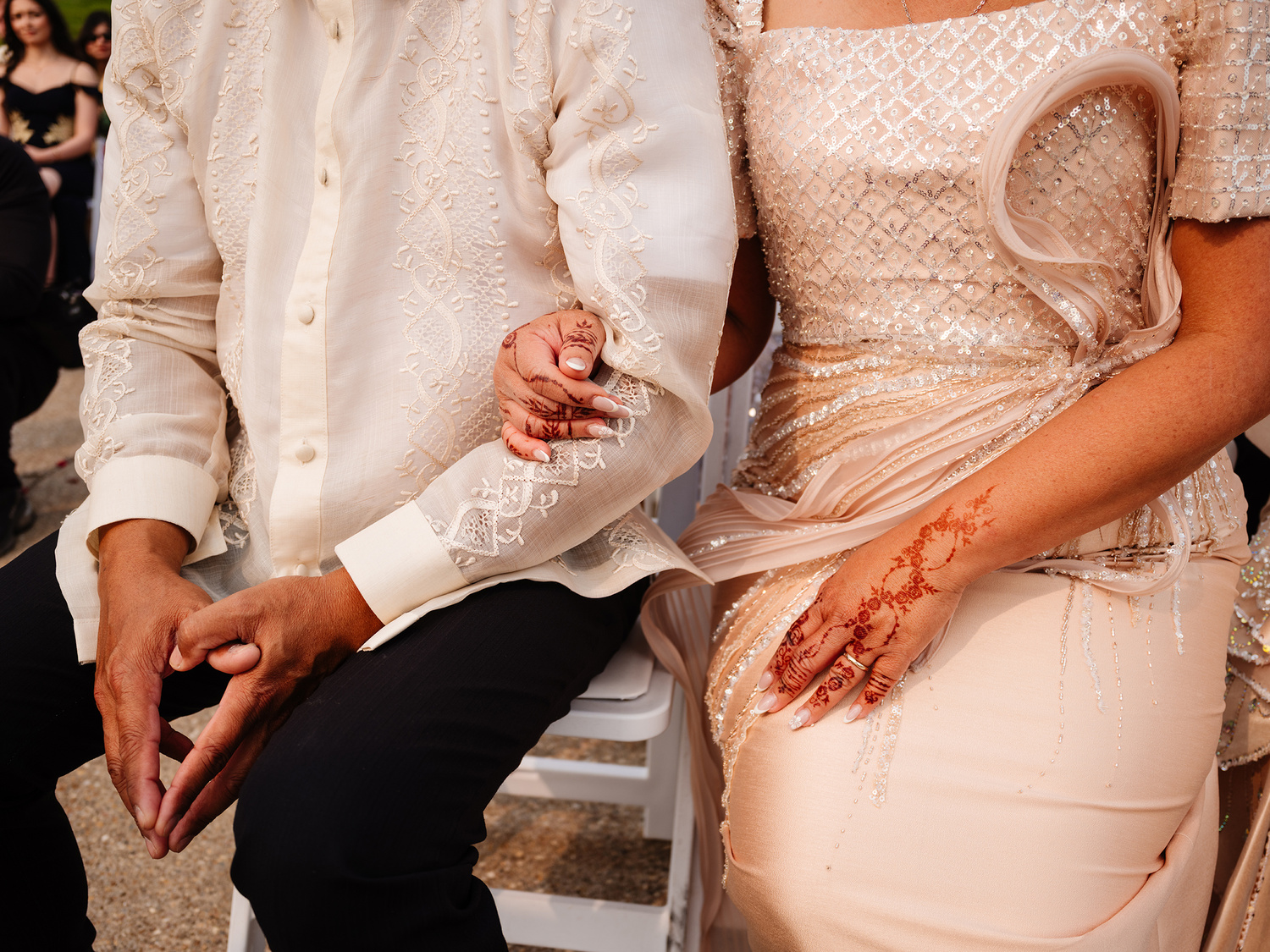
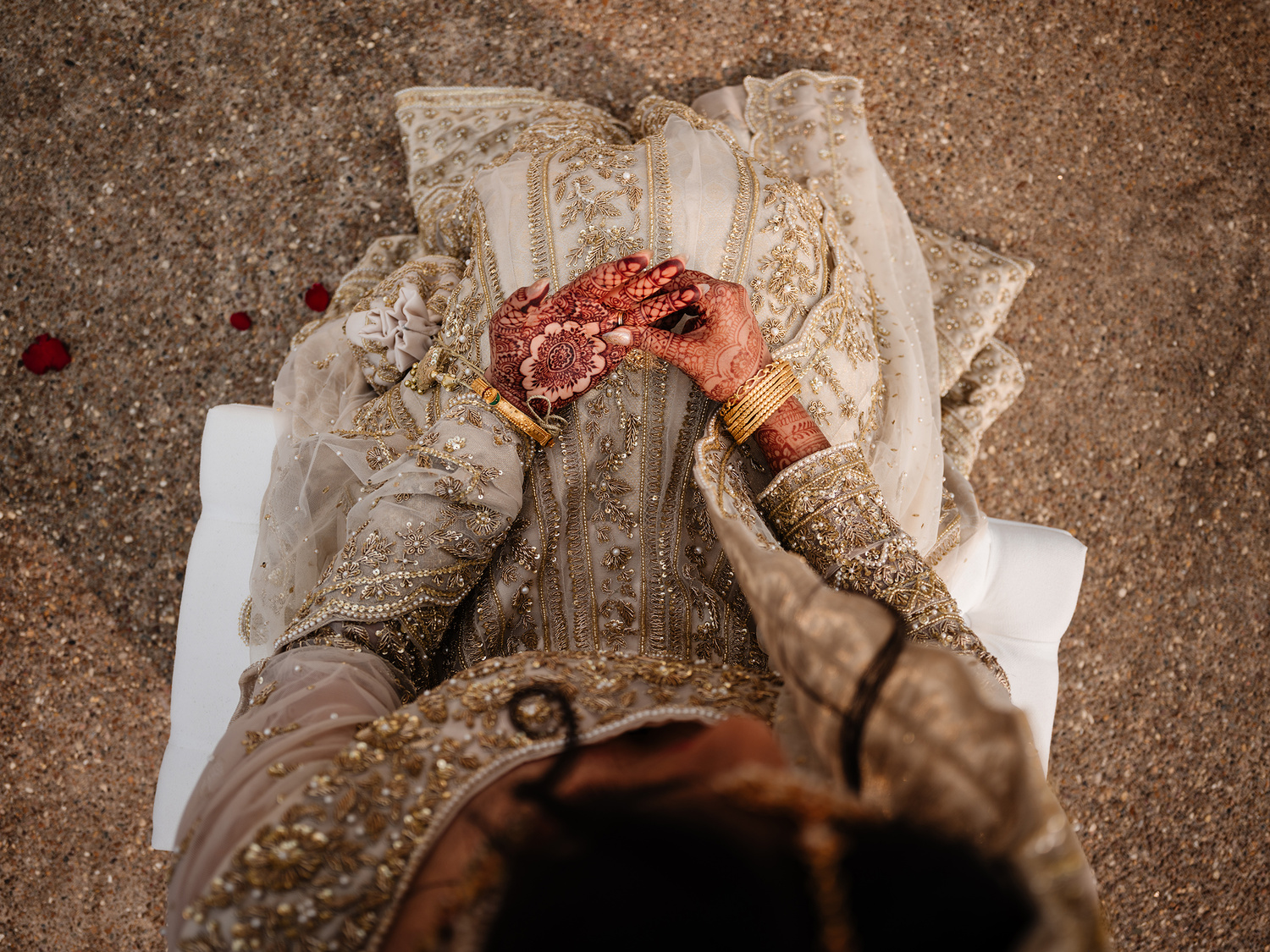
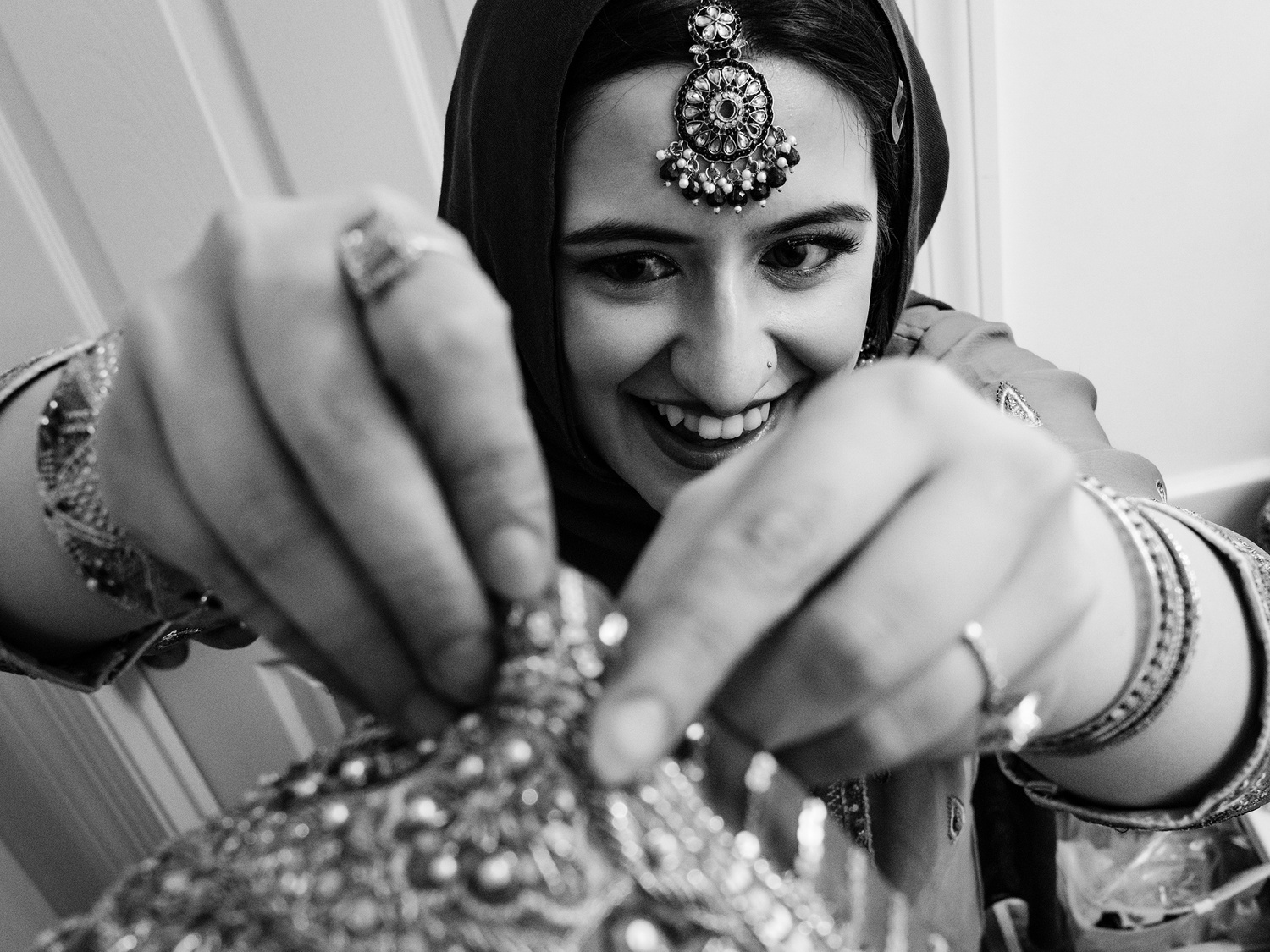
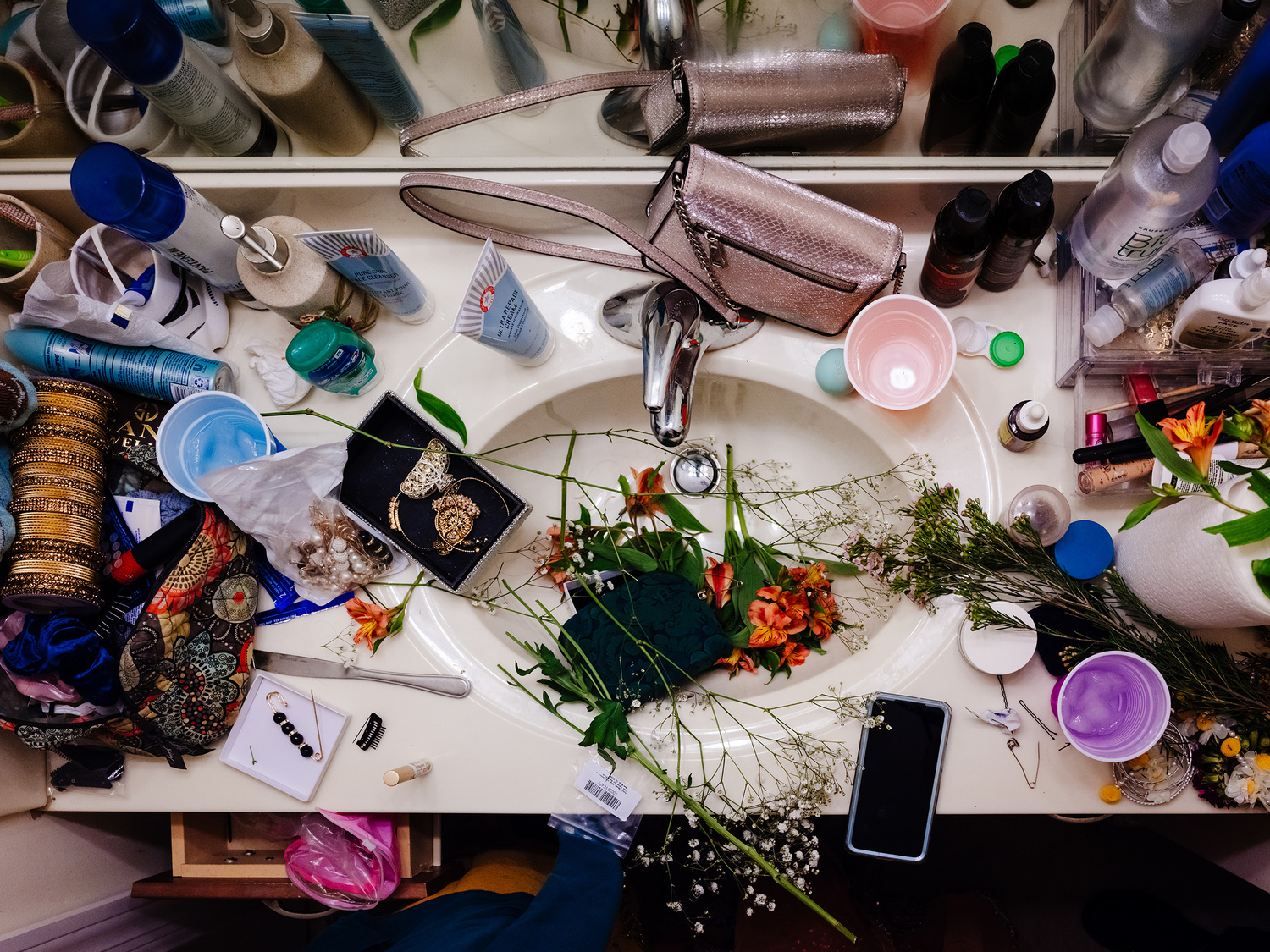
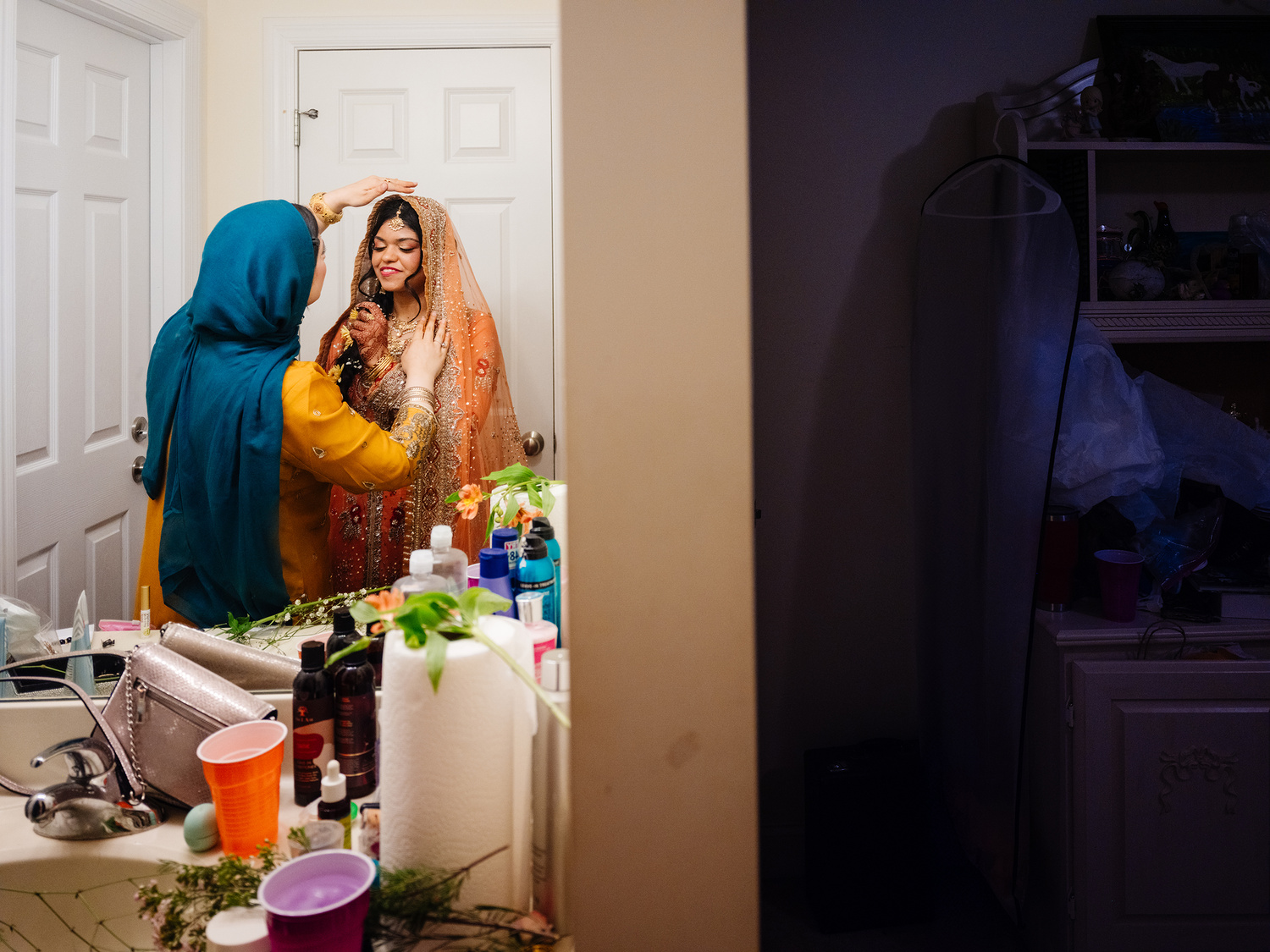
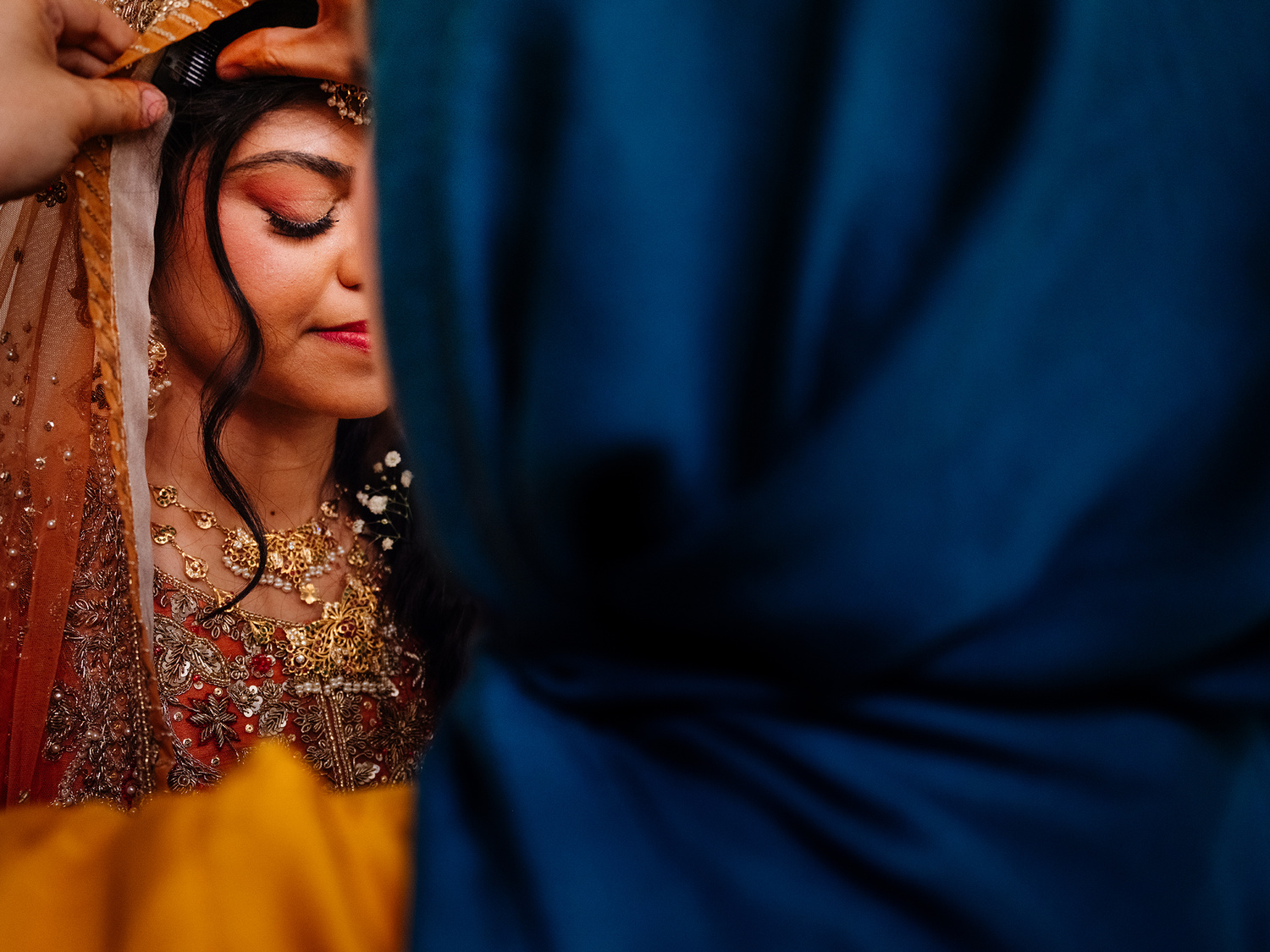
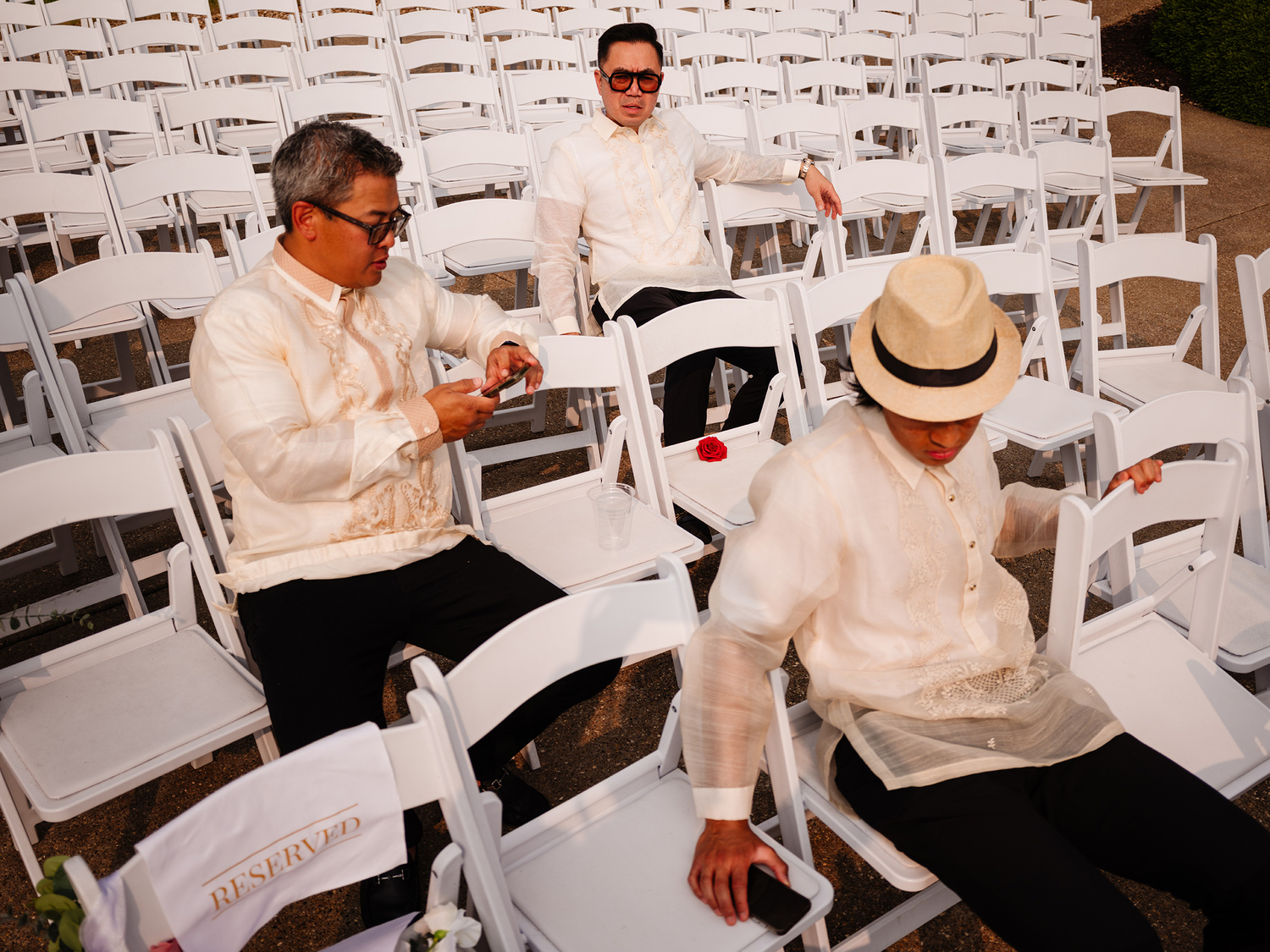
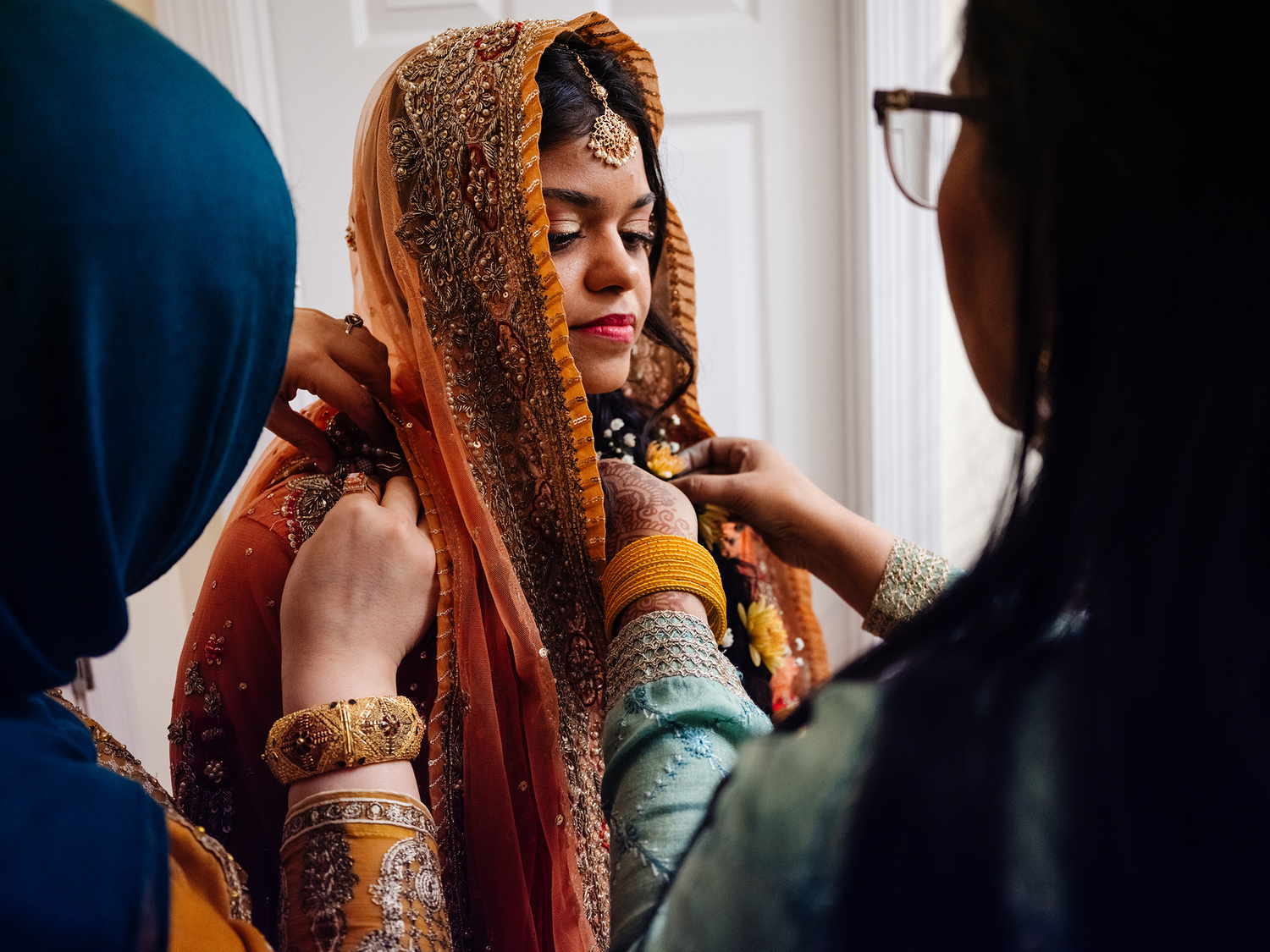
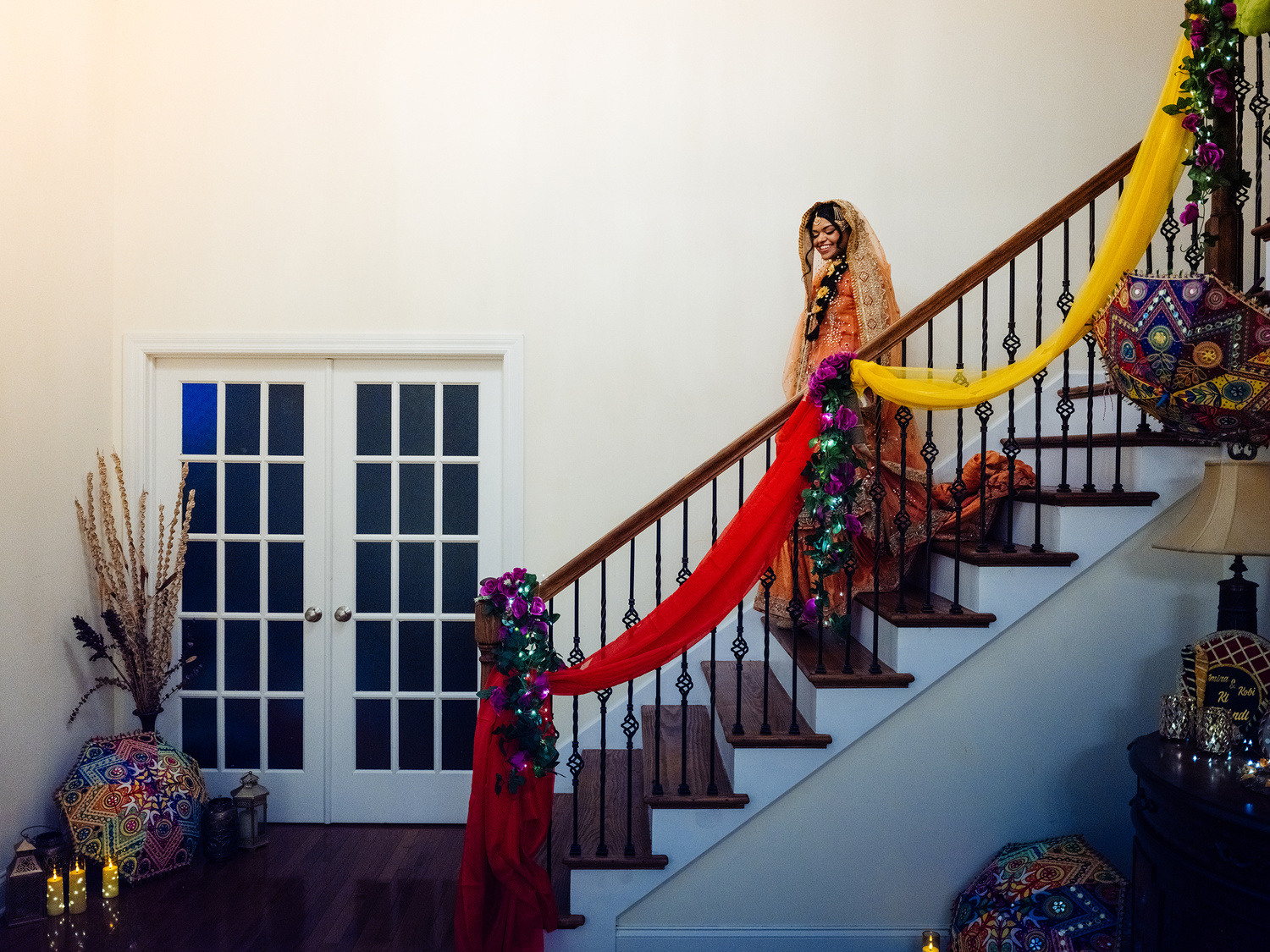
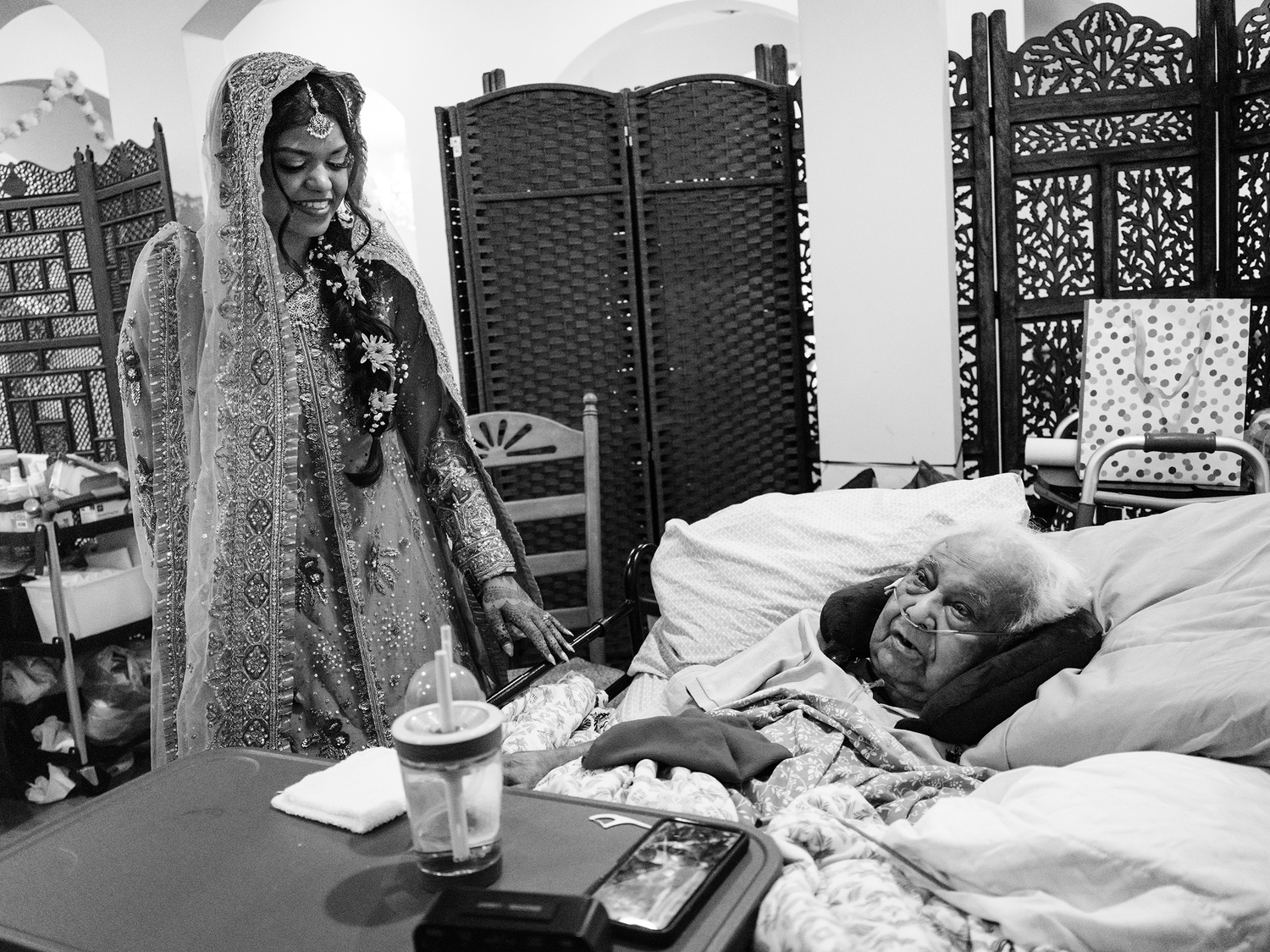
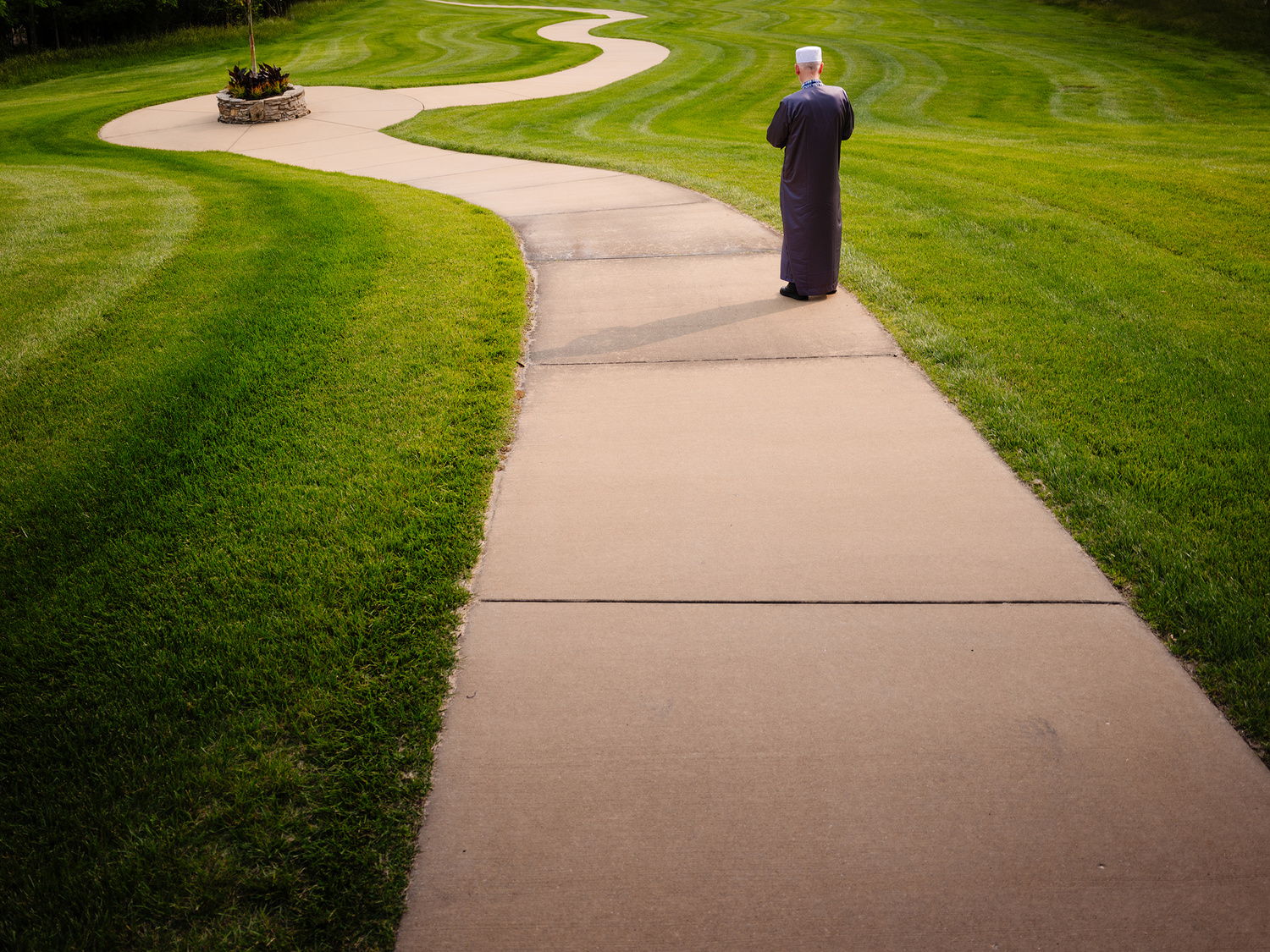
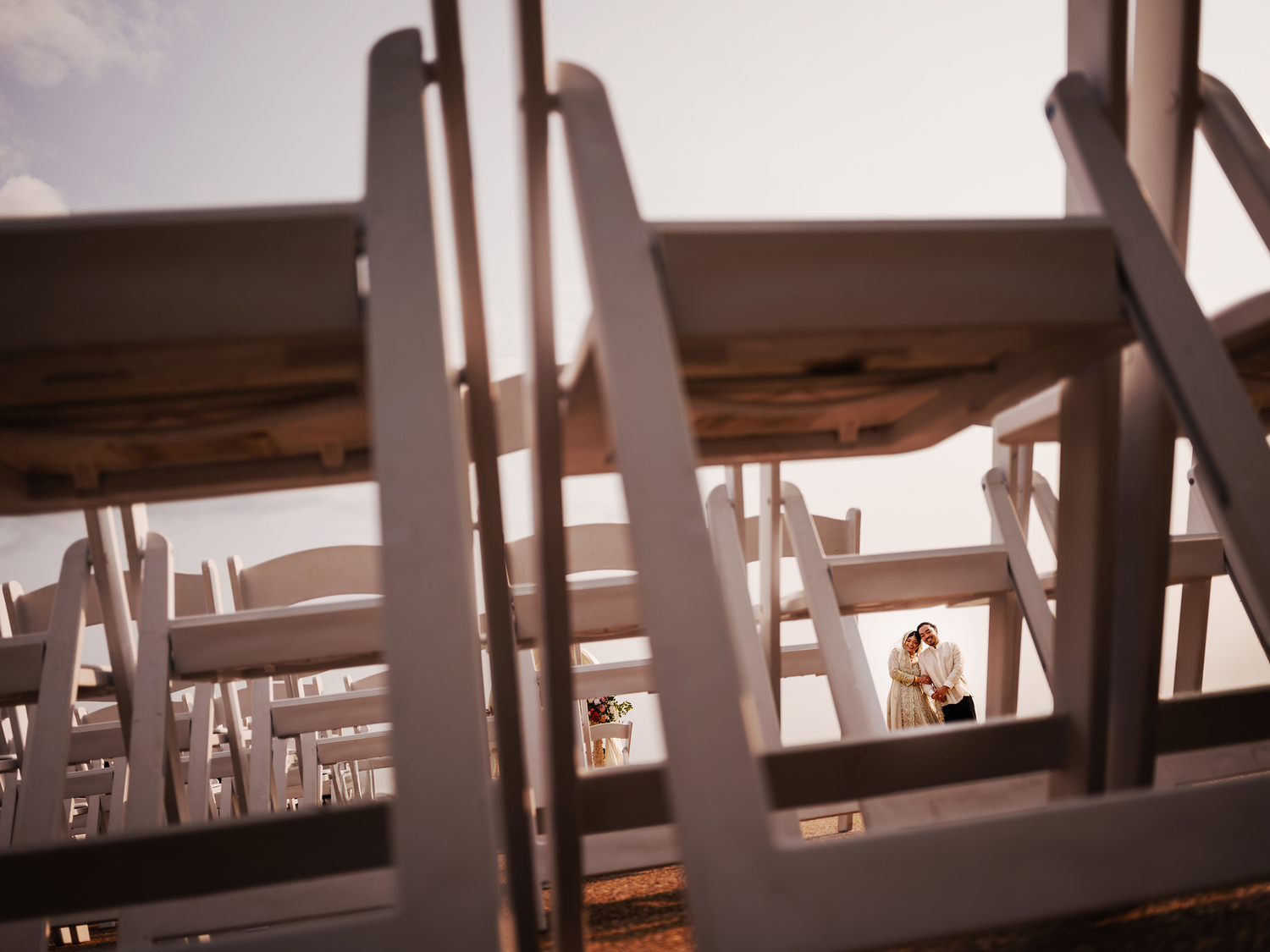
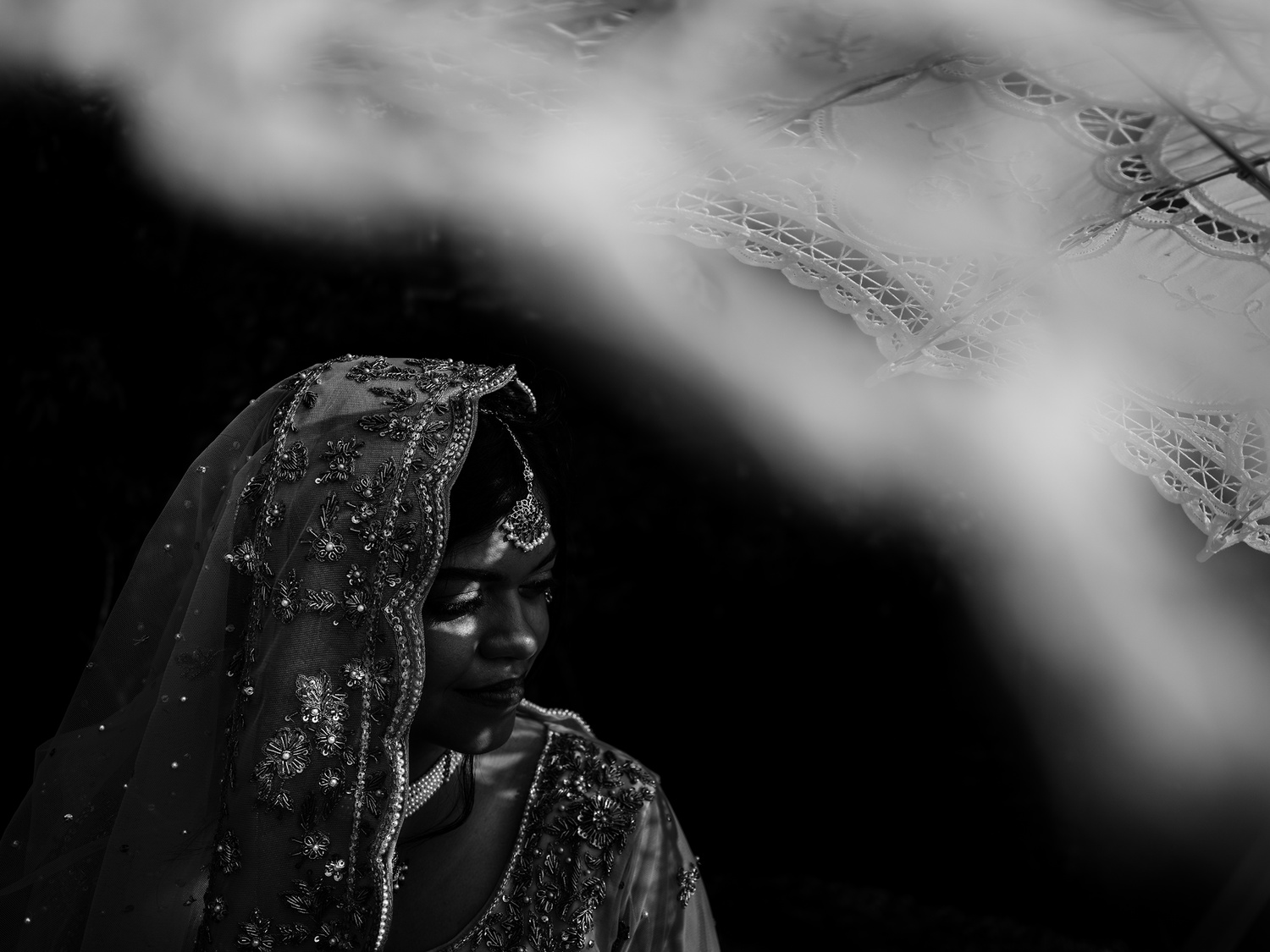
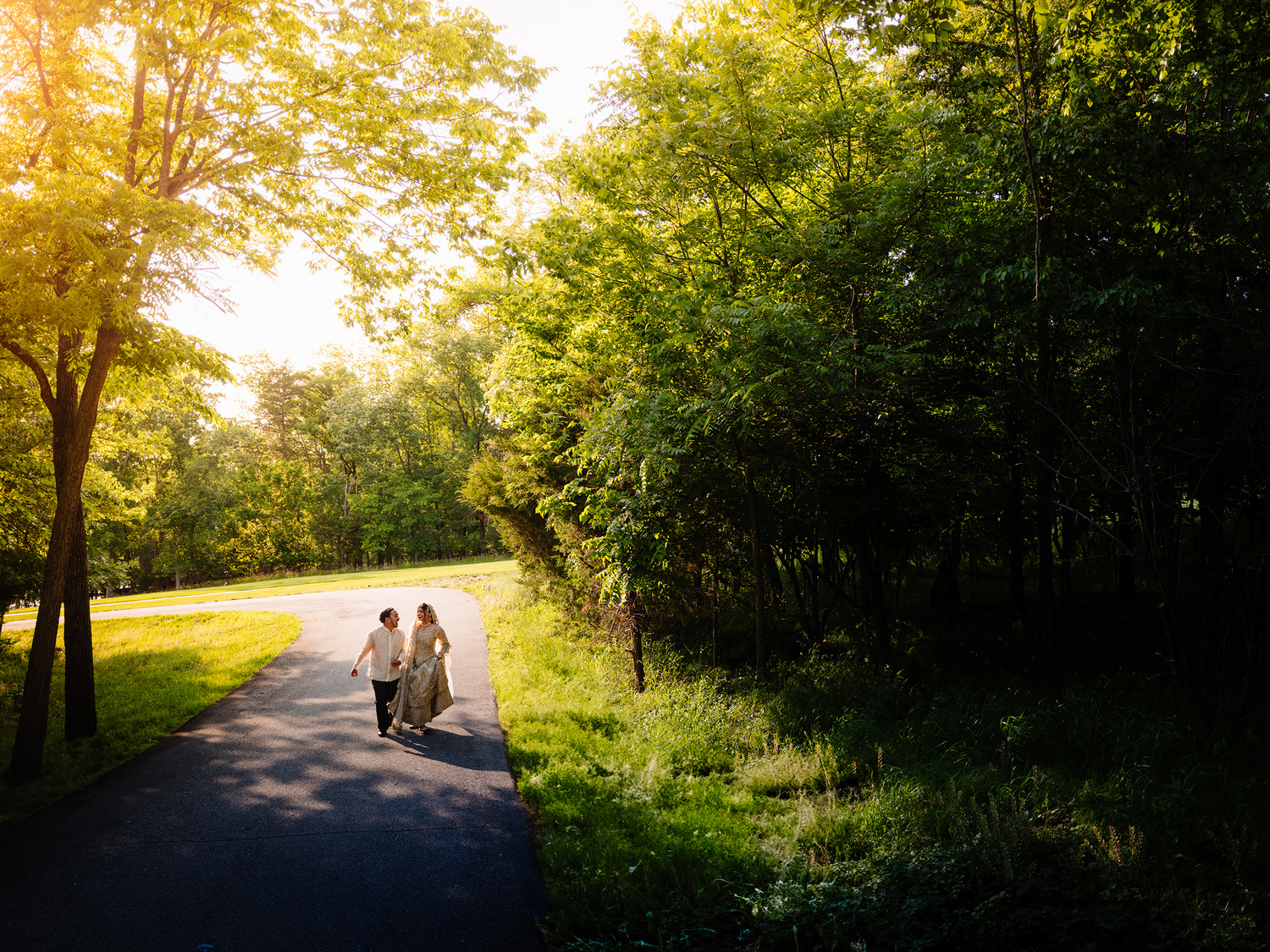
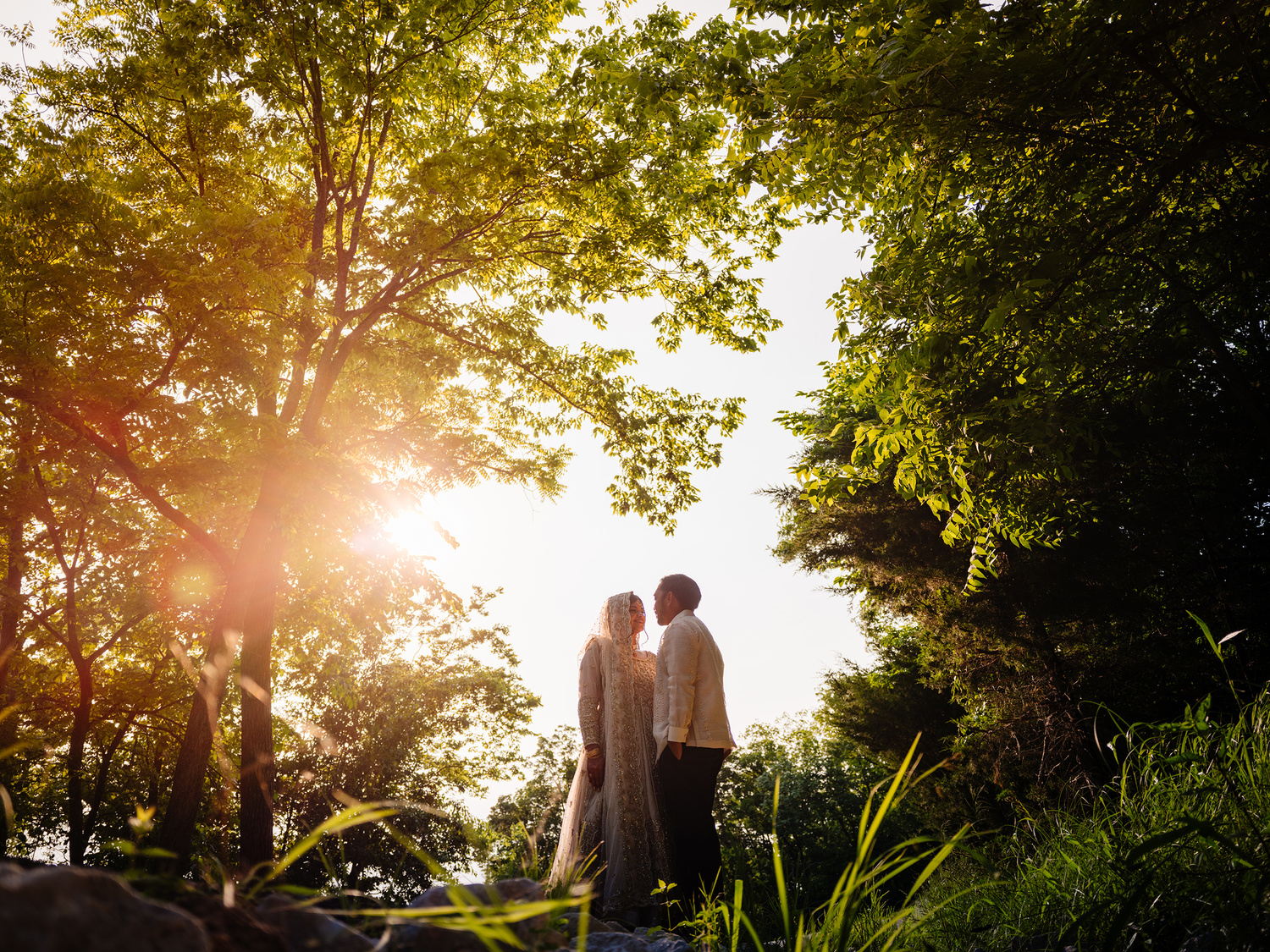
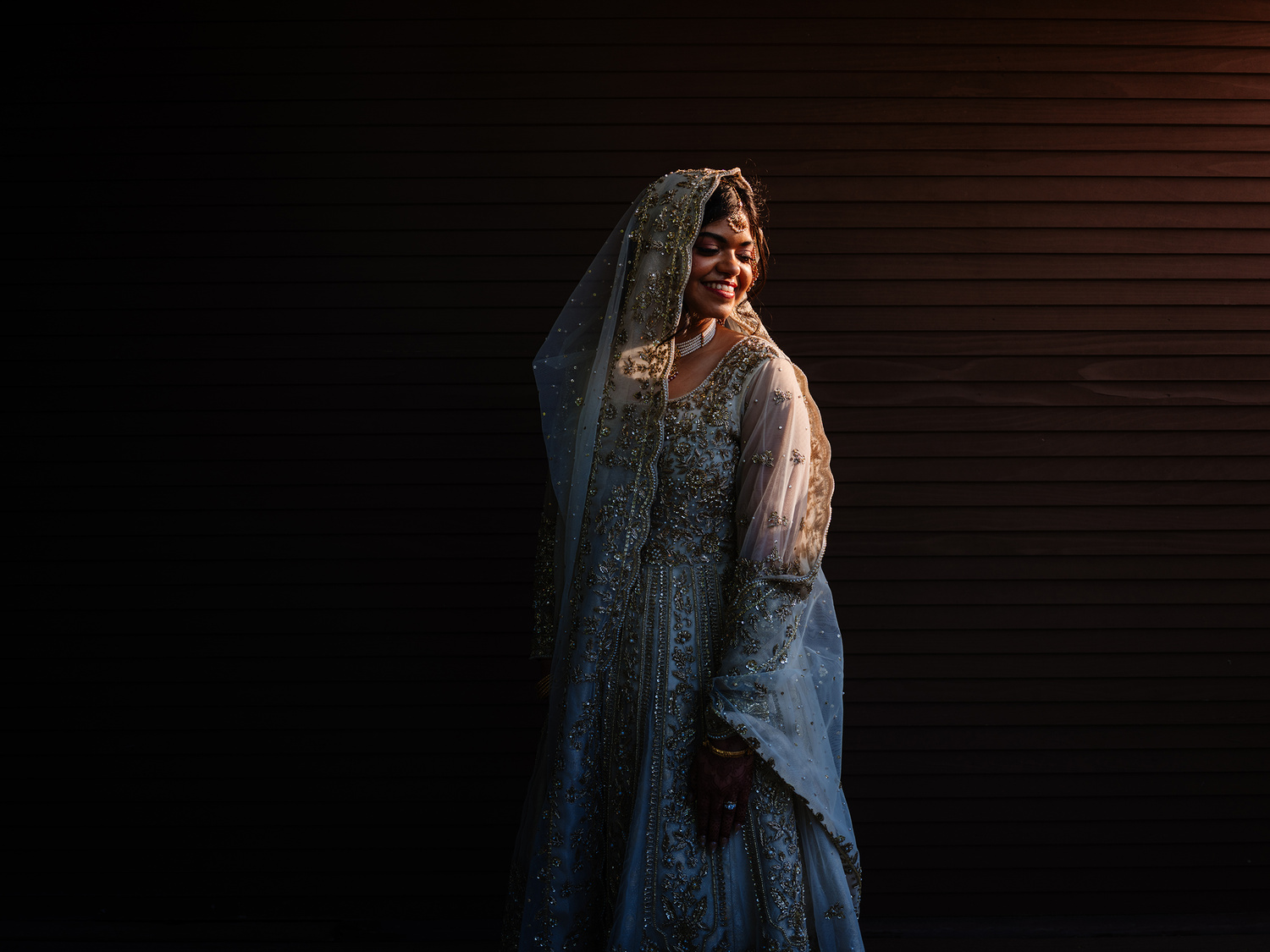
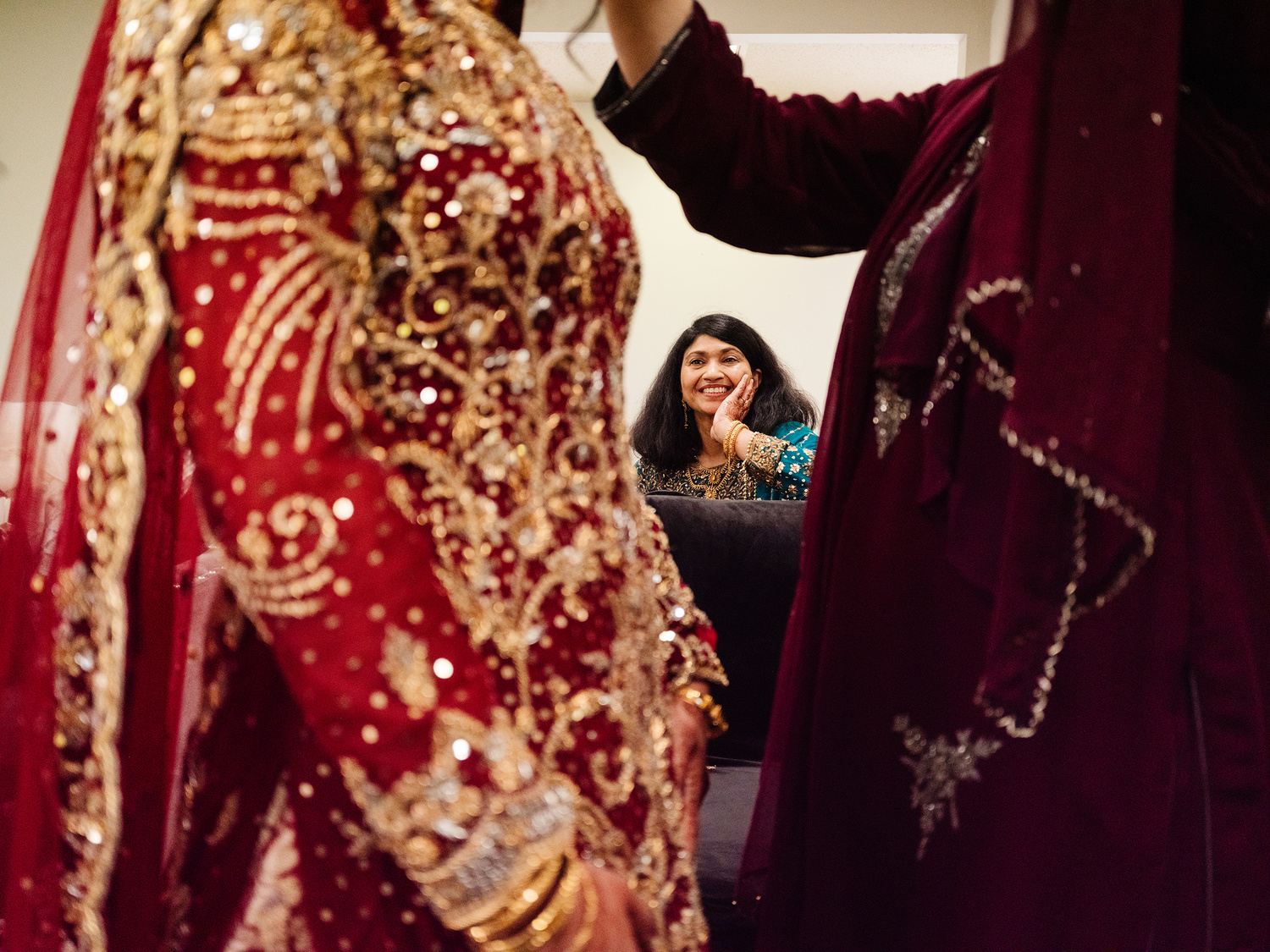
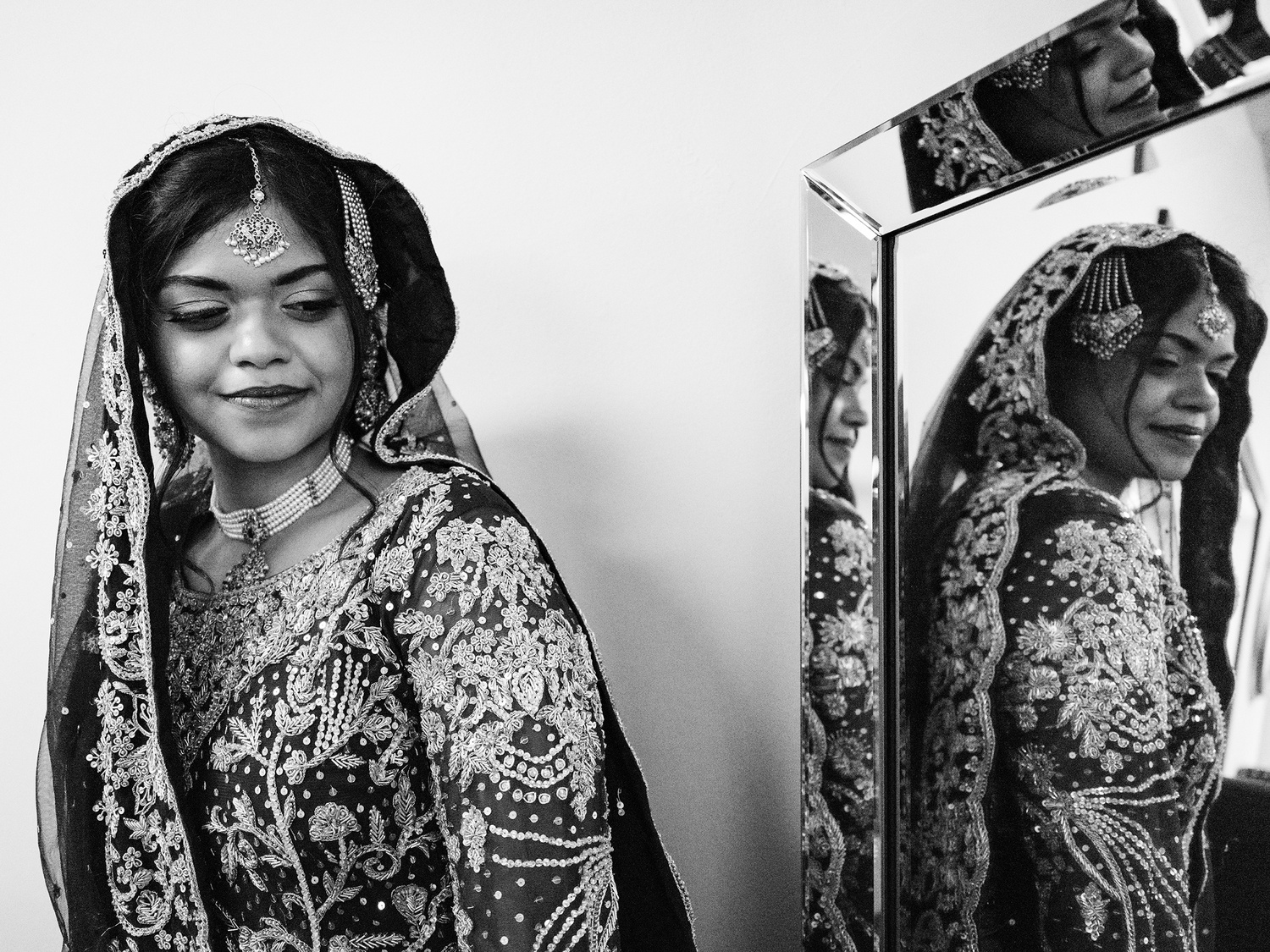
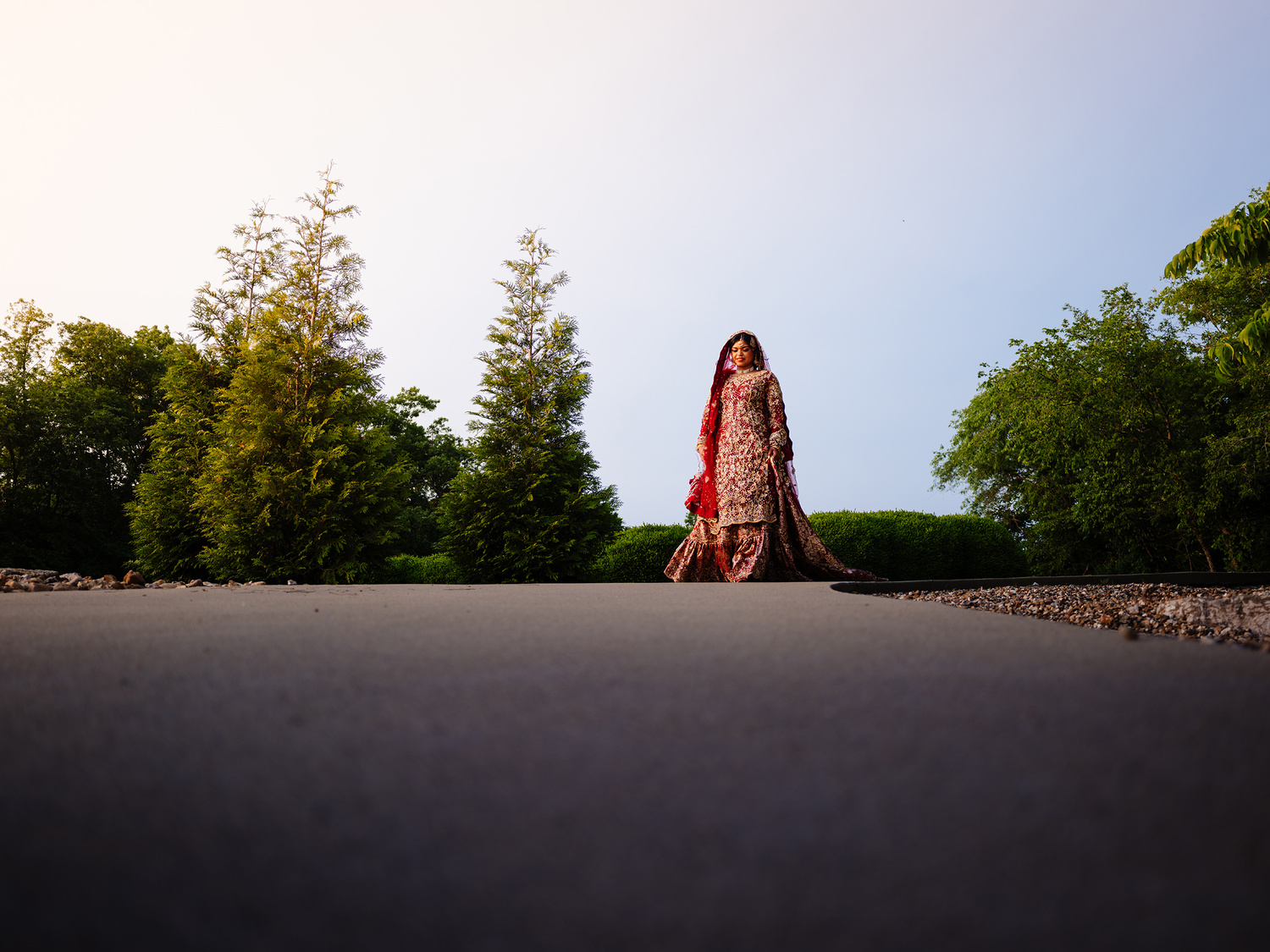
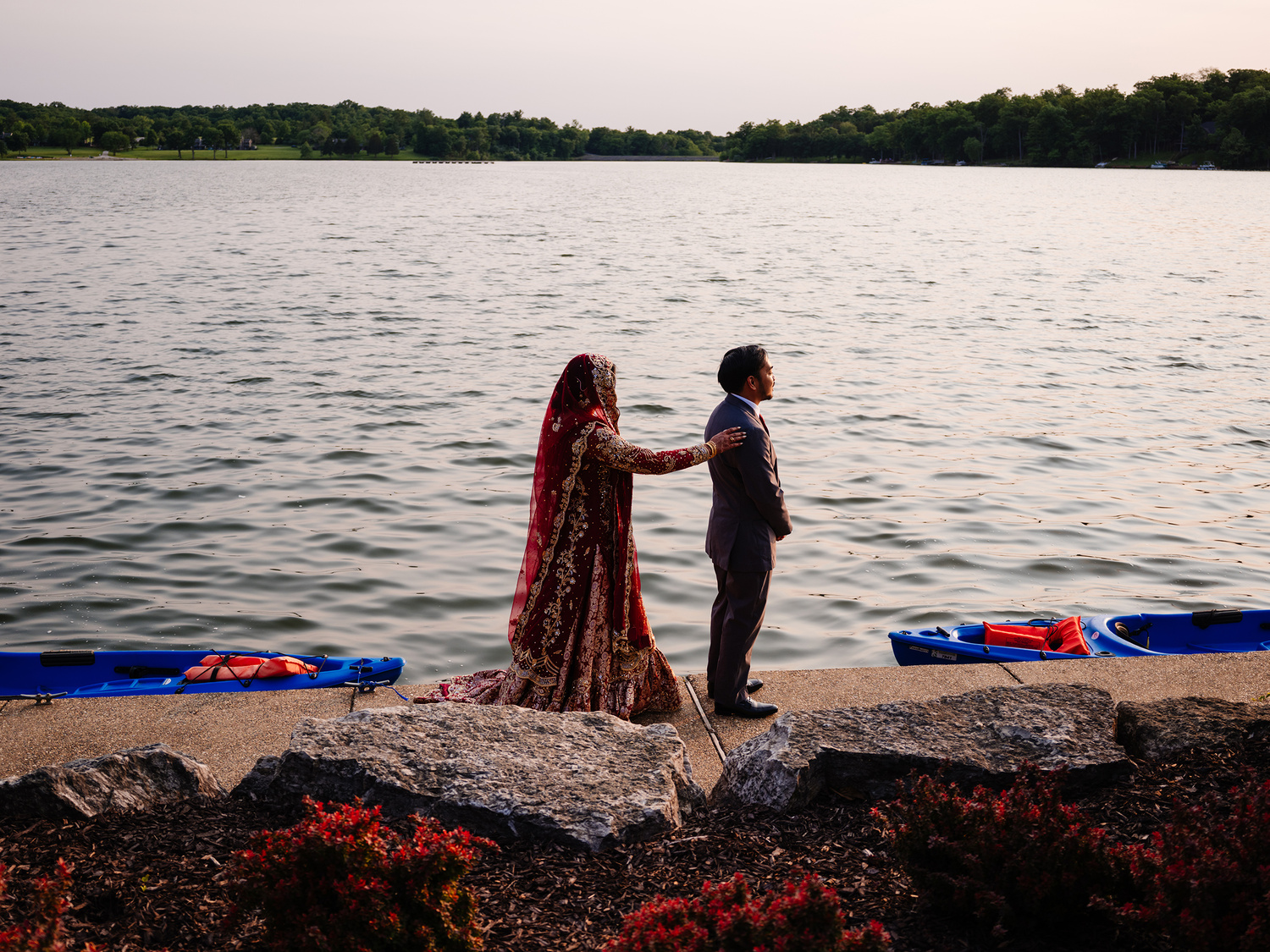
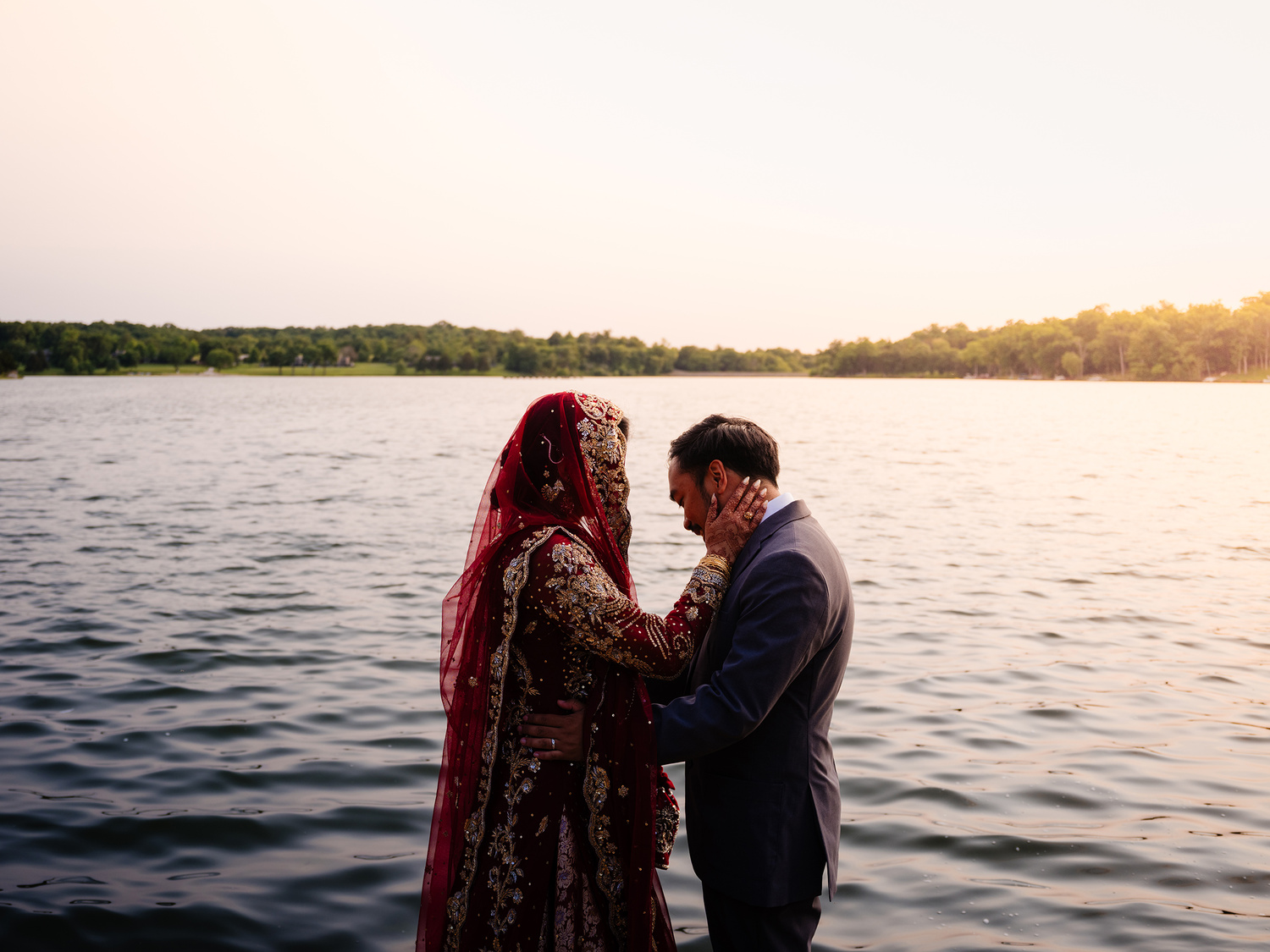
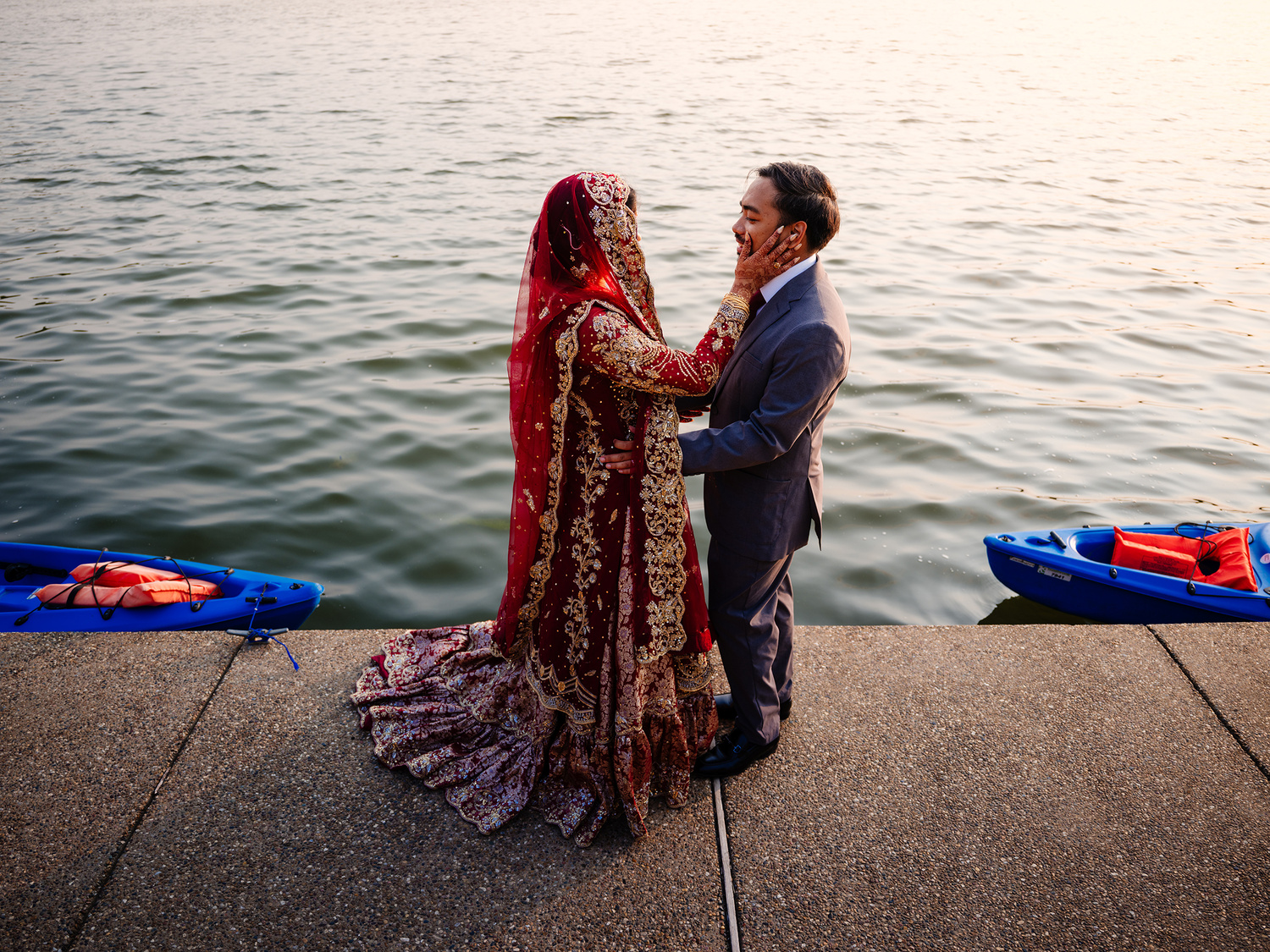
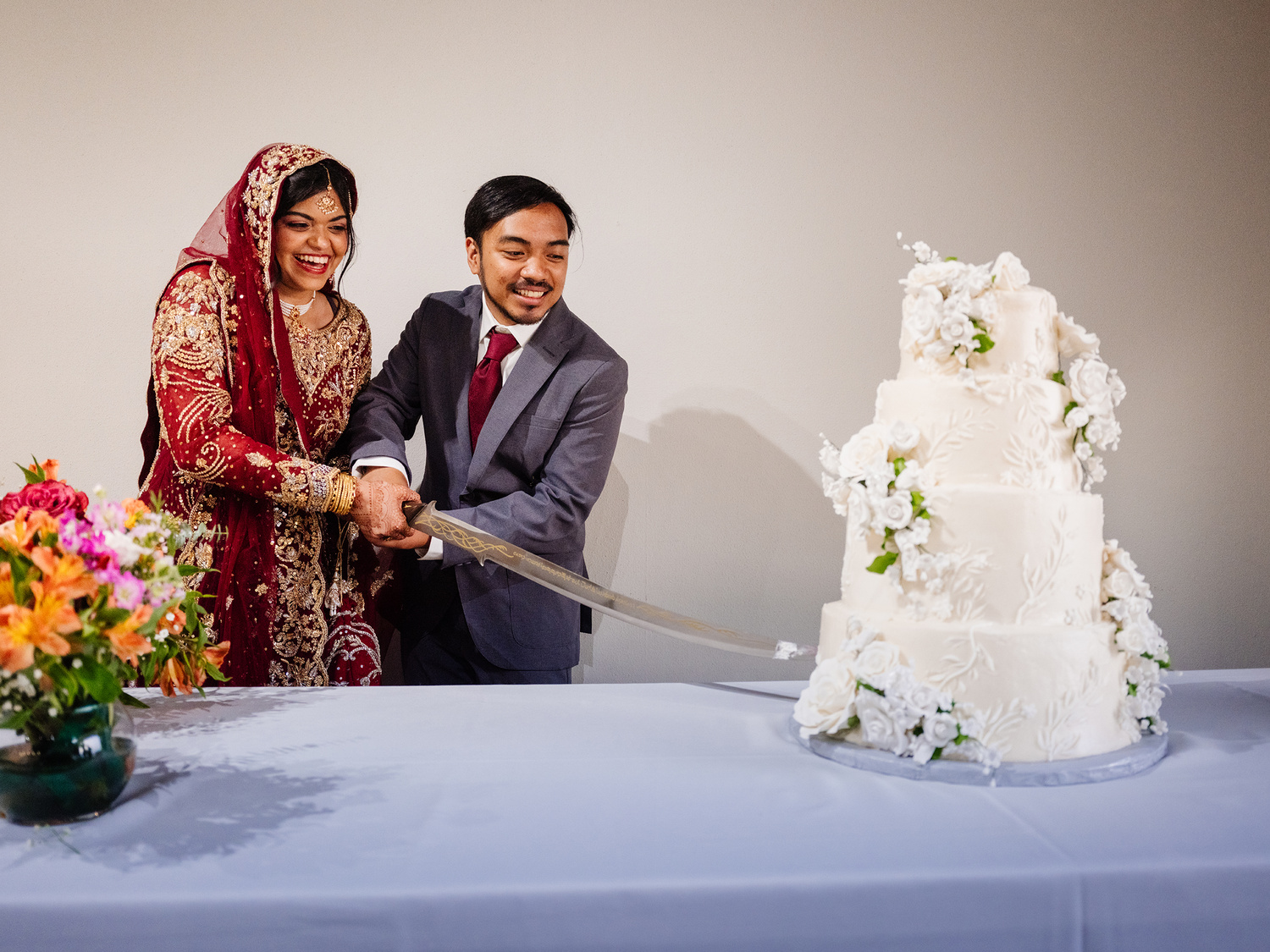
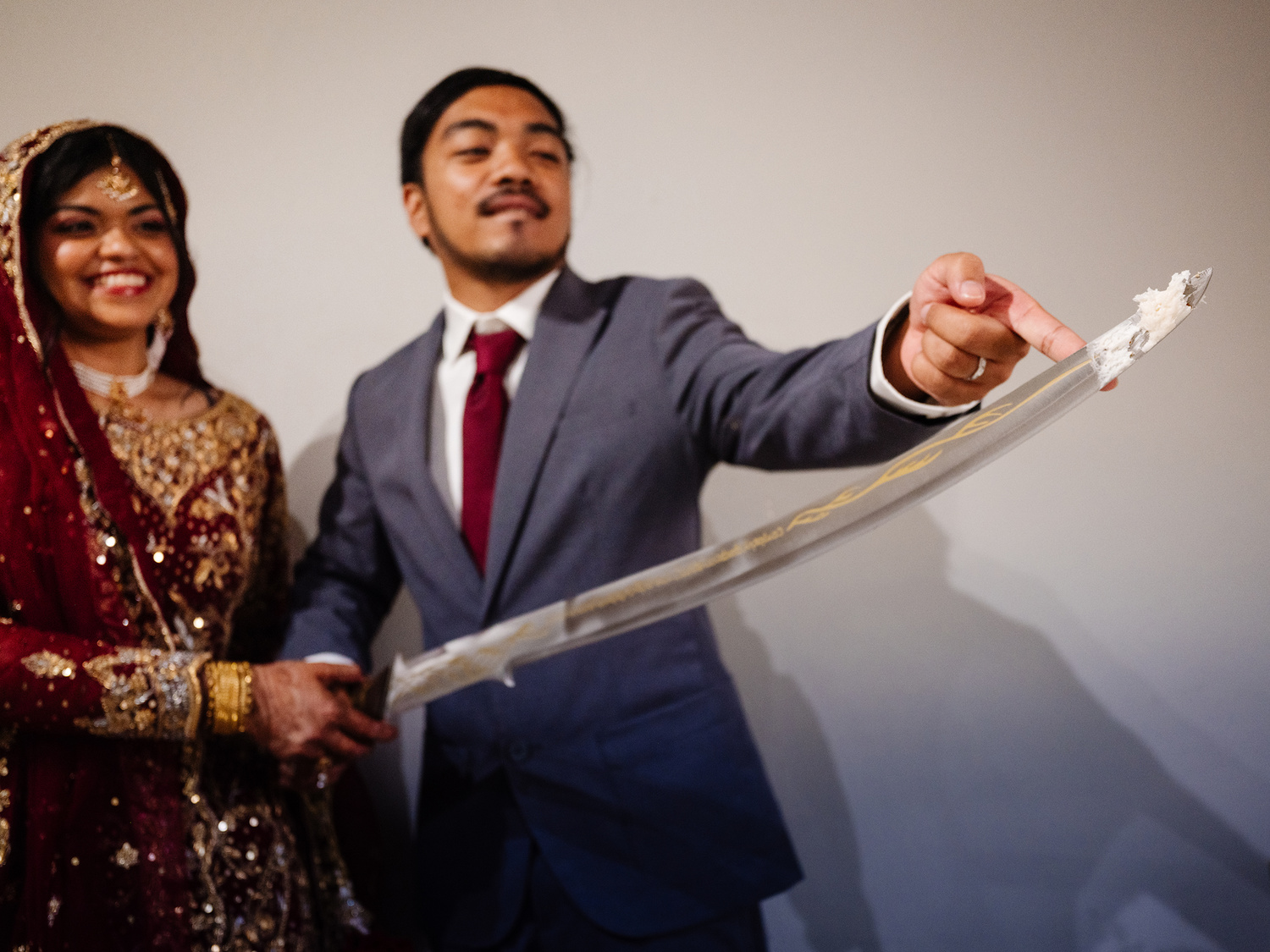
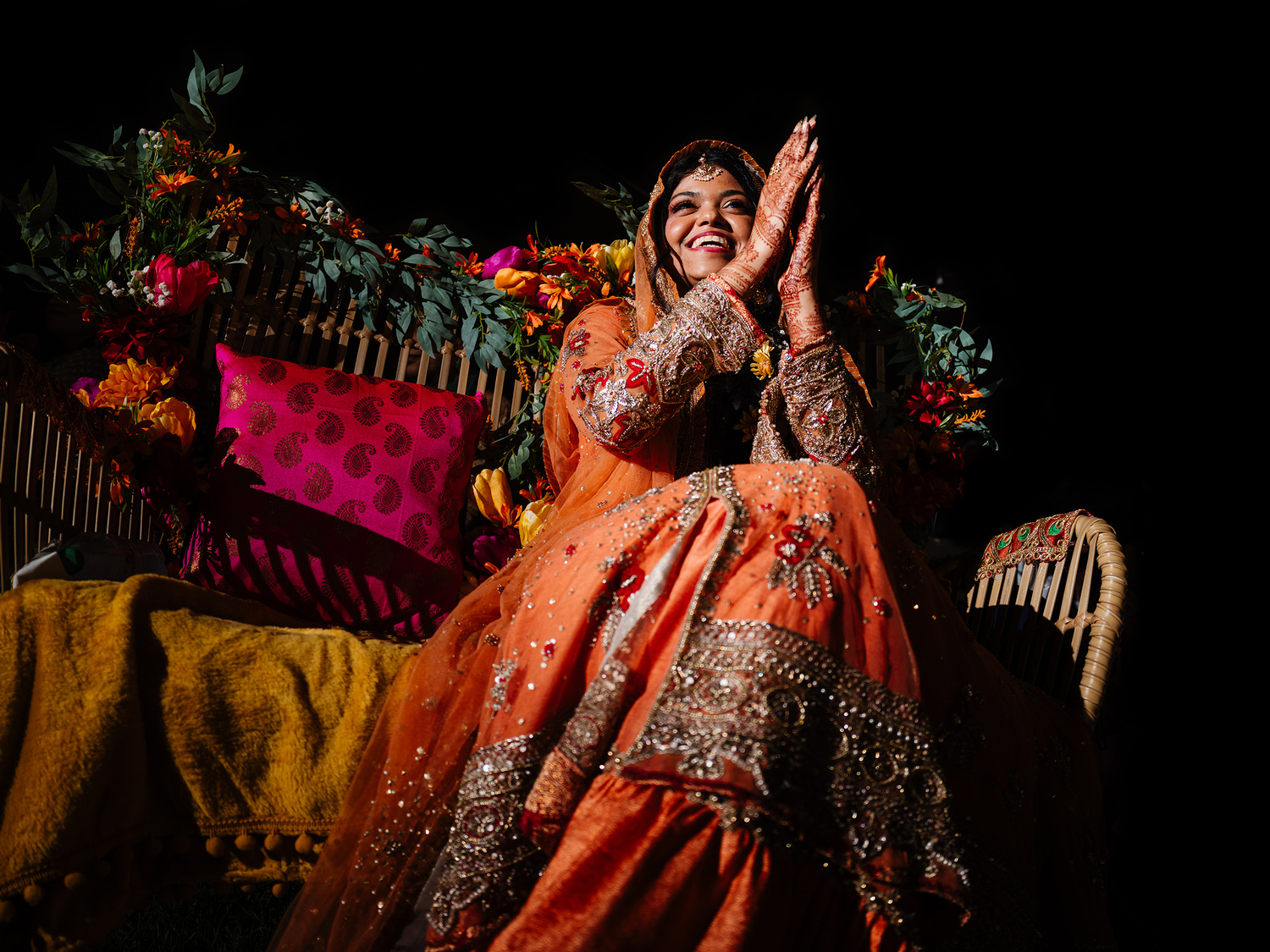
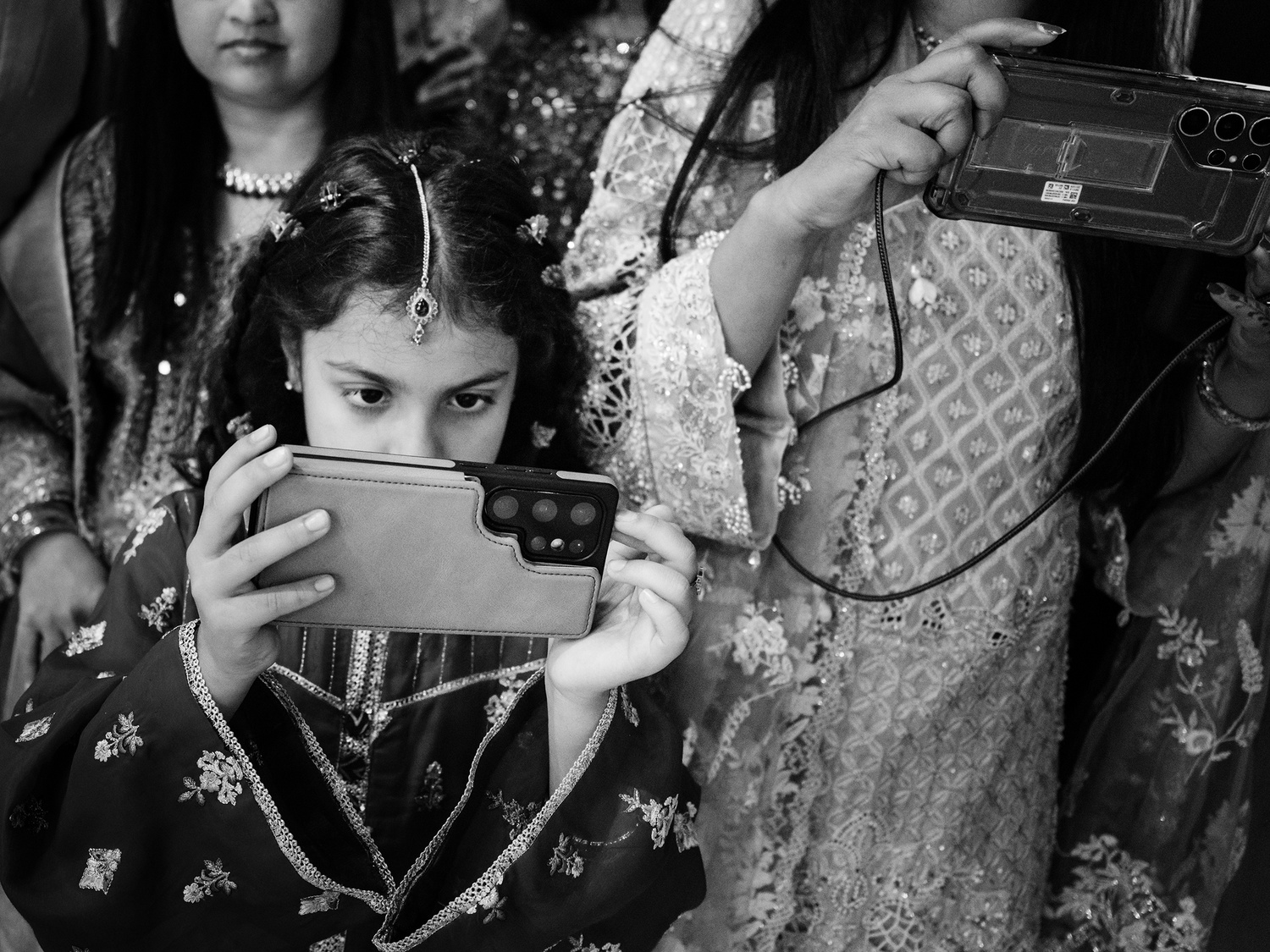
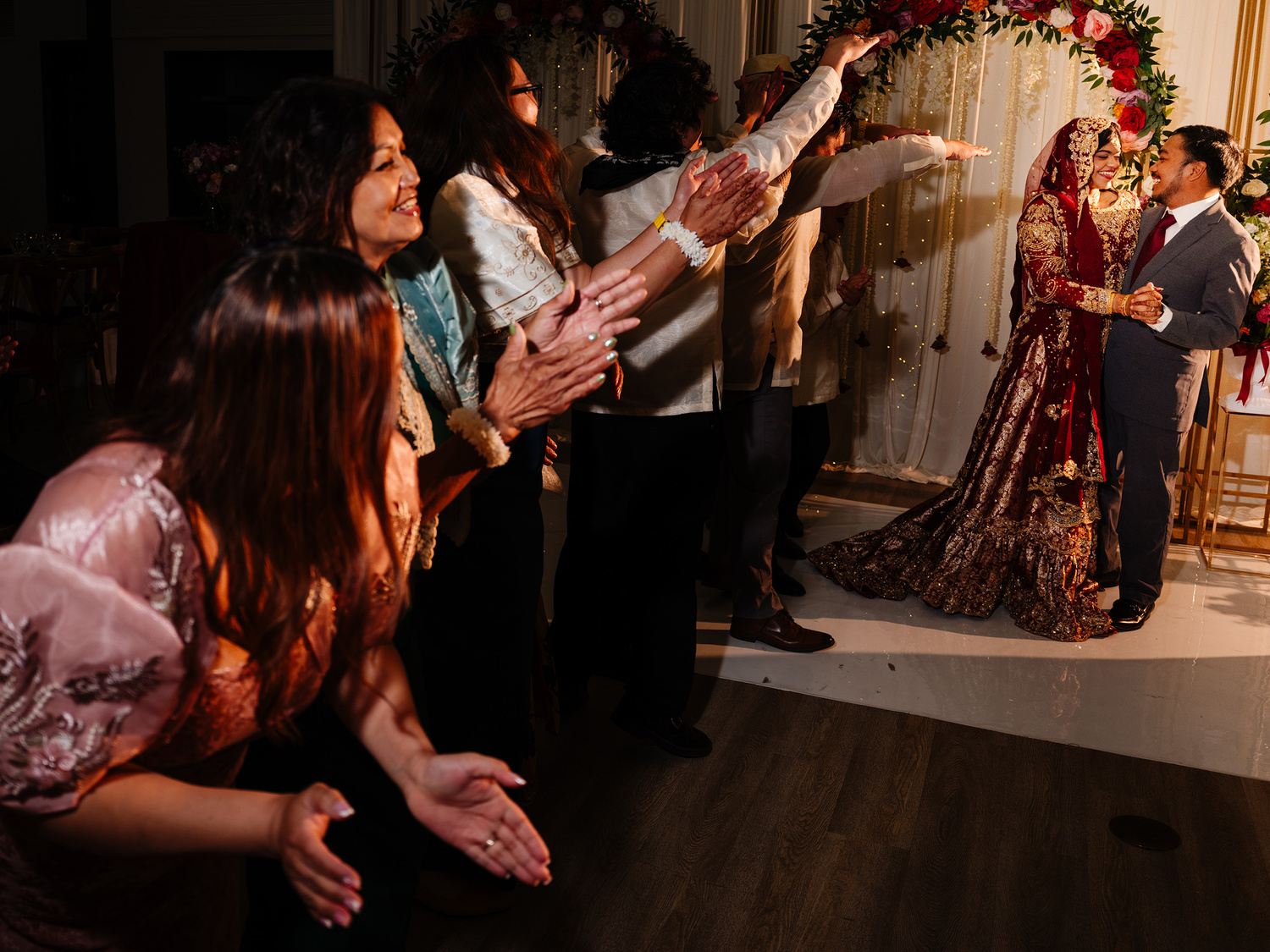
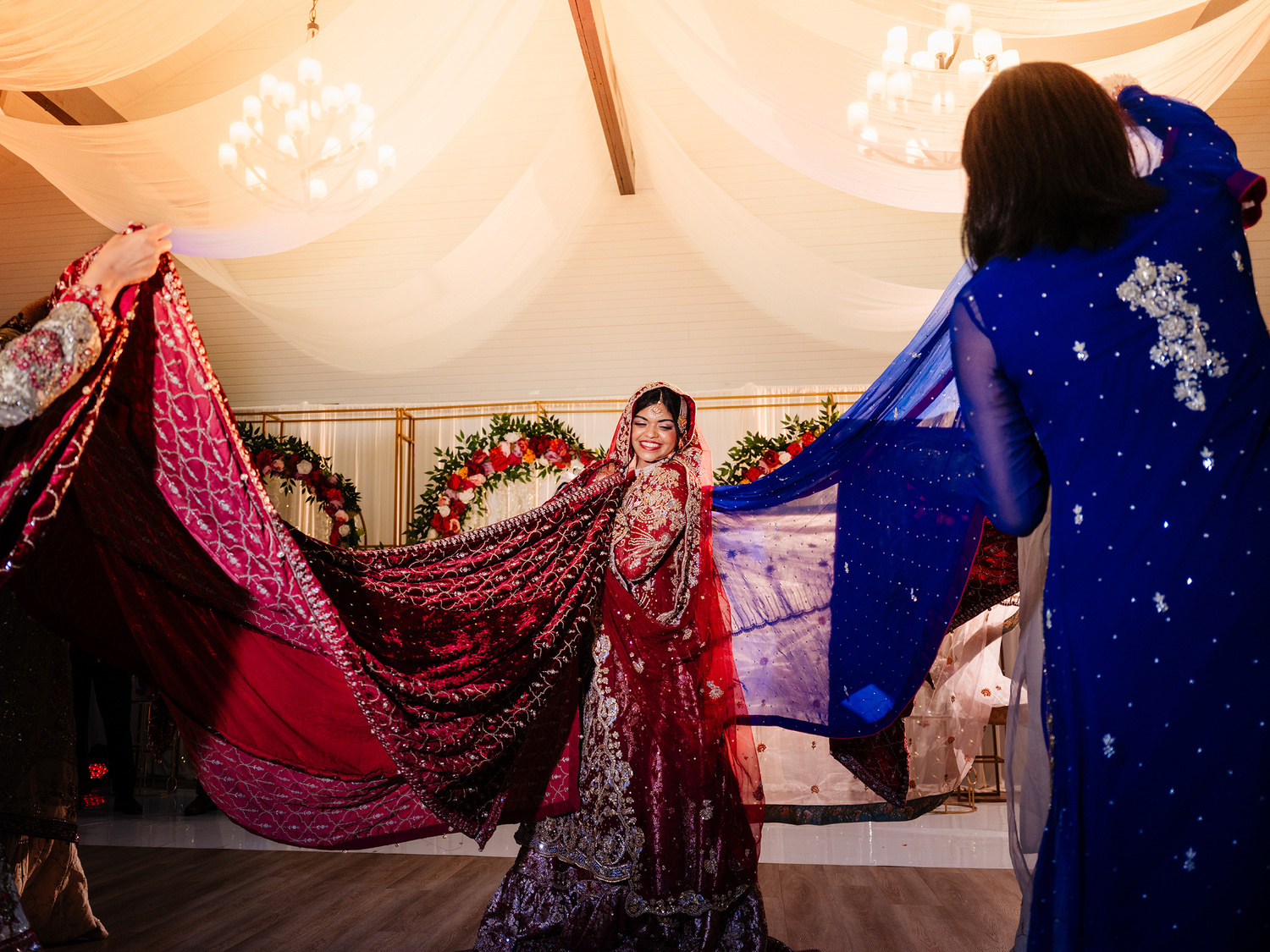
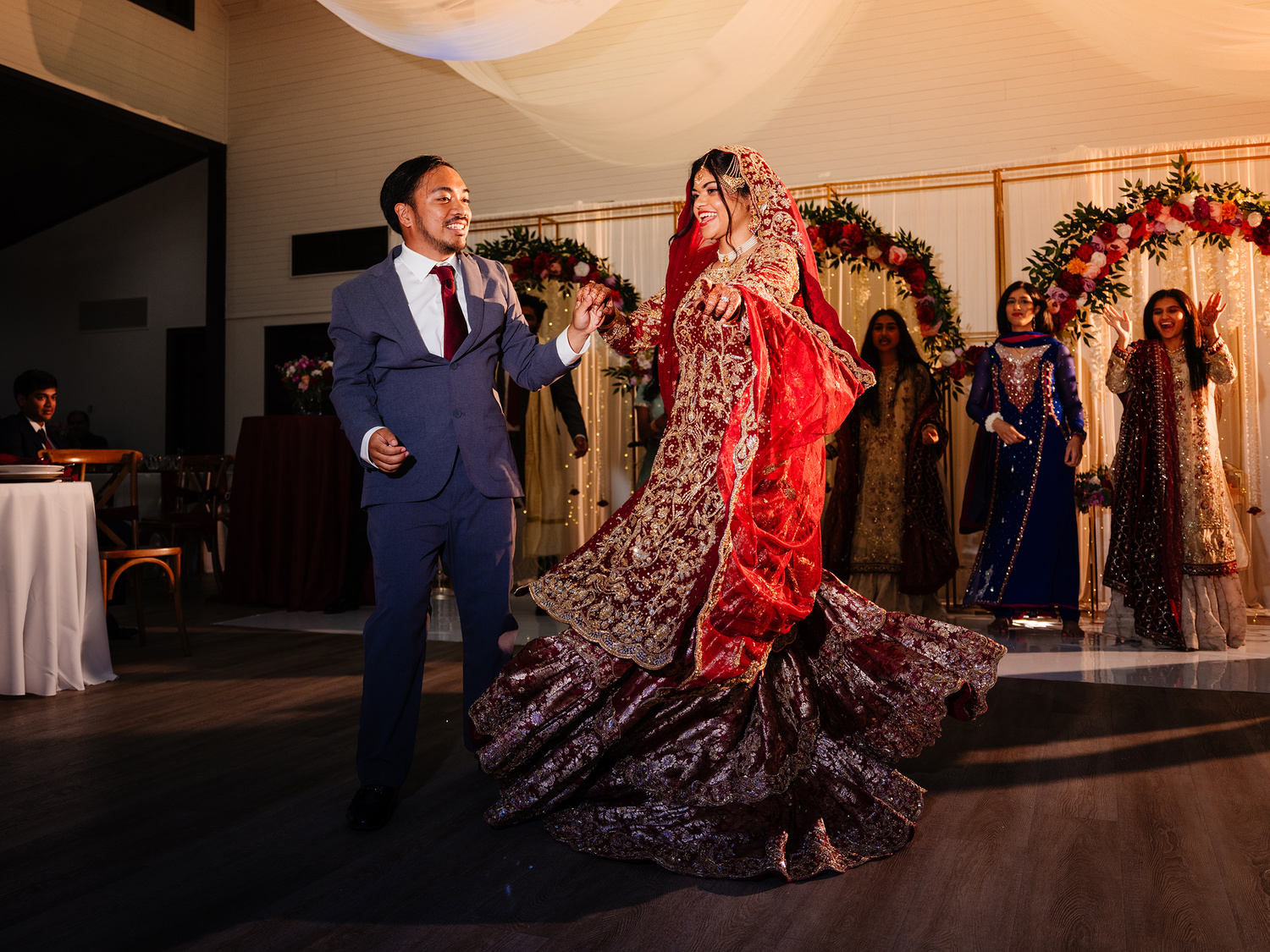
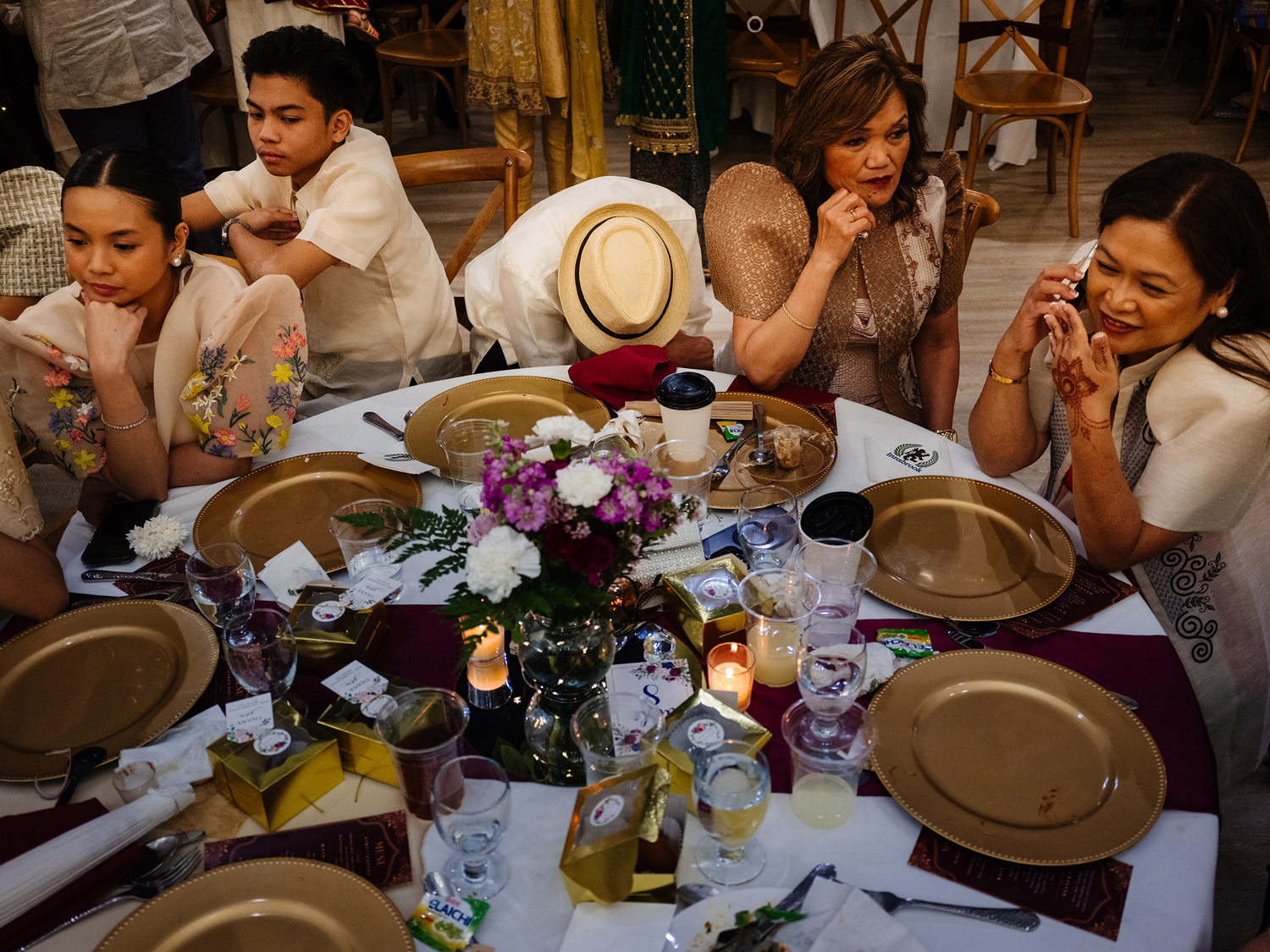
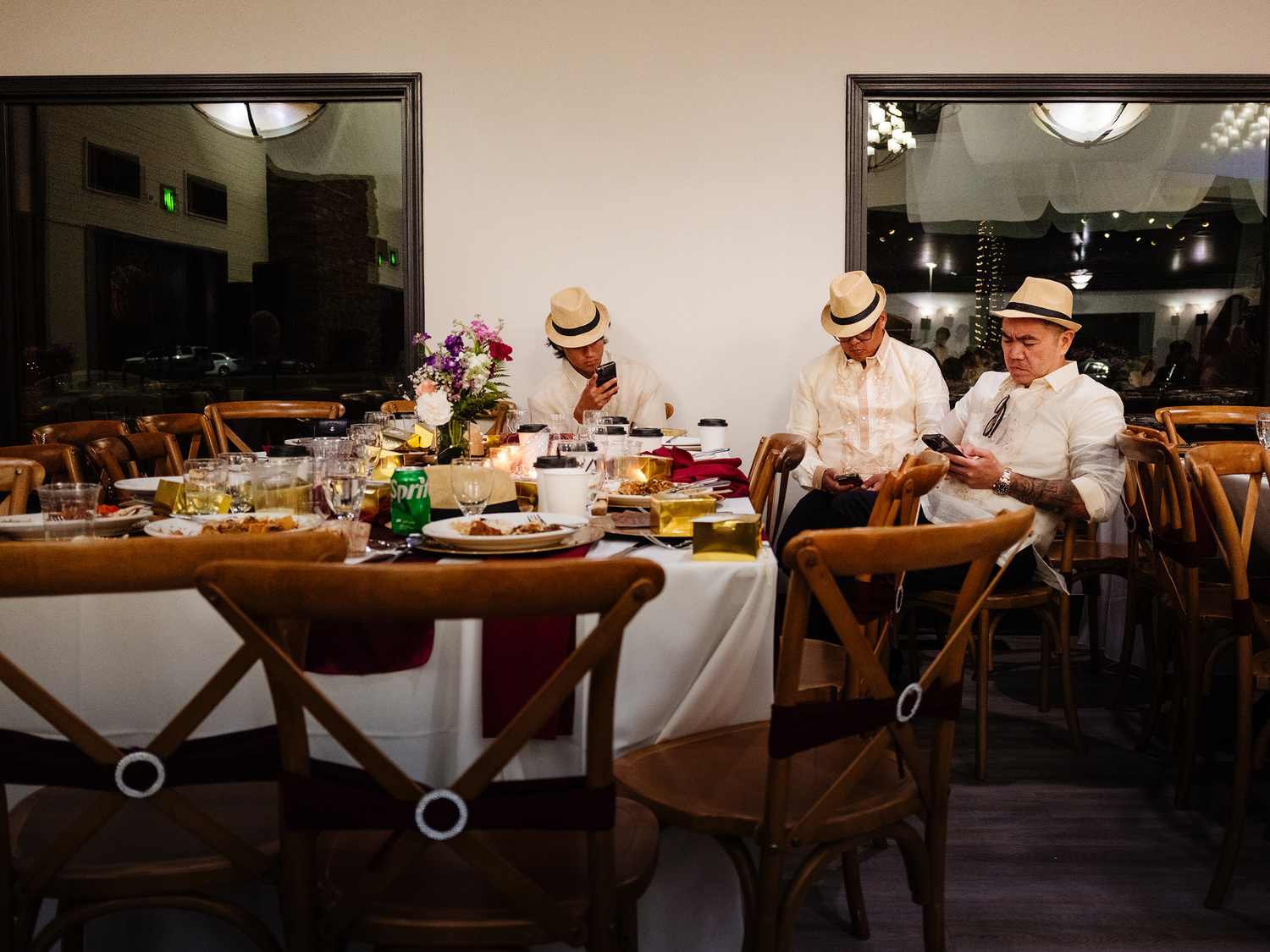
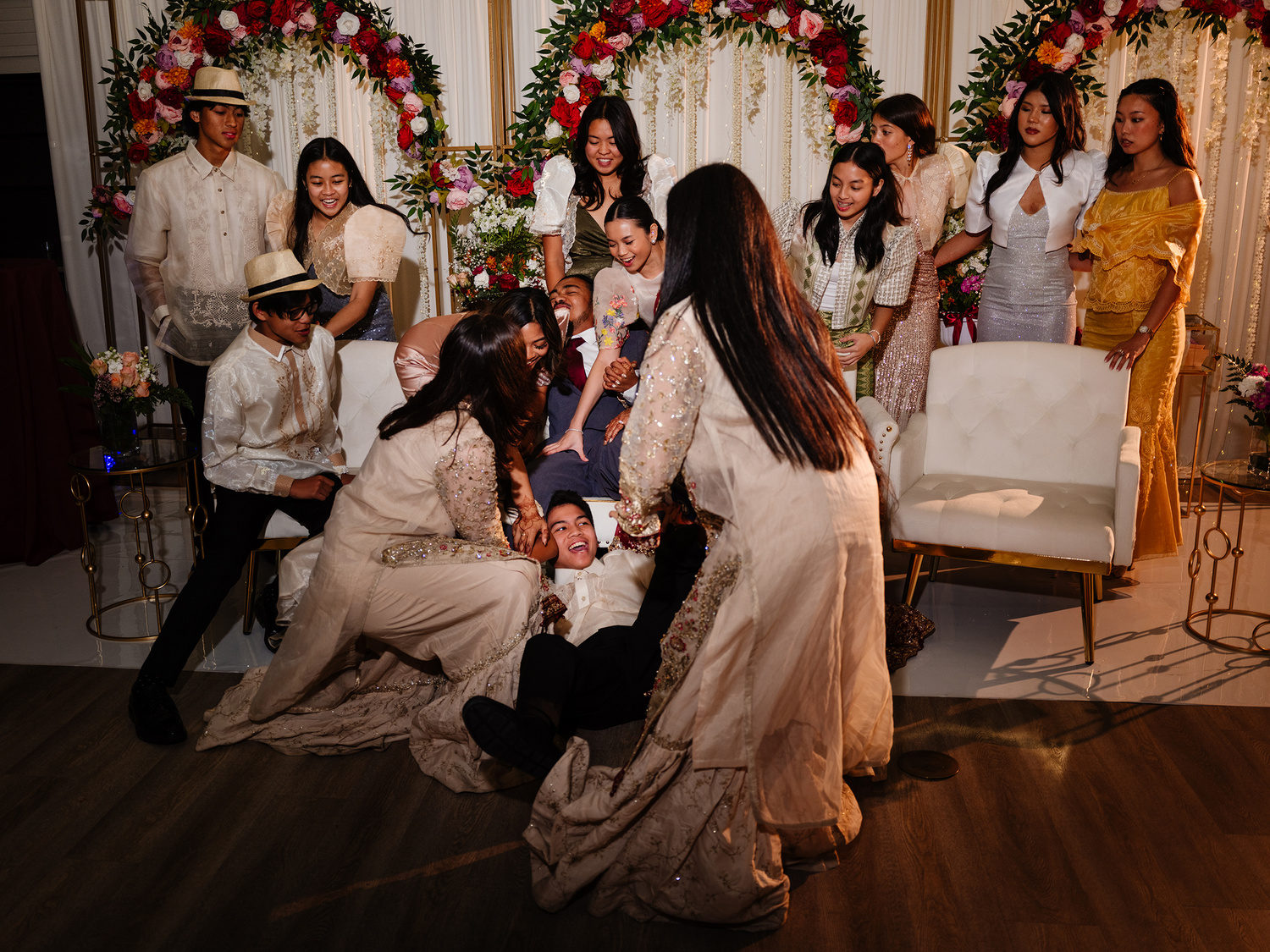
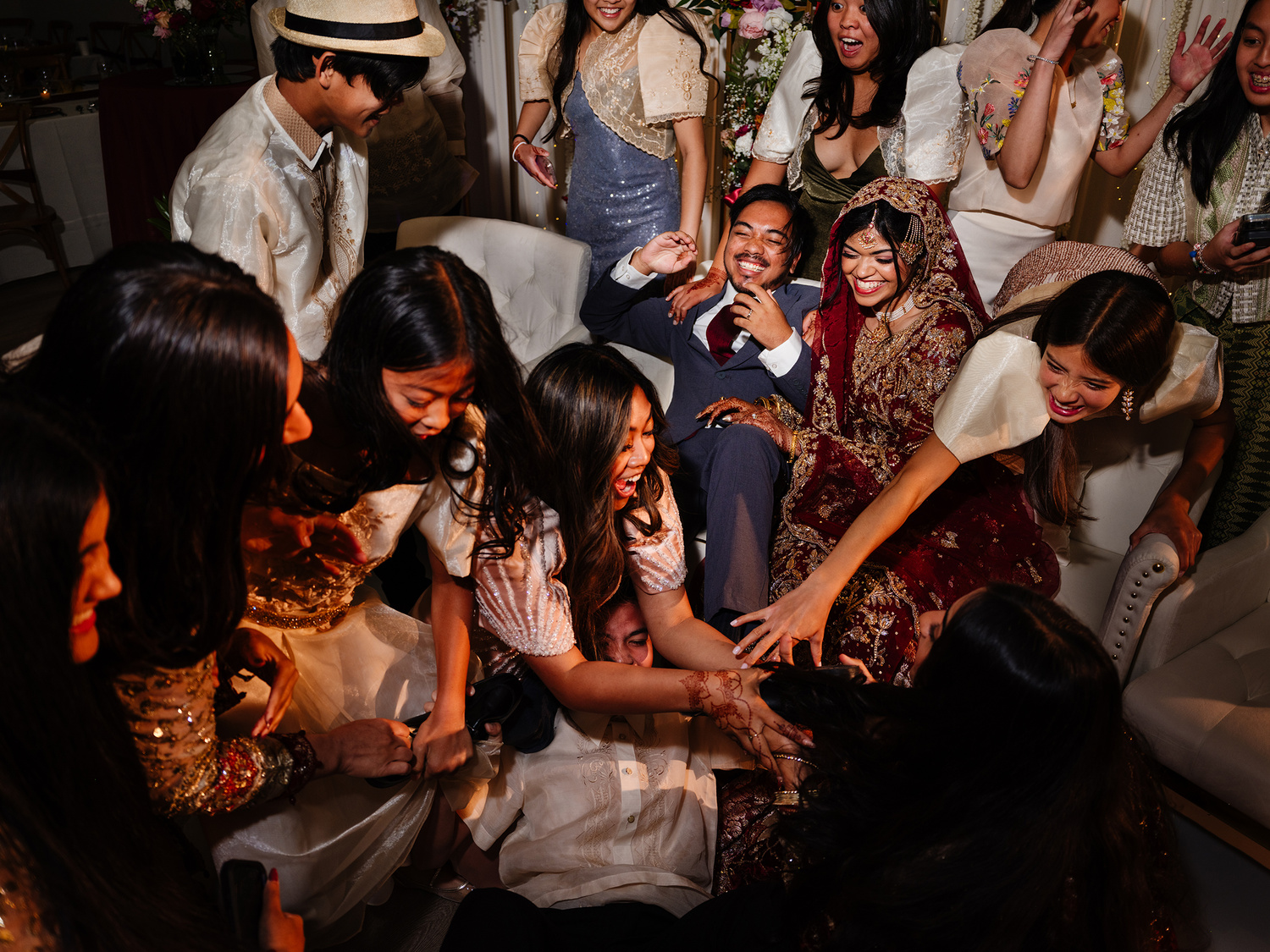
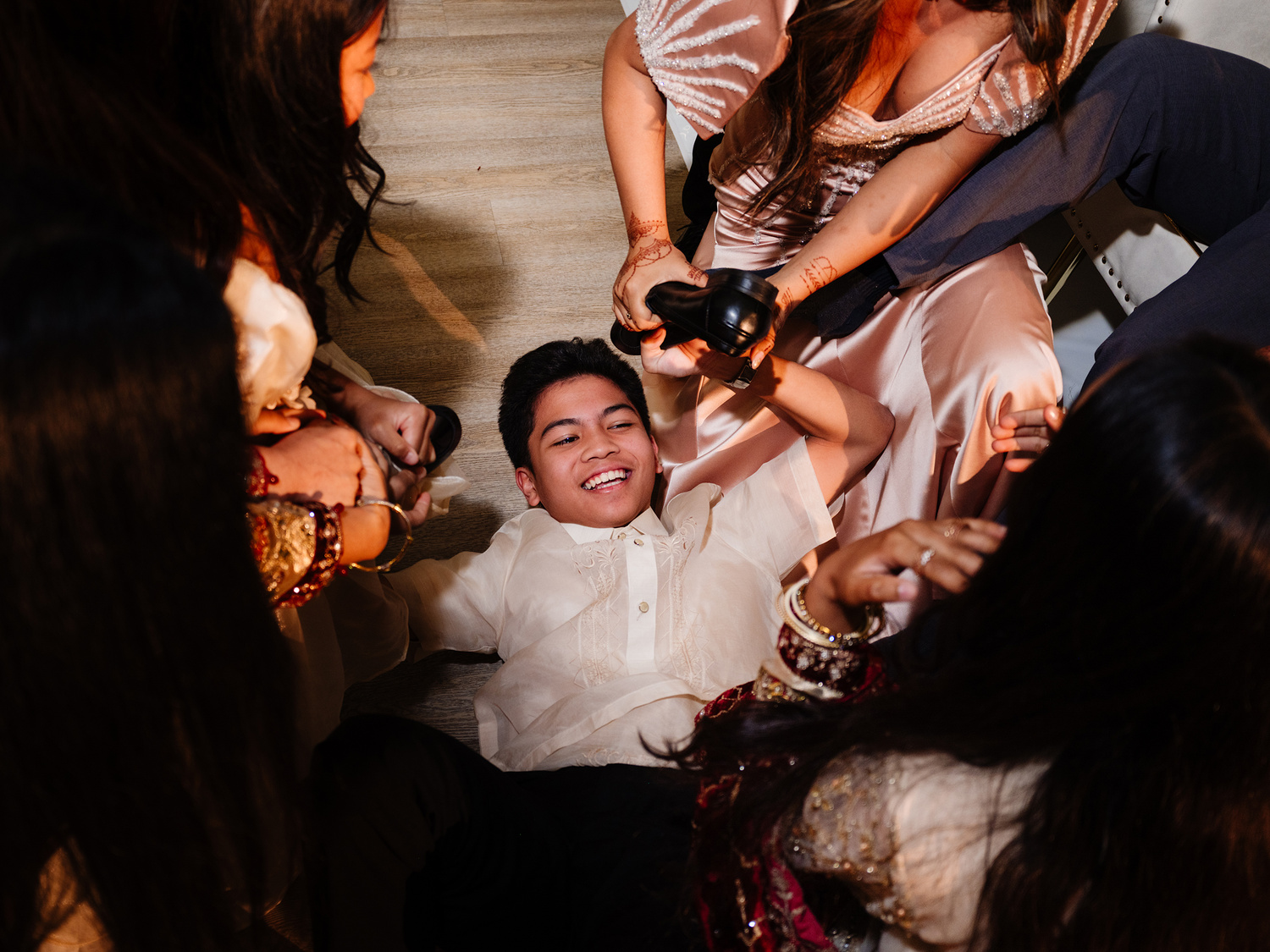
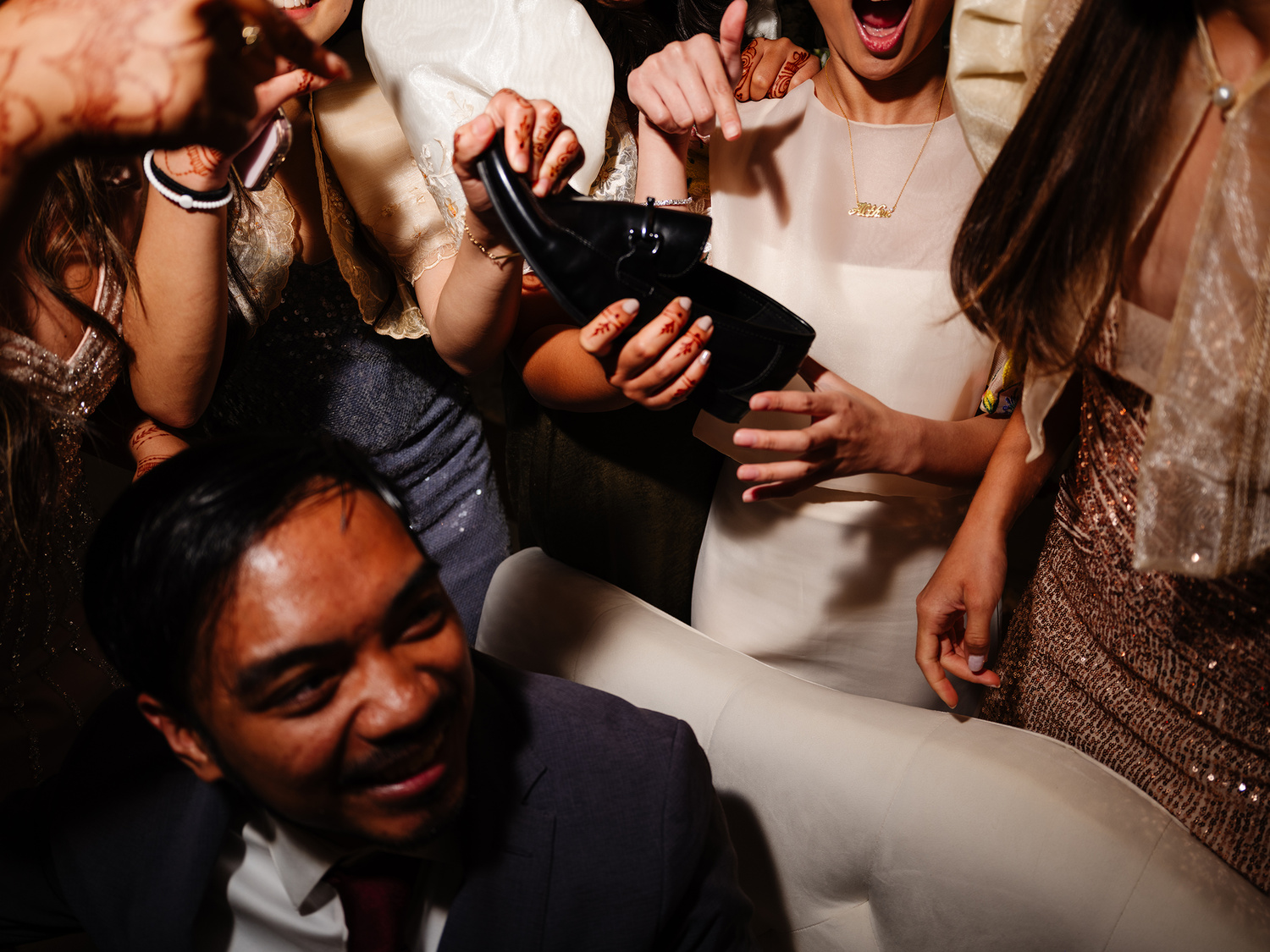
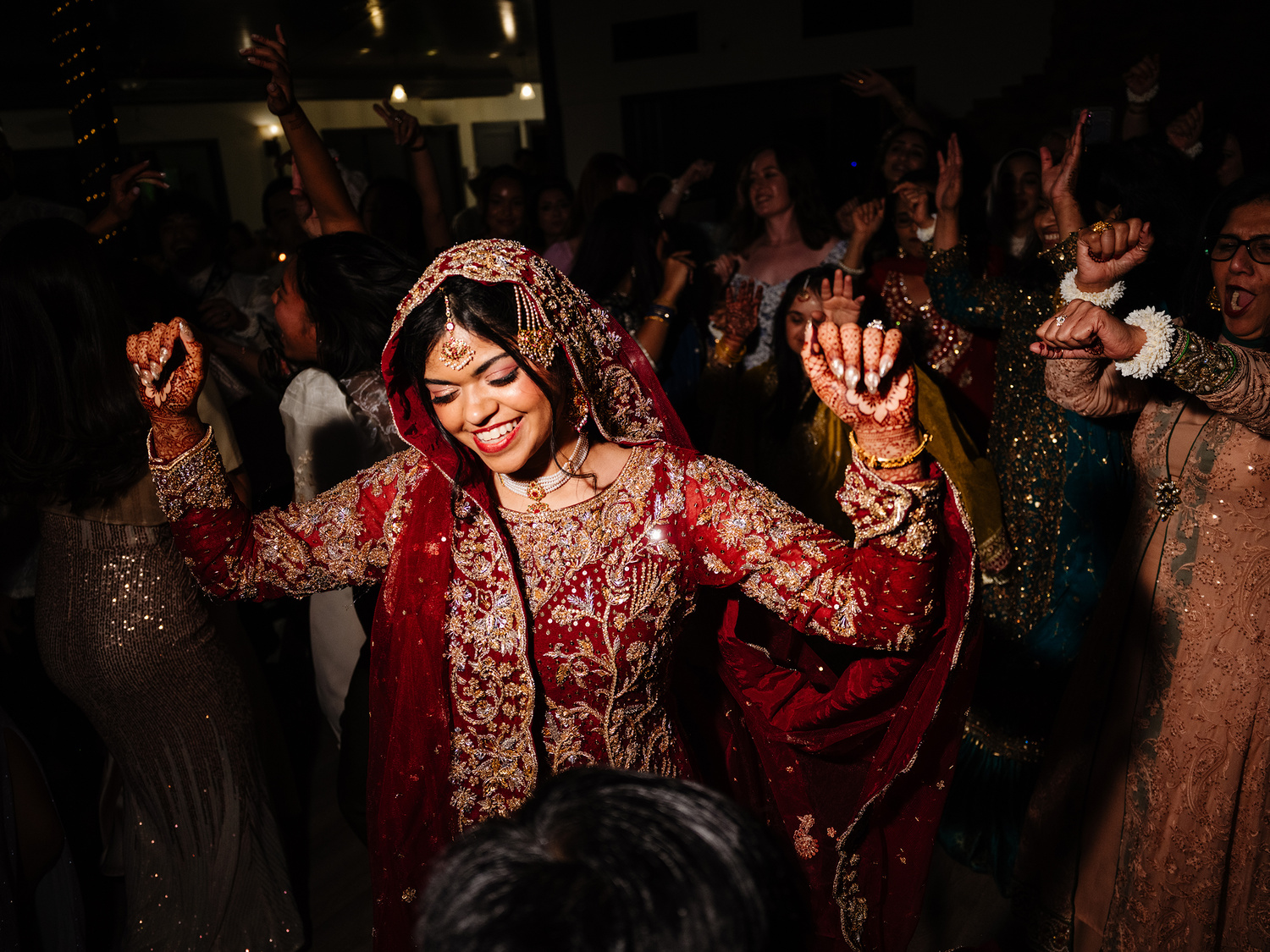
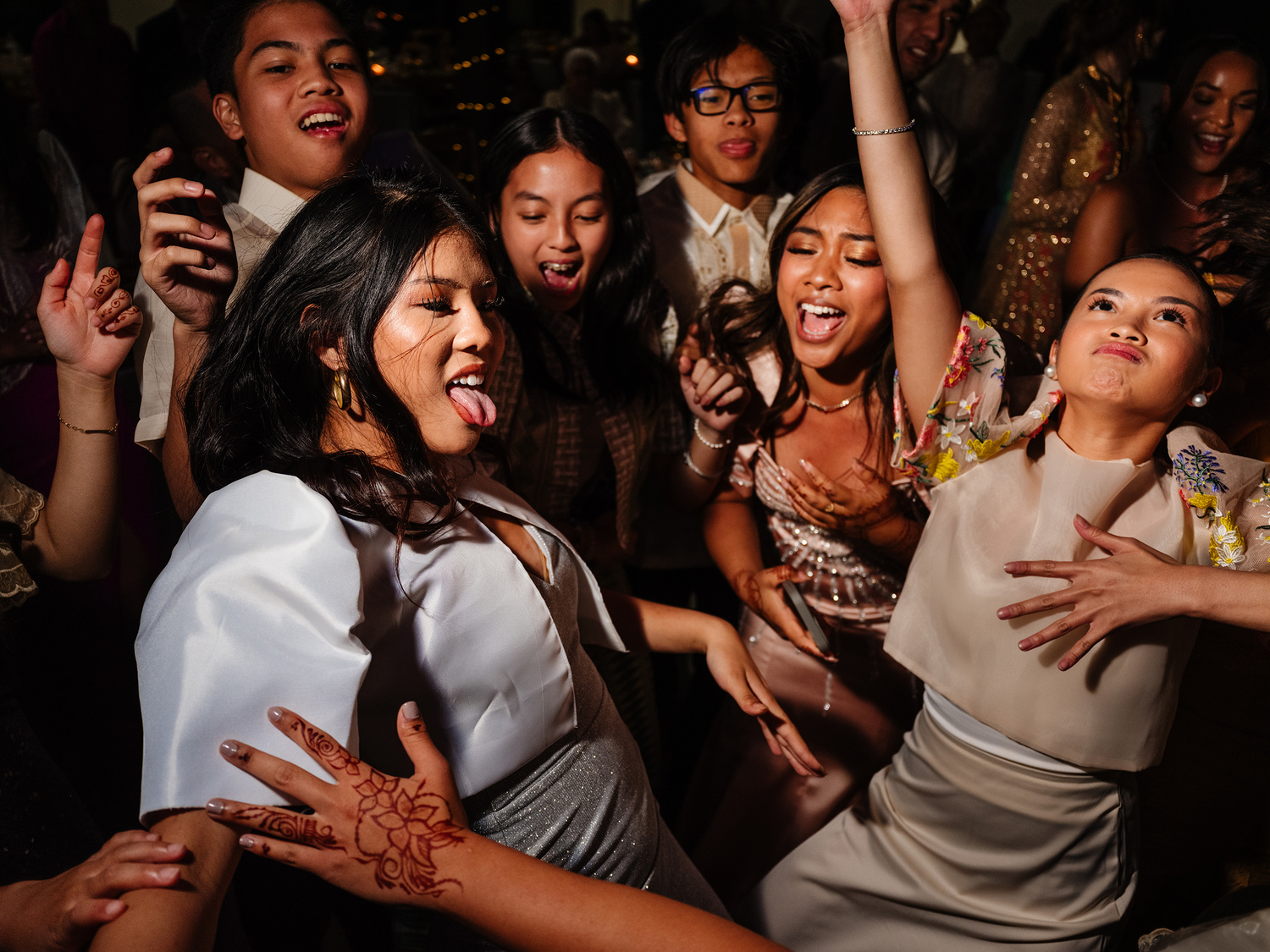
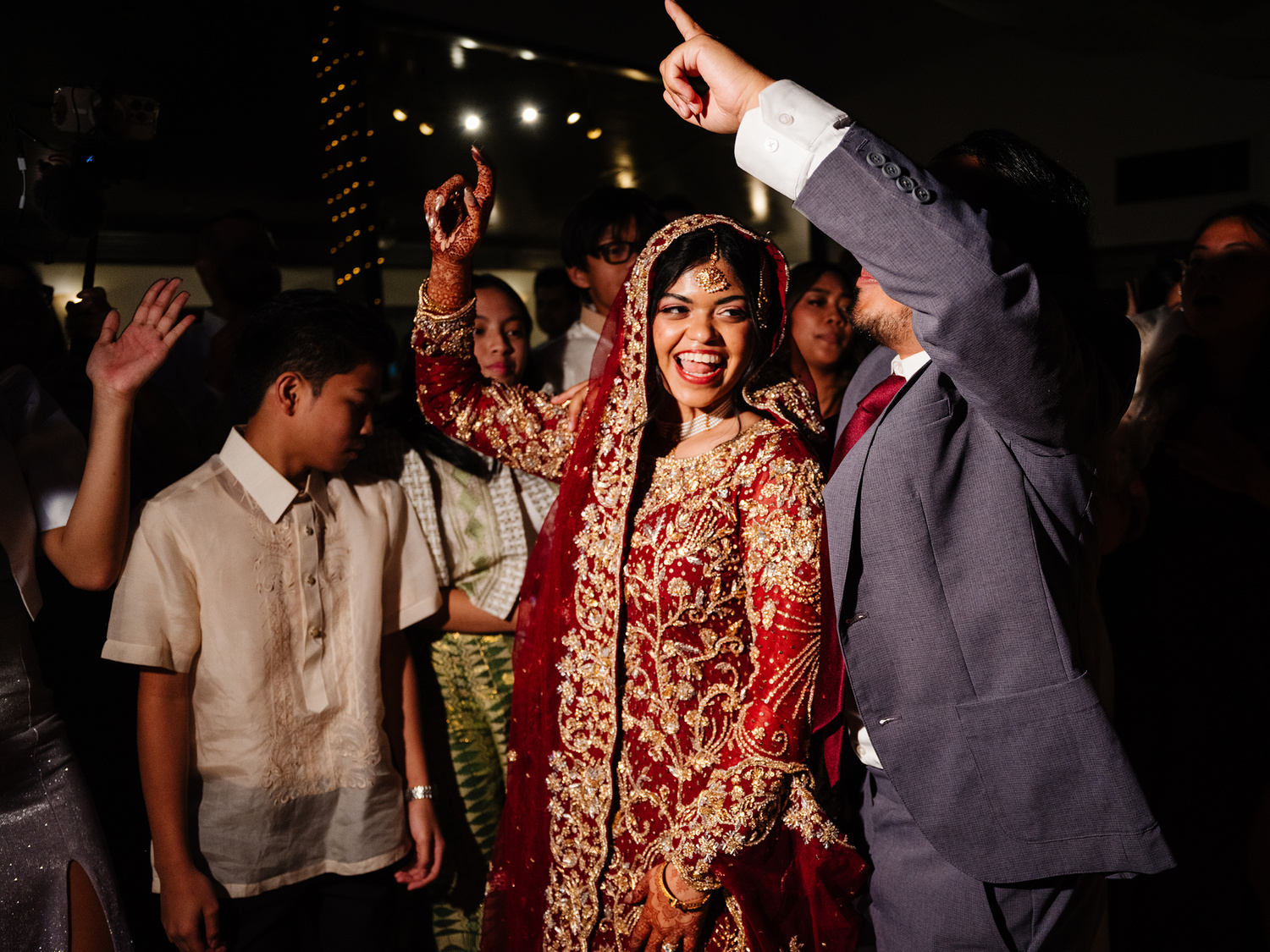
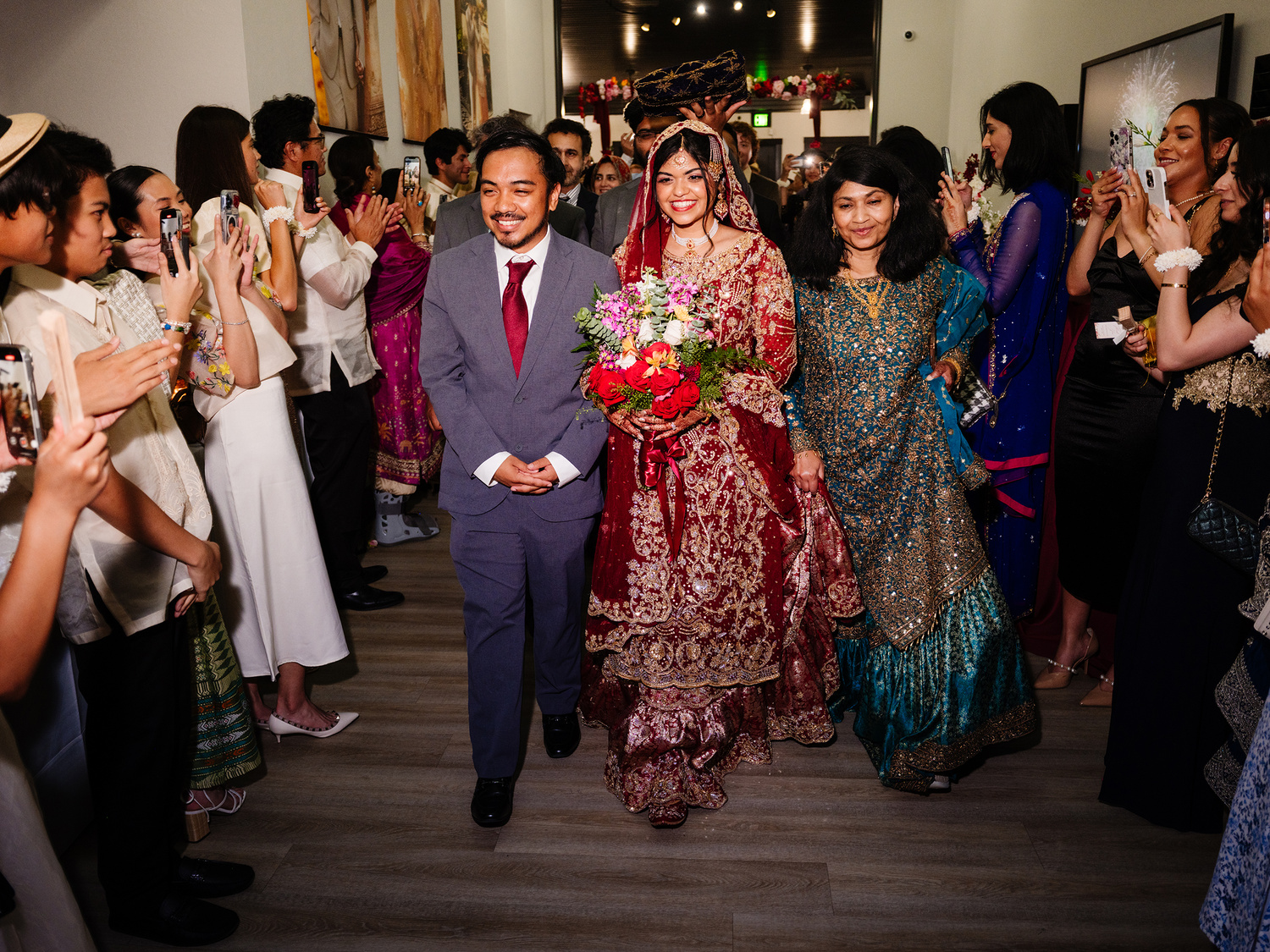
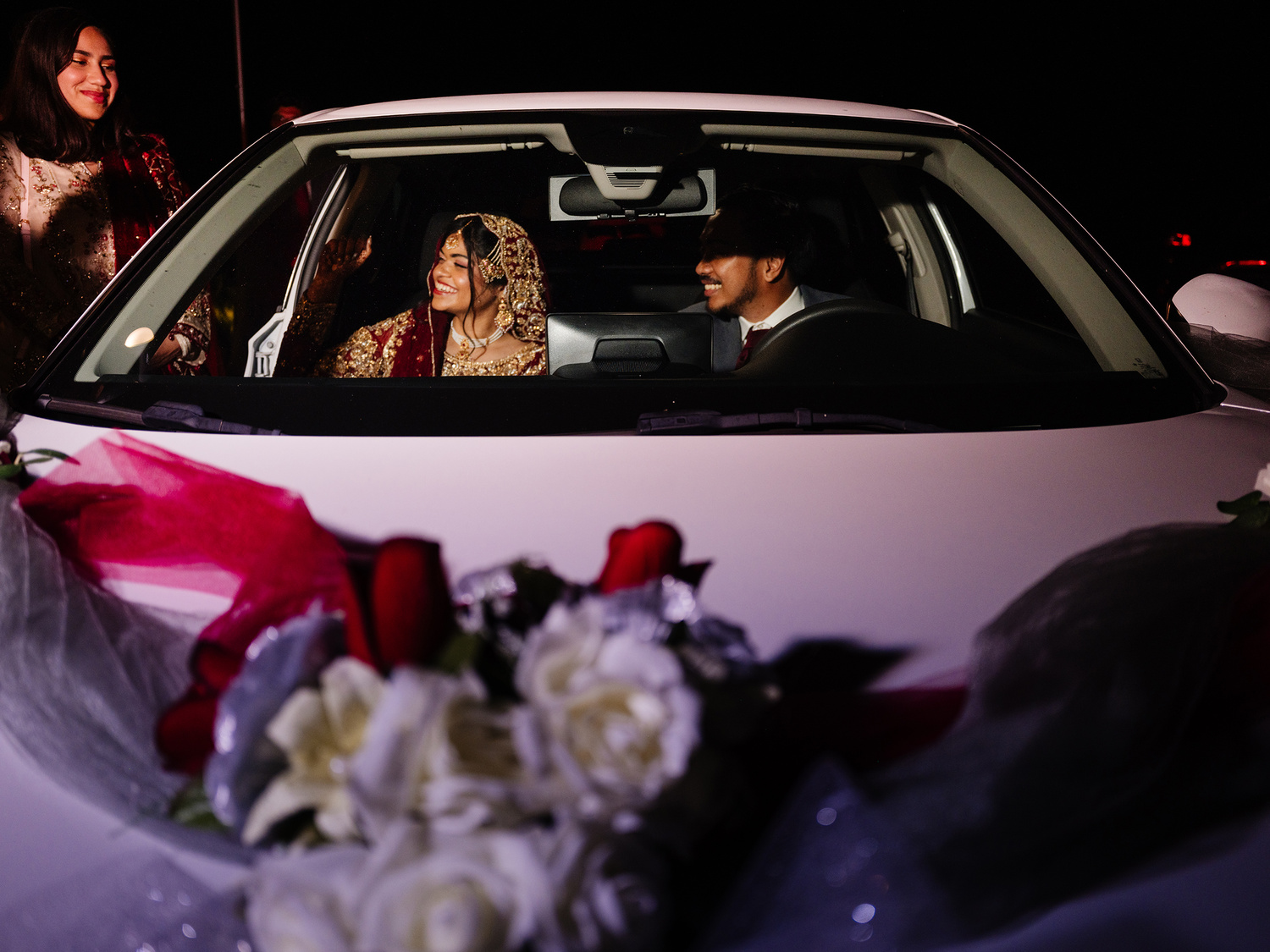
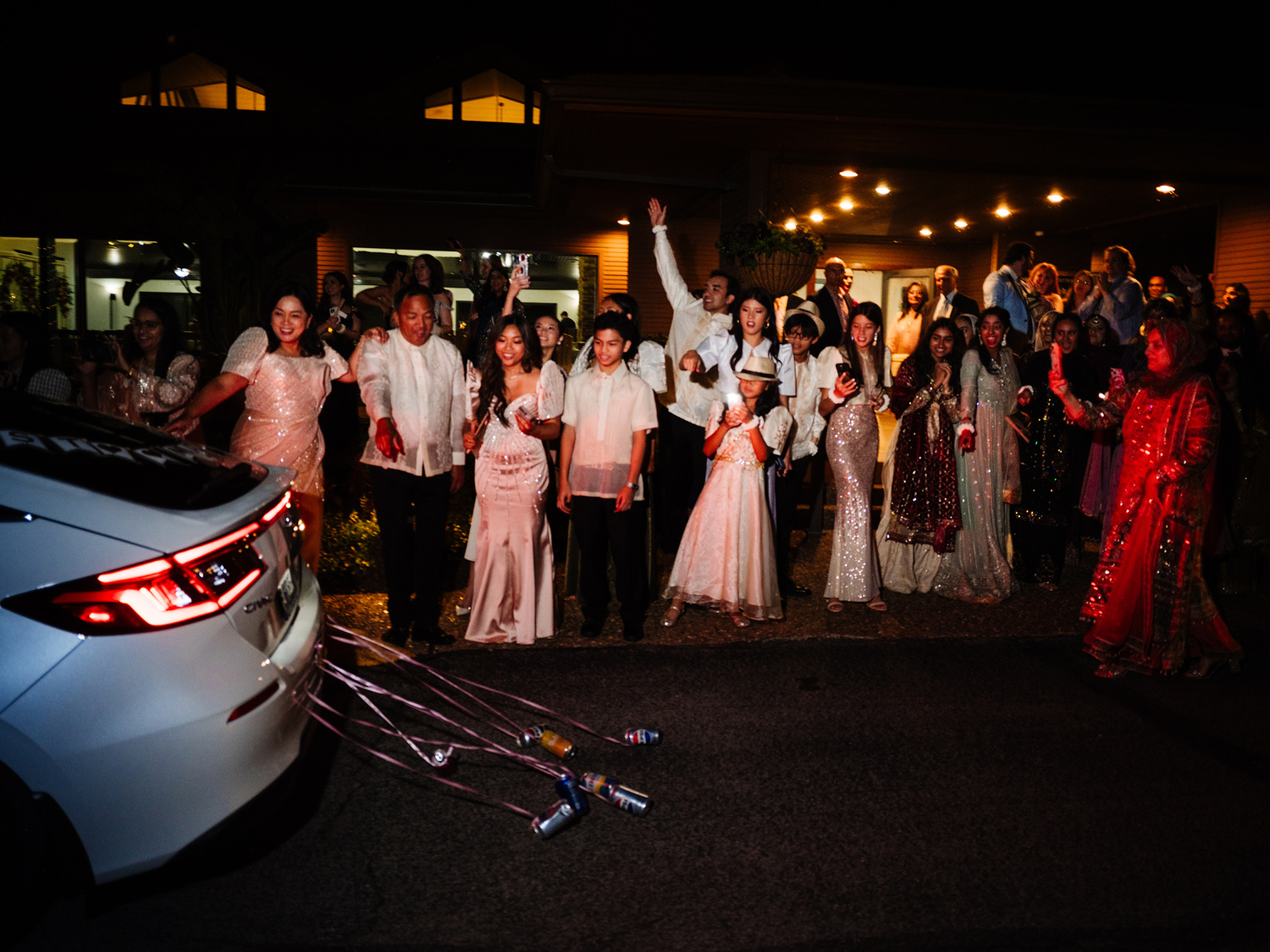
At the end of the day, the Fujifilm GFX100RF kept up. While it struggled to finish certain parts of the race, it managed to limp across the finish line while still maintaining its dignity. And although there are a handful of things I would have liked to see different on this camera (primarily the f/4 lens), I could totally see this camera being an amazing addition to a wedding photography bag—especially when it came to the everyday documentary scenes or for some environmental portraits (especially ones that use flash). And while I am happy with how the images came out and how the camera performed as a whole, it's still always a good thing to have at least another focal length to rely on, as well as backup camera bodies in case something happens to your main body. But with that, enjoy a handful more images from this wedding.




Join the Fstoppers community for free
-
Post comments and join in the discussions
-
Browse the site ad-free
-
Share your work and get featured in the community
-
Compete in the photo contests for fun and prizes
No comments yet