
A photography workflow is simply a repeatable way of working. It covers how you prepare, how you shoot, and how you deal with your images afterward. In landscape photography, where light, weather, and access are often limited, having a workflow removes uncertainty and prevents small mistakes from becoming lost opportunities.
It is not about being rigid or technical. It is about reducing friction so that your attention stays on the landscape rather than on what you forgot or what comes next.
Have you ever arrived at a location feeling unsure about what to do first, even though the conditions were good?
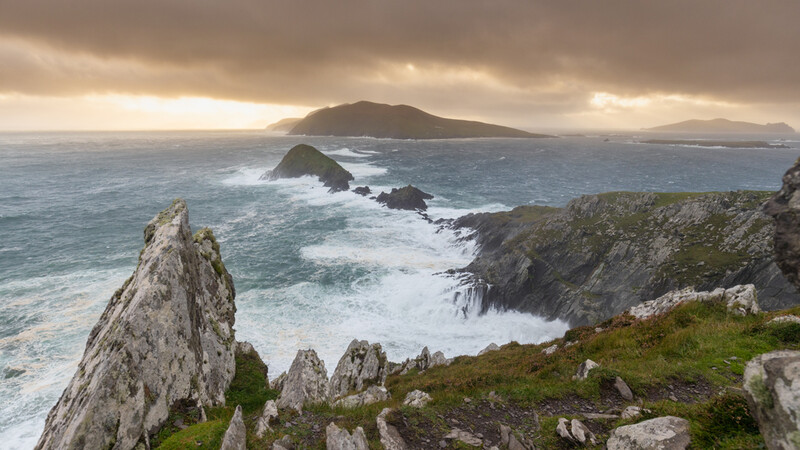
Why a Workflow Matters in Landscape Photography
Landscape photography asks you to manage many variables at once: timing, weather, terrain, light, and equipment. Without a clear process, decisions pile up quickly. That usually leads to rushed compositions, missed light, or inconsistent results when editing.
A workflow connects each stage of the process so that nothing is left to chance. It does not guarantee better images, but it increases the likelihood that you are ready when conditions align.
How often do you find yourself reacting to the scene rather than working through it with a clear plan?
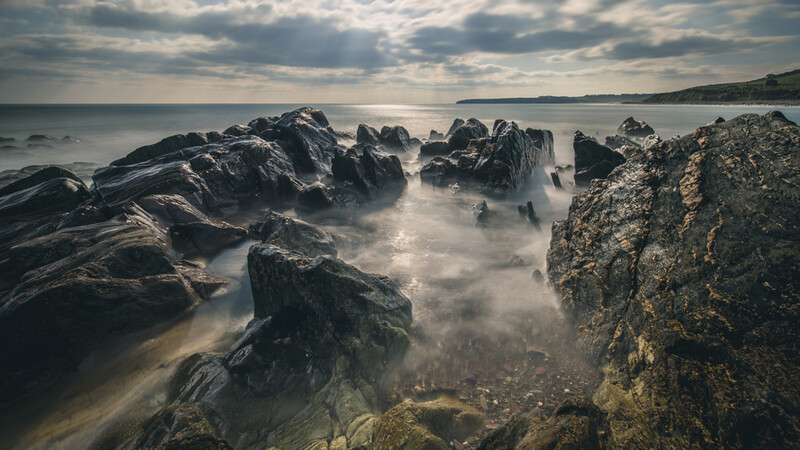
The Cost of Not Having a Workflow
For a long time, I worked without a defined workflow. I told myself that flexibility mattered more than structure and that reacting to conditions was part of landscape photography. While that was partly true, the absence of a workflow created problems that repeated themselves quietly over time.
Some mistakes were obvious. Turning up to a location with batteries that were not fully charged. Forgetting filters that I had planned to use. Realizing too late that a memory card was almost full. These were frustrating, but easy to dismiss as one-off errors.
Other issues were less visible but more damaging. I often rushed compositions when light appeared briefly, skipping basic checks because I felt pressure to act quickly. I changed settings too often without clear reasoning. Later, when editing, I struggled to understand why certain images felt inconsistent or unfinished. The problem was not the conditions or the location. It was the lack of structure in how I worked.
The turning point was recognizing that these mistakes were not isolated. They followed a pattern. The same problems appeared on different trips, in different locations, under different conditions. At that point, it became clear that the issue was not experience or knowledge, but process.
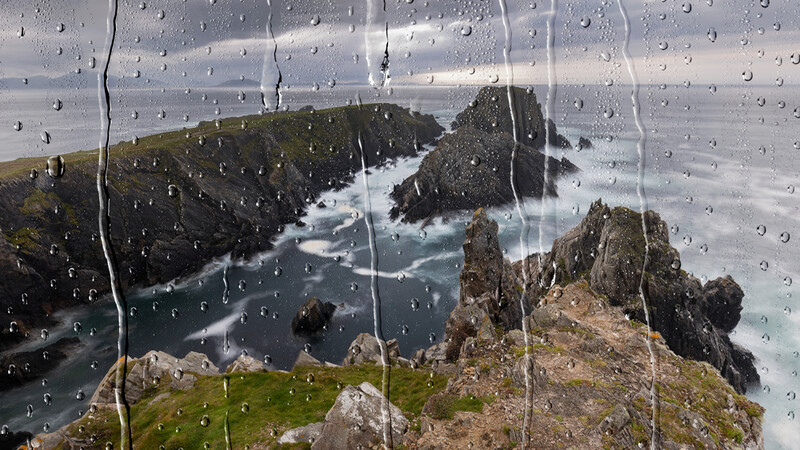
I forced myself to create a workflow because continuing without one meant repeating the same failures. That decision was practical rather than philosophical. I wanted to remove avoidable errors so that when things did not work, I could be confident it was due to conditions rather than oversight.
At first, following a workflow felt restrictive. I had to slow down and consciously move through each step, even when it felt unnecessary. Preparation took longer. In the field, I resisted the urge to skip steps when light changed quickly. After the shoot, I committed to organizing and backing up files immediately instead of postponing it.
It took several months before the workflow became natural. During that time, I adjusted it repeatedly. Some steps were simplified. Others were removed entirely. The goal was never to create a perfect system, but one that was reliable and easy to follow under pressure.
Eventually, the workflow stopped feeling like something I was enforcing. It became the default way I worked. Decisions happened faster because fewer of them needed active thought. Mistakes did not disappear, but they became easier to identify and correct.
Looking back, the most important change was not technical. It was mental. The workflow reduced uncertainty. It created a sense of control in situations that are often unpredictable. That allowed me to focus more fully on observation, timing, and composition, rather than on managing problems that could have been avoided.
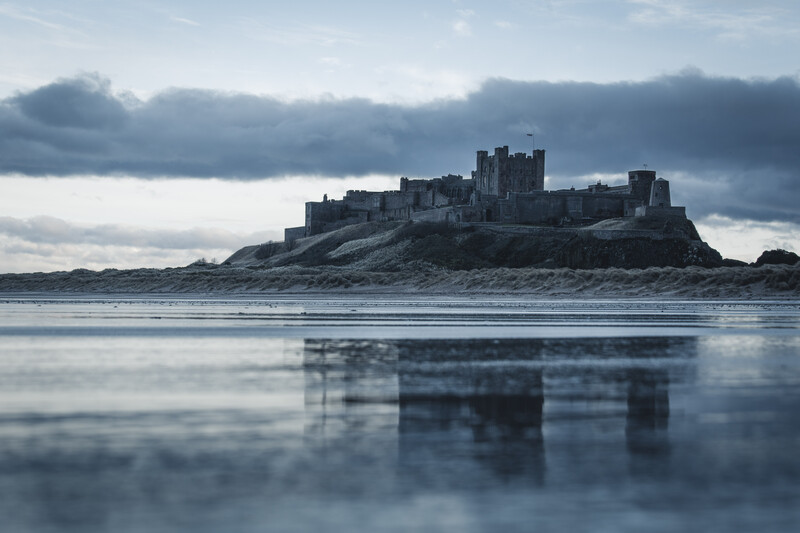
Before You Leave
Most problems in the field can be traced back to poor preparation. A basic workflow begins before you pack the camera bag.
This stage is about intention. Knowing where you are going, what the light is likely to do, and what you want from the shoot gives structure to the rest of the day. Tools like maps, weather forecasts, and sun-direction apps are useful, but only if they serve a simple goal: understanding the location.
Equally important is checking your gear. Batteries charged, cards empty, lenses clean. These checks are repetitive, but they remove avoidable failure points that can derail a shoot before it begins.
Do you prepare with a clear intention for the shoot, or do you tend to decide once you arrive?
In the Field
A workflow in the field is not about speed. It is about clarity.
Arriving early gives you time to walk, observe, and adjust without pressure. Having a general plan allows you to start shooting with purpose rather than reacting blindly. Once the camera is on the tripod, the workflow becomes a sequence: establish composition, confirm focus, check exposure, then refine.
Working systematically reduces the urge to constantly change settings or compositions without reason. It also helps you leave a location knowing you have properly worked the scene, rather than wondering if you missed something.
When conditions improve briefly, do you have a process you trust, or do you feel rushed into decisions?
After the Shoot
A workflow does not end when you leave the location. File management and editing are part of the same process.
Downloading, backing up, and organizing files as soon as possible prevents confusion and data loss later. Editing with a consistent approach helps maintain continuity across your work, particularly when returning to similar locations or working on longer projects. If you are looking to sharpen your editing process, Photographing the World: Landscape Photography and Post-Processing is a thorough resource that walks through both the shooting and post-processing sides of landscape work.
The aim is not perfection. It is consistency. Familiar steps reduce unnecessary choices and allow you to focus on evaluating the photograph rather than rethinking your entire editing approach each time.
Final Thoughts
A photography workflow is not a rulebook. It is a support system. It reduces mental load, protects your files, and creates space to respond to changing light and conditions.
I would also be interested to hear from photographers in other genres, and to see how their workflow might differ based on their needs — for example, having models ready for a shoot is a workflow in itself, I would imagine.
Once it becomes habitual, it fades into the background. That is usually a sign it is doing its job.
If you have developed your own workflow over time, or made changes that improved how you work in the field, share your experience in the comments.
If there are steps you have added or removed that made a difference, those insights may help others refine their own process.

Join the Fstoppers community for free
-
Post comments and join in the discussions
-
Browse the site ad-free
-
Share your work and get featured in the community
-
Compete in the photo contests for fun and prizes
3 Comments
Really enjoyed this, Darren. It’s a big shift when folks realize that workflow isn't just about Lightroom—it’s about how they handle the chaos of a live scene. I teach a methodology in Amsterdam based on the OODA (observe, orient, decide, act) loop for exactly this reason. The goal is to automate the technical side so you have the bandwidth to actually see. It’s the difference between being a tourist in a place and really capturing the depth of it. Thanks for the insight.
Thank you very much Jacob! That sounds like an interesting job you have! Do you find the approach has good retention rates for attendees afterwards?
I do. It’s a matter of deliberate practice until it becomes ingrained, but the shift in their work—even after a few hours—is remarkable. In my experience, that initial success reinforces the entire methodology.
It is largely about what you noted in your article, shifting the mindset from reactionary to intentional. A reactionary approach leads to 'tunnel vision' and missed frames. Intentionally setting the stage and understanding the subject enough to anticipate the moment where vision and reality align is what allows a photographer to create an image that matches their true intent.