
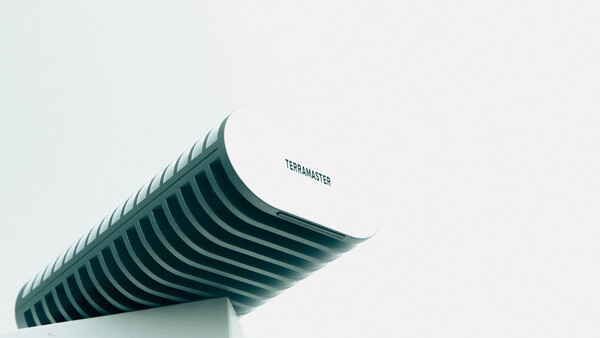
The need for fast external storage is not going down anytime soon; it is only growing higher, especially when your shoot includes both photos and video content. Memory cards fill up faster than ever, making it inevitable to have SSDs to store the footage securely. The TerraMaster D1 SSD Plus does just that, but maybe even more.
When I first came across the concept of an SSD enclosure, I was quite surprised such a thing even existed on the market. SSDs, as I’ve come to know them, are units not made for user disassembly, let alone internal swaps. However, an SSD enclosure can be a great way to build a modular setup. What’s great about having an enclosure rather than a standalone SSD is that you only need a few of them. For example, if you have a main and backup SSD (like I do), you only need two enclosures to last you for years.
Upgrading the SSD board itself is often cheaper and more eco-friendly than buying new SSDs when they come out. For example, if you decide to buy an enclosure and skimp on the SSD itself, you’ll have the option to upgrade later without investing too much in an all-new standalone drive. The idea of using enclosures has many benefits, but just how practical is the Terramaster D1 SSD? I tested it out.
Design and Build: A Tank
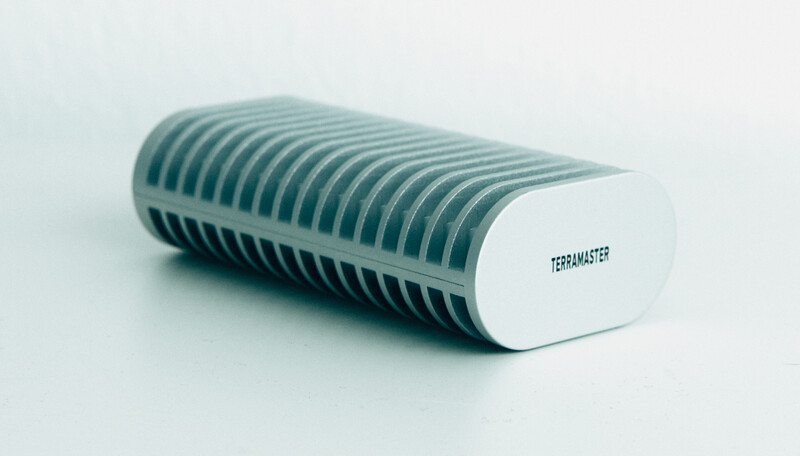
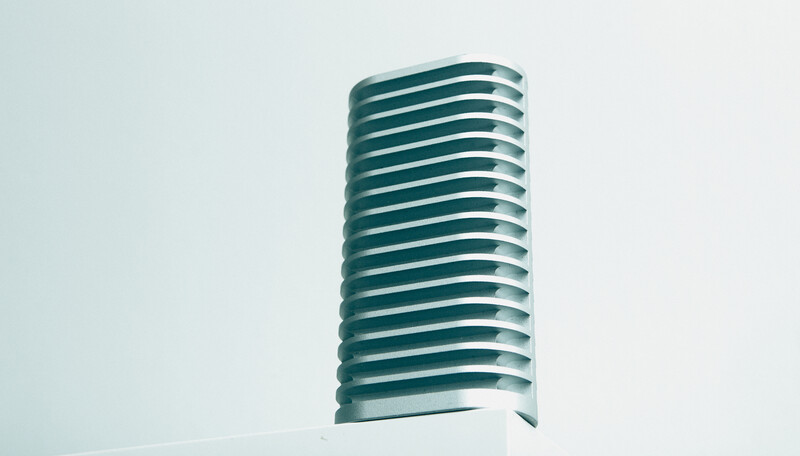
Straight out of the box, you notice that the Terramaster D1 SSD enclosure is no toy. It has a full aluminum body with more surface area than you could wish for in an enclosure. To me, that’s a good sign, as SSDs heat up quickly if you’re a heavy user. I figured this enclosure, if anything, should maintain sustained performance without being affected by long continuous use. It looks like a giant heat sink, which also makes it larger and heavier.
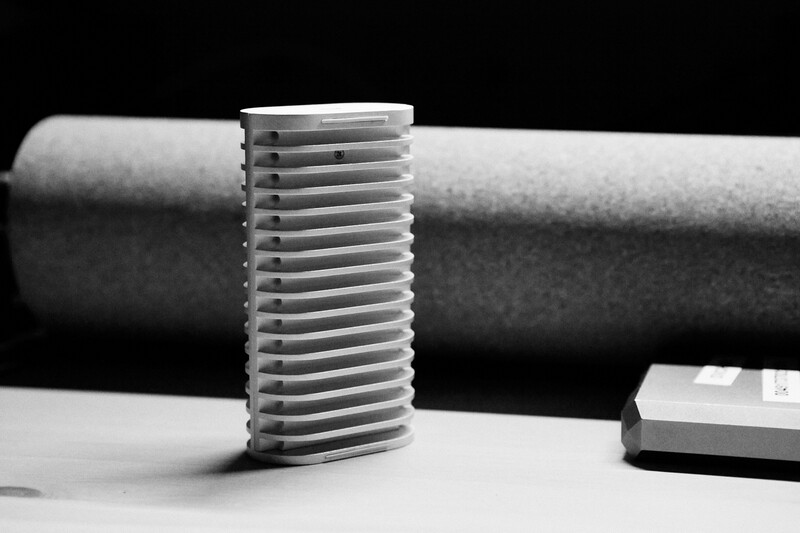
When it comes to size and weight, the enclosure measures 11 x 6 x 3 cm and weighs 246 g when empty. It’s larger than most M.2 enclosures and falls into the HDD weight category. For example, it’s about the same weight as my LaCie HDDs. You’ll notice this in your bag, especially if you carry several enclosures. But with great weight and size comes great heat dissipation, so if you constantly find your SSDs throttling due to heat, look no further than this larger and heavier TerraMaster enclosure.
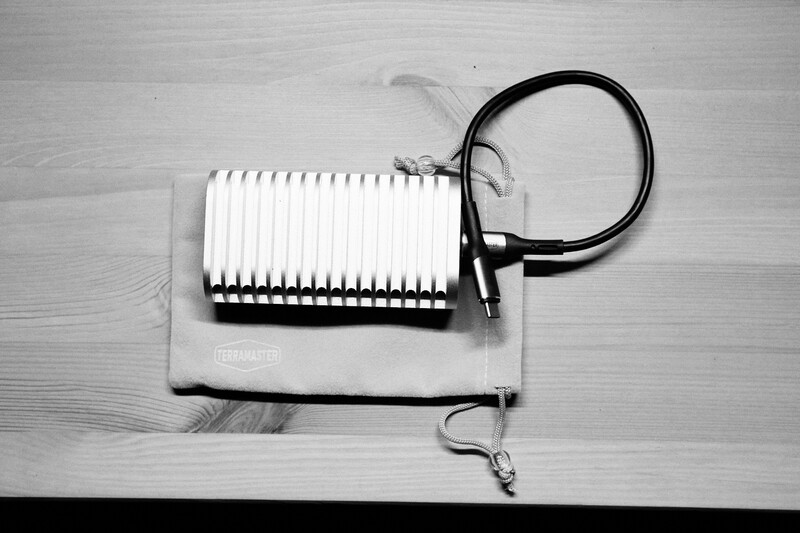
The enclosure comes with a USB-C cable, thermal pad, and a carry pouch. It’s nice to see companies still include accessories in their boxes. Although I already have more USB-C cables than I could ever need, it’s still nice to have a surplus rather than a shortage. As such, I keep a spare in every bag I own, meaning I’m always ready to connect. The pouch is also a nice touch, as it protects the SSD from scratches and adds a premium feel to the product.
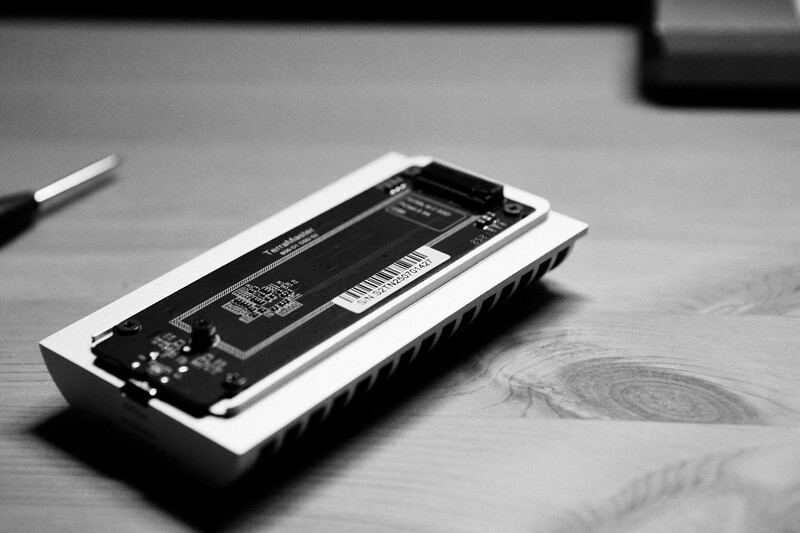
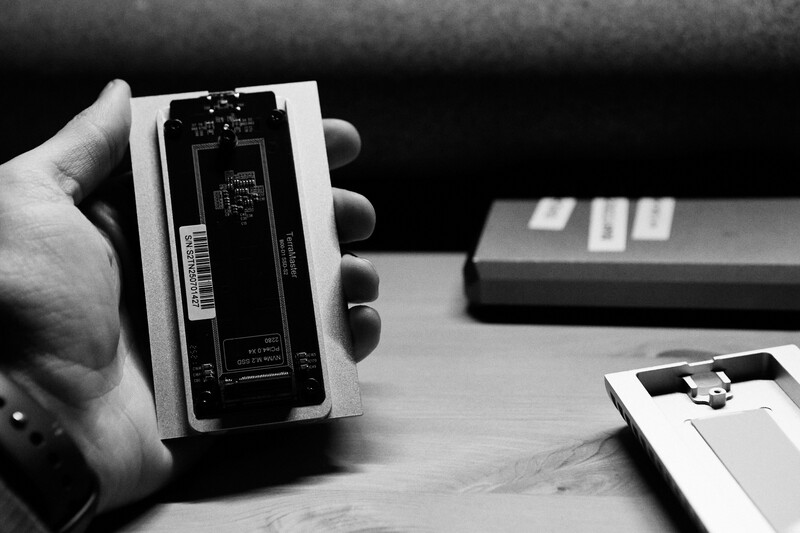
Installing the SSD is simple. Using the included screwdriver, remove a single screw, insert the SSD into the slot, secure it, and close the enclosure. You’re ready to go.
When opening the body, I noticed the absence of a rubber gasket, meaning the enclosure is more susceptible to water and dust. While that’s fine if you’re using it indoors, it can become an issue outdoors. A seal around the body and the USB-C port would make the product more resistant to dust and the elements, improving its durability for field use.
Performance
The performance of the enclosure depends entirely on which SSD you pair it with. You can use any M.2 2280 NVMe SSD up to 8 TB, which gives you plenty of options. The USB-C port supports up to 40 Gbps theoretically, though in real life, such speeds are rarely reached. Even if your port supports that bandwidth, your computer or SSD might not.
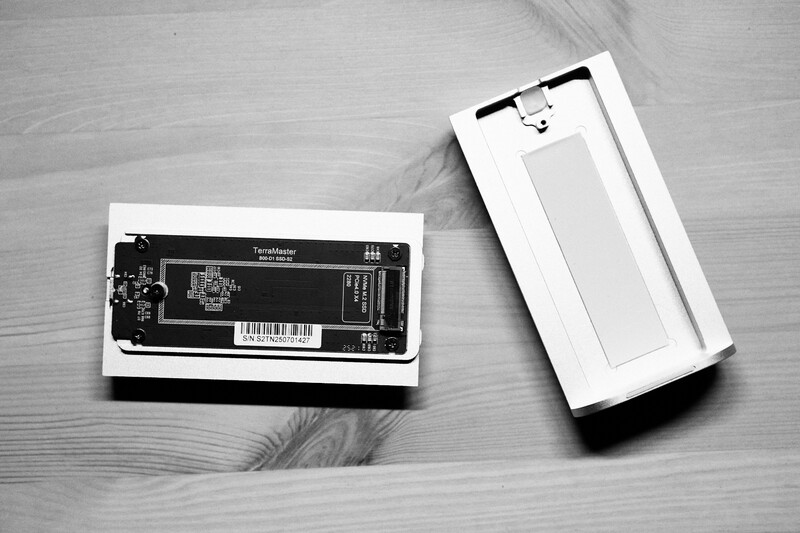
There are useful built-in safety features such as surge protection, ESD protection, and short-circuit prevention. These ensure your data is protected, minimizing the risk of losing files. After all, everything goes wrong sometimes; it’s better to have redundant safety systems.
TerraMaster claims read speeds up to 3,853 MB/s and write speeds up to 3,707 MB/s when paired with a Samsung 990 PRO. That drive offers excellent value for money, and it’s likely the one I’d recommend pairing with this enclosure.
I was able to achieve speeds close to 3,400 MB/s after several hours of continuous testing, meaning the SSD performs as advertised. For the end user, this translates into very fast file transfers, easily beating standard external SSDs. While you may not notice a huge difference transferring 60 to 100 GB of data, it becomes clear once you hit 500 GB or more. With one minute of 6K footage averaging about 6 GB, it quickly becomes clear how valuable a fast SSD can be.
The enclosure did get warm during extended use, but it managed heat impressively well. I noticed only a minor, expected drop in performance, which means I can confidently edit video and photos directly from the SSD for hours without glitches or throttling.
What I Liked
- Build quality
- Ease of use
- Great continuous performance
- Long-term value
What could be improved
- Weather-sealing
Closing Thoughts
Priced around $130 USD, the Terramaster D1 SSD Plus sits right in the middle of the market. It’s not as expensive as enclosures from Sabrent or OWC, yet it delivers similar performance. Considering its excellent build, strong cooling, and future-proof design, I’d argue it’s very well priced. The long-term advantages are numerous.
That said, I can’t say I’ll be adding it to my location setup just yet, as I need drives protected from the elements. Unfortunately, that’s the one major drawback that prevents this product from being perfect for my use case. While I love that it’s fast, I just can’t take the risk of losing data. For example, when testing one of my other SSDs, I put it under tap water, and the drive survived just fine.
Verdict: A durable, fast, and future-proof SSD enclosure that delivers excellent performance for the price; just don’t expect it to survive a rainstorm.




Join the Fstoppers community for free
-
Post comments and join in the discussions
-
Browse the site ad-free
-
Share your work and get featured in the community
-
Compete in the photo contests for fun and prizes
1 Comment
Thank you for this detailed review. In my opinion, in 2026, if you really want a future-proof design, you should go with a Thunderbolt 5 enclosure. It costs a little more, but offers 2x the speed of Thunderbolt 4. It's backward compatible with Thunderbolt 4 and USB-C, but if your computer supports it, a Thunderbolt 5 external SSD can be almost as fast as the internal SSD.