Three Practical Ways To Capture Stronger Photos Every Time
Missing the decisive moment by seconds gets old fast. You start to wonder if the difference between an average frame and a standout image is just luck.
Missing the decisive moment by seconds gets old fast. You start to wonder if the difference between an average frame and a standout image is just luck.
Fujifilm occupies a unique position in the camera market. While Canon, Nikon, and Sony battle for full frame dominance, Fujifilm has charted its own course: a mature APS-C system beloved by enthusiasts and professionals alike, plus a medium format lineup that brings large sensor photography to a broader audience than ever before.
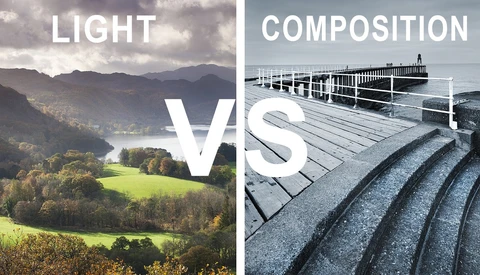
Light gets all the attention, but composition decides whether the image works. You can have stunning light and still end up with a weak frame.
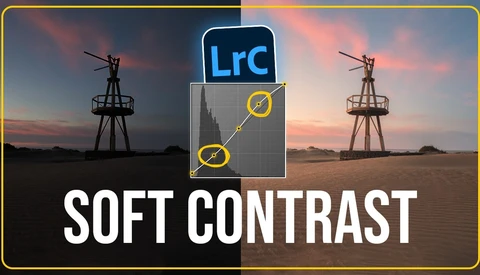
Soft contrast can change the mood of a landscape without making it look flat or faded. When you control it well, you keep detail in the highlights and shadows while giving the scene a gentle glow that feels natural.
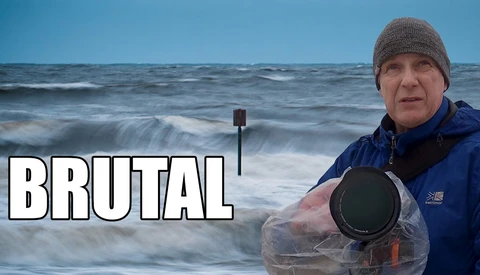
Heading out with a camera in heavy rain feels reckless, especially near the coast with wind strong enough to shake a tripod. Yet those are the days when light turns moody, water comes alive, and ordinary locations shift into something raw and dramatic.

Photography changes more than your images. It shifts how you move through the day, how you solve problems, and how you handle setbacks.
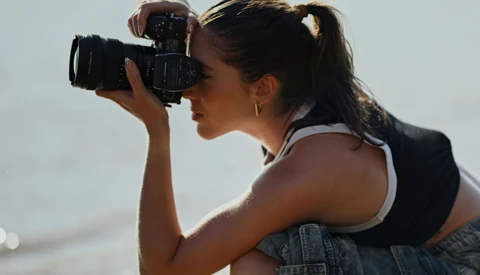
Nikon shooters face a unique challenge that Canon and Sony users simply don't encounter: a lens ecosystem so sprawling and historically layered that even longtime Nikon photographers routinely get confused about what works with what. Here's everything you need to know.
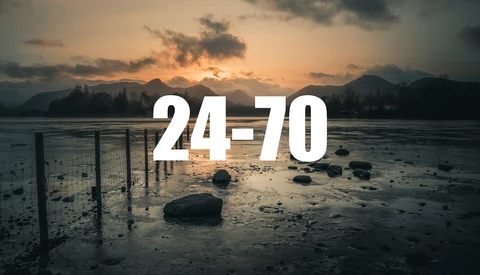
The 24-70mm lens is one of the most used focal ranges in photography, yet it often feels flat and uninspiring. That frustration usually has less to do with the lens and more to do with how you’re standing when you use it.
“Gear doesn’t matter” is usually spoken from a place where most decisions are already behind the speaker. It sounds supportive, even generous. The trouble begins when this sense of closure appears precisely where attention to differences, limits, and concrete choices is still required.

Memory cards are the most overlooked purchase decision in photography. We agonize over camera bodies for months, research lenses obsessively, and then grab whatever SD card is on sale at checkout.

Commercial real estate photography is getting more serious, and agents are paying attention. If you already shoot residential listings, there’s a clear opening to step into higher-paying work without starting over.
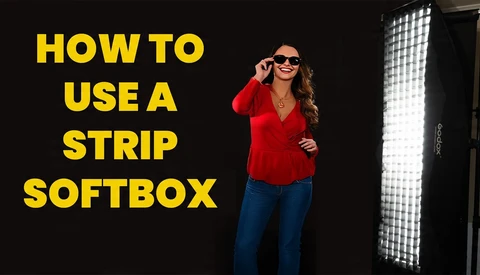
A strip softbox can change the way your portraits look with one small shift in light placement. If you shoot people and want more control over shape, edge highlights, and background spill, this modifier earns its place fast.
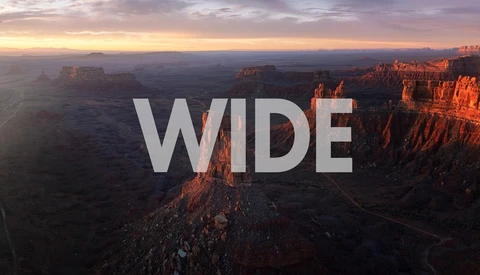
Southern Utah forces you to think bigger. When the land stretches for miles and the sky takes up half the frame, small compositional mistakes get exposed fast.
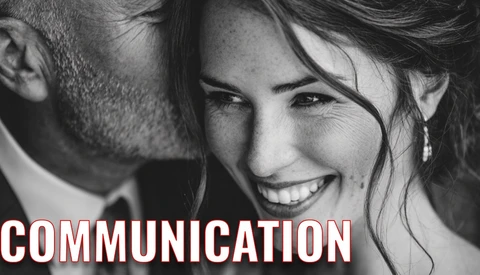
Clear communication shapes every part of your wedding business, from the first inquiry to the final gallery delivery. If you handle it poorly, you invite stress, missed bookings, and couples who expect access to you at all hours.
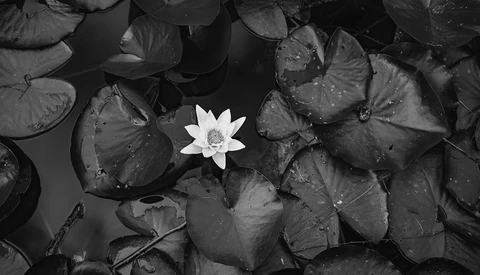
Black and white photography promises seriousness without risk, coherence without effort, and intention without proof. In an era where color is technically trivial and visually unforgiving, monochrome offers shelter. It removes variables, postpones judgment, and replaces unresolved structure with borrowed authority.
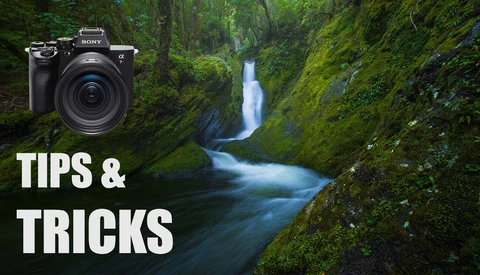
Waterfall scenes look simple, but they fall apart fast when the eye has nowhere to go. If you want stronger landscape images, you need to think beyond the obvious front-on shot and start controlling flow, balance, and shutter speed.
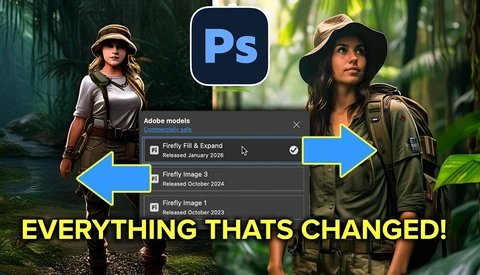
Photoshop just updated Generative Fill with the new Firefly Fill and Expand model, and yes, it changes what you can realistically create. If you rely on AI inside Photoshop, this affects how large you can generate, how real people look, and whether hands and cars still fall apart.
You wait for a break. You post your best shots. You assume progress will stack neatly, one win on top of another. That belief keeps you comfortable and quietly stuck.
Running a wedding photography business with perfectionist habits and ADHD tendencies can wreck your focus fast. If you struggle to finish edits, send invoices, or stick to one task, this will feel familiar.
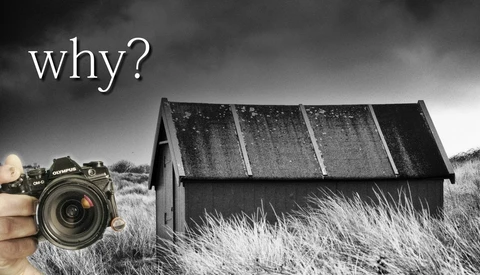
Places like Bamburgh Castle and coastal landmarks like it get photographed thousands of times a year, usually from the same spot with the same treatment. If you keep shooting the obvious angle, your work blends into that pile whether you mean it to or not.

Sharpening often breaks an image in quiet ways. Edges buzz, noise creeps in, and soft areas start fighting for attention when they should stay calm.
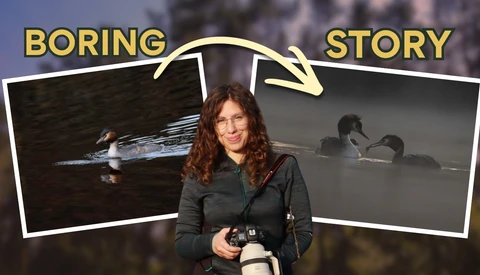
Sharp focus and perfect exposure are not enough. If bird photos feel flat, the problem is not settings, it is storytelling.
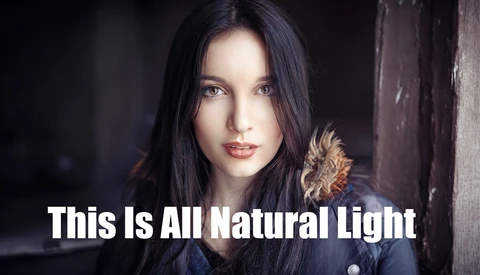
Natural light portraits often look simple, yet small shifts in position can completely change the result. If you rely on available light, knowing how to shape it without reflectors or flash gives you more control in any location.
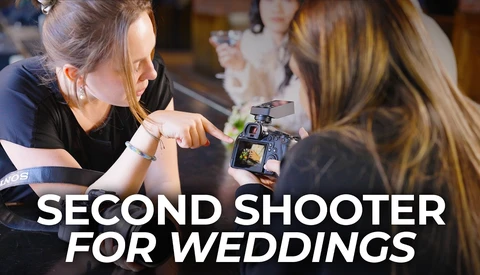
Second shooting weddings puts you in the middle of real moments without carrying the full weight of the day. It’s one of the fastest ways to sharpen instincts, expand a portfolio, and get paid while learning on the job.
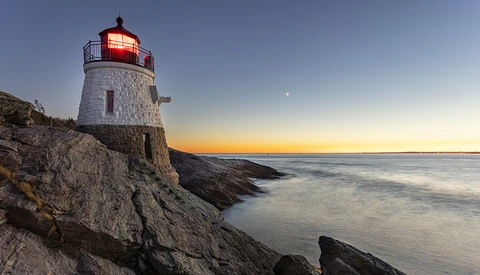
I have a strange obsession with photographing lighthouses. They have a way of making a landscape that much more interesting, and I often find myself taking a road trip just to photograph one. Here are a few tips to help make your photos stand out from the scores of other tourists making the same images.

When a client says you’re “out of budget” or disappears after seeing your rates, the instinct is to adjust the numbers. That move usually solves the wrong problem.
Starting in photography feels harder than it should. You’re told to buy more gear, follow trends, chase presets, and somehow build a style at the same time. Here's how to make it easier.
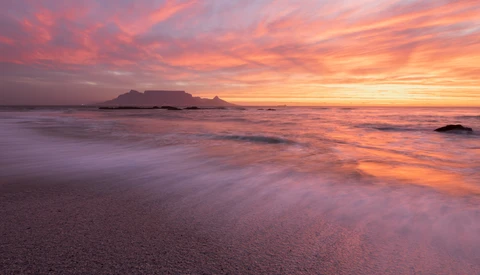
Vary your landscape photography perspectives. Learn how adjusting your tripod's height can completely transform your wide angle compositions.
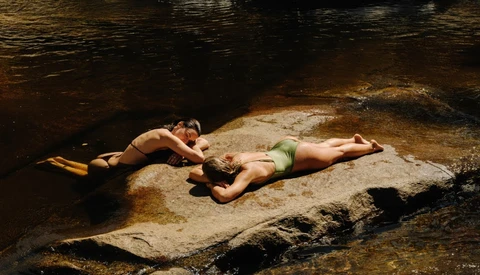
Carrying a small camera to a place like Malibu sounds casual, but it exposes how you shoot when nothing else gets in the way. The choices you make in the field usually echo later when deciding what images deserve space on your website.
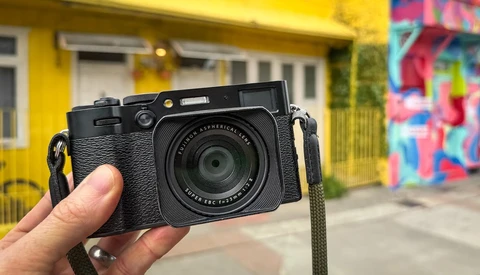
Travel photography can leave you frustrated even when the images are sharp and well exposed. You come home with full hard drives and a quiet sense that none of it really landed.
Shooting a landscape with only a 14mm lens can leave you stuck with too much foreground and not enough subject. When the light is right but the lens is wrong, the choices you make in editing decide whether the photo survives at all.
Every photographer makes decisions about file formats constantly, yet most of us operate on habit, hearsay, or whatever our camera defaulted to when we first pulled it out of the box.

Photoshop’s generative credits determine how freely you can use newer AI tools, and most people don’t know where to see their balance. That uncertainty turns routine edits into guesswork, especially when premium models are involved.
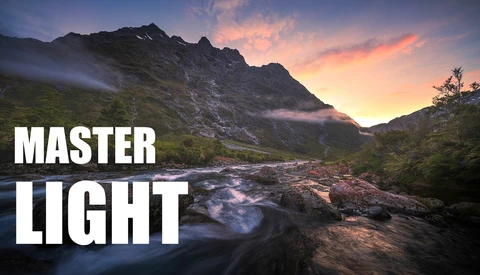
Big landscape scenes fall apart fast if the foreground, light, and framing are not controlled together. When you’re working near water and mountains at sunrise, small choices decide whether the scene feels intentional or scattered.
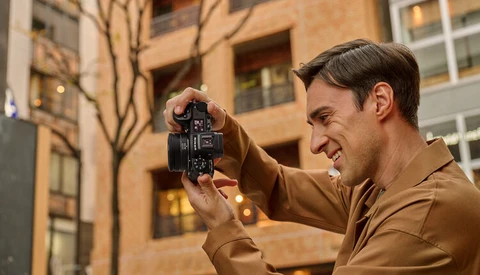
There's a particular joy in slinging a mirrorless camera over your shoulder and realizing it barely tugs at the strap. That feeling multiplies when you glance down and see the lens sitting almost flush with the body, transforming what should be a serious photographic tool into something that looks more like an oversized point-and-shoot.
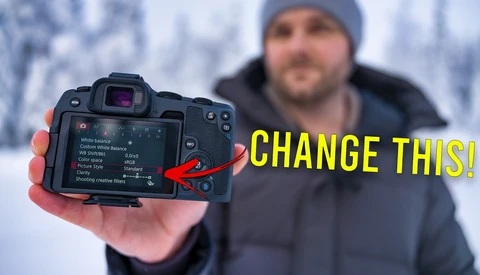
Canon cameras ship with defaults that look fine but quietly work against you in real shooting. Change a few early settings and you get more honest exposure previews, cleaner files, and fewer missed shots without buying anything new.
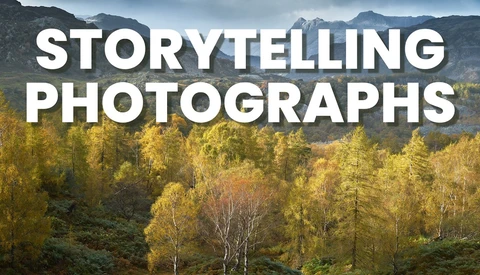
Strong photographs of trees rarely come from technique alone. They come from paying attention to what happened in that place before you arrived, and from staying long enough to feel it rather than smoothing it over.

Valentine’s Day photos tend to bring out the same problem over and over: hands feel useless, bodies feel stiff, and everything starts to feel forced. The video focuses on simple couples poses that reduce that awkwardness, whether you’re working with a pro camera setup or just a phone.
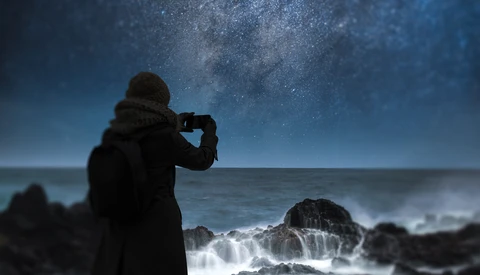
From copyrighted light bulbs to illegal selfies, here are the strangest regulations governing your shutter button. Most photographers operate under a simple assumption: if your eyes can see it, your camera can capture it. Point, shoot, done. Nobody can tell you otherwise. Except they absolutely can.
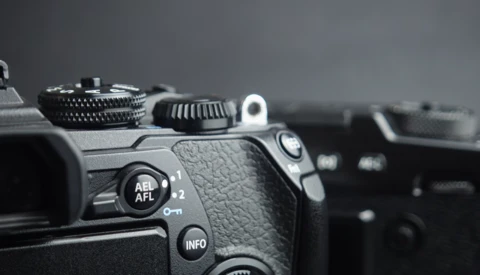
Autofocus is fast, reliable, and so baked into modern cameras that you probably never question how it’s tied to the shutter button. This argues that default setup quietly forces a trade you don’t have to accept once you start separating focus from exposure.
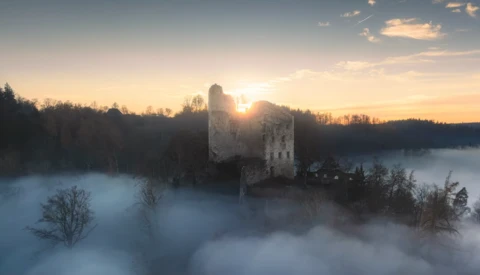
Fog can turn a strong landscape into a flat sheet, even when the scene looked deep in person. The fix is rarely a single slider, and the right masking move in Lightroom can make fog read like real space instead of gray mush.

The new Photoshop update adds adjustment layers that feel tailor-made for real estate edits, especially when a scene is flat and hazy. If you shoot homes, rentals, or interiors, the difference between “fine” and “booked” often comes down to controlled, believable separation in the sky, water, and key surfaces.
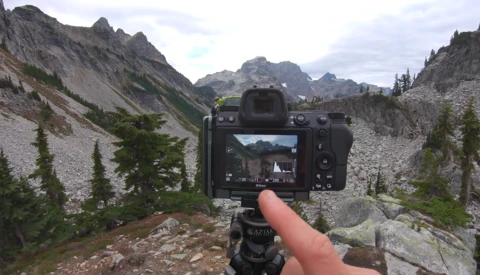
You can hike all day, reach a location with a clean view, and still walk away with nothing because you rushed the setup. This video is about building a repeatable process so the light doesn’t decide whether you get a usable frame.
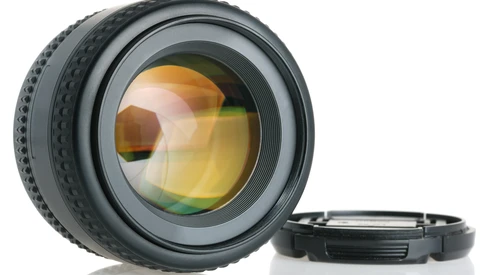
Camera specifications have become reasonably standardized over the years, but lens specifications are a different animal entirely. Optical performance resists easy quantification, and manufacturers have learned to fill that void with impressive-sounding terminology that obscures more than it reveals.

You can hustle for more bookings and still feel broke, especially when every job expands to fill your calendar. This video is about raising your Average Booking Price (ABP) so the same number of shoots can pay like a real business instead of a grind.
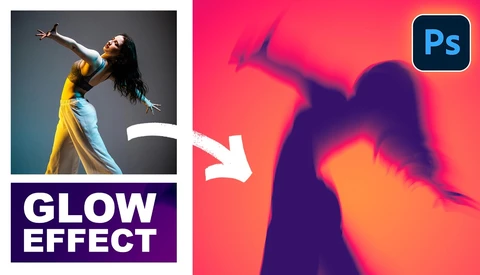
You can get a striking, modern poster look in Photoshop without fancy plug-ins, but only if you stop guessing and start building the effect in a logical order. The video focuses on a specific recipe: a clean silhouette, controlled motion blur, and color that behaves like light instead of paint.
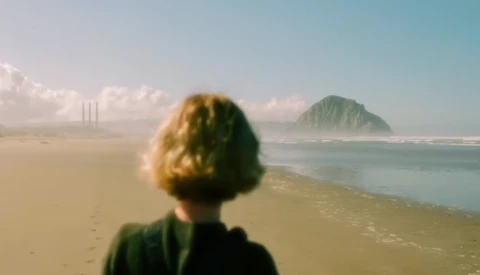
Chasing that painted look usually breaks down in post or gets derailed by gimmicks, especially when you’re trying to balance mood with detail in Lightroom and Photoshop. The video focuses on a handful of choices that change the feel fast, without wrecking the file or turning everything into mush.
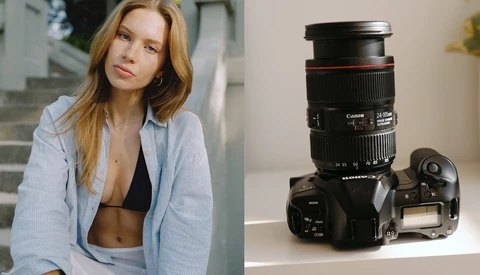
A 24-105mm f/4 zoom lens looks like the practical pick until you start worrying that it will leave you stuck with flat light and busy backgrounds. This video makes a sharper point: the zoom isn’t the limitation, the way you drive it is.

Buying a monitor for photo editing feels a lot like reading the back of a memory card package: numbers everywhere, most of them meaningless without context, and manufacturers betting you won't ask follow-up questions. The difference is that a memory card mistake costs you convenience, while a monitor mistake costs you accurate color judgment on every image you edit.
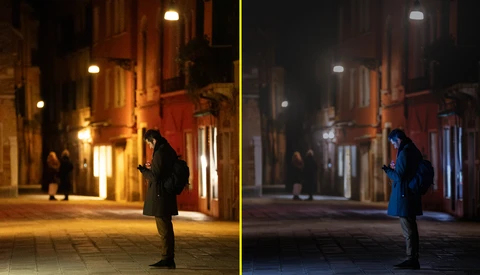
Let’s explore the often-overlooked significance of editing in photography and how it transforms raw images into compelling visual stories. We will break down the two stages of editing and provide examples that highlight the creative process involved in crafting mood and atmosphere.