Adobe Firefly Boards is built around one central idea: you should be able to test a visual direction quickly, see it applied consistently, and decide whether it is worth pursuing before you commit real time. If you shoot stills but increasingly need motion versions of the same look, this tool sits right at that crossroads.
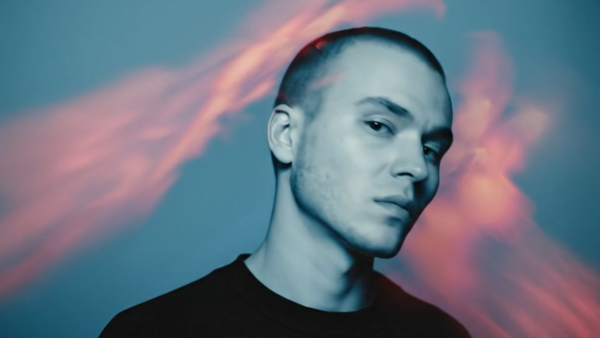
Coming to you from Aaron Nace of Phlearn, this clear, practical video shows how Firefly Boards treats style as something concrete rather than abstract. You start by placing two images on a board, one as the subject and one as the reference, and the board itself becomes the working space instead of a temporary staging area. The point is not to “get inspired” by the reference but to force the system to look at it directly while generating new results. Nace keeps the instruction short and literal, which highlights how much the images themselves are doing the heavy lifting. Watching the variations populate side by side makes it obvious that this is less about finding a single perfect output and more about quickly seeing the boundaries of what a given style transfer can realistically produce.
The bigger takeaway is what this does to decision-making. Instead of tweaking sliders or guessing how a grade might land later, you are testing entire visual directions in minutes. Firefly Boards encourages you to generate multiple versions without waiting, which changes how you evaluate options. You stop thinking in terms of “this might work” and start thinking in terms of “this version holds detail in the face but that one doesn’t.” The video also makes it clear that different models interpret the same instruction differently, which turns model choice into a creative decision rather than a technical one. Some results lean subtle, borrowing color and softness without disturbing structure, while others push the reference so hard that the subject starts to feel altered, especially around edges and skin texture.
Where the purpose really sharpens is when the still image becomes the first frame of a video. This is not about learning animation or building timelines. It is about answering a simple question quickly: does this look survive motion? Nace demonstrates how a short text prompt can introduce movement and zoom, then shows how easy it is to generate multiple versions, including vertical formats, without rebuilding anything. The moment motion enters the picture, weaknesses become easier to spot. Small distortions, unnatural shifts, or background movement that felt harmless in a still suddenly matter. The point of the workflow is that you see those failures early, when it is cheap to discard the idea instead of forcing it to work.
Another layer the video hints at is output readiness. Firefly Boards is not positioned as a deep finishing tool. It is positioned as a fast bridge from concept to usable clip. The ability to download a finished video immediately and move it to a phone reinforces that this is about iteration and validation, not perfection. You can decide whether a look is strong enough for social, whether it matches an existing body of work, or whether it should stay on the cutting room floor. That judgment happens visually, not theoretically, because the board keeps every step visible at once.
When style transfer and motion are this fast, weak ideas stand out quickly. Strong ones also reveal themselves without explanation. The real point of all this is not automation for its own sake. It is reducing the distance between an idea and a clear yes or no. Check out the video above for the full rundown from Nace.

Join the Fstoppers community for free
-
Post comments and join in the discussions
-
Browse the site ad-free
-
Share your work and get featured in the community
-
Compete in the photo contests for fun and prizes
No comments yet