




Articles from Quentin Decaillet

Behind The Scenes of the 2017 Pirelli Calendar

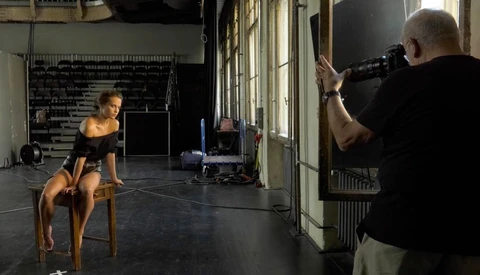
So many photographers dream of shooting the Pirelli Calendar, but so few make it. German Photographer Peter Lindbergh shot the 2017 edition, and he’s probably someone we can all learn from. There must be a reason as to why he is working with all the big names in the cinema and modeling industry. For those like me, who love watching other photographers at work to learn, you must watch this hour-long behind the scenes video of his work for Pirelli.
Fading Your Presets' Opacity in Lightroom

I’m sure many of you have wished at times that you could decrease your presets' opacity in Lightroom. There isn’t any real option existing, or so I thought until I stumbled upon The Fader by Capture Monkey. It's a simple plugin which allows you to increase or reduce your presets' strength.

Effortless and Beautiful Slideshows With Pixellu SmartSlides

Pixellu released SmartAlbums about two years ago, and it was a game changer for wedding photographers. Creating albums was made easy and affordable, even for those who don’t know a thing about design. They are back with a new product this year and aim to change the game again. This time, they bring a slideshow solution called SmartSlides. I had the chance to access the beta in its early stage and wanted to give you a first impression. Wedding photographers, be sure to read this article. You may find a new product to sell while not doing much more work!

Buy a Profoto B1 or B2 and Get a Free Air Remote

Just earlier this week, I was writing about going over x-sync speed with your flashes. This ability is a true game changer for any photographer who relies on artificial lighting. Between February 1st and April 30th, Profoto is running a sale that can make that step up a bit lighter on your wallet.

Are Leaf Shutter Lenses Better Than HSS and HS?

In the past few years, flash manufacturers have put a lot of efforts to let cameras’ x-sync fade into obsolescence. However, the current solutions are not perfect and aren’t always intuitive to use for non-tech-savvy photographers. In 2016, I made a comparison between Hi-Sync and HSS. Since then, I have had the chance to play with a Phase One XF and give the beautiful Schneider Kreuznach leaf shutter lenses a try. With more experience using Hi-Sync as well, I thought a follow-up article was well overdue. So let’s dive in and see what solutions are currently available to go past the x-sync limitation.

Hasselblad's Master Awards 2018 Now Open for Entries

Competitions are fantastic to push yourself and create the best work you’ve ever produced. It’s also a great way to compare your imagery to others and see how you could improve your craft. Broncolor announced their NextGen contest for photographers under 30 a few days ago, and now it’s Hasselblad’s turn to open their traditional Masters Awards 2018.

Creating Still Life Images with No Photoshop Retouching

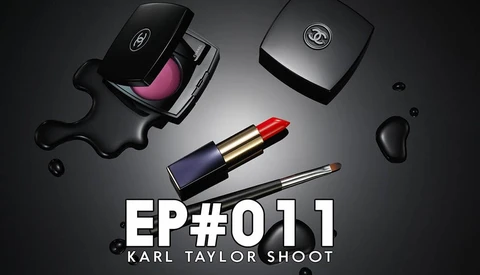
Karl Taylor is a name you’ve probably heard of if you look for photography videos on YouTube. He’s been working with big brands such as Hasselblad and Broncolor to create comprehensive content helping beginners as well as advanced photographers. In his latest video, he shows us how he created a beautiful lighting setup yielding photoshopped-like results.

Photographers Under 30, Here Is Your Chance to Work With Broncolor Gear

It’s become a tradition: every year, Broncolor offers select young and talented photographers a chance to access some of the best strobes and light modifiers for free for two years. The lucky ones are chosen through a competition called "Gen Next," which is now open for 2017.

How to Remove a Shadow Using Luminosity Masks

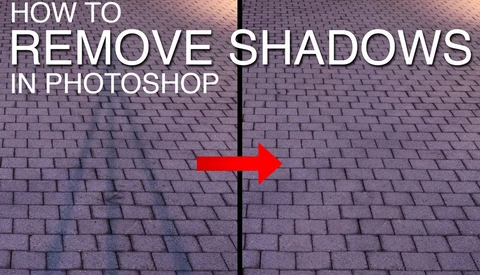
When we think about removing something in post-production, more often than not the clone stamp tool and the healing brush come to mind. We have been used to seeing these tools as the ultimate ways to erase an object from images. However, it's not always the best, or even the fastest way to do it. Greg Benz, the creator of Lumenzia, shows us in a quick video how we can erase a shadow in a few clicks using luminosity masks.

5 Tricks to Keep Your MacBook From Overheating

Apple MacBook Pro is without a doubt the laptop of choice for most photographers on the go. However, I've heard of many encountering heat issues when working on it for a prolonged period of time. After recently experiencing this problem myself and having my computer shutting down on its own, I started looking for a solution. It turns out that it's not complicated to control the heat. If you retouch or edit videos quite often on your Apple laptop, you should definitely read the following article.

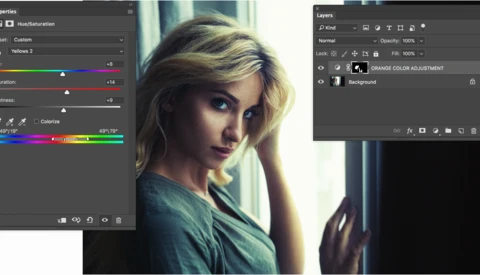
How to Adjust Specific Colors in Photoshop

Changing a single particular color is easily done in Capture One, but it can prove to be a little bit more complicated in Photoshop. None of the tools found in Adobe's image editing software target colors such as orange, violet, azure, or other tertiary colors. However, there is a very simple trick to make it happen. I'm not talking about curves here, but an approach that will be extremely easy to understand, even for beginners.

Phase One Introduces Capture One Pro 10

It’s become a tradition for Phase One to announce a major new version of Capture One during the last quarter of the year. 2016 is no exception, and the tenth edition of the professional image editing software was just released today. The already fast and very complete application is now even better thanks to a couple of new tools and enhancements.

Fstoppers Reviews the New Best Portrait Lens, the Nikon 105mm f/1.4

Canon has always been known for its fabulous portraits lenses: the 85mm f/1.2 and the 135mm f/2. I used to own and love both of them, with a preference for the first. When I bought into the Nikon system, I was afraid I would miss these two optics. But truth be told, the Nikon 85mm f/1.4 is at least as good as its Canon equivalent if not better! Regarding the 135mm, that’s a whole different story as the Nikon’s is quite old now. However, they recently announced the 105mm f/1.4, and I had the chance to put my hands on it for a few weeks! Let’s see how it compares with other portrait lenses and if it could potentially replace a 135mm.

Elinchrom Updates Its Skyport HS to Support Panasonic Cameras

Only two months after it was released, the Elinchrom Skyport HS for Olympus is getting an update and now supports Panasonic cameras. It still does not support Fujifilm, but it seems like the Swiss flash manufacturer is heading in the right direction by adding more devices to its supported cameras list.

Action Flash Photography With a Strobe Attached to a Drone

Drones have grown into a standard item to own not only for videographers, but also for many photographers. Most have used them to capture images from the sky or places hardly accessible otherwise. A few have played around with these small machines to light their subject in a unique way, just like our very own Patrick Hall did when lighting a lighthouse with a DJI Phantom and a Nikon strobe. Photographer David Robinson took this to the next level and strapped an Elinchrom ELB 400 to an octocopter.

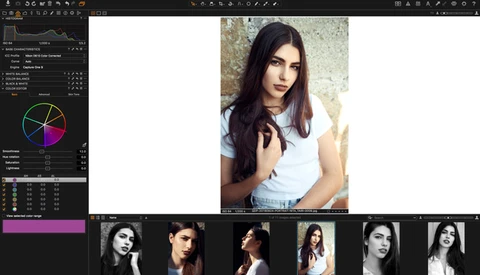
How to Get Perfect Colors from Your Raw Files Straight Out of the Camera with Capture One

Color management is probably amongst the hardest things there is to understand and learn when it comes to retouching and photography. So many elements are to be taken into account to create the perfect final print that it can be extremely complicated and time-consuming. Part of that process is to have a raw converter software able to match your vision and your needs. Capture One is known for its modularity and customizable features. Let’s see how we can use it to help us get the colors we want out of all our raw files.

Affinity Photo, Finally a True Alternative to Photoshop for Windows

Affinity Photo was released over a year ago on Mac OS X. Its success on the App Store definitely shows how great the software truly is. It is also proof that people are looking at different options than the traditional Adobe workflow. Until now, one thing refrained many: Affinity Photo was available only on the Apple platform. But today is a new day and the software is now Windows compatible.

How to Share Full Resolution Pictures on the Web

Publishing high definition pictures on the web always seemed to be an issue. Both in terms of speed and quality. Full-resolution files could never really be enjoyed through the Internet without having to compromise either on the quality or the experience for the viewer. But that is about to be a thing of the past! A solution finally exists, and it solves pretty much all the problems we used to have on the web and our 20-plus-megapixel pictures.

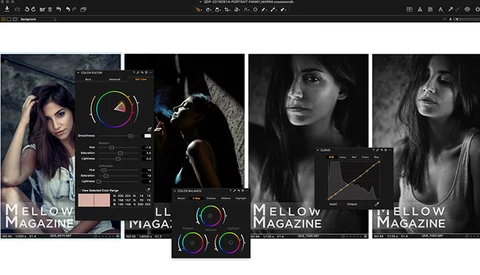
Four Powerful Capture One Features to Supercharge Your Photography Workflow

Capture One doesn’t need to be introduced anymore. It’s Phase One's professional raw converter, and it has grown into a very compelling Lightroom alternative over the past few years. The software is meant to develop raw files, but it can do much more. Its usage doesn’t have to stop at simple exposure and contrast tweaks. Let’s see how we can unleash its full potential and, as Phase One likes to phrase it, experience the ultimate image quality.

Increase Your Productivity With Six Tips From Photoshop Guru Aaron Nace

Photoshop is an amazing tool for photographers and retouchers alike, but with its numerous features and options, it can quickly become confusing. Everyone knows confusing software is far from being a fast workflow element, but Aaron Nace from Phlearn is always there to help out, and this time, he gives us six tips to improve our productivity.

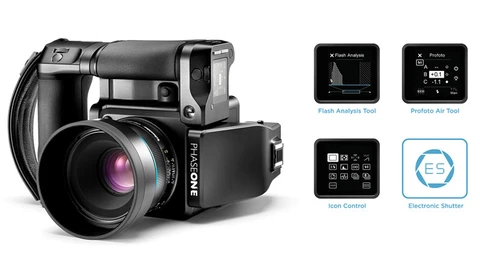
Phase One XF Feature Update #3: Medium Format Brought to the Next Level

Phase One introduces its third feature update for the XF camera system. The freshly released firmware adds a couple of new features, including the world’s first complete electronic shutter in medium format photography. The Danish manufacturer proves once again its devotion to offering its customers a future-proof system that can evolve with time and professional photographers’ needs.

Broncolor Joins the Fast Shutter Speeds Synchronization Game with the RFS 2.2

While camera manufacturers seem to focus on resolution, high ISO, and dynamic range, in the strobe industry the past few months have been all about fast shutter speeds synchronization. However, Broncolor still didn’t have any in-house solution to offer to their client until Photokina and the new RFS 2.2 transceiver.

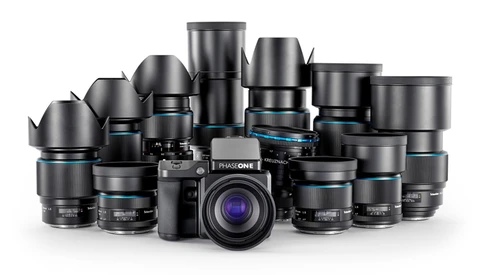
Phase One Releases the IQ1 100MP and Two New Blue Ring Lenses

As Photokina is kicking off, almost every brand is releasing new products. The Danish medium format manufacturer is no exception and is introducing a new digital back, the IQ1 100MP, along with two new Blue Ring lenses and Capture One 9.3. One might wonder why Phase One decided to have two 101-megapixel backs in its product line, so let’s dive into the specs and see what the reason(s) may be.

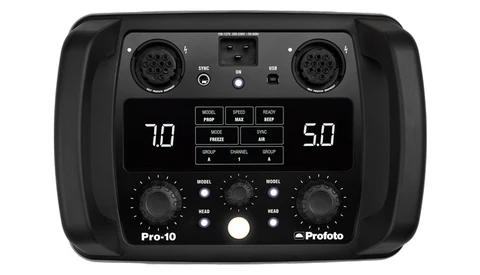
Profoto Introduces the Fastest Studio Flash: The Pro-10

Yesterday, Profoto announced their Air Remote TTL-S and mentioned an unknown Pro-10 in their press release. It was not long before it was made official as the press release came in today. It’s a 2,400 Ws studio pack, and it’s fast — extremely fast! Not only that, but it’s the first of its kind, as it offers TTL and HSS capabilities.

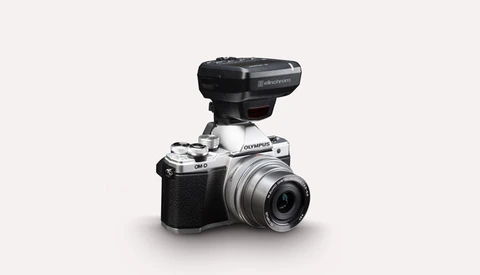
Elinchrom Introduces the Skyport HS Trigger for Olympus

Three months ago, Elinchrom released the Skyport HS for Sony. Back then, many seemed to complain there was no version for smaller bodies. It’s not the case anymore with the introduction of a new Skyport HS specifically designed for Olympus cameras, making it the fourth version of this pioneering flash trigger.

Profoto Announces the Air Remote TTL for Sony

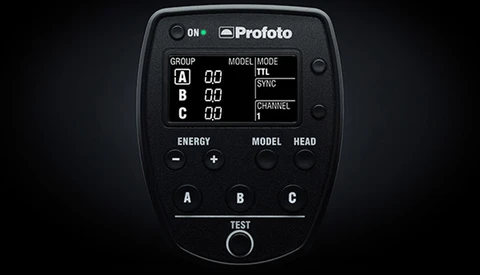
With the new trend of including features such as TTL, HSS, or Hi-Sync, it’s now become common to see flash manufacturers release multiple versions of a remote. Each of the release being specifically optimized for a different camera brand. Well, today Profoto introduces a Sony version of their TTL trigger, the Air Remote TTL-S.

Documentary on the Most Famous Fashion Photographer Alive: Mario Testino

Mario Testino is without a doubt one of the most famous fashion and portrait photographers currently alive. He has worked for the biggest magazines and brands in the world, including Vogue, GQ, Vanity Fair, Calvin Klein, and Burberry. Over his 35 years of experience in the industry, he more than certainly shot some of the sexiest, most important, and most famous people on earth. In this article, take a glance at his work, but also his life, through a documentary created by the BBC.

6 Tips From Franck Boutonnet to Improve Your Wedding Photography

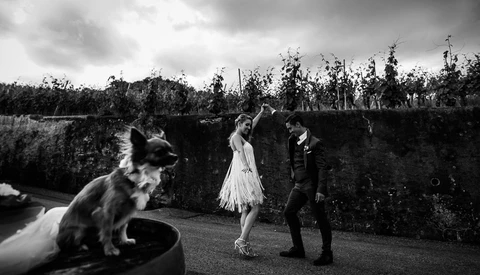
Franck Boutonnet is a France-based photographer and has been producing stunning images for his clients for over 15 years. His knowledge, skills, and work are amazing! There is a lot to learn from his pictures, but also from him. In a short video ShotKit created, Boutonnet gives us six tips to help us improve our craft. 

How to Open Large PSD and PSB Files in Photoshop Faster

Photoshop is a fantastic tool, but it is not always the fastest software on earth. Large files such as PSD, TIFF, and PSB that contain numerous layers can require a few seconds, if not minutes, to load. When all you want to do is quickly check that all the files in a folder are the final versions, it can be tedious! However, there is a neat trick to open your big files much faster. Here is how.

Fstoppers Reviews the Nikon D500

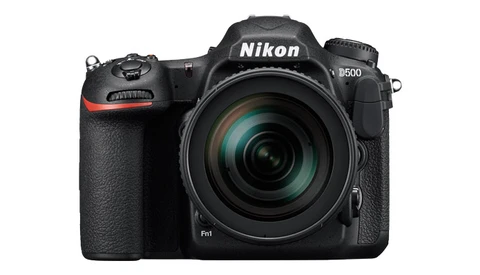
This year has been rich in new exciting product releases. While most wedding photographers were probably awaiting the Canon 5D4 announcement, the action and sport photographers were looking forward to the new pro bodies, such as the Nikon D5 and Canon 1DX II. However, Nikon surprised us with the D500, their new APS-C flagship camera. Being the geeky photographer that I am, I wanted to try it out and see if it was good as a Nikon full frame body.

Wedding Photographers: Get Your Life Back by Outsourcing Your Editing

Documenting a wedding in itself is very demanding. It often requires 12 or more hours of coverage during which you must be creative almost every second. But wedding photography doesn’t stop when the big day ends. Then come the culling and editing. It’s probably the part where event photographers spend most of their time and also the task they like the least. Fortunately enough, retouching companies exist and can lighten if not remove that part of the job entirely. I made the switch for my wedding business, and I share my experience with you here as well as why you should give it a try as well.

Five Tips to Help You Better Capture Emotions and Moments

Capturing emotion is not an easy task. It requires being in the center of the action and perfect timing to press the shutter. But that is not it. Creating moving images are more demanding than just placement and synchronization. Famous sport and music photographer Michael Zagaris joins Marc Silber on "Advancing Your Photography" and gives us his essential tips to come up with touching pictures.

Four Visual Help Layers to Make Color Correction in Photoshop A Breeze

For most beginners, distinguishing hues, or noticing over saturated areas, can be an issue. Even some most advanced retouchers still have problems color correcting their images. Reaching the point where our eyes see colors properly takes time and a lot of practice. Fortunately enough, visual help layers in Photoshop can aid us separate luminosity, hue, and saturation. In this article, I will show you how to isolate the latter two to facilitate your color correction.

Dodge and Burn for Dramatic Wedding Photography

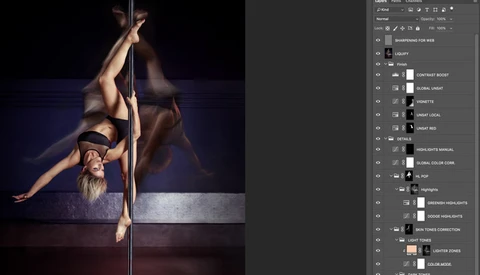
Dodge and burn is a well-known technique amongst the retouching community. Most retouchers will use it to smooth out transitions and micro-contrast on portrait, fashion, or beauty images. However, it can be utilized for any genre of photography and broader uses than just skin cleaning. It can be used to direct the viewer’s eye and create more compelling, dramatic images with a few clicks. If you shoot and edit weddings and are looking to step up your post-processing game, this article is definitely for you!

How to Convert Negatives to Positives Using Capture One

Last week I showed you how you can use just a DSLR and a few accessories to digitize your negatives. However, that article wouldn’t have been complete without explaining how to convert the scanned analog picture to a positive image. The process is quite easy and only a few steps are required to achieve a great result. Let’s dive in!