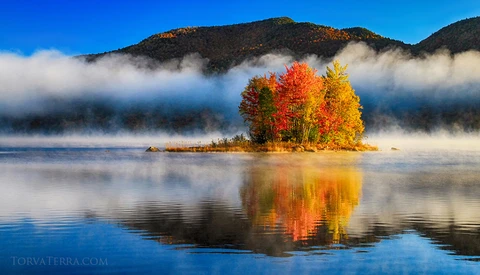
How to Tell a Story in Landscape Photography
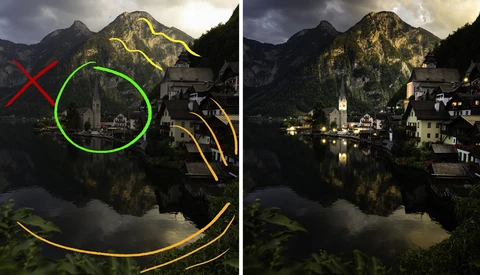
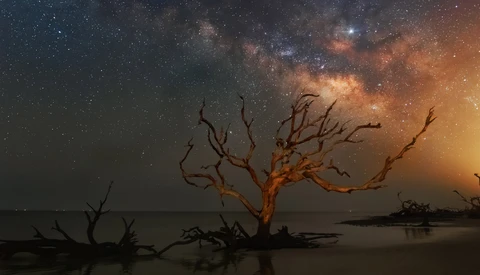
It is the story that makes a photo special, and it is one of the base requirements for fine art photography. But it is also that area where landscape photographers seem to struggle most.
Below are the most bookmarked articles by our members.
It is the story that makes a photo special, and it is one of the base requirements for fine art photography. But it is also that area where landscape photographers seem to struggle most.
My favorite season is about to hit the Northern hemisphere, autumn. With its riotous color and vibrancy, the forests of autumn transform into a landscape and nature photographers' playground. Here are my tips for planning your ultimate fall color adventure.
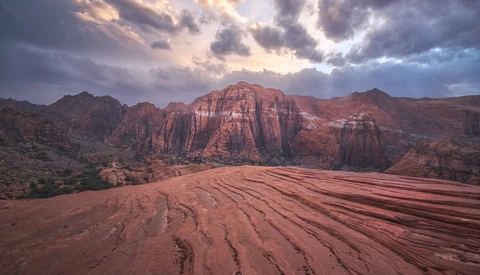
The majority of landscape photographers tend to prefer keeping the entire scene in focus from back to front, using smaller apertures to maintain greater depth of field. Using this simple technique, any photographer can quickly find the hyperfocal distance, or the focusing distance at which a lens, given any aperture and focal length, will produce the greatest depth of field.
One of the most difficult things in editing isn't knowing how to color grade, use radial filters, or Photoshop. It's knowing what a photo needs once you sit down to edit it and these five tips should help guide you in tackling any photo you have.
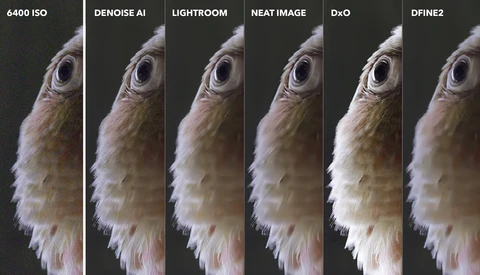
Nobody wants a noisy photo, that's why in this tutorial you'll find out how to remove high ISO noise fast using some helpful tools in Lightroom.
Editing is a huge part of landscape photography and the chance for you to add your personal style to your images. If you are looking to improve your own editing, check out this fantastic video tutorial that will show you seven different editing techniques that are useful for working with landscape photos.
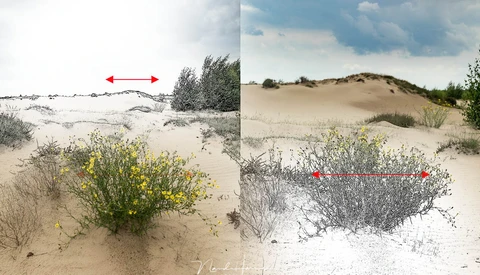
Looking for a way to take your editing to the next level? Range masks not only save a trip into Photoshop, they also simplify an extremely powerful tool that will improve your editing, no matter what genre you shoot.
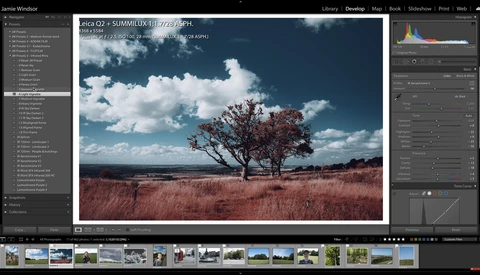
In this week's article and video I go over my process of capturing an image from start to finish. Everything from how I found my location, captured the photo in the field, and my entire Lightroom editing process.
If you haven't noticed from my previous articles, I love Lightroom Classic. Lightroom has many powerful features that are easy to access, and I love its digital asset management capabilities. However, some powerful features are hiding in Lightroom that you might not know are there.
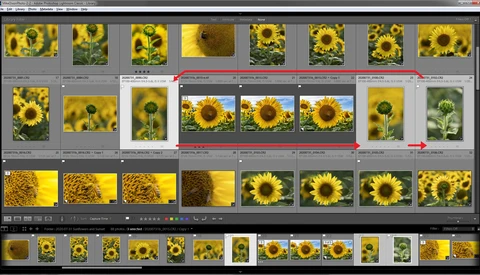
Lightroom has been around long enough now that most photographers are au fait with it, many even experienced. But with modern software — particularly in our industry — the depth is almost unknowable. So, here are 15 tricks which can save you time, and I'd bet there are very few photographers, if any, that already knew all of these.
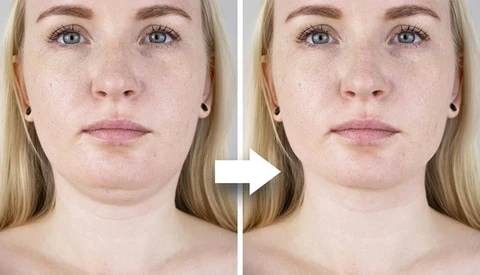
A double chin is one of the most common cosmetic issues a client is likely to want you to correct, but once you understand how to retouch it, it is not particularly difficult to do. This great video tutorial will show you how to use Photoshop to retouch a double chin.
Using something in the foreground of your landscape image can add a lot of depth, but placing a foreground in your composition without consideration is not the way. It can be smart to give it a little thought. In this article, I will give you a couple of things to consider that may lead to a better composition.
My biggest post-processing challenge in photography is image noise. Unlike studio photographers who can precisely control every aspect of lighting, I've been photographing most of my campaigns handheld in natural light for more than 15 years.
There's often some confusion among beginner Lightroom and Photoshop users about how they should be exporting files. In this video, watch how a professional photographer prepares his files for use on the web and in print.
Many photographers are dealing with stress and worrying which leads us to be up all night. During the last recession Brett Missick turned his insomnia into a lifelong project.
Finding commercial clients is a minefield. Working out which agencies to contact, who to contact within the agency, and as importantly, how to do so and what on earth you should say can all be a nightmare. In this video, I cover all of this and more.
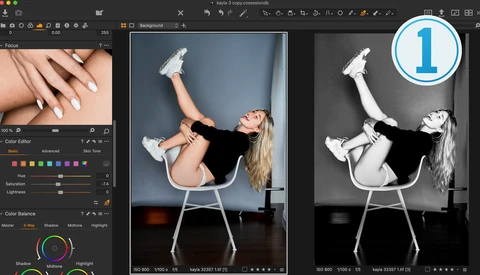
Capture One is multifaceted image processing and asset management software. As a raw processor, it is considered the gold standard, supporting over 500+ cameras, and with it comes a uniquely powerful tool-set for developing, color grading, and tethering. But that is just the tip of the technological iceberg that is Capture One. With a focus on user experience, its mountain of capability and complexity is hidden under a veneer of simplicity so as to make working with your images fast, focused, and easy. What we'll address today should help in understanding how the software works and how to bend it to your liking, hopefully resulting in an even better experience.
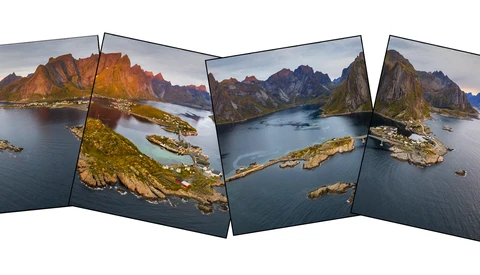
Panorama photos are huge, sharp, and fascinating. In this article, I will show an easy way to automatically stitch a panorama in CameraRaw and finish them off in Photoshop.
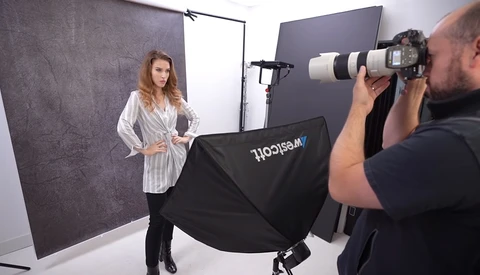
Softboxes are some of the most fundamental and versatile lighting modifiers out there, and they are a great tool for anyone looking to learn how to use artificial lighting and build their skills. This educational video will show you five different ways to use softboxes and give you some helpful tips for using them.
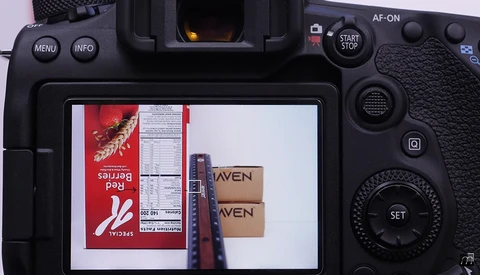
Given the way DSLRs work, it is sometimes the case that your lenses will need what is known as an "autofocus microadjustment." This excellent video will show you how to perform one to improve your lenses' autofocus performance.
Most of the adjustment sliders in Adobe Lightroom or Adobe Camera Raw are self-explanatory, for example, highlights and shadows. But do you truly understand what is happening when you move that slider?
The Lens Corrections panels in the Lightroom Develop Module and Adobe Camera Raw provides the ability to correct lens problems such as distortion, chromatic aberration, and vignetting. These settings are often turned on and never given a second thought.
If you're like me and primarily use Lightroom Classic for your photo editing, you probably occasionally edit a photo in Photoshop. If you do, you might be making the same Photoshop file mistakes I made.
Range masking is one of the less used yet more powerful features in Adobe Lightroom. If you haven't used them, check out this tutorial covering the ins and outs.
Strap in people, because this is a tough love lesson for anyone whose goal is to “make it” as a professional in the photography industry.