Video Editing

Video editing is where footage becomes storytelling — and the gap between raw material and a finished cut is where most of the creative work actually happens. This section covers the major editing platforms, practical techniques for pacing and structure, color grading workflows, audio handling, and the organizational systems that keep complex projects manageable from first import to final export.

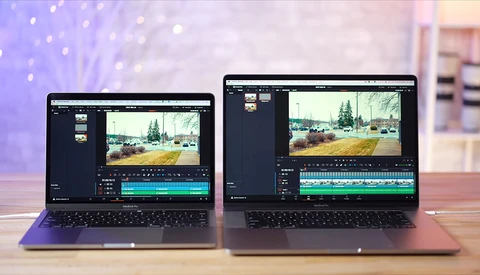
Video Editing Comparison of 13” and 16” Macbook Pro

Apple renewed its Macbook Pro line recently and introduced the new 16” model while keeping the good old 13” version. However, the latter comes with the newest 2020 chips and graphics unit as its bigger brother still has the 2019 hardware inside.
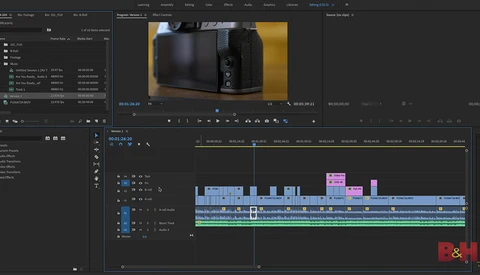
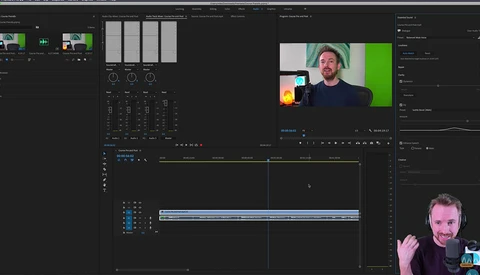
7 Features of Adobe Premiere You Might Not Have Seen Before

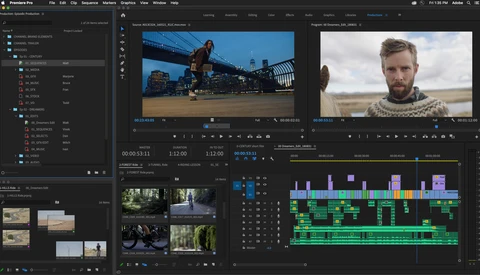
Adobe Premiere Pro is a tremendously complex program, and within it are a ton of features that can make your life easier that you might not know about yet. This fantastic will show you how seven lesser-known features that can make your video-editing life a lot easier and more efficient. 

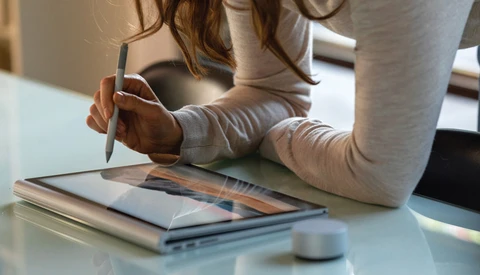
Is the Surface Book 3 a Macbook Pro Killer?

The newly announced Microsoft Surface Book 3 is reportedly their most powerful laptop ever. So could it be good enough to destroy the competition? Namely, the new Apple Macbook Pro 2020. Photographers and creatives alike love Apple products for editing workflows, but could this be the beginning of the end for Apple's domination of the creative market?

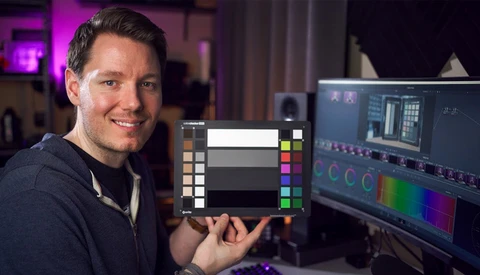
Why Color Grading Is so Important to Your Work

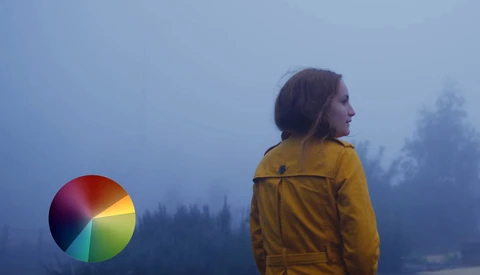
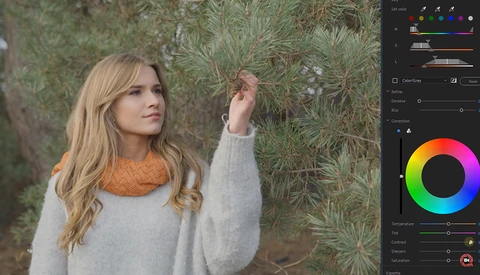
Color grading is one of the most important techniques for giving any video a professional touch and developing your own personal style. This helpful video tutorial features a cinematographer and colorist discussing a wide range of color grading techniques, theories, and examples and how you can apply them to your own work.

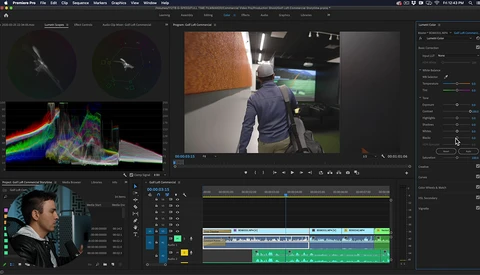
5 Tips for Faster Editing in Adobe Premiere Pro

Video editing takes a lot of time and effort, and anywhere you can make your workflow a bit more efficient can really add up in the long run. This great video will give you five helpful tips for editing more quickly in Adobe Premiere.
Five Video Editing Tips for Organizing Your Workflow

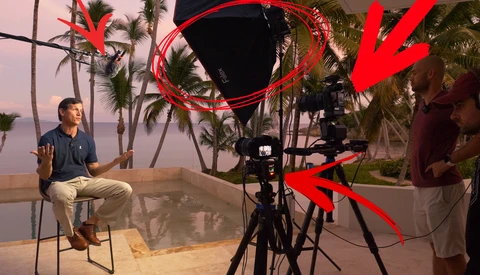
Whether you are new to editing, or you have solid experience, you might have moments where something in your workflow is constantly dragging you behind. Professional video editor, Lucas J. Harger, shares several of his organizing techniques in order to speed up post-processing.

How to Edit a Video From Start to Finish in Adobe Premiere

Adobe Premiere Pro is a tremendously complicated program with a wide range of features, effects, and capabilities, and it can be a bit overwhelming when you are new to it and learning how to edit video. If you are struggling a bit, this excellent video will show you an eight-step process for editing a video from start to finish in Premiere Pro. 

How to Remove Background Noise From Audio

You can have the best visuals in the world, but if your video has poor or distracting audio, it will be difficult for your viewers to enjoy it as you intended. If you notice your video has excess background noise, this helpful video will show you how to remove it.

How to Match Colors Between Different Cameras and Grade Log Footage

One of the most common issues you will face if you are shooting video with multiple cameras is matching the color across all the footage to ensure consistent, professional results. If that is something you struggle with, this excellent video will show you how it is done, along with how to grade log footage.

Every Premiere Pro Effect Demonstrated in Just Six Minutes

Adobe Premiere Pro is a tremendously intricate and powerful program with a vast range of features and effects for improving your video footage and realizing your creative ideas. This excellent video will show you every single effect in the application and how it affects the look of your footage in just six minutes.

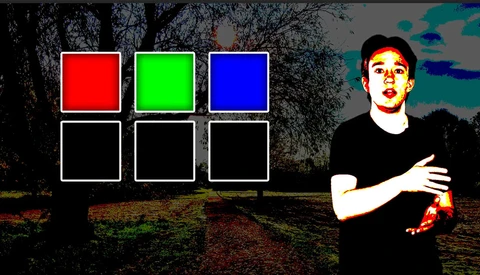
Taking Advantage of Color Theory: Cinematic Color Grading

Color theory is a broad subject, and the way you use it defines your style when filming or taking a photo. The technique of using color theory on your images and footage in post is called "color grading," and it is more than just using the cinematic teal and orange duo.

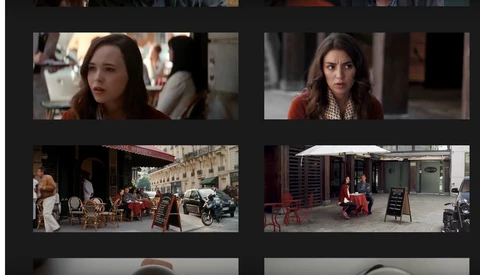
How to Shoot an Ad in Your Dining Room

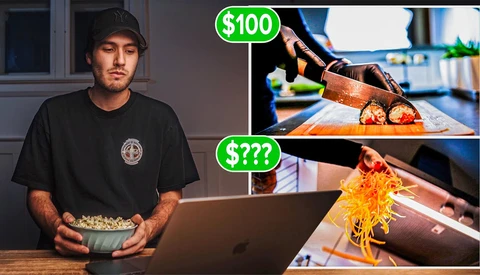
Daniel Schiffer is a YouTuber who started off as a guy making videos for restaurants. Now, he's got more than one million subscribers, and it's because he can get a lot done with very few resources. In this video, you can see how he does it. 

How to Work With Photos in Premiere Pro

In this video, Jason Boone from Boone Loves Video shares the best tips and methods of using still images in Premiere Pro and how to make the visual aspect as interesting and visually appealing as possible. 

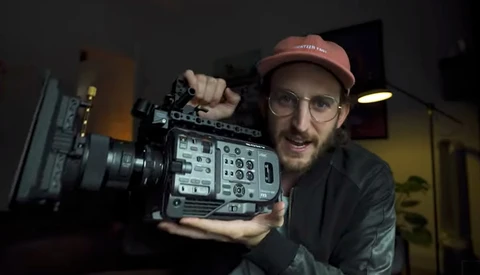
This Free Software From Sony Could Make Gimbals Redundant

Filmmaker Mark Bone has just discovered that some free software from Sony can stabilize footage from his FX9 to the point that he’s wondering how often he will ever need to use a gimbal in the future. Check out this short video.

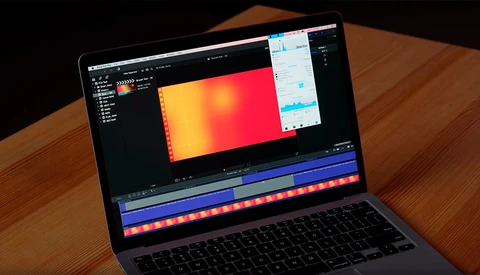
Testing the New 2020 Macbook Air for Video Editing

The new 2020 MacBook Air has been introduced with some new features at a cheaper price than the 2019 model. The new model has the latest 10th generation Intel processor with better graphics, so let’s find out how it handles video editing.

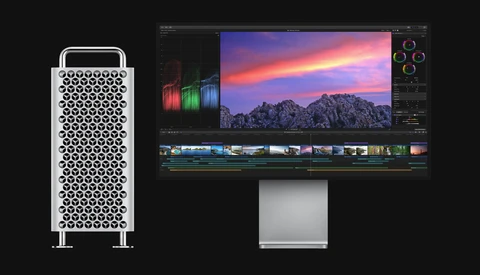
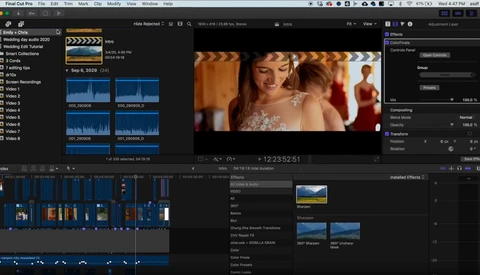
Final Cut Pro X Is Now Free for 90 Days

Apple has announced that you can now test out Final Cut Pro X for 90 days, increasing the trial period from 30 days. In addition, Apple will soon be applying the same deal to its digital audio workstation and MIDI sequencer, Logic Pro X.

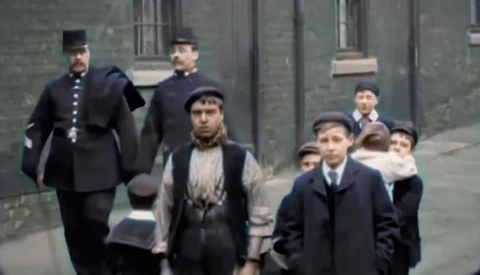
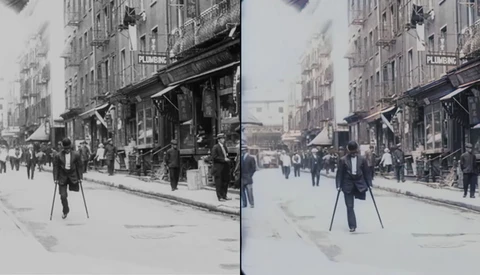
Footage From Victorian England Enhanced to 4K and 60 fps

If, like me, you have a love for history, being able to see footage from Victorian England in 1901 is a real pleasure. Using neural networks, we can now see previously grainy and fuzzy video from the era upscaled to 4k, 60 fps, colorized, and significantly improved image quality.

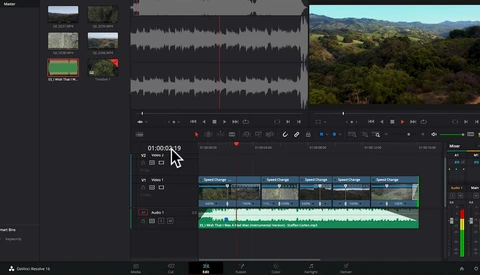
Goodbye Adobe Premiere, Hello Da Vinci Resolve

If you’re a video editor working on Adobe’s Premiere Pro, you’re probably well aware of all the frustrations that come with using Adobe’s answer to video editing daily. The sluggish playback, the generic error issues, random crashes, and in some cases corrupted project files. We’re all well aware of how bloated and buggy this once prized piece of software had become, especially as of late. 

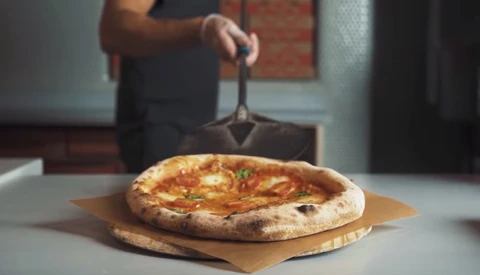
What Happens When You Pay a Stranger $25 to Edit Your Pizza Commercial?

Heading to freelancer marketplaces and seeking out cheap and inexperienced creatives to edit or retouch photos is fun (though perhaps not as fun as finding people to write bass guitar riffs), but what happens when you ask an editor to cut your raw footage of a commercial? This video finds out.

Canon EOS C500 Mark II Versus Canon EOS R: Can the Mirrorless Camera Keep Up?

At $16,000 for the camera body only, the Canon C500 Mark II is an impressive 6K camera that meets the needs of independent filmmakers and videographers alike. What happens if you can't afford a B camera at the same level as the C500 Mark II? Can the Canon EOS R keep up and deliver with its 4K footage?

How Do You Make A Movie Look Like One Long Shot?

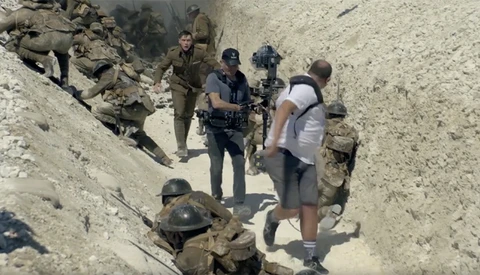
How do the big movie production companies get us to believe the scene is taken in one long shot when memory cards get full and film runs out? This video shows 4 ways of making the viewer believe it's shot this way in movies such as Academy Award Winning "1917," and maybe you could use it too.

10 Tips for Faster Video Editing in Premiere Pro

Video editing can be a really time-consuming task, and as such, it is important to learn not just how to do something, but how to do it in the most efficient way possible. This excellent video will give you 10 tips to help you edit more quickly in Premiere Pro.

Five Advanced Color Techniques for Premiere Pro

Working with color in video is a bit different than working with it in images, and it is important to learn the proper techniques and order of operations to produce the best quality footage possible. This excellent video will show you five techniques for more refined color correction when working in Premiere Pro.

Adobe Premiere Adds Pro Productions Features

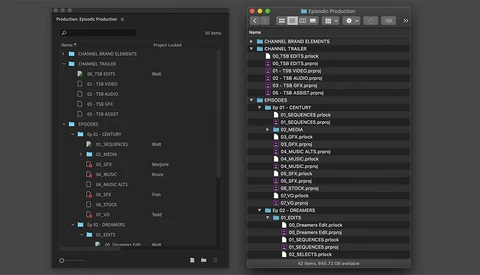
Adobe Premiere Pro is set to receive a major feature set update, focused on professional productions. Built from the ground up “with top filmmakers and Hollywood editorial teams” in mind, these features could change how you work on large or complex projects.

Vimeo Is About to Add Some Useful Tools to Their Service Offering

YouTube has become the go-to space for video. We have famous video creators that earn a good living doing so. And then, we have Vimeo, the professionally orientated video-sharing platform that many professionals use to host their projects and productions in the best quality possible online. 

Get This Free Pack of Dynamic Video Transitions for Davinci Resolve

After getting familiar with the general interface of your chosen video editing software, and perhaps after your first few simple edits, the next step for most aspiring editors or YouTube creators might be to start learning a few fancy transitions to flex those creative muscles and spice up your new videos. This YouTuber has just made your lives a little easier.

How to Remove Object From Video Using Content Aware Fill Tool in After Effects

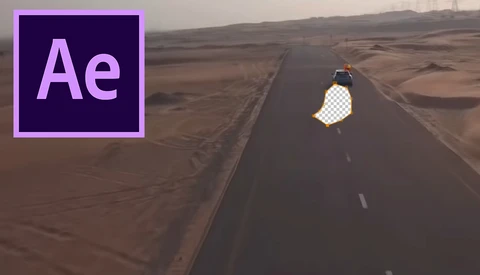
Most photographers are familiar with the content aware fill tool. This features has been part of Photoshop for years and can be a life saver to remove unwanted or distracting elements from an image. Adobe recently implemented this tool in After Effects and this short tutorial shows how to use it.

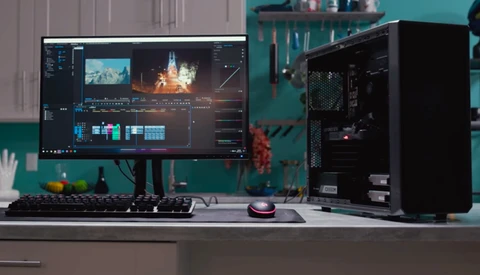
Helpful Tips for Beginners to Speed Up Video Post-Processing

If you thought editing photos took up a lot of computing resources, just wait until you dive into video. If you are new to video and wondering what you can do to make your post-processing run as fast as possible, this helpful video will give you some tips to optimize both your hardware and your software to keep your editing running as quickly as possible.

Level up Your Video Transitions

If you are like me and you are at the beginning of your transition from stills to video then you will also like me, be eating up as much free education on YouTube as possible.

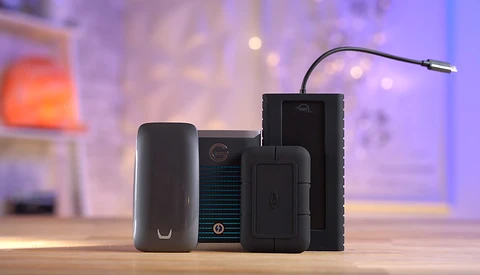
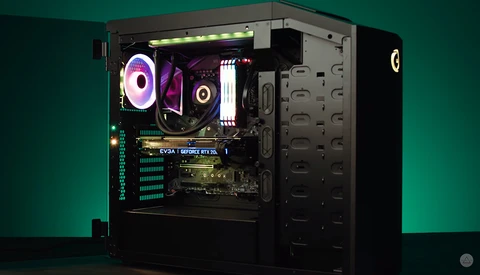
Building a 4K Video Editing PC on a Budget in 2019

In 2019, it’s almost unthinkable not to be shooting 4K video, even if it’s not the final resolution of the video you’re delivering to a client. While I’ve made 4K editing work on something even as lowly as a 2013 Macbook Air, chances are, you’ll want a little more horsepower than that. Here’s a video that has you covered on building your own budget 4K editing PC.

How to Shoot Slow Motion Boudoir Videos

Have you started to dabble into creating videos simultaneously with your photoshoots? Having the capability and provide your clients with the option to include a slow motion boudoir video along with their photos could help set you apart from the rest. So, where do you begin? 

Videographer Explains How to Mask Jump-Cuts While Recording and in Post

Anyone who frequently views talking-head style YouTube videos/vlogs will often notice the jump-cut style of editing that many creators employ in order to cut out mistakes like dropping something, long pauses, or word salads. When videos with mistakes are edited without much care or thought, they end up being quite jarring if not downright frustrating to watch. So, if you're a creator who wants to mask a jump-cut as best as possible, what should you do?

Start Introducing Video Into Your Photography Business Today: With Filmora9

As a photographer you may not have had any experience in creating or editing video material, but maybe you should consider opening yourself up to learning new skills to not just enhance your marketing materials, but perhaps also start offering something different to your clients that can make you stand out in the crowd?