
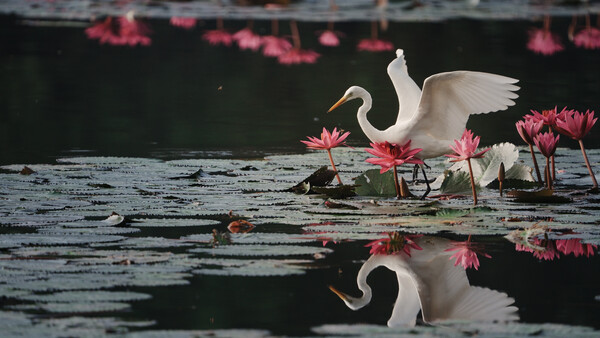
While gear reviews can offer a lot of secondhand insight and opinion, there’s nothing like being able to try out the camera for yourself. While there is no way for us to let everyone interested try out the camera physically, this might be the next best thing.
It has been almost a month since the fifth-generation Sony a7 V was announced, and while some buyers have already received their early orders, many are still waiting or on the fence about getting the new camera. While there have been mixed responses about the video features of the a7 V—mainly because a lot of content creators were expecting open-gate shooting on this midrange hybrid camera—a lot of the evident enhancements are more obvious for shooting stills.
New Features for Photography
For someone who came from the Sony a7 IV, looking at the specifications might seem underwhelming, especially if the new sensor and processor are only seen as labels. However, the new Exmor RS sensor that still offers 33 megapixels has a lot more to offer than sharpness. Key updates include:
-
A partially stacked sensor design for faster readout
-
Up to 30 frames per second with the electronic shutter
-
A wider dynamic range of 16+ stops in a single frame
-
The new BIONZ XR2 processor for AI-driven autofocus, plus improved white balance and color rendering
Experience the Images
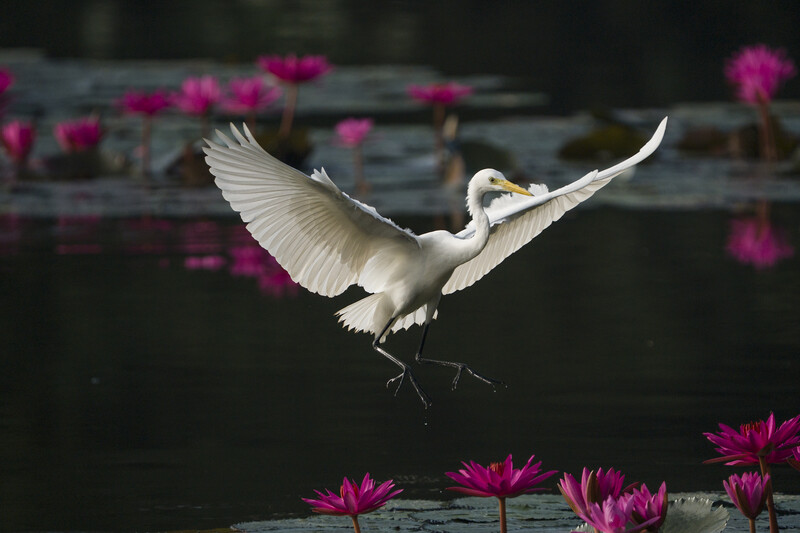
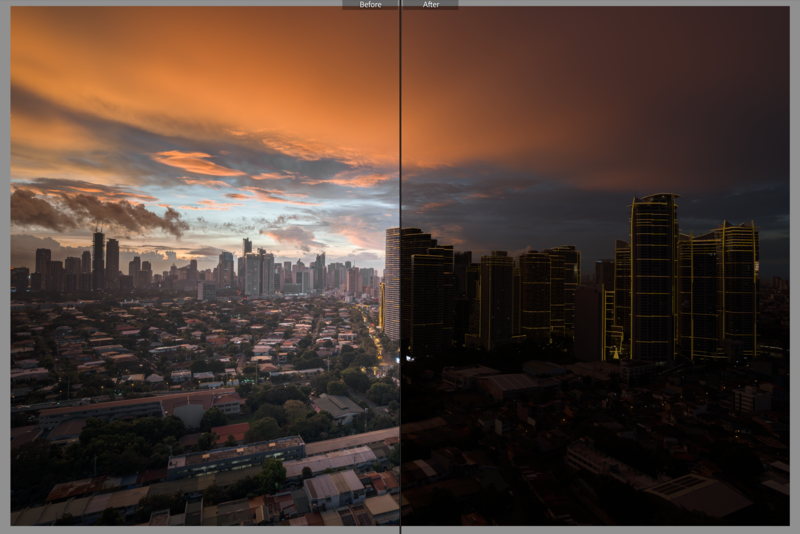
In this video I put together, I’ll show you how the raw files perform with post-processing in Adobe Lightroom or Camera Raw. Here, we’ll see how flexible the images are in terms of pulling details from highlights and shadows, how much noise emerges from doing so, and how malleable the colors are for color management and grading. In addition to the demo, you can also download the sample raw files for yourself and access them with the latest update of Adobe Lightroom Classic (desktop) and Adobe Camera Raw.
What the Raw Files Can’t Show
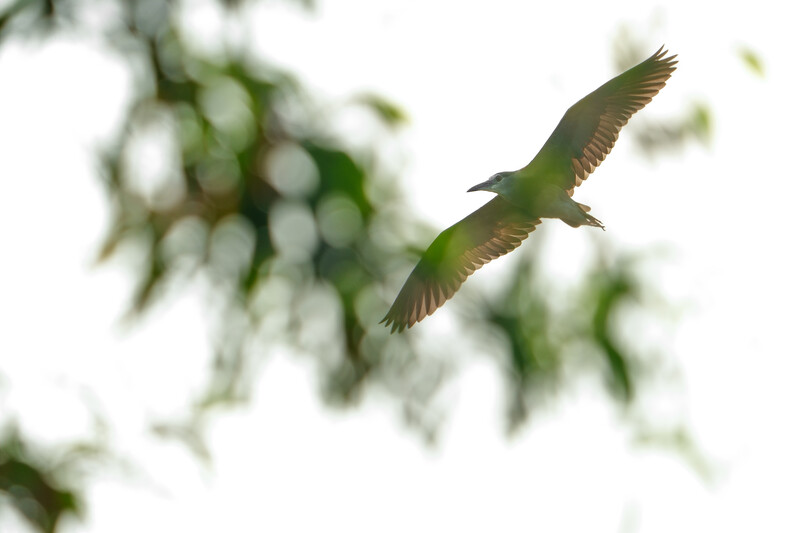
Of course, there are a lot more aspects about the camera that can’t be experienced by just editing the raw files. For one, while autofocus and AF tracking might be evident in the images, it would take a series of consecutive, high-speed burst stills to show accuracy and consistency. At the same time, other than what I’ve shown in the past review through screen recordings, the no-blackout 30 fps shooting is something that can and should be experienced firsthand. While there are obviously limitations in terms of what we can share about the experience of shooting with this new camera, at least a peek at the raw files might give you a better idea of whether you should order a Sony a7 V—or at least try one out in-store, if available.





Join the Fstoppers community for free
-
Post comments and join in the discussions
-
Browse the site ad-free
-
Share your work and get featured in the community
-
Compete in the photo contests for fun and prizes
1 Comment
Great post of camera where some of us will notice ISO Invariance is still in the camera meaning as he increases the exposure in post noise is not seen in the darker images for the low ISO used 100 and 400, that is good for still photographers. ISO Invariance was first in the A7 M2's also many even at this stage of 5th generation many may not know about "Bright Monitoring" I assign to the trash button that is like Night vision at night dark places and great for framing instead of taking a number of captures to get zeroed in, I do not think other camera makes have it but a must for Astro Milky Way photographers.
Most also unaware that when you turn on the newer camera models the camera takes a black image and get ting rid of hot and dead pixels as a reset function.
In the old days 2015 when doing bracketing in the dark say 3 at +/- 1EV camera NR is turned off or even a long exposure of just 1 second or more recommended back then and doing multi images and stacking to rid the color noise with a program.
The image here was done in 2015 and bracketed at the above settings and till a couple of yes ago did Lrc not only combined the images in HDR but also got rid of the hot (red) and dead (white) noise pixels. I some times go back to old image and edit again to see improvements few ever mention or know about.