Articles written by Quentin Decaillet
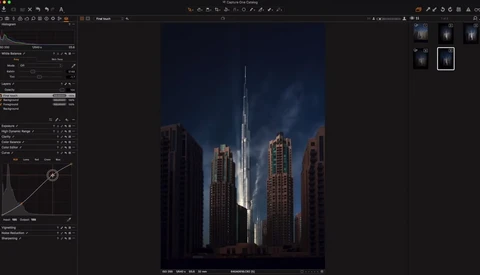
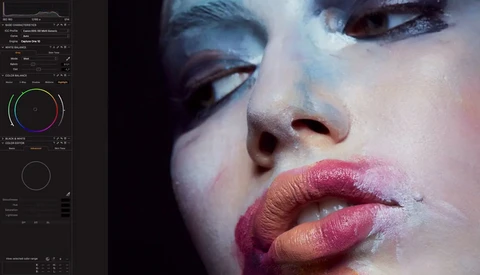
Baber Afzal is well known for his dramatic looking fine art cityscape and landscape pictures. In this 12-minute long tutorial, he’ll show you how to achieve the same look on your pictures by taking you through one of his edits in Capture One and giving precious tips along the way.
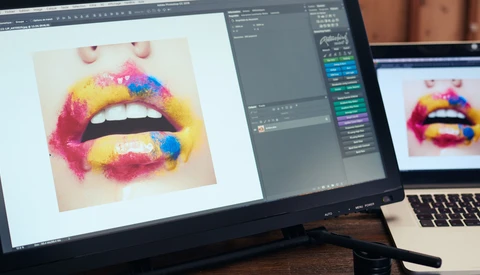
When it comes to retouching as best as possible, a graphics tablet is crucial. It gives more control and allows for fine adjustments that are extremely hard to get with a mouse or trackpad. I’ve been a longtime Wacom Intuos Pro user and always loved it. However, I’ve always wondered what it was like to edit on a screen.
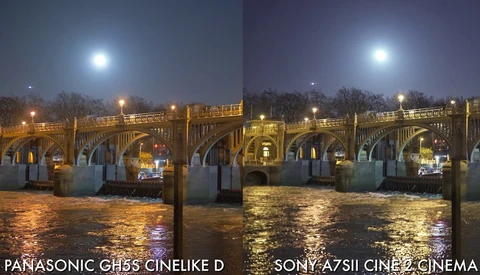
Since the announcement of the Panasonic GH5S, the whole YouTube, videography, and photography community has been debating which one was better in a low-light situation. To put an end to the debate, this video by Philip Bloom will give you the definite answer, or at least provide you with everything you need to make your own choice.
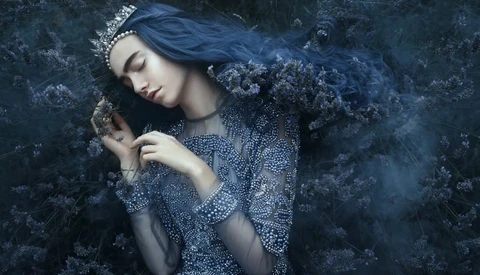
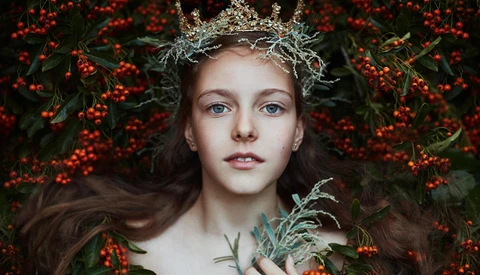
A couple of flowers, some DIY, and basic Photoshop skills along with a strong creative vision in mind is all you need to make a stunning image. If you are starting out in photography and want to get into fashion, beauty, or fine art but have a rather small budget, you should definitely look at this inspiring behind-the-scenes video of Bella Kotak.
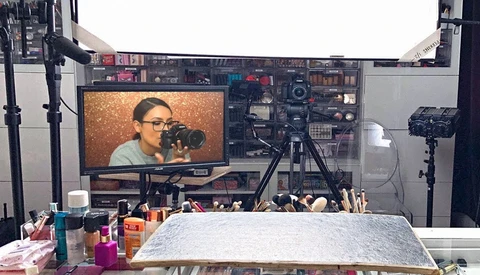
Recently, one of the most significant beauty and makeup YouTubers released a video showing what kind of setup she’s using to shoot, and it’s absolute madness. If you thought people on YouTube were still shooting with webcams and the iPhone flashlight, you are in for a real surprise.
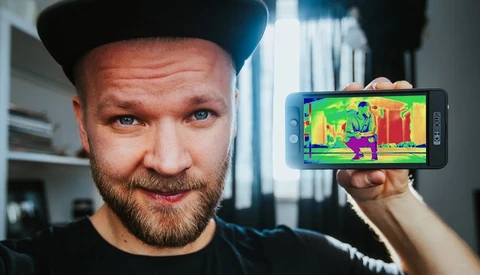
Relying on your camera screen to nail exposure is a sure recipe for disaster. Depending on the lighting situation, the contrast of your display, how it’s back-lit, as well as other parameters, you’ll see the luminosity values differently. To make sure you get it perfect, there are tools available to you.
The price of videography equipment has its reasons, but those justifications often remain a mystery to most of us. From cameras that cost thousands of dollars or cine lenses that are close to the price of a car, it’s hard to justify such prices to ourselves, let alone explain to your loved one why you got a new lens instead of going on vacation!
When shooting landscape, I’m sure there have been times when you wished you had a wider lens to capture the reflection of the view in a lake. Don’t be full of regret, and try to look for another solution. One way could be to capture multiple shots and the other to rely on Photoshop.
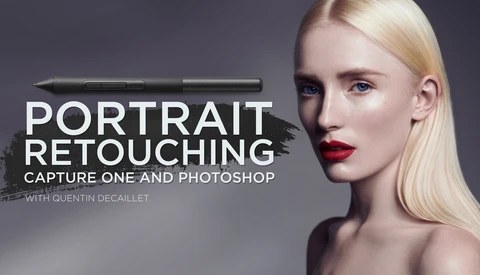
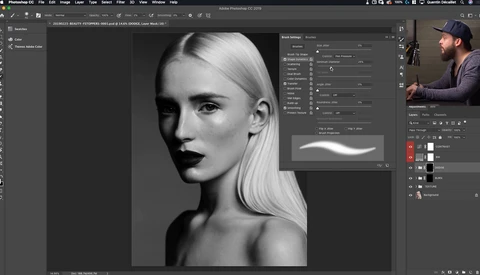
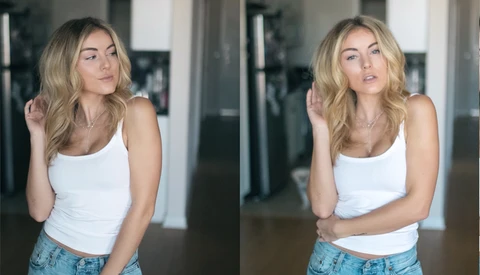
The trend in the portrait, fashion, and beauty industry is to come back to a more natural look while still removing the unwanted blemishes. But without the proper techniques and settings, it’s difficult to make an image flawless while avoiding the overly retouched look.
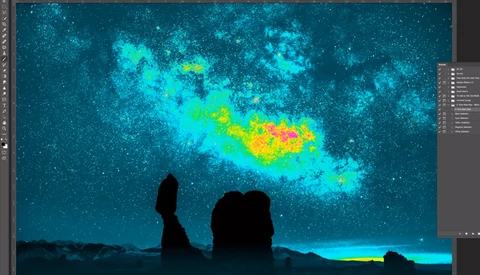
Seeing colors and luminosity correctly is not always easy. You could calibrate your screen and be stuck working at the same place every day, but some people just can’t have a fixed office or studio. And even with a calibrated monitor, adjusting luminosity to your creative vision can get tricky. This is where visual help layers come in, especially one called the five-tone heat map.
After getting into the video world, you quickly realize that being able to stabilize your footage when needed can make a significant impact on the result and quality of your video. While you can buy an expensive gimbal or rely on a not always so practical Steadicam, there is also the possibility of improving the stabilization in post-production.
Whether you shoot portraits, still life, fashion, beauty, or even video, there will be a time when you’ll need to shoot overhead for some reason. Don’t ask me why, I’m just sure that one day you will. So while I can’t help you with when and why, I can share the latest video from Peter McKinnon explaining how.
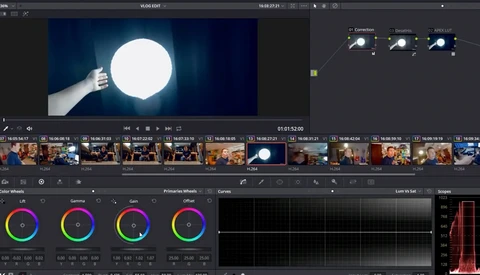
Most tutorials available for free on YouTube explaining how to color grade your footage are just ways to sell LUTs, presets, or to show you how to add teal and orange to your clips. Nate from Tutvid decided to make a more comprehensive video to help you get started with Adobe Premiere Lumetri tool so you can grade any of your videos the way you want.
At first, you could wonder how a hairstylist found inspiration in deep sea creatures and avatar to make a collection. But then, when you see the actual looks and how a talented photographer such as David Sheldrick can make the most out every element to create masterpieces out of it, you actually start to hate yourself for not thinking of it earlier!
What’s great about photography and videography is that in most cases you can work wherever you are and thus move freely around the globe. Chris Hau understood that and managed to travel for free using his photography. In this video, he shares his experience and story with you to try giving you tips and inspiration to do the same in 2018.
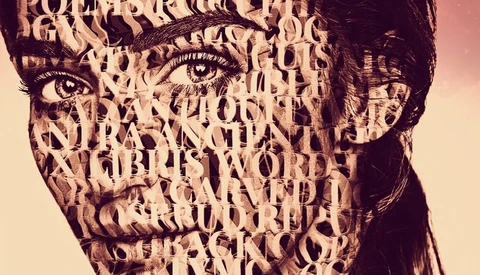
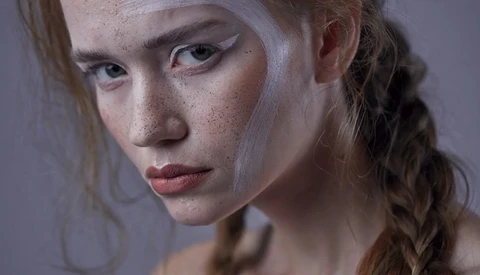
Makeup is one way to create a superb artistic portrait, but it’s not the only method. You could rely on post-production as well to make something different than everyone else does. In this 15-minute long tutorial, Nate from Tutvid shows you how to inlay someone’s face with text.
Photography is often an underrated tool, especially when it comes to helping others with self-confidence or overcoming personal issues. Fine art photographer, Bella Kotak, went through some health issues herself a few years ago, and her whole world began to change.
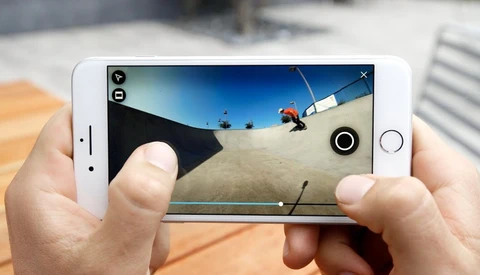
A few months ago, GoPro announced a new camera named the Fusion that would allow users to capture 360-degree videos. now, the company introduce Mobile OverCapture for the Fusion bringing a new way to shoot video to the world. Combined the two products will let you live the moment, capture the whole scene in 360 degrees, and then compose your video in postproduction.
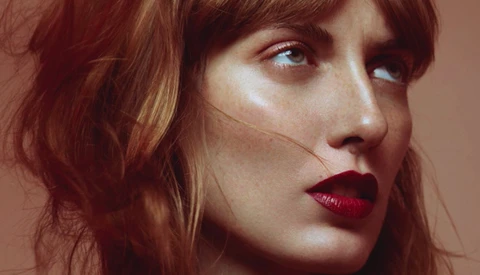
Cleaning skin is one of the most tedious tasks there is when it comes to portrait retouching. It takes quite a bit of time, and when done improperly, the texture can quickly become mushy. To keep the final image as natural looking as possible, there are a couple of techniques that can be used to limit the number of pixels we alter.
So it’s 2018, and you’ve decided that you want to start vlogging. However, you don’t have a license for Adobe Premiere Pro, Final Cut Pro X is also expensive for your wallet, and iMovie is not going to cut it.
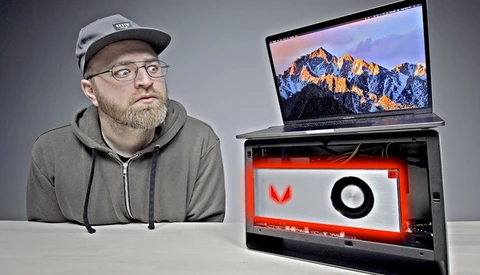
It’s not a secret anymore: gaming laptops running Windows are cheaper and often more powerful than the current MacBook Pro. Many of us have wished that we could upgrade some parts of their MacBook to boost the performance, but unfortunately, with each new release, it seems like Apple is making it more difficult.
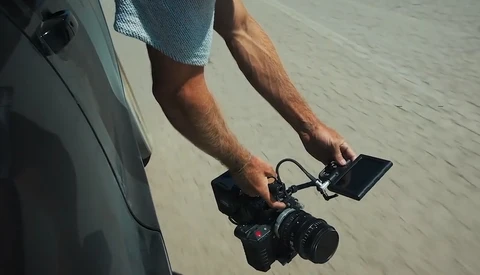
Shooting with a gimbal is fantastic, it makes all of our footage incredibly smooth and vibration free. However, it’s not appropriate in every scenario and may even kill the mood of your video in some cases as Jakob Owens explained in a previous video. In a new one he posted on his YouTube channel, TheBuffNerds, he teaches now how to shoot handheld.
When Capture One 9 was released about two years ago, one of the most noticeable features was the color balance tool. It makes color grading very visual and effortless, even if you don’t have a solid knowledge of color theory.
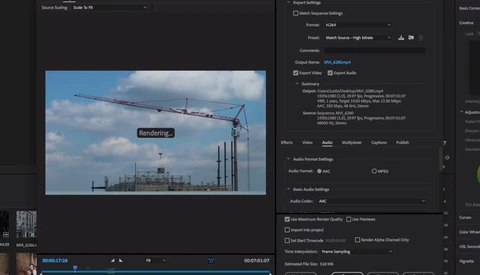
You recently got into video and decided to use Adobe Premiere to edit your footage. That’s fantastic. But now, with your first timeline done, you find yourself in an awkward position: what settings do you use to export your sequence in the best way possible? With photography it’s quite easy, but videography is whole different thing.
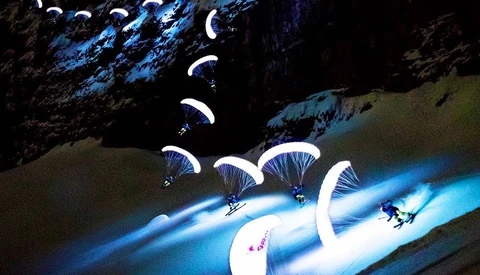
When trying to get creative, we often get discouraged thinking everything has been done, and no matter how hard we try, our work is going to be inspired or a remote copy of someone else’s idea. However, there are still some exceptionally brilliant minds that find ways to innovate and make the impossible possible.
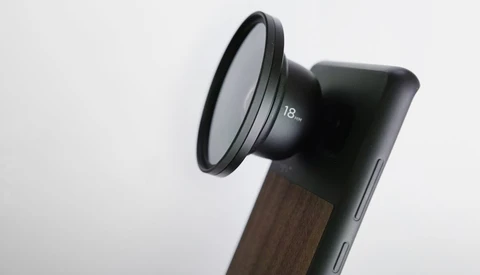
Moment has made a name for itself with its beautifully crafted lenses for smartphones. More recently they also teamed up with Freefly to create the Movi, a stabilizer and cinema robot for your iPhone. Today, they announced a new product that follows the trend of shooting professional quality videos and photos with a phone. It’s a 62mm filter mount for their lenses.
Within a couple of years, Godox has grown from a small Chinese flash manufacturer no one cared about to a brand that most photographers know. Their products are affordable and offer what most of us need. They are far from being in the high-end market and able to rival the Europeans that are Profoto, Broncolor, or Elinchrom, but that may be changing.
So you’ve just bought a drone for Christmas, flew it for the first time only to realize that getting those beautiful aerial sequences to look cinematic wasn’t that easy. Don’t worry; it’s actually not so complicated. There are just a couple of things to know and combine to bring your clips to the next level.
Colors straight out of camera vary greatly between brands and sensors. Canon has been known for a long time for its great skin tone reproduction, while other manufacturers have created more troubles for colorists and retouchers to get perfect tones without a solid post-production workflow.
A few weeks ago I reviewed the PolarPro filters for the DJI Spark and loved them. But to make full use of my drone and the adequate ND filter, PolarPro has created an app that I’m sure you’ll appreciate too. It’s available for both Android and iOS, and it’ll help you make sure you can fly your drone in the best conditions possible.
Filming with a DSLR is always an option, unless you want to capture some behind-the-scenes videos of your shoot or if you are on the go. Then, filming with your smartphone is probably the most straightforward alternative if you don’t want to lug around a camera just for that. The options available are actually more advanced than you may think, at least that is if you rely on Filmic Pro.
Even though Instagram seems to be the more interesting platform for photographers, YouTube is not one to forget. It offers a ton of possibilities to showcase our work and even make money out of it. If part of your business is education, Google’s video service should definitely be part of your marketing and business plan.
Since TTL and other fancy features have been introduced to strobes, flash manufacturers have had to develop a different remote for each camera brand. Profoto and others have tried their best to offer as much choice as possible, but the Fujifilm compatibility was lagging behind.
Since GoPro released their first action cameras, many other brands have tried to take on this market and offer alternatives. One of them is called Aukey, and they designed the AC-LC2 to be a very affordable yet still capable action piece of equipment. It can shoot in 4K at 25 fps, can produce time-lapses, and even has a Wi-Fi connection.
This year has seen the number of people owning a drone grow like never before. That’s probably due to the units becoming more affordable and more accessible to use. One great example is the DJI Mavic, or more recently the DJI Spark. The latter is advertised as a drone you can take anywhere but still offers an excellent image quality, and that anyone can use.
For a little while now, Instagram has become the place to be for photographers and the word on all digital influencers lips. However, Facebook is not dead, far from it. There are still people on it and it’s still a good place to market your business if you do it right. Making content go viral is amongst the best solutions available, but it requires a little bit of knowledge to do so.
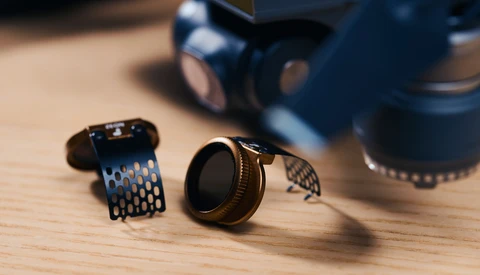
The DJI Spark is a fantastic tiny drone, but it comes with its limitations. To maximize the quality of your images and have more control freedom over your settings, you better be ready to invest in a couple of accessories.
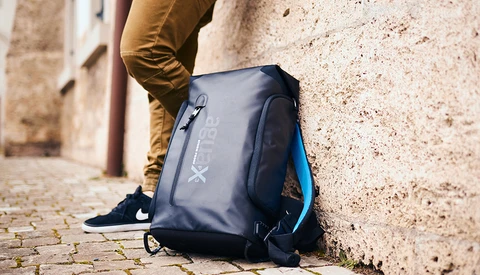
There are tons of photography bags available on the market, all meant to protect your gear better than the other one. When I was given the opportunity to review the Miggo Agua Versa Backpack 90 I didn’t know what to expect that I didn’t already have with my current transportation gear.
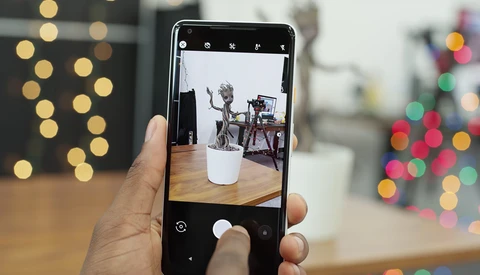
When it comes to background blur, or what we photographers like to call bokeh, it’s a well-known thing that smartphones aren’t the best. In the recent years, however, they have improved, thanks to the dual camera systems and pixel separation algorithms.
Tiny drones like the DJI Spark or Mavic are fantastic because they can fit in any bag. However, not all bags are equals when it comes to protection and usefulness. The Miggo Agua Stormproof Drone Lander was designed specifically for compact drones, keeping them safe no matter the conditions you are working in.



![Godox Leaks the AD600 Pro: Profoto and Broncolor May Have to Worry [Rumor]](https://cdn.fstoppers.com/styles/med_16_9/s3/lead/2018/01/godox-as-good-as-profoto-and-broncolor.jpg.webp?itok=YeVTC0cE)