
Articles from Jason Boone

How to Sync Up Audio and Video in Premiere Pro

If you record audio separately from your video, which most likely you do, then part of your postproduction process will include synchronizing. This process doesn’t have to take a lot of time or require plugins or software. Premiere Pro has built-in tools that allow you to quickly and easily get your video and audio in sync. Let’s have a closer look at how to accomplish this. 
What's New in Adobe Premiere Pro

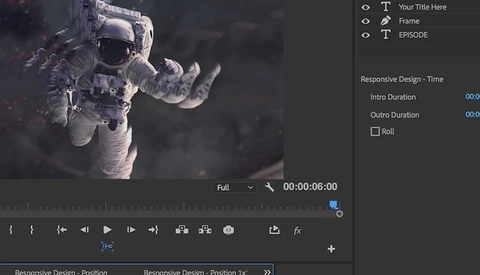
Coming this fall you’ll be able to create and collaborate faster than ever with Adobe’s latest version of Premiere Pro CC. New updates to the program will allow you to open multiple projects at the same time, collaborate with multiple editors on the same project, and work with new graphics tools in the Essential Graphics panel. Let's have a closer look. 

These Five Tips Will Help You Stay Organized While Editing Video

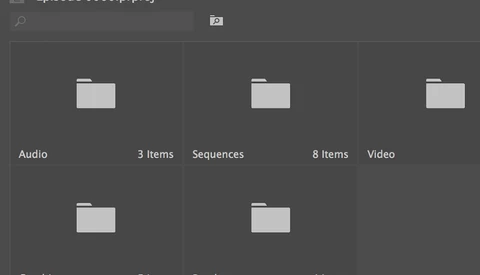
Working as a video editor can be a hectic and tedious experience. Spending some time to think about organizational tools and methods can help you out significantly when working with a lot of files, or in a large group of colleagues. Renaming files, creating proper folder structure, logging metadata, backing up files, and developing a workflow can make your life much, much easier.

Follow These Six Shooting Tips to Make Editing a Breeze

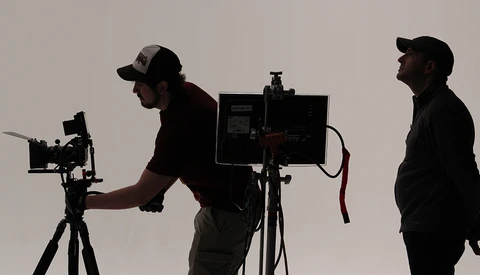
A great way to hone your videography skills is to get frustrated while editing video. As you may know, there are plenty of ways to get frustrated while editing. For example, let’s say you want to include a particular clip in your sequence. When you try to use the shot you realize that the videographer didn’t hold the shot for long enough, and now the clip is too short to use.

Download These 5 Free Wedding Titles and 16 Free Light Leaks

Modern wedding clients expect a lot out of the videographers they hire. No more can you simply be a person with a camera. As professional equipment gets more affordable, the quality standards that people expect have increased as well. This is especially true when you’re editing.

Here's How to Pick Your New Video Camera

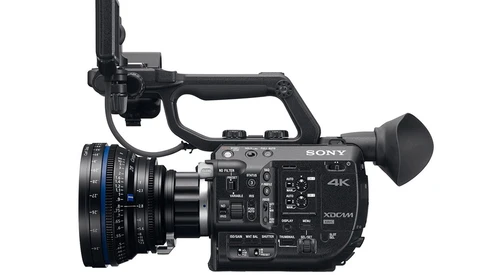
"Which camera should I buy?" This is one of the most common questions I hear. Whether the question comes from an aspiring indie filmmaker, a television production student, or a parent wanting to capture some memories of their children, the answer is never that simple. It’s the equivalent of someone asking what kind of car they should buy.

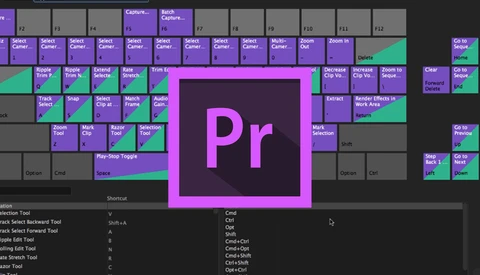
How to Use Premiere Pro's Keyboard Shortcut Map

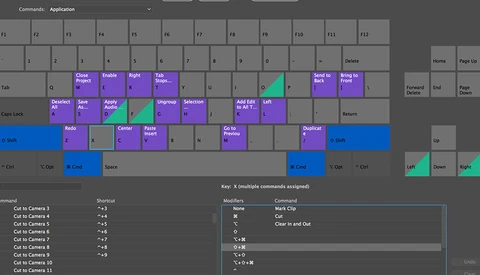
Adobe Premiere Pro’s keyboard shortcuts panel is a drastic improvement when compared with the previous version. Once just a simple list of commands and shortcuts with a keyword search function, now Premiere Pro is providing users with a detailed visual reference of commands via a keyboard “map.” 

How One Young Filmmaker Sold His Film to Netflix

In November of last year, Jonny Von Wallström sold his feature-length documentary film "The Pearl of Africa" to Netflix. He had been attempting to chase down the video streaming service for several years. This included hunting down contact information for commissioning editors and attempting to woo Netflix employees at every pass.

Bring Photos to Life in Adobe Premiere Pro with Keyframing

If you're new to Premiere Pro then you're probably new to the world of keyframing. Use keyframes to animate properties like scale, position, rotation, opacity, audio levels, as well as a handful of other attributes. Keyframes are especially useful when working with photographs in Premiere.

Download These Free Instagram Export Presets for Premiere Pro

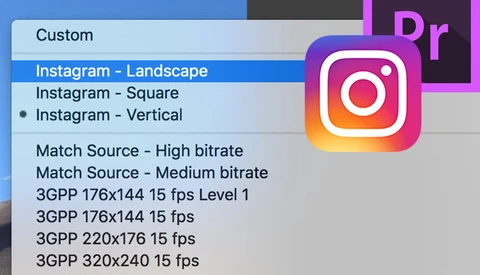
Getting videos exported from Premiere Pro and uploaded to Instagram is not the most straight forward process. To help with this, I’ve created three export presets for you to use. These include Landscape, Square, and Vertical aspect ratios. To install and use the presets, follow the steps below. 

Keep Files Hidden in Adobe Premiere Pro

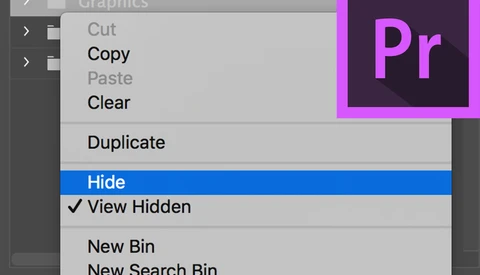
Adobe Premiere Pro gives you the ability to hide files in the project panel. Now, there are a variety of reasons as to why you might want to use this feature. Perhaps you want to remove distracting folders and focus on a group of specific assets.

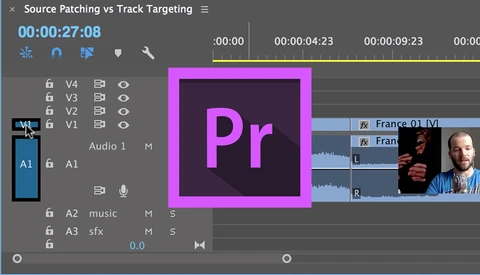
Understand Source Patching and Track Targeting in Adobe Premiere Pro

When editing video in Premiere Pro, many people confuse Source Patching with Track Targeting. While both are located in the same location of the Timeline and look very similar, the two are, in fact, quite different. Each performs its own distinct function, and trying to understand what exactly that is can prove to be daunting for new users of Premiere.

Ripple Trim With Adobe Premiere Pro Keyboard Shortcuts

After working in Adobe Premiere Pro for several years now, I've learned a number of useful keyboard shortcuts. These shortcuts help me with a variety of things, from navigation, trimming, and organization, just to name a few. It was only recently that I found my favorite shortcuts, the powerful Q and W keys. You can perform a variety of useful trims with these two keys.

Adobe Premiere Pro's Editing Tools Explained

It took me several years of editing video before I became comfortable venturing out to use some of Premiere Pro's editing tools. The problem is that you can accomplish almost everything you need with the Selection tool, and some editors are comfortable doing just that. You can perform simple trims, move clips around, and add transitions all using just the Selection tool.

Export Videos from Premiere Pro, Upload Them to Instagram

Instagram hit the scene in 2010 as a photo-sharing app for iOS. It didn't take long for the app to explode in popularity, gaining one million registered users in just two months and ultimately being acquired by Facebook in April 2012 for $1 billion in cash and stock.

Seven Tips When Working With Photos in Adobe Premiere Pro

You can do a lot with photographs in Adobe Premiere Pro: create and customize a time-lapse with the automate to sequence feature, import a layered Photoshop file as a complex layered video sequence, or animate your images in 2D or 3D space. These are just a few of the things you can accomplish.

Why Use a Drone When You Have a Seagull?

I’m sure you’ve seen it time and time again on YouTube; animal encounters captured on a GoPro. These popular little action cameras have seen it all. Watch a kayak fisherman fight off an aggressive hammerhead shark. Check out this shot of a red fox carrying off and attempting to eat a GoPro. Take a look at what it would be like to be stalked and chased by a marlin in the open ocean.

Adobe Fixes Bugs in Premiere Pro With Their Latest Update

Just over a week ago, Matthew Allard from News Shooter reported that several Premiere Pro 2017.1 users were having media files suddenly disappear, with some having their footage deleted completely. Adobe scrambled, and it looks like they have resolved the problem.  

If You Want to Learn Adobe Premiere Pro, Subscribe to This YouTuber

Kelsey Brannan, AKA Premiere Gal, is on a mission to create a robust video editing and video production focused YouTube channel. Featuring in-depth and easy to follow tutorials on Adobe Premiere Pro CC, After Effects, and third-party video editing plugins, you can learn everything you need to know to become a competent video editor.