




Articles from Quentin Decaillet

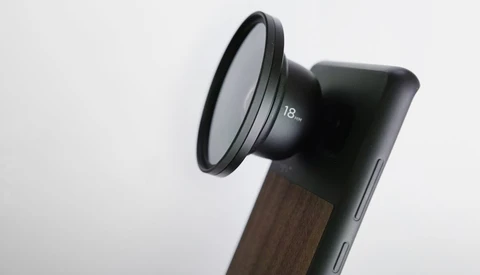
Moment Announces a 62mm Filter Mount for Their Smartphone Lenses

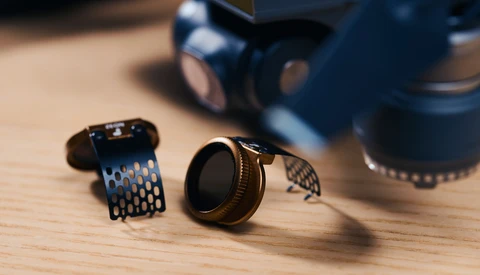
Moment has made a name for itself with its beautifully crafted lenses for smartphones. More recently they also teamed up with Freefly to create the Movi, a stabilizer and cinema robot for your iPhone. Today, they announced a new product that follows the trend of shooting professional quality videos and photos with a phone. It’s a 62mm filter mount for their lenses.

Godox Leaks the AD600 Pro: Profoto and Broncolor May Have to Worry [Rumor]

Within a couple of years, Godox has grown from a small Chinese flash manufacturer no one cared about to a brand that most photographers know. Their products are affordable and offer what most of us need. They are far from being in the high-end market and able to rival the Europeans that are Profoto, Broncolor, or Elinchrom, but that may be changing. At least, the leaked page of the AD600 Pro seems to indicate that Godox is learning fast and improving its products.

How to Capture Cinematic Drone Videos

So you’ve just bought a drone for Christmas, flew it for the first time only to realize that getting those beautiful aerial sequences to look cinematic wasn’t that easy. Don’t worry; it’s actually not so complicated. There are just a couple of things to know and combine to bring your clips to the next level. Be sure to watch this tutorial if you want to make the most out of your next time flying your drone.

How to Quickly and Easily Color Grade Your Footage With 3D LUT Creator

Colors straight out of camera vary greatly between brands and sensors. Canon has been known for a long time for its great skin tone reproduction, while other manufacturers have created more troubles for colorists and retouchers to get perfect tones without a solid post-production workflow. In this tutorial, Chrystopher Rhodes from YCImaging shows how he uses 3D LUT Creator to get perfect colors out of his Panasonic GH5 and goes further by quickly demonstrating how you can color match your footage to any picture or video you like.

The Most Useful Free App for Drone Users

A few weeks ago I reviewed the PolarPro filters for the DJI Spark and loved them. But to make full use of my drone and the adequate ND filter, PolarPro has created an app that I’m sure you’ll appreciate too. It’s available for both Android and iOS, and it’ll help you make sure you can fly your drone in the best conditions possible. Here are my thoughts about it and why you should download it too.

How to Create Cinematic Footage With Your iPhone or Android Device

Filming with a DSLR is always an option, unless you want to capture some behind-the-scenes videos of your shoot or if you are on the go. Then, filming with your smartphone is probably the most straightforward alternative if you don’t want to lug around a camera just for that. The options available are actually more advanced than you may think, at least that is if you rely on Filmic Pro. The people at Moment Lenses created a video to help you out and get started with all the different settings Filmic Pro has to offer.

Six Ways to Make Money on YouTube

Even though Instagram seems to be the more interesting platform for photographers, YouTube is not one to forget. It offers a ton of possibilities to showcase our work and even make money out of it. If part of your business is education, Google’s video service should definitely be part of your marketing and business plan. Matti from TravelFeels gives us a few tips on how to turn it from a hobby to a money making platform.

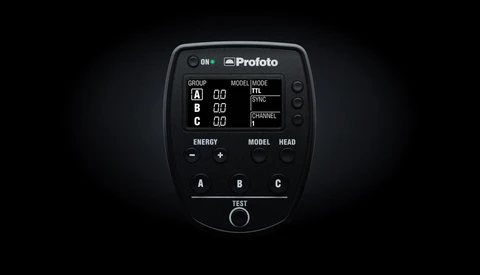
Profoto Releases the Air Remote TTL for Fujifilm Cameras

Since TTL and other fancy features have been introduced to strobes, flash manufacturers have had to develop a different remote for each camera brand. Profoto and others have tried their best to offer as much choice as possible, but the Fujifilm compatibility was lagging behind. A few days ago, Broncolor announced their RFS 2.2 for Fuji would arrive before the end of the month, and today its Profoto turns to introduce its Air Remote TTL-F.

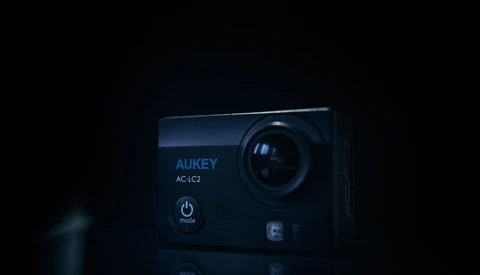
Fstoppers Reviews the Aukey AC-LC2, an Action Camera Cheaper Than $70

Since GoPro released their first action cameras, many other brands have tried to take on this market and offer alternatives. One of them is called Aukey, and they designed the AC-LC2 to be a very affordable yet still capable action piece of equipment. It can shoot in 4K at 25 fps, can produce time-lapses, and even has a Wi-Fi connection. I’ve had one for a little while and wanted to share with you why having one in your bag might be fantastic, but also why it may probably not replace a higher-end action camera.

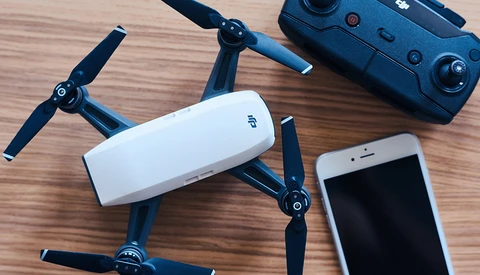
Fstoppers Reviews the DJI Spark, the Company's Cheapest Drone

This year has seen the number of people owning a drone grow like never before. That’s probably due to the units becoming more affordable and more accessible to use. One great example is the DJI Mavic, or more recently the DJI Spark. The latter is advertised as a drone you can take anywhere but still offers an excellent image quality, and that anyone can use. I bought one earlier this year as I wanted to see if the drone trend was something for me or not, and I thought I’d share my opinion on this adorable little thing.

How to Make Your Content Go Viral on Facebook With These Seven Tips

For a little while now, Instagram has become the place to be for photographers and the word on all digital influencers lips. However, Facebook is not dead, far from it. There are still people on it and it’s still a good place to market your business if you do it right. Making content go viral is amongst the best solutions available, but it requires a little bit of knowledge to do so. In this short 10-minute long video, Lucy Martin and Chris Hau are going to explain to you the key points to making your images or videos go viral on Facebook.

Create More Cinematic Looking Footage With Your DJI Spark Using the PolarPro Cinema Series Filters

The DJI Spark is a fantastic tiny drone, but it comes with its limitations. To maximize the quality of your images and have more control freedom over your settings, you better be ready to invest in a couple of accessories. One of the first items I’d recommend are ND filters allowing you to adjust your shutter speed and ISO however you like instead of being forced into specific settings because of the lighting conditions. I’ve had the opportunity to try out the PolarPro Cinema Series filters for a little while now and here’s why they are an absolute must in your kit.

Fstoppers Reviews a Stormproof Backpack, the Miggo Agua Versa 90

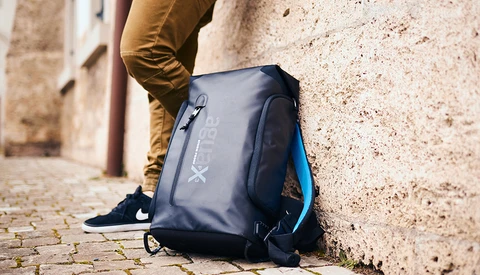
There are tons of photography bags available on the market, all meant to protect your gear better than the other one. When I was given the opportunity to review the Miggo Agua Versa Backpack 90 I didn’t know what to expect that I didn’t already have with my current transportation gear. However, once I had it in my hands and felt how robust it was, I thought it may offer something different that I didn’t have yet. I finally found a bag I could walk under the rain with without having to add a protection cover, use as a regular backpack as well, and that was comfortable!

iPhone Vs. Hasselblad X1D: The Bokeh Comparison

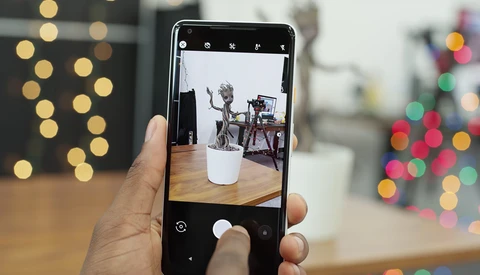
When it comes to background blur, or what we photographers like to call bokeh, it’s a well-known thing that smartphones aren’t the best. In the recent years, however, they have improved, thanks to the dual camera systems and pixel separation algorithms. They have improved so much that some may be tempted to say they are on par with some of the best professional cameras out there. Marques Brownlee decided to see for himself if that was the case and compared the current best smartphones on the market against the Hasselblad X1D.

Fstoppers Review the Perfect Bag for Your DJI Mavic, the Miggo Agua Stormproof Drone Lander

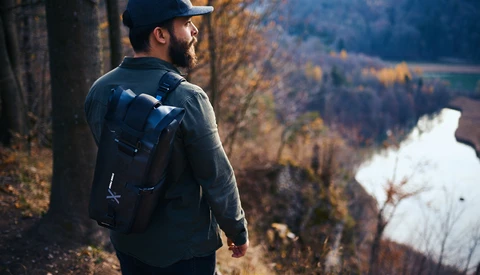
Tiny drones like the DJI Spark or Mavic are fantastic because they can fit in any bag. However, not all bags are equals when it comes to protection and usefulness. The Miggo Agua Stormproof Drone Lander was designed specifically for compact drones, keeping them safe no matter the conditions you are working in. I’ve had it for a little while now and couldn’t see myself going out for a walk with my drone without it. Here’s my full review of this handy bag.

How to Make Your Stories More Engaging and Appealing

Instagram Stories have been around for quite a while now, and we have actually already shared a few articles regarding how you can make better use of them to build engagement on your account. In this new write-up, I wanted to share with you a couple of techniques that aren’t too tedious to use on a regular basis to help you build higher quality stories. The goal is to create stories that people will want to follow on a daily basis and thus start to engage more with you. Content may not be king on social networks anymore, but it’s still the only thing that retains followers.

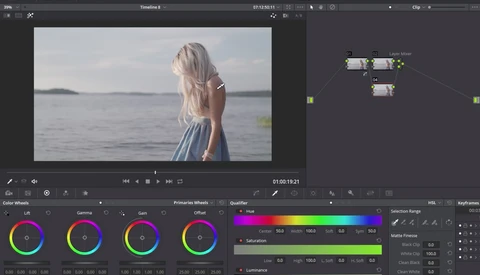
How to Transition Grades in DaVinci Resolve 14

When grading videos, it’s not rare that we have to transition grades between different sequences or within one single shot. Using DaVinci Resolve 14, it’s quite easy to achieve a perfect transition from one grade to another. In this three-minute long tutorial, Casey Faris shows us just how to do this.

How to Smooth Out Skin on Video Footage With DaVinci Resolve 14

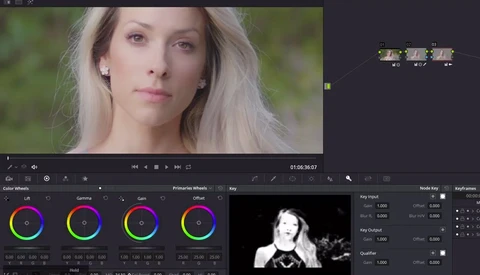
When you get in the video world, you soon realize that editing can go pretty far, but it’s not as easy as Photoshop. It tends to take more time to get to a decent result, and a tremendous patience to achieve perfection. In this short tutorial, Steve from MiesnerMedia shows us how to smooth out skin in our videos using DaVinci Resolve 14.

What Happens When Brandon Woelfel, Dani Diamond, and Jessica Kobeissi Can't Retouch Their Images

Each and every photographer has their own unique way of working with models, cameras, and light. It’s something that clearly shows through in the series Jessica Kobeissi has developed in which different photographers shoot the same model. In the most recent episode, she brought Dani Diamond and Brandon Woelfel back for a new shoot, but this time they added a few obstacles to make the challenge more fun.

A Closer Look at the Image Quality a $63,000 Camera Can Produce

Phase One announced a couple of new medium-format digital backs this year, the Trichromatic and the Achromatic. The latter is available for a whopping $63,000 in a kit with the XF body, and for that price it only shoots in black and white. At least that’s the way many seem to consider it. However, it’s much more than that. It captures black and white images like no other camera, and for the photographers that like black and white shooting film, this gorgeous beast offers a very similar workflow. See how it works and performs in this video.

Fstoppers Reviews the Most Versatile Light Shaper, the Broncolor Para 88HR

Broncolor is recognized in the photography industry as one of the most high-end flash brands available on the market. They are best known for their very reliable power pack systems and their extensive range of light shapers. Amongst the latter, there is one in particular that makes any photographer's eyes light up, and it’s the Para. It’s such a gorgeous piece of gear that some people even use it to decorate TV shows. But don’t think for a second it means it can’t perform just because it’s beautifully designed. It’s quite the opposite as you’ll discover through this Broncolor Para 88 kit review.

Fstoppers Reviews Capture One Film Styles Pack

Phase One has already released multiple Styles Pack since the beginning of the summer. Today, they announced their brand new Film Styles Pack and I had the chance to play around for a few days before it was officially announced. Rather than offering you a simple release article, I thought a review would be more useful. After four weddings and a couple of portrait sessions edited with it, here are my thoughts and why this might just be the perfect pack for VSCO lovers who rely on Capture One for their professional photo editing work.

Add a Prism Rainbow Light Using Photoshop

Adding a rainbow to your images can be done in many different ways. However, not every technique is easily put into practice or can offer a remarkably consistent result. For example, the prism method is very efficient to get the effect on your files straight out of camera, but it can make focusing and composition a bit difficult. In this tutorial, Jessica Kobeissi will show you a couple of simple techniques using only Photoshop.

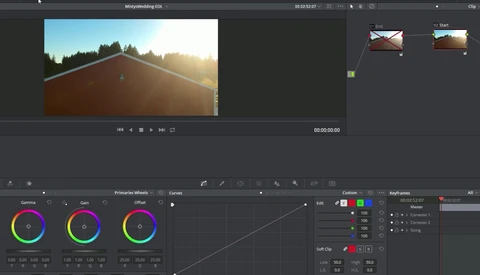
Orange and Teal Look on Your Videos With DaVinci Resolve 14

The current trend for color grading videos is the orange and teal look. It’s not rocket science to understand why it works so well and why everyone uses it. Complementary colors are an easy choice when it comes to color grading and using orange for brighter tones allows keeping the skin tones look quite natural. In this nine-minute-long tutorial, Theo from MiesnerMedia shows us how we can achieve that trendy look using DaVinci Resolve 14.

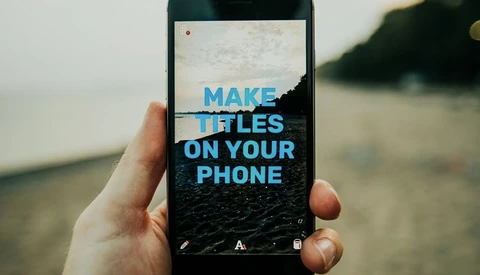
Add VFX to Your Instagram Stories Videos Without the Hassle of After Effects

Since Stories have been added to Instagram, every social influence has tried to differentiate himself from the crowd. From filming with a camera like a vlog to editing images in Photoshop before adding them to a story, I’ve seen just about everything. The trend lately has been to integrate text on pictures to make it more attractive. Matti Haapoja from TravelFeels has come with an app to go one step further and tracked text to his content.

How to Edit Your Pictures Like Instagrammer Sam Kolder Using Lightroom

We have all been guilty of watching someone’s Instagram account and wonder how the hell the pictures are edited. Sebastian from TechGenie has recently been creating videos to demonstrate how to mimic some famous Instagramers editing style. The latest one on the list is named Sam Kolder and his desatured teal and orange look.

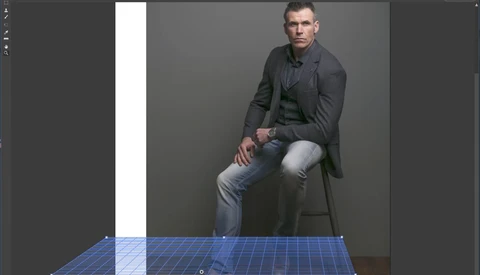
Make the Clone Stamp Tool Aware of Your Image's Perspective

The Clone Stamp tool is without the shadow of a doubt one tool that everyone who works with Photoshop uses on a regular basis. It’s quite an incredible tool, and it can help save some tiny mistakes without too much work. Despite being easy to use, there are times where it doesn’t do exactly what we’d like it to. For example, in the case of recreating a pattern or texture that needs perspective correction, the tool won’t match your image vanishing point to the T. At least that’s what we are usually taught when learning Photoshop. However, there is a way to make the clone stamp tool smarter and correct the perspective for us.

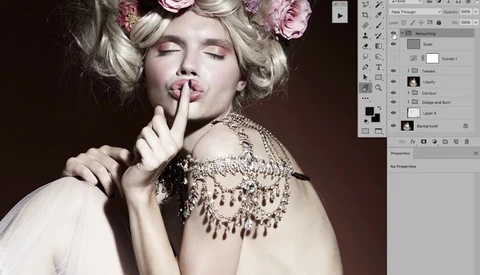
What Really Goes Into Retouching High-End Fashion Images

High-end retouching is all about keeping details and texture intact in an image so that it looks as natural as possible. Making sure the picture looks unretouched but polished is a matter of patience and wise choices in retouching techniques. In this video, watch retoucher Pratik Naik editing a photo shot by Andrea Belluso.

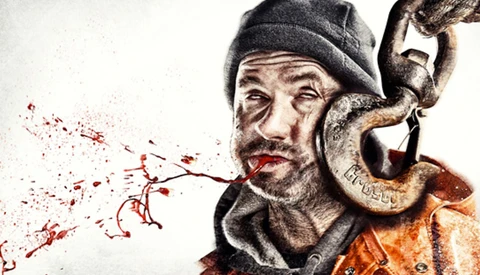
A Photographer Takes Out Four of His Teeth for a Commercial Shoot

Commercial shoots and photography can be quite demanding and even taxing on the body. But when I started out this art, I would have never thought it could go as far as taking out four of teeth out to create an advertising image. Well, that’s what Blair Bunting was willing to do for a campaign he shot for Discovery’s Deadliest Catch.

Learn Six Soft Light Setups for Portraiture and Beauty

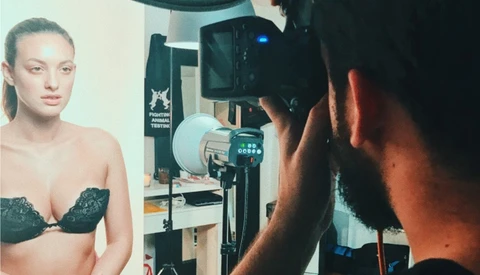
Artificial lighting is one of the best tools a photographer can learn to implement in his work. It’s not something we have to use and rely on all the time, but knowing it’s there and not being afraid of it is always best. When working in a studio for portrait and beauty photography, it can become a necessity depending on the natural light you have and the looks you shoot. In this short behind the scenes, Rossella Vanon shows how she created six different lighting setups that keep a consistent feeling. Take this opportunity to learn new lighting setups and understand her thought process when building a set.

How to Use the Healing Brush on Edges

The healing brush in Photoshop is a potent tool to clean things up. It can be used in numerous scenarios and works well most of the time. However, if there's one scenario where it doesn’t perform like we would like it to, it’s in the case of edges. For example, when you need to alter the edge of a face on a portrait or the border of a building when shooting architectural images, it tends to mess things up and create some sort of blurry areas instead of clean lines. In this tutorial, Joseph Parry shows us how to make the healing brush work the way we want it in those situations.

Make Your Videos More Attractive With Speed Ramping

When shooting fast-paced action or a scene with tons of movements, it can be interesting to add more drama by using speed ramping. The technique consists in having a scene that’s played at different speeds depending on what’s happening. It may not make sense for now, but if you want to make your videos more attractive or just add a new tool to your belt, be sure to watch this tutorial.

How to Add Handwritten Text to Your Instagram Pictures

It’s been quite trendy in the past few months to see handwritten text composited onto images on Instagram. Perhaps you’ve been wondering how it’s done or maybe you’ve just been looking for a way to make your writing even more personalized. No matter the reason why you’re reading this article, if you want to give a more personal dimension to your images with handwritten text, be sure to watch this tutorial.

Instagram Makes Stalkers Happy by Adding a 'Follows You' Feature

Until a few months ago, you could know who was following you, or not, as well as tons of other useful information on your following base for all stalkers and communication gurus out there by simply using apps such as InsTrack. However, as Instagram is trying to have third-party apps comply with their rules, such apps are slowly disappearing or being reduced to more basic specs. Instead of leaving those tools alone, the photo-sharing app is now bringing a feature of their own called "Follows you" that let you know if someone is indeed following you or not. 

Improve Your Color Grading Skills in 20 Minutes With This Detailed Video Tutorial

Color grading is amongst the most important step of retouching. Along with lighting, it sets the mood of your image and can also help tie together the different elements of your composition. Learning all the different ways of altering colors in a picture is probably as important if not more important than knowing how to retouch skin or remove objects. In this 20-minute long tutorial, Michael Woloszynowicz explains everything there is to know about the color balance layer adjustment and how to use it to color balance your images in the best way possible.