Most Bookmarked Articles

Below are the most bookmarked articles by our members.

Log in or register to add your own bookmarks.

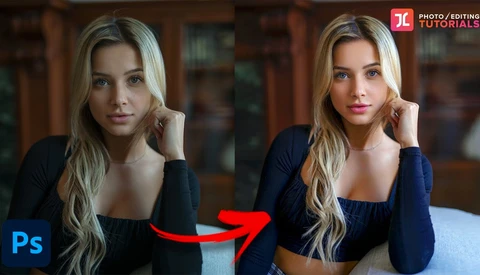
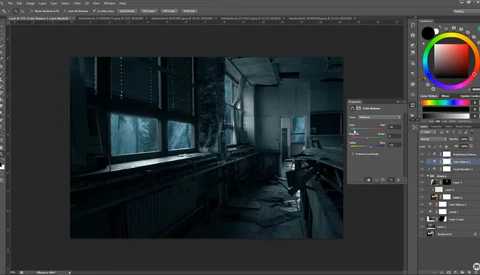
How to Give Your Photos 3D Pop Using Color Grading

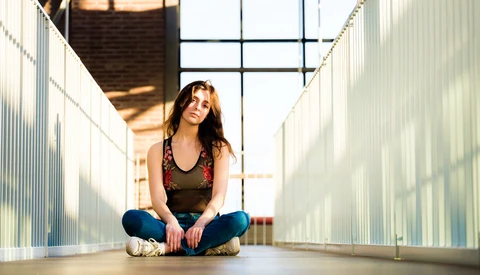
Three-dimensional "pop" is a sort of nebulous thing that portrait photographers often chase in certain lenses, as it can take an inherently two-dimensional representation of a person and make it feel more lifelike. You can also contribute to the effect through your editing, and this fantastic video tutorial will show you how to do it through some clever though not difficult use of Photoshop. 

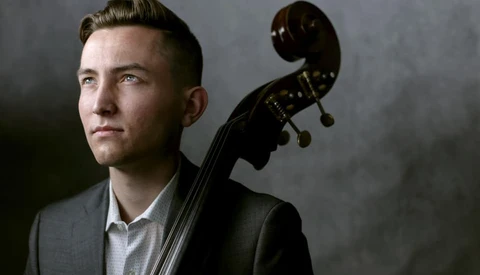
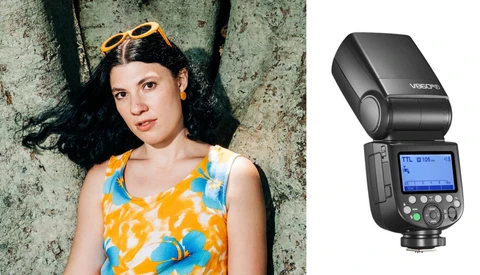
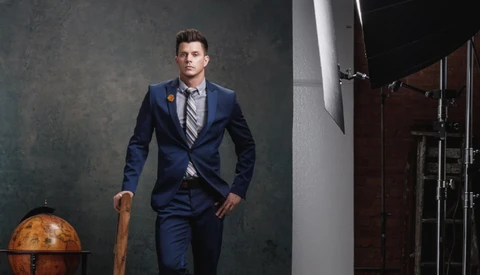
5 Tips for Taking Awesome Portraits of Musicians

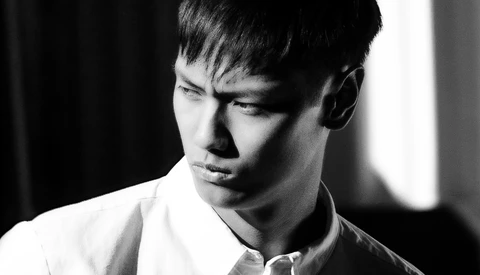
Capturing portraits of musicians is one of my favorite things to do. As a musician myself, I think that I have a unique perspective that helps me to connect with my musician clients. Working with other creatives always makes for an inspiring portrait session, and finding novel ways to incorporate an instrument into a portrait is a fun challenge. In today’s article and accompanying video, I will give you five tips that have helped me create engaging portraits of musicians.

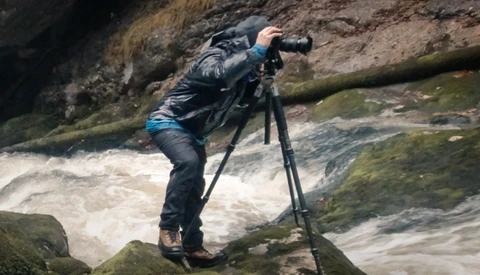
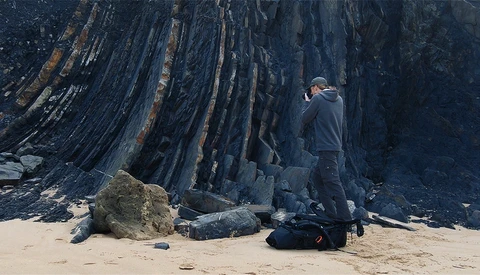
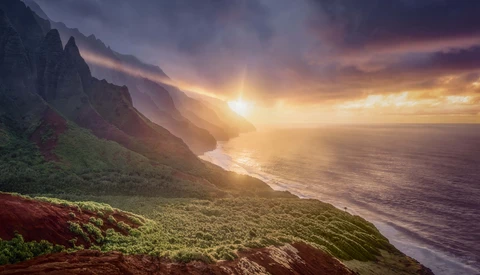
Tips to Create Better Landscape Images

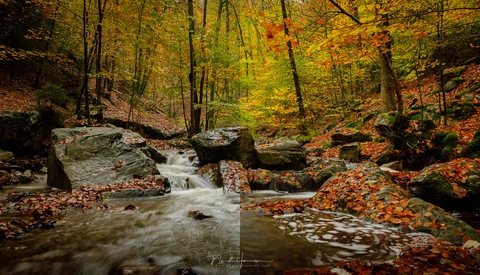
When you are first starting, landscape photography can seem daunting, especially when you see all of the beautiful images others post online. Here are a few ideas taken from my experience that may help you find more success as a landscape photographer.

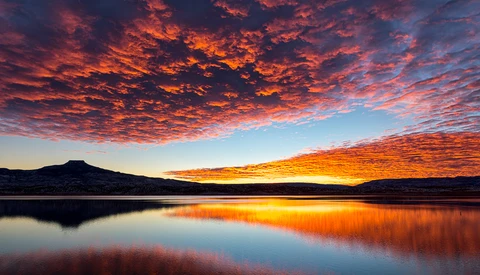
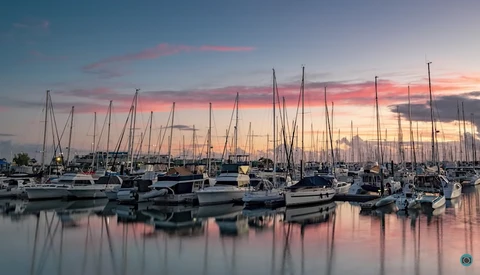
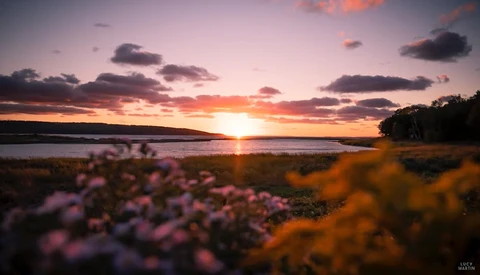
A Beginner's Guide to Sunrise and Sunset Photography

Few subjects are more timeless than sunsets and sunrises, and every day brings a new sky and new opportunities. Shooting them comes with its own set of challenges, however. If you are new to photographing them and wondering how to go about it to get the best results, this fantastic video tutorial will get you up and running in no time at all. 

The Challenge of Landscape Photography With Prime Lenses

A lens like a 16-35mm f/2.8 is often the workhorse of choice for landscape photographers, but have you ever tried heading out with nothing but prime lenses? This interesting video shows you some of the benefits of doing so. 

How Handheld Focus Stacking Works

I always take a tripod with me in addition to my camera when I'm out on a hiking or scouting trip because there can always be an unexpected photo opportunity. And since I apply focus stacking to nearly all of my photos to ensure optimal sharpness, photographing handheld is not an option. Or is it? In this article, I show you how to use the automatic focus bracketing feature of modern cameras to perform handheld focus stacking.

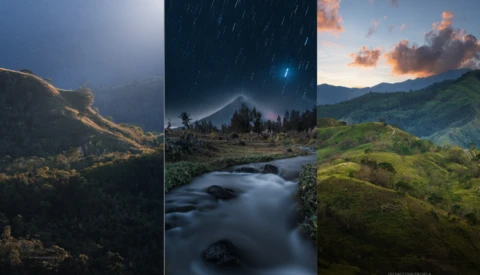
Turning Day to Night in Adobe Photoshop

Whether you couldn't shoot at the time you wanted or you just want to experiment with composites and heavier editing, this video will show you how to make a complete transformation.

3 Tips for Becoming a More Successful Professional Photographer

Being a successful professional photographer is no easy task, and it takes the ability to simultaneously juggle a wide variety of different skills and responsibilities. If you want to give yourself a better chance of finding long-term success as a photographer, check out this great video that will give you three tips to help you find success. 

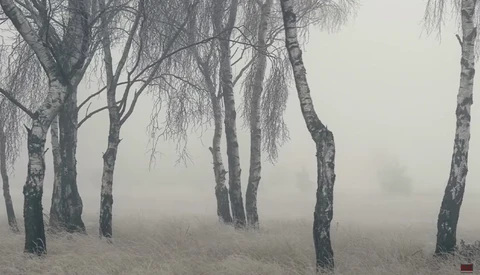
Succeeding When Everything Sucks in Landscape Photography

You got up early in the morning, you hiked up a steep mountain to photograph a sunrise vista, you are exhausted, and then, you can’t see anything, as there is just tight fog instead of a vista. Is there a way to succeed if there were some more and even bigger problems?

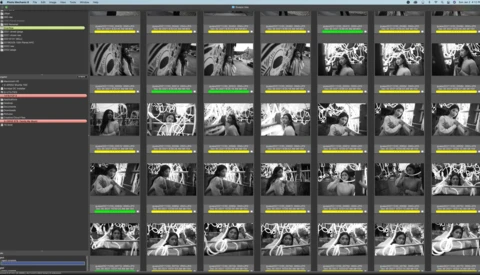
How a National Geographic Photographer Selects the Best Images From a Shoot

Capturing hundreds of images on a shoot is easy. Culling a large number of images down to a handful of keepers is a time-consuming and often mentally difficult process for an artist. In this video, originally posted by Wired, photographer Steve Winter takes us through his thought process as he reduces 112 images down to one single select.

Don’t Mistake Depth of Field With Bokeh

Often, I see the term "bokeh" being used when "depth of field" is meant. That’s wrong, simply because it is not the same. Although many will understand the distinction between the two, I will explain the difference for those who do mistake depth of field with bokeh.

A Full Tutorial on Retouching and Color Grading a Portrait in Photoshop

Knowing how to light, pose, and shoot a good portrait is only half the battle; you also need to be able to edit your images to produce a fully finished and compelling final product. If you are new to portraiture and looking to improve your work, check out this fantastic video tutorial that will show you a full image edit, including retouching, dodging and burning, color grading, and more. 

How to Add Light Rays to Your Images in Adobe Photoshop

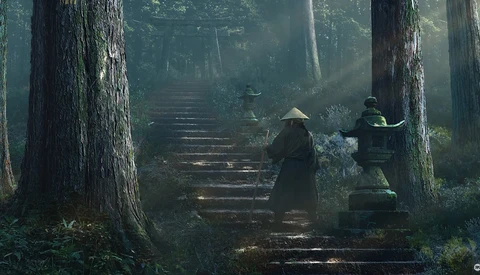
If you're open to more heavy-handed retouching of your images, you have almost limitless possibilities of what you can do with even the blandest of images. In this tutorial, learn how to create realistic light rays and dappled light to add some atmosphere to a photograph.

Master Manual Exposure Blending With This Foolproof Photoshop Workflow

With modern HDR-blending algorithms making exposure blending so quick and easy, manual exposure blending may seem like an outdated skill for landscape photographers. However, automated software doesn't always produce the cleanest results. In this article, we'll discuss a foolproof workflow for manual exposure blending that will give you total control over your images and ensure results of the highest quality. The good news is that this workflow doesn't require any third-party panels or difficult luminosity masking! 

5 Lightroom Tips That Will Improve Your Workflow

Lightroom is a place where a lot of photographers spend a ton of time, and any tips you can pick up to speed up your workflow or improve your image quality can pay off quite a bit. This helpful video tutorial will show you five tips that will both make your workflow more efficient and increase your image quality. 

How to Remove a Fence Using Photoshop

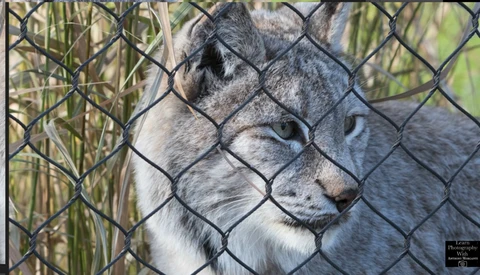
In certain situations, you may be stuck behind a fence shooting your subject, which can lead to a very distracting grid across your final image. Such a situation is certainly annoying, but luckily, it is something you can fix in post, and this great video tutorial will show you how to get rid of the fence using Photoshop.