Post-Production

Post-production is where raw files become finished images — and for most photographers, it's where a significant portion of their working time goes. This section covers the full post-production process: from culling and raw processing to retouching, color grading, and the workflow systems that keep a high volume of work manageable without sacrificing quality.

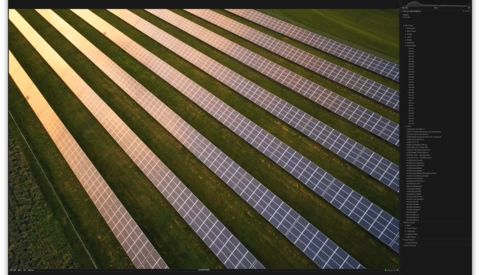
How to Focus Stack with Thomas Heaton

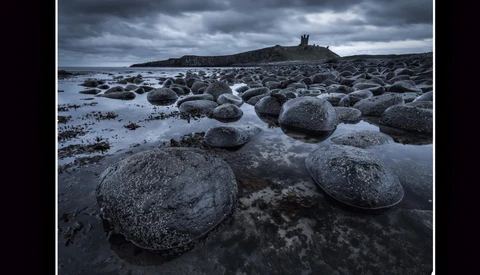
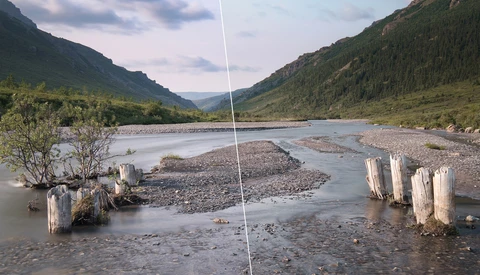
Landscape photographer Thomas Heaton has been releasing one hit after another on his Youtube channel lately and his newest video is one of my favorites. Focus stacking is a great and relatively simple trick any photographer can use to add a unique look to your images. 


These Basic Color Theory Tricks Will Take Your Images to New Levels

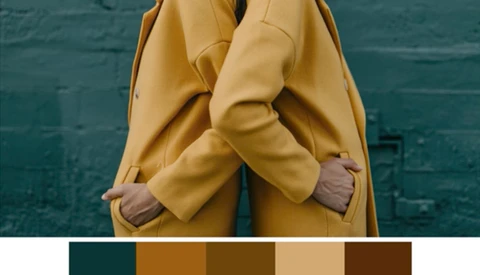
It’s obvious that color is important in our work; Hand selecting that perfect blend can take our images from decent to legendary. And it's not just photographers that notice the color mishaps. Everyone is influenced by colors. Our eyes are always naturally observing and comparing them.

Add a Prism Rainbow Light Using Photoshop

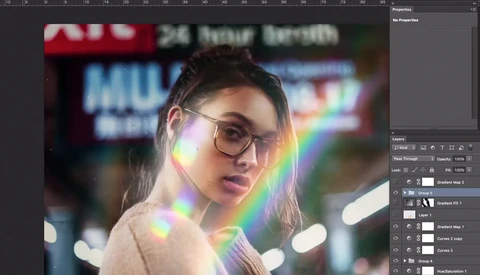
Adding a rainbow to your images can be done in many different ways. However, not every technique is easily put into practice or can offer a remarkably consistent result. For example, the prism method is very efficient to get the effect on your files straight out of camera, but it can make focusing and composition a bit difficult.

Fstoppers Readers: Get 2 Free Photo Enhancement Software

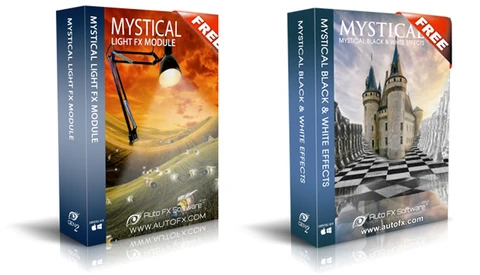
Photographers and digital artists alike have been using image editing software like Photoshop to enhance their work for years. There are several ways to add creative enhancements and filters to your work within Photoshop, but there are ways to add them without using the program or even in conjunction via other software and plugins.

How to Create Your Own Capture One Styles and Presets

Capture One has recently published an article on The Image Quality Professor's Blog on how to create your own Styles and Presets written by Alexander Flemming. Styles are a great timesaver and can help accelerate your postproduction workflow with beautiful color corrections. 

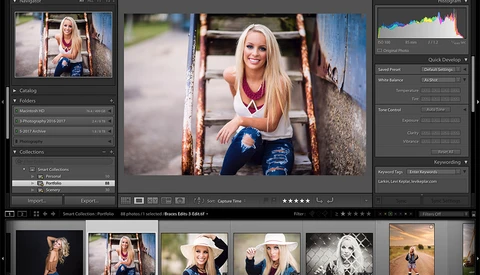
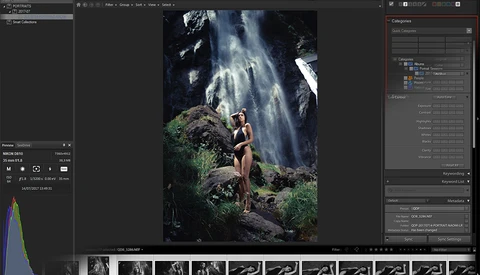
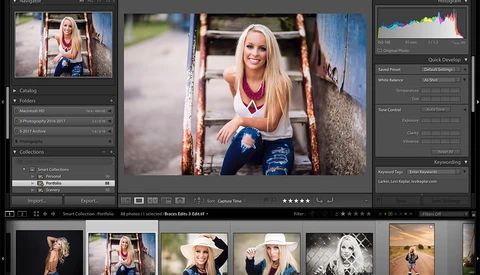
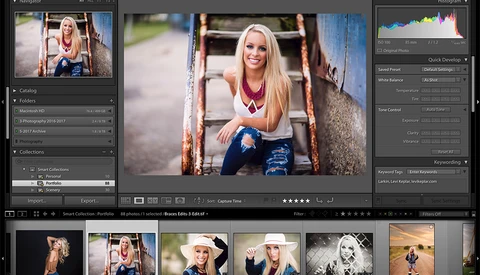
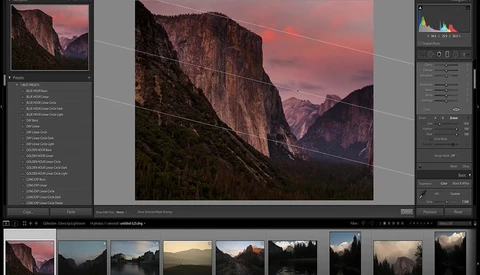
A Beginner’s Guide to Adobe Lightroom: Part 3

Do you know what keywords are and the best way to add them to your photos? What about what options to select when you are exporting your images? Have you ever heard of the painter tool? In this final part of my three-part series on Lightroom for beginners, I will cover the final steps to take after applying your final edits to your images. 
DVLOP Presets Bring Creativity Back Into Your Lightroom Workflow

Love them or hate them, Lightroom presets have become a staple in the world of editing. A lot of users use them to emulate their favorite photographers or in an effort to recreate certain film looks. The problem with these presets is that everyone that uses them ends up releasing work that looks the same as everyone else who has the same preset.

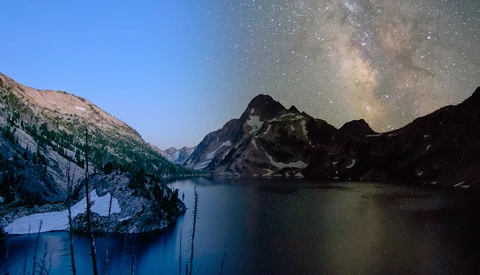
How to Create Day to Night Time-lapse Footage

Time-lapse photography isn’t anything new, but it is a process that takes a lot of time to produce a cinematography effect showing subtle motion speed up to make it pronounced. Many motion films and television shows use it to show when a storm is forming, day shifts into night and vice versa, or even showing a busy street or freeway over time.

How to Switch From Lightroom to ACDSee Ultimate 2018: Part 1

A couple of weeks ago, I reviewed ACDSee's latest photo editing software release and even said it could replace Adobe products in many ways for Windows users. It was only wise to back that statement up with two complementary articles, this one being the first, showing to Adobe users how they could switch from Lightroom to ACDSee.

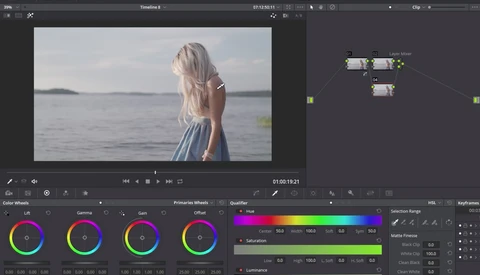
Orange and Teal Look on Your Videos With DaVinci Resolve 14

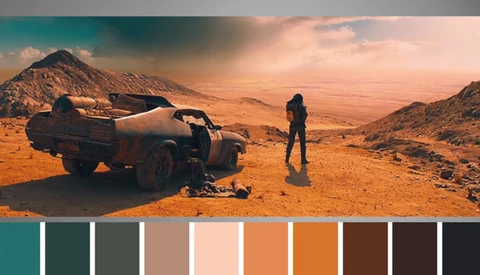
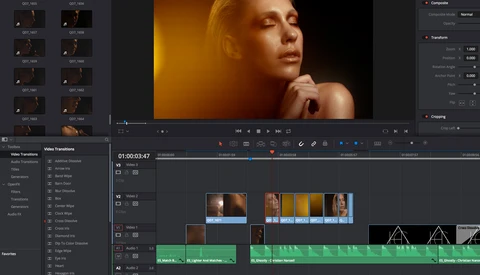
The current trend for color grading videos is the orange and teal look. It’s not rocket science to understand why it works so well and why everyone uses it. Complementary colors are an easy choice when it comes to color grading and using orange for brighter tones allows keeping the skin tones look quite natural.

Photoshop Actions Won't Do It and It's Up to You

Color has always been an Achilles' heel for me. When I first started in this industry, I was always looking for the magic answer: a specific Photoshop action, or a Lightroom preset, or a plug-in that did some kind of magic that created the color that I had wanted. Boy was I barking up the wrong tree. 

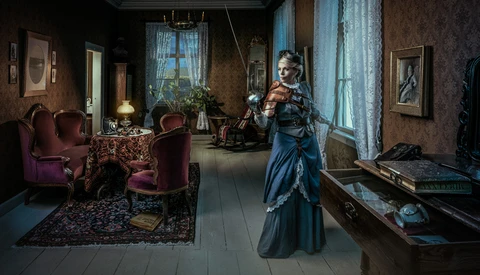
Creating Composites With Multiple Exposures

Sometimes our creations behind the camera simply cannot be taken with just one frame, or perhaps you cannot travel to the destinations that would work perfectly with your concept. This is why some photographers choose to composite their images. Antti Karppinen shows off his most used composite image technique from his latest project "Kuopio Inspiration is a Force of Nature." 

How to Edit Your Pictures Like Instagrammer Sam Kolder Using Lightroom

We have all been guilty of watching someone’s Instagram account and wonder how the hell the pictures are edited. Sebastian from TechGenie has recently been creating videos to demonstrate how to mimic some famous Instagramers editing style. The latest one on the list is named Sam Kolder and his desatured teal and orange look. 

A Beginner’s Guide to Lightroom: Part 2

In Part 1 of this series, I explained the basics of how Lightroom works, the best way to import your photos, and the different options you have when culling your images. In Part 2, I want to show you the essentials of the Develop module. This module is the area of Lightroom where you can color correct, crop, straighten, sharpen, and perform several other adjustments as well. 

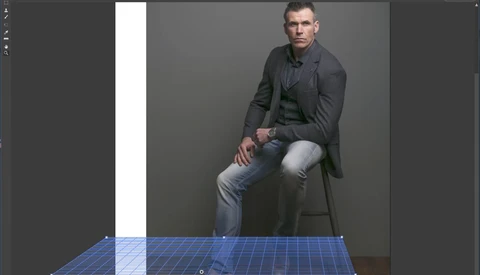
Make the Clone Stamp Tool Aware of Your Image's Perspective

The Clone Stamp tool is without the shadow of a doubt one tool that everyone who works with Photoshop uses on a regular basis. It’s quite an incredible tool, and it can help save some tiny mistakes without too much work. Despite being easy to use, there are times where it doesn’t do exactly what we’d like it to.

Fstoppers Reviews Capture One Styles: Spectrum

As previously reported on Fstoppers, Capture One's new "Spectrum" Styles Pack is designed as a finishing tool for cinematic color grading applied to your photographs, providing a wide range of toning options for stunning yet subtle results that make no impact on exposure or contrast to keep the dynamic range in tact.

Quick Eye Retouching Tip for Removing Redness

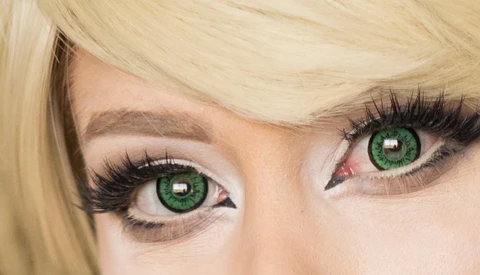
Today's tip is a more basic tip aimed at newer retouchers, and is a common quick fix that I feel is necessary when your subject has red in their eyes. This is a 20-second fix which can be made even faster by turning it into an action and assigning a hot key shortcut. 

Steps to Fix Red

We'll be working with a Hue/Saturation adjustment layer. 

How to Use the Orton Effect for Dreamy Landscape Photos

Over the years, I have come across several different ways to give your photo a dreamy look. When I first started my journey into photography I came across a lens filter with the sole purpose of creating the dreamy look, but I found that too much detail was lost so I never used it again. So what is a good way to add the dreamy look to your photos? 

Adding Background Blur for a Shallow Depth of Field

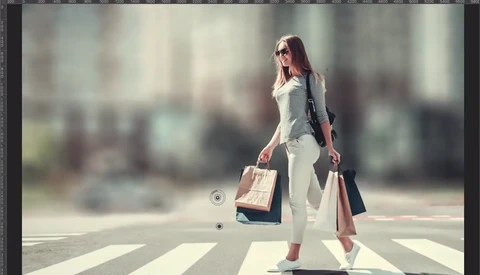
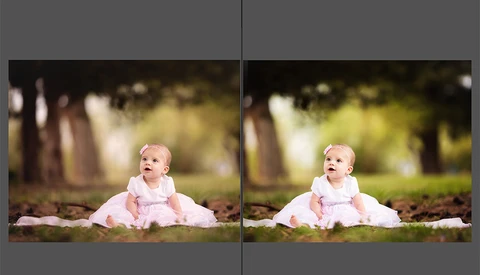
Do you have a great shot but wish you were able to get a little more depth of field background blur in the photo? It is always better to get it naturally in camera with a fast lens, but what if you are not able to? Well, if you want to spend the extra time post-processing your photos, you can add some extra background blur to your shot.

Fstoppers Releases Elia Locardi's 'Photographing the World 3' Tutorial!

I am excited to announce the release of one of the most epic projects Lee and I have been working on this year. As many of you know, Fstoppers teamed up with Landscape Photographer Elia Locardi back in 2014 to produce two separate tutorials on landscape and cityscape photography.

A Beginner’s Guide to Adobe Lightroom: Part 1

It is easy to feel overwhelmed with the many different features of Adobe Lightroom. Lightroom has so many possibilities, that even after years of using it, I still am consistently learning something new.

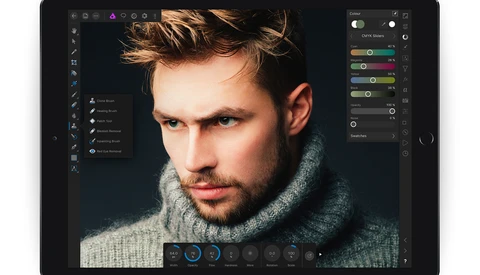
Affinity Photo for iPad Is Updated for iOS 11, Supports File Drag-and-Drop

On Tuesday this week Apple released their latest mobile operating system, iOS 11. Now Serif, the creators of photo editing software Affinity Photo, have also updated their iPad app to take advantage of the capabilities introduced in iOS 11 such as drag-and-dropping images to and from the new Files app. 

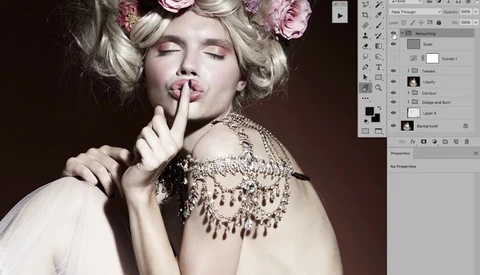
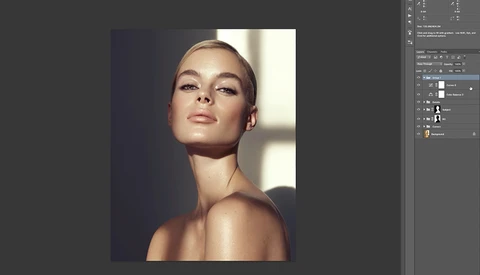
What Really Goes Into Retouching High-End Fashion Images

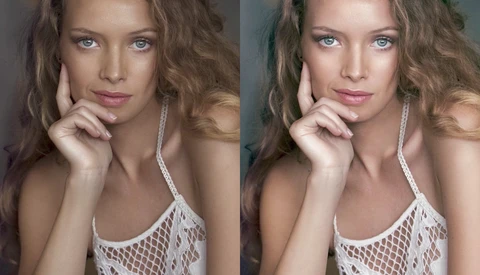
High-end retouching is all about keeping details and texture intact in an image so that it looks as natural as possible. Making sure the picture looks unretouched but polished is a matter of patience and wise choices in retouching techniques. In this video, watch retoucher Pratik Naik editing a photo shot by Andrea Belluso. 

How to Use the Healing Brush on Edges

The healing brush in Photoshop is a potent tool to clean things up. It can be used in numerous scenarios and works well most of the time. However, if there's one scenario where it doesn’t perform like we would like it to, it’s in the case of edges.

How to Use Any Lightroom Presets in the Lightroom Mobile App

As Adobe Lightroom Mobile has become more and more powerful with each update, more photographers are starting to adopt mobile workflows to get images out to both social media and clients faster. The ability to quickly make edits on your phone or tablet then share those images almost instantly has a lot of uses.

To Underexpose or Not to Underexpose, That Is the Question

Photography is all relative to the creator and the viewers, so the decision of whether to underexpose, overexpose, or to expose your portraits evenly is obviously subject to personal preference. There is merit to any of the methodologies that you could apply to your own photography and it really just comes down to figuring out what works best for you and your gear. 

Five Great Adobe Lightroom Tips

In his latest photography tutorial, noted French photographer and prolific video tutorial maker Serge Ramelli discusses his top five Lightroom tips.  

Improve Your Color Grading Skills in 20 Minutes With This Detailed Video Tutorial

Color grading is amongst the most important step of retouching. Along with lighting, it sets the mood of your image and can also help tie together the different elements of your composition. Learning all the different ways of altering colors in a picture is probably as important if not more important than knowing how to retouch skin or remove objects.

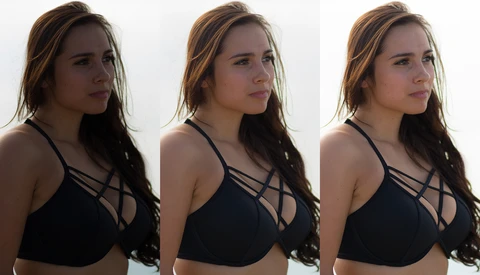
Why Less Is More for Portrait Retouching

I regularly get asked on Instagram how I edit my studio headshots and yet keep them looking natural. In truth I’ve spent years learning the intricacies of Capture One Pro, Photoshop, and the various retouching techniques that are frequently discussed. In fact, Fstoppers was a major resource in my education.

Alien Skin Reveals Huge Upgrade to Upcoming Exposure X3

Alien Skin, creator of the award-winning photo editing software Exposure, recently announced the upcoming release of the newest version of its popular product, Exposure X3. If you are unfamiliar with Exposure, it is a non-destructive raw photo editor designed to be an all-in-one software for editing and organizing your photos.

Adobe Announces New Innovations in Premiere Pro, After Effects, and More at IBC 2017

Adobe is updating its video applications and adding new features across the board. Many of these features include improvements for editing virtual reality content, smarter automated tasks, and some other features modeled after Final Cut 7, which Apple announced will not be supported in its upcoming MacOS High Sierra update. 

Multi-Million Dollar Shootout and How I Created the Winning Photo

A few weeks ago, I came across a post on social media from the Jônt about a shoot out contest inside a staged multi-million dollar estate which piqued my interest. Reading more about the shootout, it would be geared toward several different genres of photographers, as they would have vendors on site providing food, drinks, cars, and models at our disposal for the shoot out.

Easily Create a Product Shot Using Composites

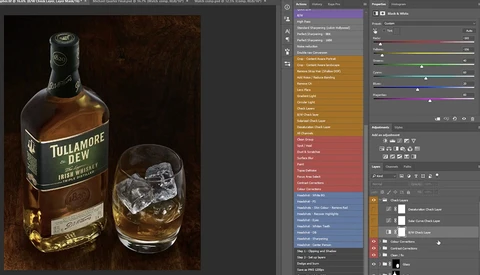
I absolutely love shooting commercial work in the studio. Who doesn't? Shooting in a studio environment allows the photographer full control over the lighting and the subject.

How to Significantly Speed Up Lightroom

I love Lightroom. It is an amazing tool that is able to do almost everything that I need when I edit, and do so in an organized way. The one problem that we’ve all had with it though is the lagging speed that can be infuriating. This past year, I spent a considerable amount of time with one goal: to do anything I could to speed up my editing process.

Replace Adobe Photoshop and Lightroom with this App: Fstoppers Reviews ACDSee Ultimate 2018

Earlier this year I reviewed ACDSee Ultimate 10. However, ACDSee just released the 2018 version of their flagship photo editing software and thus it’s time for an update. The brand new iteration promises to offer a more efficient workflow, layered editing for advanced retouching, vastly improved performances, and new tools for photographers to edit their pictures better than ever.

My Journey to Create a Composite Image

We all love a good composite, don't we? C'mon! You're probably going "No! They're all fake. It's all Photoshop, therefore it should be easy and shouldn't be a genre of photography at all! While some bad composites do exist, why not look at the other side of Dali's surrealistic, time-melting deserts and analyze the way it makes you feel when you study these types of images?

Advanced Subject Selection: Take Complete Control of Your Backgrounds in Photoshop

I've actually had quite a few people request that I create a tutorial for my production processes wherein I add background textures into my studio shots. I know, it has taken me forever to get around to actually putting it together, but it's here now! The tools that I will go over in this tutorial are quite handy for a variety of uses.

Add Catchlights to Any Portrait With Ease

Catchlights are those beautiful, almost imperceptible, reflections in the eyes of your model that bring their expression to life. When photographing portraiture every effort should be made to capture this light in their eyes, but sometimes they come out so faint the impact is simply not enough. Fortunately, there is an easy fix. 

Advanced Lightroom Effects From Lens Distortions Will Change the Way You Edit

Without a doubt, Lightroom is an extremely powerful editor. So much in fact, that I can edit an entire wedding without ever leaving the program. The main things I find myself doing that cause me to leave Lightroom and enter Photoshop are multiple exposures, liquefying, more advanced cloning and healing, and adding certain overlays.

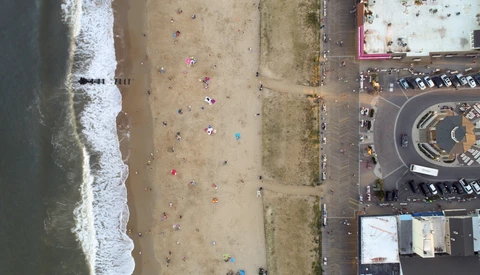
Dronelapse Video of Miami - The Tilt-Shift Technique and Tutorial

After eight months of work I finally finished this project: an aerial tilt-shift hyperlapse of Miami. The idea was to produce something different. Time-lapse videos are very common these days and most drone operators can make a decent hyperlapse with their drones.

Broken iPhone 8 Brought to Life by Digital Artist

A few weeks ago, Adrian Sommeling showed how he Photoshopped his son and himself driving an Aston Martin in Iceland. He’s back with yet another video, and this time it’s a shattered iPhone 8 composite. This one is particularly interesting as it includes glass and thus reflections which are both amongst the most difficult things to keep natural looking when working on composites. 

Three Editing Mistakes New Photographers Often Make

I find it interesting how often I see new photographers make the exact same editing mistakes I made when I started out. Every photographer who has at least a few years of experience can look back at some of their first sessions and find a number of things that they continually did wrong.

How to Make DaVinci Resolve Playback Faster In Two Clicks

DaVinci Resolve is a fantastic tool and has everything most videographers need to create perfect looking videos. However, the playback can be a bit slow and thus make the whole workflow a pain. But there is a one-click solution that will make your life much better. When I found out about it, my editing process became much faster. 

Fuji Film Simulation Made Available for RAF Files Thanks to Picktorial

When Picktorial 3 was released, it promised a solid support of Fuji RAF files. Today, it’s getting even better by offering film simulation color profiles. The profiles are available as an add-on specifically designed for Picktorial 3 and Fujifilm X-Trans sensor cameras.