Post-Production

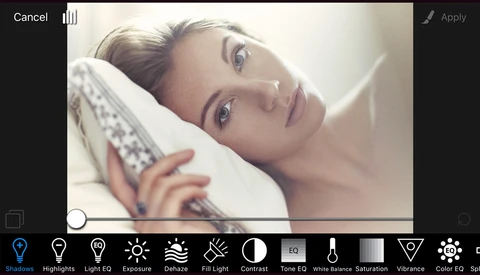
Post-production is where raw files become finished images — and for most photographers, it's where a significant portion of their working time goes. This section covers the full post-production process: from culling and raw processing to retouching, color grading, and the workflow systems that keep a high volume of work manageable without sacrificing quality.

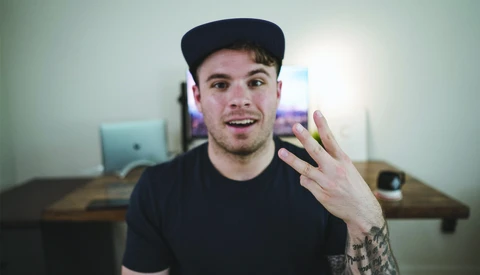
Four Tips to Make Your DJI Spark Footage Look Professional

The DJI Spark is one of the most attractive options out there for people who want to get into aerial photography and videography. However, when getting into this whole new world, it may be overwhelming to learn everything about the genre. Casey Faris created a short five minute long tutorial to help you out making your Spark’s footage look better.
 

The Dehaze Tool: A Simple Tool That Can Make a Big Impact

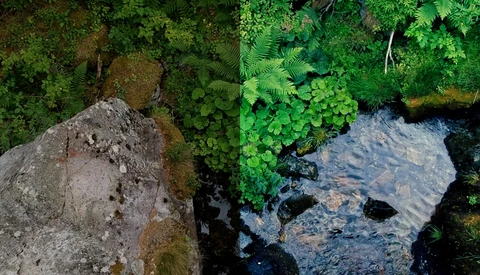
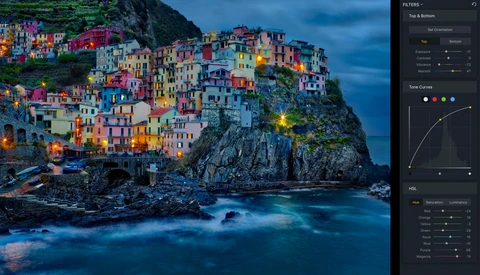
When it comes to processing your digital images, there are so many tools available to you and sometimes the process can seem a bit convoluted. Personally, I like to use a mix of both Adobe Lightroom and Adobe Photoshop to make the most out of my images.

Restoring the Past With Photoshop

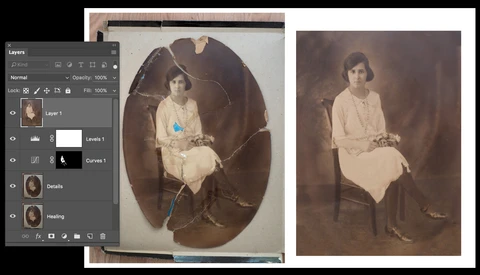
Humidity, sunlight, water, and most of all, time, are just some of the culprits in the damage most printed photographs will endure. However these memories of loved ones do not need to be thrown away or thought to be unrepairable. A few layers in the digital world can bring it back for your clients. 

Before and After: Rowboats on Lake Titicaca

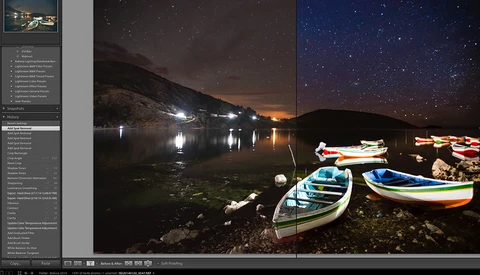
After every trip I go on, I always end up with a favorite image. Maybe it’s the one with the best story, or the one that was the hardest to get, or the one with the nicest person I met on the journey. In 2014 I headed to Bolivia to shoot a wedding, and a few weeks later found myself wandering around on an island in Lake Titicaca. And there, my favorite image of the trip was born. 

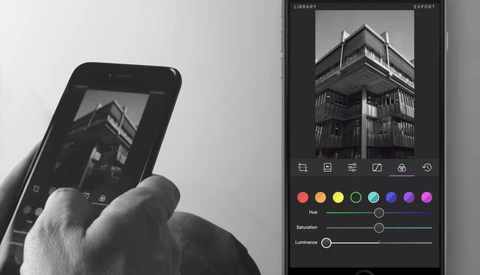
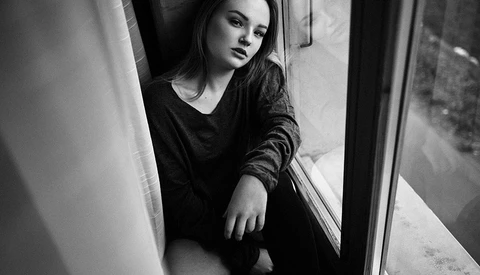
Creating Dramatic Black and White Images for Instagram

If you've ever been swiping through Instagram and noticed that certain black and white images had a particularly dramatic, vintage, or even sharp look to it, chances are there was a bit more going on than simply selecting a basic filter.

How to Use Luminosity Masks for Landscape and Cityscape Image Editing

Luminosity masks are a fantastic way to make precise selections based on luminance values (hence the name). As with all things Photoshop, there are multiple ways to achieve the same result. I find using channel selections to be the easiest way to manually create my masks.

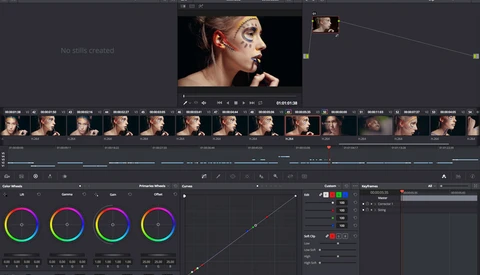
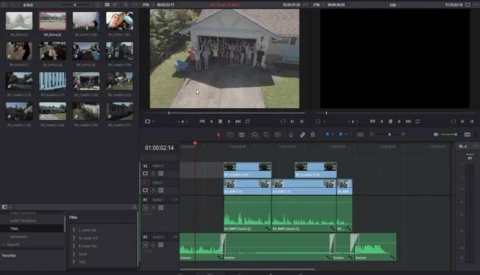
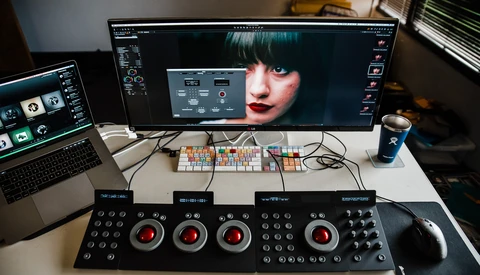
How to Set the White Balance of Your Video Footage in DaVinci Resolve

White balancing video footage is crucial to make it consistent between sequences of edits you are putting together. However, adjusting it by hand using color wheels can be quite cumbersome especially for those who don’t see colors all that well. Using DaVinci Resolve 14 beta you can, however, make this adjustment incredibly fast and easily.
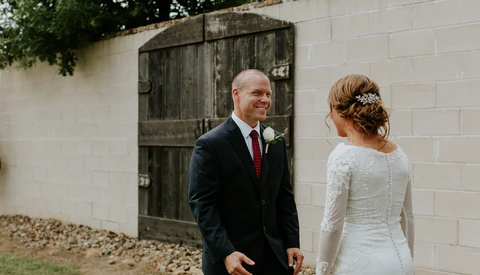
Preset Systems: Why Wedding Photography Is the Exception

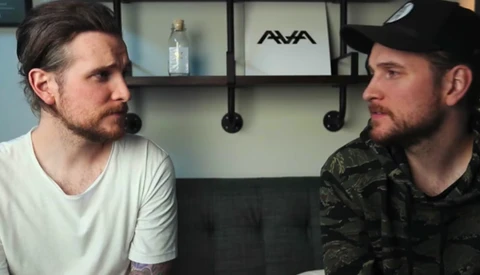
Depending who your friends are, you either love or hate Lightroom preset systems like VSCO Film, Mastin Labs, or the ever-so aged RAD Labs. The argument on one side of the fence is that everything becomes cookie cutter and lacks unique emotion.

A Myriad of Resources to Help You Better Color Grade Your Photography

Color grading is a critical tool involved in the production of a truly impressive image. Through the use of grading a photographer can completely shift the impression a given photograph leaves on its audience. Learning color grading, however, is quite difficult as it is one of the most ethereal aspects of a post-processing workflow that can vary radically from photographer to photographer.
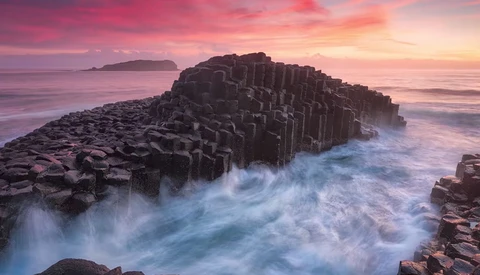
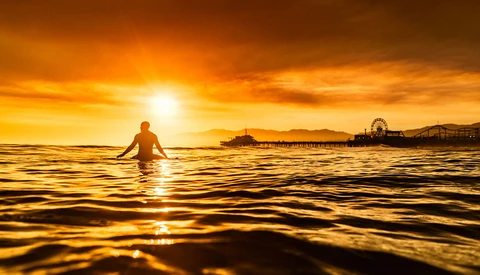
Tips for Creating Stunning Images of Seascapes

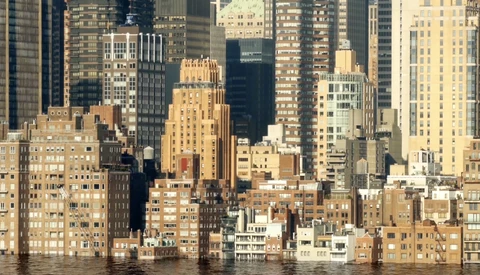
If you’ve ever wondered how to create rich seascape photos with silky waves that convey the motion of the sea, you’ll want to check out this tutorial. Freelance Landscape Photographer Michael Breitung describes how to capture various types of seascape images, and has one particular post-processing tip that you won’t want to miss. 
Get Creative Using Composites

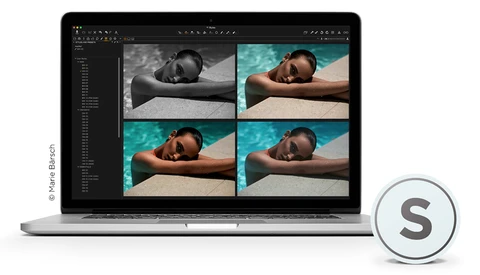
If you're like me and love spending time both shooting and editing your images, why not get creative and refresh those deep-etching Photoshop skills when you've got a few hours in between projects? Composites look really neat, but there's a lot of work and patience that goes into it behind the scenes and if done correctly, it would look amazing and really take your conceptual photography t

Stop Using Clarity Like This In Post-Processing and How to Do It Better

The times of oversaturating and selective coloring might be over, but clarity is here to pick up where those post-processing horrors left of. Now don’t get me wrong, I think that clarity is an amazing effect that can do wonders on your images… just not if you use it on the whole image and crank it to the max. I realize, that seeing this sudden increase in drama and grittiness mig

How to Edit a Video from Start to Finish With DaVinci Resolve 14

Blackmagic's DaVinci Resolve is widely known for its color grading tools. It’s what many would call an industry standard thanks to its powerful features. With the Beta 4 of Resolve 14 that was released a little while ago, the software saw its editing and audio capabilities improving quite a bit as well.

Save 40% on Alien Skin Products Including Exposure X2

A few weeks ago I shared my review of Alien Skin Exposure X2, and I was amazed by how efficient it is. Not only is it an amazingly powerful tool when used as a plugin for Photoshop or Lightroom, but it’s also very convincing as a raw processing software. Until the 24th of July, the app is becoming even more attractive as it’s now available with a 40% discount! 

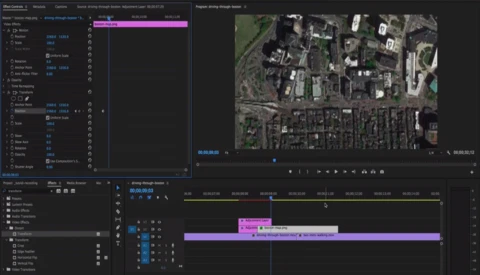
Map Zoom to Sky Effect Transition, or How to Make Drone-Like Footage Without One

When editing videos, especially if you are vlogging, finding creative ways to make your content entertaining isn’t always easy. Quality content is king, but a solid edit goes a long way as well. Implementing new transitions on a regular basis or finding a unique one that can become your signature style could definitely help making your footage more attractive.

How to Quickly Replace the Sky In Any Photo

As a photographer, you should come to expect Mother Nature isn’t always on your side. Maybe you found the perfect location for a shoot, and when it’s finally set up, the sky isn’t exactly how you want it. Maybe you are just traveling around and taking photos of the beautiful landscape, but the sky leaves more to be desired.

Google's AI Photographs and Edits Like a Pro

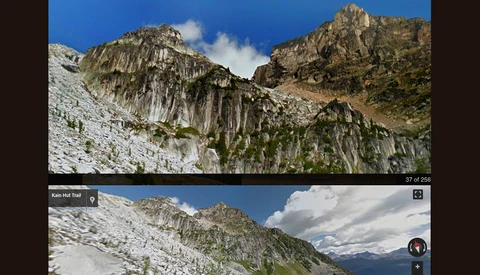
Google has trained their AI to go out using their street-view feature and snap images it calculated to work best for the task at hand. The calculation is based on multiple professional photographer styles, composition, and postproduction, and it's able to narrow down what "shot" would make the best photograph.

How to Color Grade Your Images Using ACDSee Ultimate 10

Editing a picture is all about making the most out of what your sensor has captured to make your creative vision come to life. How you see a scene will differ from what others, or even your camera, see at the exact same time and place. Adjusting your file in post-production is thus critical to share with others what you saw with your eyes and mind.

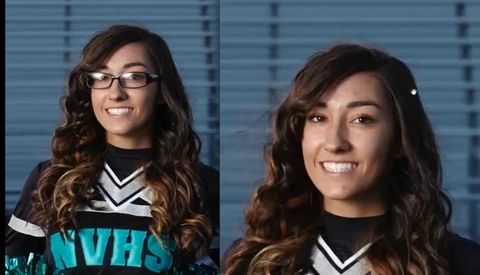
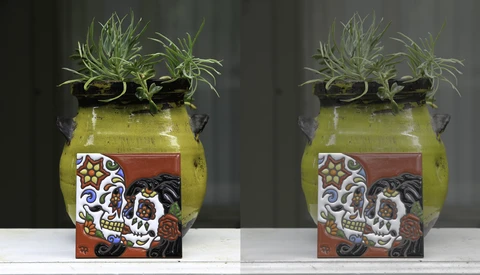
Quick and Effective Way to Remove All Reflections in Glasses for Portrait Photography

Glasses can be a real pain when shooting portraits. Perhaps the subject's glasses don't have the anti-glare coating or even if they do, sometimes your light source can still wreak havoc with reflections. Today I want to share a quick tip on dealing with this issue. Sometimes the reflections can be so bad, they cover a huge part of the actual eye.

Wacom Announces the Cintiq Pro 24 and 32 Inch

After updating their Cintiq line with the Cintiq Pro 13 and 16 inch in the previous month, Wacom announces two new products coming for the beginning of 2018. Both products will complete the Cintiq Pro range and come with brilliant 4K displays. One will be 24 inches and the second 32 inches, offering a solution for everyone.


Essential Keyboard Shortcuts That Every Photoshop User Should Know

As you can imagine I spend a lot of time in Photoshop. And when you spend as much time in Photoshop as I do, you want to work as fast and efficiently as you can. Over the years, I’ve learned a lot of keyboard shortcuts. Knowing keyboard shortcuts is crucial in creating a faster more efficient post-production workflow. 

Speed Up 4K Video Edits Using Proxies in Adobe Premiere Pro

You’ve bought a brand new 4K video camera with all the bells and whistles and shot your first piece of work. You can’t wait to get home and edit the footage for your client imagining how incredible and crisp the video will be. You open Premiere Pro, import the files, and within seconds your computer takes a crap as it struggles to render the data intensive footage. 

When Things Go Wrong In Mexico: Mike Kelley's Behind The Scenes Episode 5

With the launch of Mike Kelley's 3rd Architectural tutorial, we released eight new episodes of behind the scenes madness. In this episode, Mike continues shooting one of the most extravagant homes on the Mayan Rivera, Lee's nightmare trip becomes worse when he comes down with food poisoning, and I make the most of the situation and explore everything the coast of Mexico has to offer. 

The 2017 High-End PC Buyers Guide for Photographers Running Photoshop

We're going to build our very own photographers PC, capable of working at blazing speeds with 50-megapixel images and dozens of layers in Adobe Photoshop. The high-end system we will be discussing here will have a budget of $1,500 in mind. For this, we're going to build our post-processing dream PC, but it doesn't include a monitor. Let's start comparing specs. 

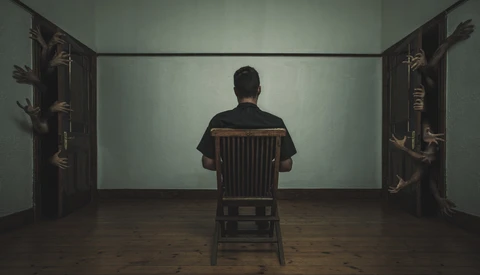
See From Start to Finish How This Haunting Composite Was Made

One of the things I really love about Photoshop is the fact that there is invariably more than one way to achieve a particular effect in the editing software. For this reason, it's hard to get tired of seeing other people's workflows as you'll always find someone doing something which you haven't thought of before. 

The Good and the Bad of Outsourcing Your Photography Editing

Outsourcing is quickly becoming a standard practice. More and more photographers are using outsourcing services full time, while others are using them during the busy part of their season. While outsourcing has become more common in the industry, there are still some questions as to it’s worth.

Website Calls Your Bluff on That 'Unedited' Photo

The photo came out of the camera like that, I swear! Not really, and now there’s a website that can prove it. 

Developer Piotr Chmolowski shared a new tool he’s created, Pixel Peeper, to reddit and other sites a couple of days ago, and it’s quite revealing – literally.

How to Make Your 4K Footage Look Like It Was Shot in the 90s

So many photographers have recently been dipping their toes in the world of video. You can edit photos like a pro, but maybe you just can't seem to figure out video editing; it's very complex – like an onion, so many layers – and now you have to deal with sound design! If you've used presets for your photo editing, then you should definitely consider plugins for your video editing.

How to Retouch Hair in Photoshop Efficiently and Quickly

Cleaning hair in post-production is without a doubt retouchers’ and photographers’ worst nightmare. It takes up a lot of time, energy, and precision, but more importantly, there are so many techniques out there that often we forget about even the most basic ones. In this very comprehensive video, Aaron Nace from Phlearn shows how to retouch hair in the most simple way possible. 

Forgot Your Lights? Tips for Shooting in Darkness

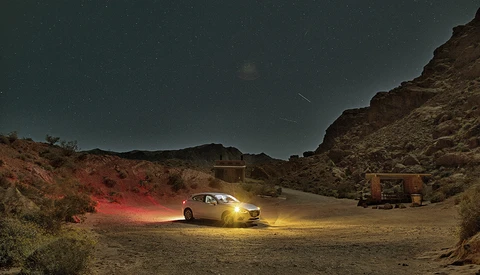
It’s always important to stop and smell the photos – but what happens when your stop is at night, in complete darkness without any lights to help you out? You improvise. There are a few things you can do to help you compensate for lack of proper lighting equipment.


Using a Retoucher to Take Your Photography Further

Now I know there have been countless articles posted about why retouching is important, or why it’s downright frowned upon. But imagine, as a photographer, being able to free up so much more time by outsourcing the editing to a trusted retoucher.  

Post-Process Black and White Photographs in Lightroom Like a Pro

Effectively converting a color image to black and white involves much more than a simple “convert to grayscale” type of operation. In this video, Aaron Nace of Phlearn demonstrates how to produce a stunning black and white version of any color image in Lightroom. 

Cloning Yourself in Photos or Videos

How many times have you seen a video or photo where a subject or even the artist themselves appear in it multiple times and wondered how they did that? Having a background in graphic design, I always guessed you just merge the footage or photos together and mask sections out to reveal the subject in each area.

New York Underwater: Could This Really Be?

The past few weeks here in New Jersey and New York have been pretty rainy and not so nice. With that in mind, I came across a video that really caught my attention and had me confused for a good minute or so. For a while I thought I had been out of the loop, when suddenly I realized that this was just another sort of filming "trick" to fool the eye.

Phase One Releases Capture One Styles Packs

Preset lovers rejoice: today Phase One announced new products in the form of Capture One Styles Packs. With a drag-and-drop installation, these Styles are made to be integrated with one’s Capture One workflow and provide creative support as well as speed up the image editing process. 

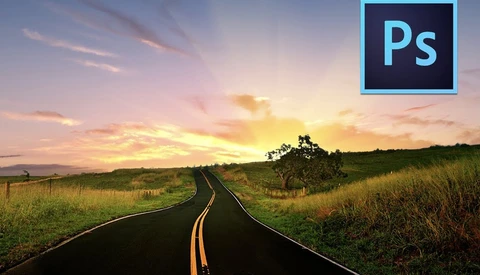
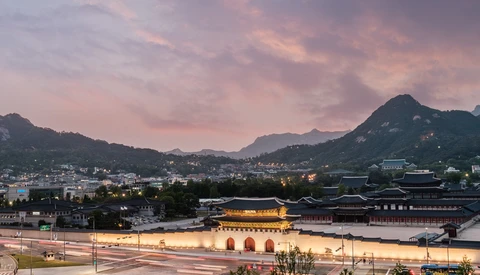
Quick and Dirty Guide to Replacing Skies in Photoshop

The weather. Of the many things I wish I could control, this is certainly one of them. Recently, my home of Seoul has had some of the clearest skies and nicest puffy clouds that I’ve seen in my 11 years of living here, but typically this is not so.

Google Abandons Nik Collection Photo Editing Plugins

In another classic tale of a large company purchasing out a beloved product only to abandon it, Google is now dropping development of Nik Collection. After Google bought out Nik in 2012, they made all the Collection plugins free last year and have incorporated some of its features into their Snapseed mobile app.

Refine Your Images Contrast With This Simple Capture One Pro Tool

Capture One offers quite a few tools to adjust your raw files. It’s best known for its color editing capabilities, but luminosity adjustments are also very well designed. One of them was introduced last year with Capture One Pro 9, and it’s called the Luma Curve. It’s a powerful feature to adjust contrast manually while avoiding any color shift.

Never Deal With Syncing Camera Times Again

Working with a second shooter has a ton of advantages: you can cover more moments, you get different angles and perspective on the same moments, and they even allow you to try new things during the day that you normally couldn't afford to do.

Go Behind the Scenes of Pirates of the Caribbean: Dead Men Tell No Tales

Summer is in full swing and that means there's plenty of blockbuster films to see over the next few months. One that my son and I are looking forward to is the next chapter in the Pirates of the Caribbean franchise starring Jack Sparrow, aka Johnny Depp, along with returning original cast Orlando Bloom and Keira Knightley.

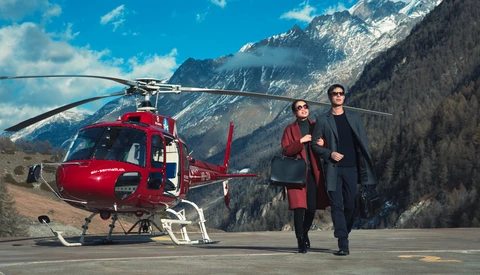
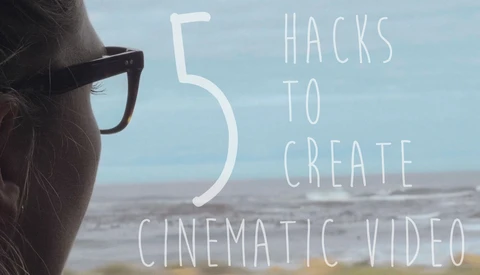
Five Hacks to Creating Cinematic Looking Video Without Breaking the Bank

Modern DSLR and mirrorless cameras are capable of shooting razor sharp footage in spectacular 4k 60fps and up. But how do you give your footage a cinematic feel without purchasing pricey anamorphic lenses and professional cinema cameras? Fstoppers is here to help with five great hacks to achieving a cinematic feel to your video without spending a small fortune. 

Demystifying Camera Picture Profiles

Most, if not all, have seen the picture profile settings in our cameras. These can include settings for Landscapes, Portraits, or even Cine-style formats for filmmakers looking to achieve that cinematic look.

Three Ways to Separate Yourself From Other Photographers

Social media consumption is at an all-time high and is on pace to increase at an exponential pace for the foreseeable future. We all seem to have capable technology on us always, whether it be a cell phone or dedicated interchangeable lens camera. With this rapid rate of consumption and the accessibility of technology we are living in a world saturated with quality content everywhere we look.