Post-Production

Post-production is where raw files become finished images — and for most photographers, it's where a significant portion of their working time goes. This section covers the full post-production process: from culling and raw processing to retouching, color grading, and the workflow systems that keep a high volume of work manageable without sacrificing quality.

Build and Photograph Your Own Miniature Set Using Only Household Items

With the holiday season in full swing during December, I decided to put my camera down and focus on coming up with new ideas and concepts rather than just shooting straight away. Being a big fan of Felix Hernandez Rodriguez and the miniatures he brings to life through his photography, I decided to build my own set and photograph it. 
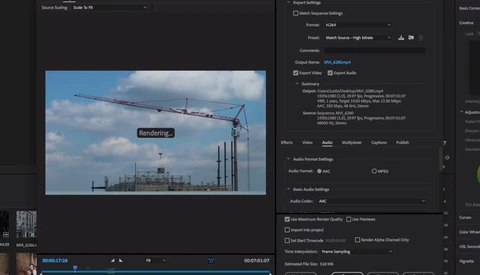
How to Export a Video in Premiere Pro Even if You Are a Beginner

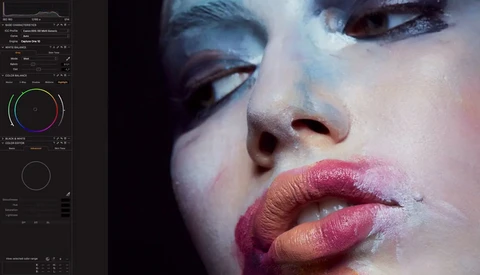
You recently got into video and decided to use Adobe Premiere to edit your footage. That’s fantastic. But now, with your first timeline done, you find yourself in an awkward position: what settings do you use to export your sequence in the best way possible? With photography it’s quite easy, but videography is whole different thing.

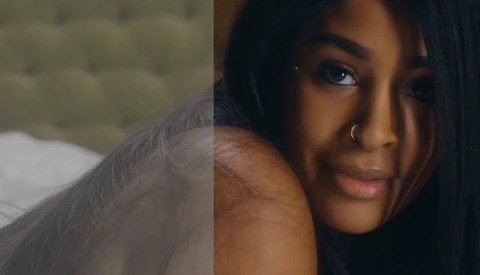
How to Quickly and Easily Color Grade Your Footage With 3D LUT Creator

Colors straight out of camera vary greatly between brands and sensors. Canon has been known for a long time for its great skin tone reproduction, while other manufacturers have created more troubles for colorists and retouchers to get perfect tones without a solid post-production workflow.

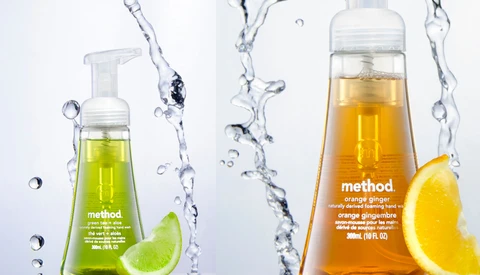
How to Add Splashes to Your Product Photography With Exposure Blending

Depending on your project or assignment, commercial photography can allow for some creativity to be added to the photo. Creating splashing in the background or even having the splashes hit the product or subject can be one way to add some interesting factors to the shot. How would you set up the shot? 

How to Use Adjustment Layers in ACDSee Photo Studio Ultimate 2018

Recently Fstoppers reviewed ACDSee Photo Studio Ultimate 2018, the newest version of their all-in-one editing flagship. If you are not familiar with ACDSee’s platform, it is an editing suite similar to Capture One Pro or Photoshop, but also includes photo managing tools and quick editing capabilities similar to Lightroom.

How Many Megapixels Do You Need?

How many pixels do you need in an image? Sounds a simple enough question and the inexorable megapixel race doesn't seem to have ended, in much the same way that the PC processor race marched on unabated for several decades.


Delivering Images and Video for Non-Calibrated Screens

You've probably seen thousands of articles on screen calibration and you may strive to deliver perfect images and videos. Unfortunately, in the end, your client views them on their non-calibrated way-too-blue or way-too-orange screens.

Make Your Instagram Photos Pop Using Adjustment Layers in Photoshop

Adjustment Layers are probably one of the most useful, and most used tools in Photoshop. It's one of the best ways to keep a non-destructive editing workflow in place and offers additional features such as blending modes to add exciting effects to your images. With all this in mind, why don't we see how we can use it to make our Instagram images stand out more? 

Utilizing Lightroom Presets in Luminar 2018

There have been debates circling the internet lately on users abandoning Adobe’s eco-system of photo applications for a new player in town. Macphun, soon to be Skylum Software, has been making waves lately with their latest release of Luminar 2018.

Why You Can Never Have a Perfect Skin Color Even if You Use Color Calibration Charts

A few years ago I was talking with a fellow photographer about the color correction of portraits. While on the topic of using white balance cards and color charts in order to get a perfect skin color, he interrupted me and said, “You can't have perfect skin color with these.” I immediately thought to myself, “Oh, yeah?” Oh, yeah.

An Easy Fix for Nik Collection’s Recent Crash Issues

If you are a user of one of the popular Nik Collection photo editing plugins, you have probably experienced errors in using the software recently. After Photoshop’s latest update, several users have reported that using the plugins will now force Photoshop to close when the plugin attempts to save its changes.

Affinity Photo for iPad: 50 Percent Off Flash Sale

Serif have just announced a flash, two-day sale of their professional photo editing software, Affinity Photo for iPad. You can buy the software until 7 a.m. EST, Saturday, December 9 for $9.99, a saving of 50 percent on this powerful app. 

How to Make a YouTube Video From Start to Finish

As a budding YouTuber myself, every time Peter McKinnon uploads a new video, I'm taking notes. His growth on YouTube has been nothing short of spectacular and a lot of this comes down to his ability to create videos that are visually engaging with great storytelling. 

Using Your Own Darkness to Influence Your Conceptual Photography

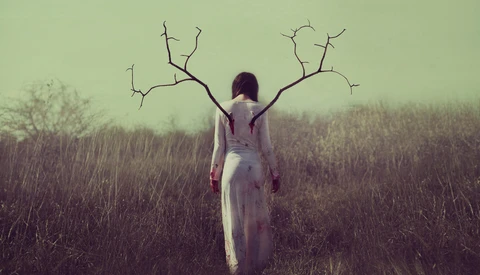
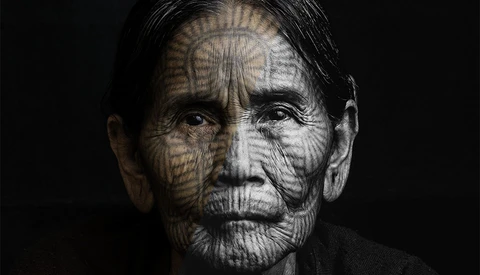
Generations of musicians have expressed their sorrow and grief through their chosen medium, yet seeking inspiration in these dark places is somewhat niche in amateur photography. I caught up with emerging British talent Michelle Mackie to understand how she expresses these sullen tones in her conceptual photography. 

The 2017 Monitor Buyer's Guide for Photographers: Finding the Best

When you’re in the market for buying a new monitor, you’re probably overwhelmed by a host of specifications. Size, resolution, color gamut, and panel technology can make all the difference when you look for a new screen to edit your photos on. As a photographer, not all specs are that important.

The 2017 Monitor Buyers Guide for Photographers: Top Recommendations

Even with all the notes and advice, it’s typically a tough job to find a quality monitor in any price range. This is why I’ve decided to hand you my top recommendations as of November 2017. After sifting through literally hundreds of monitors, I’ve distilled five classes of monitors, among which are Fstoppers top recommendations in either class. 

How Culling the Color Blue Can Improve Your Images

I don't have a vendetta with the color blue, or any colors for that matter; that would be odd. I do, however, remove the color blue either entirely or nearly entirely from the lion's share of my images, and for good reason. 

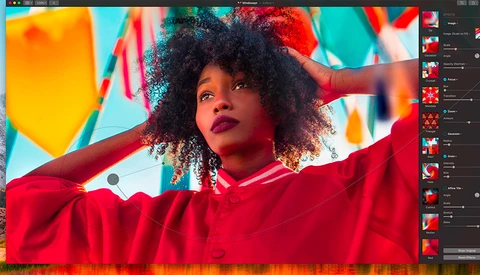
Pixelmator Announce the Release of Their New Photo Editing Software: Pixelmator Pro

The competition is really hotting up for Adobe these days. With Luminar, Capture One, and Exposure 3, all creating super fast, intuitive, and non-destructive raw photo editing software, it's no wonder that Adobe has just announced an update to their notoriously uncooperative selection tool, because today, Pixelmator have now thrown their hat into the ring by a

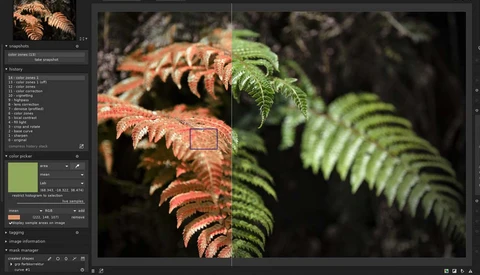
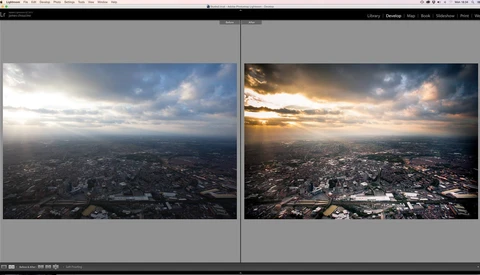
Squeezing Extra Autumn Colors Out of Lightroom

If you've been out shooting recently, there's a good chance that you're now sitting down to edit a pile of photographs that capture the incredible colors that autumn brings. This brief tutorial shows you a quick and dirty trick (jump to three minutes to skip the waffle!) for getting Lightroom to make the most of those gorgeous, orangey tones. 

Alien Skin Software Black Friday Deals

Alien Skin Software announced the beginning of their fall sale. Customers can enjoy savings of 20 percent or more on all products in its store today through November 27.  

How to Make Your Stories More Engaging and Appealing

Instagram Stories have been around for quite a while now, and we have actually already shared a few articles regarding how you can make better use of them to build engagement on your account. In this new write-up, I wanted to share with you a couple of techniques that aren’t too tedious to use on a regular basis to help you build higher quality stories.

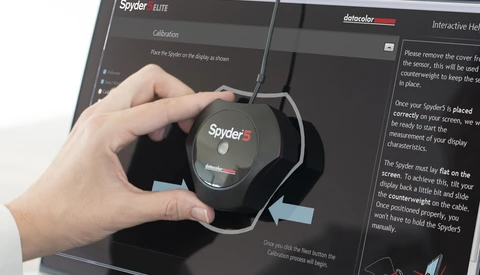
How to Calibrate Your Monitor With the Datacolor Spyder5ELITE: Plus Holiday Deals

With the holiday sales starting this week it's the perfect time to start calibrating your monitor or upgrade your old device to a new one. Datacolor is offering some great deals on Black Friday and Cyber Monday. So pick up a new device and read through my walkthrough on how to use your new toy. 

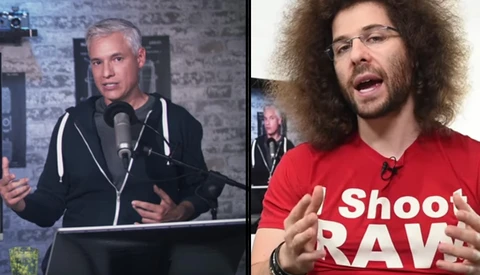
Northrup Vs. Fro, JPG Vs. Raw: Why Is It Even Still a Debate?

It’s the equivalent of a presidential Twitter feud, but for the photography world. Everyone’s favorite Anderson Cooper lookalike Tony Northrup released a video on November 4 about the benefits and downsides to shooting raw files versus JPG files, and in this video dispensed some advice on when to shoot raw files and when to shoot JPG files (and when to shoot both).

Are Lightroom CC's Embedded Previews Worth Using?

Import and culling have always been two of the most time consuming and, frankly, annoying parts of Adobe Lightroom. Despite all of its improvements over the years, the process of getting files into Lightroom has remained a huge bottleneck in an otherwise swift workflow application.

How to Colorize a Photo Using Curves in Photoshop

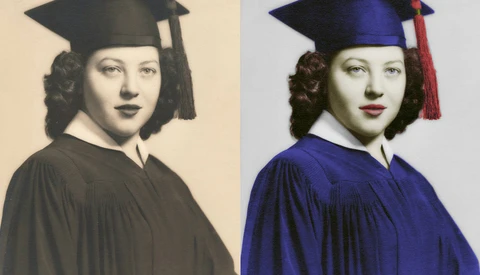
Adding color to a black and white photo is one of the most fun things you can do in Photoshop. Not only that but it is surprisingly straightforward, only taking a few repetitive steps to accomplish. In this tutorial, I’ll take you through the steps necessary to add color to any photo you like! 

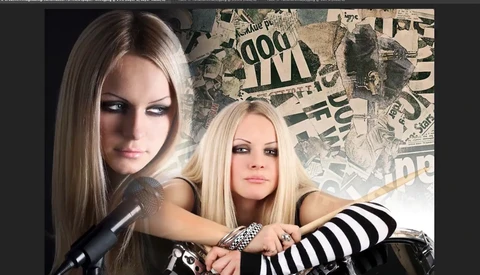
Combine Photos and Create Collages in Photoshop with Layer Masks

Utilizing layer masks within Photoshop isn't going to be anything new to some of you but if you are one who is somewhat unfamiliar with using masks in your work then this quick tutorial by Colin Smith, with photoshopCAFE, is just for you. Layer masks are best known for hiding or revealing sections of an image in a non-destructive manner.

It's Time For Some Awesome Wacom Hacks

So if for some reason you've still never tried a graphical tablet for your image retouching or digital illustrations, seriously stop waiting around. Worst case scenario is that you find that you really don't like it so you turn around and sell it. Best case, you revolutionize your retouching habits; pretty much a no-brainer.

A Quick Way to Add Luma Fade Transitions to Your Videos

There are several different ways to change scenes in your videos, cutscenes can work great but a well-placed transition can give off a more professional cinematic vibe in your work.  I believe that there are certain transitions work well under very particular circumstances, and the Luma Fade transition is one of them.

Post Production Faux Pas

Isn’t Facebook time hop great?! Every day I get to see the last seven to eight years of my photography. Like almost every photographer, I sucked when I started out. My actual composition and use of the camera weren't too bad, but my post-production was horrendous. The best way to describe the post processing is “heavy-handed.”


How to Transition Grades in DaVinci Resolve 14

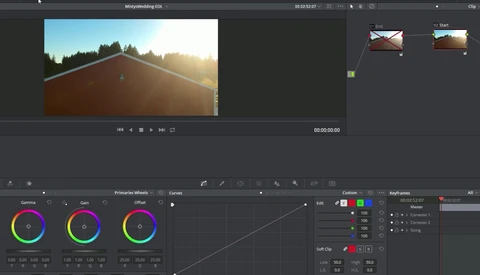
When grading videos, it’s not rare that we have to transition grades between different sequences or within one single shot. Using DaVinci Resolve 14, it’s quite easy to achieve a perfect transition from one grade to another. In this three-minute long tutorial, Casey Faris shows us just how to do this. 

An Interview with Digital Artist Antti Karppinen

Antti Karppinen is a digital artist, photographer, retoucher, and instructor from Finland with a unique eye for visual storytelling through photography. His work relies on traditional photography skills combined with an active imagination and complex Photoshop editing work to create fantastical images.

Cardboard Turned to Photo Art

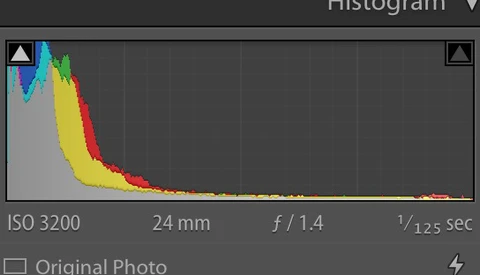
Let’s face it, some people are just more creative than others. There’s no denying that we all think in radically different ways. Some of us are more "in the box" creatives, leaning towards more straightforward images - images that are technically perfect when viewed by a histogram or composition.

Changing Hair to Any Color in Photoshop

Whether or not you are a purist, there are times when you have to change the color in post production of something you've photographed. This video will tell you how you can easily alter hair color of a portrait to whatever hue you want.


How to Replicate a Film Look for Your DSLR Footage

Modern digital cameras produce an almost impeccable representation of what is in front of the lens. Since the camera has been invented, the industry strives to recreate reality as accurately as possible. People oftentimes judge photo and video based on its technical accuracy. But who established that this would be the ultimate goal? 

Photo Editor Pixelmator Pro Will Be Released on November 29, Cost $59

First announced back in September, Pixelmator Pro is an upcoming photo editing app for Mac that introduces an improved workflow and utilizes macOS High Sierra’s Core ML (machine learning) framework and Metal 2. Today in a new blog post, the release date and pricing has been revealed. 

How to Smooth Out Skin on Video Footage With DaVinci Resolve 14

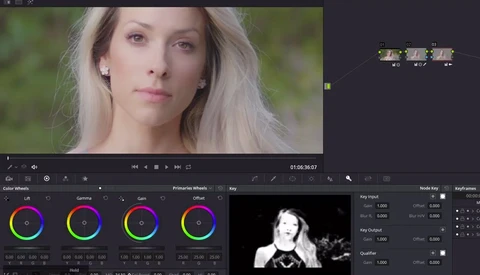
When you get in the video world, you soon realize that editing can go pretty far, but it’s not as easy as Photoshop. It tends to take more time to get to a decent result, and a tremendous patience to achieve perfection. In this short tutorial, Steve from MiesnerMedia shows us how to smooth out skin in our videos using DaVinci Resolve 14. 

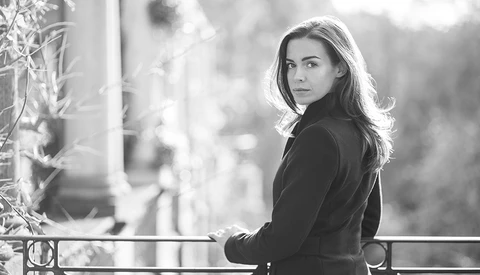
When and Why You Should Turn Your Images Black and White

For many photographers, particularly hobbyists, making an image black and white is almost arbitrary. I remember in the early days of my photography, I was the same. I would mutter: "I wonder if this would look good in black and white," and then, I'd try it. Sometimes, it would look better, but usually, it would not. I presumed it was all just down to taste, but that's not true.
How to Switch From Lightroom to ACDSee Ultimate 2018: Part 2

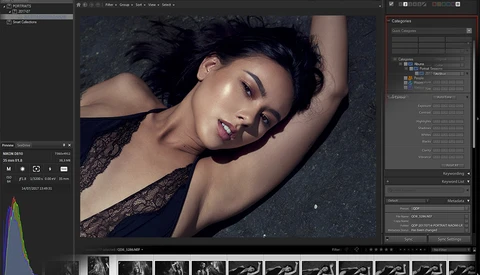
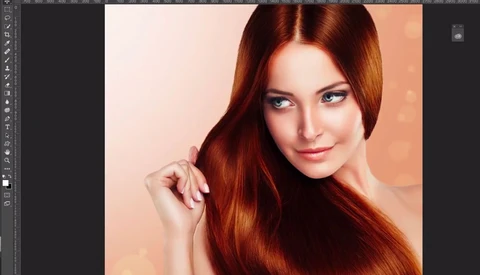
In a previous article, we discovered how we could transition from Lightroom to ACDSee Photo Studio Ultimate 2018 by importing old catalogs. We also discovered the different files management options and tools ACDSee Ultimate 2018 has to offer.

Quick Tips on How to Color Grade Your Photos Using Gradient Maps

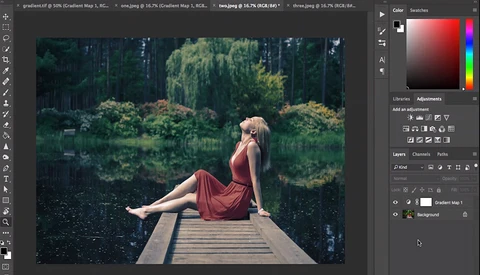
Gradient maps are a powerful tool in Photoshop and when utilized correctly, make for a quick and easy way to effectively tone your images. Travel Photographer and Videographer Travis Transient has a quick tutorial on how to best utilize gradient maps to color grade your images. 

Five Reasons I Process to Black and White

Reproducible photography started with forms that would produce a monochromatic image. For a large portion of the history of the medium, this was all we had. Color photography brought about a choice as to which you would like to use, and over time it became the dominant choice of consumers and professionals alike.

New Hope for Nik Collection, DxO Acquires from Google

For the past few years, the popular Nik Collection has had an interesting journey starting back in 2012 when Google originally acquired the photo editing plugin. Over the course, the collection has gone through a price drop and ultimately landed as a free download which made several photographers happy.

PSA: Don't Sweat the New Process Version In Lightroom Classic CC

You may have had the same reaction I did when I first started loading up the Develop module in Adobe's new Lightroom Classic CC update: oh no, why did Lightroom change all of my photos to an old process version!? First things first: don't worry. The process version did not change.

Fstoppers Reviews Capture One Film Styles Pack

Phase One has already released multiple Styles Pack since the beginning of the summer. Today, they announced their brand new Film Styles Pack and I had the chance to play around for a few days before it was officially announced. Rather than offering you a simple release article, I thought a review would be more useful.

How I Shot and Edited Portraits of William H. Macy

Being that I’m primarily a wedding and documentary photographer, it’s not every day that I get the chance to take a portrait of a celebrity. Add to this that I live in Northwest Arkansas, which isn't really a hub for celebrities, makes it even less likely for me — especially one as well known as William H. Macy.