Post-Production

Post-production is where raw files become finished images — and for most photographers, it's where a significant portion of their working time goes. This section covers the full post-production process: from culling and raw processing to retouching, color grading, and the workflow systems that keep a high volume of work manageable without sacrificing quality.

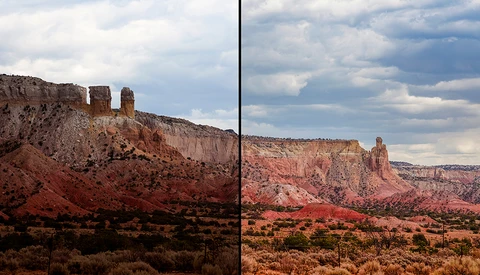
Transform Your Existing Images With the Help of Adobe Stock

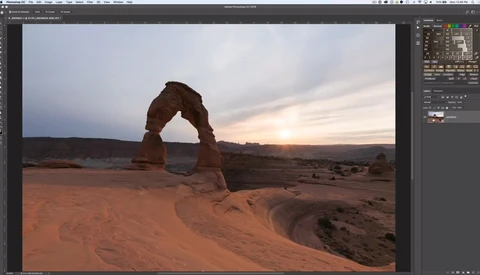
The sky usually plays an important role in shaping the mood and tone of the pictures you make while photographing outdoors. If mother nature doesn't want to cooperate and give you a desirable sky while shooting, a stock image could help save the day. 
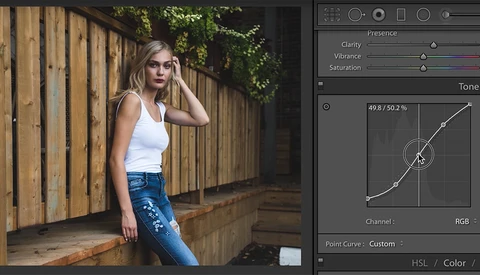
Simplifying the Tone Curve

Lightroom’s tone curve is one of those tools that is often looked over, especially with beginners. This video will explain everything you need to know to get started using this powerful tool. 

Stop Doing This to Your Photo's Highlights

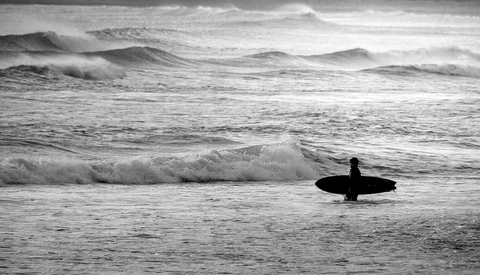
In the first year or so of learning how to edit images, photographers are completely bombarded by information regarding the dos and don’ts for what makes a good photo. This is one area of post-processing that continues to be misinterpreted. 

The Most Important Thing to Do Before Sharpening Your Images

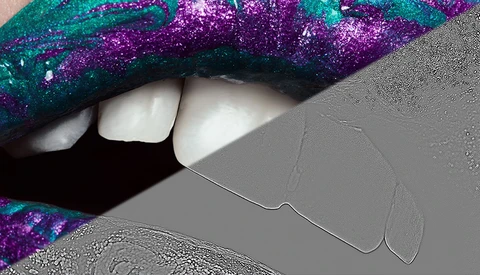
The Internet is full of articles and videos telling you what technique will revolutionize the way you add sharpness to your images, but almost none of them tell you the most crucial step to take before sharpening, no matter the technique. In this article, I’ll show you this simple yet essential action to make your sharpening genuinely efficient. 

We Pirated Our Own Video and This Is What Happened

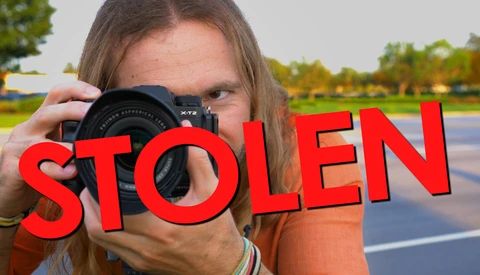
Piracy is a major issue among all types of creatives. Regardless of if you make handbags, design websites, create beautiful paintings, produce movies, or craft amazing photographs, at some point or another, someone is going to steal and rip off your work.

Two Great Reasons Every Photographer Should Crop Their Photos

Have you ever wondered when, and why you should crop a photo? In this post I'll explain how using the crop tool effectively can hugely improve the storytelling abilities in your photography. I'll also show you how cropping a photo can take your shot from average to great by allowing you to follow some key rules of composition.  Cropping a photo is never easy. Which parts to leave in?

A Simple Explanation of Why CMYK Makes Sense for Printing

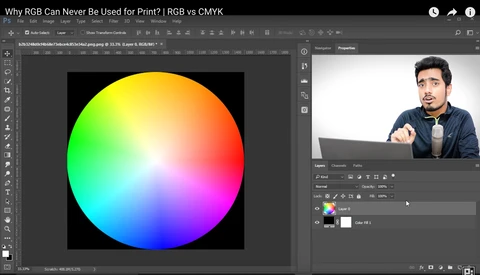
Have you ever wondered why magazine publishers and other printed material producers ask you to submit your images in CMYK color space instead of sRGB or Adobe RGB? If you haven’t thought much about the “why” before now, you might be interested in the tidbit of info in this video. 

Photographer Creates Stunning Conceptual Image in Iceland

Conceptual photographer and retoucher Anya Anti traveled to Iceland in 2017 to create some extraordinary images. Check out this behind-the-scenes video she created that shows her choice of location and the process of creating her props.


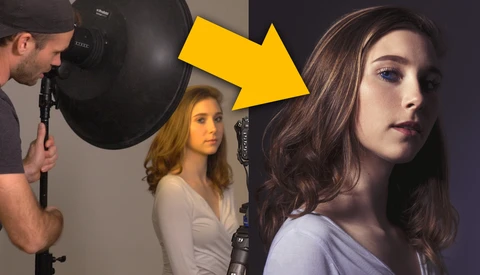
Try Lighting Your Subject From Your 'Weak Side'

Most photographers have a tendency to light their subjects from the same side. I personally like to set up my key light on camera right and I also always have my subject look toward that light. Not today.  
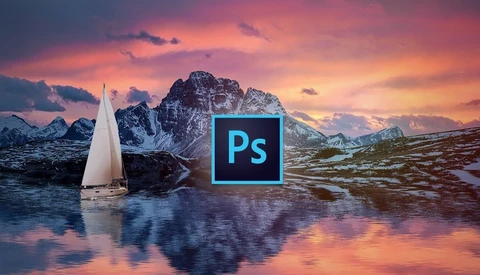
Two Tools to Improve Your Photo Editing Efficiency

Have you ever kept track of the amount of time that you spend editing each month? I was shocked the first time that I did. Realizing how much of my time that editing was consuming caused me to search out ways to be more efficient, and this is what I found. 

How to Change White Into Any Color in Photoshop

Being able to change colors in post can give you a lot of creative control and save a headache when shooting. One difficulty, however, is changing anything that's white. In this video, you'll learn you how to do that quickly and easily. 

Three Common Misconceptions About Camera Raw Smart Objects in Photoshop

Smart Objects in Photoshop are a fantastic tool to avoid working in a destructive fashion when filters, such as Camera Raw, need to be used in the retouching process. In this video, Greg Benz clarifies three common misconceptions to save you useless worries or precious time. 

Fstoppers Reviews Opal Opacity Plugin for Lightroom

Often when going through a set of images via Lightroom, we use a preset we like, export the images, and then tone back some of the color or "effect" from the preset, once in Photoshop. There has always been a need for a way to easily dial back a preset and now there is. 

Alien Skin Software Winter Sale

Alien Skin Software are currently having a winter sale through to the 20th of this month, with savings of 20 percent or more on all their products. 

Alien Skin's flagship product, Exposure X3, which Fstoppers reviewed in January, is on sale now with a 20 percent discount.

How to Remove Large Objects in Photoshop

Have you ever tried to remove an object from a photo, but just couldn't get it to look right, whether it be because of the lighting, color, or actual selection? This tutorial provides a handful of tips for perfectly removing objects in Photoshop. 

Using ACDSee Pro on iOS for Advanced Color Grading

In a mobile world filled with an endless selection of preset filters, there are surprisingly few options to employ more creative color grading that is driven by specific choice rather than by simply perusing a gallery of presets.

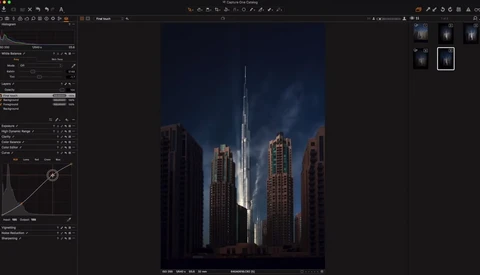
How to Make Your Cityscapes More Dramatic Using Capture One

Baber Afzal is well known for his dramatic looking fine art cityscape and landscape pictures. In this 12-minute long tutorial, he’ll show you how to achieve the same look on your pictures by taking you through one of his edits in Capture One and giving precious tips along the way. 

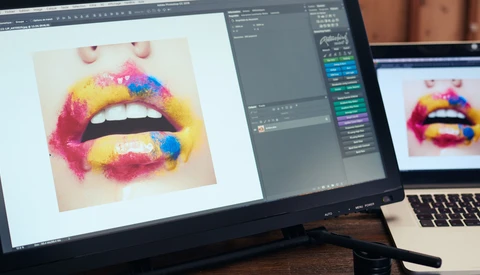
Fstoppers Reviews the Acepen 2150, a 21-Inch Pen Display That Costs Less Than $500

When it comes to retouching as best as possible, a graphics tablet is crucial. It gives more control and allows for fine adjustments that are extremely hard to get with a mouse or trackpad. I’ve been a longtime Wacom Intuos Pro user and always loved it. However, I’ve always wondered what it was like to edit on a screen.

The Photoshop Filter You Need to Start Using Right Now

Hidden within the heart of Adobe Photoshop is a filter that many are familiar with, yet most fail to use to its full potential. It is a powerful, all encompassing workhorse, and its abilities may just change the way you approach your Photoshop edits. Ladies and gentlemen, let's explore the often ignored Camera Raw Filter. 

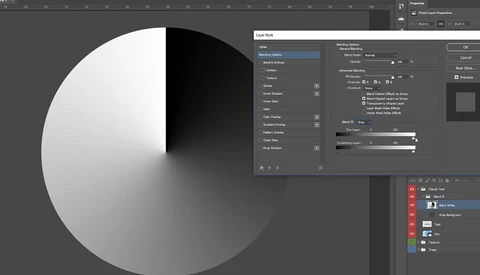
How to Use the ‘Blend If’ Feature Effectively in Photoshop

The “Blend If” function in Photoshop is usually skipped by most photographers and retouchers. However, it is an efficient color channel-based tool for quick masking and creating smooth transitions when blending different elements.

Take Advantage of These Advanced Brush Tool Settings in Photoshop and Lightroom

At the core of any image editor is the brush tool, and although many of us don't give it a second thought, it really is one of the most important features to master. Density, opacity, hardness, and flow all affect how the brush works in very different ways. Make sure you know the difference between these settings so you can work smarter when editing your images. 

Frequency Separation Made Easy With ACDSee Photo Studio Ultimate 2018

Frequency separation has long been a popular technique for skin retouching. However, for a lot of photographers new to photo editing, beauty retouching, and ACDSee, it can seem like a very difficult process. Within ACDSee Photo Studio Ultimate 2018, the process has been made easier with the addition of an automated frequency separation tool. 

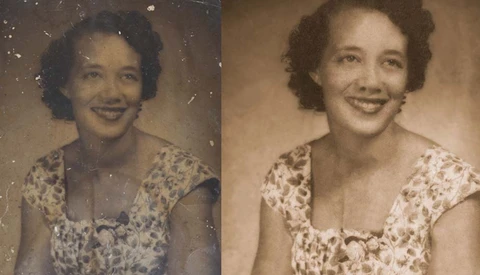
Students Help Digitally Restore Photos for Hurricane Harvey Victims

A group of students have helped restore photos for families that had their property destroyed by the storm of Hurricane Harvey. 
Communication Arts high school students partnered up with volunteer organizations in Texas to repair irreplaceable photos for families that had been affected by the storm.
The Ultimate Tutorial on Product Photography

Brian Rodgers Jr. has become the most popular and highly rated product photographer on Fstoppers, and today we are releasing his full-length product photography tutorial, “The Hero Shot.” 

Hands-On First Look with a New Lightroom Update that Promises Faster Speeds

Adobe touted much faster speeds with the release of Lightroom Classic CC (essentially, Lightroom 7). However, results seemed inconsistent. Even so, these early inconsistencies seem to have gone away with subsequent updates and bug fixes. And thankfully, Adobe will soon release another update to Lightroom that promises even better speed increases.

Life After Apple: Month One

As I wrote about before, I have always been the biggest Apple fan anyone’s ever seen. Especially with my background in graphic design, it only made sense to use an Apple computer. Naturally, as I transitioned into being a photographer, I continued to use nothing but Apple computers, and I do still maintain that they make an excellent, high-quality product.

How Color Theory Improves Your Photography and Retouching

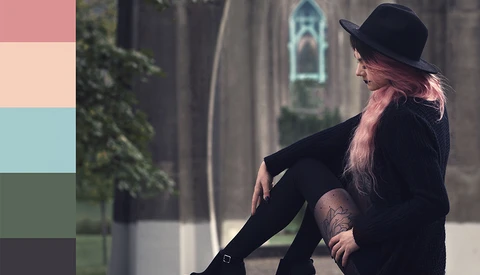
The wrong elements of color can disrupt the harmony of photographs and distract the viewer from the story you’re trying to tell. When we’re deliberate though, we can use color theory while planning the components of our photos and use color grading to allow us to create compelling images that add emotion to help us create a story.

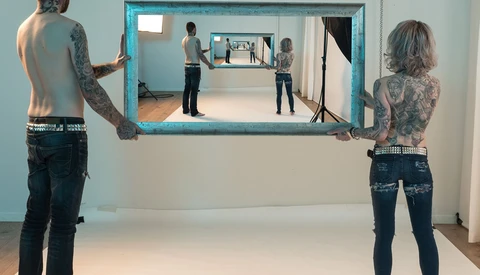
How to Create the Droste Effect in Photoshop

Have you seen those recursive photos where the image seems to continue in an endless loop, mostly commonly found where the subject is holding a frame or photos and inside that areas is the same photo appears in itself repeatedly? This is known as the Droste effect, and it might be a lot simpler to achieve than you thought. 

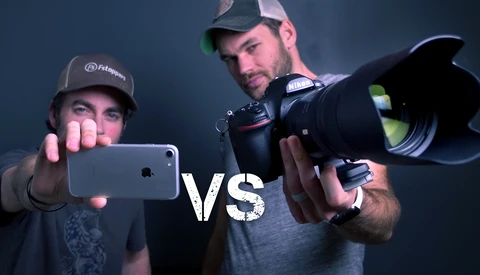
iPhone Vs. Pro Camera Challenge

Patrick and I decided to create a video series where we compete to see who can come up with the best image based on a set of randomly chosen rules. This week, one of us got to use an iPhone and the other had the entire studio at their disposal. 

Create a Water Reflection With Photoshop

When shooting landscape, I’m sure there have been times when you wished you had a wider lens to capture the reflection of the view in a lake. Don’t be full of regret, and try to look for another solution. One way could be to capture multiple shots and the other to rely on Photoshop.

Fstoppers Reviews Alien Skin Exposure X3

Alien Skin, the makers of one of the most popular Photoshop plug-ins for photographers, released the latest iteration of their standalone raw photo editor in November 2017.

How I Got the Shot Even While I Was Screwing Up

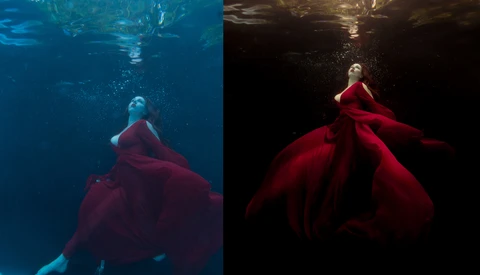
Ever have one of those shoots that seems to never go as planned? Ever have fail after fail but you have to maintain your focus just for the client? This can happen with underwater sessions in a matter of minutes. When you are dealing with something as beautiful but chaotic as water, knowing you have the tools to fix the issues will help regain your sanity. 

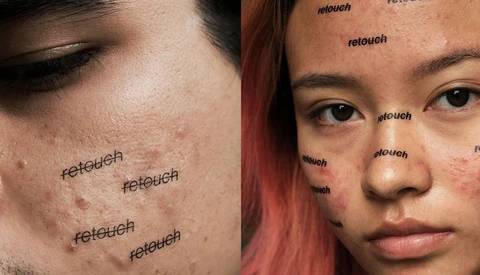
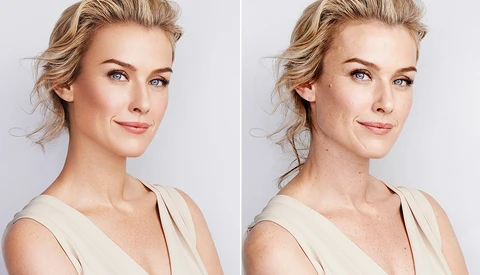
Drugstore Chain CVS Health to Ban Retouched Images

Drugstore chain CVS Health announced today that it will stop using photo manipulation in the promotional images for its store-brand makeup and will require all other companies to follow suit by 2020. Companies that continue to use manipulated imagery will have their adverts labeled by CVS to help customers understand that the photograph has been altered.  

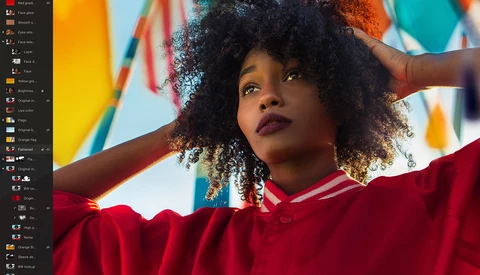
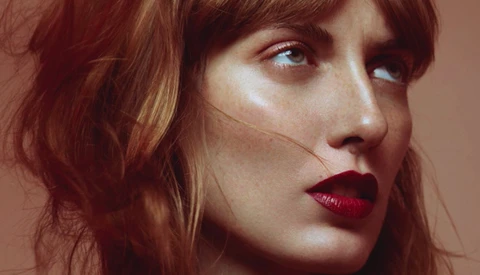
How to Retouch Skin Using Dodge and Burn to Get a Natural Result

The trend in the portrait, fashion, and beauty industry is to come back to a more natural look while still removing the unwanted blemishes. But without the proper techniques and settings, it’s difficult to make an image flawless while avoiding the overly retouched look.

Add Life to the Eyes in Your Photos With This Clever Technique

Eyes really are the window to the soul, and the way they look in your images can be the difference between a picture being good and really great. If you have a portrait that you feel is lacking something, then adding depth and dimension to the eyes may be just what you need. 

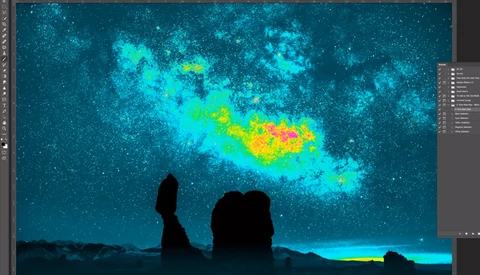
Distinguish Luminosity Levels in Photoshop Better Than Ever With This Visual Help Layer

Seeing colors and luminosity correctly is not always easy. You could calibrate your screen and be stuck working at the same place every day, but some people just can’t have a fixed office or studio. And even with a calibrated monitor, adjusting luminosity to your creative vision can get tricky. This is where visual help layers come in, especially one called the five-tone heat map.

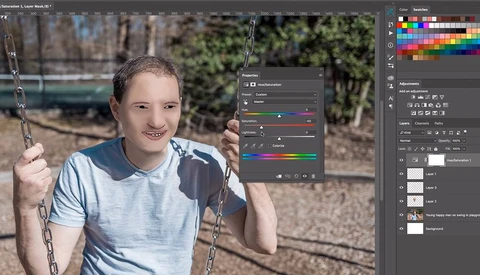
Want to Go Viral? Here's How to Retouch a Portrait Like That Internet Sensation

Unless you've been completely off Internet for the past 24 hours, you'll have already seen the amazingly unique retouching skills of a portrait photographer in Missouri. While there is speculation on whether this is real or some kind of publicity stunt, one thing is clear: the photos are hilarious.

Color Grading With Aqua And Brown Made Easy In Photoshop

When it comes to things like quickly learning new Photoshop techniques, I am a straight to the point type of guy. I don't necessarily want to (though I certainly do on occasion, depending on the topic) watch an hour long videos explaining the minutiae of every click of the mouse.

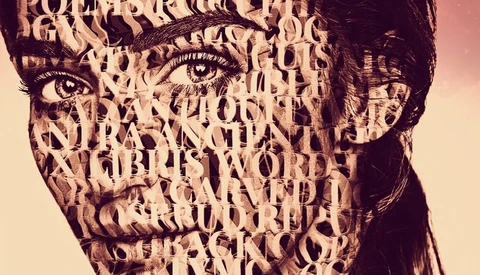
How to Create an Artistic Typography Portrait in Photoshop

Makeup is one way to create a superb artistic portrait, but it’s not the only method. You could rely on post-production as well to make something different than everyone else does. In this 15-minute long tutorial, Nate from Tutvid shows you how to inlay someone’s face with text. 

[Updated] Colorize This Image From the Nikon D850 and Win a Free Fstoppers Tutorial

As you all know, we are currently pushing ourselves here at Fstoppers HQ to produce 30 videos for the month of January. Patrick Hall didn't want me to miss out on the fun, so he challenged me to recolor an image. Not an old black and white one, but an image he took with our new Nikon D850. Want to give it a try too?

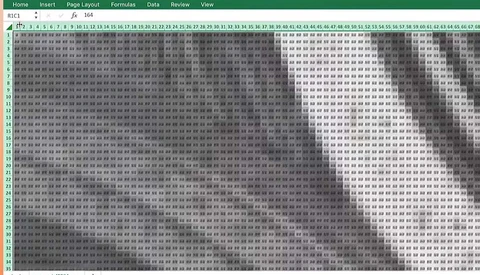
Here's How a Computer Science Student Used Microsoft Excel to Create HDR Photos

Whenever you ask one of your creative peers which software they use to edit, you’re probably expecting an answer along the lines of "Photoshop" or "Lightroom." Microsoft Excel is unlikely to be high up on your list – but software engineer Kevin Chen has actually managed to create an HDR photo using exactly that.

How to Clean Skin Using the Clone Stamp Tool to Retain a Natural Look

Cleaning skin is one of the most tedious tasks there is when it comes to portrait retouching. It takes quite a bit of time, and when done improperly, the texture can quickly become mushy. To keep the final image as natural looking as possible, there are a couple of techniques that can be used to limit the number of pixels we alter.

Fstoppers Reviews Pixelmator Pro: Not the Photoshop Alternative You're Looking For

In late November 2017, Pixelmator Pro was released to those eagerly awaiting a new photo editing solution on the Mac. Whether it was to finally escape the never-ending Adobe Creative Cloud subscription fee, or for those just getting started in photography and looking to get their toes wet, there was a good amount of hype and excitement leading up to its release.