Sponsored Content

This section contains sponsored content and partner features produced in collaboration with brands in the photography and imaging industry. All sponsored content is clearly labeled. Fstoppers is selective about the partners we work with, focusing on brands and products relevant to our community.

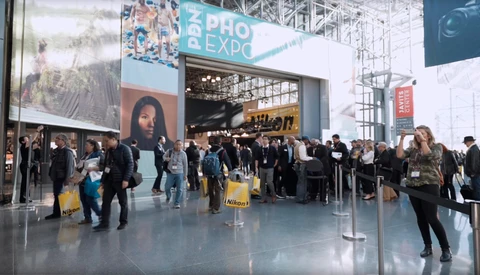
Be Sure You Make It for PHOTOPLUS 2019: Free Passes Available

We're coming to that time of the year again for yet another huge photography event. PHOTOPLUS in New York City is one of the largest photography events in the world, and each year, it seems to get bigger and better.  

A Brilliant Place To Network

Alotech's New Ergonomic Backpack Made by Wildlife Photographers for Wildlife Photographers

If there is one thing as photographers we love more than debating over new camera bodies it is camera bags. Chances are if you're like me you have a closet full and you are always looking to get another.  Each bag is a unique snowflake making it the right tool for the right job. Therefore I need all kinds of different bags with all kinds of different features.

Refreshingly Simple Video Editing With ACDSee Video Studio 4

The most common complaint with nearly all video editing software available on the market is the learning curve. Most programs lack a certain degree of intuitiveness, so any attempt to tinker leads to exasperation. That was certainly my number one frustration with past attempts to teach myself to use some of the heftier video editing suites.

Motion Array Introduces Final Cut Pro X Templates

The demands for video production have increased exponentially as online content has boomed in recent years. The team at Motion Array understands that this puts added pressure on overworked video editors. That’s why we’re always trying to come up with tools and templates to help post-production professionals stay ahead of the curve.

Tips for Printing Your Work

Printing your photos is one of the best things any photographer can do for themselves. There are lots of reasons why you should be printing and it gets brought up here on Fstoppers all the time.  In my opinion, one of the best reasons is because a decent sized physical print really brings your work to life and gives it a presence.

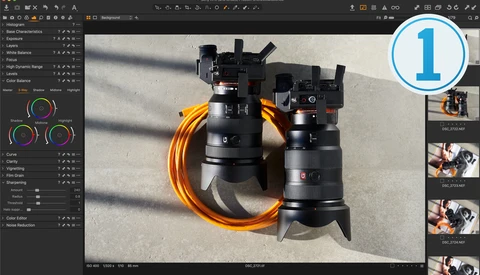
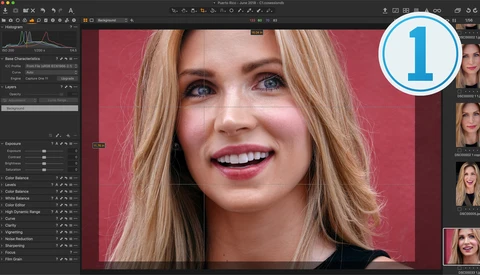
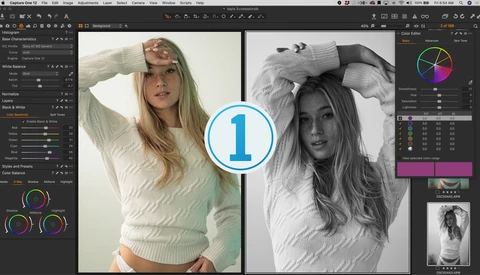
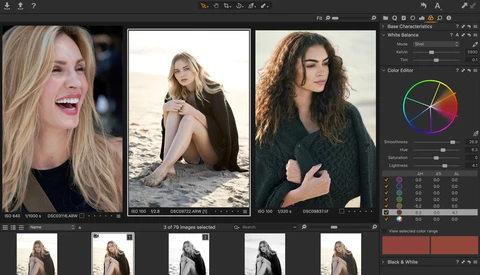
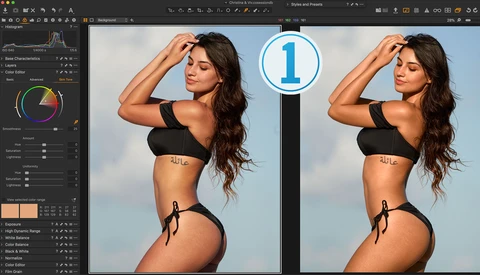
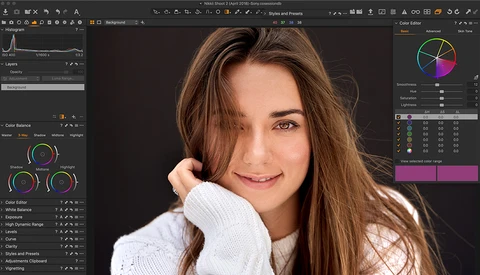
Five Things Capture One Can Do That Lightroom Can't

If you’re reading this, the likelihood is that you are currently or were recently a Lightroom user and are looking for better software with which to treat your images. That quest to find the best software is not necessarily an easy one, but it is necessary.

Learn More With ACDSee and Their YouTube Channel

For many photographers, the Adobe software suite is the main suite they use for editing and to manage their content. Over the last few years, however, many creatives have become dissatisfied with the monthly subscription model that Adobe has now opted for. For this reason, many photographers have been looking for a viable alternative. 


How to Light and Edit a Classic Portrait

ACDSee recently asked to sponsor a video where I use their new Photo Studio Professional software. I thought it would be fun to do an entire portrait session from start to finish.  

Capture One Express: Straightforward, Powerful, and Free

What is Capture One Express? Simply put, it’s a totally free and simplified version of the Capture One editing software that still offers the same superior raw handling ability as the Pro version.  

How to Recover Deleted or Formatted Files with Wondershare Recoverit

One of the best pieces of advice I have been given in recent times was to not be a firefighter. Before you all jump on me and tell me I'm a dummy for saying something negative about people who are clearly more heroic than I am, let me explain. What I mean is to not be proactive in how I operate. 


Vote For Mike Kelley VS Lee Morris Architecture Shootout Part 2

One of the most popular videos we have produced in the last year was with Mike Kelley and Lee Morris as they battled it out in the Amateur Vs Pro Architecture Photographer Shootout. This week Mike and Lee have set their rematch, and you our audience will be the judges! 

What Would You Do if Your Hard Drive Burned? My Visit to DriveSavers Data Recovery

One of my biggest fears as a professional photographer is that someday, somehow, for some reason, I’m going to lose critical images from a shoot and make a client, and myself, very unhappy. A memory card gets corrupted, a hard drive fails, or my studio burns down.  There are so many ways we can lose data — from fires and floods to normal wear and tear to just plain malpractice.

Battle of the Photography Blogs: SLR Lounge Versus Fstoppers

It's another day in Puerto Rico and another photography shootout. Last week, we asked you which photo was better, but today, we take you behind the scenes and reveal the winning images. This is a battle for the photography blogs! 

Earn More With Better Album Workflow and Sales

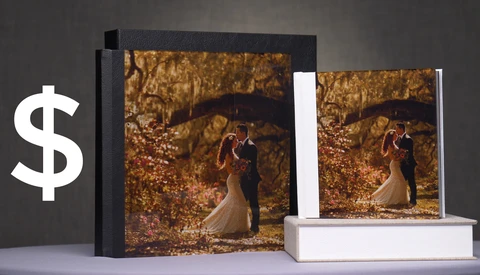
Recently, I teamed up with Ted Linczak to discuss a simple source of revenue that many wedding photographers fail to utilize well: wedding albums. Ted adds tens of thousands of dollars to his business every year with a few simple workflow and sales techniques. In this video, he shares some of his tips.  

Fstoppers Reviews the edelkrone SliderPlus and HeadPlus System

As someone who produces a lot of timelapses and video content for YouTube, nothing excites me more than testing out a new piece of gear. So, when edelkrone asked me to review their latest motorized slider and panning head unit, I jumped at the opportunity to see what this kit could do. 

How to Set Up Your Wacom Tablet for Capture One and Why You Should

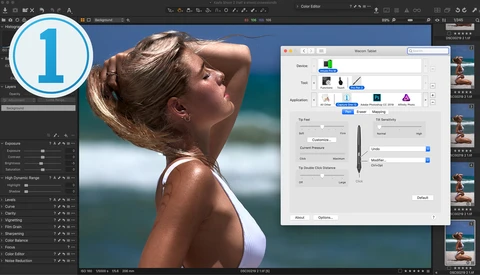
There aren’t many things photographers unanimously agree on, but the desire to improve post-processing results and reduce the time required to do it is one. With so much of a photographer’s time spent behind a computer, anything that not only expedites but enhances the experience is welcomed with open arms, and using a Wacom pen tablet is one such thing.

Image Cataloging Made Easy With ACDSee Photo Studio Standard 2019

I hope I'm not the only person who does this, but up until recently, I had not used any of the cataloging features from any image editing software. This isn't because I thought any of them were particularly bad; instead, I just have my own way of managing files and their locations. However, ACDSee has changed my mind about this.  

How to Save a 'Bad' Image & Make It Great With Luma Range: Capture One

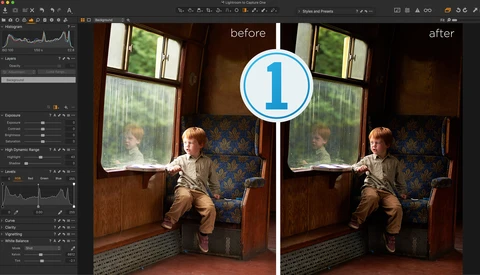
It’s amazing what mid or entry-level hardware can deliver when you pair it with great software. The best software will be able to make up for some of the weaknesses and exploit every ounce of its strengths – ideally with relative ease. That's what we'll see here with Capture One's Luma Range tool. 

Capture One Tips: Moving a Lightroom Catalog to Capture One Is Easy: Here's How

Making the switch to Capture One from Lightroom is easier and quicker than you think. There’s this perception that given the two pieces of software are from different companies, moving your Lightroom catalogs to Capture One is some arduous and protracted process, that you’ll have to start from scratch with all your images, re-edit, re-rate, and create whole new folder structures.

The Biggest Threat to Working Photographers is a Lack of Insurance

It isn't fearmongering to say that one mistake, and not even necessarily your own, can bankrupt your photography business if you're uninsured. So Fstoppers have teamed up with Insurance Canopy who have created Full Frame Photography Insurance to go over the issue and offer some insight. 

Every Architecture and Landscape Photographer Needs Luminar 3

I know this article is sponsored, and some of you may pull back a little because of that. I don't blame you; I mean, I'd personally have reservations too, but I genuinely mean every bit of praise I give to Luminar 3. This software is seriously awesome, and in this article, I'm going to explain why.  

The Top 10 Things You Should Know About Capture One

Capture One is multi-faceted image processing and asset management software. As a raw processor, it is considered the gold standard, supporting over 500+ cameras, and with it comes a uniquely powerful toolset for developing, color grading, and tethering. But that is just the tip of the technological iceberg that is Capture One.

Can You Re-Edit a Photo and Get a Better Result?

A few weeks ago, I beat Lee Morris in our Puerto Rico Landscape Challenge. With that victory, many of our readers said my edit in Photoshop was simply too over the top. Today, I try to re-edit my photo to see if I can create something a bit more realistic. 

Fstoppers Reviews the Movavi Video Suite 18

As someone who has previously used the Movavi Video Editor 15, I was really interested to see what the full suite had on offer. After using the Movavi Video Suite to edit some of the videos that I recently posted on YouTube, I have to say I'm quite impressed. 


Fstoppers Interviews Chris M Forsyth: Expert Artist in Capturing Design

In a crowded industry, standing out can be difficult. Chris M Forsyth, Montral-based photographer specializing in capturing unusual spaces, manages to do just that, and with aplomb.  Chris describes himself as a photographer whose work primary explores the design and history of spaces and places.

Use Artlist to Improve Your Work With Better Music

As someone who produces videos for YouTube, one of the things I've struggled with is the music. Buying individual songs from people to use in projects can be very costly and impractical. Fortunately, platforms like Artlist.io make it extremely easy to find the right piece.  

Building the Fastest Network We Can In Puerto Rico

As many of you know, Lee and I recently moved to Puerto Rico, and with that move, we are having to completely redesign our new studio space. In today's video, we tackle our in-home network and wireless Internet connection. Surely the limitations in Puerto Rico will prove to give us trouble... or will it? 

LG gram: The Lightest 17-Inch Laptop in the World Is a Photographer's Dream Come True

When you photograph in a studio you have the luxury of having an abundance of electrical power, access to bigger monitors, and grip equipment for your computer devices. The newest 17-inch LG gram is a compact-body laptop in the 15.6-inch class. It weights only 1,340 grams and allows you to have a similar experience not only in studio, but also on location. 

Patrick vs Lee: Our Puerto Rico Landscape Challenge Revealed

Last week Lee Morris and I embarked on something I like to call "The Puerto Rican landscape challenge." The goal of this series is to not only showcase some of the most beautiful locations on the island of Puerto Rico, but to also find out, once and for all, who is the better landscape photographer. Today is the beginning of this ultimate challenge.


Why WPPI 2019 in Las Vegas Should Be Your Next Destination Conference

One of the best investments any photographer can make for their business is in education. There is always new gear, techniques, and knowledge to learn about and there is no better way than a fun destination conference. WPPI held each year on the Las Vegas strip is all about fun, education, and the destination.

Make More Money with Adobe Stock and Textures

If you're relatively new to the world of stock photography and trying to figure out the best way to make money, then I might just have the answer for you. With creativity, you can produce work that fills a need and earns income. In this article, I aim to provide some methods that will help give you an edge.


Top Five Templates for Photography Websites

With online photography portfolios being absolutely essential, it's paramount you ensure you have the best website possible. Here are my top five templates for photography websites. 

Ten Easy Ways to Improve Your YouTube Videos

In today's competitive marketplace, successful photographers are finding themselves creating more and more content that isn't strictly photo based. Platforms like YouTube, Instagram, and Facebook are reaching more and more people with video content. In today's article, I outline 10 simple tips you can use to polish your video content. 

Your New Year's Resolution: Learn Something New With Skillshare

With the new year comes an opportunity to set some goals and make some decisions as to how to make improvements to your career. Learning new techniques and developing skills is a fundamental part of being a photographer and a filmmaker, and Skillshare has an abundance of classes that cover everything from frequency separation to bookkeeping. 

How to Start a Part-Time Career in Photography

Photography isn’t an all-or-nothing venture; you can be a part-time photographer and do quite well for yourself while maintaining a full-time job. Here’s how to do it. 

The Most Important Tips To Consider When Building a Website for Photography

Every photographer needs a good website; that's a given. What isn't so obvious is should you have a contact page? What about a photo on your bio? Is it best to have multiple galleries or everything on one landing page? Today Lee and I review a few websites to show you what does and doesn't work when displaying your work.