Video Editing

Video editing is where footage becomes storytelling — and the gap between raw material and a finished cut is where most of the creative work actually happens. This section covers the major editing platforms, practical techniques for pacing and structure, color grading workflows, audio handling, and the organizational systems that keep complex projects manageable from first import to final export.

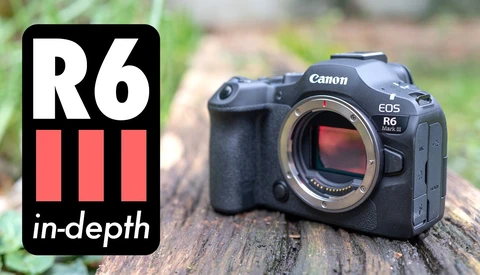
The Canon EOS R6 Mark III vs. Sony a7 V: Real-World Performance Tested Side by Side

Choosing between the Canon EOS R6 Mark III and the Sony a7 V at the same price point is genuinely difficult, and the spec sheets don't tell the whole story. Both cameras launched within a month of each other in late 2025, making a direct comparison not just useful but necessary before you hand over that kind of money.

Adobe Announces Frame.io Drive to Streamline Video Sharing Among Creatives

Unlike photography, video production often involves more than one person. There are sound technicians, editors, color gradeers, camera operators, directors and art directors. It is also common for team members to share multiple versions of edited footage. Managing these files and providing easy access to everyone on the team is a priority for every video production team. Today, Adobe is announcing Frame.io Drive to make sharing files and edits easy.

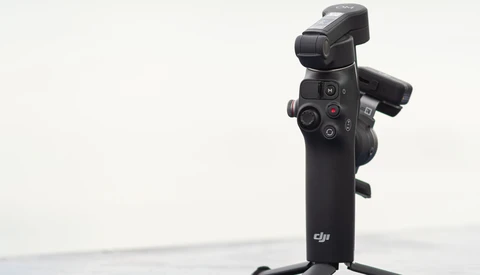
We Review the DJI Osmo Mobile 8, a Much-Needed Update for Smartphone Videographers

The DJI Osmo Mobile 8 is the latest smartphone gimbal from DJI, and while it still looks primarily the same, it quietly fixes and updates everything you wished the predecessor would have. The gimbal now supports 360° pan rotation, updated intelligent tracking, and access to Apple’s intelligent subject-tracking technology. This gimbal finally feels like an all-around tool that can be integrated seamlessly into your filmmaking workflow.

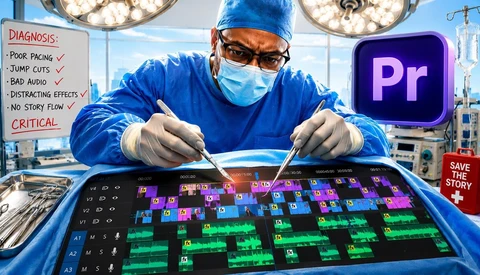
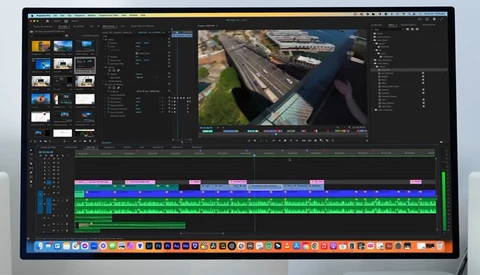
Adobe Adds 90 Free Effects, Transitions, and Animations to Premiere Pro

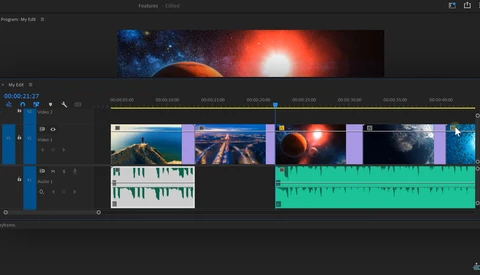
Adobe’s professional video editing software has been popular among professionals and amateurs for over 30 years. One reason for the program’s longevity is the consistent addition of new features. Today, Adobe has announced major updates for timeline editing, video playback, and audio editing.

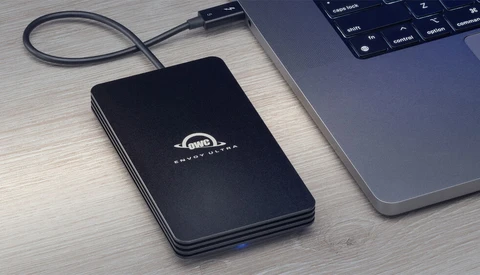
The OWC Envoy Ultra: Thunderbolt 5 Enabling Over 5 GB/s on a Portable Drive!

With every new generation of camera producing larger files and higher bitrates, the demand for faster transfer speeds is relentless. Now, with Apple's M4 Pro and M4 Max chips ushering in the new Thunderbolt 5 standard, the goalposts have moved once again. Can the OWC Envoy Ultra deliver the next step-change in portable drive speeds?

Google’s Veo 3 Melds Audio With AI Video. Are Creators Doomed?

If you've opened up any social media at all in the last year or two, you've probably seen a fair number of AI-generated videos set to music. I know for me, my feed is filled with many strange videos involving Donald Trump, J.D. Vance, and a bag of Cheetos. But none of those videos have had any dialogue—until now, with Google's Veo 3.

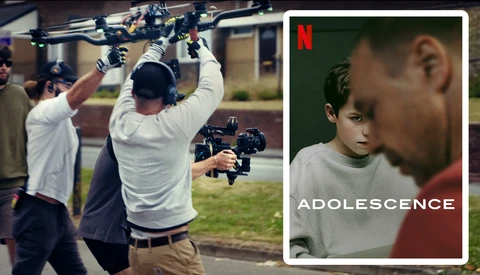
How Netflix's 'Adolescence' Filmed Four One-Shot Episodes

If you haven't seen the new series "Adolescence" on Netflix, it is by far one of the best cinematic experiences of 2025. The four-part drama is being praised not only for its intense subject matter and acting but also because each episode was filmed in a single take with no camera cuts or movie magic transitions. Let's take a look behind the scenes to see how it was filmed.

How AI Is Revolutionizing Movie De-aging Effects

The evolution of digital de-aging in films has transformed from crude experiments to sophisticated AI-driven techniques in less than two decades. What started with X-Men: The Last Stand in 2006 has become a powerful storytelling tool that allows actors to portray their characters across decades of life with unprecedented realism.

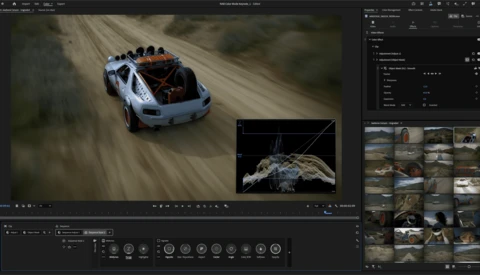
Adobe Announces Firefly Generative AI Video Model

A videographer must master both the process of shooting and the process of editing to create a compelling final video. During the shooting phase, you capture the scenes necessary to assemble the final project in the editing phase. Once you begin editing, your only option is to work with the footage you captured during shooting. If you neglected to film a particular shot, there is no way to create it later. Today marks a paradigm shift with Adobe's announcement of a Firefly Video Model in public beta, making it possible to create video footage from scratch.

Adobe Announces Major Updates Ahead of Sundance 2025

Adobe has introduced significant updates to its flagship video and motion design tools—Premiere Pro, After Effects, and Frame.io—just in time for the 2025 Sundance Film Festival. These enhancements aim to streamline workflows for filmmakers, editors, and motion designers, reducing tedious processes and enabling faster creativity.

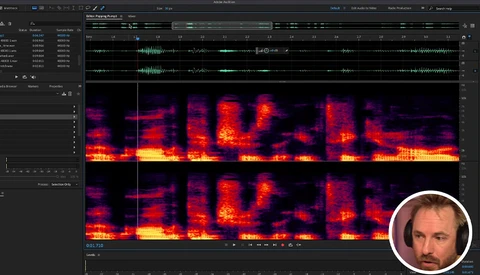
10 Adobe Audition Tips to Boost Your Audio Editing Skills

Audio editing can be a challenge, but mastering Adobe Audition can save you time and make your projects shine. Whether you’re cleaning up a podcast or working on a wedding video, having the right techniques in your toolbox can make all the difference.

Why Sound Can Be More Important Than Your Video

As a photographer, I'm starting to use video more often, whether to work on a client's project or promote my work using video. Most, if not all, mirrorless cameras on the market today can also produce high-quality 4K video. However, there is one factor that needs to be taken into account when making a video: sound. Sound is often overlooked, yet it is one of the most essential factors in any video or film.

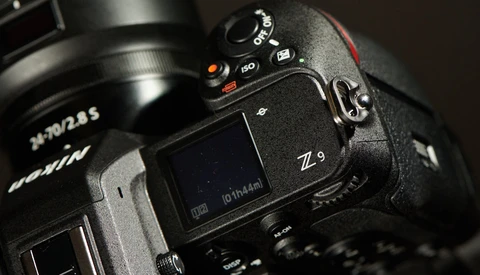
Nikon Z9 Adds Shutter Angle Option For Filmmakers

As press releases go, this one was brief. But short can sometimes be significant, as Nikon announced today a new version of firmware that brings to its mirrorless cameras a staple of the film industry: shutter angle.

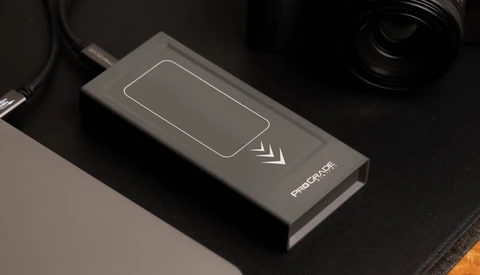
Portable SSDs That Won't Slow Down? Looking at the ProGrade PG10 Pro SSD Launch

Portable SSDs can offer amazing speed for content creation applications like transferring photo libraries or editing 4K video, but many suffer from a slowdown after prolonged use when their faster cache is depleted or the drive heats up too much. ProGrade has announced a new line of portable SSDs designed to address both of these issues: the PG10 Pro SSD.

Time-Saving Editing Techniques for Premiere Pro Users

Editing videos can be a meticulous task, whether you're looking to polish your footage to a professional standard or simply trying to save time and ensure a smooth workflow. The importance of optimal settings and effective editing techniques is undeniable when it comes to producing high-quality content without investing inordinate amounts of time. 

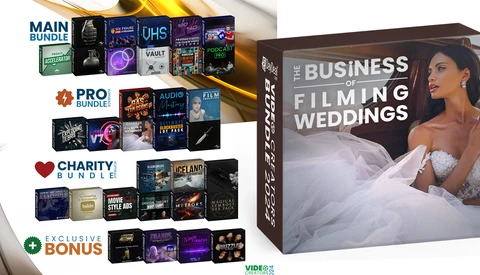
Save 95% and get $3,700+ in Video Products

Fstoppers has partnered with 5DayDeal to offer the best video bundle deal of 2024. Included are education, software, and tools from a wide of variety leaders in the industry that will help take your work to the next level. The product list is incredible this year.

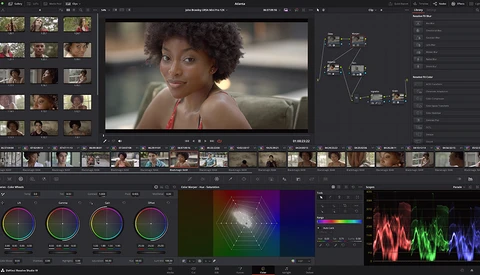
15 Keyboard Shortcuts to Speed Up Your Color Grading Process in Davinci Resolve

For years, I have heard good things about Davinci Resolve as a powerful industry-standard video editing software. Despite all the positive things I have heard, I was reluctant to make the shift from Adobe Premiere Pro, fearing the entire process of relearning new software from scratch. However, motivated by the frustration of frequent crashes, I have finally made the call for the long-needed switchover.

How Do the Top Free Video Editors Stack Up?

The battle in the video editing world has historically been between Apple's Final Cut Pro X and Adobe's Premiere. The two companies have leapfrogged each other for years when it comes to the war for video editors' hearts. But in 2024, there are a lot more wallet-friendly (read: free) options out there, and two of those duking it out right now are CapCut and DaVinci Resolve. But which one is worth giving a shot?

All Apple Everything: Shooting and Editing Video with Full Apple Workflow

As an experienced photographer, I have spent a career focusing on mostly still images, not paying much attention to video. With the help of the Apple ecosystem, I have found an accessible way to say yes to the question, "Do you shoot video?". This article discusses the quality and convenience of an all-Apple workflow, which begins with the iPhone 15 Pro Max.

5 Easy and Popular Wedding Video Effects

Wedding videography is a fun and challenging genre that will keep you on your toes and give you an opportunity to capture one of the happiest day's of a couple's lives. And while the footage you capture is obviously important, what you do with it in post-processing is just as important. This helpful video tutorial will show you five easy and effective effects you can apply to your footage to make your final product more compelling and exciting. 

20 Secret Features in Adobe Premiere Pro

If you edit videos in Adobe Premiere Pro, you likely already know how seemingly endless the software is, even if you've been using it for years. So, whether you're a newbie or a veteran, here are 20 features you may not know about.

Buying Versus Building a New Editing Computer

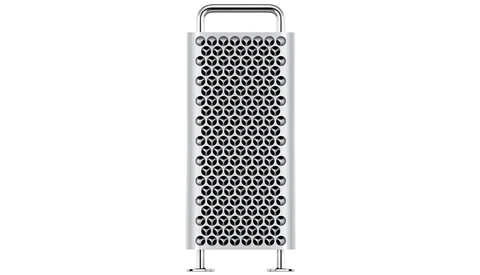
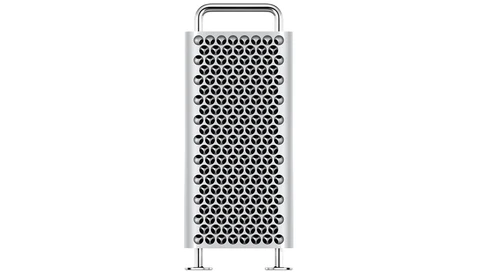
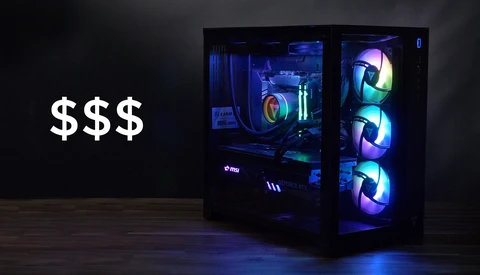
Getting a new editing computer can be a confusing process. How do you know when to upgrade? What kind of computer do you get for different kinds of editing? Do you build one or buy one? Well, I hope to answer those questions here in this article in a way that will match your specific situation.

Picking 360 Video Editing Software in 2023

It's still a bit of the wild west for 360 video editors in 2023, but that said, many of the major brands and smaller competitors have made great strides in catching up with their software to cater to this specific niche. If that's you, you'll want to read about these four video editing tools.
Filmora's Unique Approach to Understanding the Creator Community and Empowering Them With AI Solutions

Filmora, a leading video editing software, took a distinctive approach to connect with the creators' community attending VidCon 2023 in Anaheim, CA. At this event, Filmora sponsored a creator session featuring popular YouTubers creators NichLmao and Jensen Tung where they delved into the exciting possibilities of AI in video creation, empowering creators to enhance their creativity and productivity.

How to Get the Film Look With Digital Footage

If you're creating digital videos and you want them to have more of the look you would associate with film, then this video might be perfect for you. Film Riot breaks down the differences and how to mimic film with digital files.
Matte Painting for a New Generation of Filmmakers

Today, video content creation has become more accessible than ever. YouTube, Vimeo, TikTok, and Instagram Reels mean everyone is creating video content. With the rapid advancements in technology, creators have the power to make videos anywhere and inexpensively thanks to AI and, in particular, Generative Fill AI.
Using Adobe Photoshop's Generative Fill on Video

Adobe Photoshop's generative fill allows AI to recreate or remove parts of an image, blowing many minds in the process. Now, what if you could use this new tool on your videos? Well, it's possible, and here's how.

How to Capture Surreal-Looking Footage

It feels as if some videographers seem to just be able to capture surreal-looking footage consistently, while the majority of people only manage it on rare occasions. Well, one of those consistent creators of the surreal and the beautiful, Aidin Robbins, discusses how he manages it.

Making a Slideshow in Adobe Premiere Pro in Six Easy Steps

If you are using Lightroom Classic for your photo editing, you have the possibility to use the presentation module. This module makes it easy to create a slideshow and export it as a video file. Try Premiere Pro if you want to take your slide shows to the next level.