





The Five Pillars of Photography Business Success
Once you’ve had a measure of success in your business, the next step is to figure out how to sustain it. This video shares what areas to continue to focus on to avoid failure in our industry.
Once you’ve had a measure of success in your business, the next step is to figure out how to sustain it. This video shares what areas to continue to focus on to avoid failure in our industry.

It’s odd that there is a slider in Photoshop that is continuously in the forefront of the work we are doing, but it is almost never used. This video explains how to use the overlooked fill slider to adjust the effects of various blend modes.
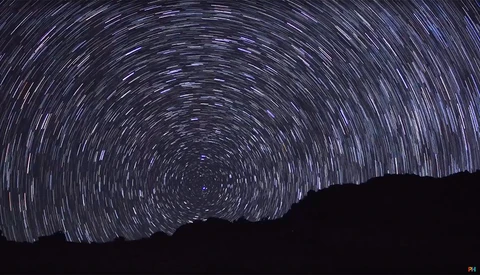
Branching out from your camera’s auto mode and controlling its shutter speed will change everything about your photography, from preventing blurry photos to understanding how to create motion effects. This video explains how to do this in a creative way.

If you want to correct unwanted distortion, or if you are trying to make an object fit the scene in a composite, the perspective warp tool is one of the most powerful options you have. This video gives a complete guide on how to use this unknown tool.

Even if you can make a perfect selection when cutting the subject out of an image, there is still the pesky issue of the unwanted color casts that remain. This tutorial will teach you how to use clipping masks to correct these unwanted color fringes.
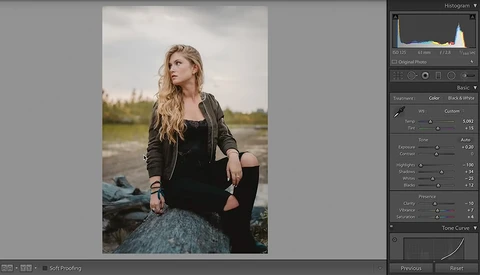
Are you looking for a way to make passive income on the side from your photography? This photographer shares a complete guide on how he sells and markets his Lightroom presets.
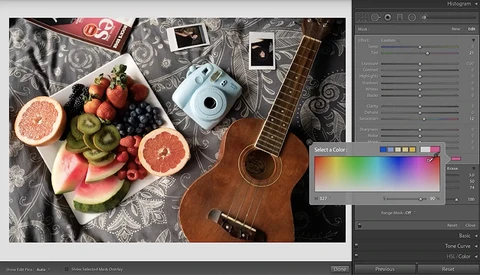
While most photographers will perform their detailed edits in Photoshop, Lightroom has several tools that can save you the time of taking your photo into a second software. With just a few helpful tips, Lightroom’s adjustment brush is capable of more than you think.

Combining multiple images is something that every photography will try at some point, but it is more difficult than merely cutting out one part of a photo and replacing it with another. This video teaches several important skills for matching the various images of a composite.

Having a perfect background is one of the most overrated factors in photography. Here are several tips for getting amazing shots when your session restricts you to shooting in a boring area.

Have you ever had a session where the backdrop didn’t end up looking the way you intended? This video teaches how to use the select and mask workspace to create a perfect background in Photoshop.

Making a perfect selection in Photoshop is one of the most infuriating skills in our craft, especially for highly difficult details such as hair. This video demonstrates a unique way to select the subject in any image.
When you are starting out in photography, establishing a retouching workflow is one of the best things you can do. This video provides 10 steps to become a better retoucher and gives a helpful order to take when editing your work.

As photographers, it seems that we were all prone to the same mistakes that we wish we would have been aware of sooner. This video not only identifies five issues that new photographers should be cautious of, but also offers a way to fix each one.
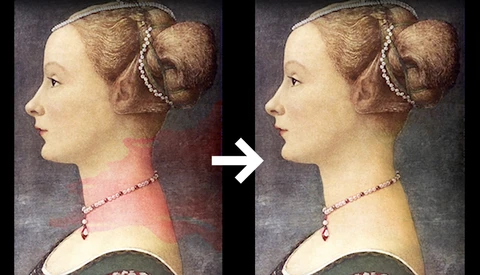
One of the most common issues that can destroy an otherwise good photo is a color cast. This short video demonstrates an easy way to salvage your image and remove any color cast, tint, or stain from an image.
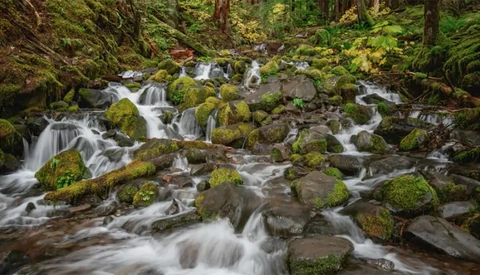
Whether you are adjusting the colors of an image so that they match the original scene or if you want to tailor them to give a picture your own unique style, you have to understand how to manipulate the colors in a photo. Here is the method that gives you the most control.

You know that you have a spent a significant amount of time in Photoshop when you have a collection of keyboard shortcuts that have become second nature for you to use. This video introduces five more that are incredibly effective but are new to most photographers.
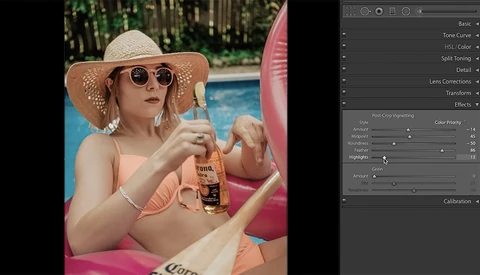
While Lightroom’s effects panel only contains two primary options, they each play a significant role in giving your photos a unique style. This video provides a detailed explanation of how to add vignette and grain to a photo.
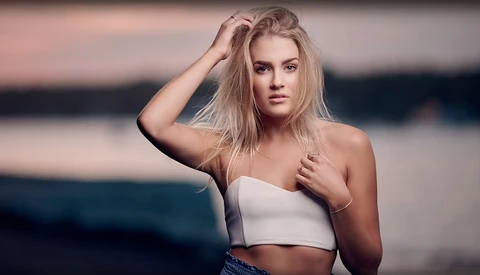
Are you in a creative rut in photography and need inspiration on how to improve your images, particularly your portraits of people? This video offers five suggestions on how to improve your photos immediately.

Aperture is one of the first terms you learned when you began your photography journey, but do you know how it works? This fun video uses a Star Wars LEGO set to give an in-depth explanation of what aperture is.
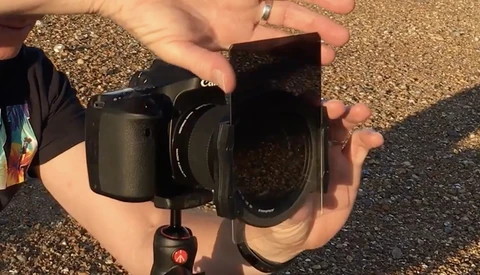
Most photographers have heard of lens filters, but few actually use them or are aware of their many benefits. Here is a video covering the basics of lens filters, particularly polarizing and neutral density filters.
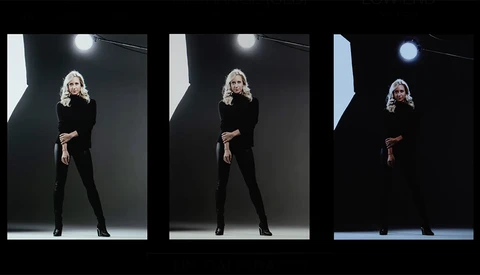
Have you ever shared your photos on social media only to realize they appear completely different on your phone than they did on your computer? Here is a detailed video showing why calibration is necessary by comparing the same photo on three different monitors.
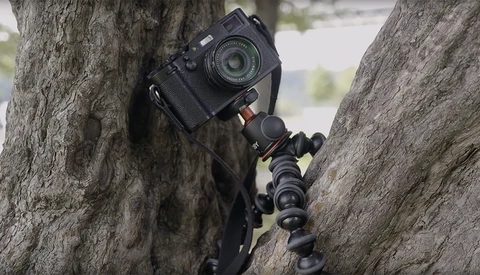
Being prepared for any situation is essential when you are traveling for photography. Here are nine accessories to be sure to bring with you when you travel.
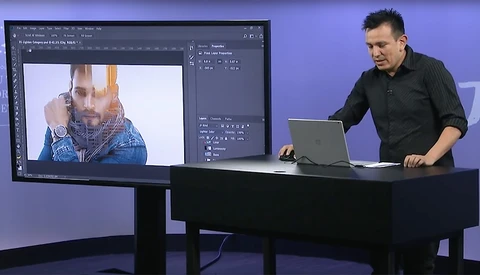
The art of creating a double exposure has become increasingly popular recently. Here is a quick tutorial on a simple way to create a double exposure in Photoshop.

This year’s winner of National Geographic’s Travel Photographer of the Year competition has been announced. Here is a look at the winners and the stories behind their stunning photos.
Are you still uncertain of what the purpose of a Smart Object is in Photoshop? Here is an excellent explanation of one of Photoshop’s most powerful tools.

One of the classic characteristics of a great portrait is a sharp subject set against a blurry background. This tutorial will teach you how to produce foreground and background separation by creating a blurry background in Photoshop.
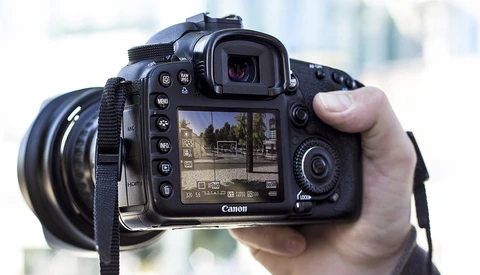
If you have been looking to have a deeper understanding of your camera, here is an excellent offer for you. Today, CreativeLive is having a huge giveaway of their series of camera tutorials.
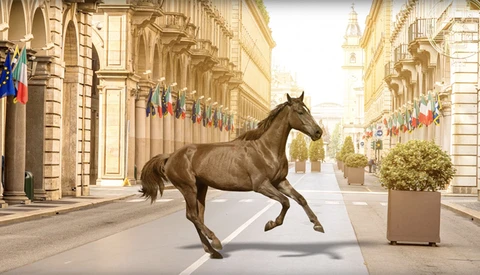
Are you having a hard time making your composites look believable? Learning to create shadows in Photoshop is one of the critical elements in creating realistic composites.

What does it take to turn your photography business into a full-time job? Three successful photographers share the critical steps they took to make a career out of photography.
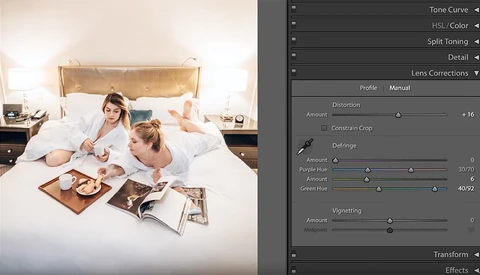
Lens distortion and color fringing are two significant problems produced by lenses that you have likely encountered. Here is an excellent tutorial about how to properly use the lens correction panel in Lightroom to fix these issues.
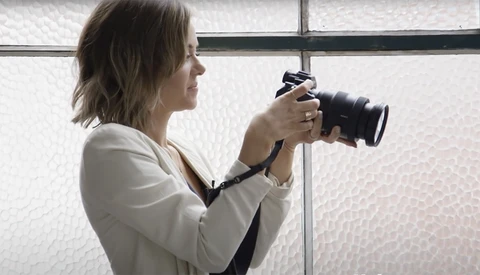
Do you want to lighten your gear load on a wedding day? These two minimalist wedding photographers share what gear they now carry after switching from the typical DSLR.

Do you ever wonder how many photos you should deliver from a session? Here is why I believe that you are giving too many.

Are you prepared to handle a session where the natural lighting conditions are difficult and there is no shade to turn to? Here are three techniques you can use to get beautiful photos in harsh conditions.
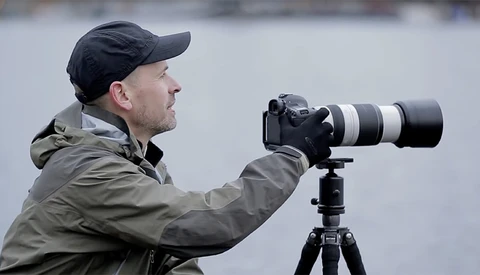
Do you have plans to travel but are unsure what gear to take with you? This experienced travel photographer shares his list of gear that he brings on every trip.
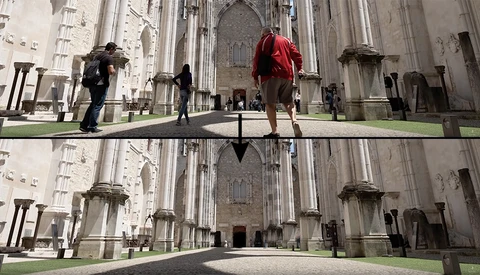
It is nearly impossible to take a photo in some locations without people or cars disrupting the image. Of course you can edit out these objects, but did you know that Photoshop has a tool that does this automatically?