
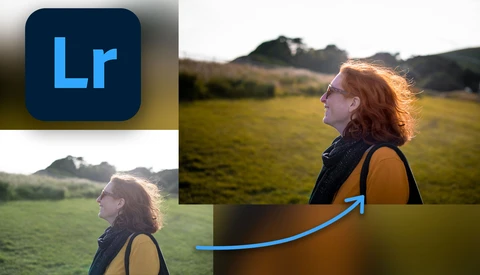
How I Edited This Portrait in Lightroom
Learn how to transform a dull, washed-out portrait into something more atmospheric with a few tips and tricks in Lightroom Classic.
Learn how to transform a dull, washed-out portrait into something more atmospheric with a few tips and tricks in Lightroom Classic.
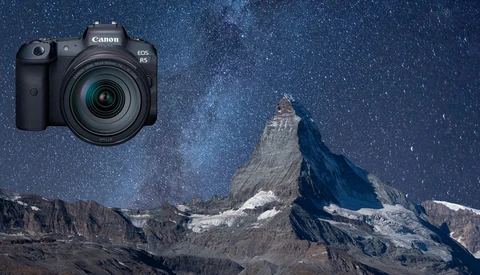
Does your autofocus hunt in low light? Can you not get focus on the stars during astrophotography? Well, here's a technique that will give you sharp shots every time no matter how dark it is.

Lightroom isn't just powerful editing software, it can organize your entire photo library so efficiently you'll never have to go searching for photos ever again.
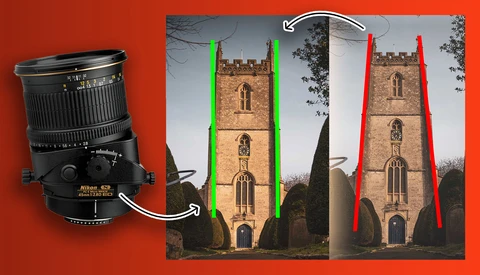
It's what a tilt-shift lens was born to do. Learn how to straighten up your leaning buildings with this simple technique and never have a parallax problem again.
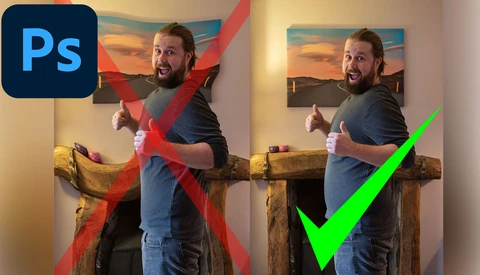
Learn how to liquify portraits in Photoshop CC, without the world-bending errors you've likely seen all over the internet where straight lines stretch space time around the subject.
Lightroom's graduated filter is like magic, offering incredible editing options from the comfort of your own home, but it's not perfect. Take a whisk through these top six ways to improve the graduated filter for better image editing success.
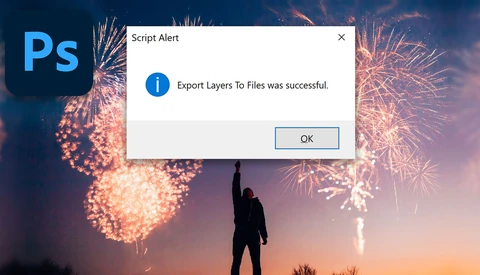
When saving layers into separate files using the in-built Photoshop script we always get this annoying string of numbers at the start before the filename. But now I'm going to show you how to make a quick tweak to change that forever.
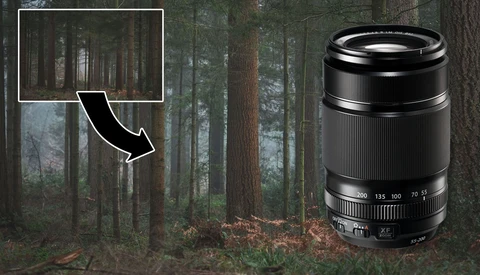
Transform boring, wide scenes into dramatic and intimate close-ups with a telephoto lens that brings you into the photo, focusing on the fine details.
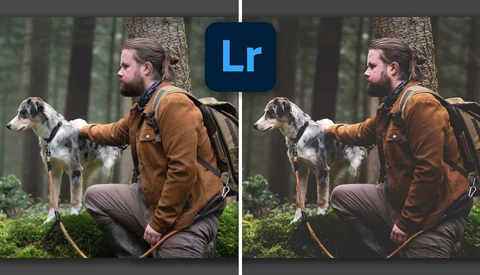
Use your next five minutes effectively and learn how to create faded, filmic photo edits with nothing more than a few tweaks in Lightroom.
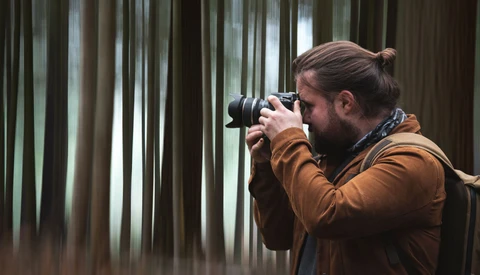
Intentional camera movement is taking a photograph with a longer shutter speed and purposefully moving the camera during exposure. Most photographers swear by using a tripod for this technique, but I'm here to show you that you can do it handheld just as easily.
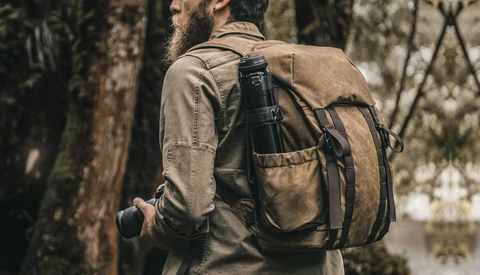
The search for the best camera bag is an ongoing saga, but have we finally found the bag to rule all bags with this customizable, modular camera backpack from Wotancraft?

Artificial intelligence is pervading every corner of our digital lives, and Adobe is powering their editing software with Sensei, their artificially intelligent tool. But so far, it's lacking the ability to deal with the common issue of sensor spots automatically in Lightroom, which would make our lives much easier.

If you've ever wanted to try food photography at home, then use these seven tips to improve your chances of getting some great food photos.
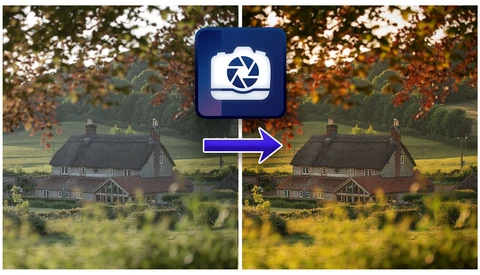
Take dull, lifeless landscapes and transform them into something captivating in only a few minutes, using this super speedy workflow in ACDSee Photo Studio Ultimate 2021.
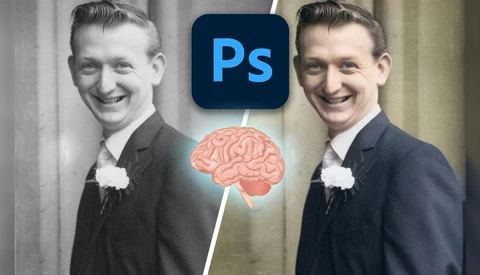
Did you know that using artificial intelligence wizardry, Adobe Sensei, Photoshop CC can now colorize your black and white photos in just a few clicks? Well, find out how to do it, and how to do a little tweaking to make some realistic colorized images from your black and white photographs.

Learn how to avoid these common portrait retouching mistakes in Adobe Photoshop and Lightroom to make your image editing look more natural.

Adobe Lightroom is full of useful features and tools to help edit your images, but sometimes everything can just get in the way. Here's how to clear the clutter in Lightroom Classic to get a better look at your photos.

Enter the world of high magnification bug photography without breaking the bank. Learn how to turn kit you probably already have into a close-up winner and take macro masterpieces at home in no time.
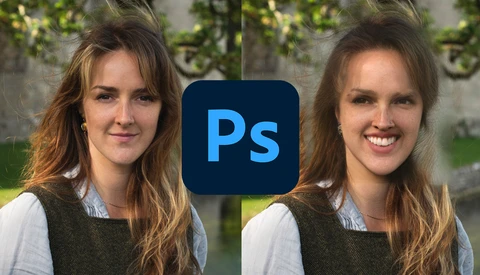
If you've got the latest Photoshop CC update you've got to check out how hilarious the new neural filters are, with strange, face-bending results. Adobe dropped some new artificial intelligence features in the latest version of Photoshop CC a few weeks back to take advantage of Adobe Sensei, their A.I. learning machine.
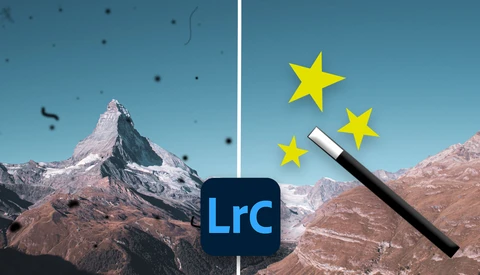
Tired of endlessly cloning out every little image sensor spot on your catalog of photos? Use this automated process to remove spots from hundreds of photos at once, and go put your feet up.
Learn how to make your own realistic tilt-shift toy town effect in Photoshop CC with this simple edit of an aerial city view.
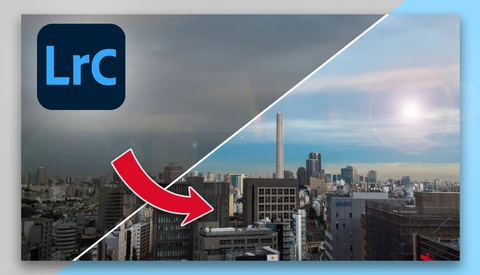
Take those flat, lackluster photos that were destined for the trash and set them free in a flash with these simple Lightroom tweaks.
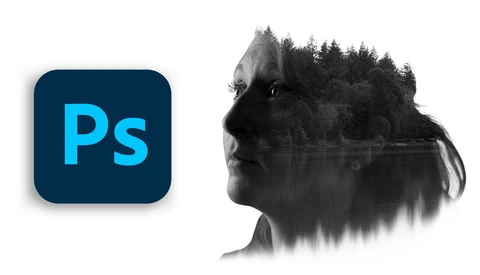
Learn how to make stunning double exposure composites like this in Adobe Photoshop CC with only two photos in just a few simple steps.
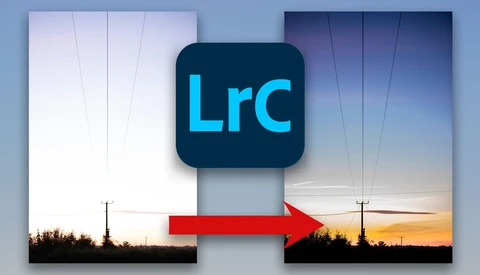
Ever had an overexposed photo that was destined for the trash? Well, hold up! You may be able to save that thing and turn it into a masterpiece. So before you hit delete, read on for a detailed look at how to save overexposed photographs in Lightroom.
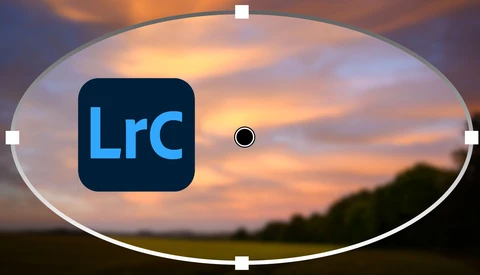
An underrated tool in Lightroom's arsenal, the radial filter is a powerful editing feature that can be used to enhance sunsets, mimic reflectors, and draw focus to subjects. Take a look at how using the radial filter could transform your image editing workflow.

Brand new kit breaking the bank? No problem. Take a snoop in the photography bargain bin to discover used camera kit that's still top quality at a fraction of the price.
It's easy to get stuck in a rut in photography but don't worry, here are 9 surefire ways to supercharge your motivation.
It's difficult when a pet dies, but as photographers, we can choose to honor our loved ones with photos that will last forever. Here's what I chose to photograph when my pet died.

You've heard of the exposure triangle, which is the relationship between the three main camera settings in order to take a well-balanced exposure, but there's a fourth dimension that also has a huge impact on what your photos look like.
In a world where digital photography is ever-present, film photography often takes a back seat. But this analog medium actually has some crucial lessons to teach all of us, if only we're willing to listen.

These three lenses should make all your photography woes go away. They cover a huge focal length range and are of high quality. But are they the only lenses you need?

So you've got a few photos of the same thing and you don't know which one to pick. Do you publish them all? No, you read this and then make a decision. You've seen it far too many times to count. A friend uploads four or five photos of the same thing with ever-so-slightly different angles, or perhaps one in black and white, because they couldn't decide which was their favorite.

There are photographers who rely on adding lens corrections in Lightroom for every shot, while there are others who never add them. Why is it so divisive, and should you be adding them or not? As you can imagine, lots of my friends are photographers. We have the usual rivalry between camera brands.

What the heck is minimalist photography? How do I take minimalist photos? And what kind of gear do I need to do it? Well, read on to find out the answers to those questions and more.
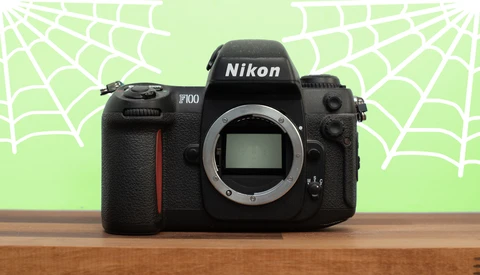
I love film photography; there's a special quality that analogue photos have that digital could possibly never match. However, I never shoot with my film camera anymore. Why not? The first camera I ever shot on was film, and I continued to shoot analog until 2006, when I switched to digital.