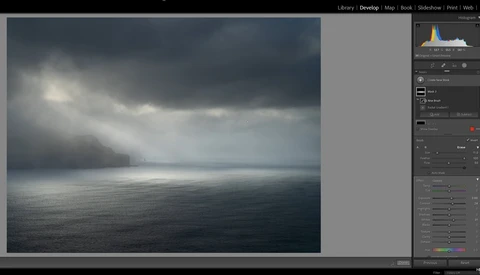
Did You Know About This Tool in Adobe Lightroom?
I must confess, I don't use Adobe Lightroom to anywhere near its full potential. In this video, Nigel Danson walks through a lesser-known tool that is now a staple in his landscape photography.
I must confess, I don't use Adobe Lightroom to anywhere near its full potential. In this video, Nigel Danson walks through a lesser-known tool that is now a staple in his landscape photography.
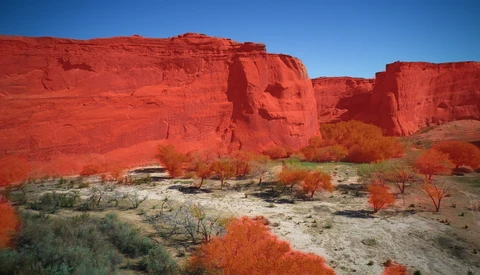
Users of Luminar Neo from Skylum will get a solid update when they launch the Windows or Mac raw editor today. The app gains MaskingAI, a feature that applies artificial intelligence to masking objects, saving a lot of time in the editing process.
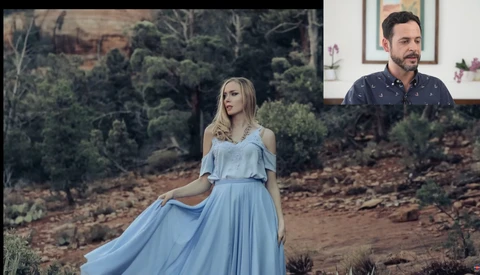
There's little worse in photography than getting home, loading your shots onto your computer, and seeing that they don't have the impact you were hoping for. In this video, Aaron Nace of PHLEARN walks you through a workflow that might help with that.
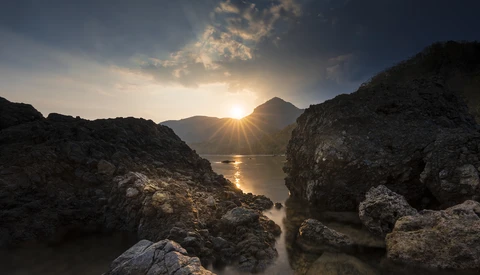
Having the sun in your shot while shooting landscapes during the sunrise or sunset contributes a lot to the impact of your photos. But how do you deal with unwanted spots and flare?
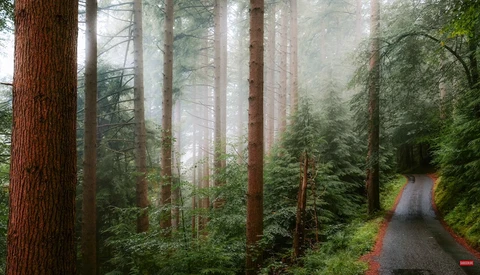
When it comes to creating a finished photo, choosing the right camera settings and a nice composition is only half of what it takes. Knowing how to edit a photo to achieve a tasteful result that matches your creative vision is the other half.
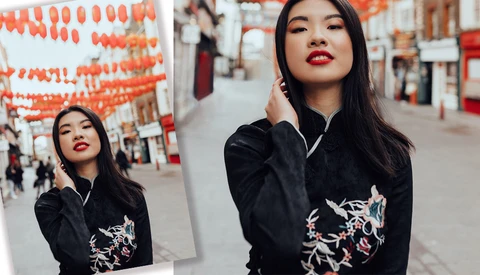
How acute is your "Photoshop OCD"? Different types of work and styles require different levels of scrutiny on their images. In some cases, it may just be your personality that imposes extreme (and perhaps unnecessary) amounts of attention to detail.
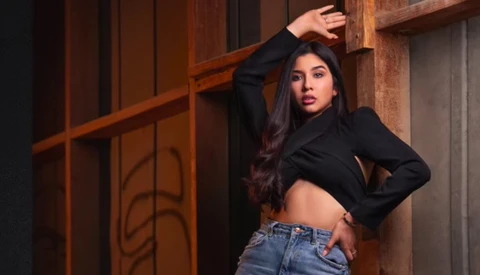
When it comes to portrait photos, lighting and shooting the image is only half of the process. Knowing how to edit your images with a careful touch while still applying your signature creative look is the other half. This excellent video tutorial will show you how one photographer edits his shots using a combination of Lightroom and Photoshop.
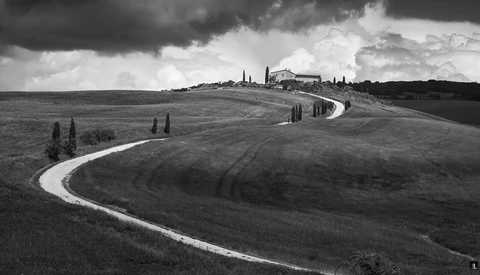
For the most part, a landscape photo is not finished once you press the shutter, as half of the image-making process is in the direction you decide to take the edit. Sometimes, if you are looking at an image you know has potential but you can't figure out to do with it, you should consider turning it into a black and white photo.
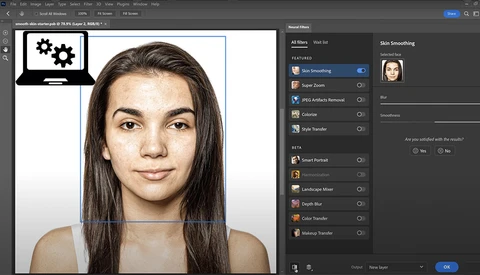
When learning to retouch skin in Photoshop, most people start with frequency separation. Has Adobe now made skin retouching even easier with Neural Filters?
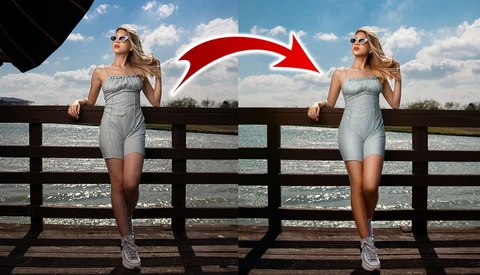
Shooting off-camera flash outdoors can be tricky, as you need to contend with the brightness of the sun. This means that the flash can get pretty close, especially if you want to get a really soft light on your subject. What if it is in the frame?

When it comes to retouching, or more concretely, the removal of unwanted objects from photos, there are a few things you can do to make the editing a lot easier. In this article, I share three questions you can ask yourself in the field before taking your photos. Those questions will help you to get much better starting material for your retouching.
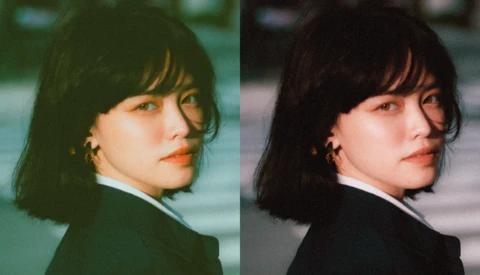
The Curves adjustment panel is probably one of Adobe Photoshop's most frequently used tools, right alongside Levels. But did you know that there is a tried and tested way to quickly get perfectly color-corrected images every single time? Knowing this basic technique will save you hours of time and effort when learning how to color correct your images in Photoshop.
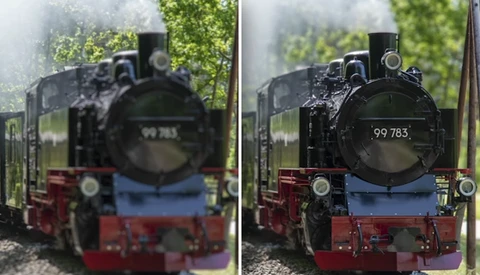
Have you ever had to shoot a photograph at f/11 while wishing you were shooting f/1.8? If you've ever wanted to change the depth of field of a photograph, you know that creating a depth map isn’t the easiest thing to do. Instead of struggling to create the perfect depth map in Adobe Photoshop, using selections and brushes, this video guides you down a simpler path.
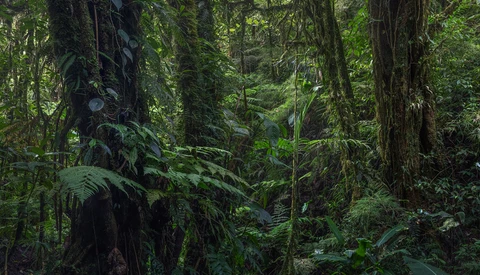
A few weeks ago I published an article here on Fstoppers about handheld focus stacking. In this article I share my in-the-field workflow, as well as the automatic stacking option Photoshop offers to put all images together during photo editing. This option has its limitations though and because I lately had to work on some very complex stacks, I had to look for a better solution.
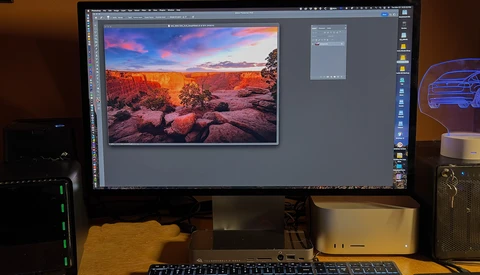
I've had a lot of Macs over the years. I remember the old PowerPC Macs, which performed OK against Intel-based PCs, but did have some heat issues under heavy loads. I went along with the transition to Intel in the Mid 2000s, and had a Mac Pro Intel-based machine, which replaced my identical-looking PowerMac G5.
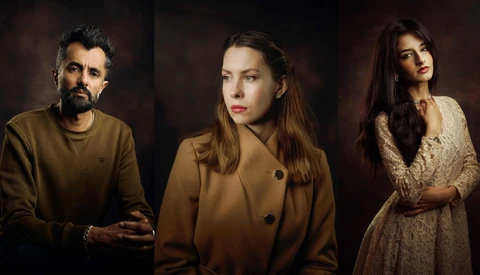
Portrait photography is one of the biggest genres in the industry. It's also one of the most competitive types of photography. If you plan on staying ahead of the competition, then having a great workflow will drastically improve your performance.
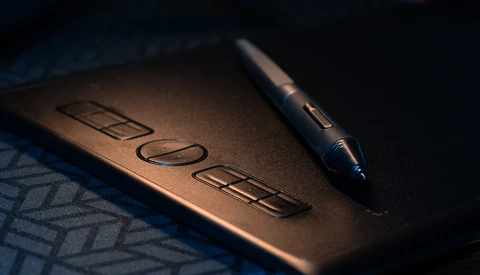
A pen tablet improves your editing and retouching workflow. Here's an affordable option.

With the release of Apple’s new Studio Display, the new creative standard may be here. Are the specs and price good enough?
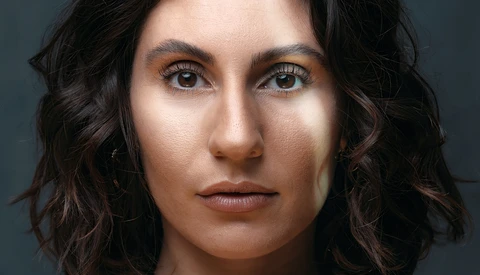
Retouching photos is as much an art as a skill, and portrait photographers must understand the proper way to retouch images, even if they prefer to have a retoucher do this work for them. Although there are a variety of ways to retouch an image, using frequency separation is the most common method and is considered one of the best.
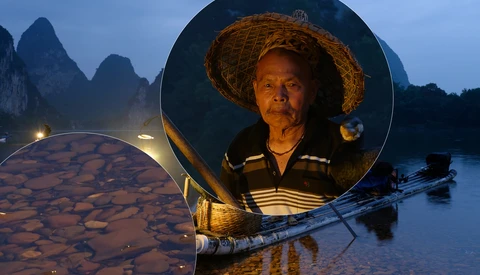
DxO PureRAW is a permanent part of my photographic workflow. Before anything else, I take my raw files from my mirrorless camera and my drone through PureRAW first. It checks my camera and lens data and outputs a raw file with corrections that eliminate lens distortions, vignetting, noise, and a host of other issues specific to my hardware.
Any photographer with experience in portraiture knows that the image captured in camera is far from a finished portrait. Post-processing of portraits is a skill that takes time and practice to learn. Learning to use the Liquify tool can help to make a good image into a great image. As with all of the tools in Photoshop, it's important to know how much is too much.

As the artificial intelligence race intensifies among photography software companies, Boris FX is filling a completely different niche with their editing software Optics. With their latest release, Optics users now have access to their powerful Particle Illusion generator, which can create thousands of useful emitters like explosions, smoke, fire, and other particle effects.
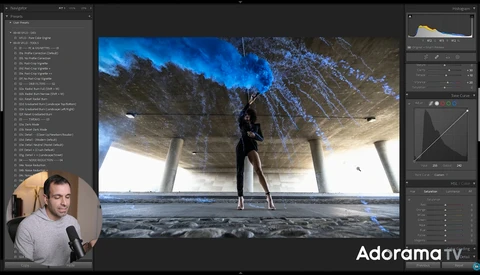
There are certain rights of passage in photography that we all should try at some juncture of our time with a camera. They act as both important learning tools but plainly, they're good fun to do. In this video, Pye Jirsa walks you through how he created a great-looking portrait using a smoke bomb.
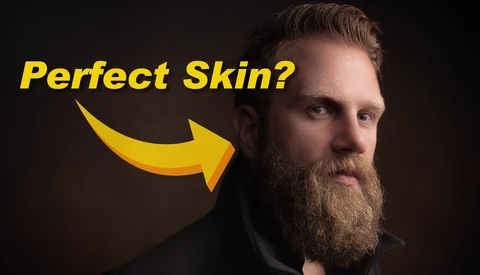
Innovators and philosophers like Elon Musk and Sam Harris have been theorizing what our world will look like once artificial intelligence completely takes over our everyday lives. We aren't quite there, but if you've ever dreamed of a day when all your skin retouching might be completed using AI and neural networks, well, the future is a lot closer than you might think.
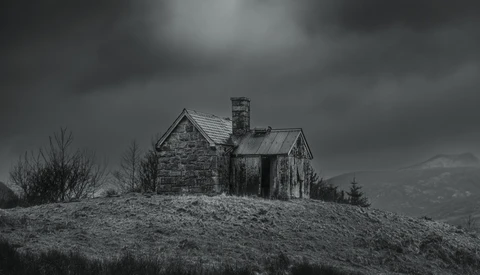
With so many plugins out there to choose from and with nearly everyone trying to emulate old film looks, is this new plugin worth considering? Check out our review.
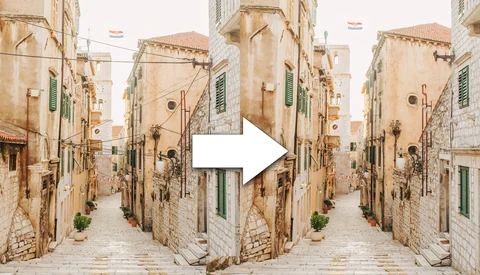
Luminar software has been leading the industry when it comes to artificial intelligence photo editing for years, and now, they are taking things even further with Luminar Neo.
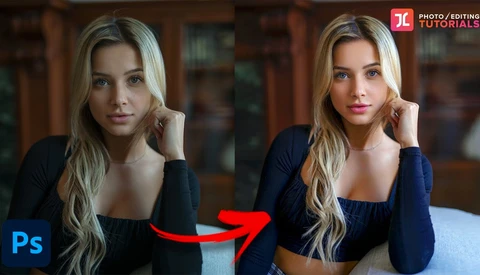
Three-dimensional "pop" is a sort of nebulous thing that portrait photographers often chase in certain lenses, as it can take an inherently two-dimensional representation of a person and make it feel more lifelike.
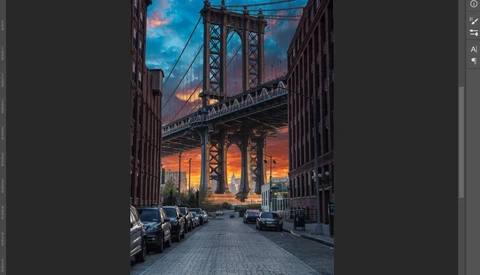
Masking is an important part of any decent photographer's post-production process. Sometimes, the masks are easy, but other times, they can be painfully time-consuming. However, if you learn about this hidden tool in Photoshop, your editing life will instantly become so much better.
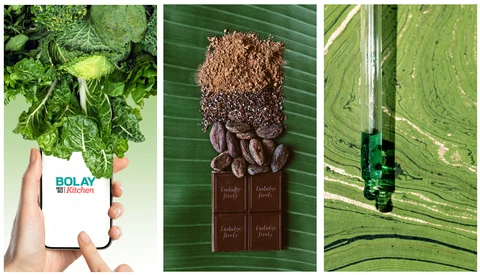
Have you ever seen those bold modern ads that just force you to stop and look? One got me this week. I was driving, and a billboard had a colossal burger, most likely shot with the 16-35mm lens, and a bold, canary yellow background with that primary McDonalds red. "I need that burger!
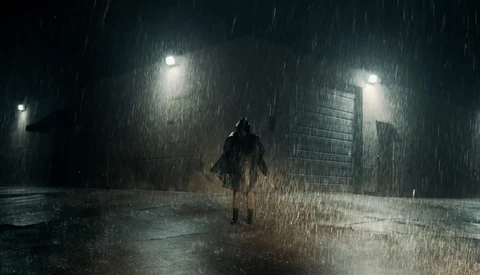
If you are shooting on a budget, many desirable effects are tantamount to impossible to guarantee, particularly if you want to capture them in camera. Rain is one of the trickiest and with this tool, you can add it in, realistically, in post.
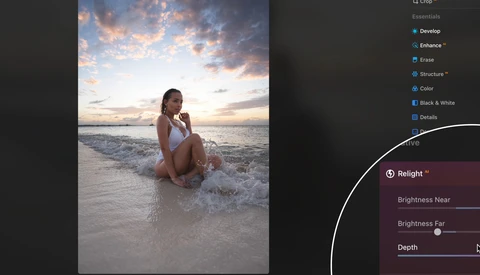
Artificial intelligence has begun to have a real impact in photography via post-processing. This may be a contentious subject, but whichever side of the fence you are, it's interesting to see what it's capable of. In this video by Manny Ortiz, he reworks some images with Luminar's Relight tool.
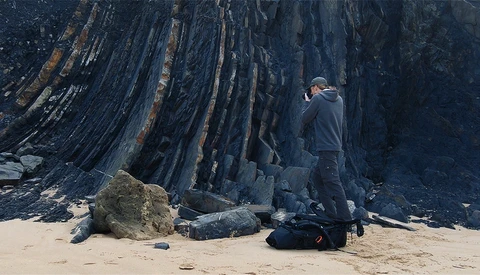
I always take a tripod with me in addition to my camera when I'm out on a hiking or scouting trip because there can always be an unexpected photo opportunity. And since I apply focus stacking to nearly all of my photos to ensure optimal sharpness, photographing handheld is not an option. Or is it?
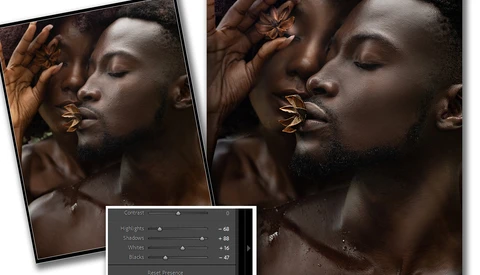
Have you found yourself cranking up the contrast slider and running a sharpening filter just to end up with a shot that fell short of your initial vision? Here are two editing swaps that you can make that will help your post-production be more precise.
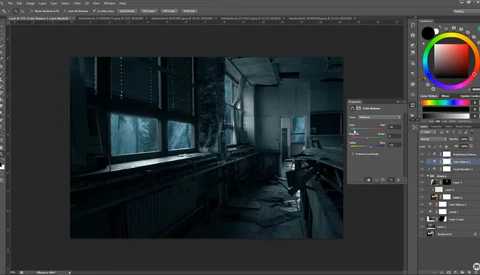
Whether you couldn't shoot at the time you wanted or you just want to experiment with composites and heavier editing, this video will show you how to make a complete transformation.
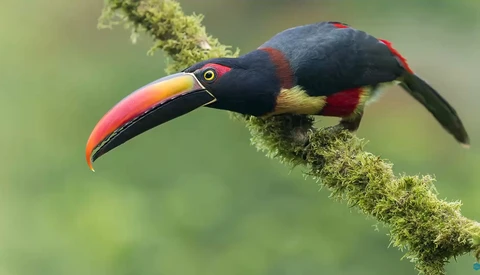
Bird photography is tremendously difficult and so is photographing in a jungle. So, it follows that photographing birds in a jungle will require a lot of skill in patience. Watch as two veteran wildlife photographers go through recent shots and offer some tips and mistakes to avoid.
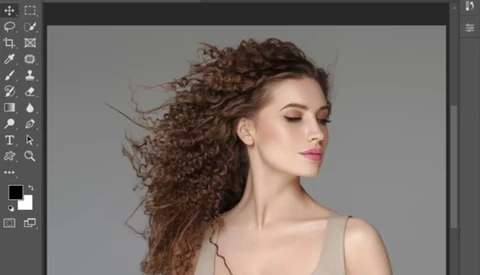
Software updates happen so often these days that you can sometimes miss great new features when they're added. If you do any kind of masking with people and hair, then you really must see this technique.
Sony cameras have long been criticized for their color science. The notion is that Sony cameras produce unflattering colors, especially for skin tones. This claim seems to be leaning towards raw files processed in Lightroom. Capture One is generally recommended, so, let's find out which of the two software is the better option for Sony raw files.
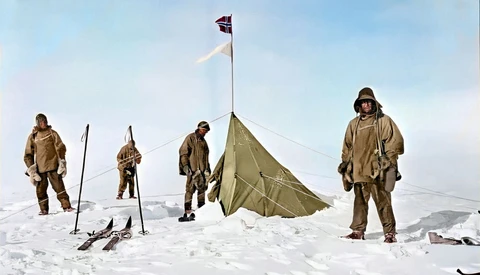
Non-photographers often complain about black and white images: they’re dated, they’re just a gimmick, or they’re elitist and boring. These are personal preferences; however, we live in a color world, so you can't discount that black and white images can create a disconnect for modern viewers. To bring history alive, is colorization a solution?
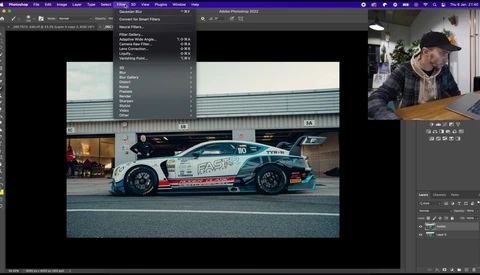
Panning photography has a few uses, but it's most commonly seen in motorsport. It's a tricky technique to get the most out of and on occasion, it's not even possible. In those situations, perhaps you can fake it instead.
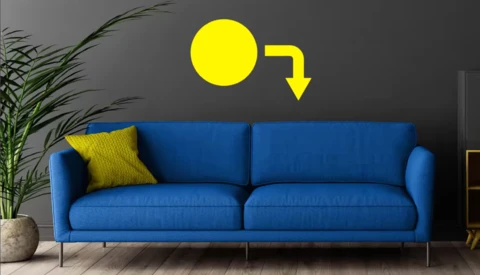
Just like everything in life, Photoshop techniques change or require slight adjustments. What may have been perfect two years ago might not necessarily be perfect now. And so it is with changing colors of objects in Photoshop. Here is the latest on how to do it effortlessly.
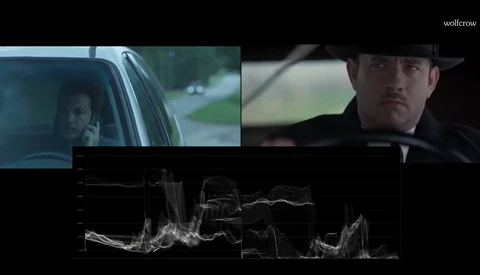
You may have noticed over the last few years that it is increasingly common for a film or show to have what looks to be unexposed shots. The question is: why?
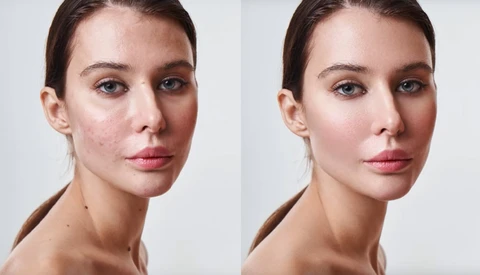
When Unmesh Dinda of PiXimperfect says that this is hands down the best automated skin retouching software ever created, you might want to pay attention.
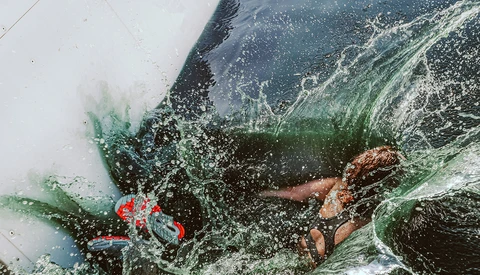
Have you ever taken a shot that you were completely stoked to post, and when you released it to the world, you didn’t quite get the engagement you were hoping for? It can be discouraging to be excited about a photo and not get the enthusiastic engagement you expected.
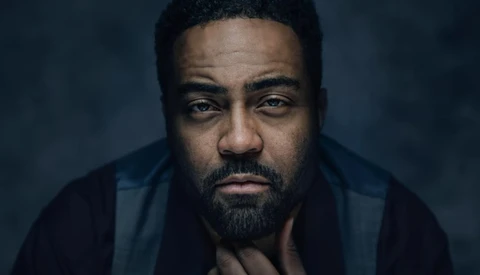
Have you seen this trick for adding a bit more intensity to a portrait's eyes?
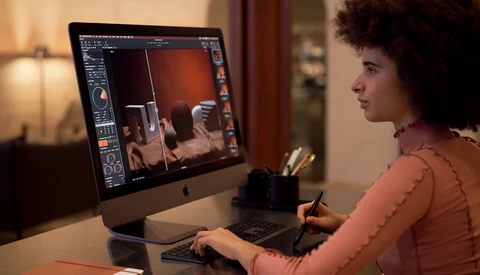
Capture One has become the image-editing software of choice for a ton of professionals. Not only does it have some of the best color-editing abilities of any software, but it is also one of the best when it comes to speed and performance. But with Capture One 22, things just got even better.
Artificial intelligence is bringing incredible advances for photographers, from relighting portraits and making people smile, to cleaning up skin and swapping out skies. However, photographers everywhere would beg developers of photo-editing software to harness deep learning to create one simple tool.
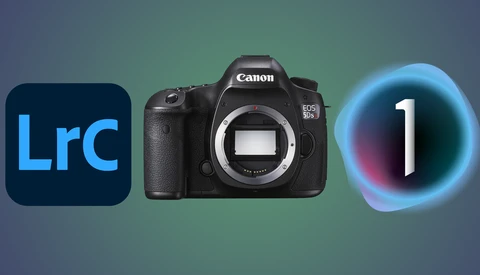
In this series of articles, I'll be comparing Capture One to Lightroom to see which one is the better choice. The articles will focus predominantly on color; however, other points such as contrast and dynamic range will also be covered too.
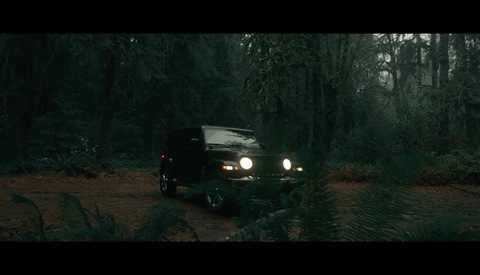
Video editing, as with the editing of photographs, has a lot of nuance to it. In fact, in many ways, it has more than photography as you have to control basic elements like time. In this video, one videographer discusses the element of video editing he believes is the most important.
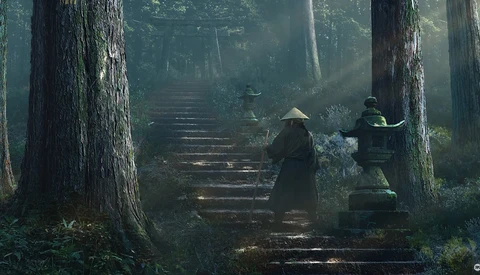
If you're open to more heavy-handed retouching of your images, you have almost limitless possibilities of what you can do with even the blandest of images. In this tutorial, learn how to create realistic light rays and dappled light to add some atmosphere to a photograph.
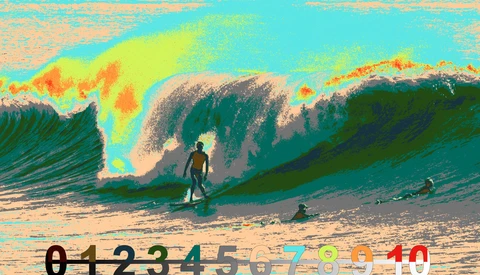
When you combine modern photography gear, even at the entry-level, with today's post-production software, it has never been easier for people to get high-quality images. The days of perfectly matching time, elements, and light are essentially done.