Lightroom

Adobe Lightroom is where most photographers spend a significant portion of their working lives — and knowing it well makes a real difference to both the quality of your output and the speed of your workflow. This section covers Lightroom from practical angles: import and organization, raw processing, masking and local adjustments, color grading, and the workflow habits that separate efficient photographers from those drowning in a backlog.

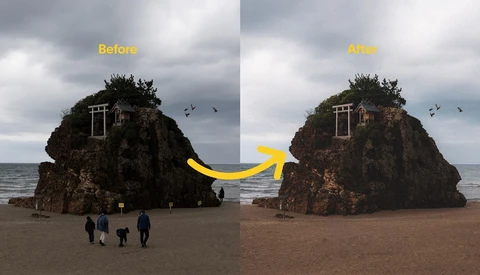
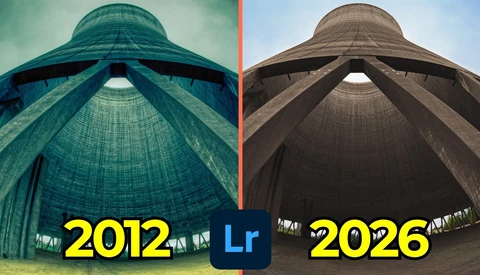
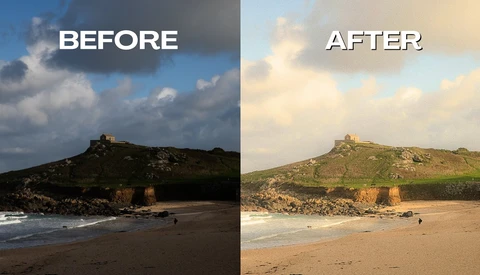
How to Make Digital Photos Look Like Film in Lightroom

Film photography costs money at every step, and if you shoot both film and digital, keeping a consistent look across both can be a real headache. Knowing how to replicate that film aesthetic in post gives you control over the final result without being locked into a single workflow.

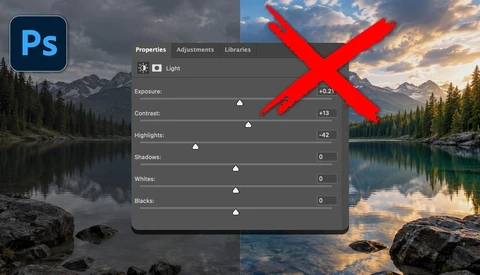
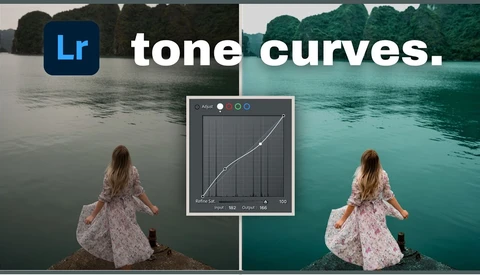
Lightroom's Tone Curve Explained: Every Trick You Need to Know

The tone curve in Lightroom is one of the most powerful editing tools available, and most people barely scratch the surface of what it can do. Knowing how to use it well separates flat, lifeless edits from images with real depth, color, and punch.

What Lightroom's Yellow Warning Icon Is Actually Telling You

That yellow warning icon in Lightroom isn't just a minor annoyance you can ignore. It's telling you something specific about the order in which your AI edits were applied, and clicking "update" without understanding what's happening can quietly change your image in ways you won't notice until it's too late.

Every New Lightroom Feature in April 2026

Adobe's April 2026 Lightroom update touches both Lightroom Classic and Lightroom, and the changes range from genuinely useful to head-scratching. If you batch-process photos or regularly move between Lightroom and Photoshop, at least a few of these updates will affect how you work.

Nik Collection 9 Releases a Major Update With Color Grading, More AI, and New Filters

The Nik Collection of software tools goes way back to when Nik introduced some editing plug-ins for Photoshop in the 90s. Google bought the tools in 2013 and brought several of the tools together into a collection. But Google, as Google does, sold the collection off to DxO in 2017, and they began to rewrite everything with new code, and released a 7-app collection, adding an 8th shortly thereafter.

10 Lightroom Secrets That Will Change How You Edit Photos

Lightroom has more depth than most people ever tap into, and after 15 years of using it, Serge Ramelli has a clear sense of which techniques actually move the needle. These aren't beginner tips about sliders; several of them involve AI-powered masking tricks and a dodge-and-burn workflow that can fundamentally change the way a finished image looks.

How to Fix a Tricky Bird Photo in Lightroom Classic

Bird photos shot in dappled shade are some of the hardest to edit well. The exposure is tricky, green foliage casts color onto everything, and the subject can easily get lost in a busy frame.

10 Lightroom Mistakes That Are Ruining Your Photos

Lightroom is the most widely used photo editing application in the world, and for good reason. It is powerful, nondestructive, and flexible enough to handle everything from a casual vacation gallery to a professional wedding shoot. But that flexibility comes with a cost: there are dozens of ways to make your images look worse instead of better, and most of them feel like improvements while you are doing them.

Lightroom's 4 Sharpening Methods and When to Use Each One

Lightroom has at least four distinct ways to sharpen an image, and most people only use one or two of them. Knowing when to use each one and how to combine them is the difference between sharpening that looks deliberate and sharpening that looks overdone.

Lightroom Has a Surprising Fix for Lens Flare

Lens flare is one of those problems that can ruin an otherwise great shot, and the usual fixes in Lightroom take time and skill. A trick circulating in the landscape photography community suggests using Lightroom's reflection removal tool, originally designed for shooting through glass, to clean up lens flares instead. 

A Better Way to Bulk Denoise in Lightroom Classic

Lightroom Classic has more than one way to bulk denoise images, and the method you choose affects quality. When ISO varies across a shoot, a faster shortcut can quietly cost detail.

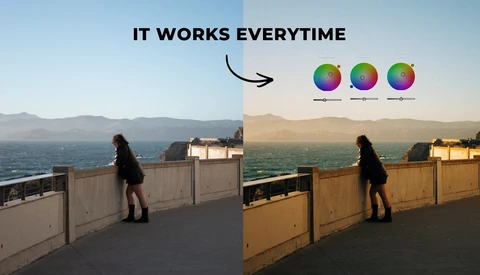
A Smarter Way to Use White Balance in Lightroom Classic

Using white balance as a color grading tool can shift the entire mood of a landscape in minutes. When you stop treating white balance as a simple correction and start using it with masks, you gain precise control over how color moves across the frame.

A Lightroom Classic Before and After Trick Most People Miss

Lightroom Classic gives you more than one way to compare edits, but most people only tap the backslash key and move on. If you want cleaner decisions and fewer second guesses, you need tighter control over what “before” actually shows.

Stop Correcting and Start Directing Your Colors

Why do some photographs feel like a fleeting memory while others possess the weight and atmosphere of a cinematic masterpiece? Let's discuss the subtle shift in editing techniques that transforms a standard edit into a truly silver screen experience.

Is It Time to Ditch Adobe for These Alternatives?

Adobe now runs on subscriptions, and that monthly bill adds up fast. If you rely on Photoshop and Premiere Pro to get paid work done, the idea of switching feels risky, but staying put can feel just as uncomfortable.

Stop Guessing: A Professional Wildlife Editing Guide

How does a professional photographer transform a flat, raw file into a breathtaking wildlife masterpiece without falling into the trap of over-processing? Let us explore the structured mindset that transforms chaotic editing into a deliberate, artistic workflow.

How to Add Real Depth in Lightroom Without Overediting

Fog can turn a strong landscape into a flat sheet, even when the scene looked deep in person. The fix is rarely a single slider, and the right masking move in Lightroom can make fog read like real space instead of gray mush.

Mood Matters: Transform Your Images Through Thoughtful Editing

Let’s explore the often-overlooked significance of editing in photography and how it transforms raw images into compelling visual stories. We will break down the two stages of editing and provide examples that highlight the creative process involved in crafting mood and atmosphere.

How to Start Lightroom Classic the Right Way in 2026

Adobe Lightroom Classic still scares people off in 2026, mostly because the first 10 minutes feel like a wall of buttons and empty panels. If you shoot a lot, you need a setup that keeps files predictable and edits reversible, not a messy pile of “final_final_2” exports.

The Simple Lightroom Steps That Make a Subject Pop

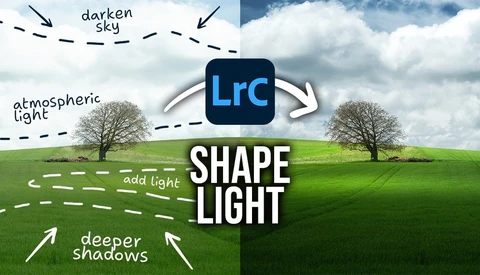
Lightroom can make a flat landscape feel like it has a clear subject, but only if you control where the light goes. This video shows how simple masks can push attention without turning the edit into a fake-looking mess.

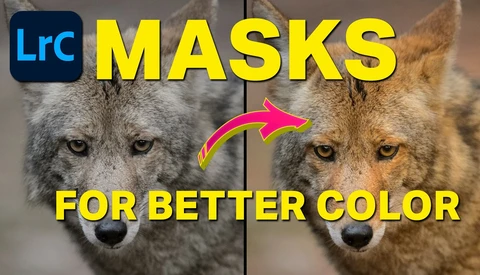
How To Take Control Of Your Edits With Lightroom Classic Masks

If you use Lightroom Classic, masking is the line between “good enough” and an edit that looks intentional. This video focuses on the masking tools that let you target light, color, and texture without pushing the whole frame in the same direction.

How to Get Buttery Smooth Backgrounds in Lightroom

Noise and messy detail can ruin an otherwise strong subject, especially in wildlife shots where the background turns into a crunchy distraction the moment you lift exposure. This video focuses on a Lightroom approach that gets the background looking smoother without turning the subject into plastic.

Landscape Masking in Lightroom Classic: What It Gets Right and Wrong

Lightroom Classic landscape masking can save you from tedious brush work, but it can also make confident mistakes that you have to catch fast. If you edit outdoor scenes, it changes how quickly you can isolate problem areas like sky bleed, muddy snow, or uneven water tones.

Radial Masking In Lightroom Classic: How to Make Your Edits More Natural

A radial mask in Lightroom can fix the kind of “almost” photo that keeps bothering you, where the light is close but not landing where the eye should go. If you rely on Lightroom to shape mood, depth, and attention, this tool changes what you can do without making the edit look like an edit.

How to Use Lightroom to Enhance a Winter Photo

Lightroom Classic can make a winter scene look clean and accurate, but that is not always the look you want. If your snow scenes keep feeling bland or strangely “digital,” this edit shows how to use white balance and local control to push mood without wrecking the file.
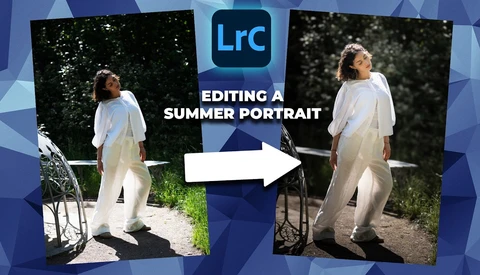
How to Quickly and Easily Edit a Portrait in Lightroom

Portrait retouching in Lightroom often stalls when you get stuck doing the same careful selections again and again. This video puts the spotlight on a faster path using Lightroom Classic’s built-in AI masking, with results that still look like a human made the calls.

A Beginner's Guide to Creating a Lightroom Catalog

Catalog problems rarely start with editing. They start the first time you import a card, pick the wrong destination, and build a library that is spread across places you did not intend.

Intersect Masks: The Control You’re Missing in Lightroom

Masking in Lightroom can be the difference between an edit that looks clean and one that looks like you forced it. If you rely on quick global sliders, this is the kind of skill that quietly fixes the problems you keep seeing in skies, edges, and small details.

Before You Buy the Sony a7 V

While gear reviews can offer a lot of secondhand insight and opinion, there’s nothing like being able to try out the camera for yourself. While there is no way for us to let everyone interested try out the camera physically, this might be the next best thing.

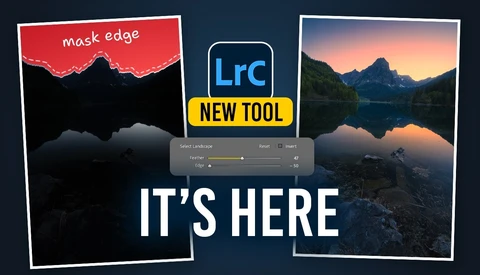
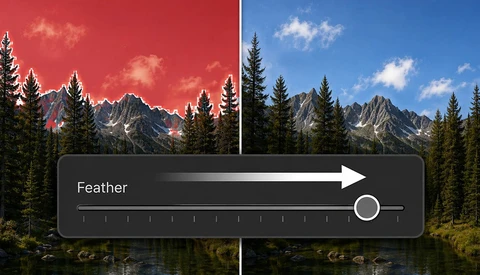
Sky Masking in Lightroom: The Fix for Halos and Gaps

Sky masks in Lightroom look effortless until you push exposure and discover halos, gaps in leaves, and messy edges around roofs and ridgelines. Get this wrong and the sky starts bleeding into everything that should stay crisp.

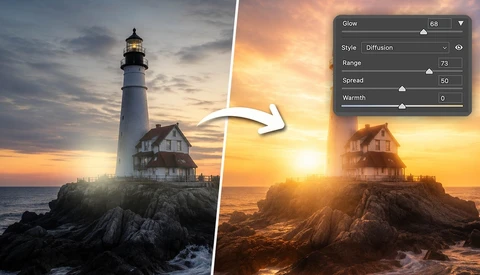
Beyond the Raw: How to Craft a Minimalist Fine Art Masterpiece

There is something about a lighthouse that demands a certain kind of stillness. I’ve spent more hours than I care to admit standing in the wind, looking at these structures—whether it’s Poolbeg Lighthouse in Dublin or a lonely sentinel on the coast of Portugal—waiting for the light to match the mood I see in my head.

The Lightroom Masking Shortcuts That Stop Bad Edits Fast

Masking is where Lightroom edits either look clean and intentional or start to fall apart at the edges. If you have ever nudged Exposure and realized you changed the whole frame instead of a small area, this topic will save you from that kind of mistake.

AI Dust Removal Just Landed in Lightroom and Photoshop

AI dust removal just became a one-click step inside the Adobe apps you already use, and it changes how you handle every sky, studio backdrop, and clean wall. If you’ve ever exported a “finished” set and then spotted sensor grime in the exact same place across 30 files, you know how quickly that turns into a late-night repair session.

The Lightroom Object Selection Trick That Beats “Select Subject”

A clean subject mask can make the difference between a shot that looks alive and a subject that looks pasted onto the frame. When Lightroom grabs the branch, the background, and half the subject in one sloppy selection, your edit turns into cleanup work instead of creative control.

How to Get Crisp Detail Without the “Over-Sharpened” Look

Sharpening is where a solid edit can quietly fall apart, especially once you export for the web and everything gets resized. If you want crisp detail without crunchy edges or noisy skies, you need a method that matches the way you actually share images online.