Post-Production

Post-production is where raw files become finished images — and for most photographers, it's where a significant portion of their working time goes. This section covers the full post-production process: from culling and raw processing to retouching, color grading, and the workflow systems that keep a high volume of work manageable without sacrificing quality.

ACDSee Photo Studio Ultimate 2027 Keeps Most of Its AI on Your Own Machine

ACD Systems has released ACDSee Photo Studio Ultimate 2027, and the pitch is less about what the AI can do than about where it runs. Face detection, keywording, masking, super-resolution, and image similarity all process on your computer, with no images or facial data leaving it.

Mac mini M5 Pro Review: A Fast, Silent Desktop for Photo and Video Work

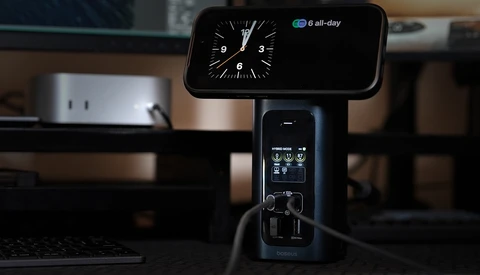
The Mac mini with M5 Pro chews through 4K footage and reads from its SSD in an instant, from a silver box 5 inches square that never once became audible on my desk. It is the fastest small desktop Apple has built, and for photo and video work, it is the best value in the entire Mac lineup. 

How to Build High Contrast Without Blowing Out Your Sky

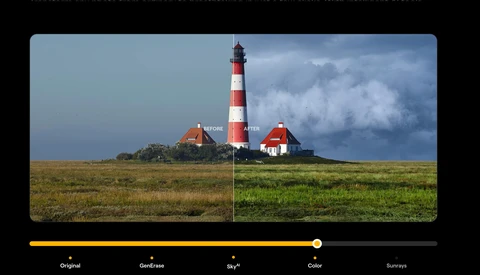
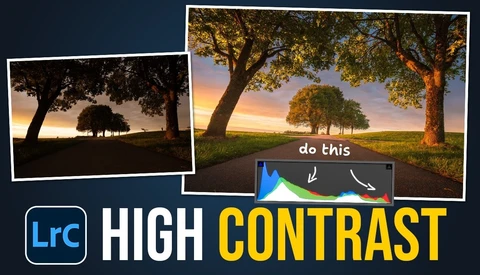
High contrast can wreck an image fast, crushing shadows into black and burning highlights into paper white. The trick is holding onto detail at both ends while still keeping the punch that makes a sunset landscape feel dramatic.


Why Your Sunset Photos Look Empty and How to Fix Them

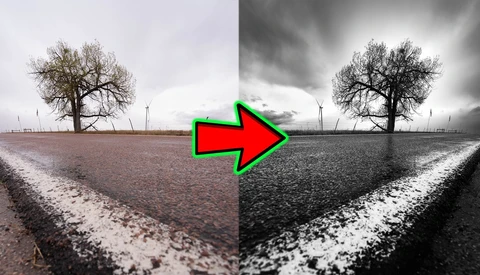
Empty sunsets, gray black-and-white frames, and lavender fields that turn red under the wrong white balance all trace back to a short list of repeatable errors. Fix those, and the same locations you already shoot start producing frames worth printing.


The Vectorscope Trick for Perfect Skin Tones in Camera Raw

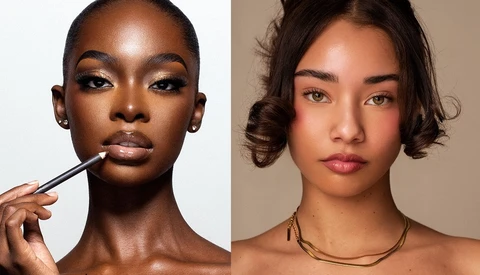
Adobe hid a color-grading tool inside Camera Raw that reads skin tones with real accuracy, and most people editing portraits have no idea it exists. The vectorscope lives in Camera Raw 18.4 and newer, it's not in Lightroom or Lightroom Classic, and even inside Camera Raw you have to dig to find it.

 

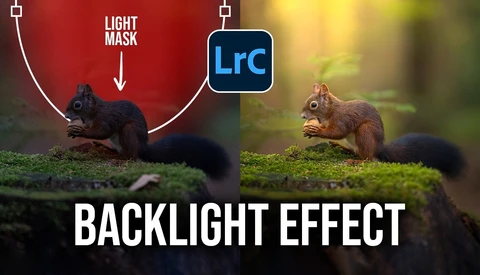
No Photoshop Needed: Building a Light Beam From Scratch in Lightroom

A dark, high-ISO frame with a heavy blue color cast doesn't look like much on the back of the camera. With the right sequence of adjustments, that same file can carry a warm beam of light streaming down onto the subject, and all of it happens inside Lightroom.


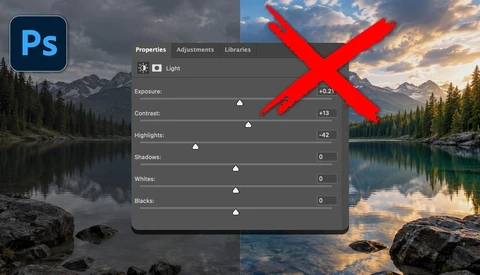
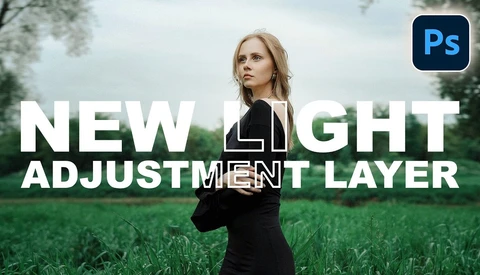
Photoshop's Light Layer Looks Like Lightroom. It Doesn't Act Like It.

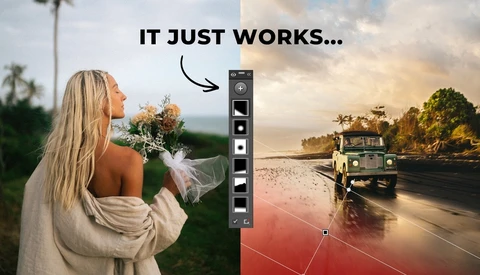
Adobe quietly slipped a Light adjustment layer into the main Photoshop interface, and it looks almost identical to the tone and exposure controls you already know from Lightroom and Camera Raw. That resemblance is the whole problem, because now people can't tell where they should actually be making these edits.


Photoshop's New Edge Tool Costs 20 Credits Every Time You Click It

Photoshop's beta build now includes a Refine Edge feature that cleans up the messy fringing left behind when you cut a subject out of one background and drop them onto another. Every click costs 20 generative credits, so the value depends on whether the result beats what you can do by hand.


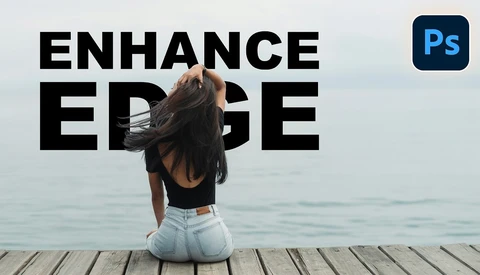
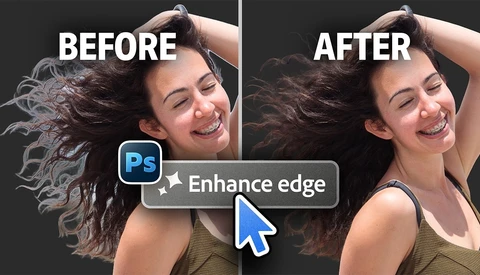
The Automatic Halo Fix in Photoshop, Tested on Real Hair

Photoshop's beta 27.11 introduces Enhance Edge, an AI feature that promises to erase the halos that show up when you drop a masked subject onto a contrasting background. Hair cutouts have frustrated retouchers for decades, and any tool that claims to solve them deserves a hard look before you trust it on real work.


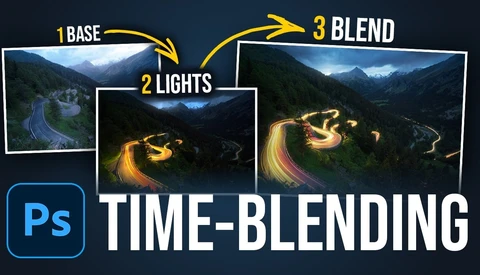
Why Time Blending Beats a Single Long Exposure

Light trails on a road can turn a flat night shot into something with real energy, but capturing them all in one clean frame is harder than it looks. Time blending lets you combine several exposures so the streaks flow together the way a single long exposure rarely manages.


Delete Someone From a Group Photo Without Ever Opening Photoshop

Remove a person from the middle of a group photo, close the gap as if they were never there, and do it all without touching Photoshop. That option is now sitting inside Lightroom for anyone who has never gotten comfortable with layers and masks.


20 Photoshop and Camera Raw Updates You Probably Missed

Photoshop's autofocus point checker inside Camera Raw 18.6 shows you exactly which points your camera locked onto, so you can catch a blurred watch face or a hand in focus before you commit to the wrong shot. That single feature answers a question you've probably asked yourself a hundred times while culling: did the camera focus where I thought it did?


Photoshop Just Replaced Brightness and Contrast With Something Better

Photoshop's Brightness/Contrast slider is gone, replaced by a new Light adjustment layer that pulls Camera Raw controls straight into the main editor. Exposure, contrast, highlights, shadows, whites, and blacks now live in a single panel that behaves like a nondestructive version of the Camera Raw sliders many of you already trust.


Five Edits That Take a Landscape Photo From Okay to Finished

Every landscape image is different, yet the same handful of moves show up in almost every edit that actually works. Learn those moves and you stop guessing your way through post-processing and start finishing photos on purpose.


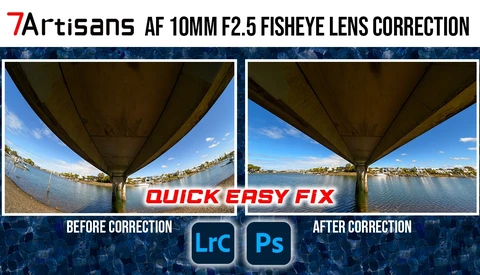
How to Straighten Fisheye Distortion Without Guesswork

A fisheye lens locks you into curved horizons and bowed lines, but the 7Artisans 10mm f/2.5 for the Nikon Z mount ships with a way out. A free lens correction profile straightens those shots into a clean wide angle look, and applying it takes a handful of clicks.


The Lightroom Classic Preset Trick That Regenerates Masks on Every Photo

Presets that carry AI masks are the trick most landscape shooters overlook, and they can shave real minutes off every edit. Fall gives you a short window of color, cool air, and quieter parks, so the less time you spend clicking through the same steps in Lightroom Classic, the more frames you bring home.
 

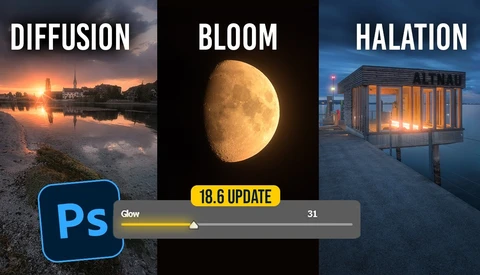
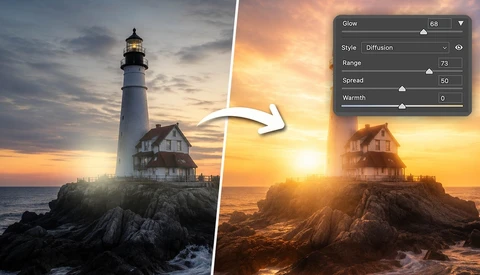
The Soft Glow Effect Finally Works the Way It Should in Camera Raw

The soft glow effect has floated around photography for years, built with layers, filters, actions, and paid panels that promised the look for a fee. Adobe just baked it directly into Camera Raw, and the version that ships with the app beats every workaround people have relied on.


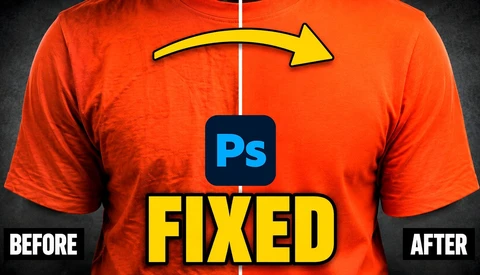
Remove Clothing Wrinkles in Photoshop Without the Healing Brush

Creases across the front of a t-shirt sit exactly where the eye lands. Clothing wrinkles and backdrop fold lines are the kind of problem you can't always control on the day, and fixing them by hand eats hours you'd rather spend somewhere else.


How to Breathe New Life Into Old Images

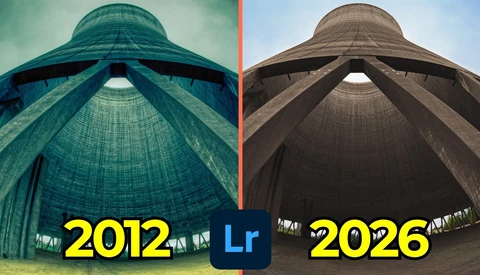
Fourteen years separate two versions of the same photo, and watching one turn into the other is a quick lesson in how editing taste changes over time. Revisiting old work with newer tools shows you exactly how far your eye has traveled, and it surfaces habits you didn't know you had.


Photoshop's New Blemish Tool Keeps Skin Texture Intact

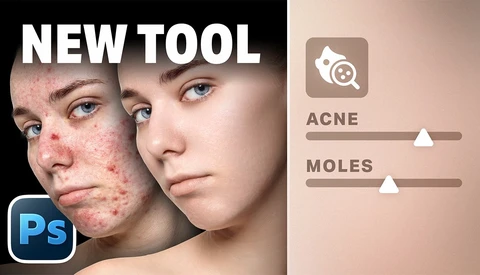
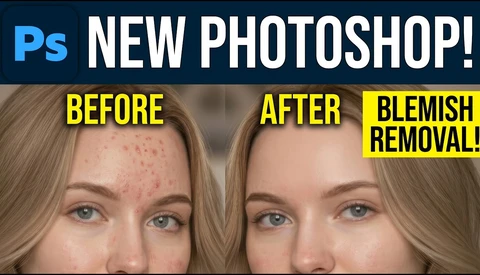
Photoshop's newest blemish tool doesn't just erase spots. It removes them while keeping the skin texture underneath exactly as it was, which is the part that has tripped up automatic retouching for years.


The Lightroom Slider That Kills the White Halo on Mountain Edges

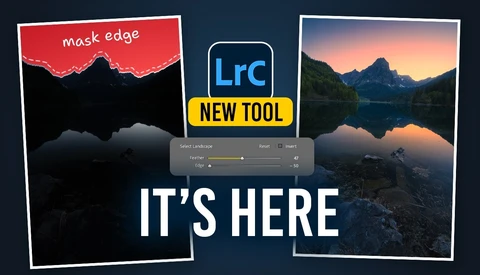
Adobe's August update for Lightroom Classic added a pair of sliders that quietly change how you build masks. Feather and edge controls now sit inside every AI mask, and they let you push a selection in or out until the edge sits exactly where you want.
 

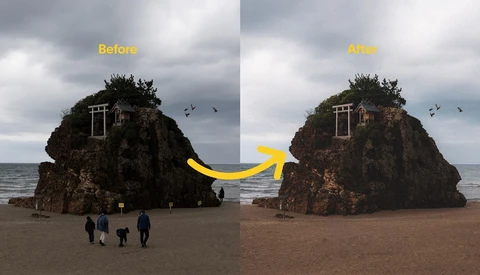
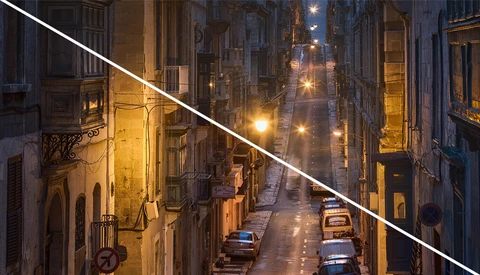
How to Edit Harsh Midday Sun in Lightroom Classic

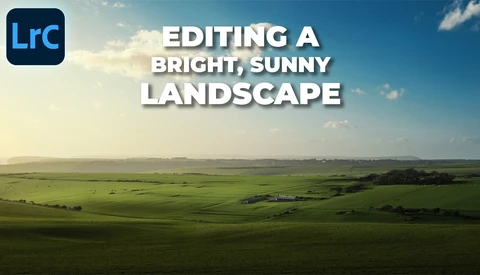
Editing a landscape shot in harsh midday sun sounds like a losing battle, yet you can pull a flat, overexposed frame into something with depth and direction. The trick lives almost entirely in your masks.
 

Lightroom Classic 15.5 Finally Lets You Fix AI Masks After Creating Them

The masking upgrade in Lightroom Classic 15.5 lets you feather and reshape AI masks after you create them, which turns rough selections into precise, believable edits. That single change addresses one of the oldest complaints about automatic masks: they grab too much, too little, or leave a telltale glow around your subject.


Skylum Adds Lightroom Library Import to Luminar Neo With a Caveat

There's a lot of competition out there for photographers' attention with recent updates of editing software. The big target for competitors is Adobe's ecosystem of programs, and many of my pro photographer friends are pretty locked in on Adobe Lightroom.


Imagen Is Offering Full AI Editing Access for $10, Just in Time for Peak Season

Post-processing has long been the most time-consuming part of a photographer's workflow, and the numbers back that up. According to the 2026 Zenfolio State of the Photography Industry report, about 70% of photographers spend between 26% and 75% of their working time on editing. Only 5% of photographers surveyed feel they are managing the stress of running their business well. 

Get Premium AI Features in Photoshop Without Subscription

Many of today's advanced AI software features require extra subscriptions. This is also true for Photoshop's premium AI models in Generative Fill. But what if you could access the powerful Nano Banana AI for retouching without committing to another subscription? In this article, I reveal a pay-as-you-go method for using cutting-edge AI in Photoshop.


Shooting Minimalist Landscapes When There's Almost Nothing to Shoot

Minimalist photography is harder than it looks. When the summit of Pikes Peak closes due to a storm and your backup plan becomes a flat, windswept stretch of Colorado grassland, the only things separating a great shot from a boring one are patience, the right glass, and knowing how to work with almost nothing. 

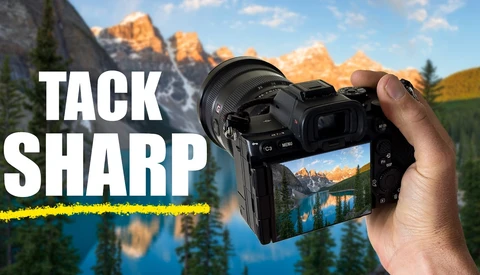
Focus Stacking: Tack-Sharp Images From Front to Back

Achieving tack-sharp landscape images from foreground to background is one of the more technically demanding challenges in the field. Focus stacking solves it, and it's more accessible than most people assume. 

The Best AI Audio Cleanup Tools for Noisy Video

Bad audio can sink an otherwise great video. Whether your guest recorded on a laptop mic, you were stuck near an AC unit, or background music crept into your footage, the fix used to take real technical skill. Now, three AI tools can handle most of it in seconds. 

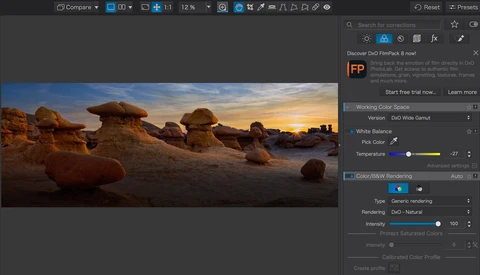
DxO PhotoLab 9 Might Be the Reason to Finally Quit Adobe

If you've been paying for a Lightroom Classic subscription while quietly wondering whether it's still worth it, DxO PhotoLab 9 is a direct answer to that question. After roughly 15 years of Lightroom as his primary editing tool, Matt Day spent two months with PhotoLab 9 before canceling his Adobe subscription entirely. 

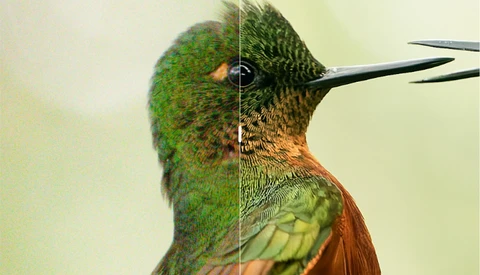
DXO Adds PureRAW 6 Features to PhotoLab 9

DXO had a big announcement a few weeks ago with powerful new features in their raw image processor PureRAW 6. Now those features have been folded into their powerful image editor, PhotoLab, which gets a version bump to 9.6. 

5 Ways to Make Photo Culling Faster (Without Regretting Your Picks)

Culling is the least glamorous part of any photographer's workflow, and it is also the part most likely to quietly devour your evening. Whether you are trimming a 3,000-frame wedding or whittling down a portrait session, the process of deciding what stays and what goes can stretch from minutes into hours if you let it. The frustrating part is that slow culling rarely produces better results.

DXO Gives Photographers a Major Update with PureRAW 6

DxO PureRAW has been a go-to item in the workflow of photographers for years. PureRAW launched back in 2021, designed as a tool to preprocess Raw files before they go into an editor. The software de-noises your image, then corrects for defects in your optical path or the sensor.

Premiere 26.0 Drops “Pro” and Adds Powerful AI Masking

Premiere Pro is no longer called Premiere Pro. With version 26.0, Adobe has renamed it Premiere on Desktop, and that shift comes with tools that could change how you handle masking, transitions, and overall timeline speed. 

Fixing a Wide Angle Landscape When 14mm Is All You Have

Shooting a landscape with only a 14mm lens can leave you stuck with too much foreground and not enough subject. When the light is right but the lens is wrong, the choices you make in editing decide whether the photo survives at all.