Post-Production

Post-production is where raw files become finished images — and for most photographers, it's where a significant portion of their working time goes. This section covers the full post-production process: from culling and raw processing to retouching, color grading, and the workflow systems that keep a high volume of work manageable without sacrificing quality.

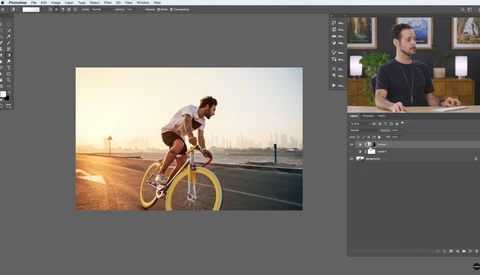
One Million Ways to Do Things in Lightroom

If there's one thing I've learned over time, it's that there are often different ways to accomplish the same task. Likewise, every Lightroom user does things in different ways. That doesn't make it wrong; it's just different. 

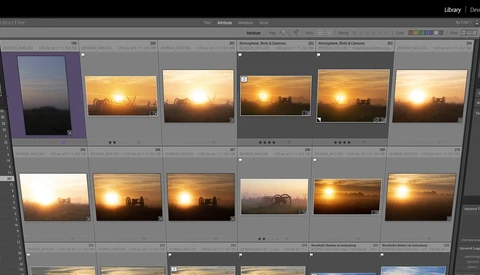
5 Techniques in Adobe Lightroom Raw Processing You Might Not Know

Lightroom has become even better and more powerful the past few years and knowing all the little tips and tricks in the software with each new update can be a class in itself. Here’s five techniques you may not know that the Adobe raw processor can do to help you make better images faster and easier. 

Three Things You Shouldn't Do in Lightroom

There are many articles and videos on how to do certain things in Lightroom, but how often do you read about something that you shouldn't do? Let's cover a few of them. 

Lightroom is a fantastic digital asset manager and image editor. Whether you use Lightroom for just organizing and keywording your photos or use it for editing, there are a few things you shouldn't do.

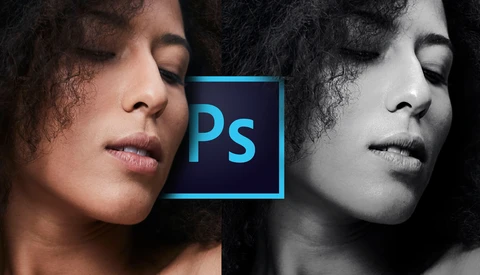
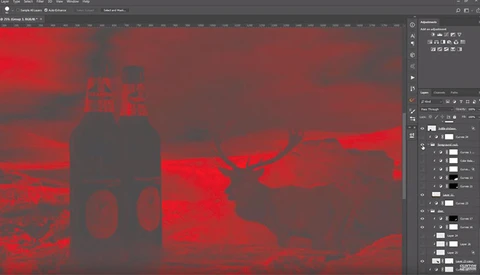
How to Create Dynamic Black and White Images Using Photoshop

Have you ever seen an incredible and compelling black and white image and wondered how you can create the same impact in your photos? In this quick Photoshop tutorial, learn how you can take your black and white photos to the next level by following this simple series of steps. 

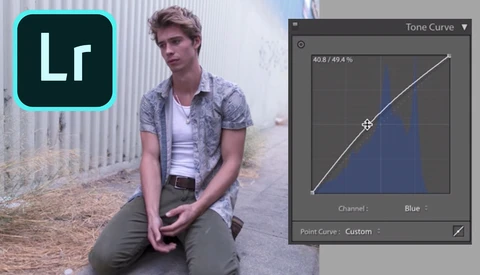
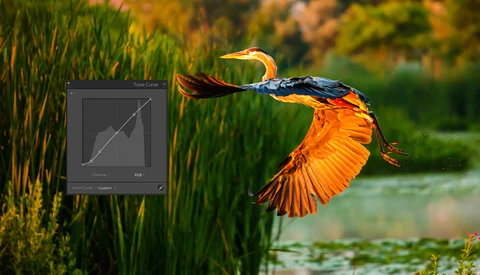
How to Use Lightroom’s Tone Curve to Control Contrast and Tonal Range

Whichever application you might encounter it in, the tone curve can be a little intimidating if you’re new to editing. This excellent short video from Mango Street gives you a great introduction to how it works in Lightroom, what it can be used for, and how to achieve some creative results. 

Photographing Forests and Processing in Lightroom for A Dramatic Mood

In certain parts of the world, specifically parts of Europe and the Pacific Northwest in the USA, gloomy weather is quite often the rule rather than the exception. In this video, we learn how to use these conditions to our advantage while out photographing forests, and also how to bring out a dark, moody feel from the raw files in Lightroom.

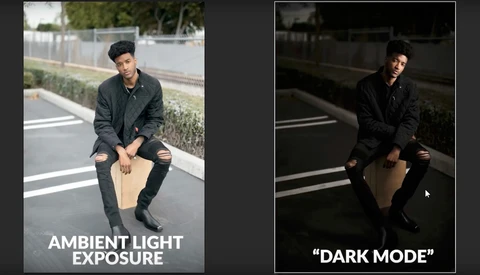
How to Edit Faster With the 'Dark Mode' Technique

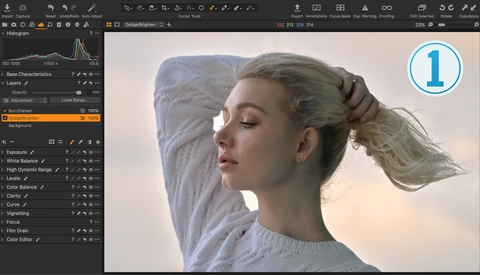
Is there a faster and easier way to create dramatic images in Lightroom that still sticks with your style? Here’s a quick tutorial and a different way of taking one of your images and using the power of Adobe’s software to create a stunning portrait. 

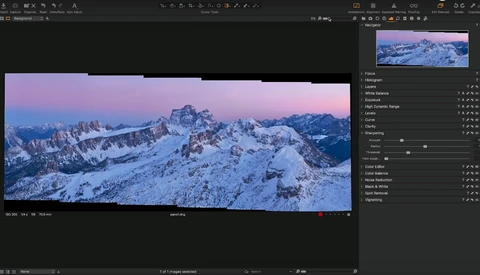
Up Your Landscape Game With Mountain Photography

If you have tried mountain photography before, you know that it is addictive. If you have not given it a go, this video is a great place to start. It walks you through the production from conception and execution of the idea through editing.  

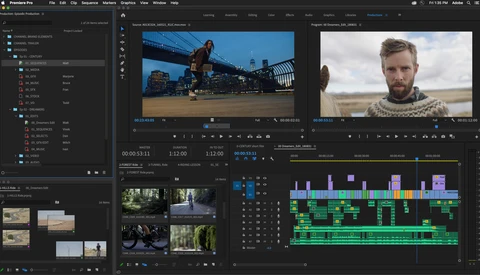
Adobe Premiere Adds Pro Productions Features

Adobe Premiere Pro is set to receive a major feature set update, focused on professional productions. Built from the ground up “with top filmmakers and Hollywood editorial teams” in mind, these features could change how you work on large or complex projects. 

A Beginner's Guide to Removing Blemishes in Photoshop

If you are photographing people, one of the most fundamental skills you will need is the ability to retouch blemishes. If you are new to the process, this helpful video will show you how to use Photoshop to do it. 

Vimeo Is About to Add Some Useful Tools to Their Service Offering

YouTube has become the go-to space for video. We have famous video creators that earn a good living doing so. And then, we have Vimeo, the professionally orientated video-sharing platform that many professionals use to host their projects and productions in the best quality possible online.  

5 Helpful Tips for Retouching Portraits in Luminar 4

Skylum's Luminar 4 is quite the fascinating application, particularly with its artificial intelligence features that are meant to save you lots of time in post-processing work while still delivering quality results. If you are interested in using Luminar 4 to retouch portraits, this great video will give you five tips to ensure you get the best possible results.  

Understanding Color Space and How It Affects Your Photos

Do you understand the differences in color spaces? Have you ever exported a photo out of Adobe Photoshop after some editing, and once you upload it online, the colors appear to be completely different? Perhaps the colors now look muted and dull? 

Here's Why It's a Great Idea to Invest in Digital Asset Management

When I first started out in photography I didn't have any specific process to manage any of my images and files. This is one of the primary reasons I don't have many of my early images anymore. It's a shame because I was quite proud of some of the images I had produced. 


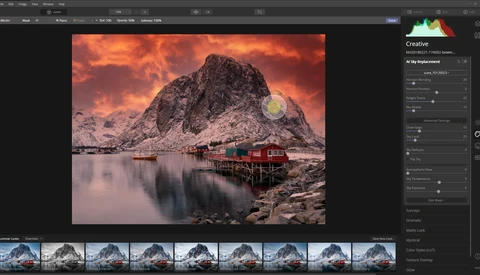
How Useful Is Sky Replacement in Luminar 4 and Should You Use It?

With the release of Luminar 4, it has become amazingly easy to replace a boring sky with something more appealing. You only need to pick the sky of your choice, and the artificial intelligence part of the program does an amazing job in masking out the sky and changing it into something else. But should you use it? 

DxO PhotoLab 3.1: A Lightroom Replacement?

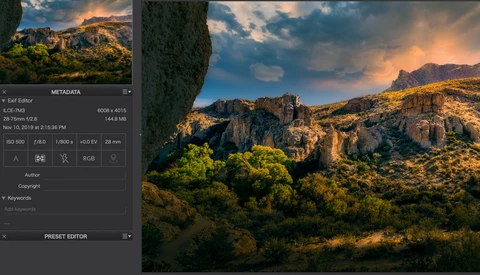
Photolab 3.1 from DXO has been out a couple of months now, and early looks from photographers have been positive. It's a complete raw editor and has many features photographers will expect to see and adds some very worthwhile enhancements that will highly interest editors at every skill level. 

How to Get the Illustrated Look in Your Images

Growing up on comic books and graphic novels I have always been a fan of anything illustrated. When I started taking photos and creating art, I wanted my images to have a similar feel. 

How to Remove a Chain Link Fence Using Photoshop

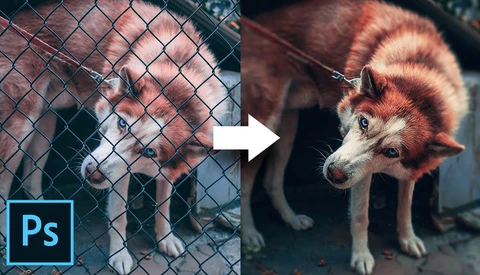
With Photoshop’s Content Aware Fill tool, remarkable things are possible. Join Unmesh Dinda of PiXimperfect as he runs you through a simple means of removing this chain link fence and throws in a plethora of other incredibly useful tips along the way. 

A Beginners Guide on How to Use Levels and Curves in Photoshop

Levels and Curves adjustments layers in Photoshop are a staple tool for any photographer who uses the software, but they aren't  particularly intuitive to beginners. Here, PHLEARN give a beginner's guide to using both levels and curves. 

Achieve Selection Perfection Using This Technique

Creating an accurate selection of a subject's limbs is deceptively difficult. The edges often look sharp and easy to cut out, but that often isn't the case when you put the selection in the hands of Photoshop's AI. However, using this technique, you can accurately smooth out the ragged edges of the selection to create perfect edges and a crisp cut-out.  

A Comprehensive Guide to Sky Replacement Using Luminar 4

One of Luminar 4's most intriguing features is its AI sky replacement that can convincingly swap the sky in a photo (a task that can be quite tedious otherwise) in just a few clicks. While it is mostly automated, there are still a few tweaks and tips that can help you get the most out of the software.

What's Wrong With Buying Lightroom Presets?

Presets are a contentious topic in the world of photography, especially when it seems that every photographer on YouTube has a pack of film emulations to flog. That said, they do have their place, and the people at Mango Street run you through what to consider when buying and how to put them to good use. 

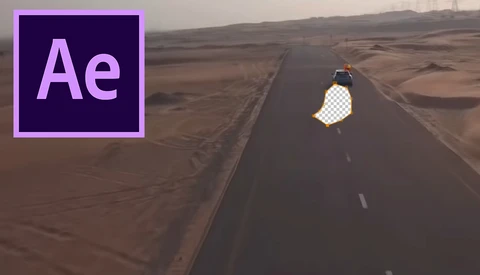
How to Remove Object From Video Using Content Aware Fill Tool in After Effects

Most photographers are familiar with the content aware fill tool. This features has been part of Photoshop for years and can be a life saver to remove unwanted or distracting elements from an image. Adobe recently implemented this tool in After Effects and this short tutorial shows how to use it. 

The Easiest Way to Replace a Sky in a Photo

I've been replacing skies manually in Photoshop for over 15 years now. It's time-consuming and tedious, but I assumed it was the only way. But now, Luminar 4 claims to be able to swap skies with a single click, and it's quite impressive.  

What Photo-Processing Software Is Right for You?

These days, there are numerous options for cataloging and editing your photos, each with its own strengths and weaknesses. This excellent video will give you an overview of the different programs to help you decide which is right for your style and workflow. 

Using Photoshop to Give Your Landscapes More Impact

A whole new decade awaits you and that will likely mean a hell of a lot of photographs to be taken. Make sure your landscapes have the impact you'd hoped for by using Photoshop to give them some extra punch. 

Five Creative Editing Techniques Using Luminar 4

Luminar 4 has generated a fair amount of buzz for its new AI features, such as one-click sky replacement, making it an intriguing alternative to the standard Adobe ecosystem products.

On-The-Go Digital Storage Tips for Photographers

If you've been having trouble keeping your photos in an organized yet future-proof way, then check out my thoughts on the issue here.  Now that every digital device is getting more and more portable, photographers are also becoming more efficient and flexible in terms of working conditions.

How to Use the Background Remover Tool in Photoshop

One of the things Photoshop sells itself on is automated tools, the tools where it uses AI or an algorithm to do the work for you.  

Just like everything in life, these tools are not as easy to use as they would make you think. Every time I use the Quick Selection tool or Refine Edge tool, I still have to do lots of work after to refine.

7 Tone Curve Tips That Will Make Your Editing Better

The tone curve in Lightroom and Adobe Camera Raw (ACR) is a powerful tool. Subtle changes to the tone curve can make a big difference in the look and feel of your image. Here are a few tips and tricks that will make your tone curve adjustments easier and more precise. 

If Everyone Hates Adobe, Why Is It Pulling in Record Profits?

Last week, Adobe reported that the fourth quarter of 2019 was the most lucrative in the company’s history, delivering annual revenues of $11 billion. Given that it’s rare to hear a good word said about Adobe in the world of photography and videography, why is the company still so incredibly successful? 

5 Ways to Maximize Your Tonal Values in Photoshop

Adobe's Camera Raw sliders make global tonal adjustments easy. But when working in-depth on a single image in Photoshop, we have even more tools at our disposal to customize and maximize our tonal ranges. 
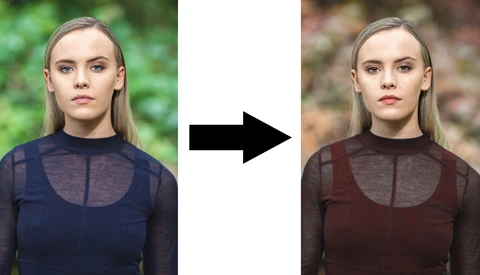
Unify Composites With Color in Photoshop

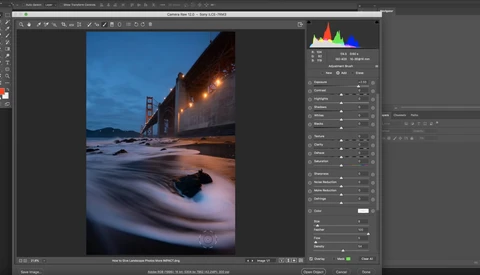
When creating composites using various images from multiple photos, each part has its unique color balance. This is where most beginners tend to fail when creating a composite. 

Revisiting Affinity Photo After a Few Years Away: Is It Ready for Prime Time?

I’ve been exploring alternative workflows to Adobe Photoshop ever since the company forced a subscription model on its users several years ago. For all its bugginess and performance problems, I keep coming back to it, because it still spits out the highest quality images for my purposes. But some of the competition is nipping at its heels. 


Improving Your Photography Workflow for the Best Images Possible With Color Management

No matter if you’re creating your own portfolio or taking photos for paying clients one thing you need to be able to do is create consistent and repeatable results. When looking at images next to one another you will immediately notice if there is a color shift or inconsistent lighting between photographs which can be a detriment to you developing your style or landing the perfect client.

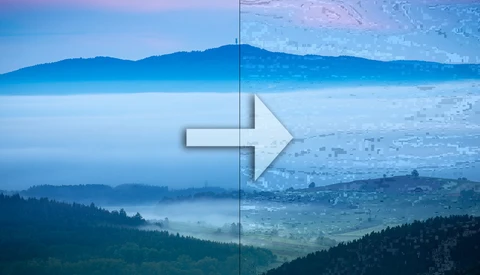
About JPEG Images and Their Quality Degradation

You lose information when an image is saved in JPEG format. This is acceptable, unless you save the same image more than once. Let’s have a look at how much information you really lose.