Video Editing

Video editing is where footage becomes storytelling — and the gap between raw material and a finished cut is where most of the creative work actually happens. This section covers the major editing platforms, practical techniques for pacing and structure, color grading workflows, audio handling, and the organizational systems that keep complex projects manageable from first import to final export.

Seven Tips for Filming Instagram-Friendly Product and Fashion Videos

Brands big and small, new and established, are heavily investing in Instagram influencers to market their products. This has opened up a relatively new market for the working videographer, and here are my top seven tips to the production of Instagram-friendly video ads.

This Video Trick Will Make Your Time-lapses Look Better

Time-lapses are an easy way to add spice to your video productions, but sometimes parts of your scene look awful when displayed over long periods of time. In this tutorial, I'll show you how you can use real-time video to improve objects with oscillating movements.

Breaking Down Apple's Use of Location for Their French Marketing Videos

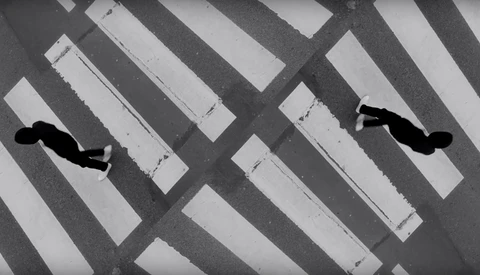
Apple has released a few videos on YouTube for their French market. The editing and use of only black and white certainly gives a different feeling than what you do when you think of Paris, and that's because they're talking to their French market, and not the rest of the world. 

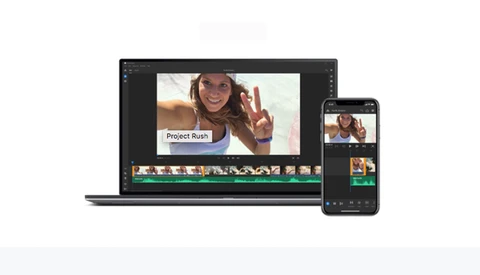
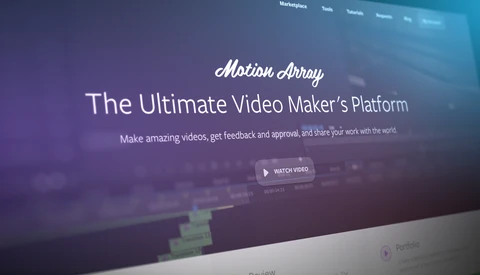
How Motion Array Just Became The Ultimate Video Maker's Platform

Stock video marketplaces are handy little operations. They provide a smorgasbord of top-quality footage and graphics all in one convenient place and all for one very reasonable price. But earlier this month, one marketplace took things to a whole new level. 

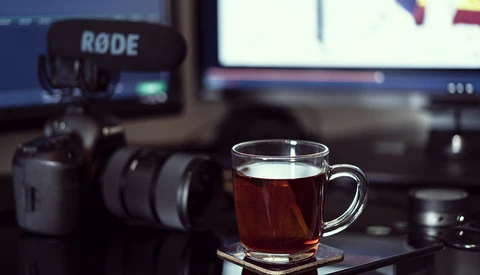
What Are Codecs and Why Are They Important?

When diving into the photography world, one of the first things you come across is deciding whether to shoot raw or JPEG. Typically, the answer to that is very simple: shoot in raw every time you can, only shoot JPEG for specific reasons. What about when you start shooting video? Codecs were basically magic to me before I finally understood how they functioned. 

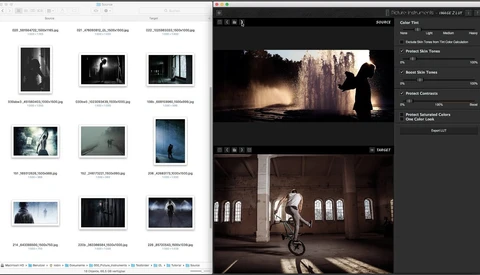
A New Quick and Easy Way to Make a LUT From Any Image

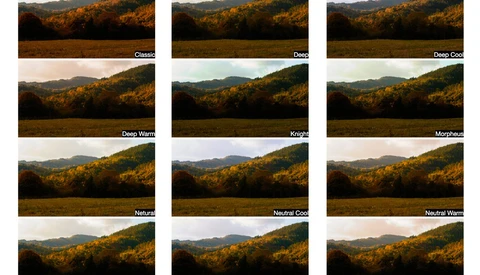
Transforming one image look into a LUT can be a daunting process for people who don’t know much about LUTs (Lookup Tables). According to this video, Picture Instruments came up with something easy to help you give any of your pictures or footage the look of another image.

A Hundred Filmmaking Tips and Hacks in 10 Minutes

This video covers a wide range of tips and tricks to make your set runs smoothly, things occur as you planned, and small items don’t go missing. I’ve seen some of these used by YouTubers mostly, but there are a hundred of them, so use what you think is best suited to your shooting style. 

Don't Make These Five Filmmaking Mistakes

If you're just getting into video, you're likely discovering it's an entirely new world full of its own rules and good practices. This helpful video will get you off on the right foot with five mistakes to avoid when working as a filmmaker.

Add an Orbiting Hyperlapse to Your Videos

You can make it look like two people are sitting with their backs to opposite sides of the same wall. It allows you to transport your audience to a different place in a fun way. This video from Mango Street shows how they did it and shares a tutorial on how you can too. 

Please, Don't Use Black Bars on Videos Anymore

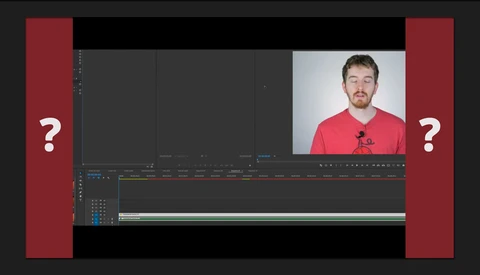
Have you used black bars or a so called "envelope" when editing your videos to make them look "more cinematic?" Just stop doing that. This tutorial shows you how to achieve the same effect but in a proper manner.

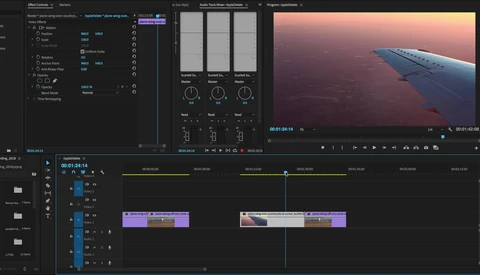
Six Ways to Improve Timeline Playback in Adobe Premiere Pro CC

Adobe’s latest update to Adobe Premiere CC has made it more accessible than ever for beginners to start editing video, but if your processing power is limited, playback lag can make the editing process frustrating. Here are six ways to reduce playback lag when editing your timeline.

Frame Rates Explained: When and Why You Should Shoot in Different Ones

For the past few years, I have been getting more and more into video work. When I first started, I had an idea of what frame rate was and I knew how to use it to get the looks I wanted but by no means was I doing anything correctly until probably late last year. In this video, Matt goes over frame rates and a few reasons why you should shoot in different ones.

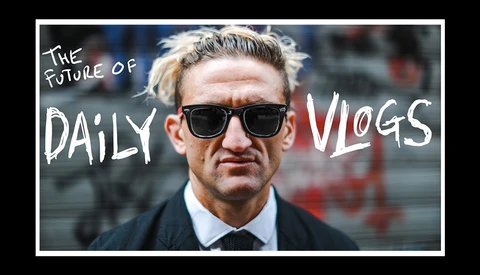
Casey Neistat Is Back, But With a Different Daily Vlog

What makes it different this time is that it looks like he will be collaborating with other creators in a massive three-story building he took a lease out on in New York. He's not sure what the business model is going to be, but he's excited to launch the first episode on April 6. 

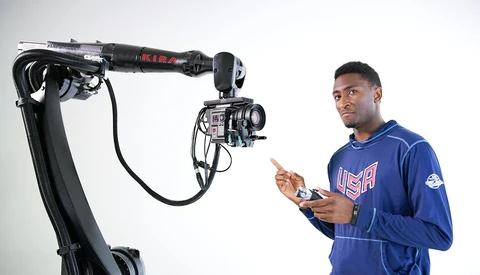
Marques Brownlee Shows Us What a Camera Mounted on a Robot Can Do

Camera robots are what you see in movies and think it's computer generated. These robots link up to the camera you're working on, focus your lens during the movement, and make for great videos. Marques Brownlee from MKBHD shows us the capabilities. 

Using the Fujifilm X-H1 to Film a Scene From 'Collateral'

Fujifilm's brand new X-H1 mirrorless camera is the company's first serious attempt at making a body that is capable as both a stills and video camera. It has been causing quite a stir in the photography community recently. Just who is it for? What is it capable of? Would it be a good addition to your kit? This video will show you what it can accomplish.

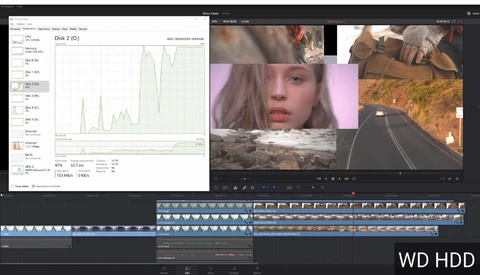
Can a Super Fast NVMe Drive Help Your Video Editing?

NVMe drives are the new generation of SSD based on the NVMe interface. The classic 2.5” SATA SSD is limited by the SATA standard to 550 MB/s. On the other end, the best NVMe SSD are reaching up to 3,500 MB/s (read) and 2,100 MB/s (write) speed, and they offer much better latency. In short, they are much faster, smaller, and pricier than regular SSDs.

Apple Attempts Coming Back to Its Core

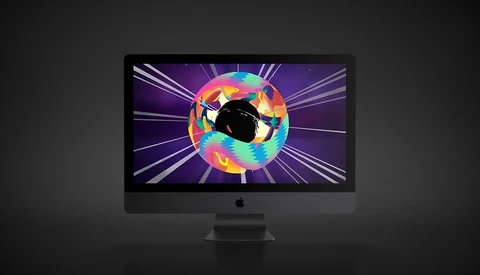
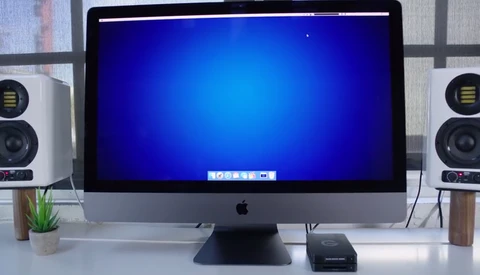
Apple's latest ad campaigns give an idea of what it is trying to achieve and who it is trying to talk to. Check out these behind-the-scenes videos that show how Apple shot these iMac Pro ads to help it re-align its focus on the creative.

The Sensel Morph Tablet: The Best Accessory for Premiere Pro

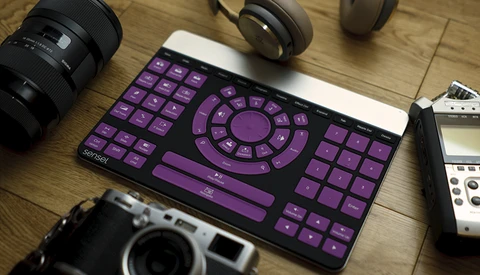
Making videos on Premiere Pro using just my mouse has been getting really old really fast. Keyboard shortcuts are a way to make the whole process a little less monotonous, but it's still not perfect. Recently, however, I've been testing the Sensel Morph tablet and I think I've found the best thing for Premiere Pro.

Seven Editing Tips That Make Beautiful Videos

I often struggle to give my videos the same energy and flow that Peter Mckinnon or Casey Neistat have in theirs. I would blame the fact that I might not have the gear or budget they have. But, those days are over.

DaVinci Resolve Tutorial: Skin Tone Correcting With Respect to Ambient Light Color

The process of color correcting and color grading in filmmaking is an art of its own. Even if you do not work with video, such techniques can bring your photographs to the next level. The goal of this short tutorial is not creating an orange and teal look, but rather teaching you how ambient light affects highlights, midtones, and shadows of the skin. Knowing this technique you can color grade visuals the way you see them in many films.

Fstoppers Reviews the PolarPro Elektra Cinematic Color Presets

Working with multiple cameras in filmmaking is almost inevitable. Most of the time you are in a situation working with cameras of different brands or different models. Matching the picture from these cameras can be a painful process involving color charts, reference frames, creating custom LUTs (look-up tables), etc. PolarPro tries to make our workflow easier by releasing presets of cinematic LUTs that can be used to match footage from different cameras and drones.

Tune Up Your Vlog With Five Easy Hacks for In-Camera Transitions

Wrapping up the shooting for your latest vlog is always a satisfying feeling but, of course, the work has only just begun. Cutting, editing, adding sound, text; the list of finishing touches for your vlog goes on. One way to speed up that workflow is to accomplish as much of the work as possible in camera, reducing your workload once you've uploaded your content to your computer. Daniel DeArco has put together a vlog showing off some really easy and effective transitions that will take your vlog from static to dynamic with minimal extra effort.

How to Begin Shooting High-End Real Estate Video

With the advent of digital cameras, drones, the Internet, and social media, video has become much more a part of every facet of advertising and our general content consumption. Even Fstoppers began by sharing behind-the-scenes videos of photographers at work to inspire and educate people all around the world. Everywhere you look, now, video is always present. Today's behind-the-scenes video comes to you from Parker Walbeck, the guy responsible for flying the LG V30 on top of a Red Weapon to compare the video output. In this video, he takes us on a real-estate video shoot and walks us through his gear and process.

How to Stabilize Footage Without Using Premiere's Warp Stabilizer

After getting into the video world, you quickly realize that being able to stabilize your footage when needed can make a significant impact on the result and quality of your video. While you can buy an expensive gimbal or rely on a not always so practical Steadicam, there is also the possibility of improving the stabilization in post-production. The tools included in most video editing apps aren’t exactly perfect as it will give you a weird effect and make you feel sick. What if I told you there is another way that works better than the warp stabilizer VFX filter and gives your footage a cool effect?
How to Color Grade Your Footage With Adobe Premiere's Lumetri Tools

Most tutorials available for free on YouTube explaining how to color grade your footage are just ways to sell LUTs, presets, or to show you how to add teal and orange to your clips. Nate from Tutvid decided to make a more comprehensive video to help you get started with Adobe Premiere Lumetri tool so you can grade any of your videos the way you want.

How to Make a Pro Sci-Fi Short With a Small Budget

Writer and director Ryan Connolly, over at Film Riot, wanted to challenge himself to see if he and his crew could turn out a realistic, action-packed, science fiction short film with no script, three hundred dollars, and a whole lot of help from his friends.

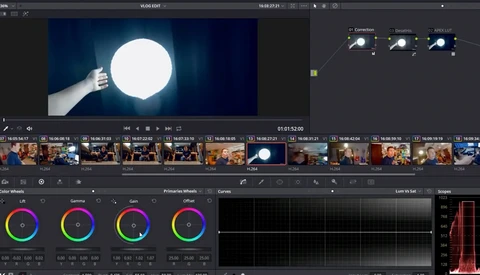
How to Edit Vlogs for Free With DaVinci Resolve

So it’s 2018, and you’ve decided that you want to start vlogging. However, you don’t have a license for Adobe Premiere Pro, Final Cut Pro X is also expensive for your wallet, and iMovie is not going to cut it. Don’t worry, Casey Faris has got you covered and created a tutorial to show you how to edit your vlogs with DaVinci Resolve 14, a totally free app that is also used by some of biggest video productions out there. So keep your excuses for yourself, and get your vlogging game to the next level.

Put Your MacBook Pro on Steroids With This Device

It’s not a secret anymore: gaming laptops running Windows are cheaper and often more powerful than the current MacBook Pro. Many of us have wished that we could upgrade some parts of their MacBook to boost the performance, but unfortunately, with each new release, it seems like Apple is making it more difficult. Instead of waiting for Apple to change their policy if they ever do, why not look at other options? Mantiz recently released an eGPU solution that is compatible with MacOS, and it might just be what we’ve been waiting for.
How to Match Video Footage From Different Cameras

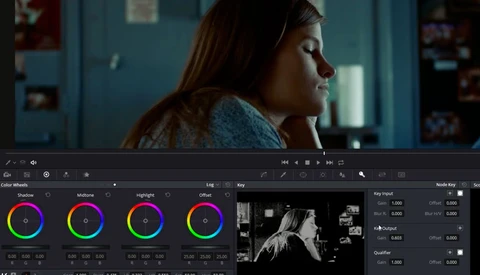
Shooting with various cameras is not uncommon in the video world. Most of the time, it's because of budget constraints, but sometimes, it's because different parts of the project require different cameras. In this video, Tom Antos shares his way of matching footage from three camera brands.

How to Export a Video in Premiere Pro Even if You Are a Beginner

You recently got into video and decided to use Adobe Premiere to edit your footage. That’s fantastic. But now, with your first timeline done, you find yourself in an awkward position: what settings do you use to export your sequence in the best way possible? With photography it’s quite easy, but videography is whole different thing. There are tons of options to choose from, and that’s once you’ve gone past the tens of export formats. In this short tutorial, Justin Odisho will show you how to get a great exported file without having to learn all about codecs, bitrates, and other barbarous settings available.

The Art of Creating Captivating Travel Films

If you're into travel photography and video you've heard of Sam Kolder. You can find tutorial videos about how to get his transitions and how to shoot to make your videos flow like his does. This video breaks it all down and gives an overview of what gear he uses and how he shoots in a certain way to be sure to get the transition from one shot to the next down so he can edit it in the style he's known for. 

How to Quickly and Easily Color Grade Your Footage With 3D LUT Creator

Colors straight out of camera vary greatly between brands and sensors. Canon has been known for a long time for its great skin tone reproduction, while other manufacturers have created more troubles for colorists and retouchers to get perfect tones without a solid post-production workflow. In this tutorial, Chrystopher Rhodes from YCImaging shows how he uses 3D LUT Creator to get perfect colors out of his Panasonic GH5 and goes further by quickly demonstrating how you can color match your footage to any picture or video you like.

Faking High-Speed Movement From a Robotic Camera Arm With Simple Tools

The "bullet time" effect keeps evolving and today it can be achieved not only with an array of digital cameras, but with high-speed robots equipped with high-speed cameras. We, the lower budget society, always try to get the latest visual techniques in our work, but, if possible, on the cheap. This video will help you imitate a high-speed camera movement with simple tools you may already have in your video production workflow.