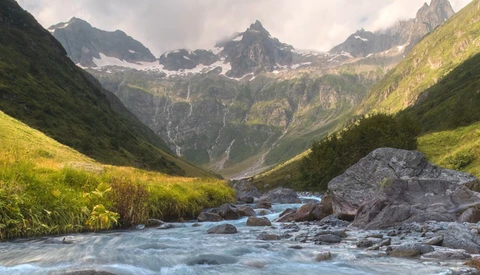
How Selective Masks Transform a Raw File Into a Finished Shot
Masking can make or break a landscape photo. It’s what lets you balance a bright sky against dark terrain or fix strange color casts without ruining the rest of the frame.
Masking can make or break a landscape photo. It’s what lets you balance a bright sky against dark terrain or fix strange color casts without ruining the rest of the frame.
Caring about validation can feel like weakness, especially in creative work. But when you’re learning photography, ignoring feedback can freeze your progress. Skill grows through friction, through seeing what others see in your images and understanding why something works or doesn’t. Confidence without calibration just becomes delusion, and the camera won’t forgive it.
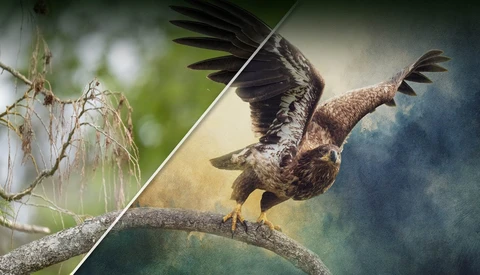
Blending texture into a photo can turn an ordinary image into something that feels handcrafted and imaginative, giving new life to the photos that never quite clicked, the ones sitting in your library that felt flat but had potential waiting just beneath the surface.

Let’s go back to basics and learn from Jason Wong, who provides some great examples and concepts about aperture that go beyond the common beginner advice of always shooting wide open for background blur. There are multiple factors, besides the aperture value, that result in a shallow depth of field, and it's worth knowing them to elevate your photography.
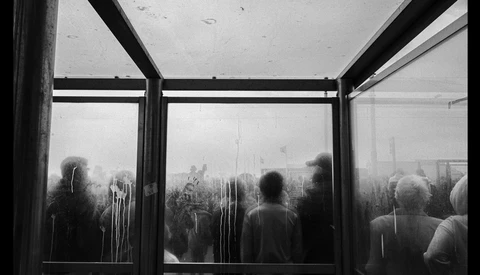
Black and white photography lives or dies by how well you handle contrast. The right balance of tones separates lifeless gray from depth and emotion. When editing, three tools in Lightroom decide which side your images fall on: clarity, texture, and dehaze.
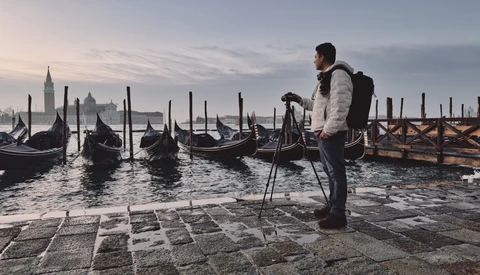
One year into a leap from software to full-time creativity, I reveal the unexpected challenges and surprising victories that transformed my journey. What happens when passion meets the harsh realities of freelance life?

The lens is arguably the most important piece of photography equipment you own. So, make sure you're spending your money wisely.

Professional photography isn't just about taking good pictures – it's about delivering consistent, high-quality results under pressure while managing client relationships, business operations, and technical challenges that would overwhelm most hobbyists.

A single backdrop and a few lights can look either plain or powerful depending on how you set them up. The way you control shadows, spill, and separation is what decides whether the final image feels flat or dimensional.

Photoshop’s beta just added third-party AI models to Generative Fill, and it changes how you edit. You can stack multiple instructions in one prompt, keep context from the original photo, and steer results without micromanaging masks or selections.
When you finish editing an image, how you export it matters as much as the edit itself. The wrong choice can leave you with bloated file sizes, poor quality on the web, or no way to make changes later. Knowing the right workflow keeps your edits flexible and your exports ready for print, social, or client delivery.
Lightroom and Photoshop solve different problems, and knowing where each one shines saves time and gives you cleaner results. If you juggle hundreds of files from a shoot, the choice you make here changes how quickly you get to selects worth sharing or printing.
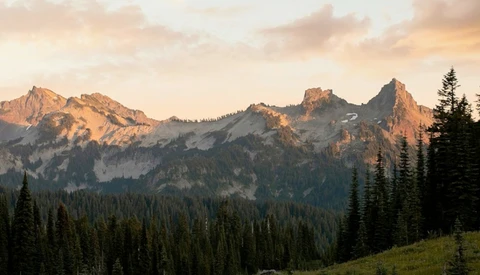
Replacing skies in post-production is one of those skills that can make or break an image. When the sky is dull or blown out, the entire photo suffers, no matter how strong the subject or composition is. Knowing how to swap in a new sky while keeping the edit believable changes how your work looks and feels.
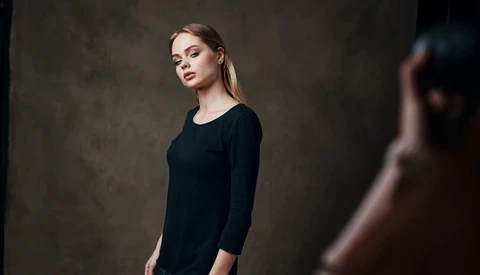
Flash is one of the trickiest but most rewarding parts of portrait photography. The way you use it can completely change the look of an image, and without at least a basic understanding, it’s easy to miss out on control you could have over your shots.
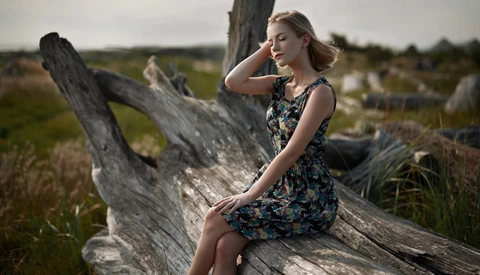
When you start out, it’s easy to believe that more lenses, more megapixels, and more gear will make your photos stronger. Over time, you realize the opposite often holds true. The way you see and think while shooting carries far more weight than how much equipment you bring with you.
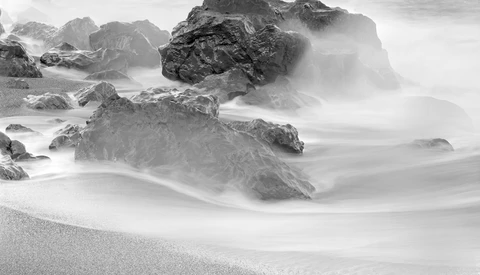
One of the most important things we can do when we are engineering our photographs is to control, or to direct, where we want the viewer’s eyes to go—what it is that we want them to see.
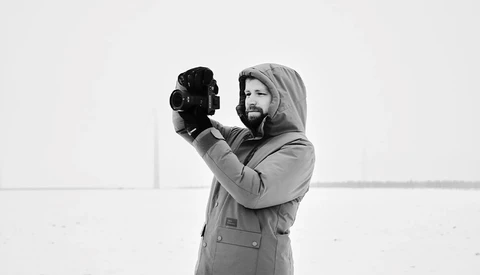
Photo competitions offer a fantastic opportunity to showcase your work to an international audience, enhance your portfolio, and, ideally, advance your photographic career. At the same time, the winning images of many competitions often seem intimidating.
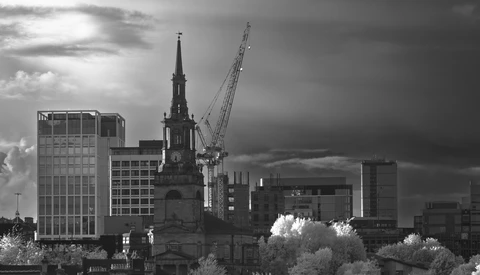
Cityscapes in black and white can give you a completely different way of looking at familiar places. Stripping away color emphasizes structure, light, and movement, and it pushes you to think about form instead of surface details. Black and white also makes you notice what’s often overlooked in a busy city frame.

Skin retouching is one of those techniques that can make or break your image. Done poorly, it looks artificial and distracting. Done well, it elevates a portrait without stripping away natural character. Learning how to work on both the tiny details and the larger tones is what separates basic cleanup from professional-level editing.
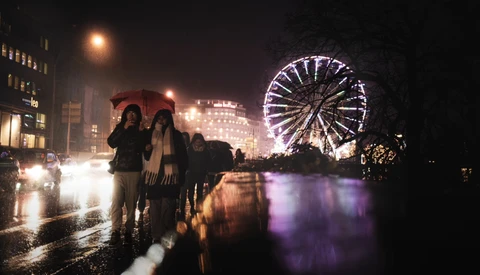
Let’s discuss insights from a video by Pit Haupert on effectively using a 35mm lens for photography. It highlights key composition techniques to enhance the clarity and appeal of images captured with this lens.

Basic retouching changes how your subject looks and how your photo feels. Small distractions like blemishes, redness, or uneven exposure can pull attention away from the person in front of your lens. Learning how to correct them without going overboard makes the difference between an amateur edit and a professional finish.

Photographing where you live might feel uninspiring at first glance. It’s easy to think that nothing around you is worth documenting, but with the right perspective, even the most ordinary places can become sources of meaningful stories.
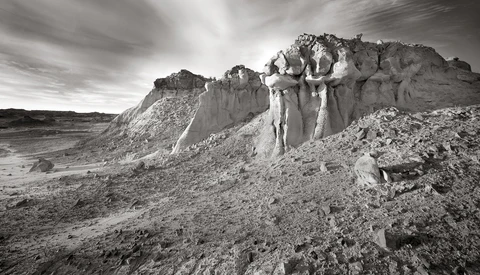
I entered the field and profession of photography in 1978, having worked as a photographer’s assistant for two years.
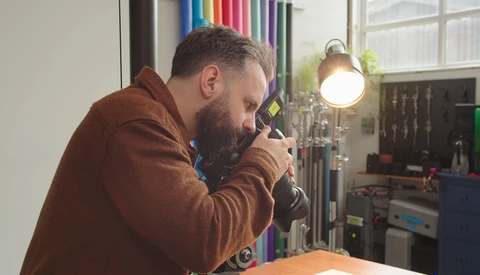
Photographers talk a lot about cameras, lenses, and lighting, but the truth is, most of the mistakes that cost you money come from the business side. Misunderstandings about taxes, pricing, and what it means to be a professional can quietly drag your career down if you don’t deal with them.

Most cameras today can capture both raw and JPEG files, but many smaller travel-friendly models only give you JPEG. That means you lose some flexibility when editing, yet with the right setup, you can still come away with strong results. The key is knowing how to make your JPEGs as clean and workable as possible before you ever open them on a computer.
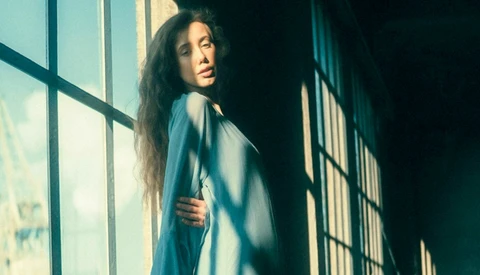
Color grading shapes the mood of an image in a way that goes beyond simple editing. Small shifts in hue or saturation can change the entire feel of a photograph, giving you the ability to move from cinematic drama to soft romance with just a few adjustments. If you want more control over how your photos communicate emotion, learning how to do this in Photoshop is worth your time.
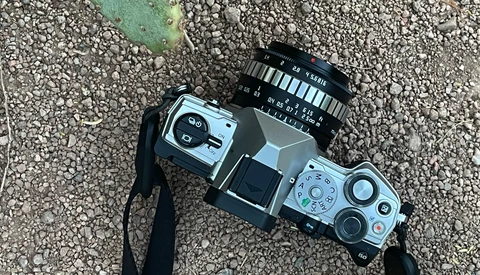
When you buy your first camera, it usually comes with a basic kit lens. That lens is a good starting point, but it won’t be long before you start wondering what to add next. The choice matters because your second or third lens often shapes how your photography develops.
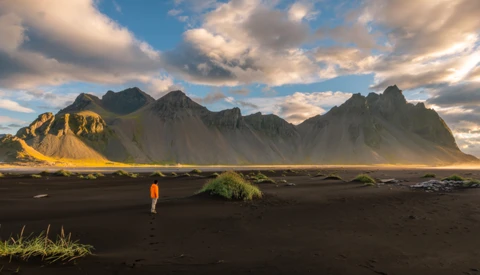
Strategically placing people in landscape photos can create deeper emotional connections, but it also comes with surprising risks when using this powerful technique.
When you’re starting out in photography, a lot of the frustration doesn’t come from a lack of gear or creativity. It comes from making simple mistakes that hold you back without you realizing it.
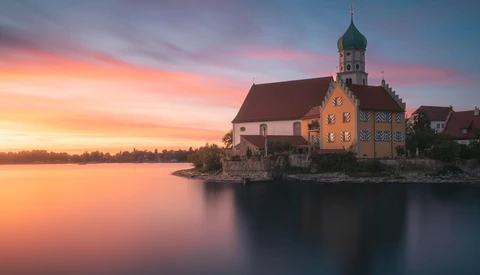
A dark subject against a bright sky creates a common problem. The scene loses depth, and important details disappear. Fixing this issue is about more than pulling up shadows; it’s about maintaining the natural look of both highlights and dark areas without sacrificing one for the other.
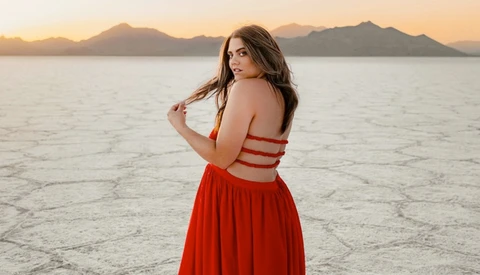
Dodging and burning is one of the most effective ways to shape light and guide the viewer’s eye in an image. It can bring out details in the highlights, deepen shadows, and create dimension in a flat photo. The tools in Photoshop make it easy to apply, but how you go about it determines whether you have flexibility later or end up locked into changes you can’t undo.
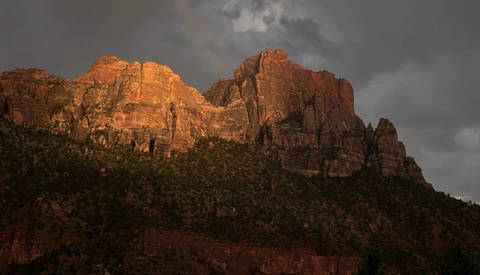
When you edit a photo, your main job is to guide the eye. You’re choosing what deserves attention and what should quietly step back. Cameras don’t see light and color the way you do, so the edit is where you bring that vision back to life.
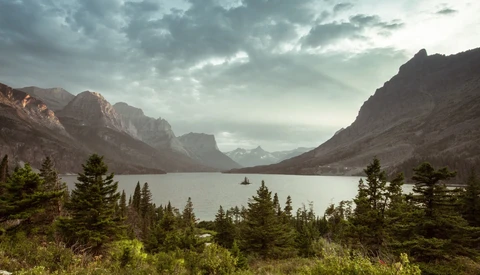
When you edit your photos, it’s easy to feel lost in endless sliders and panels. You might move contrast, shift white balance, or adjust tones only to second-guess yourself and end up with an image that looks inconsistent from the rest of your work. Editing is not about pulling every lever. It’s about knowing which changes matter most and how to use them with intention.
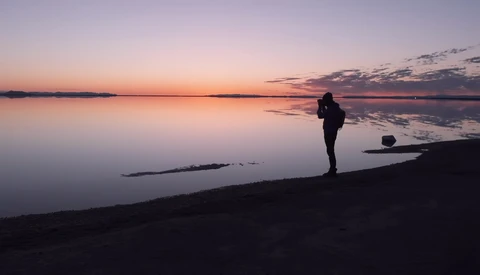
Photographing in remote locations often means trading comfort for opportunity. But living out of your car can give you the flexibility to chase light and weather while staying close to the scenes you want to capture.

Blend modes decide what stays, what goes, and what glows in your edits. Learn them well and you can drop elements into scenes, add believable light, and color grade with intention without wrestling a dozen masks.
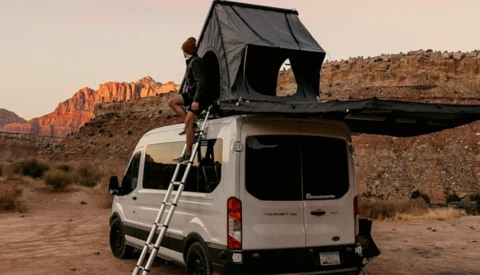
Swap a washed-out sky in minutes and keep believable light on the horizon. When a composite needs to respect highlights and shadows without tedious masking, “Blend If” gives you control over where a layer appears based on tone values.

Smart objects change how you build composites and graphics in Photoshop in a way that actually saves time. You keep sharp detail when you resize, you get flexible filters, and you can update an asset without rebuilding the whole file.

A 50mm lens often gets dismissed as plain and uninspiring. It sits between wide and telephoto, which makes it easy to overlook, but if you know how to use it, it can bring surprising depth and atmosphere to your images.
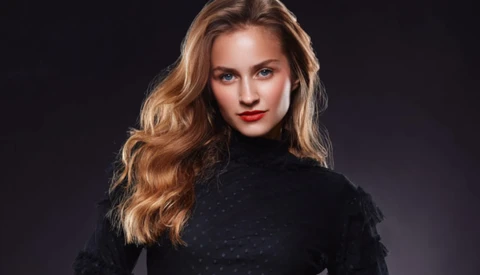
When you start shaping light, modifier choice controls direction, softness, and contrast that define faces, texture, and color in a scene. Getting the order right saves money and gives photographers a flexible kit that works across portraits, products, and tight locations.

Let me guess: You've invested a small fortune in camera equipment. Your lens collection could rival a professional studio's, and you've mastered every lighting technique in the book. Your Instagram showcases technically flawless images that make other photographers jealous.
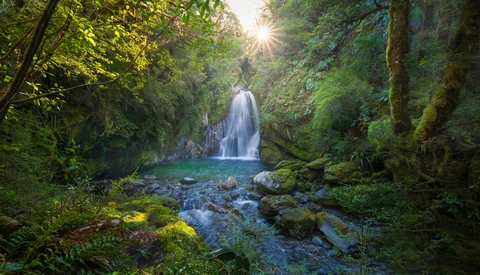
Light doesn’t just make an image; it shapes it. Shade and balance can be the difference between a flat photo and one that feels alive. When you think about your next outing, consider how you’re letting the environment work for you, not just what your camera can record.

Adobe has made big changes to how its Generative AI credit system works, and if you use Lightroom or Photoshop often, you need to understand the details. Credits are required for most AI-powered tools, and how many you get depends on when you signed up for your plan, as the difference can be significant,

The new Select Subject tool in Photoshop makes it easier than ever to refine edits without heavy manual work. Whether you want to brighten a person in a photo or shape the atmosphere with color adjustments, the tool gives you a faster way to separate subject from background and build cleaner edits.
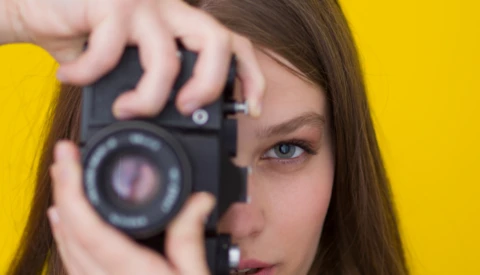
Starting your photography journey can be intimidating. The market is packed with models that all promise professional results, but what beginners really need is a tool that feels welcoming while still having the horsepower to grow with them. A good first camera should be straightforward, reliable, and versatile, without leaving you boxed in once your skills improve.

The photography world is buzzing with AI talk, but let's cut through the noise. While everyone's debating whether AI will replace photographers, smart professionals are quietly using artificial intelligence to streamline their workflows and deliver better results to clients. These aren't gimmicky features or experimental tools that might work someday.
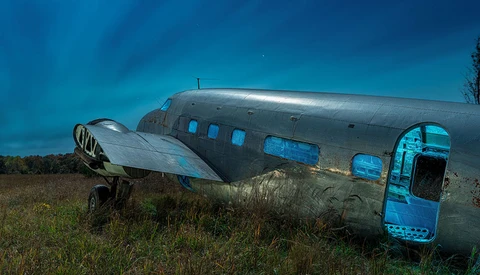
Want to walk through your own night photo while remaining invisible? It'd be a great superpower for light painting. It turns out night photographers do it all the time. And it’s not Photoshop magic. It’s a simple trick for light painting that works with long exposure night photography that will take your night photography to the next level.
The Superpower of Invisibility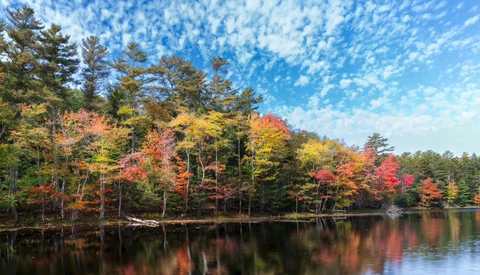
Autumn color looks rich in person and often collapses on screen. Precision editing brings back depth, shape, and believable color that survives the jump from trail to monitor.
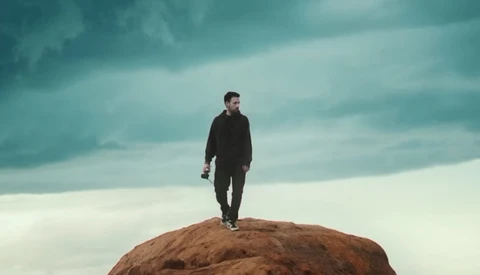
Levels and Curves decide whether your image feels flat or alive. Learn what each one controls and you’ll shape contrast, color, and attention with purpose instead of guesswork.
Layer masks let you hide and reveal exactly what you want, which means cleaner cutouts and composites that actually look like they belong together. If you care about believable edges, quick revisions, and nondestructive edits, you need them in your toolkit.

Photographers love to romanticize “natural light.” It gets described with words like natural, authentic, or real, as if using anything other than what’s already in the environment somehow cheapens the work. Scroll through Instagram captions and you’ll see countless photographers boasting about being “natural light only” shooters, presenting it as a stylistic badge of honor.